



Vocoder
Avec
Brian Funk
Le contenu du cours
30 leçons (2h 20min) · 1 gratuites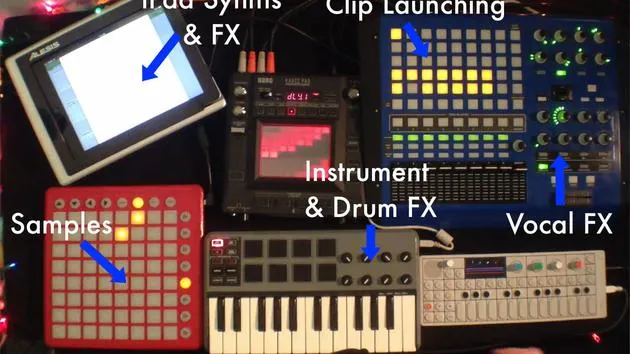
Transcription de la leçon
Using a Vocoder for Vocals
Okay, one last thing I like to do to my vocals is I have a vocoder on it.
Demonstration
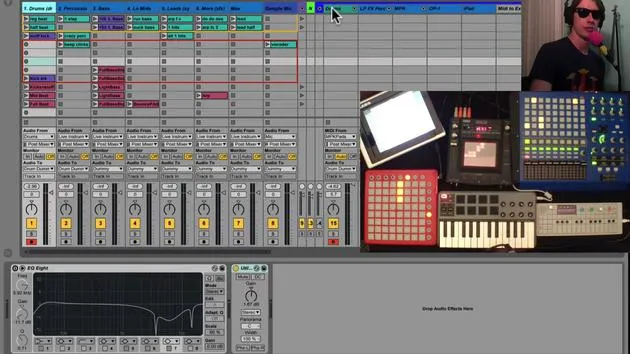
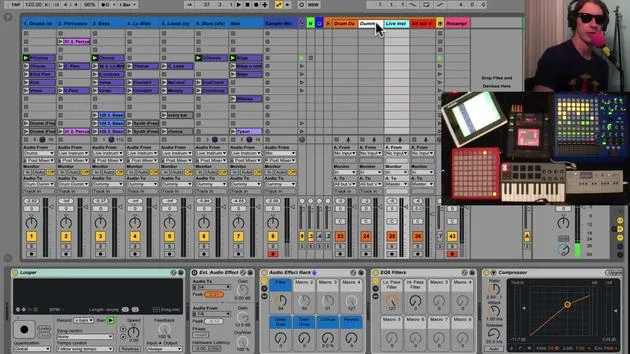
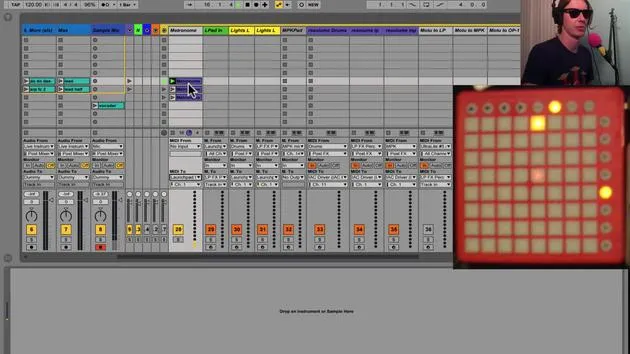
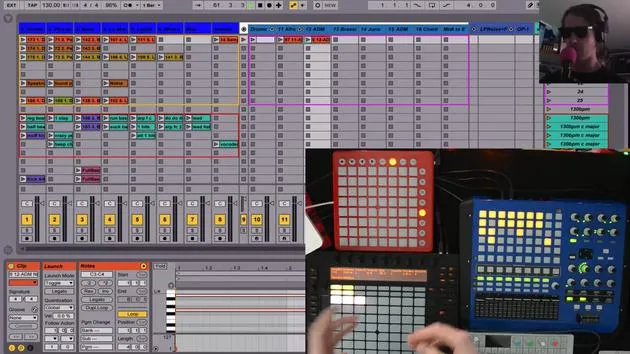
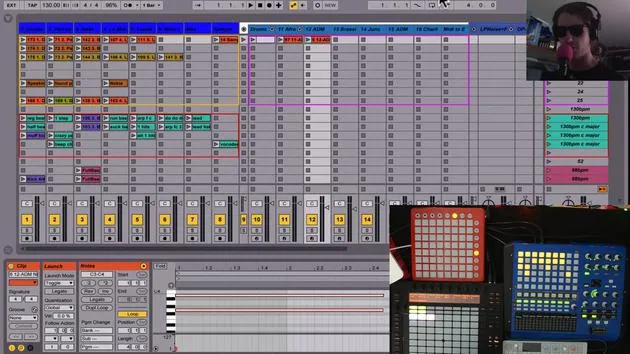
Now, if we go into my track here, let me just show you what it sounds like. I just hit the button here with just one push of a button, and I'll show you how I have that set up.
Vocal Chain Setup
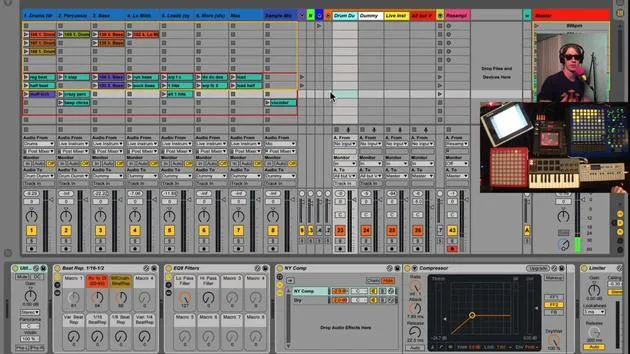
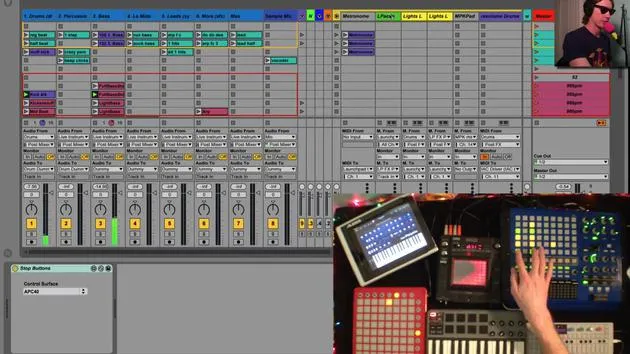
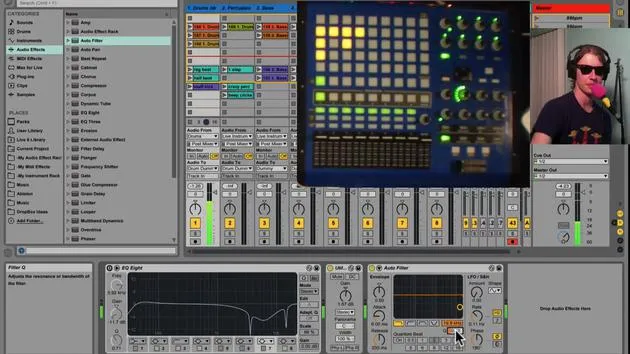
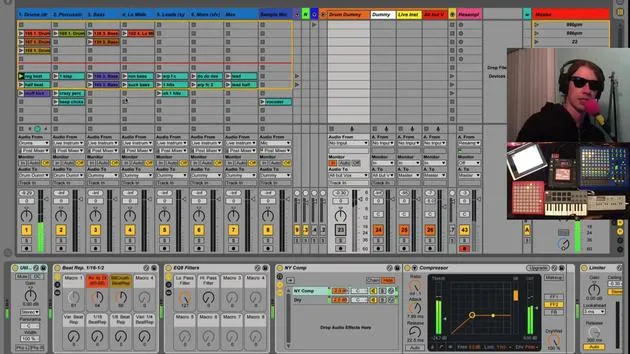
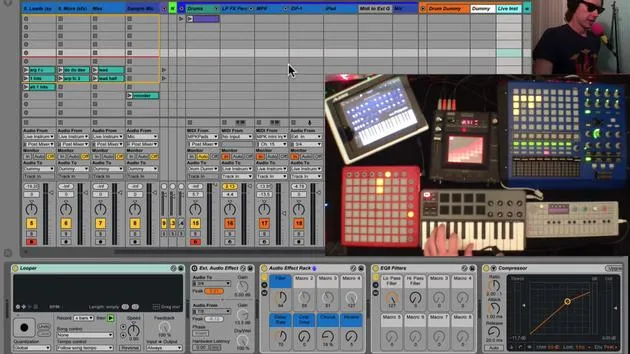
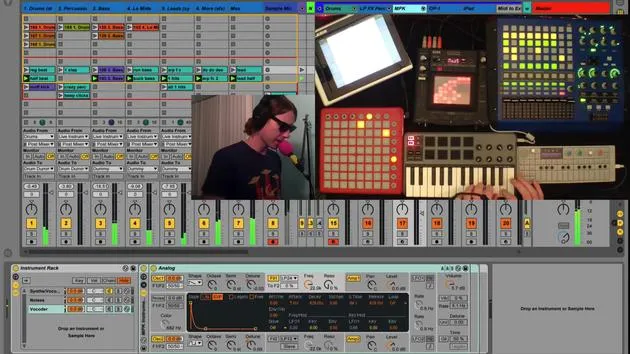
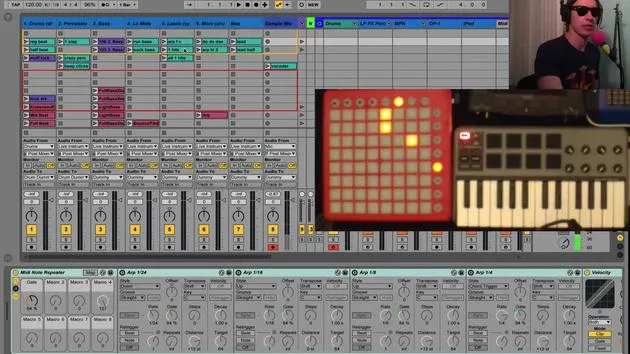
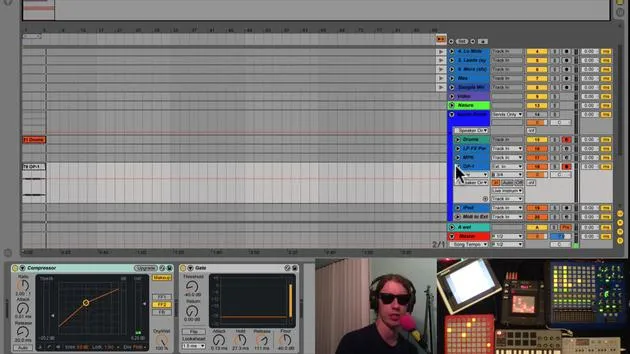
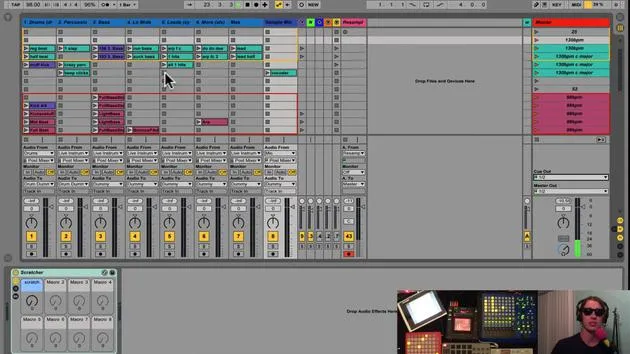
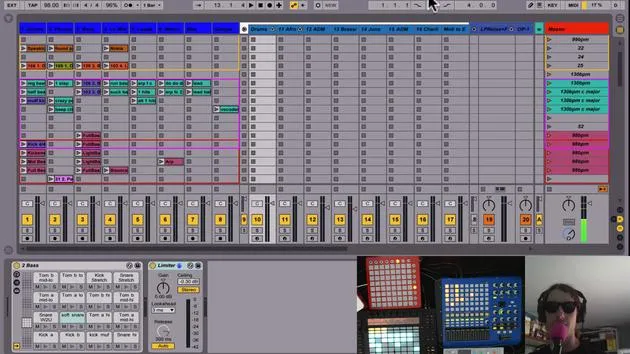
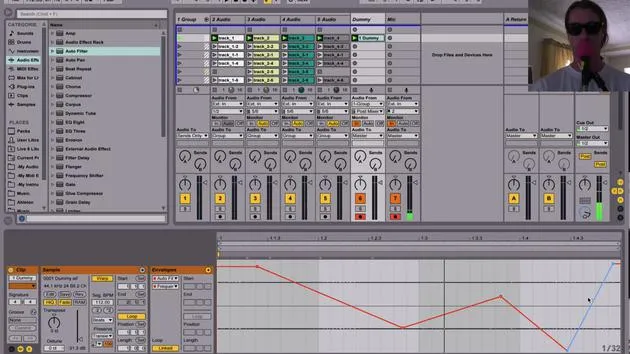
So inside my vocal chain here on my mic track, if we go in here, there's this one guy here called AutoTune and Vocoder.
- There are two chains here:
- One chain has my AutoTune.
- The other chain has my Vocoder.
The reason I have them in separate chains is that the AutoTune kind of affects the vocoder and it gives kind of weird things. So I wanted to separate them.
Activating the Vocoder
When I hit this button, you'll notice that the chain selector moves over one and you can hear my voice cut out there because it's basically waiting for the vocoder to happen. This allows me to bypass the AutoTune and focus on the vocoder.
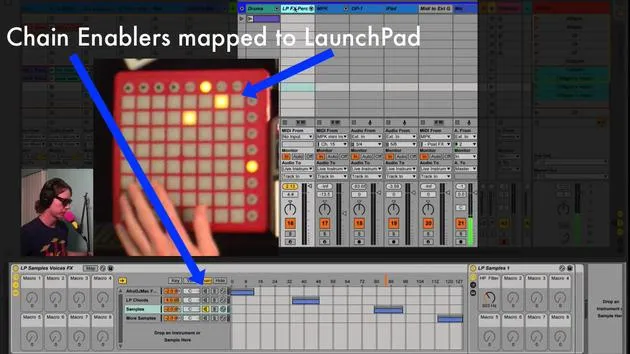
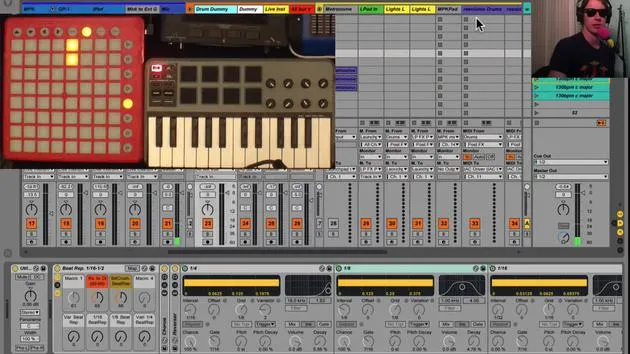
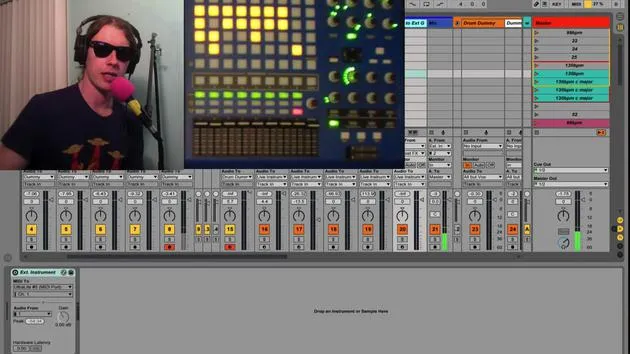
Also, what happens when I hit the button? The light comes on. I've MIDI mapped this button to the same button here.
Synth Setup
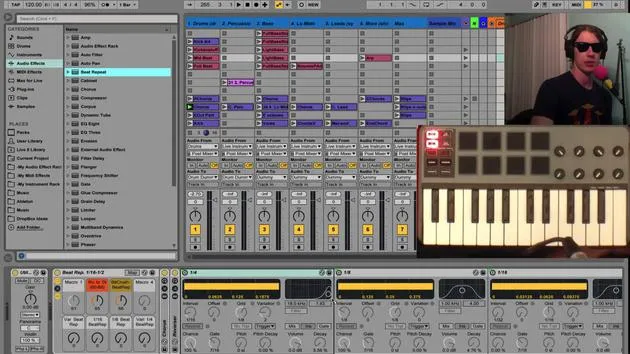
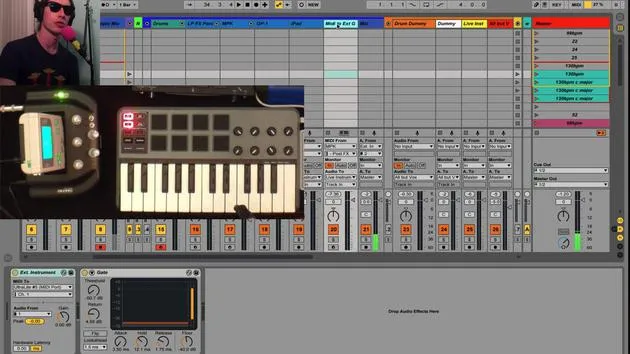
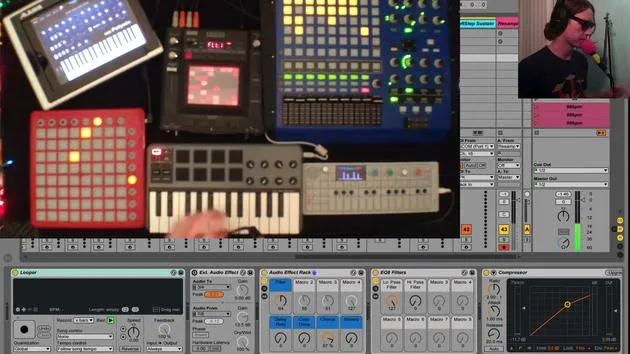
By setting up the vocoder, you're going to need a synth setup. On my MPK track, I have this third chain here called Vocoder.
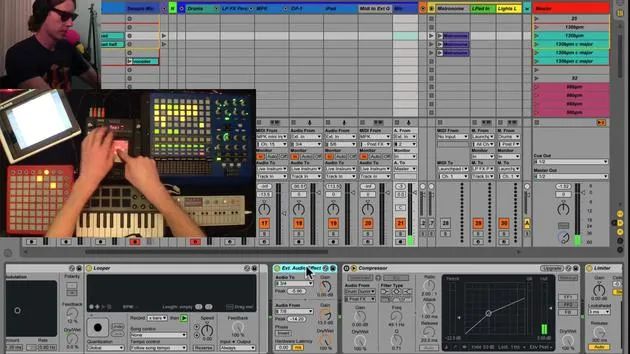
- Basically, when I hit this button, it turns on this analog instrument, which functions as the carrier for my vocoder.
- As carrier, I select external and I select my MPK track, and I want that for prefx.
So once I hit that button, I've basically turned off the AutoTune, turned on the vocoder, and activated this synth that is controlled again with this keyboard.
Quick Transition
It's a really quick way. It's very easy to switch, you know, between singing and then jump right into a vocoder.
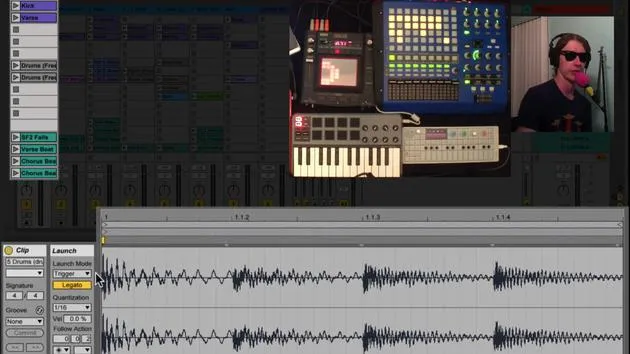
Example
I'll give you a quick example:
- Just like that, you're switching between vocoder and regular voice.
- So now I can go back to singing.
Conclusion
Really fun effect! And it's so cool to be able to do that with the push of one button. That's the vocoder.
30 leçons
2h 20m de leçons vidéo structurées
Fonctions vidéo avancées
Ralentissez, bouclez un passage, suivez la partition
Mobile, tablette et ordinateur
Pratiquez où vous voulez
Satisfaction garantie à 100 %
Garantie remboursement 30 jours
Rencontrez votre guru
Rencontrez votre guru
Brian Funk est musicien, producteur, auteur-compositeur et Ableton Certified Trainer. Depuis 2014, il enseigne le cours Advanced Music Production with Ableton Live pour le Berklee College of Music. Il a joué de la guitare, de la basse, de la batterie et des synthétiseurs, et chanté dans des groupes de rock en tournée, et il se concentre aujourd'hui sur son set électronique solo, en portant sur scène ses expérimentations de studio.
Brian adore écrire, enseigner et concevoir des sons. Il produit des tutoriels et des Sound Packs pour Ableton Live, et publie des Packs Ableton Live gratuits depuis 2011 : plus de 125 à ce jour. En tant qu'Ableton Certified Trainer, il a donné des cours et des séminaires couvrant chaque étape du processus de production, et écrit régulièrement sur son blog et pour d'autres publications.
Influencé par le rock and roll, les jeux vidéo, le hip hop des débuts, le punk et l'électronica, des Beatles à Neon Indian en passant par Neil Young, Nirvana et Aerosmith, il décrit son propre son comme 'futuriste, et pourtant nostalgique'. Dans son cours MusicGurus, Live Performance in Ableton Live, il te montre comment il transforme des idées de studio en un vrai set live et pratique : sampler des sons pour en faire des instruments jouables, faire passer guitares et synthés dans du matériel électronique, et mixer et composer à la volée tout en jouant en live et en chantant. Tu en ressortiras capable de construire et d'interpréter ton propre set électronique en toute confiance.







