



Instruments live
Avec
Brian Funk
Le contenu du cours
30 leçons (2h 20min) · 1 gratuites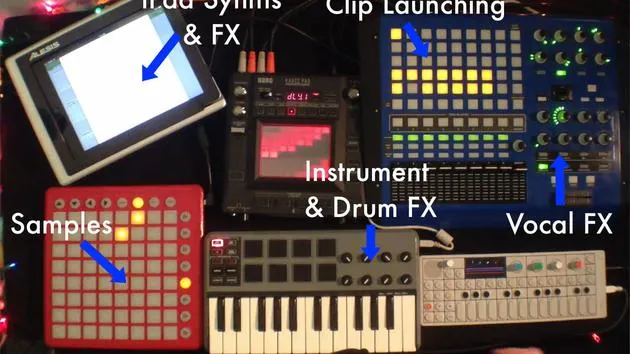
Transcription de la leçon
Setting Up Live Instruments
Overview
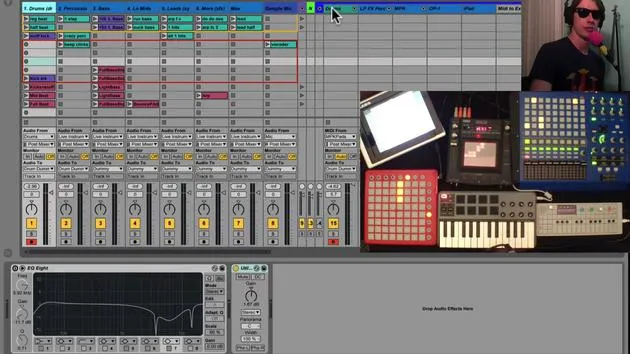
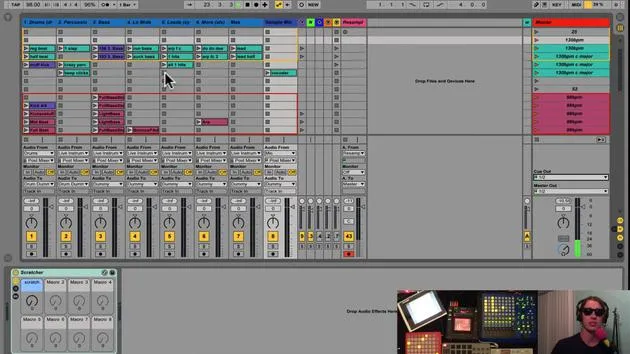
Today, we're diving into my setup for live instruments. By "live instruments," I refer to anything I plan to perform live. This includes:
- Virtual instruments
- Synthesizers
- iPads
- Guitars
- Other hardware
Current Setup
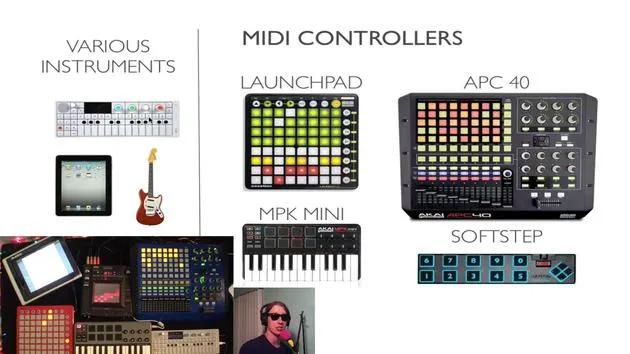
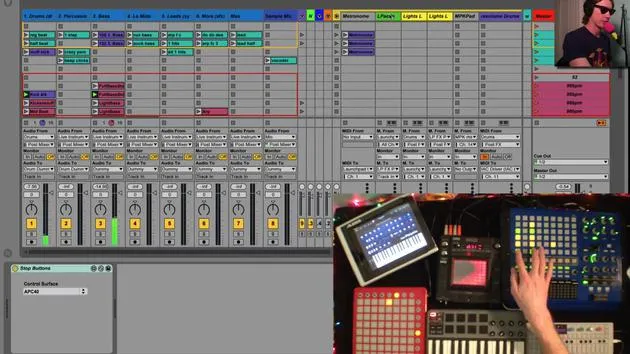
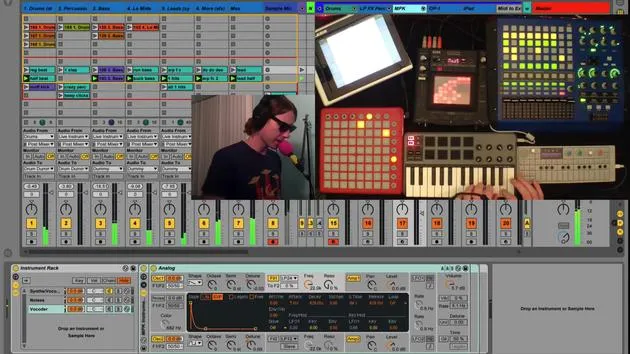
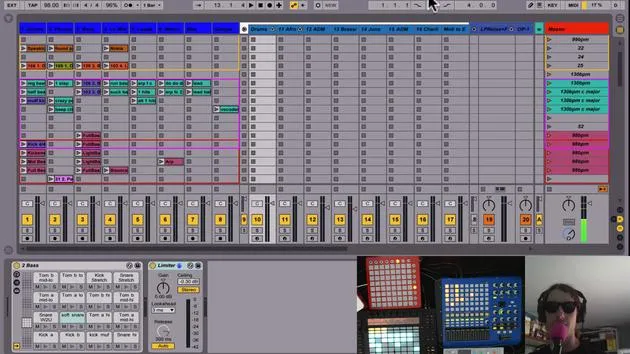
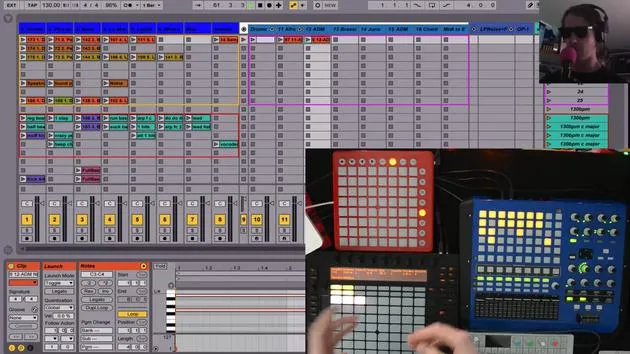
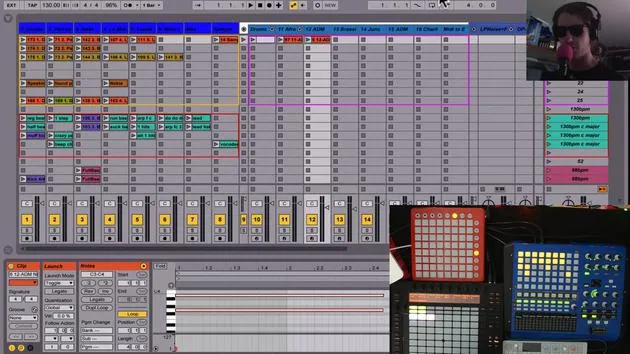
Here's how my current setup looks:
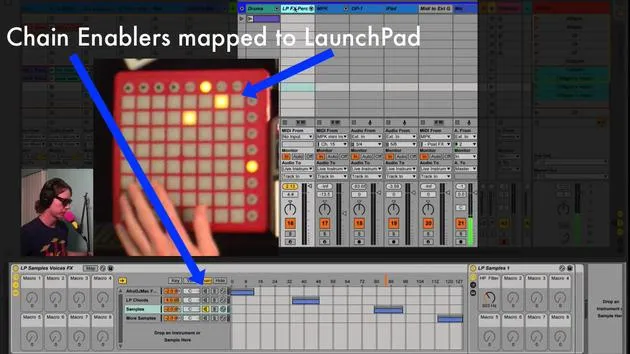
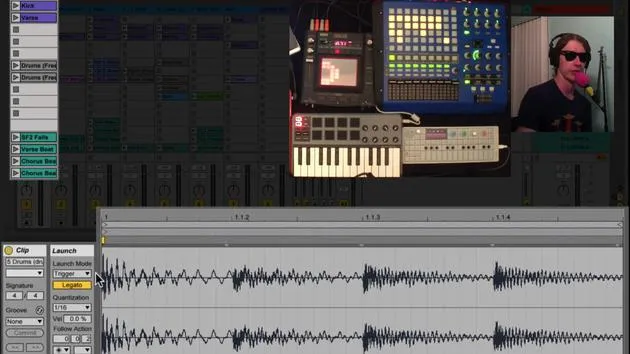
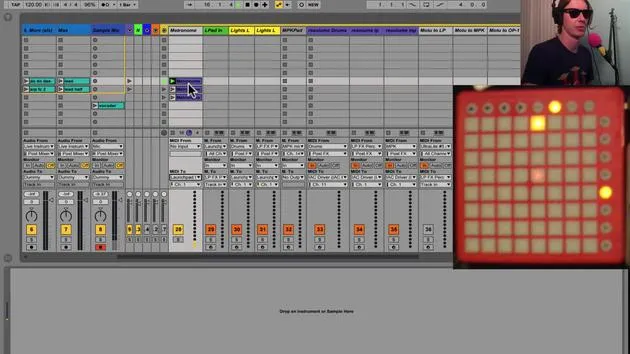
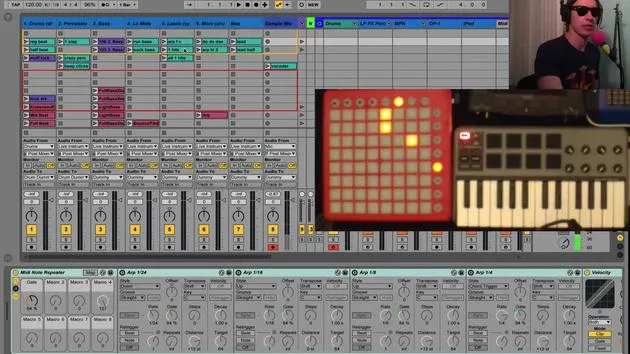
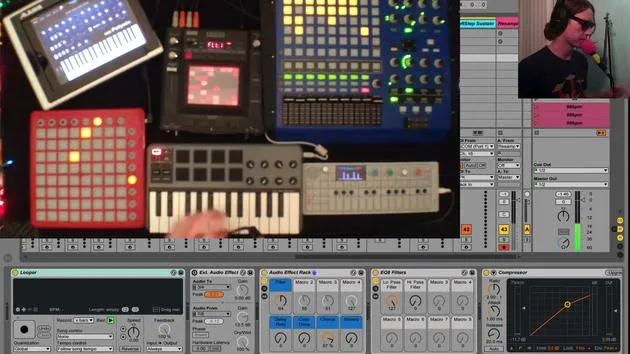
- Launchpad: Equipped for specific functions.
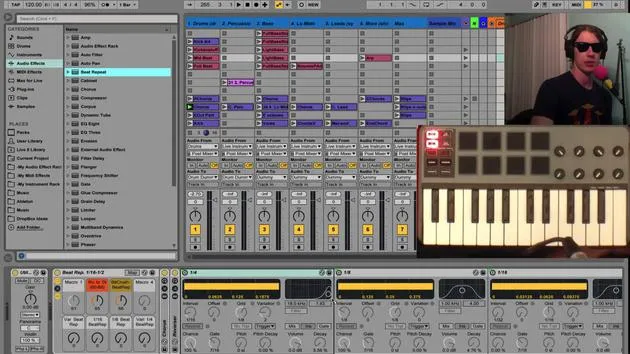
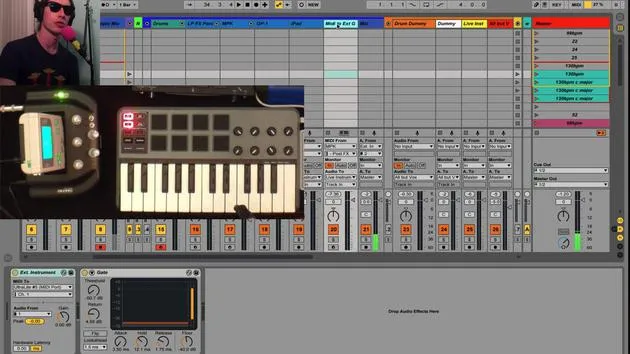
- MPK: For MIDI control.
- OP1: A versatile tool.
- iPad: Integrated for additional functionality.
Monitoring Audio
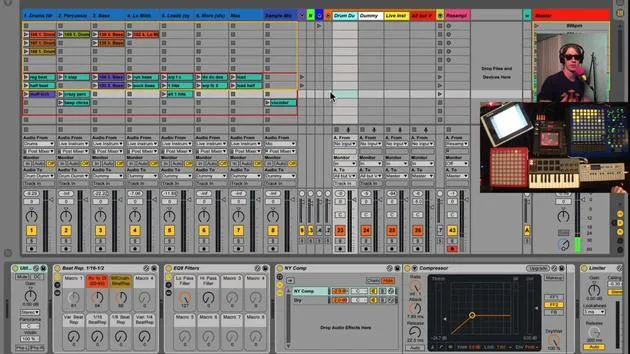
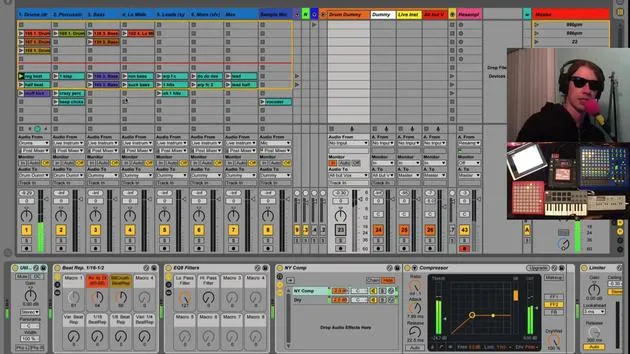
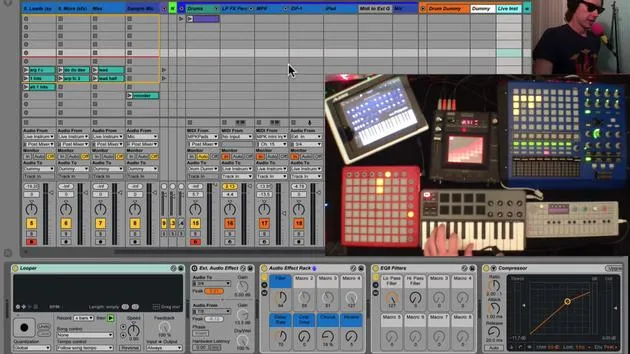
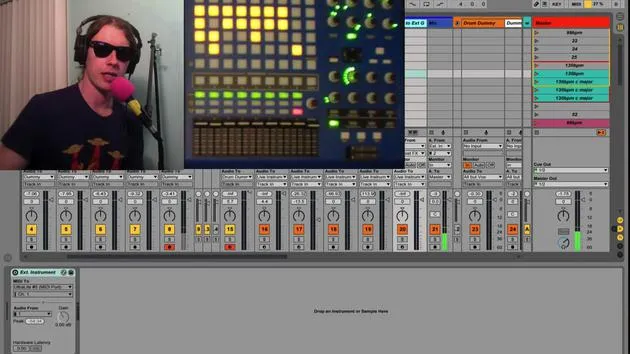
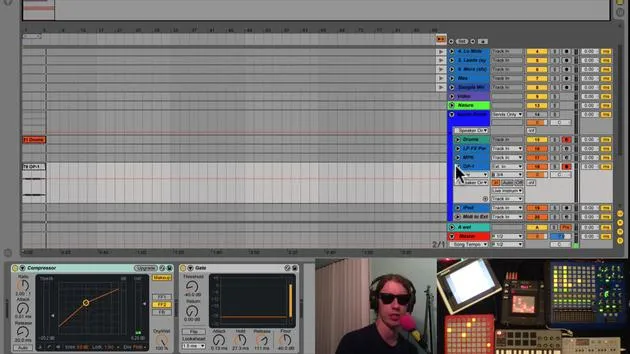
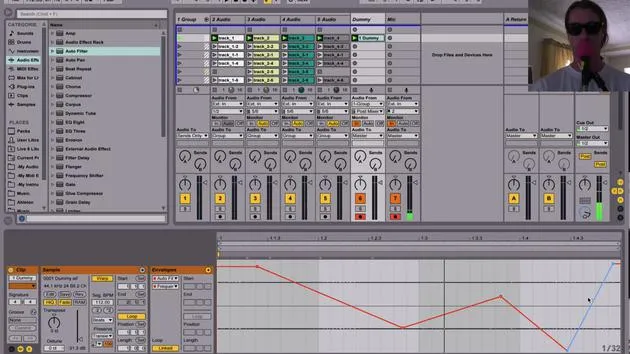
- All instruments are set to monitor in. This ensures we only hear what is routed to this track, which is ideal for live performance.
- There are no clips on these tracks, as I'm strictly performing on them.
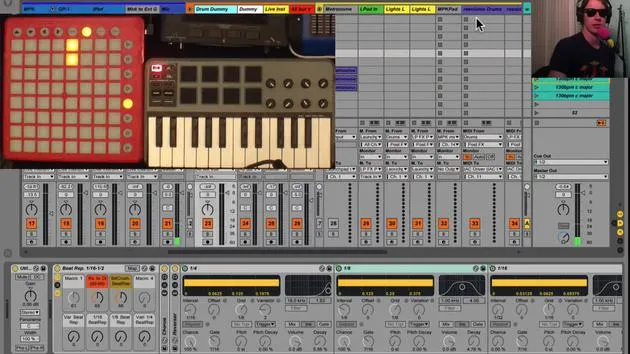
- All tracks are routed to a live instrument bus in my audio group.
Effects Chain
The live instrument track also has monitoring enabled, listening directly to audio from the instruments. If I turn off this track, you won't hear anything since it acts as the primary listening point.
Effects Organization
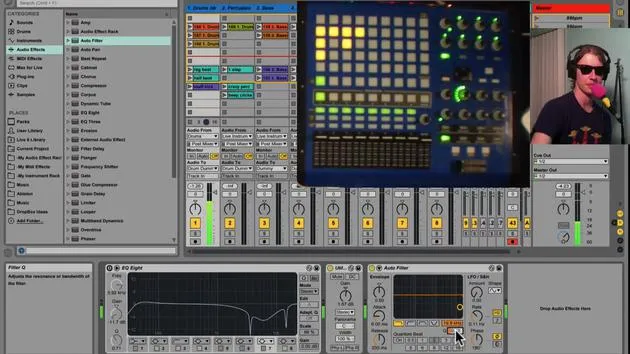
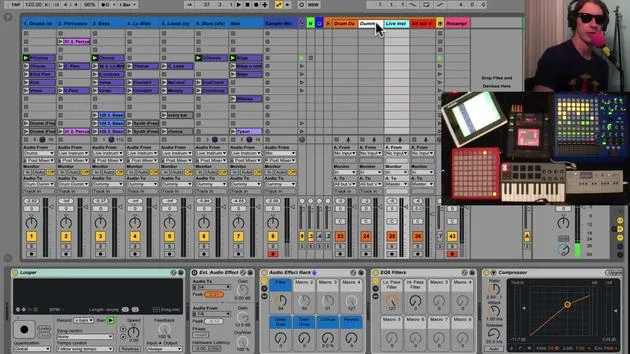
- A variety of effects are configured on this track.
- Having one set of effects means I don't have to create different mappings for each instrument, saving real estate on my MIDI controllers.
Looper Functionality
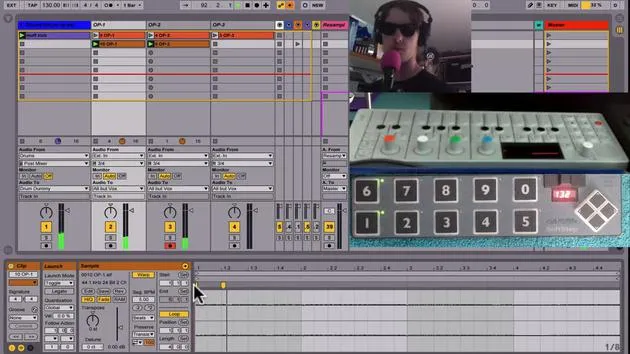
- Looper: The first effect in line. I use it to capture phrases without having to manage effects during performance.
How the Looper Works
- The looper captures what I play.
- It is set to start recording when I hit a footswitch.
Example:
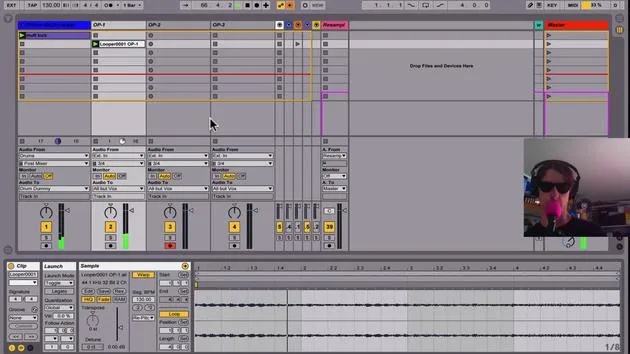
- Press the footswitch to start recording. Press it again to loop the phrase.
- I can then manipulate effects while it loops, allowing for creative freedom in my performance.
Clip Recording
- After creating a loop, I can overdub by pressing another button.
- To clear the looper, I have a designated button.
Track Management
- All audio tracks receive signals from live instruments, visualized in the session.
- Recording Clips: If I activate a track and hit the record button, it saves any changes, including effects.
Manipulating Effects
- I can record a clip while adjusting effects in real-time.
- After stopping recording, I clear the looper so the sound doesn't double.
External Audio Effect
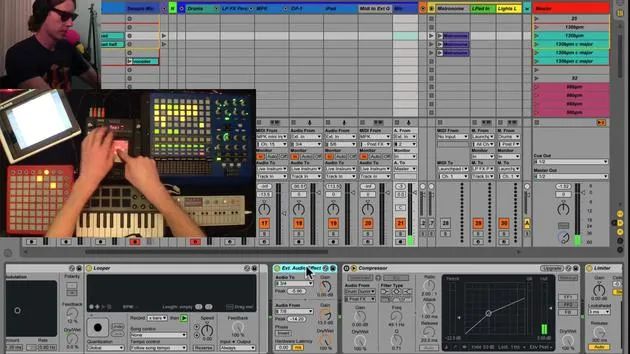
- I also utilize an external audio effect which routes audio out through my interface (via outputs 3 and 4) to a Chaos Pad. This pad then sends the audio back through inputs 7 and 8.
Using the External Audio Effect
- With a button mapped to toggle the effect, I can send audio through the Chaos Pad for added complexity:
- Activate it for creative effects.
- Deactivate to return to the previous state.
Recommendation: Using external hardware gives your sound character and complexity by bringing it out of the box.
Summary
This setup allows seamless integration of various instruments and effects. By sending all live instruments to my dedicated track, I can create loops efficiently. I can adjust effects to tailor my sound for recording, allowing for a dynamic live performance.
- Final Thoughts: Each session is a learning opportunity, as I explore the capabilities of my live instruments and effects.
Let's keep refining this process!
30 leçons
2h 20m de leçons vidéo structurées
Fonctions vidéo avancées
Ralentissez, bouclez un passage, suivez la partition
Mobile, tablette et ordinateur
Pratiquez où vous voulez
Satisfaction garantie à 100 %
Garantie remboursement 30 jours
Rencontrez votre guru
Rencontrez votre guru
Brian Funk est musicien, producteur, auteur-compositeur et Ableton Certified Trainer. Depuis 2014, il enseigne le cours Advanced Music Production with Ableton Live pour le Berklee College of Music. Il a joué de la guitare, de la basse, de la batterie et des synthétiseurs, et chanté dans des groupes de rock en tournée, et il se concentre aujourd'hui sur son set électronique solo, en portant sur scène ses expérimentations de studio.
Brian adore écrire, enseigner et concevoir des sons. Il produit des tutoriels et des Sound Packs pour Ableton Live, et publie des Packs Ableton Live gratuits depuis 2011 : plus de 125 à ce jour. En tant qu'Ableton Certified Trainer, il a donné des cours et des séminaires couvrant chaque étape du processus de production, et écrit régulièrement sur son blog et pour d'autres publications.
Influencé par le rock and roll, les jeux vidéo, le hip hop des débuts, le punk et l'électronica, des Beatles à Neon Indian en passant par Neil Young, Nirvana et Aerosmith, il décrit son propre son comme 'futuriste, et pourtant nostalgique'. Dans son cours MusicGurus, Live Performance in Ableton Live, il te montre comment il transforme des idées de studio en un vrai set live et pratique : sampler des sons pour en faire des instruments jouables, faire passer guitares et synthés dans du matériel électronique, et mixer et composer à la volée tout en jouant en live et en chantant. Tu en ressortiras capable de construire et d'interpréter ton propre set électronique en toute confiance.







