



Plusieurs instruments sur 1 piste
Avec
Brian Funk
Le contenu du cours
30 leçons (2h 20min) · 1 gratuites
Transcription de la leçon
Simplifying Your Live Set with Instrument Racks
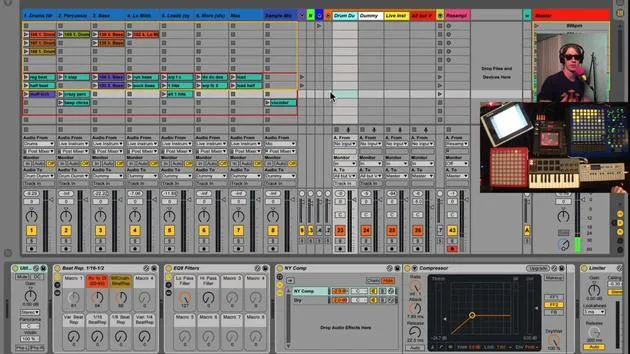
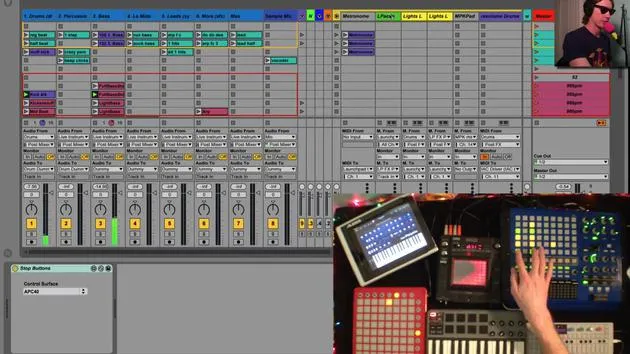
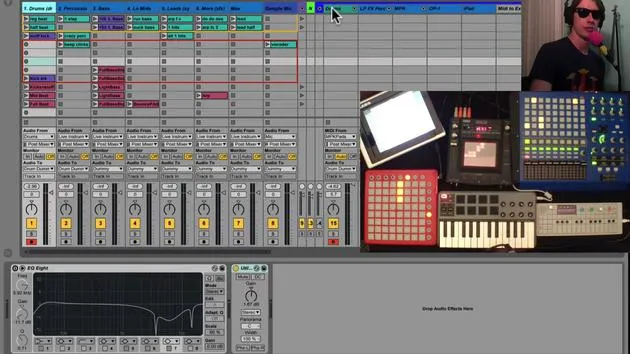
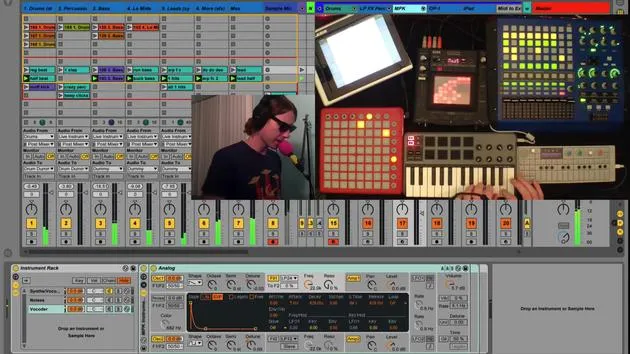
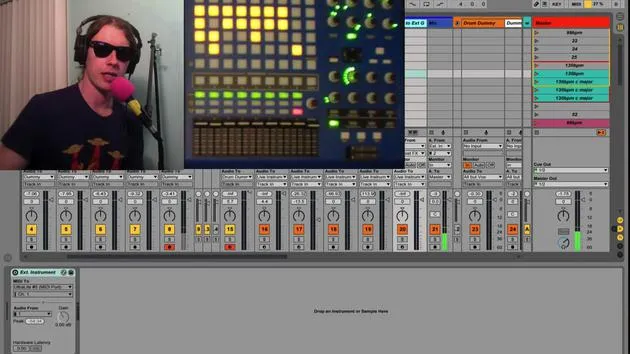
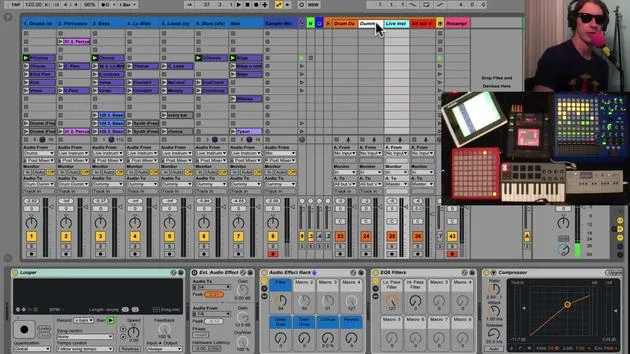
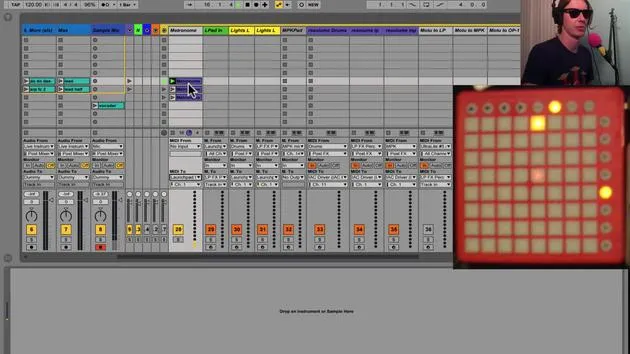
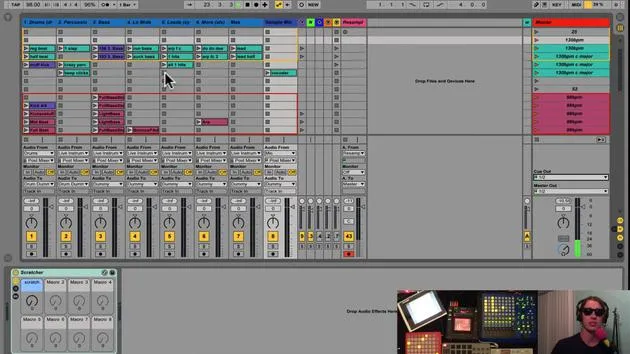
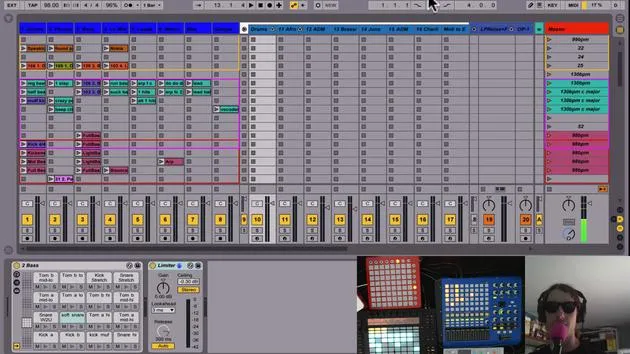
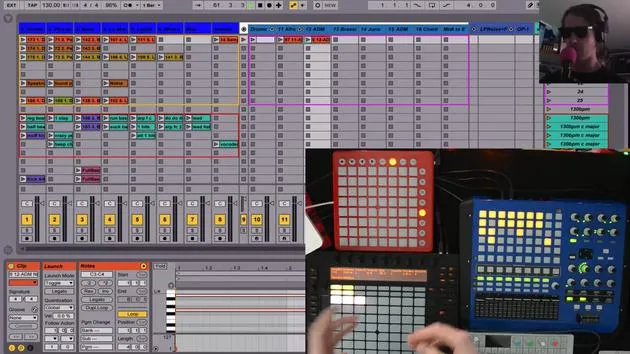
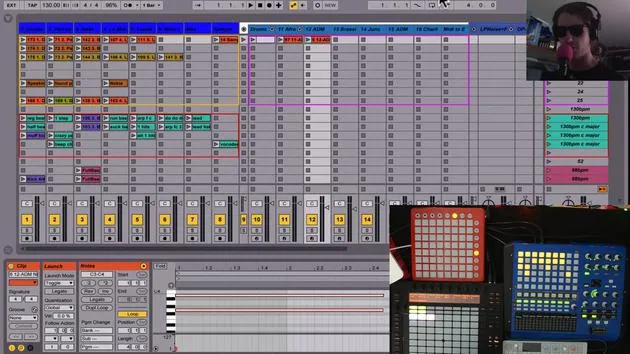
One of my philosophies in making my live set is that I don't want too many tracks. I don't want things to get out of control. So, I like to keep:
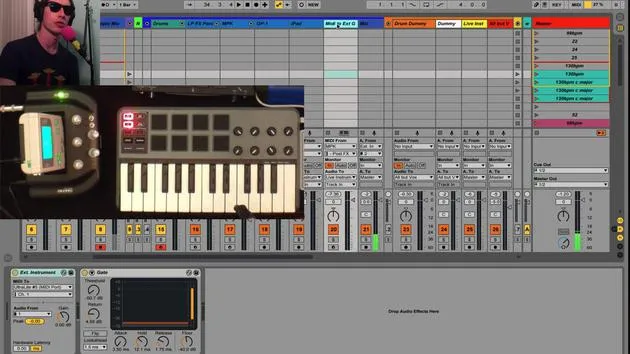
- One track for my MPK
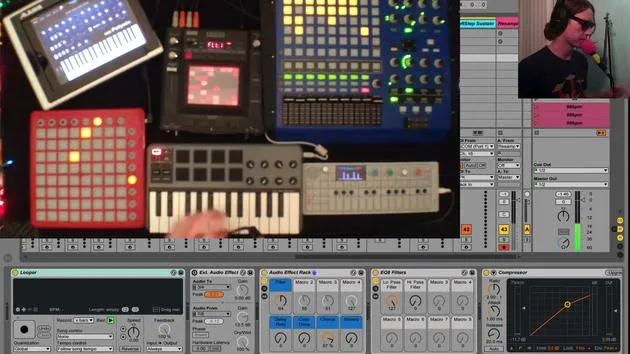
- One track for other devices
However, the problem arises when I don't want just one sound on a track; I want to consolidate multiple sounds onto a single track.
Setting Up Instrument Racks
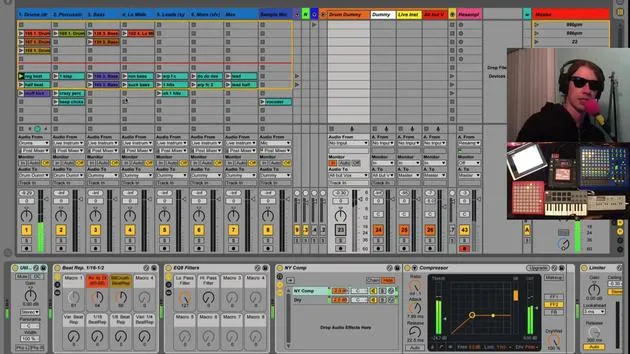
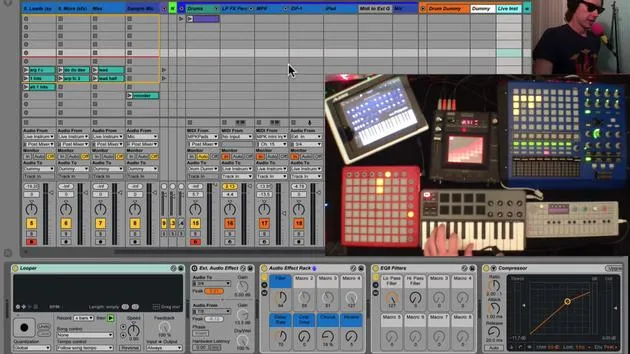
To achieve this, I've set up instrument racks with multiple chains, allowing me to switch between different sounds on the same track.
Typical Approach vs. My Approach
Normally, you might create four tracks with four different instruments. But here's what I've done:
- Taken an instrument rack (like this one right here).
- Added two instruments on this chain.
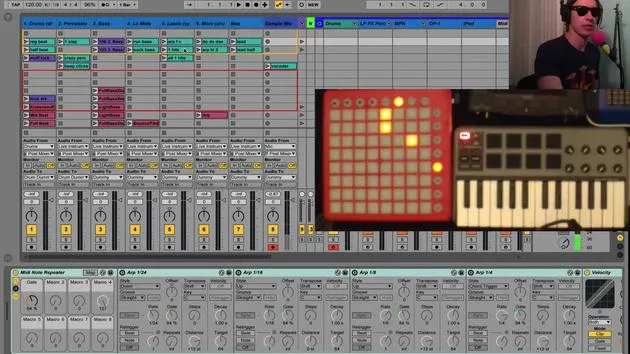
Using the Arpeggiator
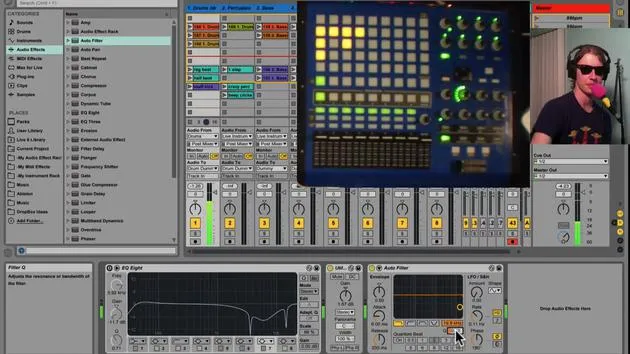
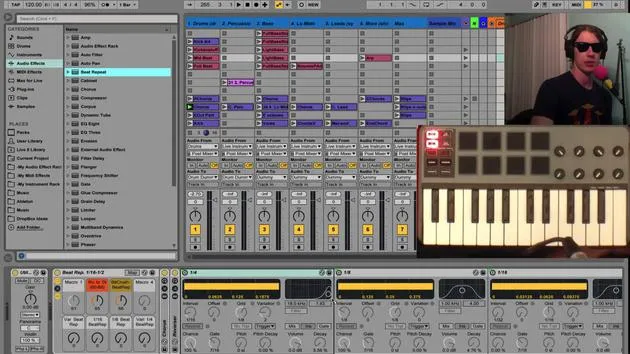
The first thing you'll notice is that I've got an arpeggiator on here. This arpeggiator is similar to the one we saw in the drum tracks.
- This is the same idea we used to create those extra, MPC-style repeats.
- When I hit one of the buttons, I activate a particular arpeggiator, which is very handy.
Switching Between Instruments
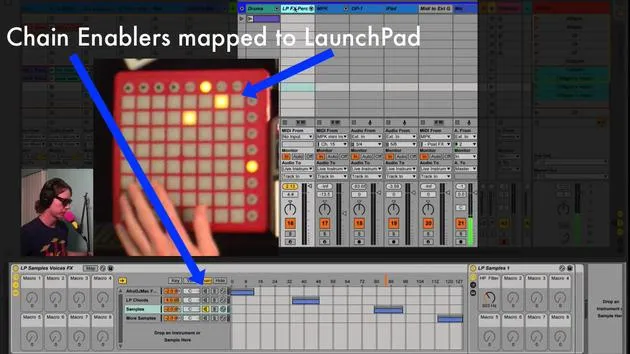
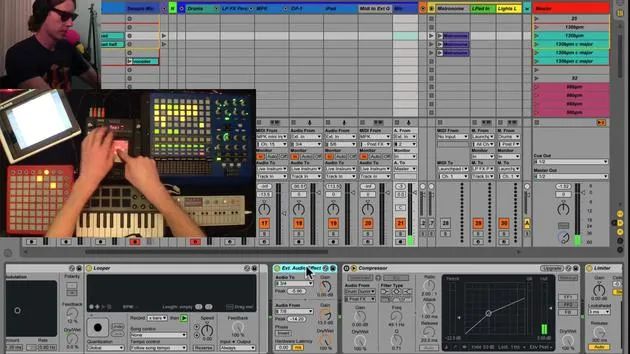
After the arpeggiator, I have an instrument rack with two different instruments. The way I switch between these is by using the buttons, which I've mapped to the track activators:
- I can turn one sound on, play with it, then turn it off and activate the other one.
- You can create as many of these as you'd like; I'm sticking to two for now because it's all I need.
It's very nice to switch between different instruments on one track!
Adding Additional Sounds
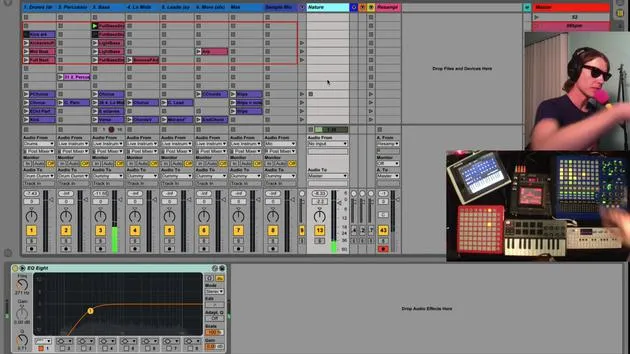
I've also got another layer, an instrument here called noises. It consists of various samples and sounds I like to use for transitions.
For instance, if we're playing a track, these sounds are great for changing parts.
- These sounds are mapped to a different chain.
- I didn't put them on the same chain because I didn't want the arpeggiator to affect them.
- If the arpeggiator is on for one sound, I want the full sound for the next, so I set up a separate chain.
Example on My Launchpad Track
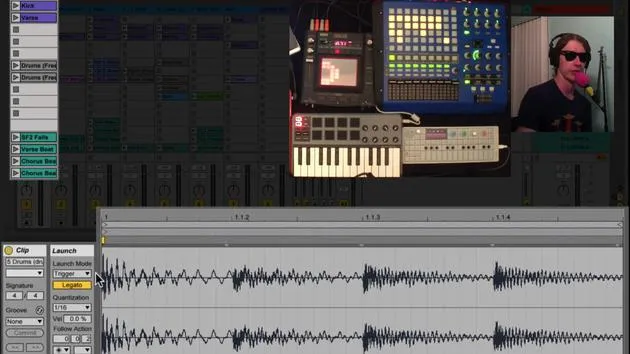
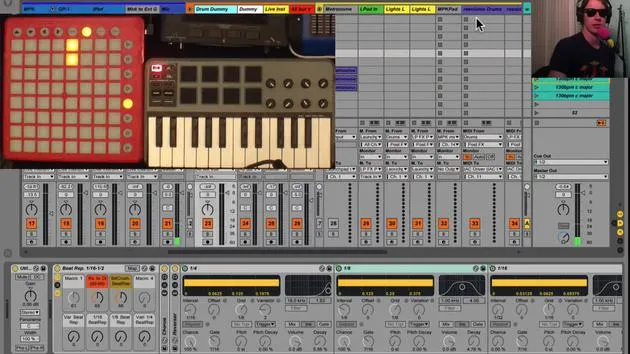
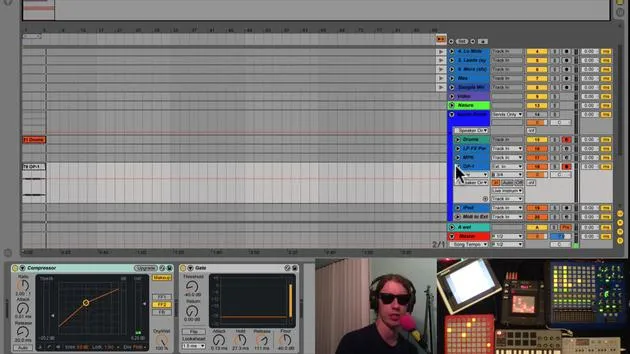
I've applied the same concept on my launchpad track. This particular one is sending MIDI just to this track.
- When I switch to this, I get a totally different sound with different samples.
- This way, I get multiple instruments on a single track without cluttering my workspace with numerous instrument tracks.
Creating New Chains
You can easily create new chains by:
- Right-clicking and selecting create a chain.
- Dropping any instrument you want from your browser right into the chain.
Simply map the activator to a button on one of your MIDI controllers.
Conclusion
I hope this helps you keep things tidy by putting all your instruments on a single track!
30 leçons
2h 20m de leçons vidéo structurées
Fonctions vidéo avancées
Ralentissez, bouclez un passage, suivez la partition
Mobile, tablette et ordinateur
Pratiquez où vous voulez
Satisfaction garantie à 100 %
Garantie remboursement 30 jours
Rencontrez votre guru
Rencontrez votre guru
Brian Funk est musicien, producteur, auteur-compositeur et Ableton Certified Trainer. Depuis 2014, il enseigne le cours Advanced Music Production with Ableton Live pour le Berklee College of Music. Il a joué de la guitare, de la basse, de la batterie et des synthétiseurs, et chanté dans des groupes de rock en tournée, et il se concentre aujourd'hui sur son set électronique solo, en portant sur scène ses expérimentations de studio.
Brian adore écrire, enseigner et concevoir des sons. Il produit des tutoriels et des Sound Packs pour Ableton Live, et publie des Packs Ableton Live gratuits depuis 2011 : plus de 125 à ce jour. En tant qu'Ableton Certified Trainer, il a donné des cours et des séminaires couvrant chaque étape du processus de production, et écrit régulièrement sur son blog et pour d'autres publications.
Influencé par le rock and roll, les jeux vidéo, le hip hop des débuts, le punk et l'électronica, des Beatles à Neon Indian en passant par Neil Young, Nirvana et Aerosmith, il décrit son propre son comme 'futuriste, et pourtant nostalgique'. Dans son cours MusicGurus, Live Performance in Ableton Live, il te montre comment il transforme des idées de studio en un vrai set live et pratique : sampler des sons pour en faire des instruments jouables, faire passer guitares et synthés dans du matériel électronique, et mixer et composer à la volée tout en jouant en live et en chantant. Tu en ressortiras capable de construire et d'interpréter ton propre set électronique en toute confiance.







