



External Instrument

Avec
Brian Funk
Le contenu du cours
30 leçons (2h 20min) · 1 gratuites
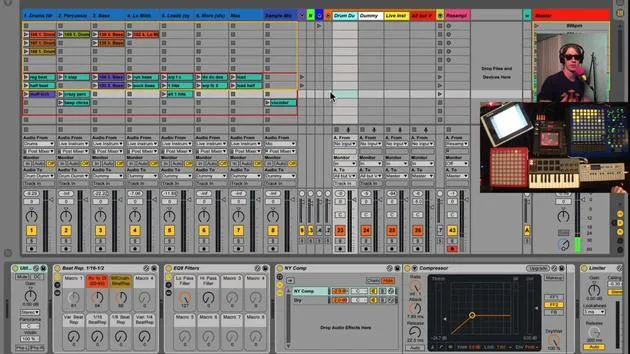
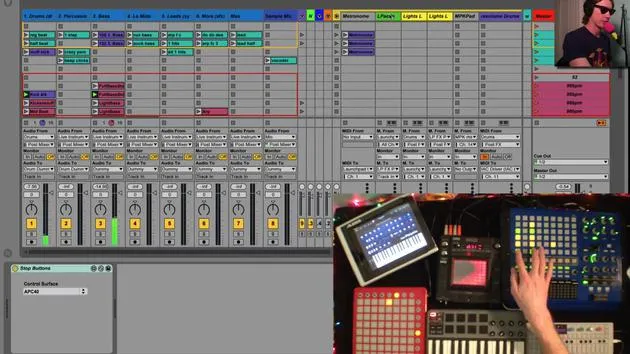
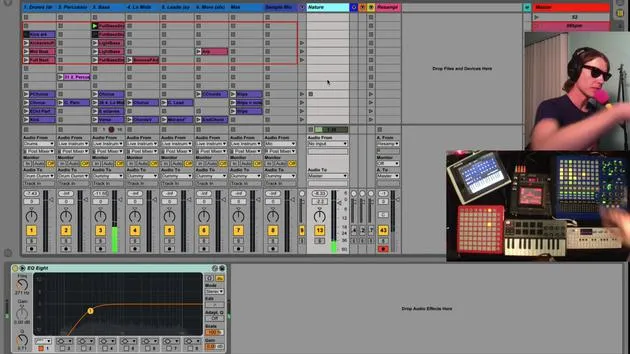
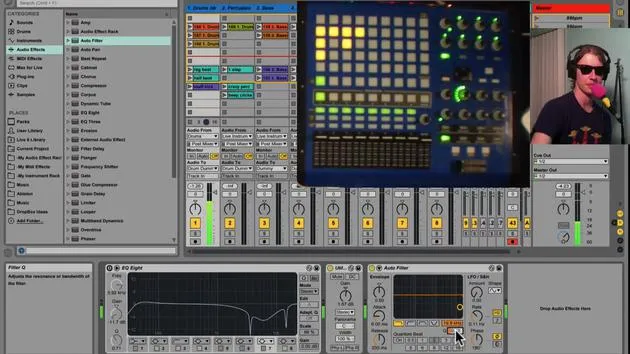
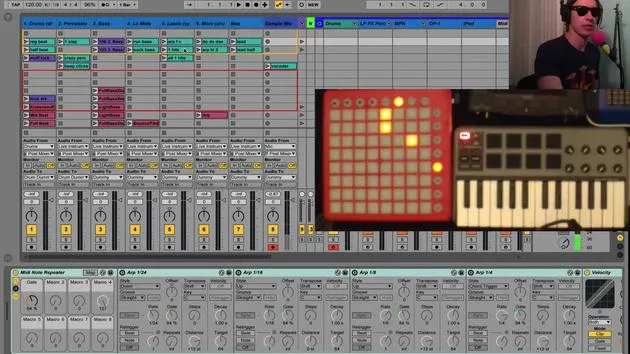
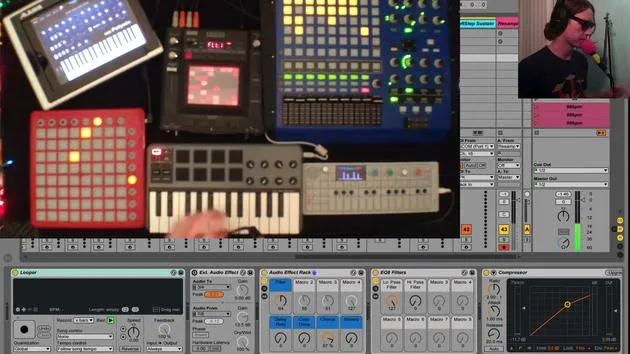
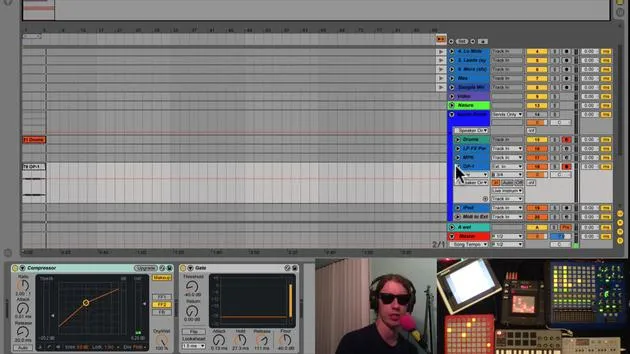
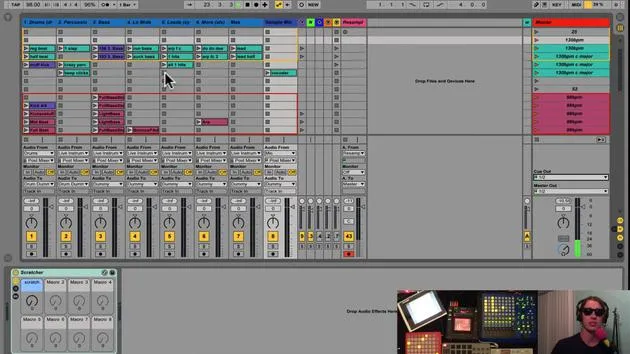
Transcription de la leçon
Setting Up the External Instrument in Ableton Live
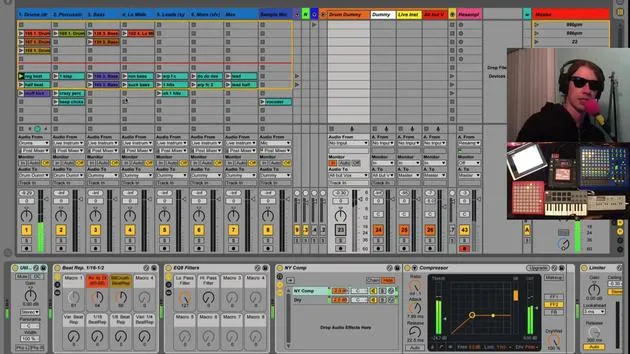
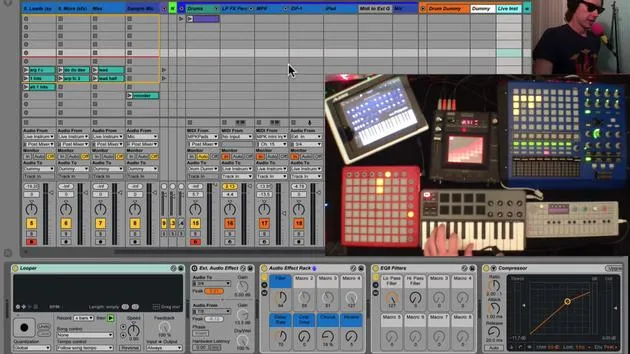
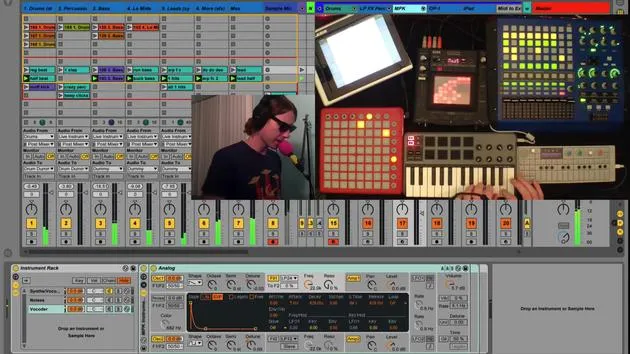
Okay, so the last thing in my instrument channel that we haven't talked about is my external instrument.
What is the External Instrument?
Basically, this track does the following:
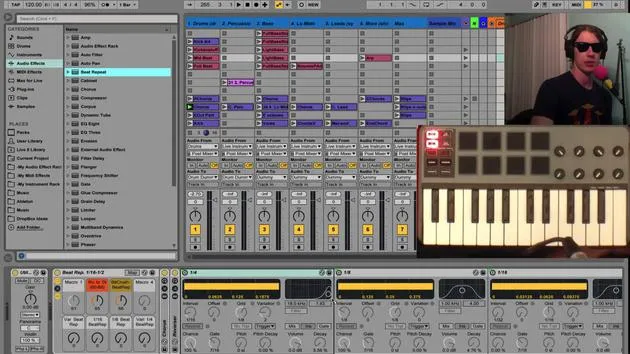
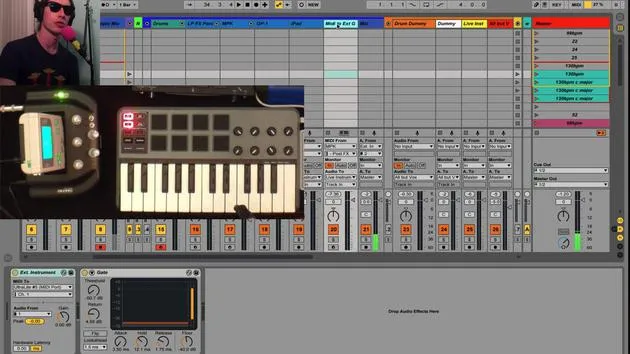
- It receives MIDI from my MPK.
- It sends that MIDI through an external instrument plugin.
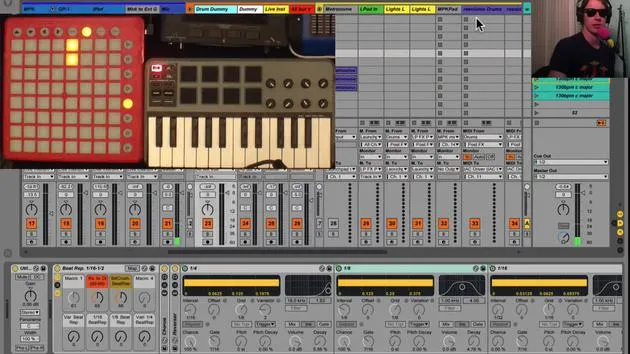
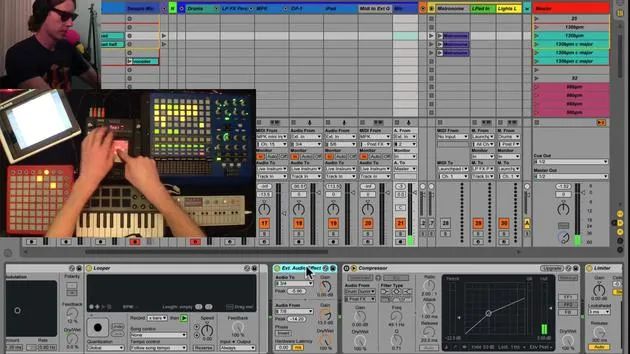
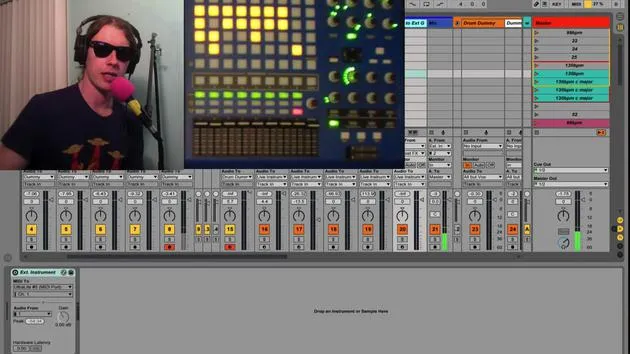
Ableton has an external instrument plugin, and it's a really cool tool. Essentially, you decide where you want to send the MIDI. In my case, I'm sending it out through my Ultralite channel.
Connecting to Synth Boy
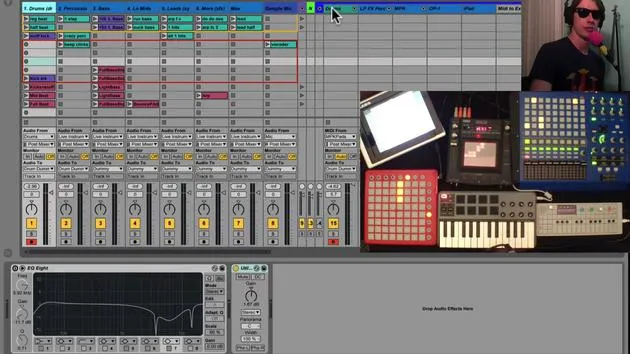
That MIDI is hooked up right now to Synth Boy. By the way, Synth Boy is an amazing device that transforms the old Nintendo Game Boy into a synthesizer. You can play around with it, and I love it! Can't say enough good things about it.
The Process
Here's the process we'll follow:
- Send MIDI from my MPK to Synth Boy.
- Route the audio output to hear the sounds.
"And this is what it sounds like!"
I can tweak the sounds on my Synth Boy, and I can also play with the effects since this track is also sent to my live instruments channel.
Setting Up the External Instrument Plugin
To set up an external instrument:
- Simply drop the plugin into your project.
- You can find it under your instruments in Ableton Live.
- Select External Instrument right there in the list.
Close out that search after dropping it in.
Sending MIDI
- You send the MIDI out where you want. In my case, it's out through my audio interface.
- You have the option to select a different channel to get different sounds from your Game Boy, which is kind of cool.
And again, you can add effects to it.
Flexibility with Instruments
This could be, you know, using Synth Boy, or it could be another synth, anything that accepts MIDI.
Final Output
Then, plug the output of that instrument into your audio interface. This setup provides a really clean way to manage routing within one track, saving you space and keeping everything nice and neat for live performances.
So, that's how you set up the external instrument!
30 leçons
2h 20m de leçons vidéo structurées
Fonctions vidéo avancées
Ralentissez, bouclez un passage, suivez la partition
Mobile, tablette et ordinateur
Pratiquez où vous voulez
Satisfaction garantie à 100 %
Garantie remboursement 30 jours
Rencontrez votre guru
Rencontrez votre guru
Brian Funk est musicien, producteur, auteur-compositeur et Ableton Certified Trainer. Depuis 2014, il enseigne le cours Advanced Music Production with Ableton Live pour le Berklee College of Music. Il a joué de la guitare, de la basse, de la batterie et des synthétiseurs, et chanté dans des groupes de rock en tournée, et il se concentre aujourd'hui sur son set électronique solo, en portant sur scène ses expérimentations de studio.
Brian adore écrire, enseigner et concevoir des sons. Il produit des tutoriels et des Sound Packs pour Ableton Live, et publie des Packs Ableton Live gratuits depuis 2011 : plus de 125 à ce jour. En tant qu'Ableton Certified Trainer, il a donné des cours et des séminaires couvrant chaque étape du processus de production, et écrit régulièrement sur son blog et pour d'autres publications.
Influencé par le rock and roll, les jeux vidéo, le hip hop des débuts, le punk et l'électronica, des Beatles à Neon Indian en passant par Neil Young, Nirvana et Aerosmith, il décrit son propre son comme 'futuriste, et pourtant nostalgique'. Dans son cours MusicGurus, Live Performance in Ableton Live, il te montre comment il transforme des idées de studio en un vrai set live et pratique : sampler des sons pour en faire des instruments jouables, faire passer guitares et synthés dans du matériel électronique, et mixer et composer à la volée tout en jouant en live et en chantant. Tu en ressortiras capable de construire et d'interpréter ton propre set électronique en toute confiance.







