



Pédale pour looping en direct
Avec
Brian FunkBrian Funk configure le looping en direct dans Ableton avec une pédale, pour que tu puisses garder les deux mains sur ton instrument tout en déclenchant des loops.

Le contenu du cours
30 leçons (2h 20min) · 1 gratuites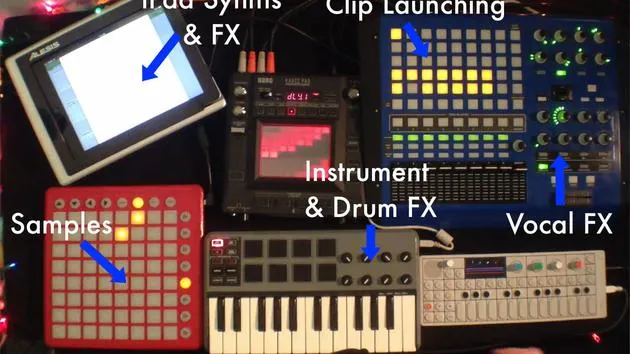
Transcription de la leçon
Live Looping with a Foot Switch
I'd like to talk now for a minute about doing some live looping, especially using a foot switch. The foot switch is handy because it allows you to play with your hands without having to worry about triggering clips and things like that. You can focus on your performance.
Setting Up
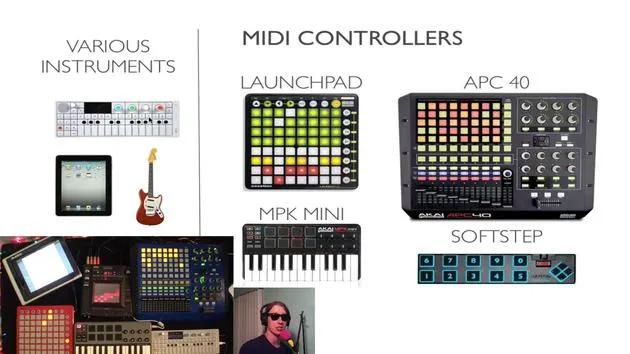
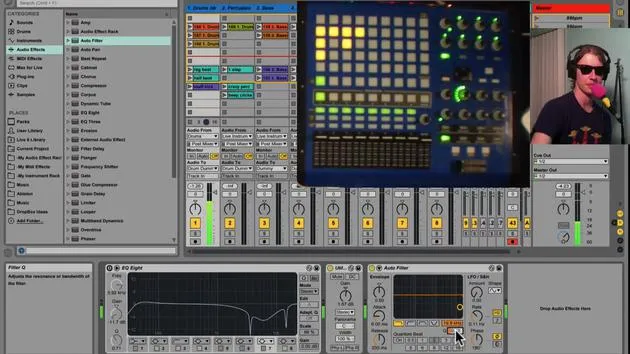
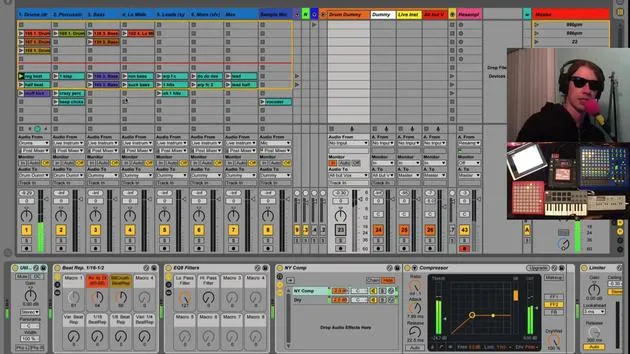
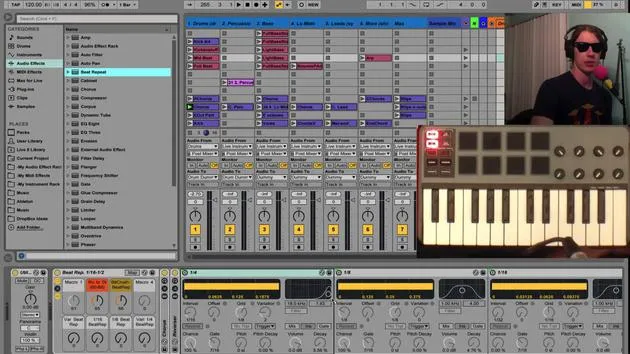
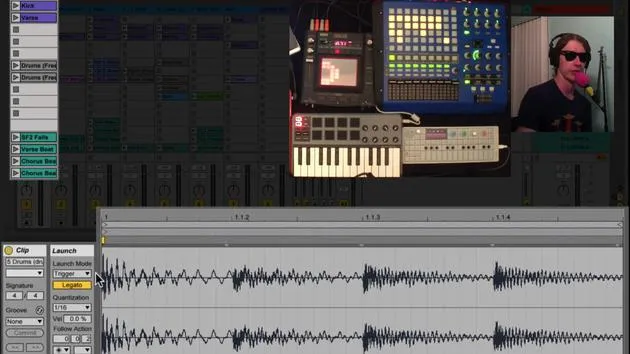
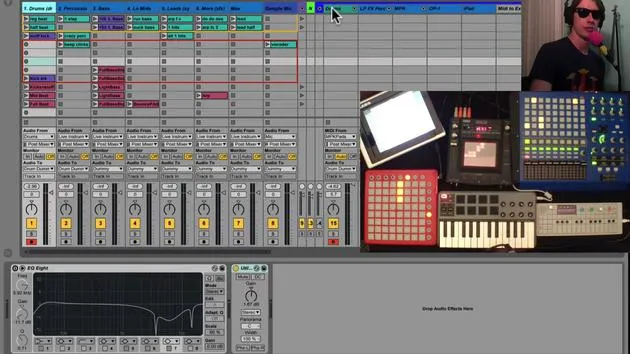
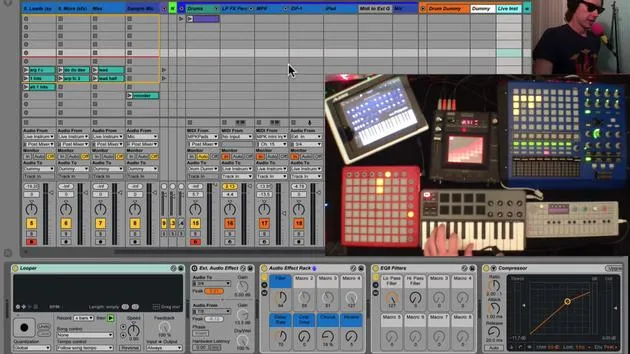
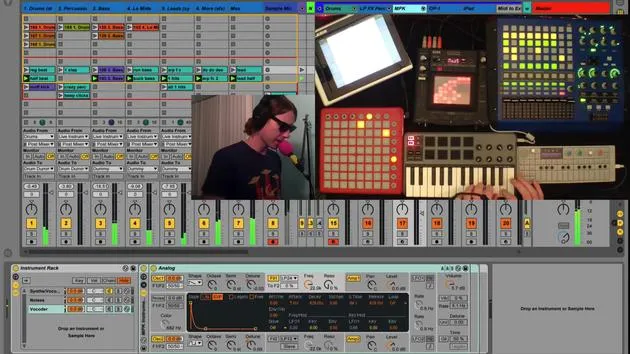
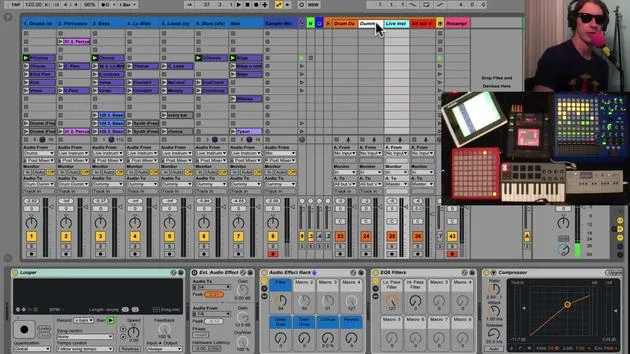
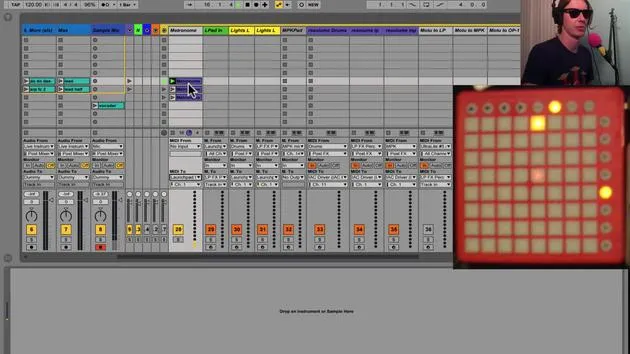
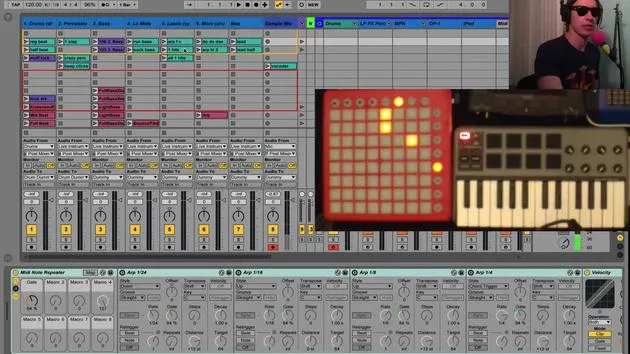
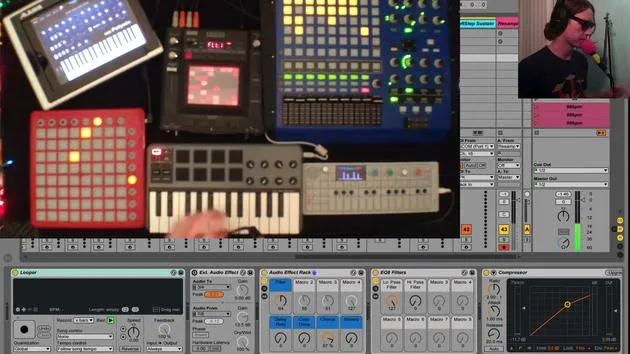
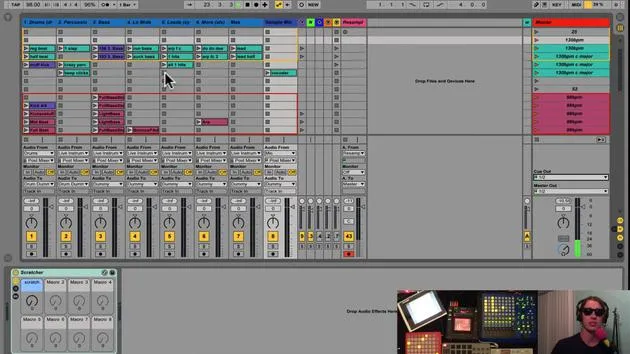
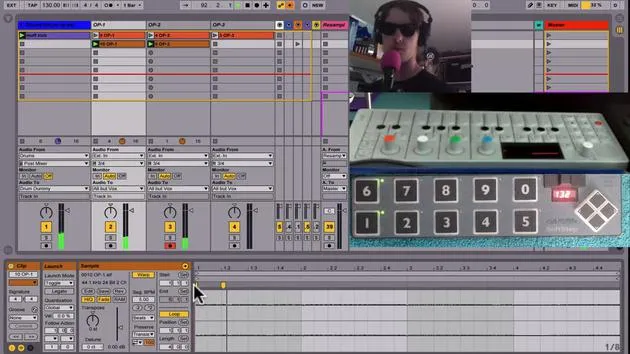
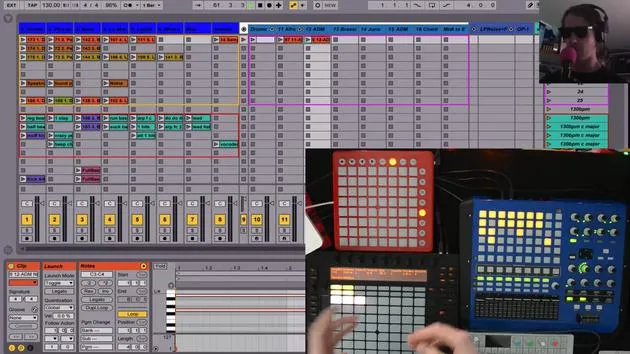
I've got the SoftStep here, and I have a few tracks set up that will receive audio from my OP-1. I'm going to use the OP-1 for this example and show you how I can layer a few tracks.
Starting with a Kick Drum
- I've got this clip: a muffled kick drum sound.
- I'm using that to keep time so that I know where my tempo is.
You could just as easily use your metronome, but I'd rather not have that click sound in a live performance, so I prefer to set up a track like this beforehand.
Using the Foot Switch
I want to start recording by hitting a button on my foot switch. Fortunately, Live has you covered here.
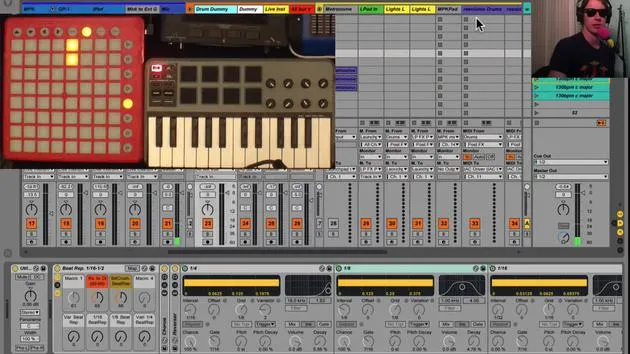
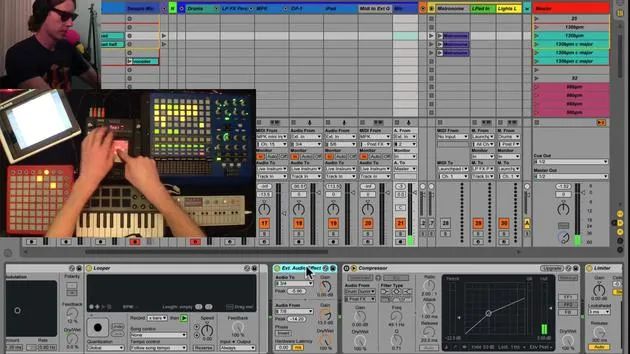
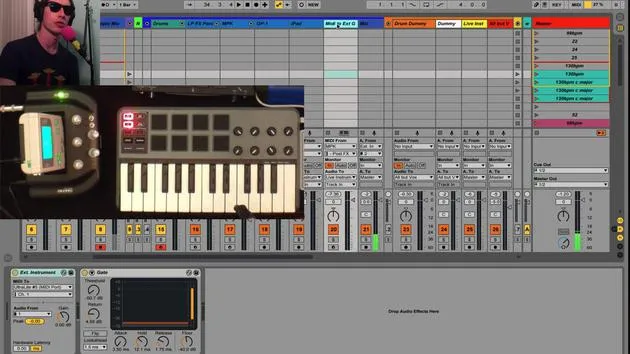
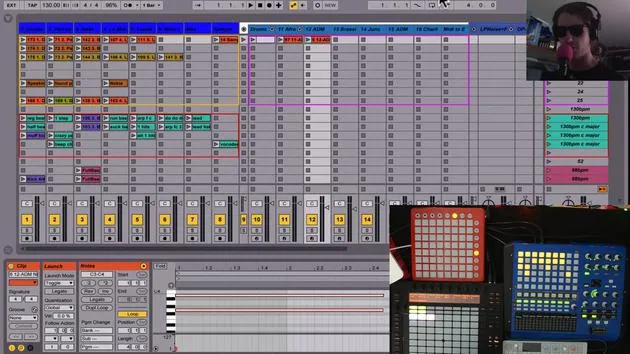
- When I go into MIDI Map Mode, you'll notice some buttons pop up that were not there beforehand.
- These buttons will trigger any clip, record in any slot, or hit stop, depending on whichever scene is selected.
If I have a specific scene selected, it will trigger the respective clip in that slot.
- I'm going to map my button to Number 3 right here.
- I'll do the same for the other two tracks on Number 4 and Number 5.
Recording Clips
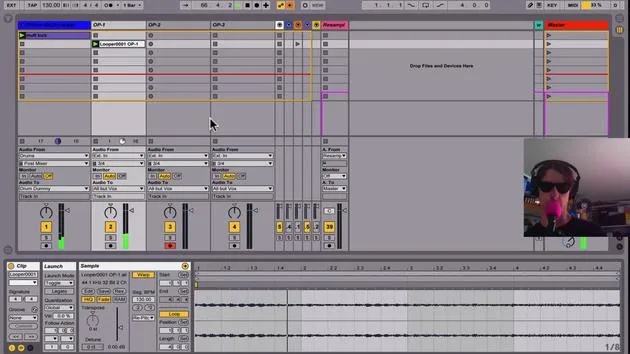
Now all I need to do is launch this clip, and when I'm ready, I can trigger recording. Here's how it works:
- Start the clip.
- When I'm ready, I hit my record button, and I can stop it when needed.
Let's give it a shot:
- Start our clip.
- When I'm ready, I'll trigger my record.
Now, I'm going to switch tracks, record-enable the next track, switch sounds, and once I'm ready, I'll hit my record button again.
Continue Layering
- Here, my next track is going again.
- One last time: record-enable, switch sounds, and when it comes around, I'll trigger my new clip with Number 5.
Okay, now I've got a little passage playing. I'm just going to stop this real quick.
Layering More Sounds
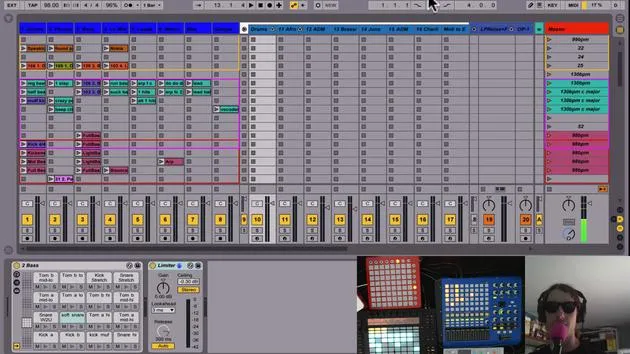
You might be thinking, "I want to start layering things on this next row." How do I get down there without moving to my computer screen? Live has got you covered again:
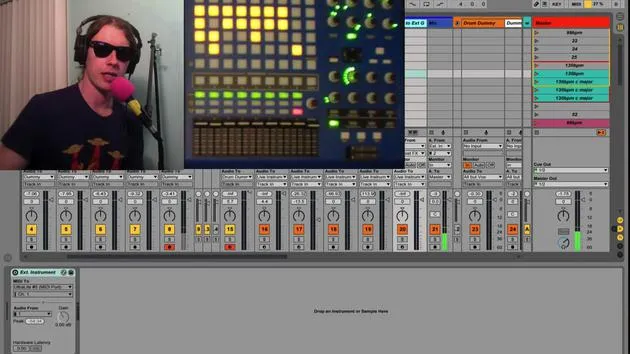
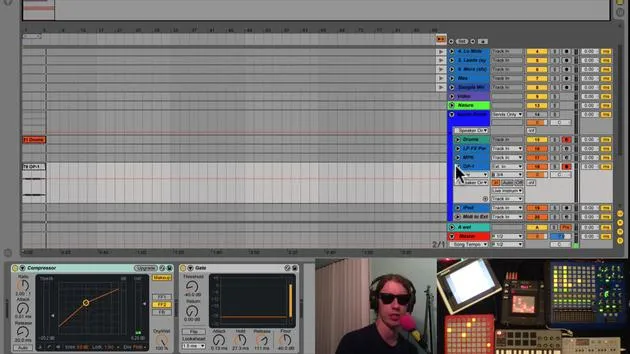
- When you go into MIDI Map Mode, you'll notice a few things appear on the Master Track.
- First, the Play Button will trigger whatever scene is selected, just like before, but now it's triggering scenes, not clip slots.
- You'll also see buttons to move up and down between scenes.
I'm mapping one to Number 7 on my foot control and down to Number 2.
- As I hit down, I'm cycling between my scenes.
Now I want to be here when I start this next round of live looping. I'll start my clip again, and when I'm ready, I can just come in.
Final Adjustments
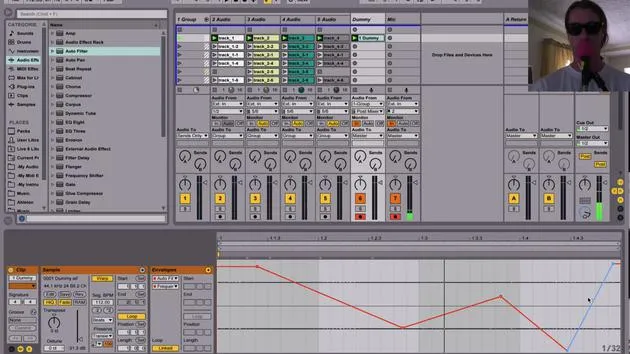
If I'm late on this, I might cheat a little by throwing a warp marker and dragging it over. Moving into the next track is easy:
- Again, go into the next track and loop that sound.
- I can simply drop down and add another one, or go back to my old progression.
Just like that, you've started live looping and creating some interesting things on the fly, all with the aid of the foot switch.
The Trick: Again, go into MIDI Map and use these buttons that you don't normally see.
Enjoy!
30 leçons
2h 20m de leçons vidéo structurées
Fonctions vidéo avancées
Ralentissez, bouclez un passage, suivez la partition
Mobile, tablette et ordinateur
Pratiquez où vous voulez
Satisfaction garantie à 100 %
Garantie remboursement 30 jours
Rencontrez votre guru
Rencontrez votre guru
Brian Funk est musicien, producteur, auteur-compositeur et Ableton Certified Trainer. Depuis 2014, il enseigne le cours Advanced Music Production with Ableton Live pour le Berklee College of Music. Il a joué de la guitare, de la basse, de la batterie et des synthétiseurs, et chanté dans des groupes de rock en tournée, et il se concentre aujourd'hui sur son set électronique solo, en portant sur scène ses expérimentations de studio.
Brian adore écrire, enseigner et concevoir des sons. Il produit des tutoriels et des Sound Packs pour Ableton Live, et publie des Packs Ableton Live gratuits depuis 2011 : plus de 125 à ce jour. En tant qu'Ableton Certified Trainer, il a donné des cours et des séminaires couvrant chaque étape du processus de production, et écrit régulièrement sur son blog et pour d'autres publications.
Influencé par le rock and roll, les jeux vidéo, le hip hop des débuts, le punk et l'électronica, des Beatles à Neon Indian en passant par Neil Young, Nirvana et Aerosmith, il décrit son propre son comme 'futuriste, et pourtant nostalgique'. Dans son cours MusicGurus, Live Performance in Ableton Live, il te montre comment il transforme des idées de studio en un vrai set live et pratique : sampler des sons pour en faire des instruments jouables, faire passer guitares et synthés dans du matériel électronique, et mixer et composer à la volée tout en jouant en live et en chantant. Tu en ressortiras capable de construire et d'interpréter ton propre set électronique en toute confiance.







