



LOOPER
Avec
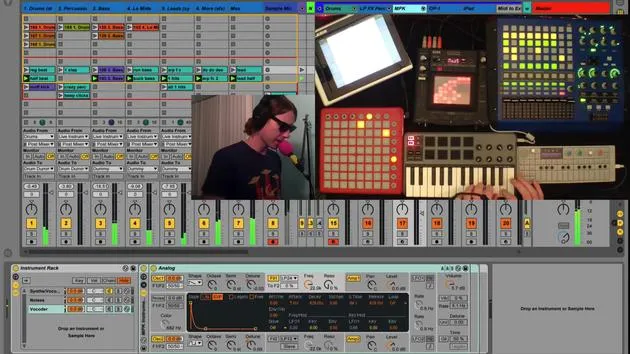
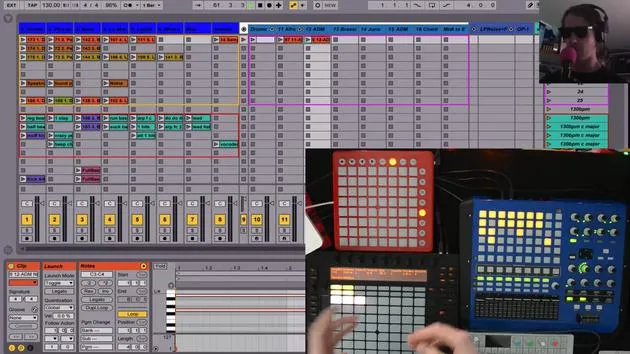
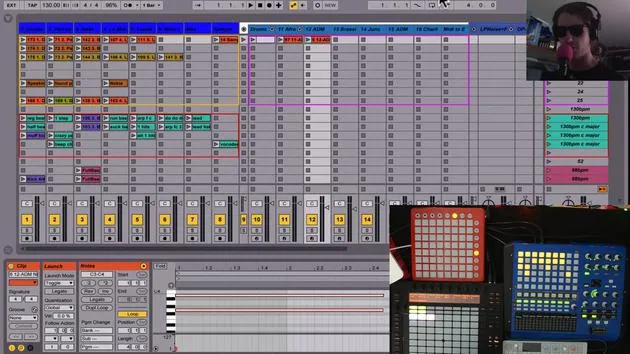
Brian FunkBrian Funk démontre le looping en direct avec le plugin Looper d'Ableton, en enregistrant et superposant des phrases du synthé OP-1 et en mappant les commandes sur une pédale.

Le contenu du cours
30 leçons (2h 20min) · 1 gratuites
Transcription de la leçon
Live Looping with Ableton's Looper Plugin
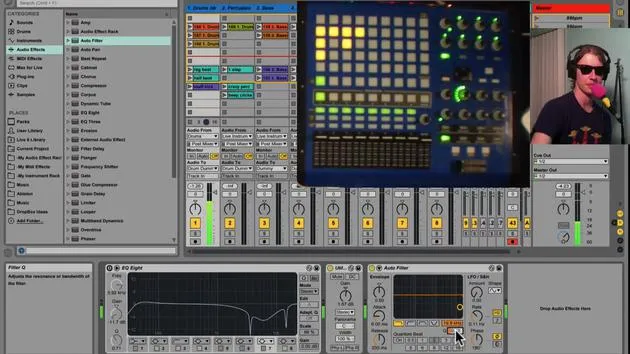
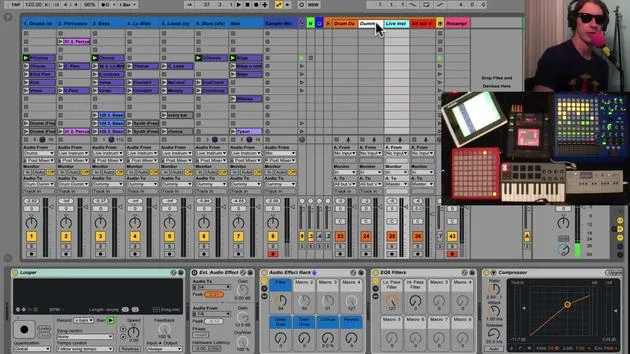
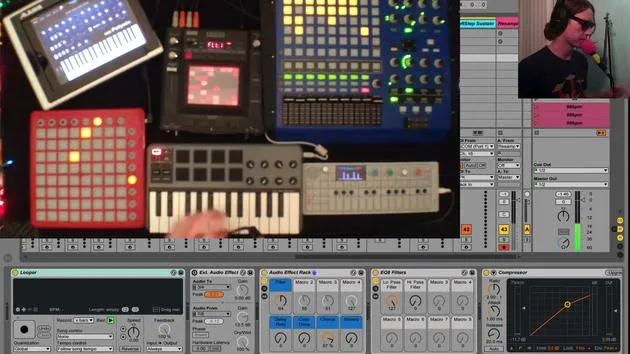
Another way to do live looping is to use Ableton's Looper plugin. And here it is right now. It works much like old guitar pedal loopers, where you:
- Record a phrase
- Overdub phrases on top of that
Setting Up
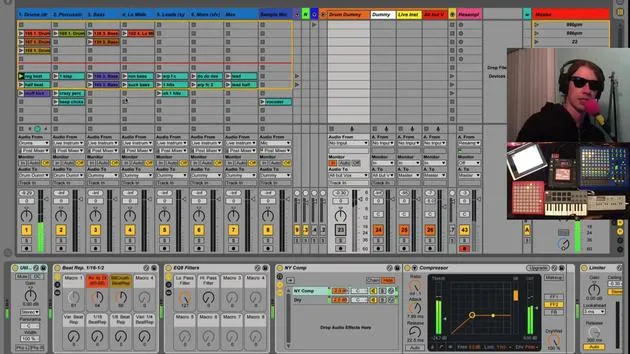
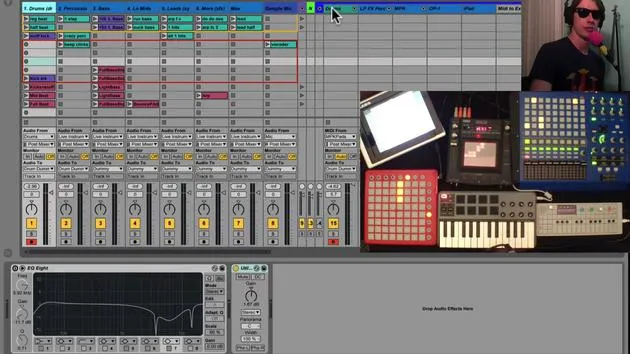
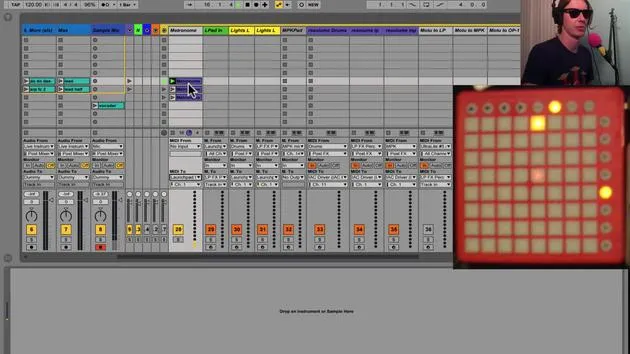
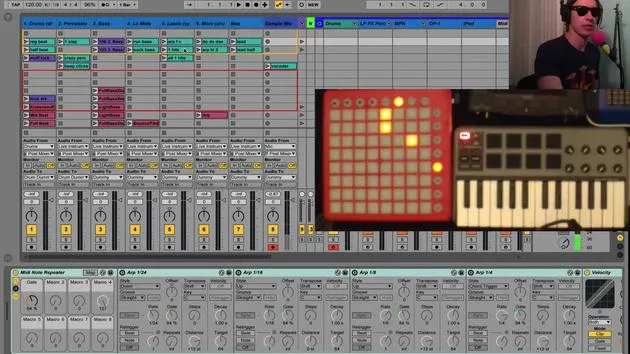
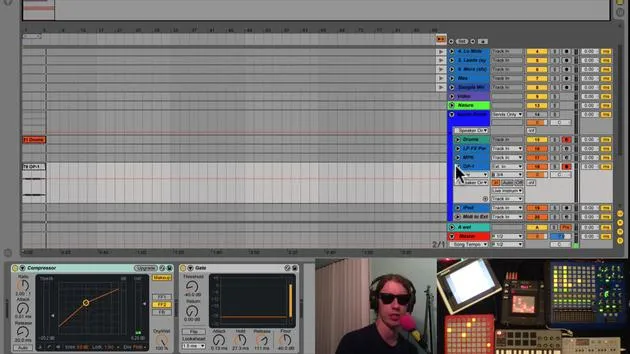
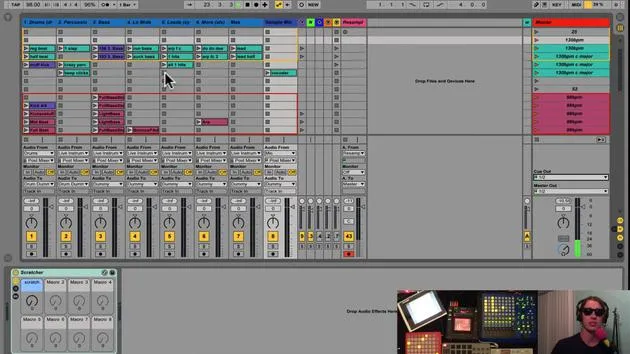
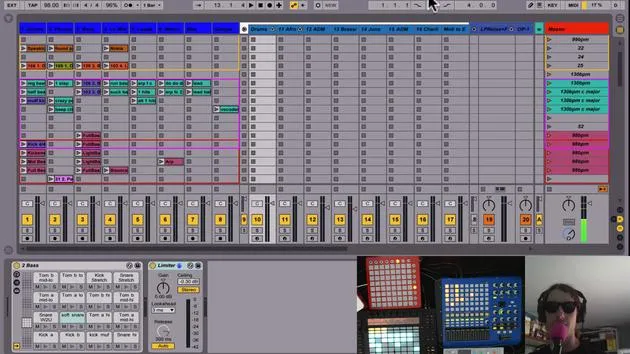
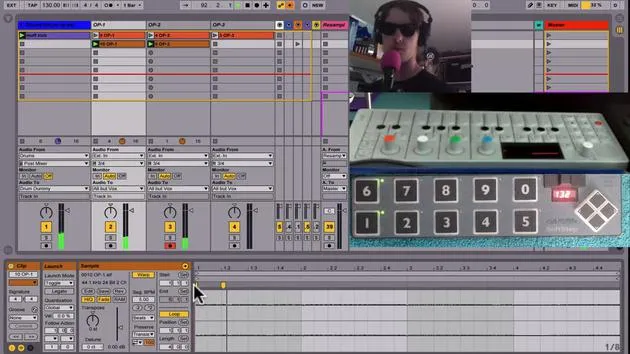
We're going to use this to record some phrases with the OP1. I've set up three tracks:
- The OP1 is feeding into each one of these tracks.
Recording Process
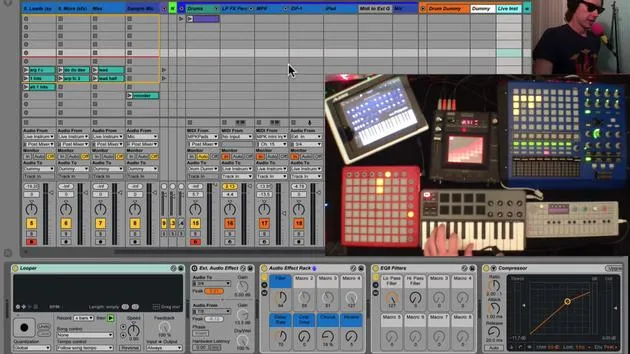
The way this works is we have a big record button. When we hit this, it will start recording the loop. It will record for however many bars you specify.
- Right now, I have it set to X, which means it will continue until I hit the record button again.
When I hit the record button again:
- It will either play the loop (this button)
- Or the plus button means I will go into overdub mode, which allows me to add another layer.
I prefer to put it on play, giving me a chance to gather myself before I start recording again.
Mapping Buttons
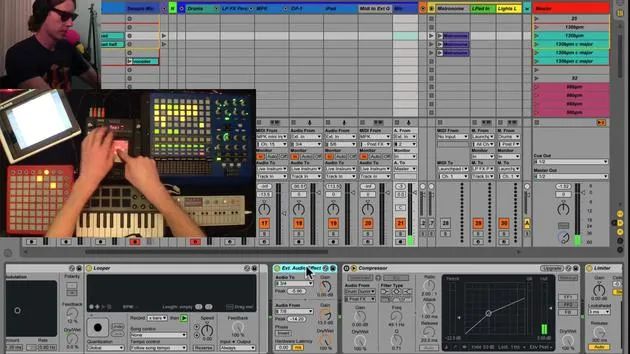
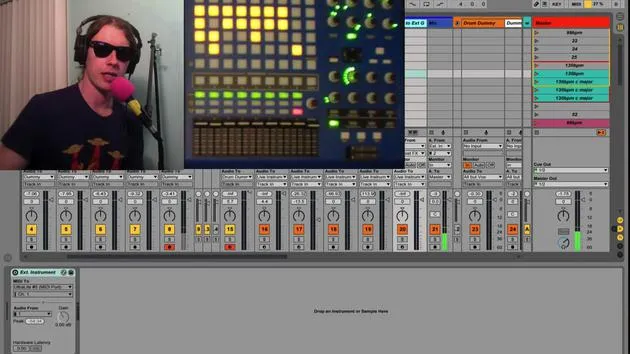
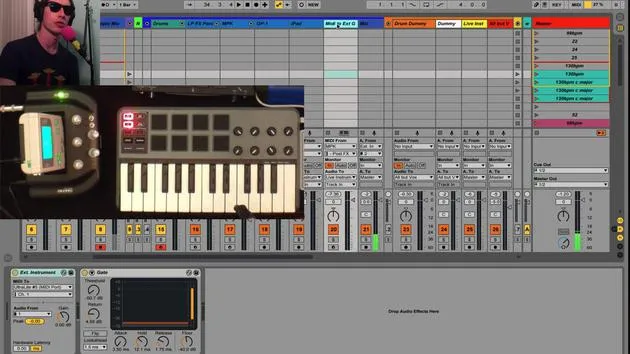
What I'm going to do is map this button to button three on my footswitch.
- There's also a clear button, which is useful if you mess up and need to take things out.
- I'll map that to button 8.
I'll do the same thing for the other tracks:
- Map this button
- Map its clear button to button 9.
Demonstration
I'll start my little beat here to keep time. When I'm ready, I'll hit my looper and it will start recording at the next downbeat.
- When I hit record again, it takes me into playback mode.
- Now it's just playing.
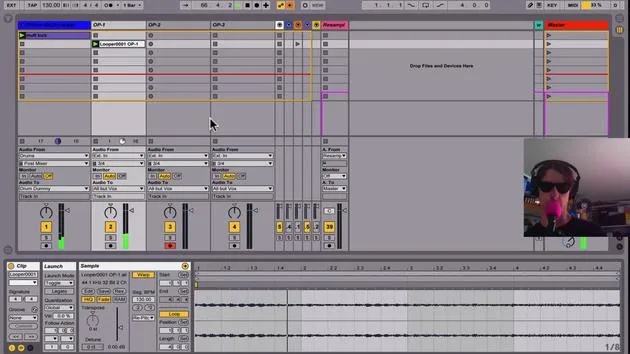
You'll notice the record button has turned into a plus button, meaning if I hit it again, I can overdub.
- And there it is!
- You can overdub as many times as you want.
For example, if I cut out a little too early, I might double that and play around with my knob a bit more. Now I've got everything working.
Next, I can go to my track next to it and start adding in some other sounds.
- If I don't like that, all I have to do is hit my clear button, and it empties out the looper, allowing me to start over and try something new.
Additional Tips
You can throw out as many of these loopers as you like.
- If you like a particular clip, you can click and drag it to place it where you want.
- Now, I can clear out that looper and just hit play on this clip of whatever I just looped.
Performance Setup
The looper is very powerful for live looping, and it's hands-free.
Here are some preferences:
- I prefer it not to control the song tempo or start the song.
- If you hit the button and none is selected, nothing will happen unless your track is already playing.
Tempo Control:
- I like to keep it set to follow the song, nothing else.
- You can have it set to estimate your tempo based on what you're playing, and it can be pretty accurate.
However, since this is for a live performance, I prefer to have something going, whether it's the kick or even the metronome. This way, I can:
- Play to that
- Record everything through the looper
This ensures everything's always in sync and sounds good.
In summary, it's a great way to do some improvisation live and loop things quickly without having to touch any sort of controller. You can just use your feet and concentrate on playing!
30 leçons
2h 20m de leçons vidéo structurées
Fonctions vidéo avancées
Ralentissez, bouclez un passage, suivez la partition
Mobile, tablette et ordinateur
Pratiquez où vous voulez
Satisfaction garantie à 100 %
Garantie remboursement 30 jours
Rencontrez votre guru
Rencontrez votre guru
Brian Funk est musicien, producteur, auteur-compositeur et Ableton Certified Trainer. Depuis 2014, il enseigne le cours Advanced Music Production with Ableton Live pour le Berklee College of Music. Il a joué de la guitare, de la basse, de la batterie et des synthétiseurs, et chanté dans des groupes de rock en tournée, et il se concentre aujourd'hui sur son set électronique solo, en portant sur scène ses expérimentations de studio.
Brian adore écrire, enseigner et concevoir des sons. Il produit des tutoriels et des Sound Packs pour Ableton Live, et publie des Packs Ableton Live gratuits depuis 2011 : plus de 125 à ce jour. En tant qu'Ableton Certified Trainer, il a donné des cours et des séminaires couvrant chaque étape du processus de production, et écrit régulièrement sur son blog et pour d'autres publications.
Influencé par le rock and roll, les jeux vidéo, le hip hop des débuts, le punk et l'électronica, des Beatles à Neon Indian en passant par Neil Young, Nirvana et Aerosmith, il décrit son propre son comme 'futuriste, et pourtant nostalgique'. Dans son cours MusicGurus, Live Performance in Ableton Live, il te montre comment il transforme des idées de studio en un vrai set live et pratique : sampler des sons pour en faire des instruments jouables, faire passer guitares et synthés dans du matériel électronique, et mixer et composer à la volée tout en jouant en live et en chantant. Tu en ressortiras capable de construire et d'interpréter ton propre set électronique en toute confiance.







