



PUSH 1
With
Brian Funk
What's in the course
30 lessons (2h 20m) · 1 free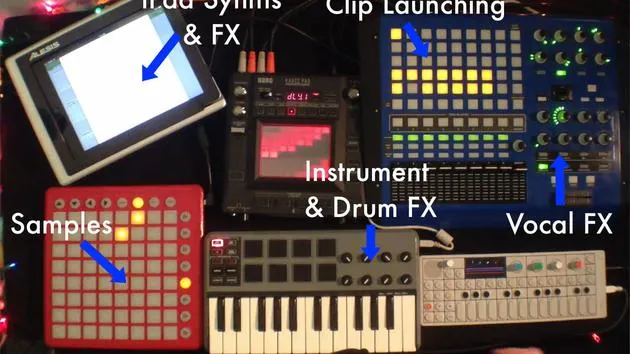
Lesson transcript
Using Push in Live Performance
I'd like to talk a little bit about using the Push inside a live performance. Ableton's Push controller was designed to solve an old problem, as they say, of creating a track from scratch. And it's excellent at that. It really does shine in that respect.
Can it Work in a Live Situation?
But can it work in a live situation? And I found yes, very much so. It's very fun and useful. However, there are a few things you want to think about. I'm going to go over all this stuff right now.
My Setup
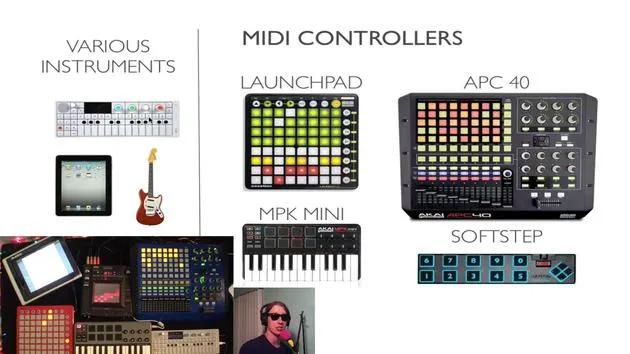
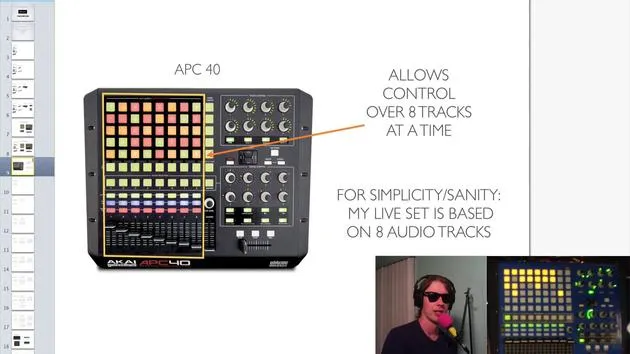
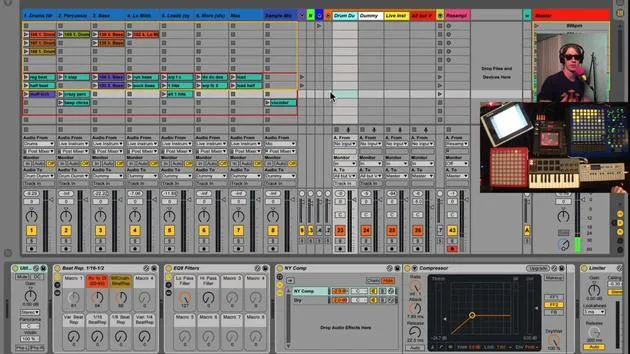
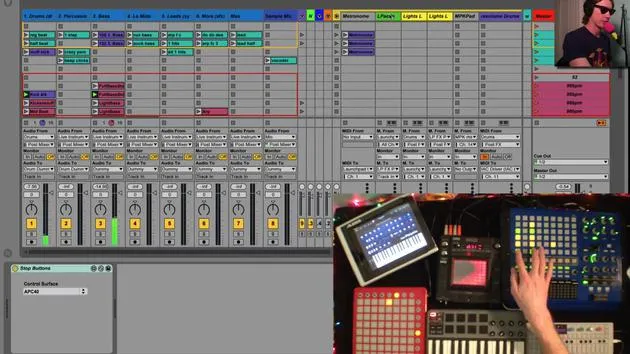
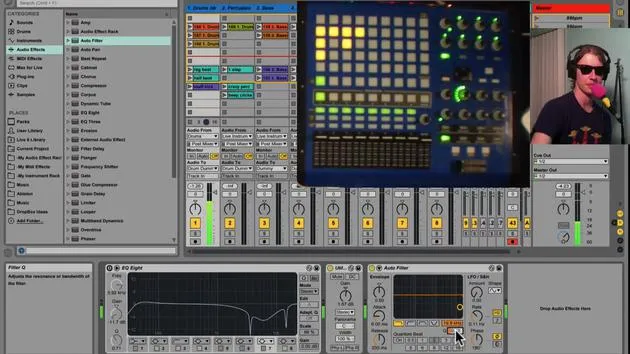
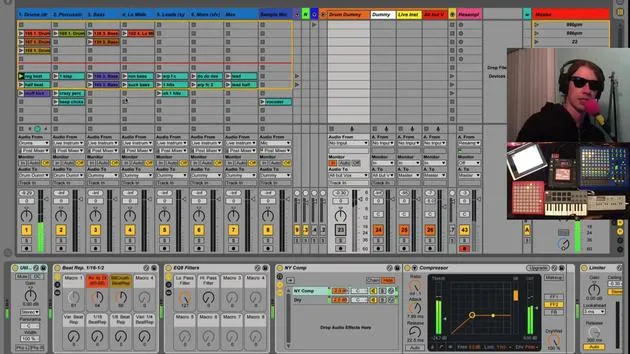
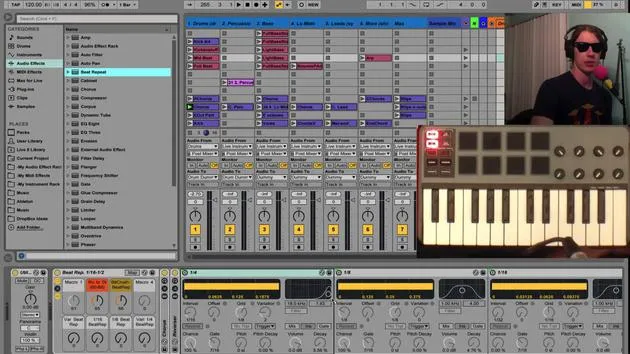
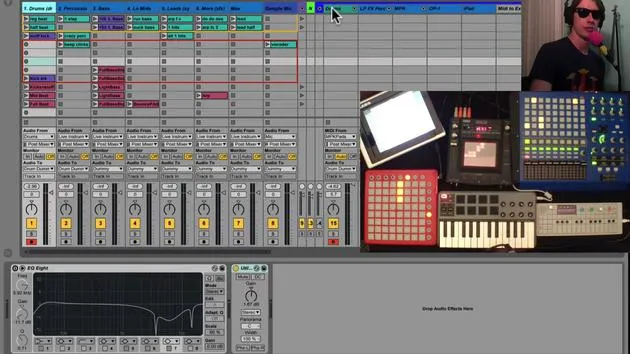
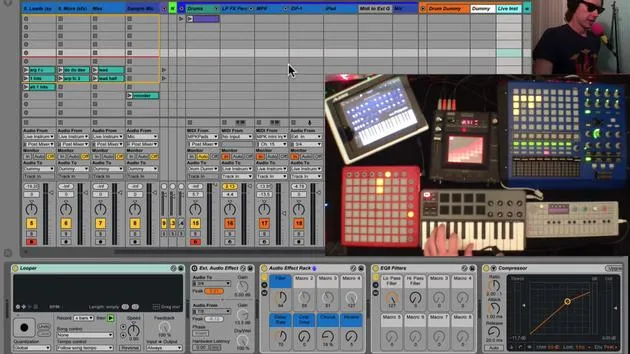
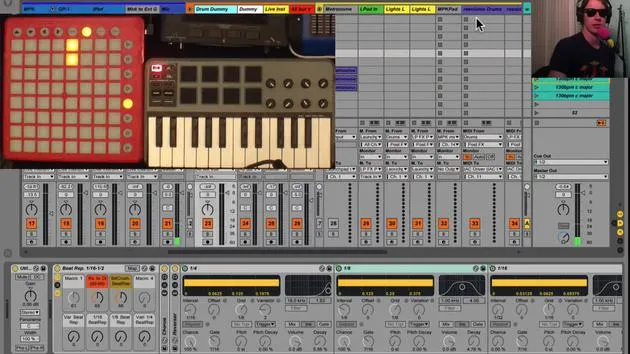
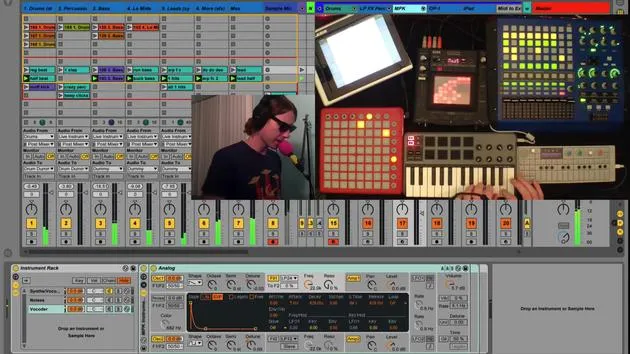
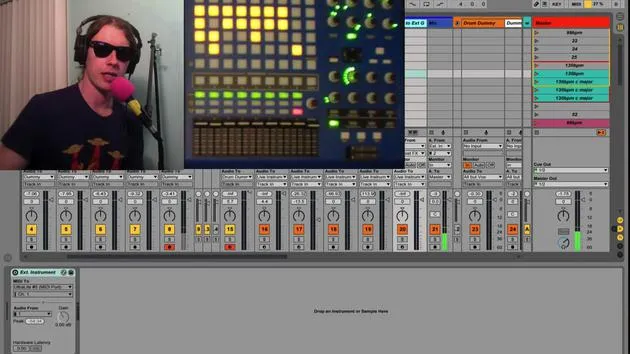
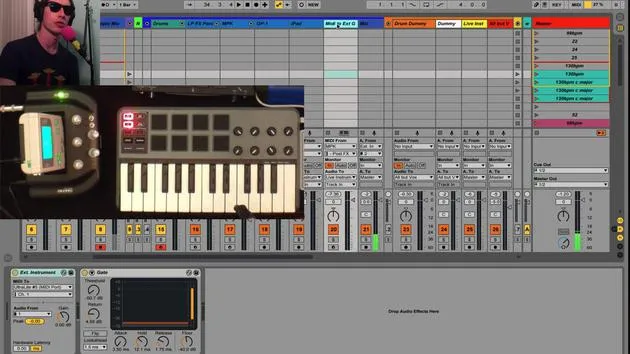
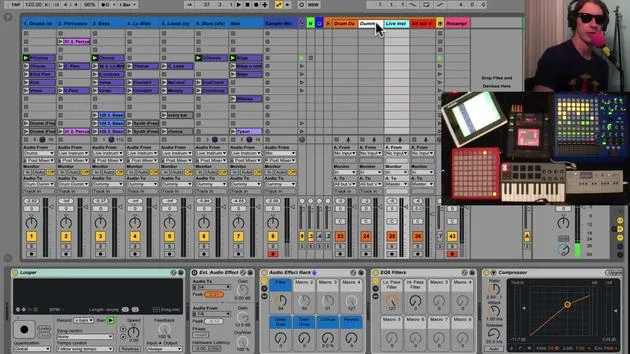
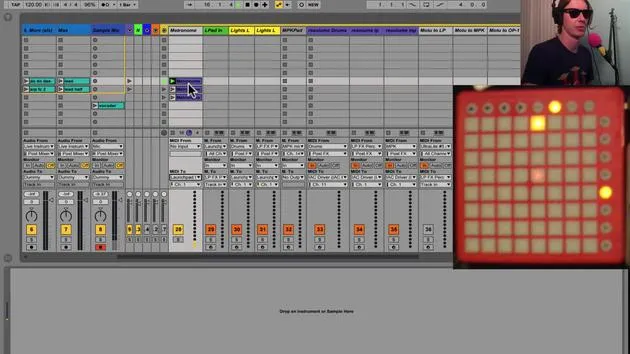
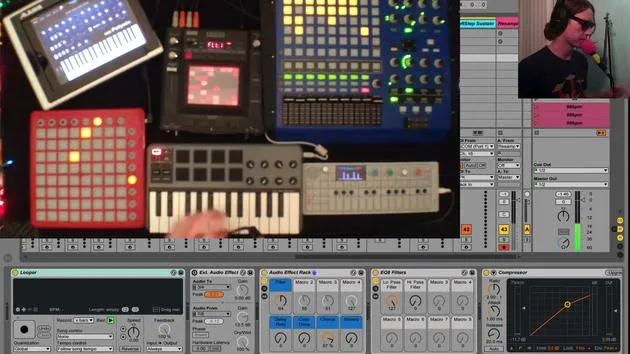
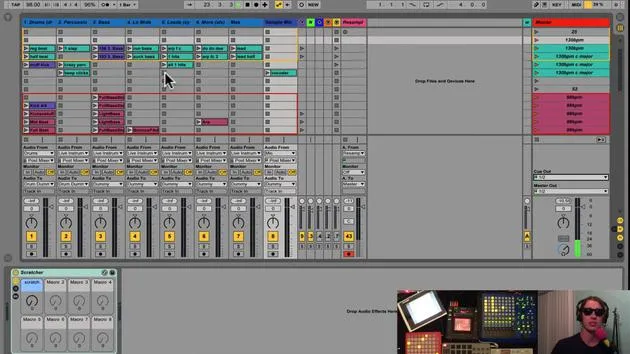
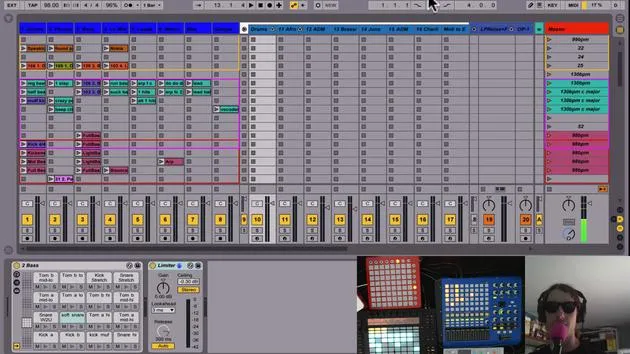
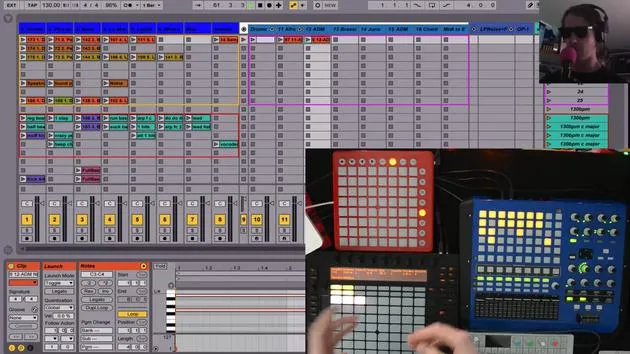
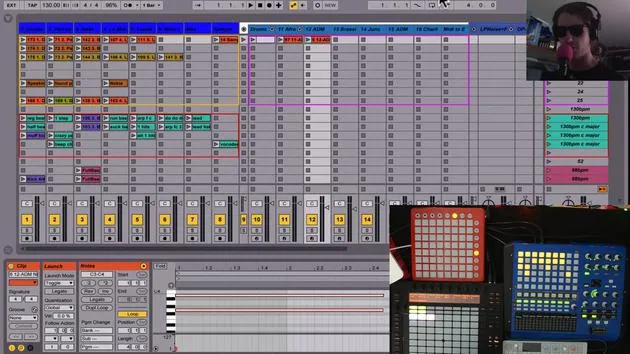
The first thing I've done is, you know, I've got my normal tracks with all the clips and everything over here on the left. I keep track of all that using the APC40. I find that to be just what I'm used to.
So that's what I'm doing right now. I could very easily use the Push and travel through everything. The Push is nice because it gives me:
- Eight clips instead of five rows of clips
- Color coding
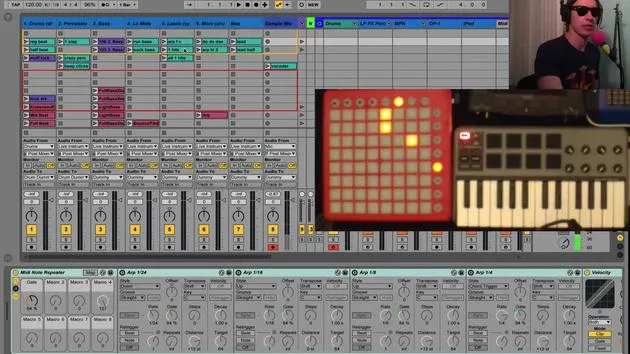
But the reason I'm doing it this way is that I like to keep my Push over here because I've created eight tracks of instruments. These tracks include:
- Drums
- Percussive sounds
- Synths
- All kinds of stuff
Recording and Controlling Clips
What I like to do is to record in here and then use Session Mode to control my clips that will be coming over.
Starting Off with Drums
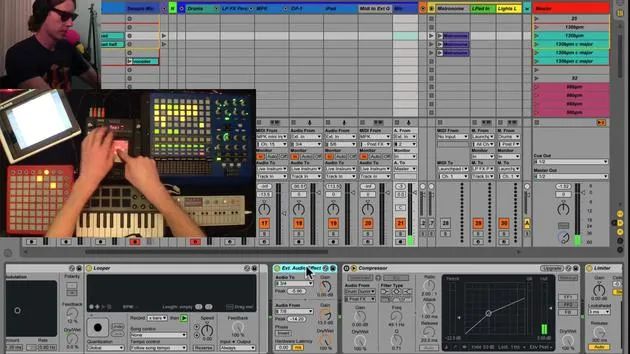
So I'll give you a little example. Push is great for starting off songs. I might start off with some drums. I will get my Session Mode right up here where it's going to be, and go back to Note.
- I'm just going to start throwing in some kicks
- Followed by some snares
- Then some hi-hats
Okay, so right there, I've just got a beat, and this could very well be how I start a song off.
Adding More Elements
I'll move over to the next track and throw in some percussion. Now I can move over to my next track and throw in an arpeggiated line, and so on and so forth.
What I've basically done here is started off a track just with the Push.
Mixing Improvisation with Pre-Recorded Songs
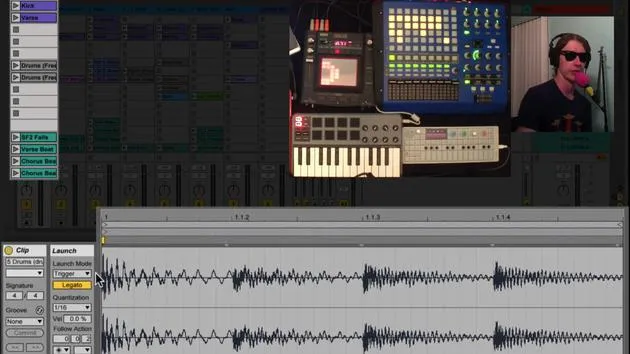
Now, what's kind of fun is I can then go into my other clips and start throwing in other things. For example, I might supplement the drums with the beat from one of my songs.
- Okay, so now I've got a beat here.
- I'm playing in the same key, so I can throw in things that are going on in my track later on.
I might then drop out some of the stuff going on here, take out that percussion, drop my drums, and then take that part out.
Now what I've done is I'm inside one of my pre-recorded songs and I've basically taken an improvisation and switched into now a track that I'm going to start playing for my show.
Conclusion
So, I'm finding Push to be really useful for improvisation in between tracks or to start off tracks. It's really great for that!
30 lessons
2h 20m of structured video lessons
Advanced video features
Slow down, loop a passage, follow along
Mobile, tablet & desktop
Practise wherever you are
100% satisfaction guarantee
30-day money-back guarantee
Meet your guru
Meet your guru
Brian Funk is a musician, producer, songwriter and Ableton Certified Trainer. Since 2014 he has taught the Advanced Music Production with Ableton Live course for Berklee College of Music. He has played guitar, bass, drums, synths and sung in touring rock bands, and these days focuses on his solo electronic set - taking his studio experiments to the stage.
Brian loves writing, teaching and sound design. He produces Ableton Live tutorials and Sound Packs, and has released free Ableton Live Packs since 2011 - over 125 so far. As an Ableton Certified Trainer he has given lessons and seminars covering every stage of the production process, and writes regularly on his blog and for other publications.
Influenced by rock and roll, video games, early hip hop, punk and electronica - from The Beatles, Neil Young, Nirvana and Aerosmith to Neon Indian - he describes his own sound as 'futuristic, yet nostalgic'. In his MusicGurus course, Live Performance in Ableton Live, he shows you how he turns studio ideas into a real, hands-on live set: sampling sounds and turning them into playable instruments, running guitars and synths through electronic gear, and mixing and composing on the fly while playing live and singing. You'll come away able to build and perform your own electronic set with confidence.







