



Midi Sending

With
Brian FunkBrian Funk sets up MIDI routing in Ableton Live to send notes between external gear and his instruments - like controlling an iPad from an MPK.

What's in the course
30 lessons (2h 20m) · 1 free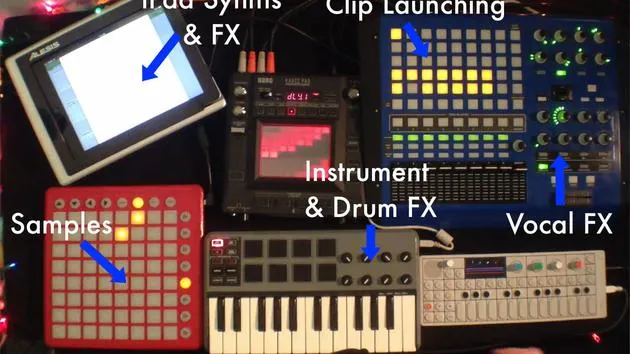
Lesson transcript
Understanding MIDI Tracks
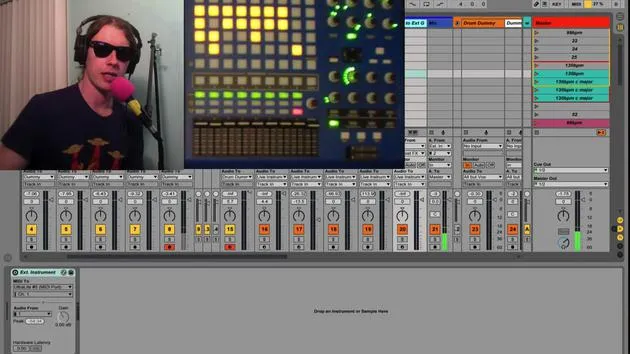
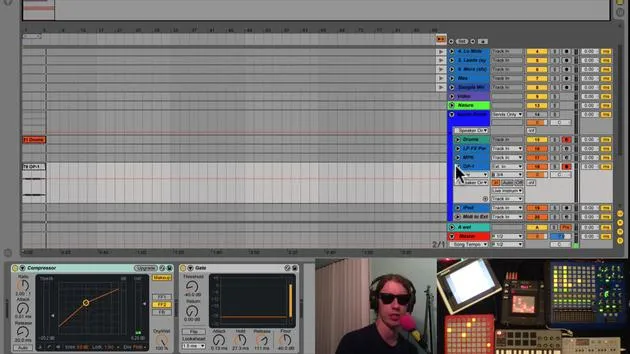
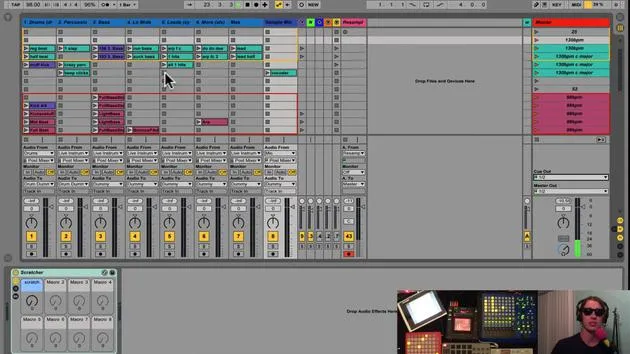
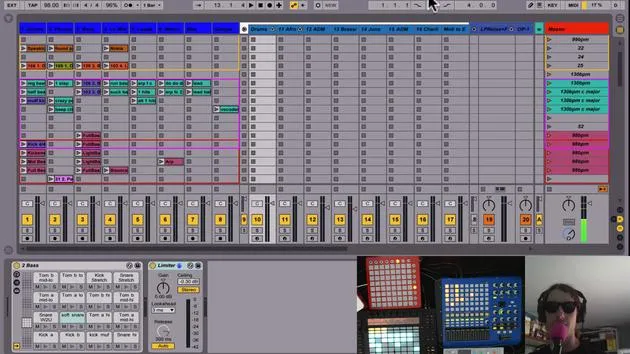
Okay, and one last thing I'd like to talk about in these MIDI tracks are these guys in gray here.
What They Do
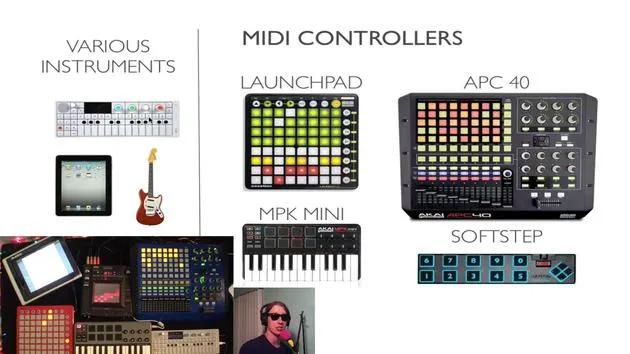
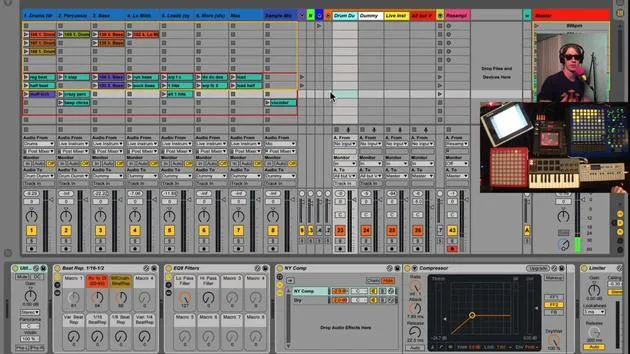
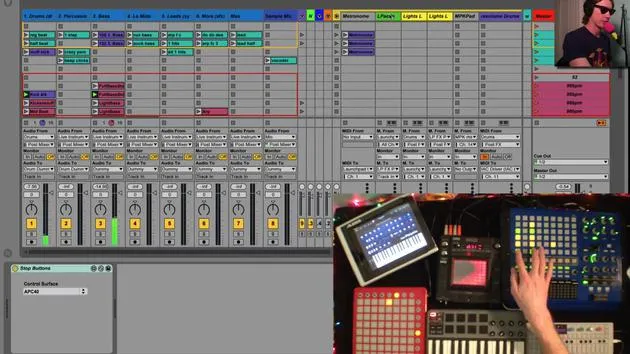
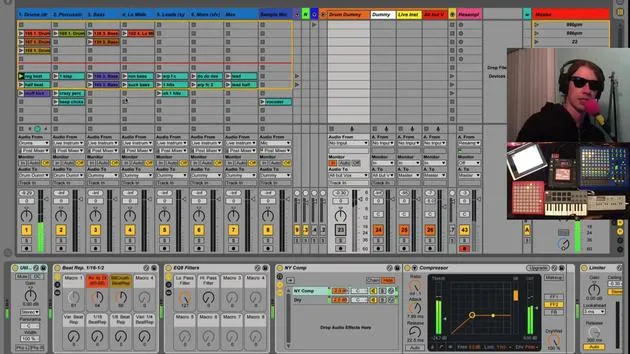
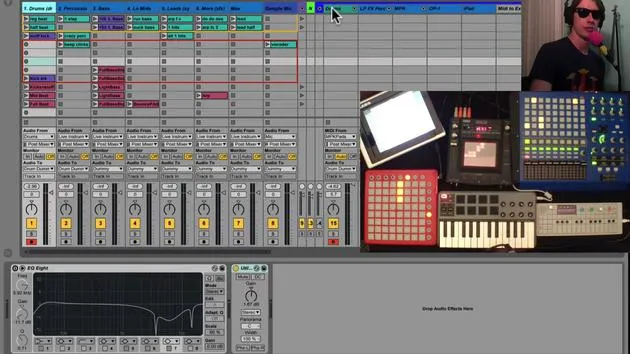
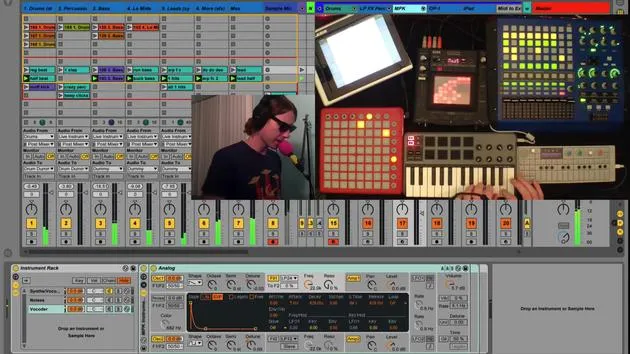
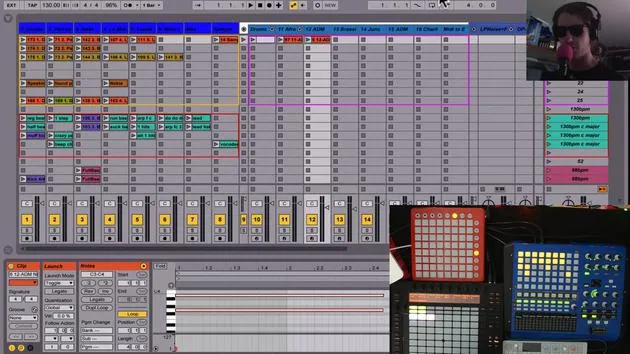
Basically, these tracks give me a chance to send MIDI from external gear to my instruments, or from my instruments or controllers to external gear.
Example: MPK to iPad
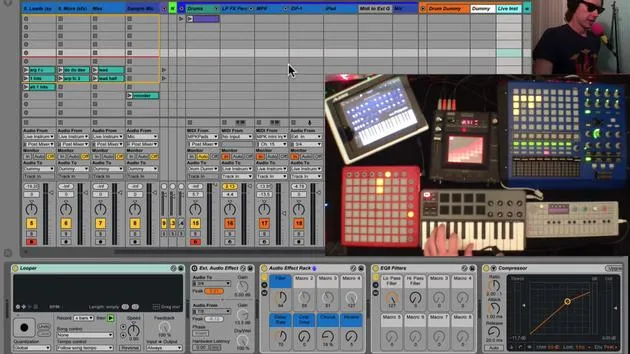
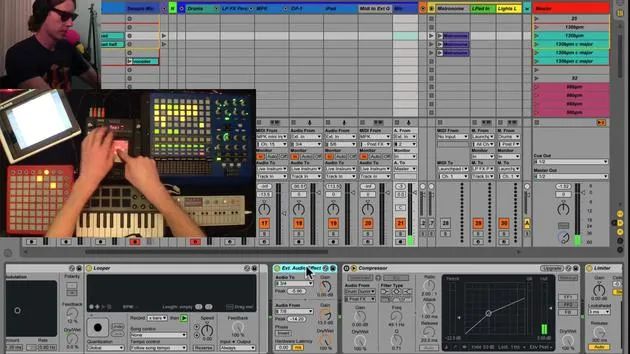
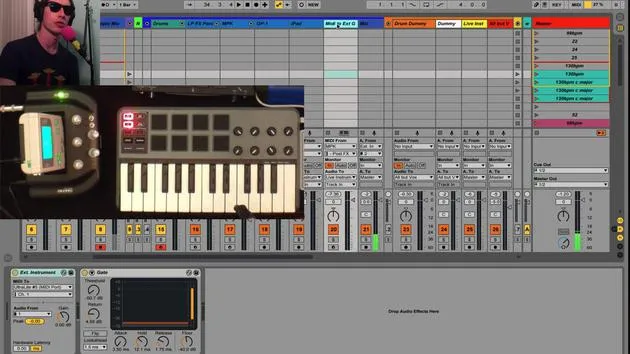
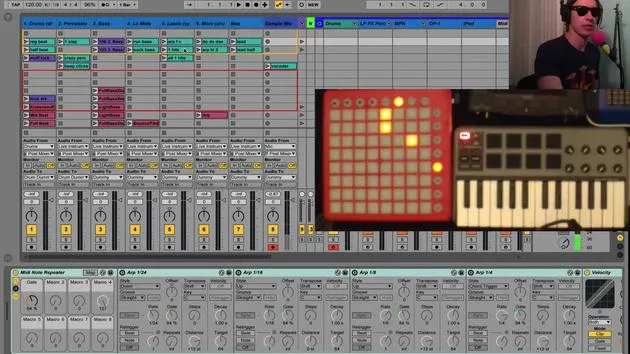
For instance, if we look at this MPK to iPad, what I'm doing here is:
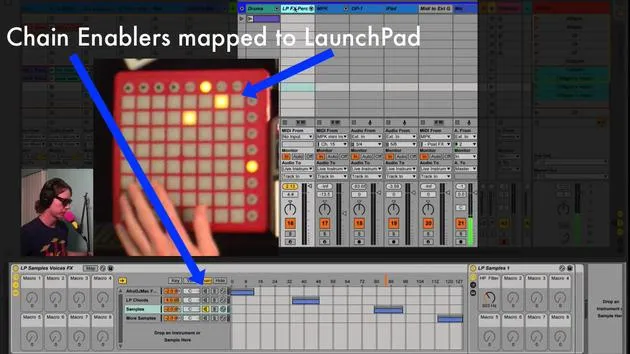
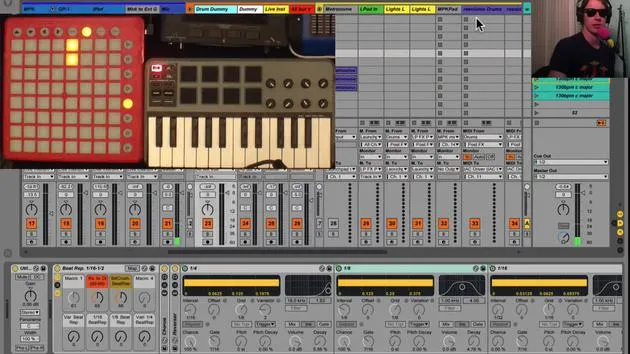
- Listening for MIDI from my MPK track (which is this guy).
- Sending the MIDI to the iPad.
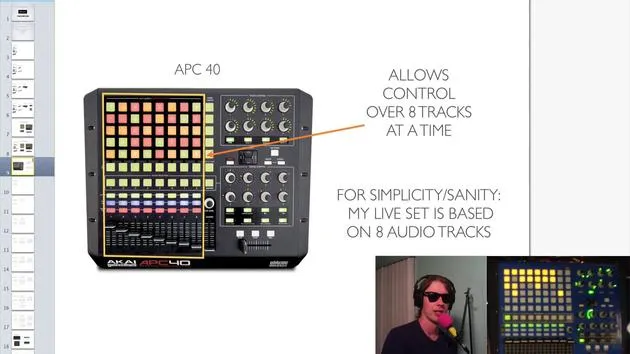
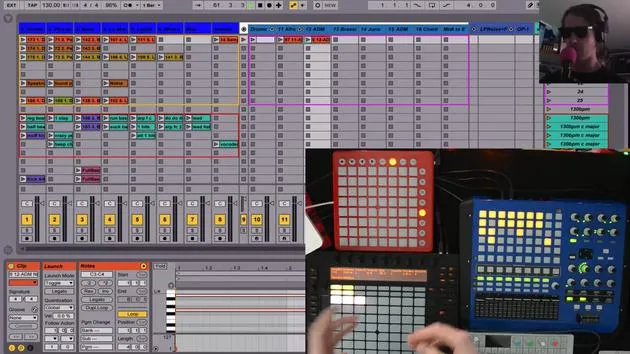
So, I activate this. I've mapped this button here, which is a button I don't really use too often on my APC.
Activating the MIDI Route
Now, what I can do:
- If I turn it off, we don't hear anything because I don't have any sound activated.
- If I turn it on, I have my Korg iPoly 6 getting MIDI.
Effects and Arpeggiator
I can now:
- Go back to our Arpeggiator,
- Turn that on,
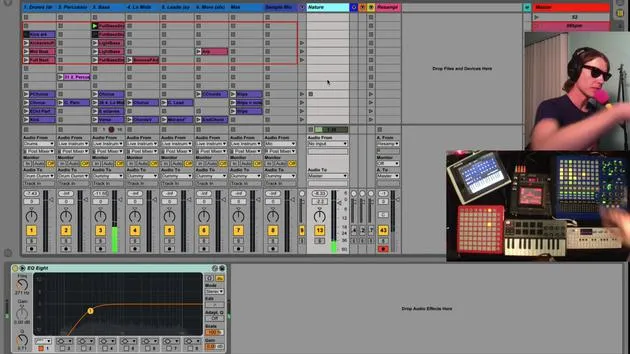
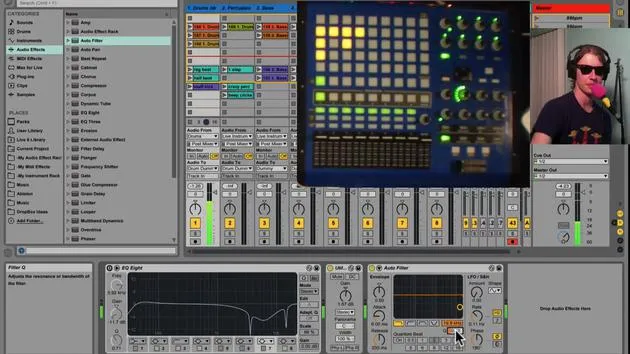
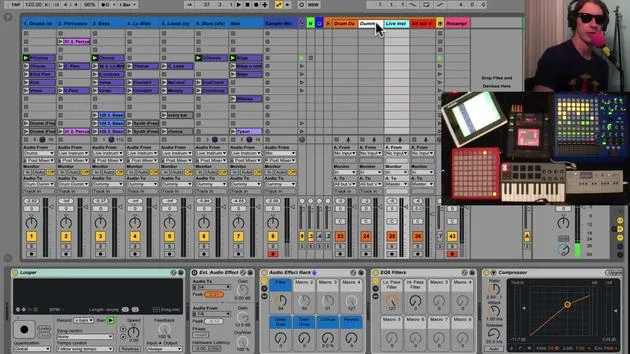
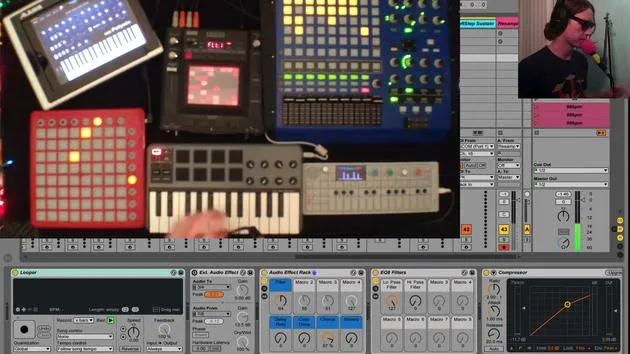
- Play with my effects, because this iPad is being routed through my live stream instruments bus here.
The live instruments are going in here, so I can put all these effects on it.
Sending MIDI to OP1
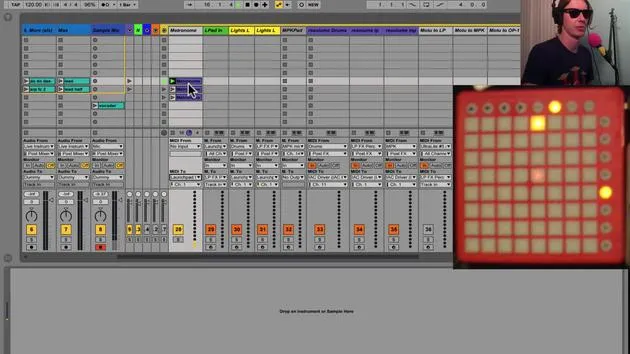
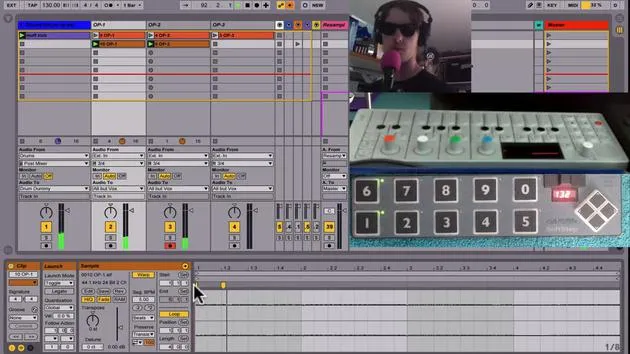
That's one thing that's kind of cool. I can also send MIDI from here to my OP1.
- This is my OP1 sound.
- If I get a polyphonic sound again, all those effects are coming on.
The Power of MIDI
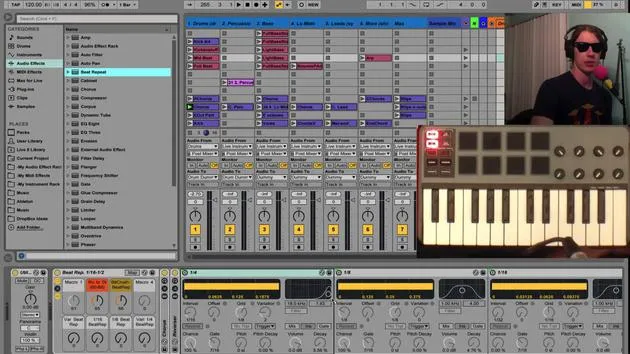
It's very interesting to get MIDI through a different type of interface rather than just the keyboard. It's also pretty cool to access some of these sounds using the standard keyboard because playing these keys to me is just not that exciting.
Remember: MIDI can be sent to and from things, and the limit is really only your imagination.
How I Set It Up
The way I have these set up:
- I'm receiving the MIDI from the MPK track to my Ultralite.
- The Ultralite sends it out into my iPad, getting the MOTU or the MIDI from here.
- I send the MIDI from my Ultralite (which this is connected to) to the OP1.
Very handy, very useful! You can get a lot of cool things going on and find many different ways to control your sounds that way.
30 lessons
2h 20m of structured video lessons
Advanced video features
Slow down, loop a passage, follow along
Mobile, tablet & desktop
Practise wherever you are
100% satisfaction guarantee
30-day money-back guarantee
Meet your guru
Meet your guru
Brian Funk is a musician, producer, songwriter and Ableton Certified Trainer. Since 2014 he has taught the Advanced Music Production with Ableton Live course for Berklee College of Music. He has played guitar, bass, drums, synths and sung in touring rock bands, and these days focuses on his solo electronic set - taking his studio experiments to the stage.
Brian loves writing, teaching and sound design. He produces Ableton Live tutorials and Sound Packs, and has released free Ableton Live Packs since 2011 - over 125 so far. As an Ableton Certified Trainer he has given lessons and seminars covering every stage of the production process, and writes regularly on his blog and for other publications.
Influenced by rock and roll, video games, early hip hop, punk and electronica - from The Beatles, Neil Young, Nirvana and Aerosmith to Neon Indian - he describes his own sound as 'futuristic, yet nostalgic'. In his MusicGurus course, Live Performance in Ableton Live, he shows you how he turns studio ideas into a real, hands-on live set: sampling sounds and turning them into playable instruments, running guitars and synths through electronic gear, and mixing and composing on the fly while playing live and singing. You'll come away able to build and perform your own electronic set with confidence.







