



External Instrument

With
Brian Funk
What's in the course
30 lessons (2h 20m) · 1 free
Lesson transcript
Setting Up the External Instrument in Ableton Live
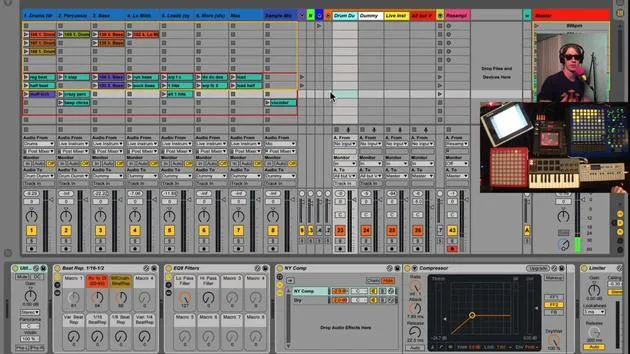
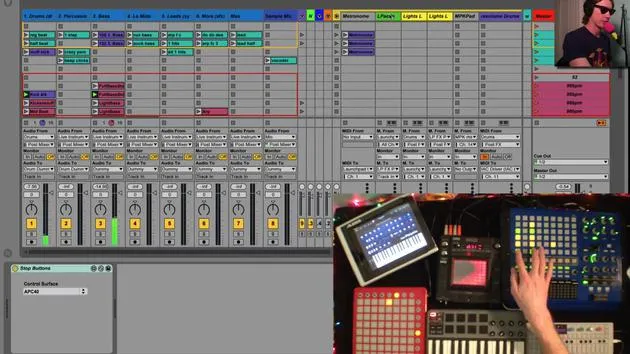
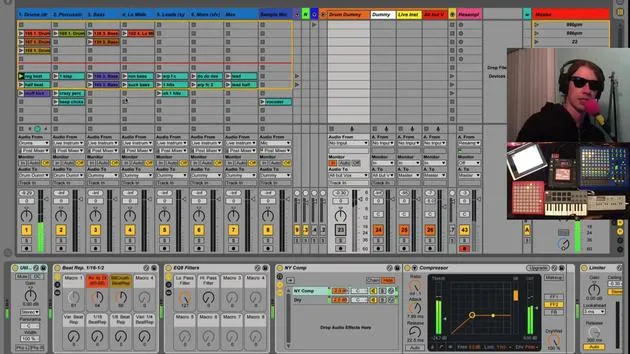
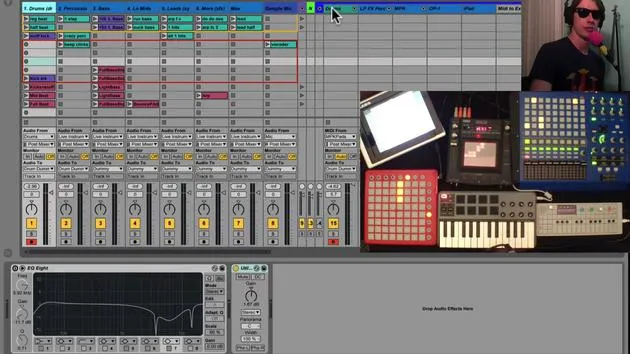
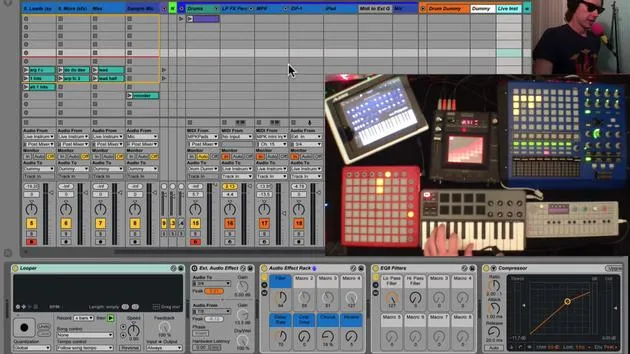
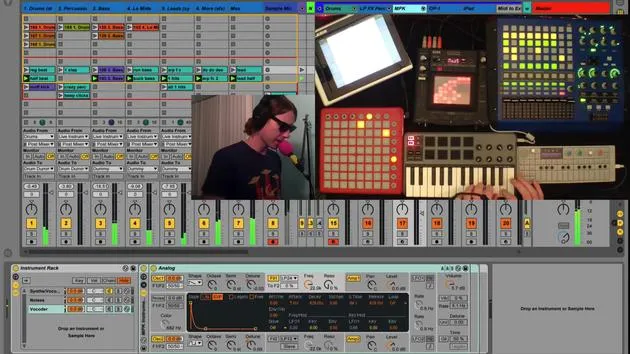
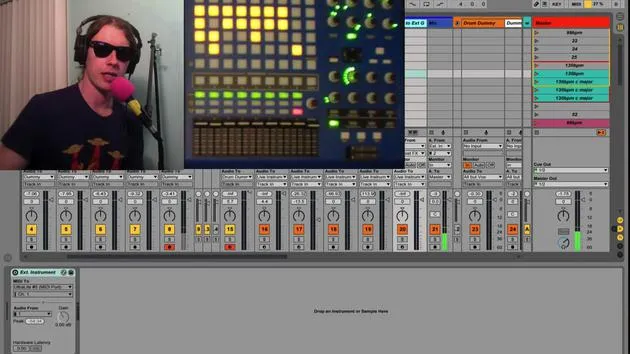
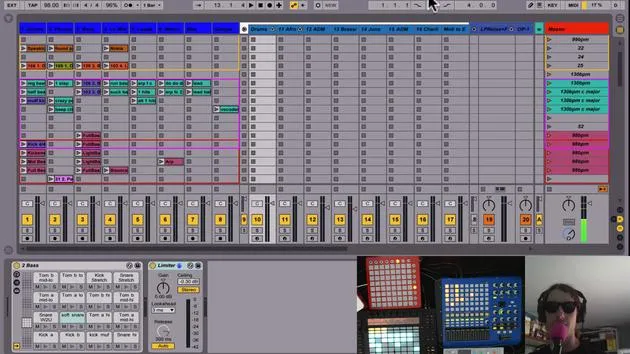
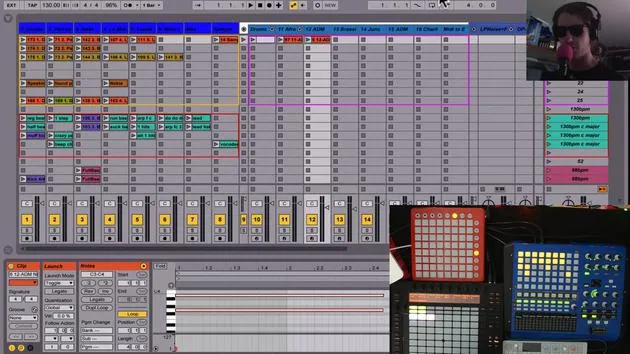
Okay, so the last thing in my instrument channel that we haven't talked about is my external instrument.
What is the External Instrument?
Basically, this track does the following:
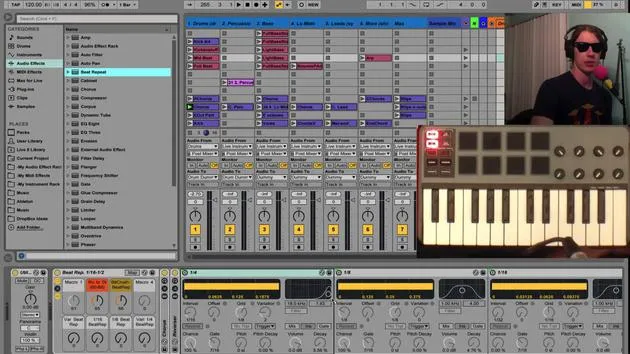
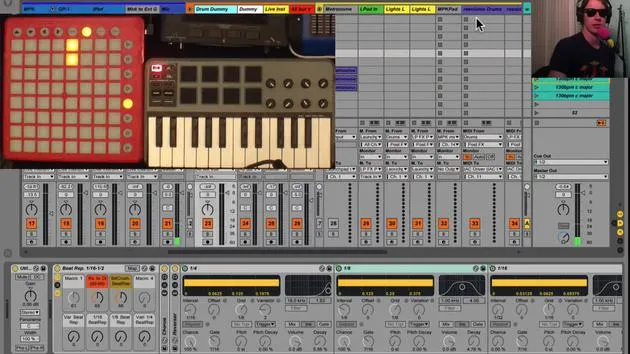
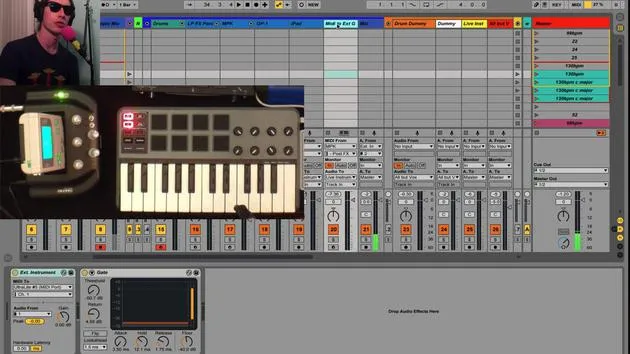
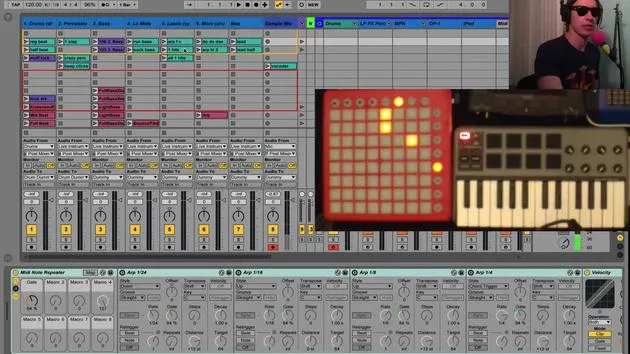
- It receives MIDI from my MPK.
- It sends that MIDI through an external instrument plugin.
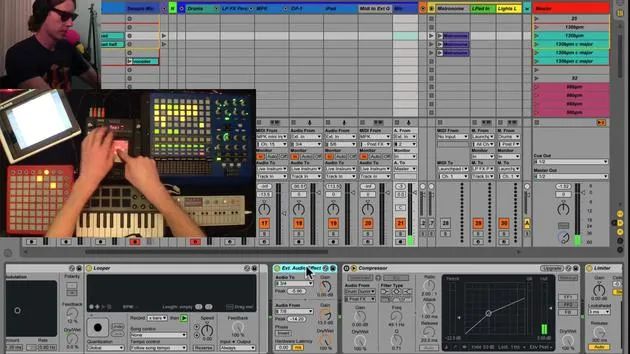
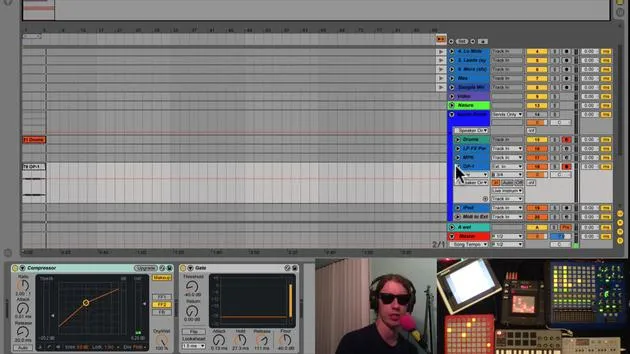
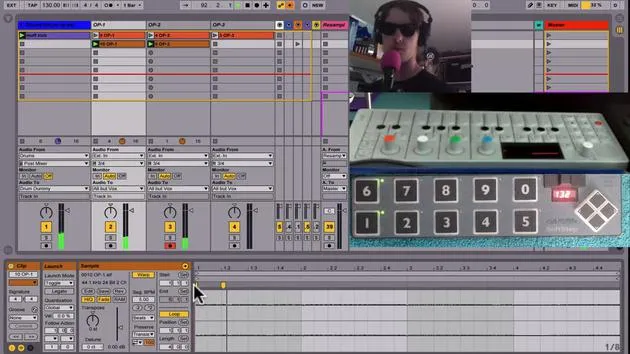
Ableton has an external instrument plugin, and it's a really cool tool. Essentially, you decide where you want to send the MIDI. In my case, I'm sending it out through my Ultralite channel.
Connecting to Synth Boy
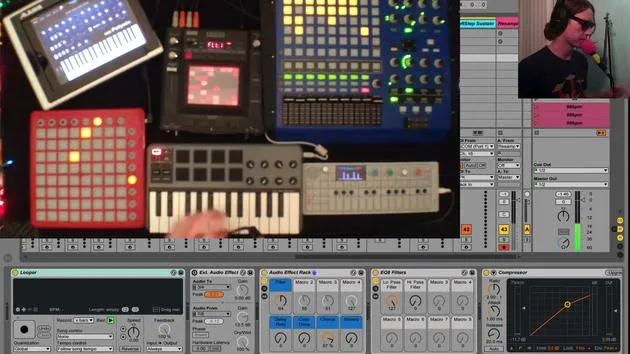
That MIDI is hooked up right now to Synth Boy. By the way, Synth Boy is an amazing device that transforms the old Nintendo Game Boy into a synthesizer. You can play around with it, and I love it! Can't say enough good things about it.
The Process
Here's the process we'll follow:
- Send MIDI from my MPK to Synth Boy.
- Route the audio output to hear the sounds.
"And this is what it sounds like!"
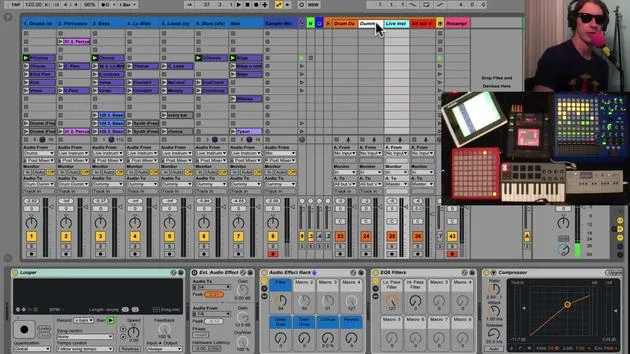
I can tweak the sounds on my Synth Boy, and I can also play with the effects since this track is also sent to my live instruments channel.
Setting Up the External Instrument Plugin
To set up an external instrument:
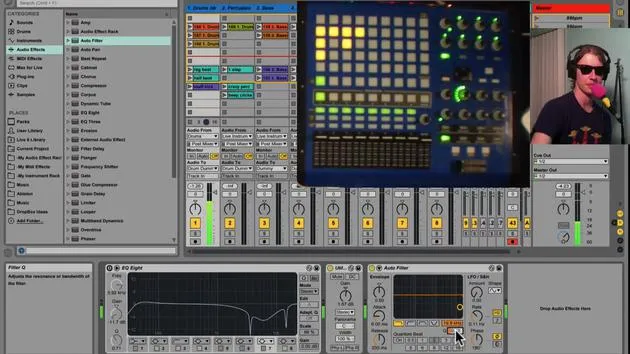
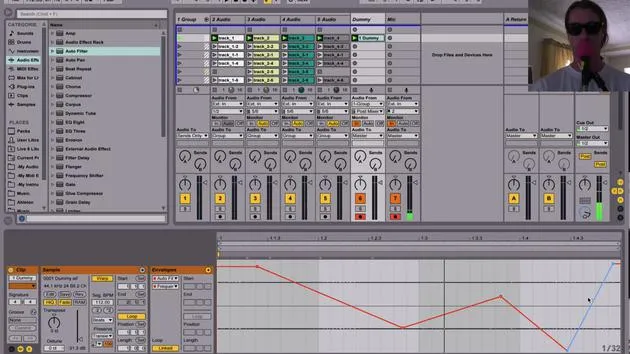
- Simply drop the plugin into your project.
- You can find it under your instruments in Ableton Live.
- Select External Instrument right there in the list.
Close out that search after dropping it in.
Sending MIDI
- You send the MIDI out where you want. In my case, it's out through my audio interface.
- You have the option to select a different channel to get different sounds from your Game Boy, which is kind of cool.
And again, you can add effects to it.
Flexibility with Instruments
This could be, you know, using Synth Boy, or it could be another synth, anything that accepts MIDI.
Final Output
Then, plug the output of that instrument into your audio interface. This setup provides a really clean way to manage routing within one track, saving you space and keeping everything nice and neat for live performances.
So, that's how you set up the external instrument!
30 lessons
2h 20m of structured video lessons
Advanced video features
Slow down, loop a passage, follow along
Mobile, tablet & desktop
Practise wherever you are
100% satisfaction guarantee
30-day money-back guarantee
Meet your guru
Meet your guru
Brian Funk is a musician, producer, songwriter and Ableton Certified Trainer. Since 2014 he has taught the Advanced Music Production with Ableton Live course for Berklee College of Music. He has played guitar, bass, drums, synths and sung in touring rock bands, and these days focuses on his solo electronic set - taking his studio experiments to the stage.
Brian loves writing, teaching and sound design. He produces Ableton Live tutorials and Sound Packs, and has released free Ableton Live Packs since 2011 - over 125 so far. As an Ableton Certified Trainer he has given lessons and seminars covering every stage of the production process, and writes regularly on his blog and for other publications.
Influenced by rock and roll, video games, early hip hop, punk and electronica - from The Beatles, Neil Young, Nirvana and Aerosmith to Neon Indian - he describes his own sound as 'futuristic, yet nostalgic'. In his MusicGurus course, Live Performance in Ableton Live, he shows you how he turns studio ideas into a real, hands-on live set: sampling sounds and turning them into playable instruments, running guitars and synths through electronic gear, and mixing and composing on the fly while playing live and singing. You'll come away able to build and perform your own electronic set with confidence.







