



Dummy Bus Tracks
With
Brian FunkBrian Funk explains his dummy (bus) tracks in Ableton - routing audio from several tracks into one so he can apply the same effects, like a drum filter, to the whole group.

What's in the course
30 lessons (2h 20m) · 1 free
Lesson transcript
Dummy Tracks Overview
Okay, so there's another section that I like to call my dummy tracks. Or perhaps the better word would be bus tracks.
Purpose of Dummy Tracks
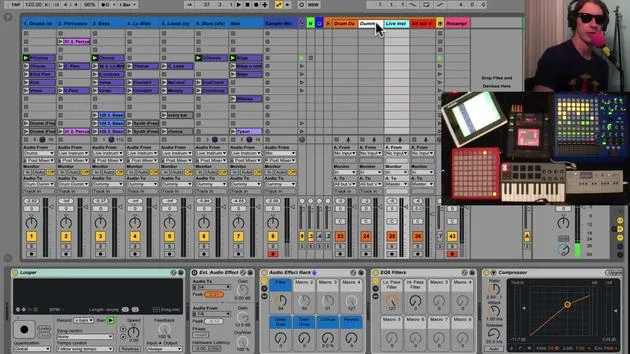
Basically, these tracks receive audio from other tracks, and they all have effects applied to them. This setup allows me to group tracks together and apply the same effect to multiple tracks simultaneously.
Drum Dummy Track
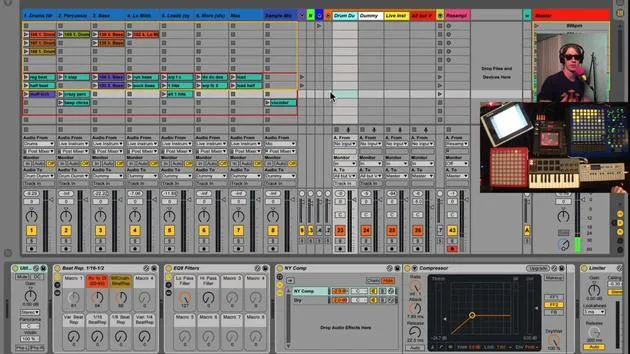
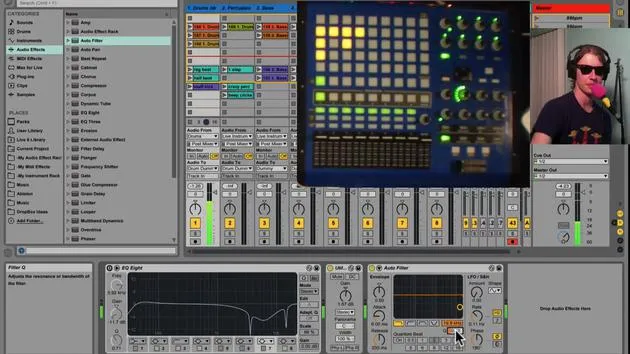
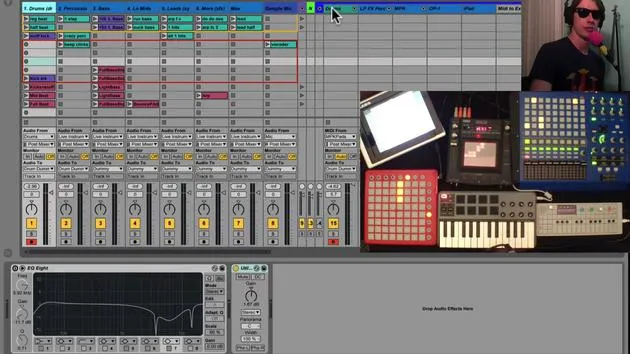
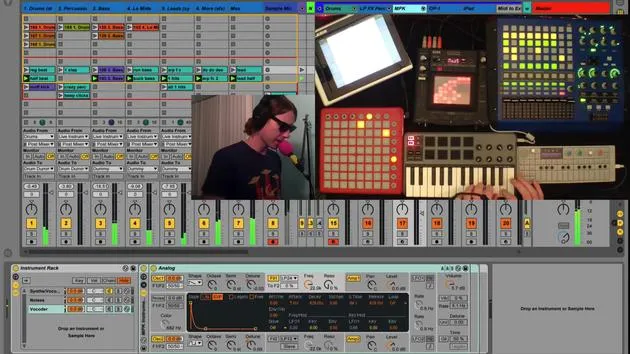
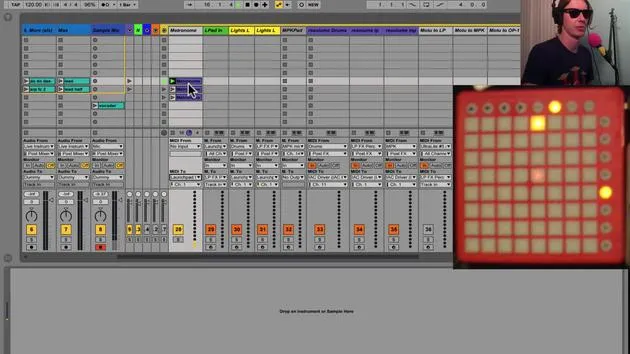
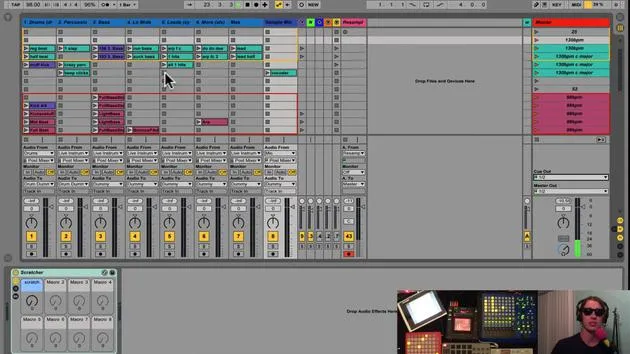
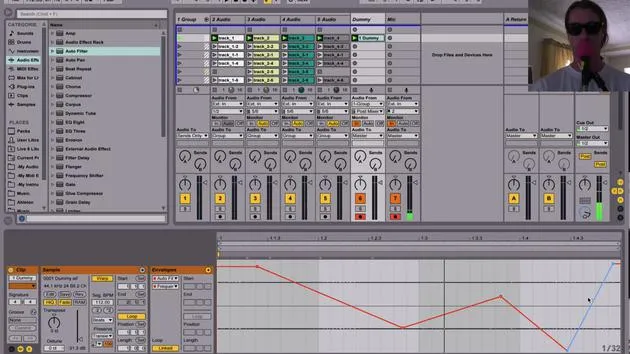
The first track we'll look at is called my drum dummy track. This one is receiving audio from the drum track. If you notice, it says "Audio to Drum Dummy," which is the name of this track. This allows me to put effects only on the drums.
"So, if I could, I will just play you a few bars here, and you can hear that I'm going to affect only the drums."
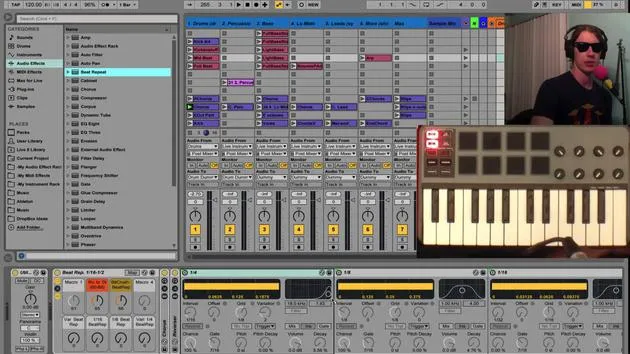
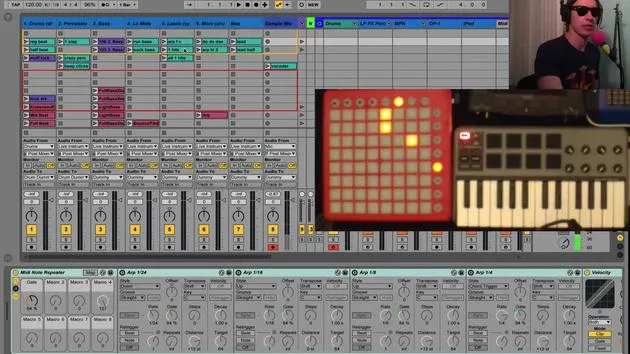
I have a filter, which you'll see down here. I'm cutting out all the high frequencies and cutting out the lows. I've also got some beat repeats, which are nice for creating drum fills.
Combining Effects
The fun starts when you begin combining effects. Through this setup, I am able to apply effects only on my drums.
The Dummy Track
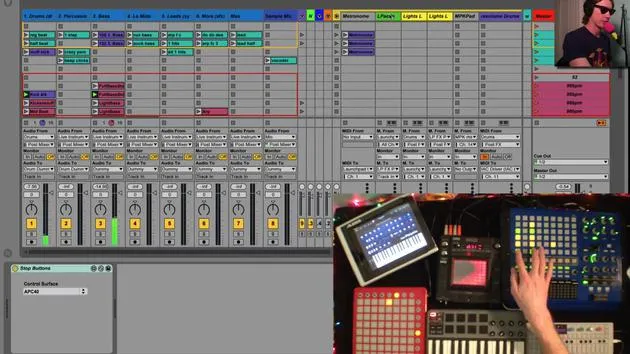
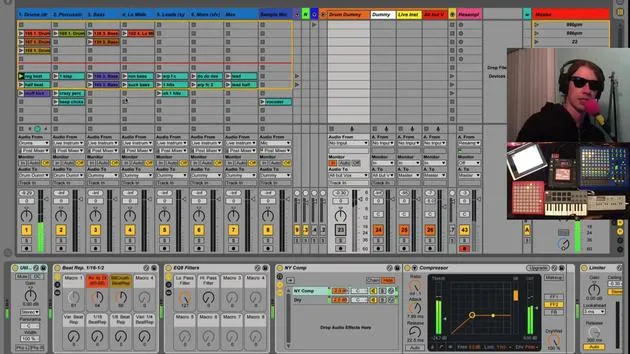
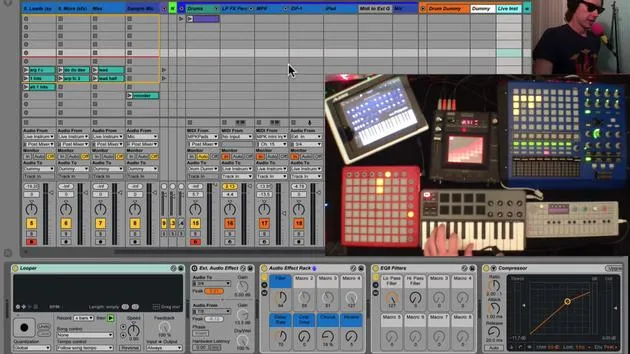
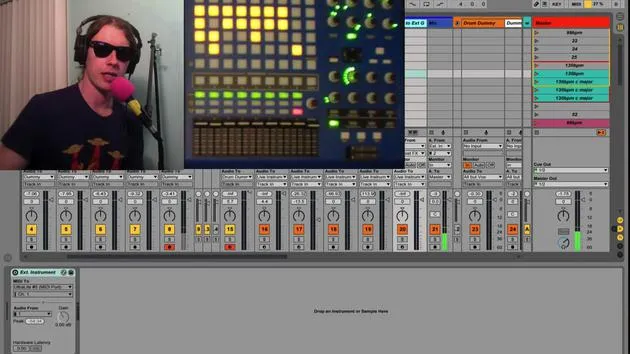
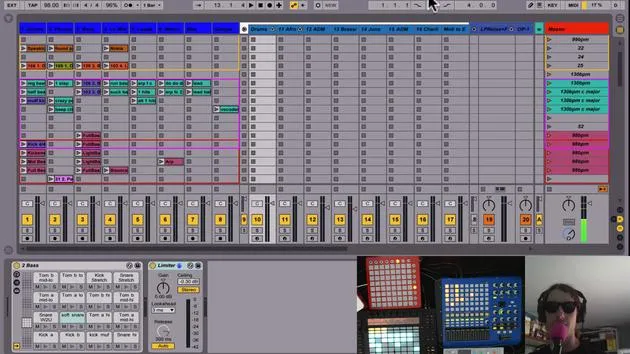
The next track here is just the dummy, which is receiving audio from multiple tracks. Notice that tracks three through eight are all routed to the dummy track. This track is applying a little compression with the mic.
"Basically, when I sing louder, I'm compressing the sound just a tiny bit so that my voice and the music blend nicely."
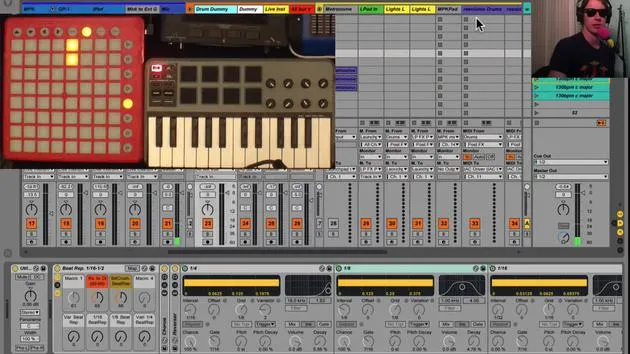
I've also got these little beat repeats here. When I play my track again, I can turn on different beat repeats, allowing me to experiment with my tracks in a fun way, including that with this little kill switch here.
Live Instruments Track
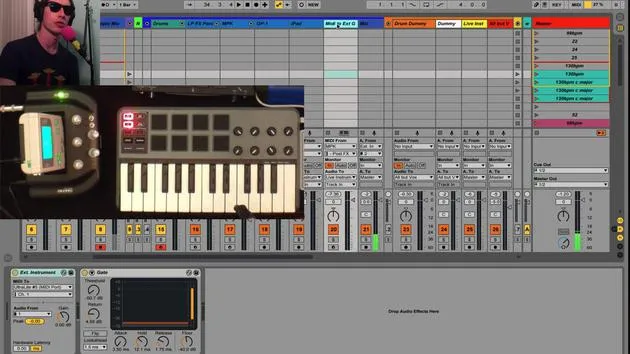
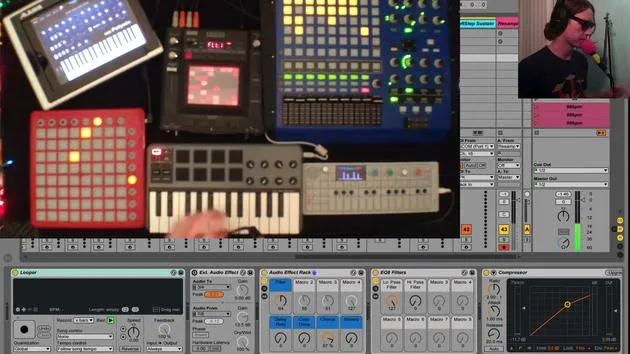
The next setup is my Live Instruments track, which receives audio from my live instruments. All my live instruments, except the microphone, go to this track.
With this track, I can affect the sound by adjusting the turn of a few knobs. The same goes for my launchpad instruments reverb.
"What's nice here is that I have a bunch of different tracks being affected by the same knobs, and that's really the goal here."
All But Vocals Track
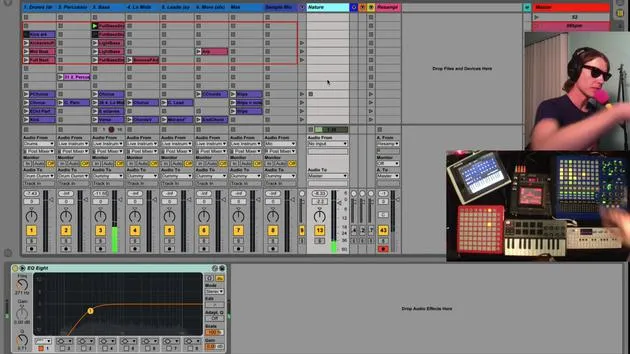
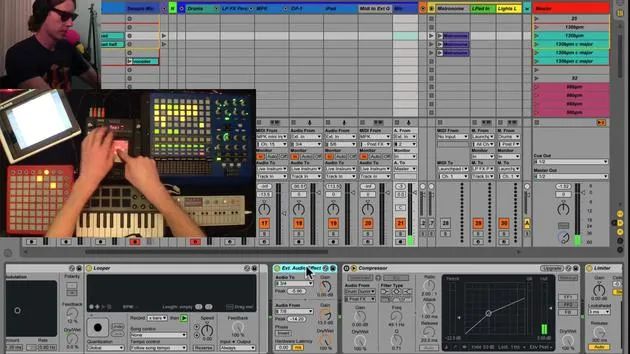
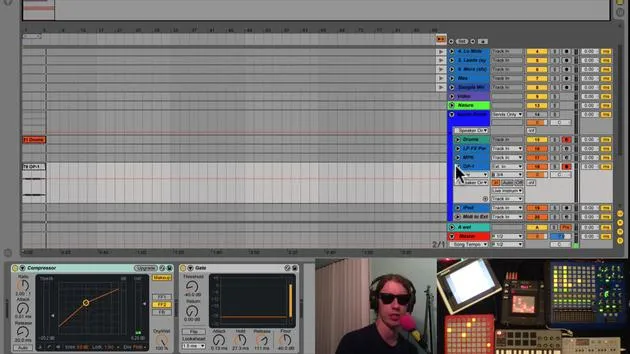
Finally, I collect everything into a track called All But Vocals. All of these dummy tracks are routed to this one, allowing me to apply effects to everything except the vocals.
"So I can again play my track here. I can cut off the lows. Notice my voice stays the same."
There are other effects on here, such as reverb and delay, which are all useful for various purposes.
Purpose of Compression
It's important to point out that, for the sake of these tutorials, I am compressing the music a lot alongside my voice. This is so you can hear me clearly.
"I wouldn't usually do it this extreme in a live performance because then all you'd hear would be vocals."
Again, for this tutorial, I wanted you to hear my voice loud and clear. On my track, which funnels all my other tracks into it, I have a compression sidechain connected to the microphone.
Conclusion
So, those are the dummy tracks. We will dive into more detail about all these elements later, but for now, we're just providing an overview.
30 lessons
2h 20m of structured video lessons
Advanced video features
Slow down, loop a passage, follow along
Mobile, tablet & desktop
Practise wherever you are
100% satisfaction guarantee
30-day money-back guarantee
Meet your guru
Meet your guru
Brian Funk is a musician, producer, songwriter and Ableton Certified Trainer. Since 2014 he has taught the Advanced Music Production with Ableton Live course for Berklee College of Music. He has played guitar, bass, drums, synths and sung in touring rock bands, and these days focuses on his solo electronic set - taking his studio experiments to the stage.
Brian loves writing, teaching and sound design. He produces Ableton Live tutorials and Sound Packs, and has released free Ableton Live Packs since 2011 - over 125 so far. As an Ableton Certified Trainer he has given lessons and seminars covering every stage of the production process, and writes regularly on his blog and for other publications.
Influenced by rock and roll, video games, early hip hop, punk and electronica - from The Beatles, Neil Young, Nirvana and Aerosmith to Neon Indian - he describes his own sound as 'futuristic, yet nostalgic'. In his MusicGurus course, Live Performance in Ableton Live, he shows you how he turns studio ideas into a real, hands-on live set: sampling sounds and turning them into playable instruments, running guitars and synths through electronic gear, and mixing and composing on the fly while playing live and singing. You'll come away able to build and perform your own electronic set with confidence.







