



Core tracks
With
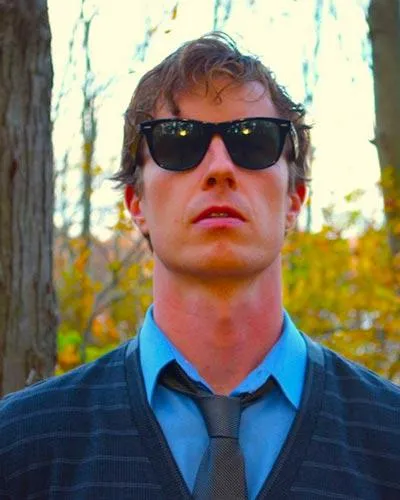
Brian Funk
What's in the course
30 lessons (2h 20m) · 1 free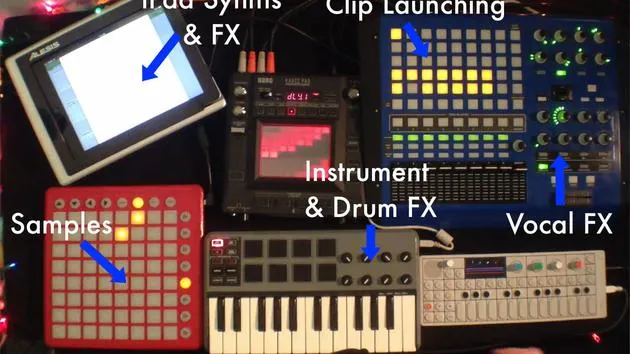
Lesson transcript
Using the APC40 for Live Performance
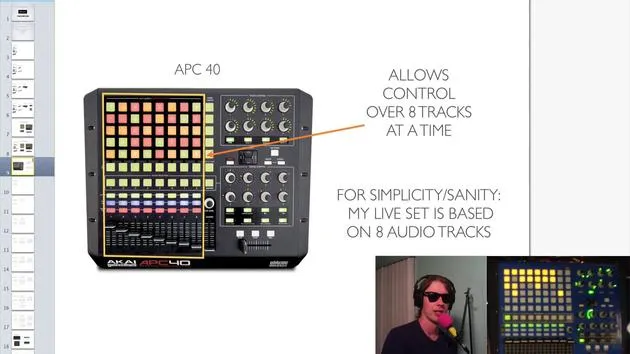
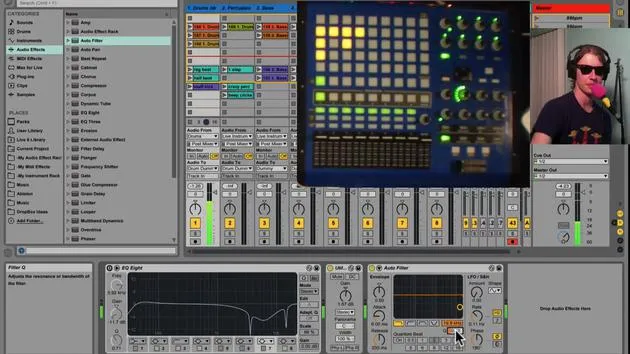
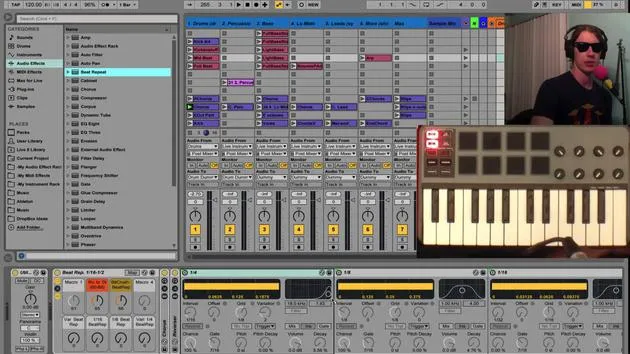
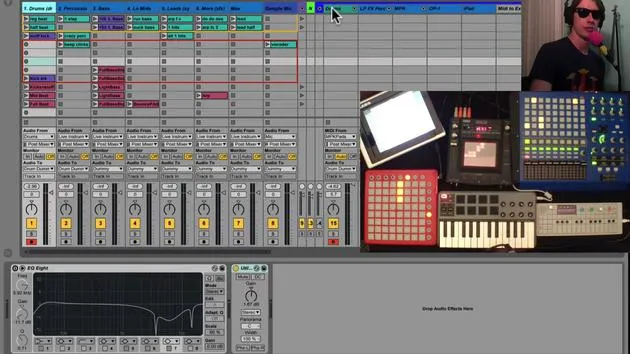
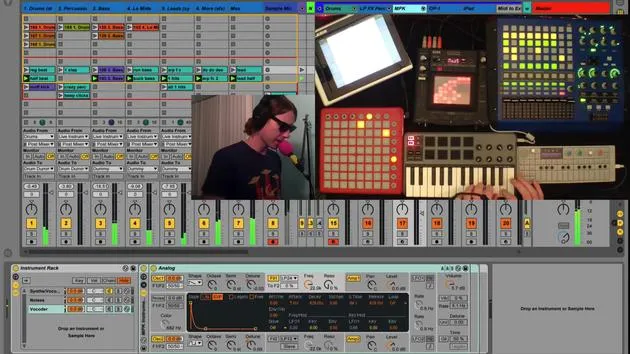
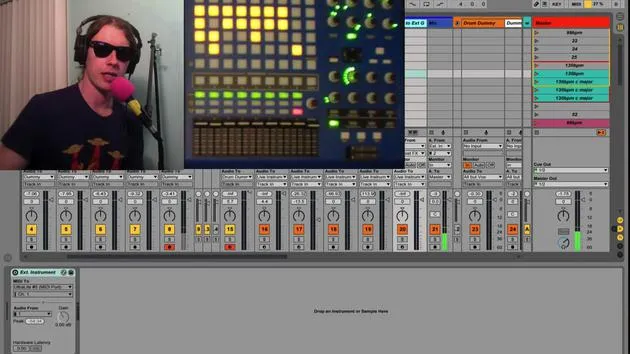
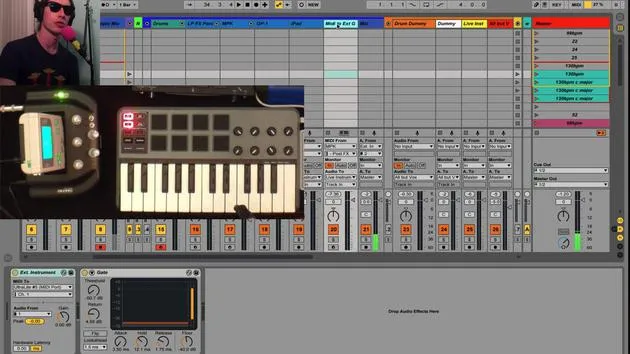
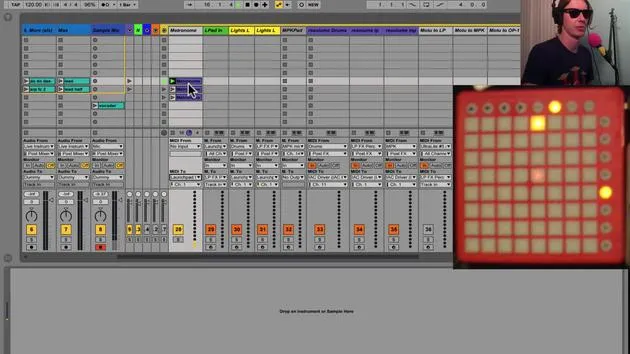
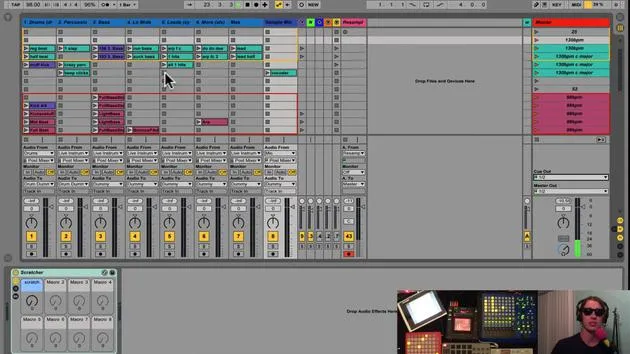
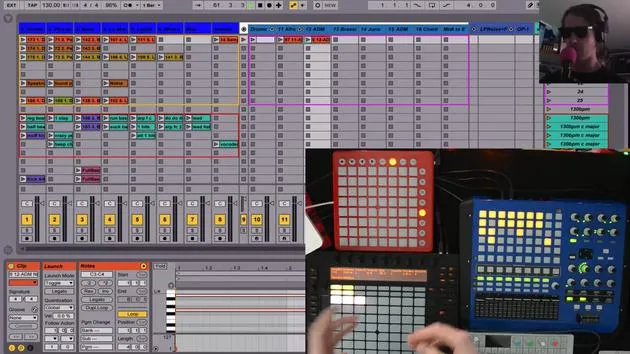
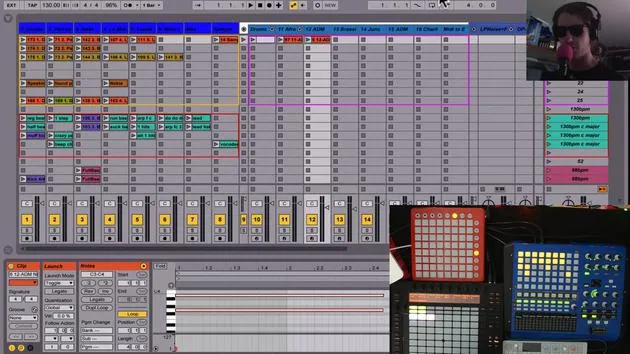
Okay, so the first thing I want to talk about is the way I'm using the APC40 here. The APC40 allows control over eight tracks at a time. They're right here. I got my eight tracks, so it's something to think about.
Track Organization for Simplicity
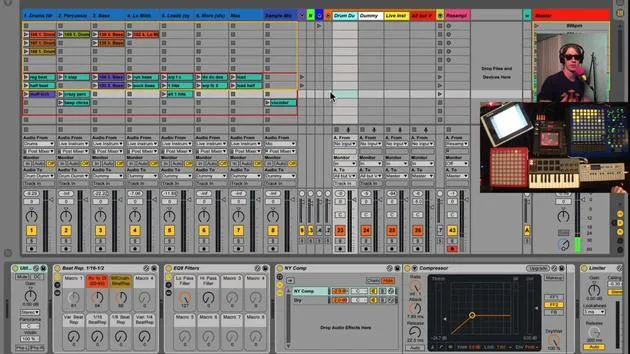
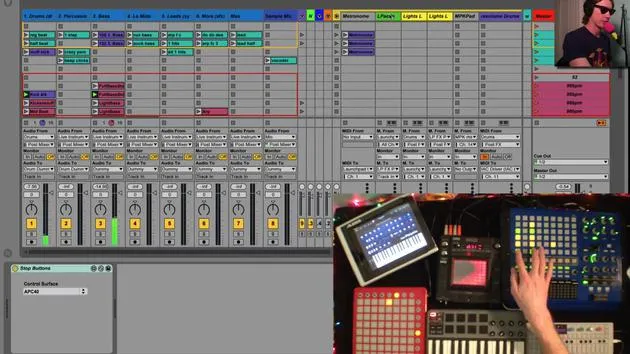
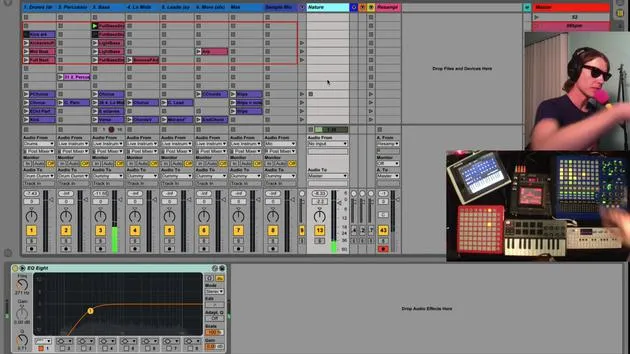
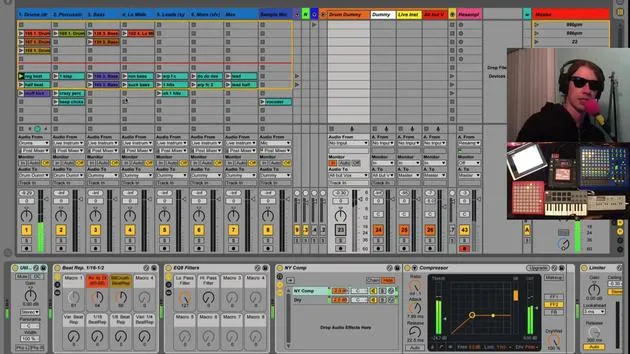
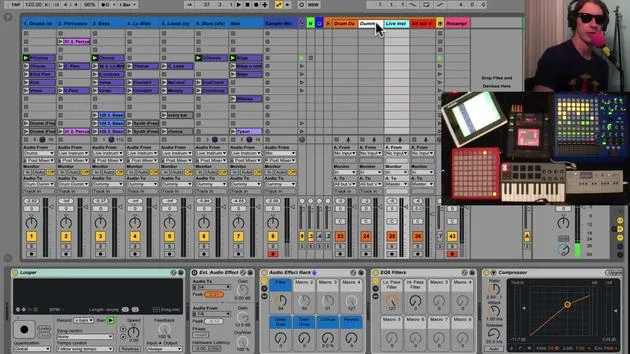
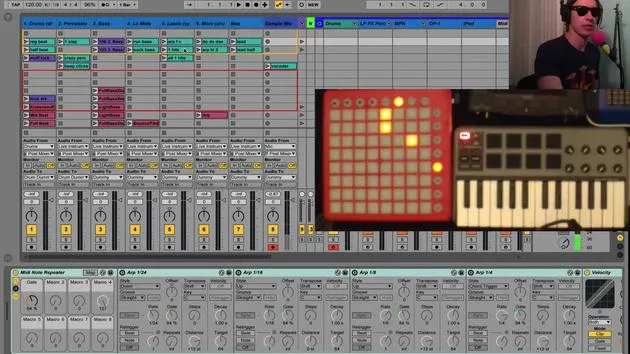
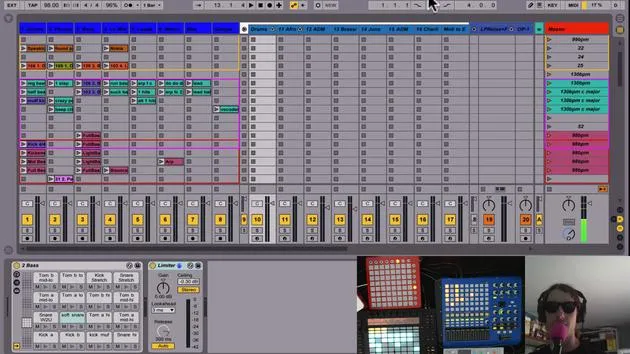
Because it controls eight tracks, I've decided that in my live set, the first eight tracks will all be clips, as I'm going to be using this for launching clips. So, I've decided that I'm only going to have eight audio tracks of clips. The real reason for that is, as I put in here:
"This is for simplicity and sanity."
These are important things to consider when you're playing live. You don't want to be at a live show navigating left and right to all these different tracks. You don't want to get lost and then be scratching your head in the middle of the performance trying to figure out where the heck you are in your set.
So I like to keep it simple and limit myself to eight tracks. Of course, that's not a rule, but this is just an idea I like to use.
Instrument-Specific Tracks
To keep things even simpler, each one of my tracks corresponds to a certain type of instrument:
-
Track 1: Drums
I keep all of my drums in this one track. If I launch this clip here, you'll hear a drum track going. Every single song I have has all the drum beats in this one track. -
Track 2: Percussion
In this example, I do have a drum beat, which acts as a sort of second drum sound. This is mainly my percussion track, where you can see I have some hi-hats going. Those are just nice to drop in separately from the drums. -
Track 3: Basses
So all the low frequency stuff, like my synths, are kept here. I want to know where my bass is at all times. I want to keep it regular, so I always know where to find it. -
Track 4: Low Mids
This isn't quite bass but is a little higher. You can hear the difference as I progress through the tracks. -
Track 5: Leads and Synth Racks
This is where I put my leads, things I want to stand out. If there's an important part, it tends to be on track five. -
Track 6: Particular Sounds
Generally speaking, this has a higher frequency than the tracks before it. -
Track 7: Miscellaneous Sounds
This track is just called "Mas." It might contain a lead or something higher pitched. You won't find too many low-frequency sounds on this track. -
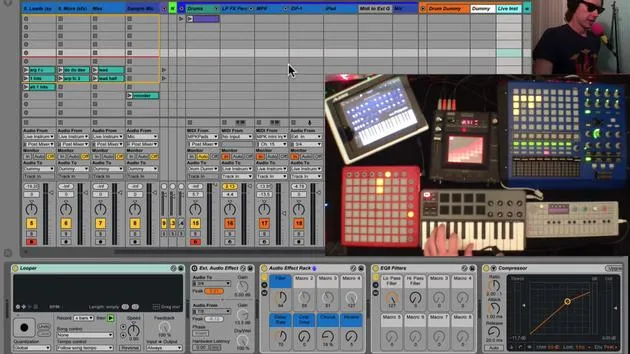
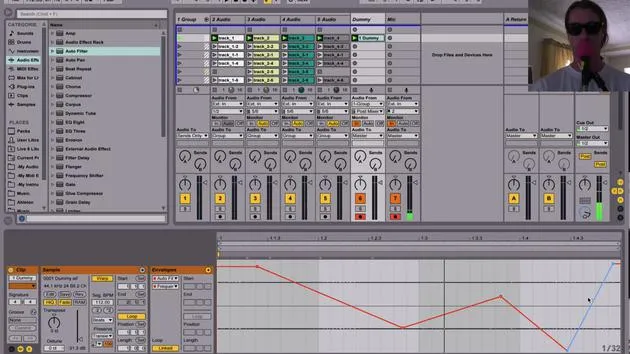
Track 8: Microphone
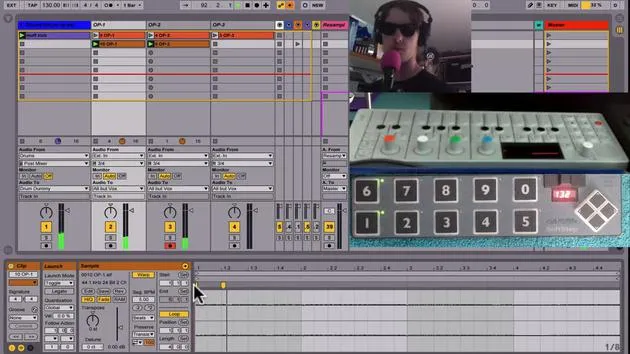
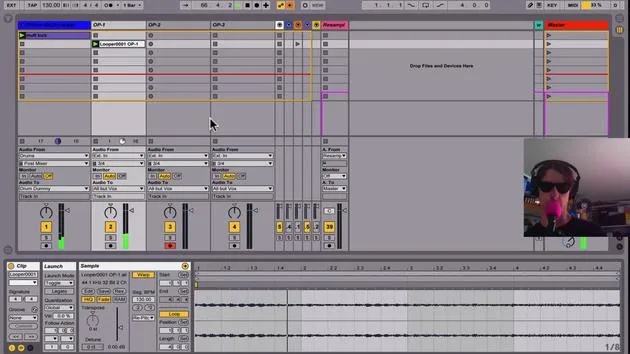
This track is connected to my microphone and is a place where I can record.
"I can record the sounds that I'm saying. It's a great way to do vocal harmonies."
I can sing a part, then immediately loop it and sing another part.
Conclusion
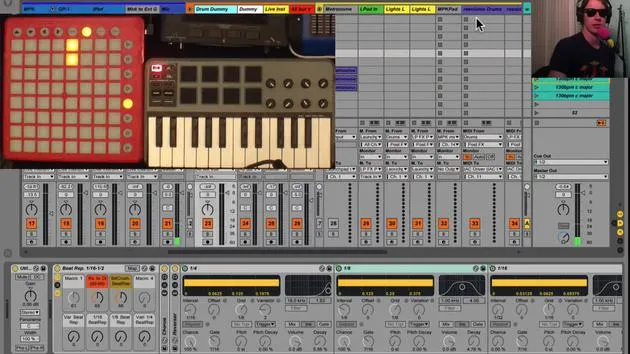
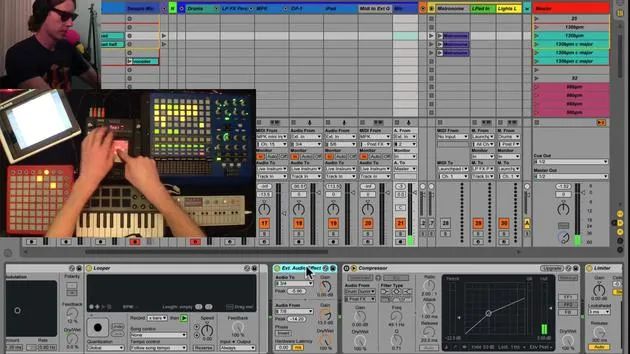
The reason I do eight clips and eight tracks of clips is because my APC40 has eight tracks. It's just a nice way to work. I always know that these faders apply to the first eight tracks of clips, so I like to keep that separate.
That's how I work with my audio clips.
30 lessons
2h 20m of structured video lessons
Advanced video features
Slow down, loop a passage, follow along
Mobile, tablet & desktop
Practise wherever you are
100% satisfaction guarantee
30-day money-back guarantee
Meet your guru
Meet your guru
Brian Funk is a musician, producer, songwriter and Ableton Certified Trainer. Since 2014 he has taught the Advanced Music Production with Ableton Live course for Berklee College of Music. He has played guitar, bass, drums, synths and sung in touring rock bands, and these days focuses on his solo electronic set - taking his studio experiments to the stage.
Brian loves writing, teaching and sound design. He produces Ableton Live tutorials and Sound Packs, and has released free Ableton Live Packs since 2011 - over 125 so far. As an Ableton Certified Trainer he has given lessons and seminars covering every stage of the production process, and writes regularly on his blog and for other publications.
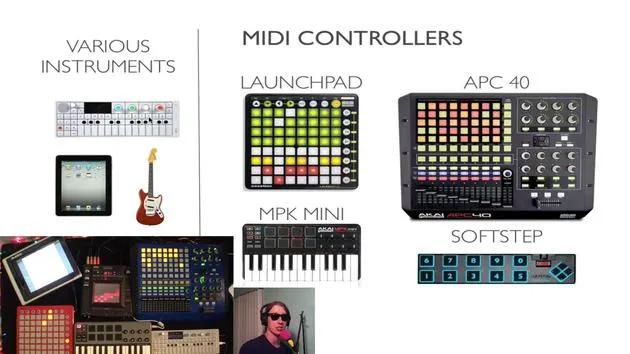
Influenced by rock and roll, video games, early hip hop, punk and electronica - from The Beatles, Neil Young, Nirvana and Aerosmith to Neon Indian - he describes his own sound as 'futuristic, yet nostalgic'. In his MusicGurus course, Live Performance in Ableton Live, he shows you how he turns studio ideas into a real, hands-on live set: sampling sounds and turning them into playable instruments, running guitars and synths through electronic gear, and mixing and composing on the fly while playing live and singing. You'll come away able to build and perform your own electronic set with confidence.







