



Recording Performances
With
Brian Funk
What's in the course
30 lessons (2h 20m) · 1 free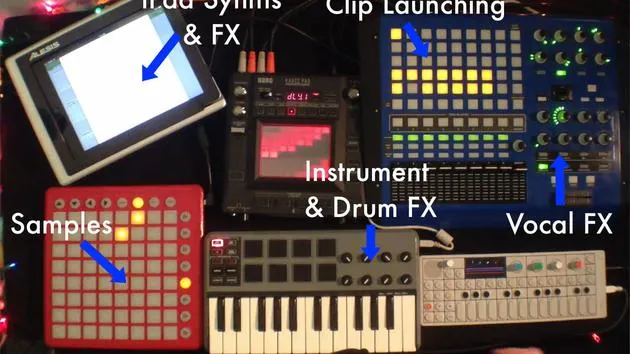
Lesson transcript
Recording Live Performances in Ableton Live
Part of the beauty of playing live with Ableton Live is that you can very easily record your performances. You don't need another piece of gear to record because you have a DAW that you're using to play live. You can record everything right into your Arrangement View.
Recording Options
Now, there are a couple of different options:
1. Resampling Option
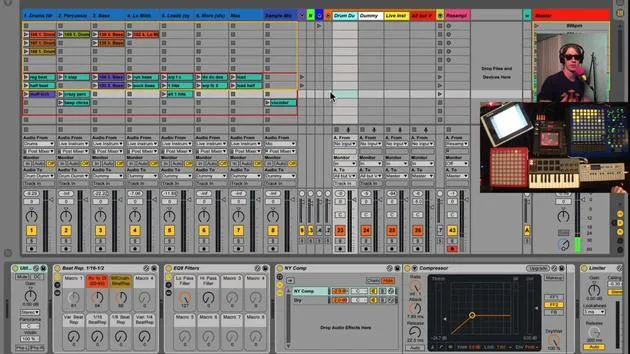
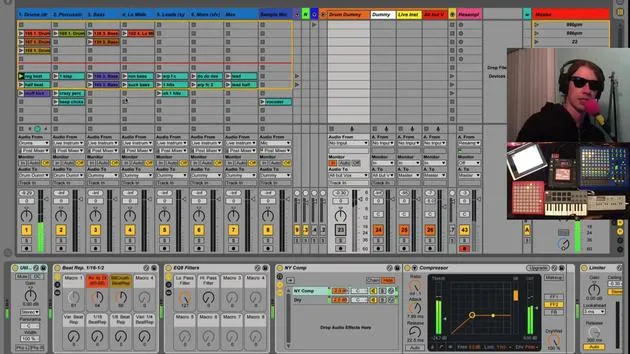
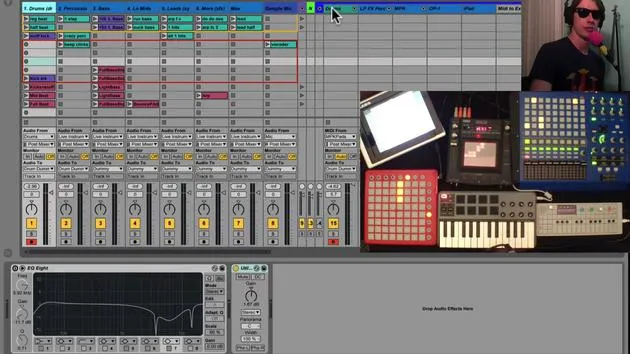
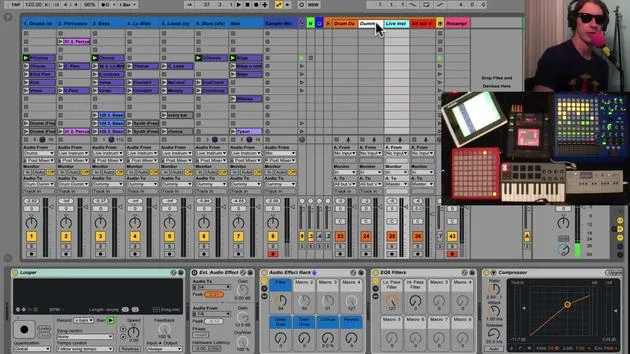
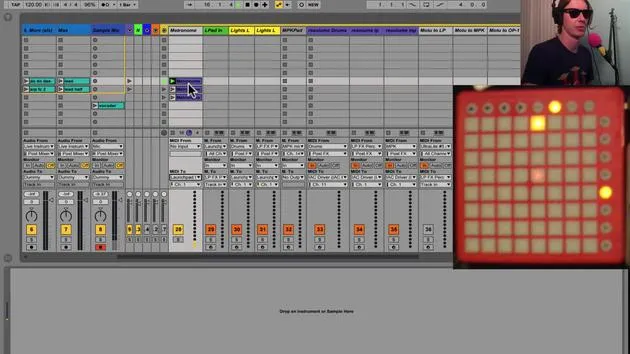
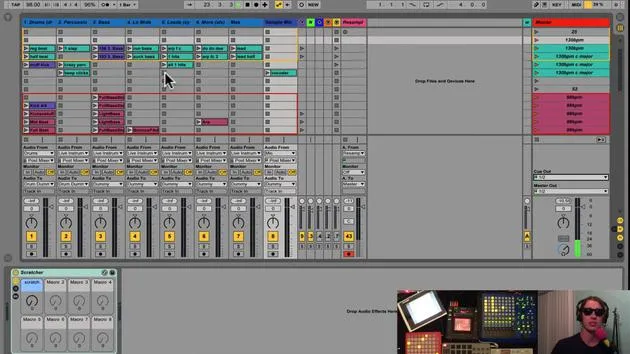
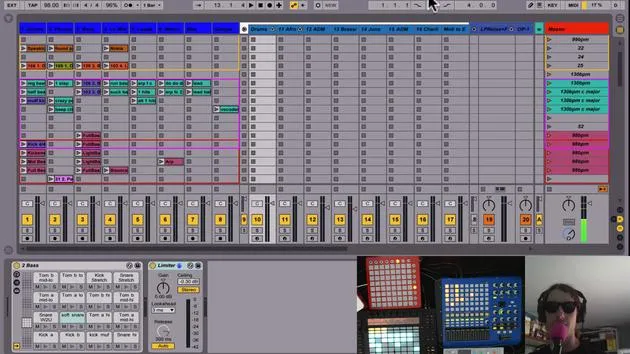
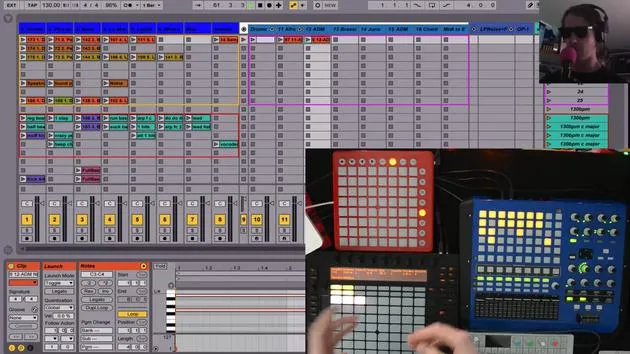
I spoke about the resampling option before. When you have a resampling track, audio from Resampling Live will record whatever is coming out of the master track onto this track.
- When I play a tune live, it is going to record whatever I did onto this resampling track.
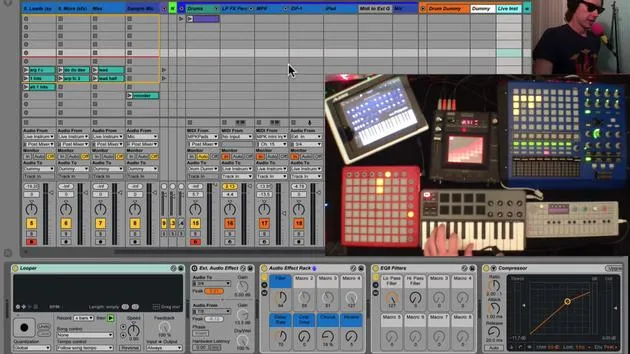
- Let's give it a shot. You'll see that this track is recording as well as any tracks that we have record enabled here.
Demonstration
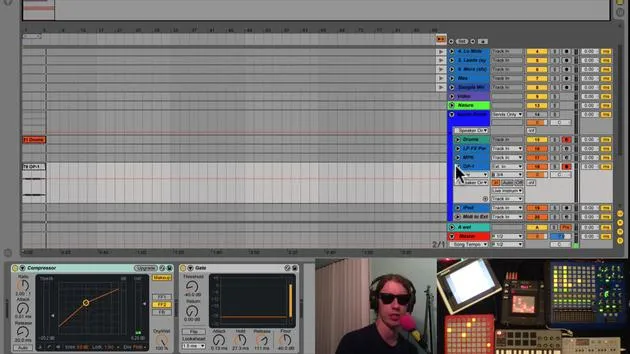
If I turn that off, the clips that are playing are getting recorded into the Arrangement View.
- Advantages:
- You don't need to use as much CPU by recording everything into your particular arrangement.
- You come up with much smaller files since this is just one track.
This method is akin to bouncing what you're doing in real-time to a two-track file.
- Disadvantages:
- You can't go back and mix it.
- It's printed, it's done. You get what you played live.
2. Direct Track Recording
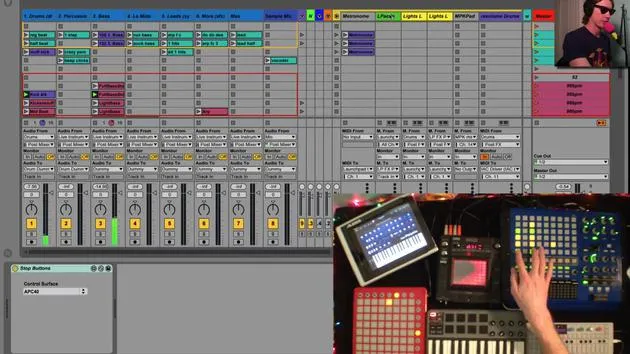
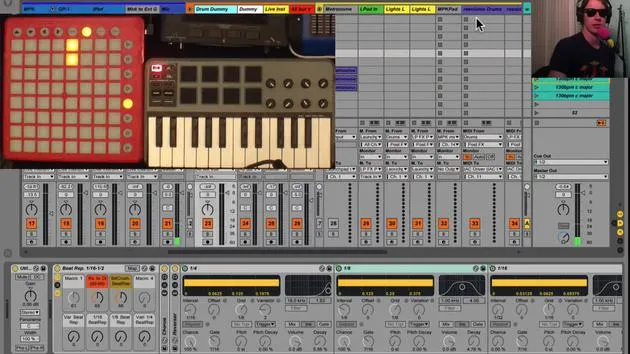
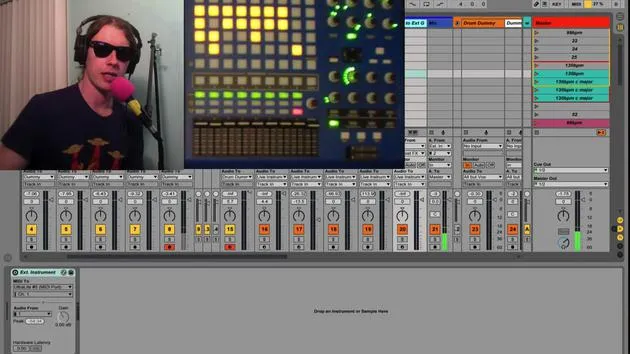
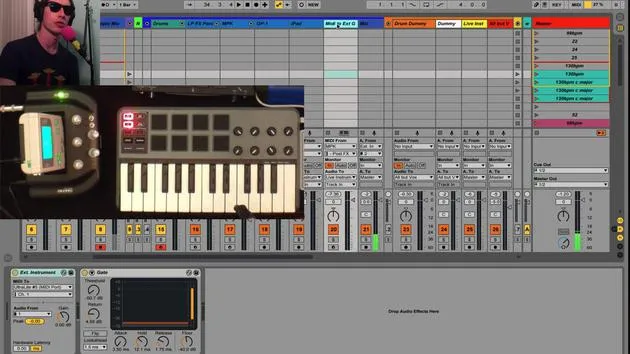
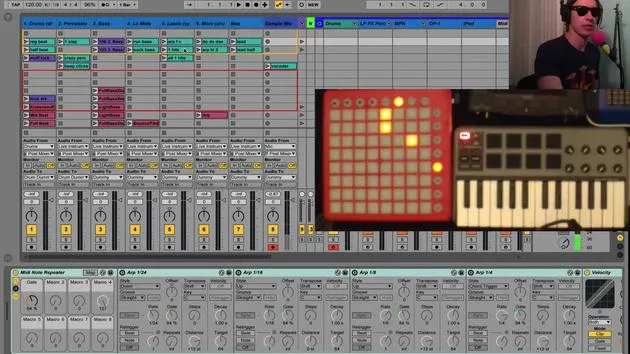
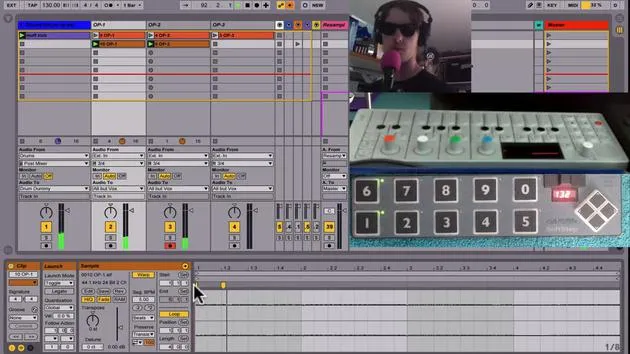
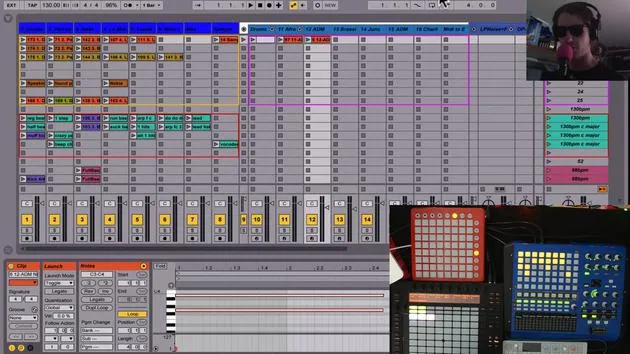
The other option you have is to record-enable your tracks (like these tracks here). You don't have to worry about the other clips because any clip you play will get recorded into the Arrangement.
-
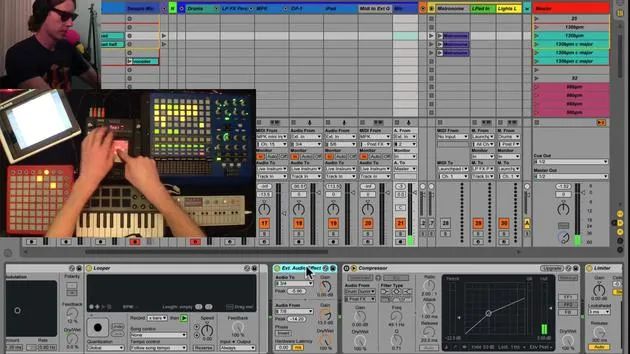
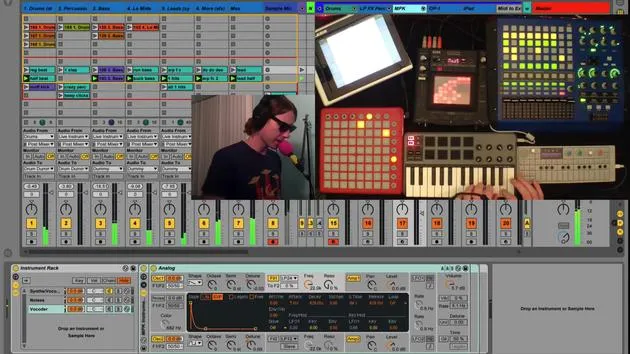
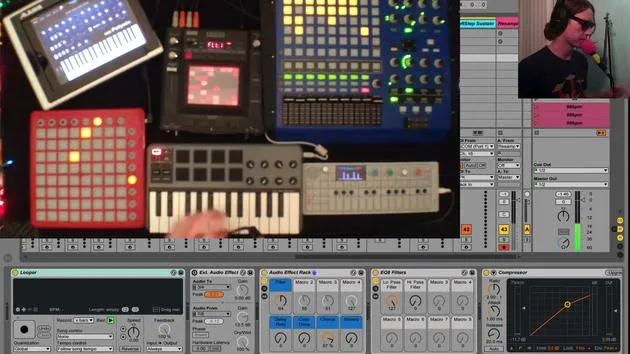
Example: I'll use my vocal mic and play around with my OP-1 while we play these clips.
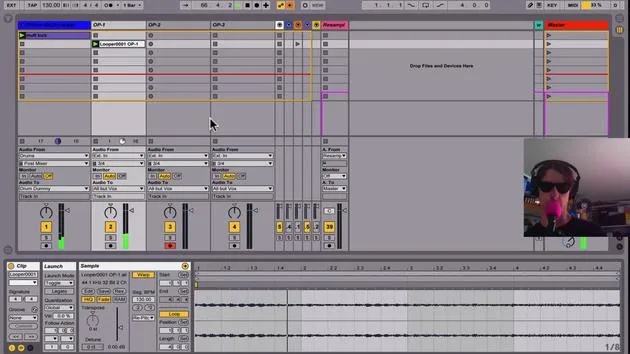
- Let's start at one and hit record.
- Forgive the sloppy performance there, but you'll see that we've recorded the drum track, OP-1 track, mic, and anything else you have recorded enabled.
Tips for Track Recording
- You'll want to record enable everything, especially your live tracks, to capture everything.
- It's optional to record enable the routes.
Benefits:
- You can go back and mix this stuff.
- You have the flexibility to edit clips. For instance, if you don't like the beginning of a take, you can silence it.
Conclusion
If you plan on playing live and simply want to hear what it sounded like, I recommend using resample and not recording all the other tracks. However, if you want to perform and then edit, overdub, or change parts, you'll want to use record enabling with the other tracks.
- Trade-off:
- You will incur more CPU usage since everything is recording audio.
- You will create large files, which can become significant if you play a half-hour set with multiple 30-minute WAV files.
This is something to consider, but it does provide the extra flexibility you might need.
30 lessons
2h 20m of structured video lessons
Advanced video features
Slow down, loop a passage, follow along
Mobile, tablet & desktop
Practise wherever you are
100% satisfaction guarantee
30-day money-back guarantee
Meet your guru
Meet your guru
Brian Funk is a musician, producer, songwriter and Ableton Certified Trainer. Since 2014 he has taught the Advanced Music Production with Ableton Live course for Berklee College of Music. He has played guitar, bass, drums, synths and sung in touring rock bands, and these days focuses on his solo electronic set - taking his studio experiments to the stage.
Brian loves writing, teaching and sound design. He produces Ableton Live tutorials and Sound Packs, and has released free Ableton Live Packs since 2011 - over 125 so far. As an Ableton Certified Trainer he has given lessons and seminars covering every stage of the production process, and writes regularly on his blog and for other publications.
Influenced by rock and roll, video games, early hip hop, punk and electronica - from The Beatles, Neil Young, Nirvana and Aerosmith to Neon Indian - he describes his own sound as 'futuristic, yet nostalgic'. In his MusicGurus course, Live Performance in Ableton Live, he shows you how he turns studio ideas into a real, hands-on live set: sampling sounds and turning them into playable instruments, running guitars and synths through electronic gear, and mixing and composing on the fly while playing live and singing. You'll come away able to build and perform your own electronic set with confidence.







