Augmenting Ableton Live: The ultimate guide to using external devices
CourseMusic ProductionContemporaryIntermediate
Part ofMusic Production

Augmenting Ableton Live: The ultimate guide to using external devices

$13/month

Unlocks this course + 5,000+ other lessons across every instrument.

Cancel anytime30-day refund
Duration3h 32m
Modules24
LevelIntermediate
LanguageEnglish

Lesson Plan (3h 32m)

About this course

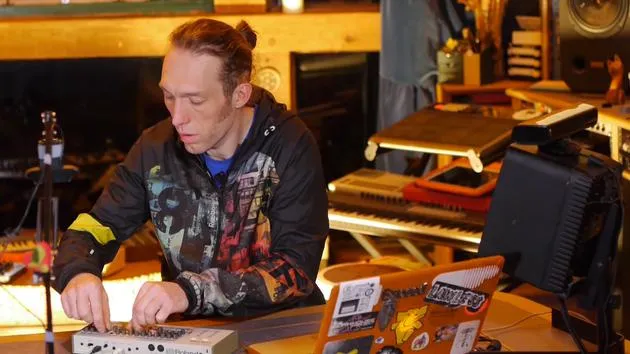
Ableton Certified Trainer Mark Burnett has been working with Ableton products for the past 14 years. He's also an artist on Funk'n Deep Records (Soundcloud, Resident Advisor), whose tracks are appearing in the world's biggest festivals and largest podcasts from the industry's heavy-hitters such as Carl Cox & Richie Hawtin.

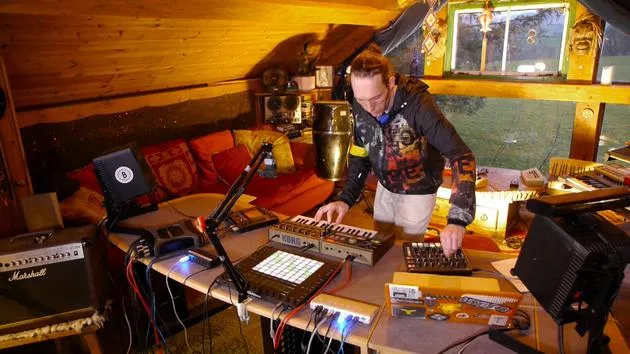
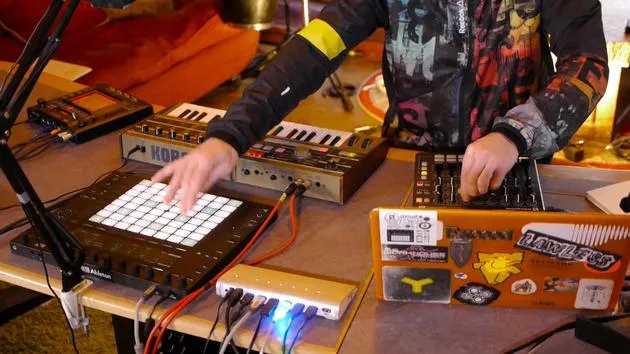
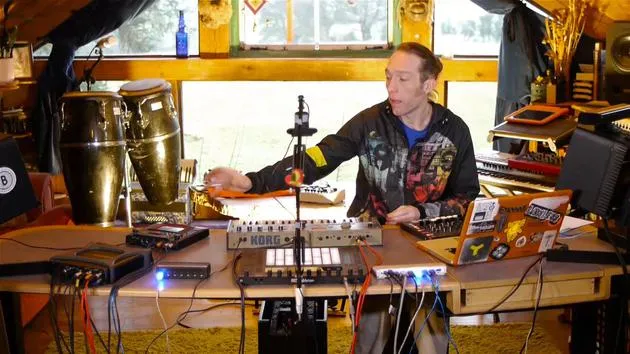
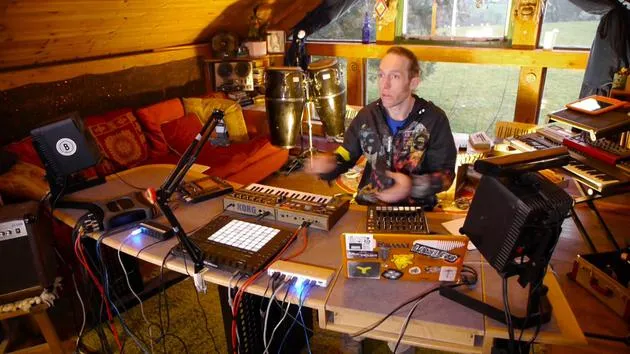
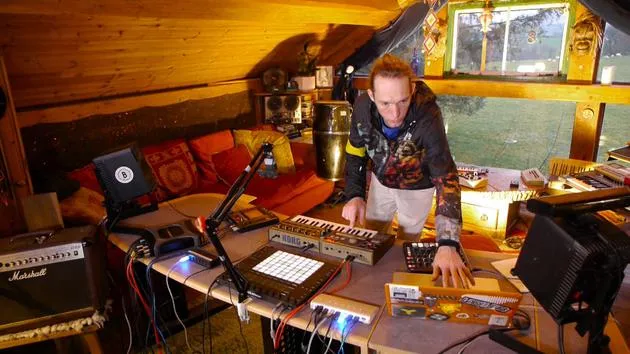
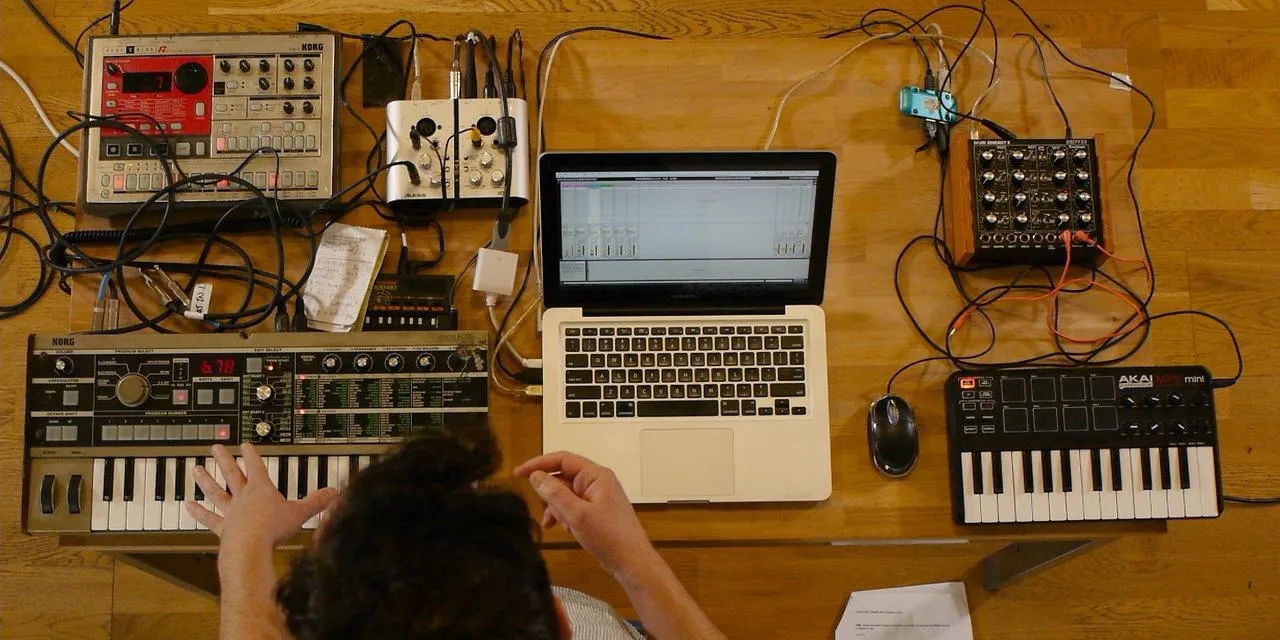
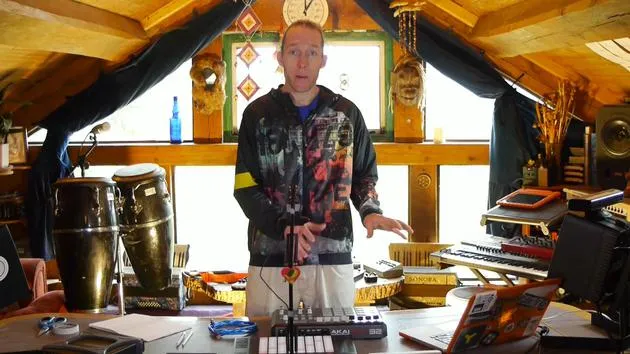
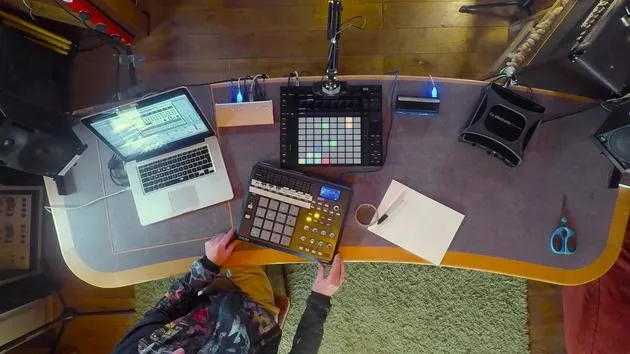
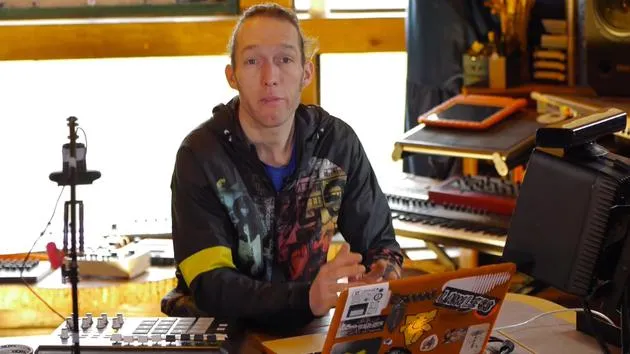
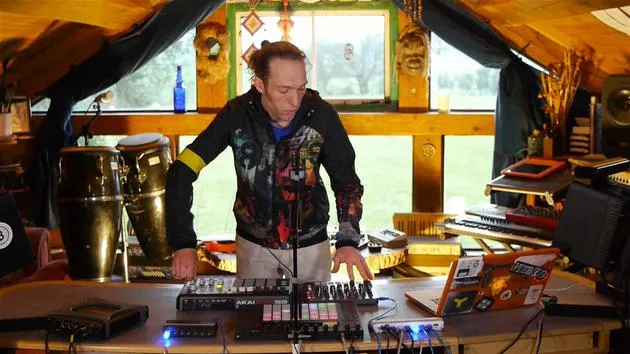
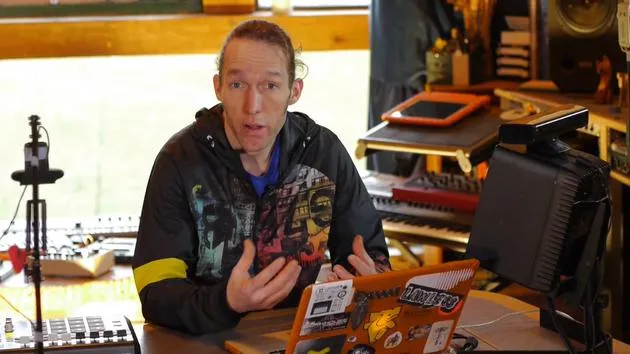
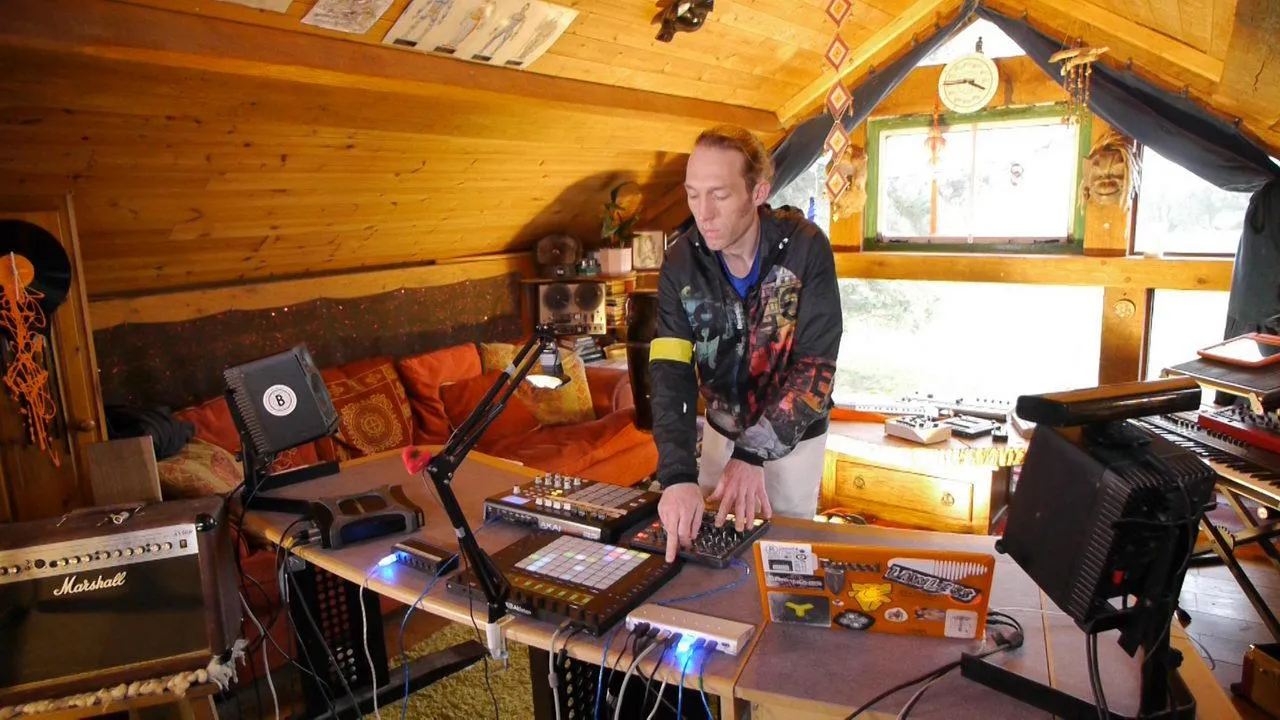
In this course, Mark will teach you ways to use software and hardware together to create new instruments and to augment the way in which you use them.

By the end of this course, you'll feel comfortable expanding Ableton Live with hardware, unlocking hidden capabilities of your hardware using Ableton Live. You'll learn some great skills that you can incorporate into live sets or more creative studio work.

In detail, Mark looks at different setups:

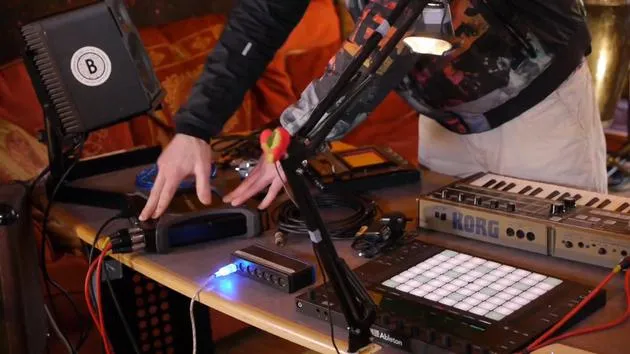
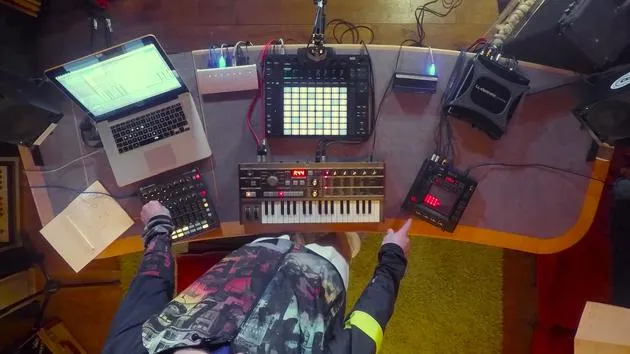
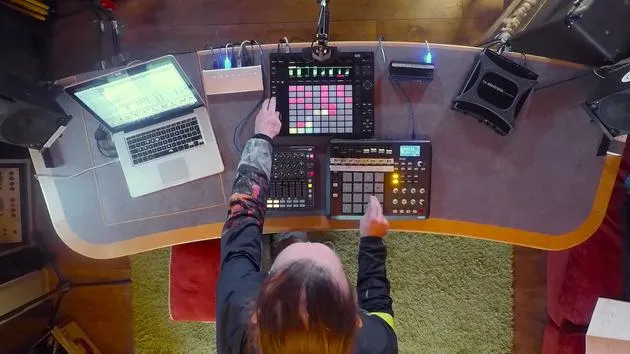
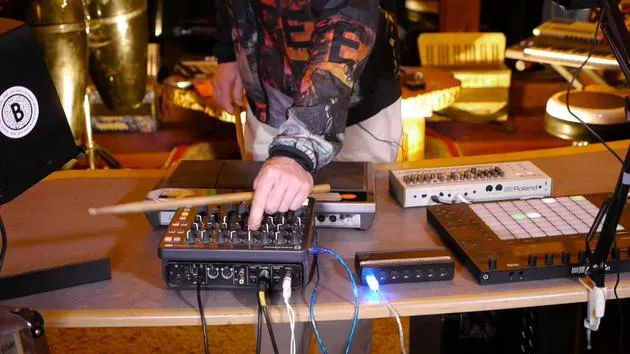
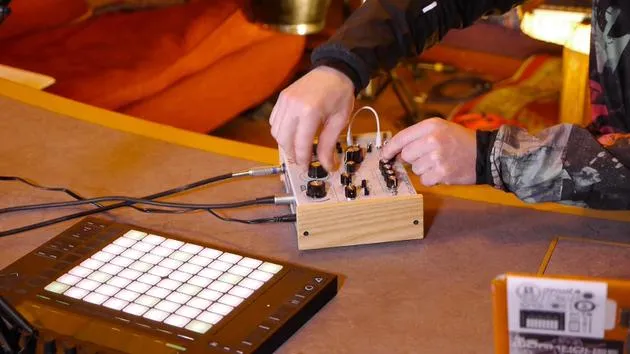
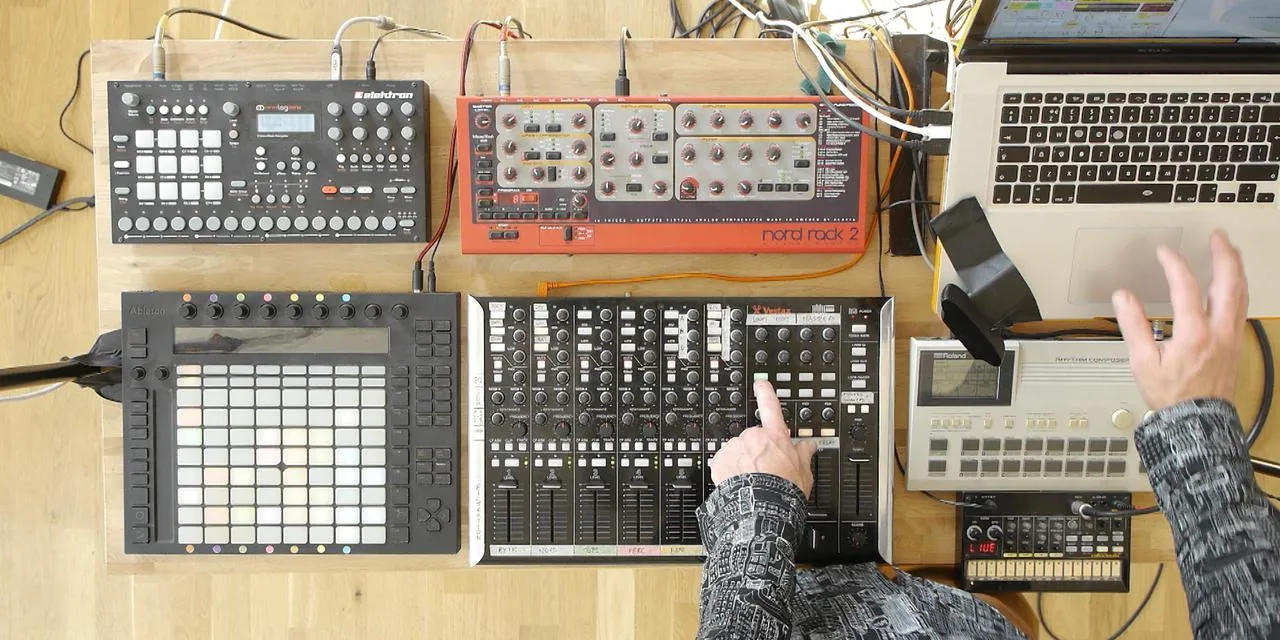
  • ways to augment hardware: taking hardware instruments and effects processors such as TR-09, MikroKorg, Dreadbox Hades, Kaoss Pad 3 and adding extra features to them using midi controllers
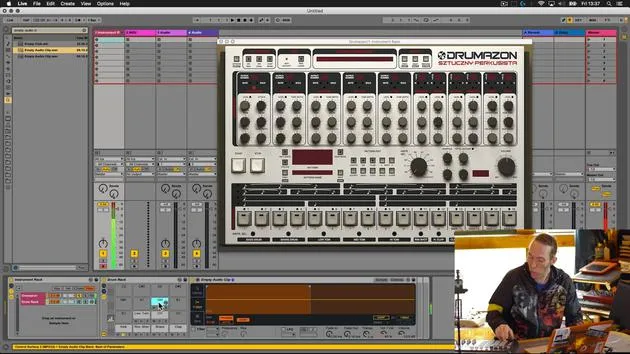
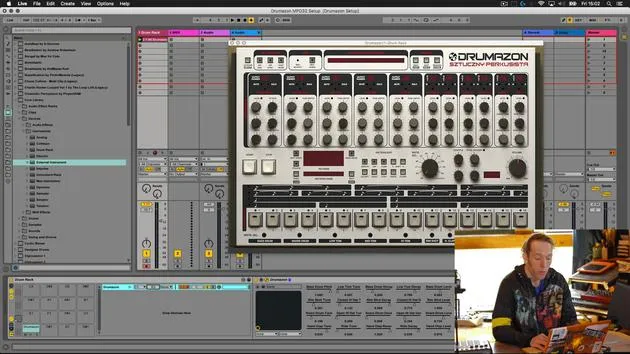
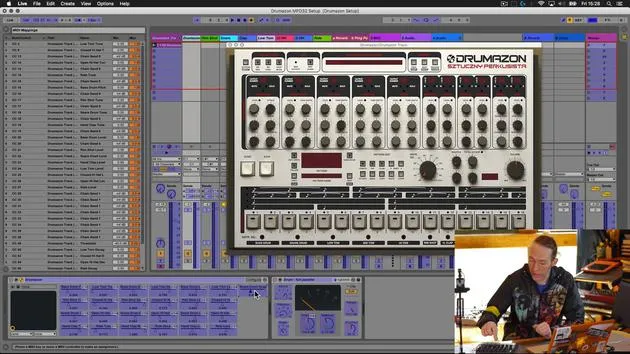
  • ways of augmenting software: taking software instruments such as D16 Group's Drumazon VST and unlocking extra facilities and control using hardware
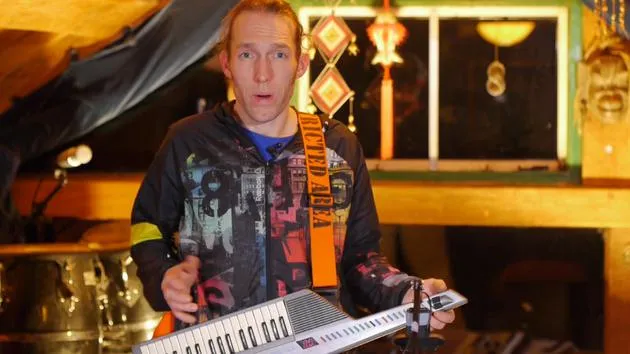
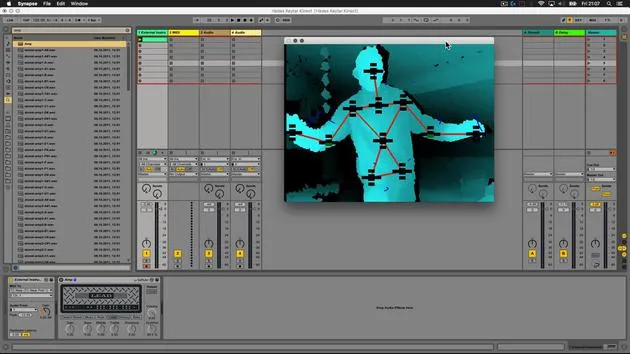
  • new & creative ways of using these hybrid hardware/software instruments, including a crazy setup with a Microsoft Kinect to track movement, an old Yamaha Keytar (!) and a mono synth.

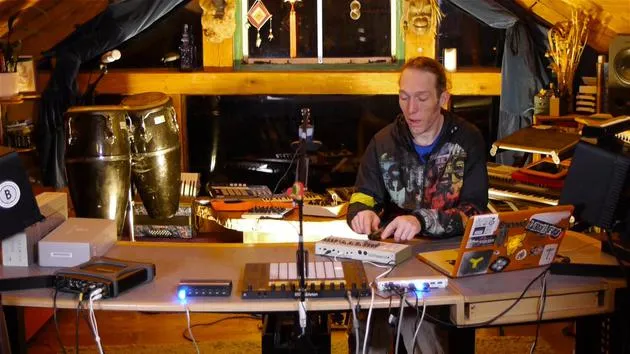
Mark uses a range of devices in this course, from the latest mono synths and drum machine offerings to old beat-up gear that can be reused in new & creative ways.

  • Roland TR-09
  • Dreadbox Hades
  • Korg MicroKorg
  • Novation Launch Control XL
  • Korg Kaoss Pad 3
  • AKAI MPD 32
  • Alesis Control Pad
  • Yamaha Keytar

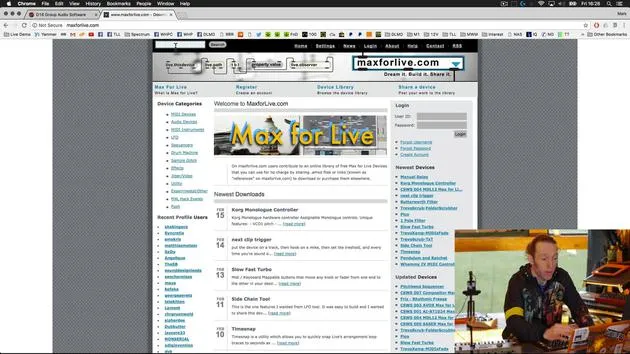
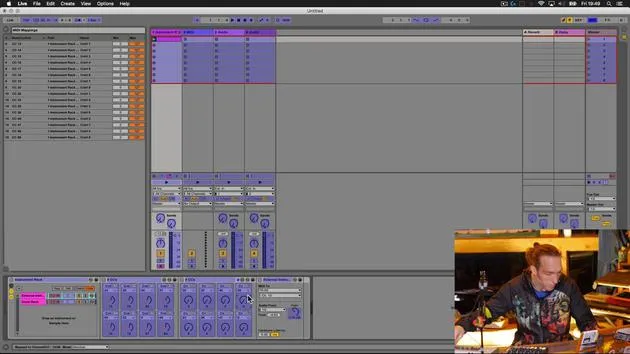
During this course we'll be using the Push 2 and a number of Max For Live devices. There is no pre-required knowledge of any of these to get started and you'll definitely finish the course with a good working knowledge of both.

Who it's for

  • Ableton users ready to bring hardware into their workflow
  • Producers returning to gear sitting unused in the studio
  • Live performers wanting more hands-on control on stage
What you'll learn

  • Map hardware controllers to software synths and effects
  • Route drum machine sounds to individual tracks for processing
  • Build a hybrid setup you can save and recall

What you'll need

  • Ableton Live and at least one MIDI controller
  • Working knowledge of Ableton's session and arrangement views
  • A few minutes most days to experiment and refine

Meet the Guru

Mark Burnett

Mark Burnett

Mark Burnett is an Ableton Certified Trainer who has worked with Ableton products for over 14 years. As a producer and DJ on Funk'n Deep Records, his tracks have featured at major festivals and in sets and podcasts from artists including Carl Cox and Richie Hawtin, and he has played to crowds of thousands. He also runs large-scale events such as Workhouse Project, and studied at Imperial College London. His course covers using Ableton Live to build live performances, and it suits electronic producers and performers who want to take a show out of the studio and onto the stage.

$13/monthSubscription
Similar Courses

Browse all courses
Mark Burnett
Pat Levett
Katie Melua
Ed O'Brien
Imogen Heap
Chris Haigh
Zach Brock
Adam Mishan
Annabel Thwaite

Learn from Mark Burnett and hundreds of others

Get MusicGurus

Unlimited access, money back guaranteed