



Recording and playing Drumazon patterns with an external instrument

With
Mark BurnettMark Burnett shows how to program Drumazon drum patterns in Ableton Live, drawing notes with the pencil tool and recording in from external gear like the AKAI MPD32 and Push 2.
What's in the course
24 lessons (3h 29m) · 2 free
01. What you'll learn in this chapter
1:18
02. Let's get set-up (MicroKorg and Novation Launch Control)
7:47
03. MIDI CC messages & mapping Novation LC to MicroKorg parameters
18:19
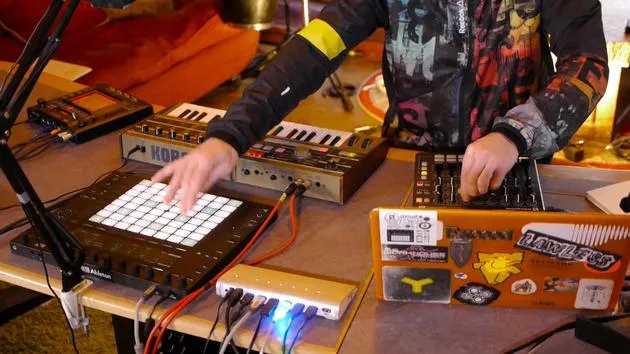
04. Demo of the setup so far
1:47
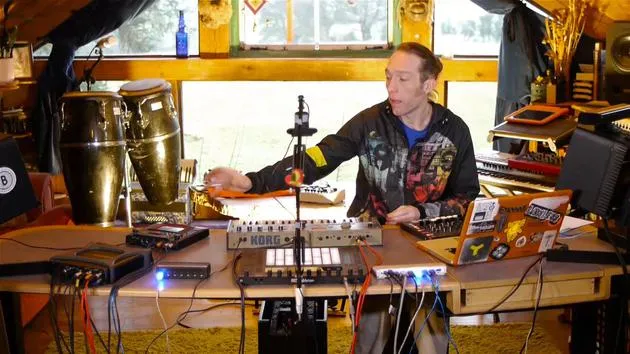
05. Adding tactile effects with the Kaoss Pad 3
11:50
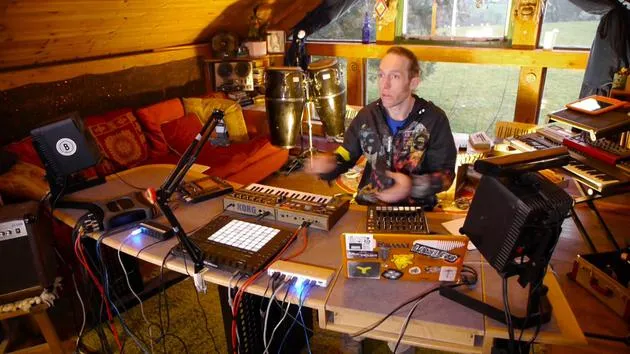
06. Finalizing the Kaoss setup
7:02
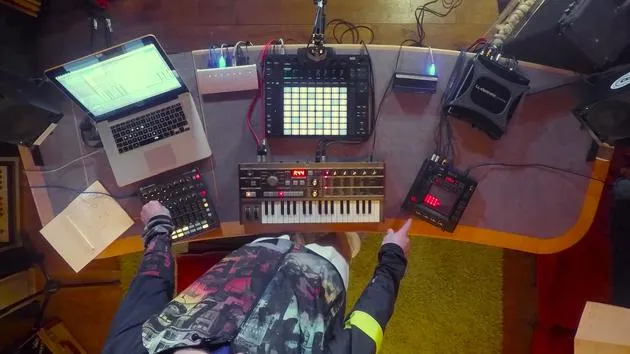
07. Recap of what we've learned
4:23
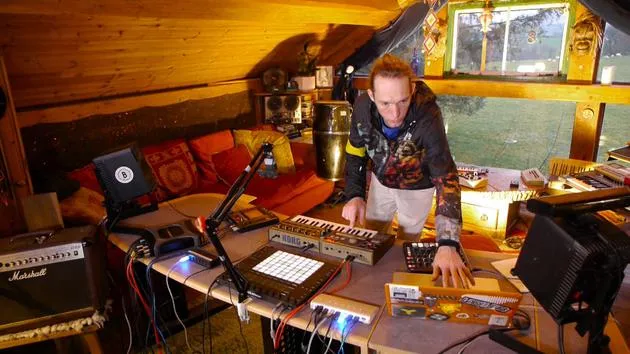
08. Exploring the setup
3:54
Lesson transcript
Music Lesson: Creating a Simple Drum Pattern in Ableton Live
Setting Up the Drum Machine
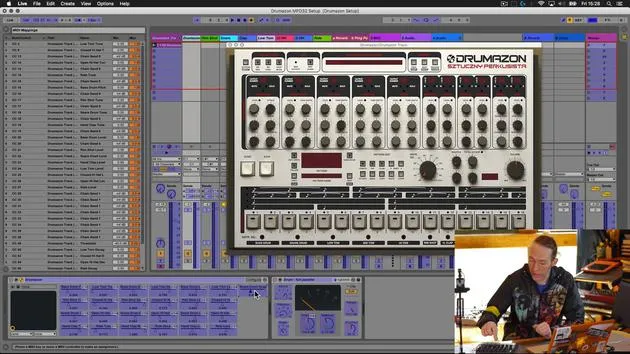
"Okay, so now that we've got that set up, let's just create a really simple pattern in Live using our drum machine and have a play around with it and see how that goes."
-
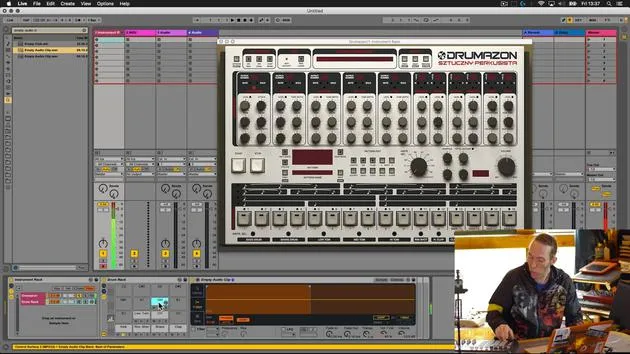
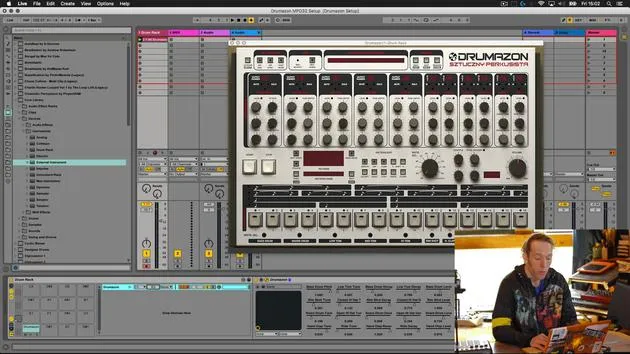
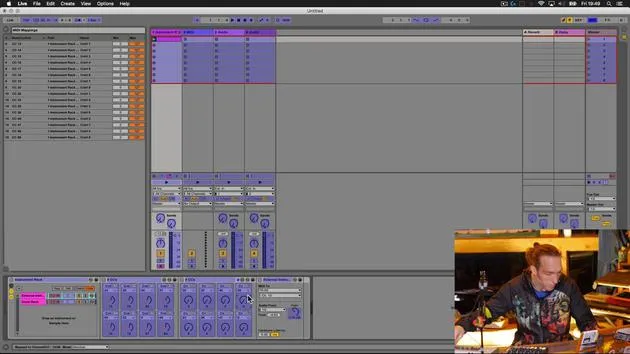
Create an Empty MIDI Clip
- Go over to the track where the drummers are located.
- Double click to create an empty MIDI clip.
-
Convenient Sounds
- Notice that the sounds assigned to the empty MIDI clips correspond with our drum rack.
- The drum rack added to the instrument rack enables us to program on the Push in drum programming mode, resulting in appropriately labeled MIDI notes in the piano roll at the bottom.
Programming the Pattern
-
Draw in Notes
- Using the pencil tool, draw in a simple pattern, perhaps something like this.
-
Playback
- Play it back and hit record to live overdub.
-
Add Hi-Hat Pattern
- Add a little bit of a hi-hat pattern as well.
-
Quantization
- Go into the MIDI editor to tidy up using quantization:
- Select all notes using Command + A.
- Quantize notes using Command + U.
- This may make it quite boring and straight, but for this exercise, we just want to play around with some mappings.
- Go into the MIDI editor to tidy up using quantization:
Testing the Mappings
- Play and Adjust Volumes
- Test out the mappings created.
- Use the faders at the top to adjust volumes for each sound:
- Kick
- Snare
- Rim Shot
- Clap
- Tom
- Open and Closed Hats
- Ride
Using Low Tack Tape for Labels
- Labeling Sounds
- Use low tack tape to cover previous mappings.
- Use a Sharpie to put simple abbreviations:
- Bass Drum
- Rim Shot
- Snare Clap
- Low Tom
- Closed Hat
- Open Hat
- Ride
"These are fairly standard abbreviations for those sounds, but it doesn't matter what you use, as long as it makes sense to you."
Pitch Control and Decay
-
Control Parameters
- Remember that we have pitch control on Bank A and decay settings on Bank B.
- Bring in sounds one at a time to demonstrate functionality:
- Adjust the volume, tune, and shorten the kick drum.
- Snare and rim shot adjustments.
-
Recording Automation
- By using the automation record, create variations within the pattern by manipulating parameters while recording.
Enhancing Your Pattern
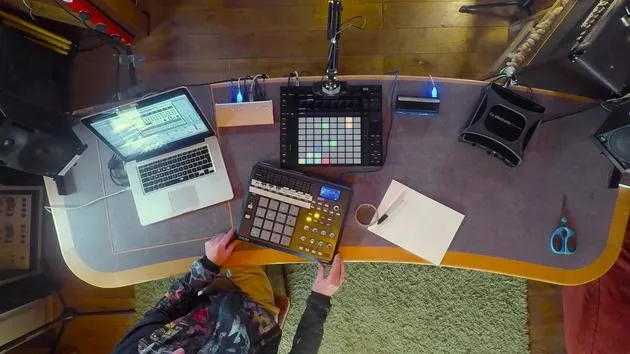
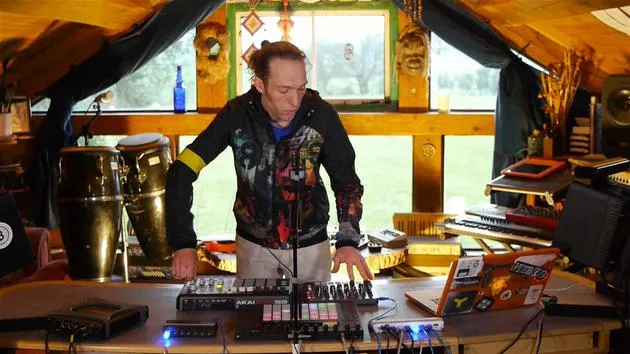
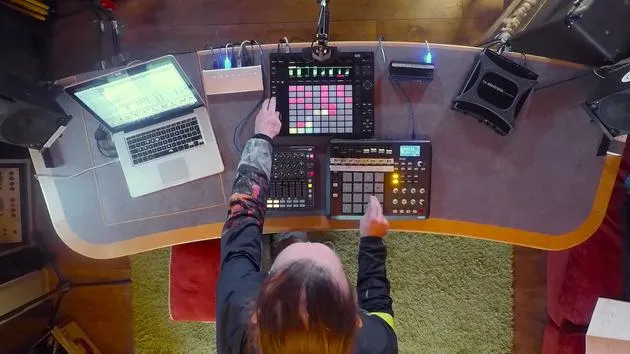
- Using the Push
- As you explore, notice color on the various drum pads in Push.
- Play the drum sounds from Push.
- Program directly from Push, controlling the VST without having to look at the screen.
"We're using the software VST here as the engine, but we're using any kind of generic MIDI controller to augment that piece of software with a real tactile interface."
- Creating a New Pattern
- Quickly create a new pattern on the Push.
- Use the extended features that Push offers for programming.
"It's kind of replicating having a hardware drum machine."
Conclusion
You can see how easy it is to access various parameters, make quick changes, and take full advantage of your drum machine setup in Ableton Live. Enjoy experimenting and making creative adjustments!
24 lessons
3h 29m of structured video lessons
Advanced video features
Slow down, loop a passage, follow along
Mobile, tablet & desktop
Practise wherever you are
100% satisfaction guarantee
30-day money-back guarantee
Meet your guru
Meet your guru
Mark Burnett is an Ableton Certified Trainer who has worked with Ableton products for over 14 years. As a producer and DJ on Funk'n Deep Records, his tracks have featured at major festivals and in sets and podcasts from artists including Carl Cox and Richie Hawtin, and he has played to crowds of thousands. He also runs large-scale events such as Workhouse Project, and studied at Imperial College London. His course covers using Ableton Live to build live performances, and it suits electronic producers and performers who want to take a show out of the studio and onto the stage.







