



Let's get set-up (MicroKorg and Novation Launch Control)

With
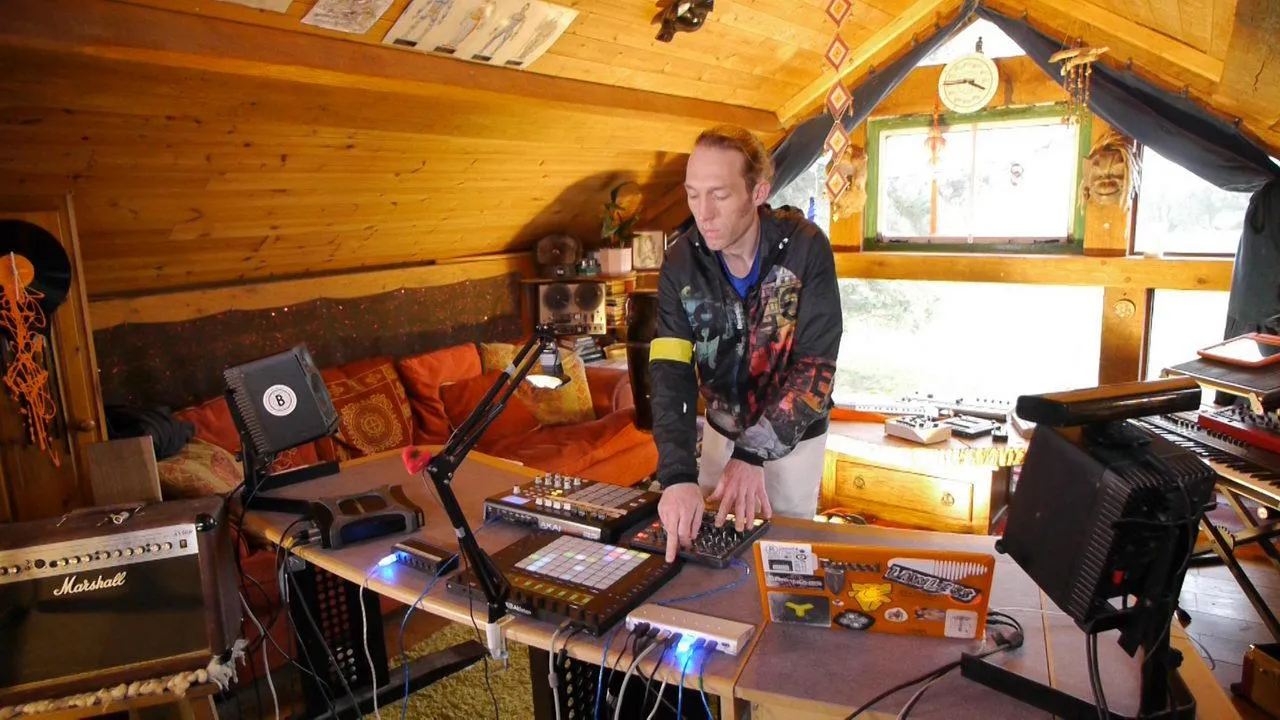
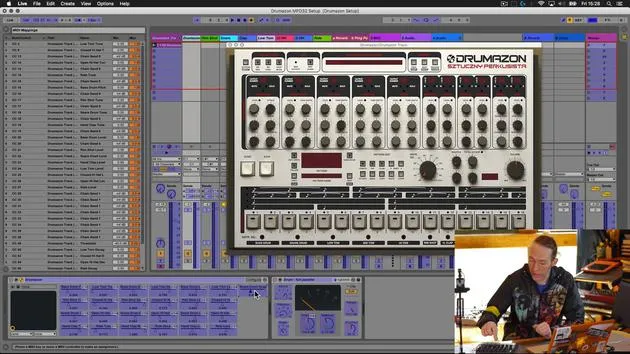
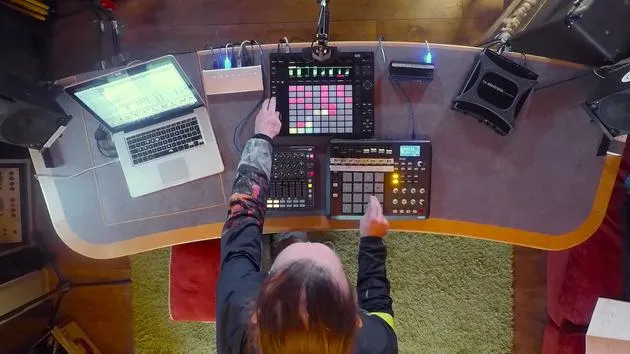
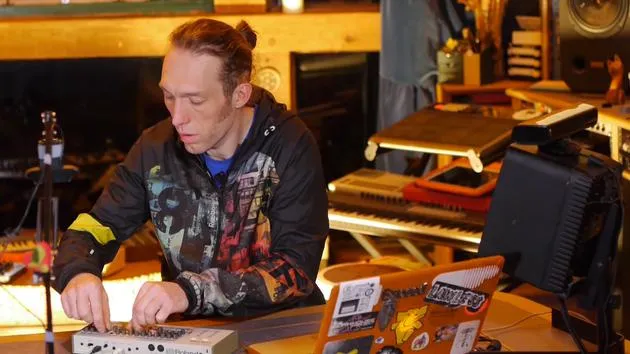
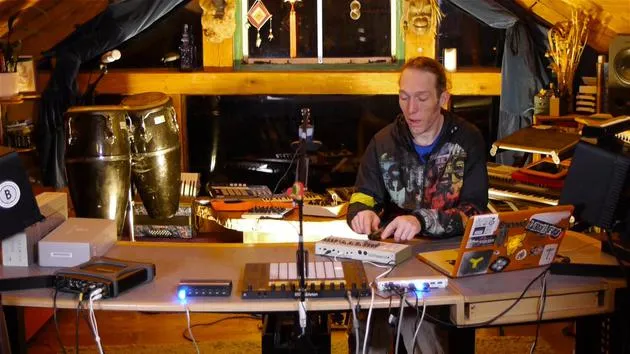
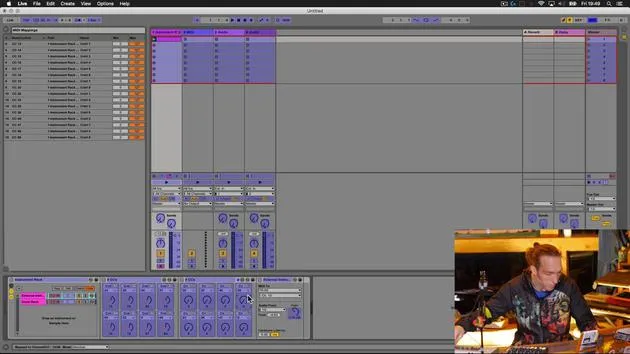
Mark BurnettMark Burnett connects a Korg MicroKorg and a Novation Launch Control XL to Ableton Live to set up the rig for this part of the course.
What's in the course
24 lessons (3h 29m) · 2 free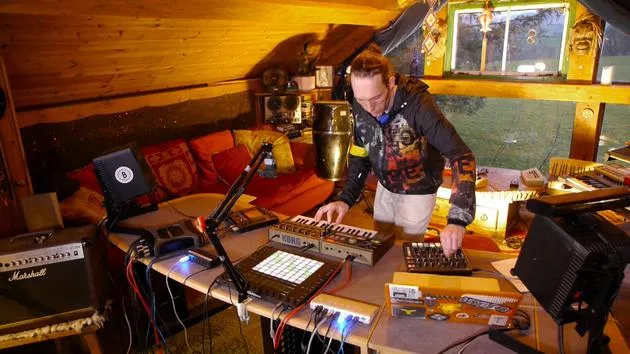
01. What you'll learn in this chapter
1:18
02. Let's get set-up (MicroKorg and Novation Launch Control)
You are here7:47
03. MIDI CC messages & mapping Novation LC to MicroKorg parameters
18:19
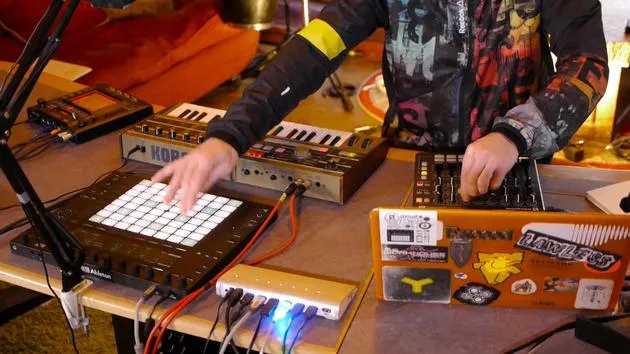
04. Demo of the setup so far
1:47
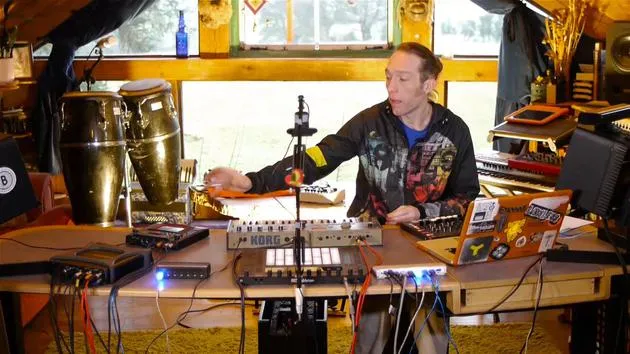
05. Adding tactile effects with the Kaoss Pad 3
11:50
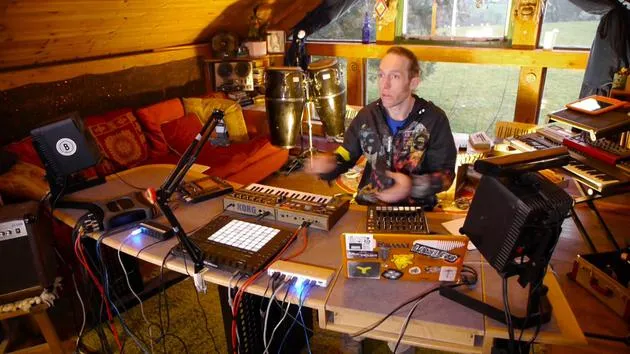
06. Finalizing the Kaoss setup
7:02
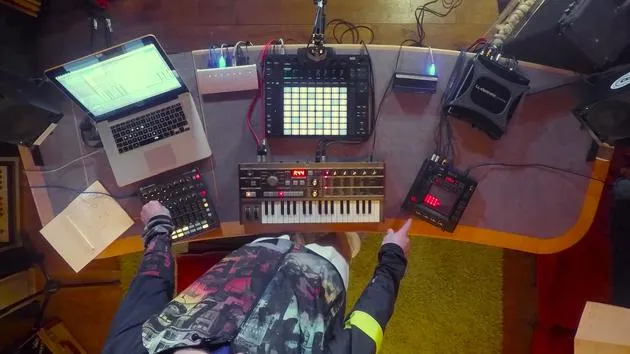
07. Recap of what we've learned
4:23
08. Exploring the setup
3:54
Lesson transcript
Music Lesson: Connecting Hardware Synthesizers and MIDI Controllers
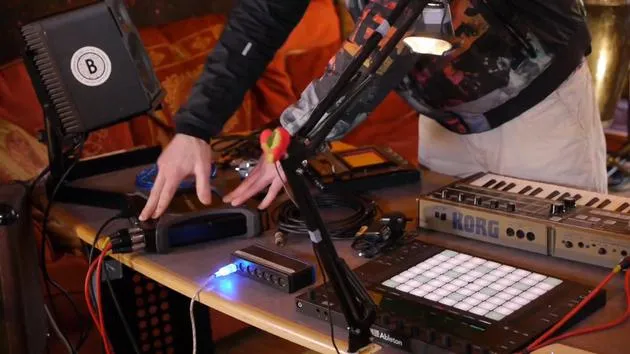
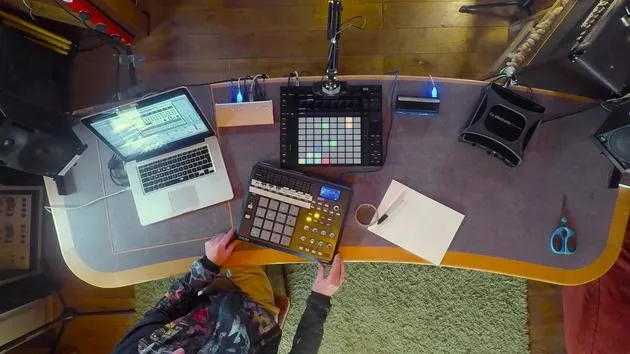
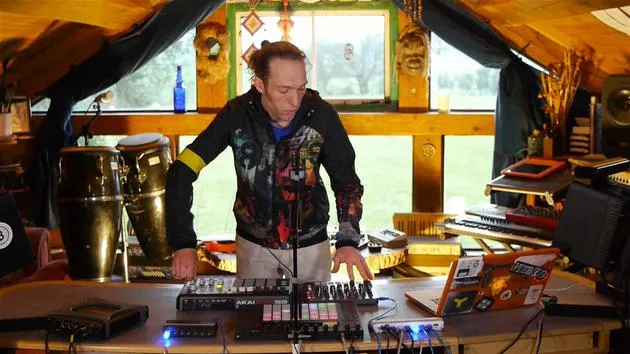
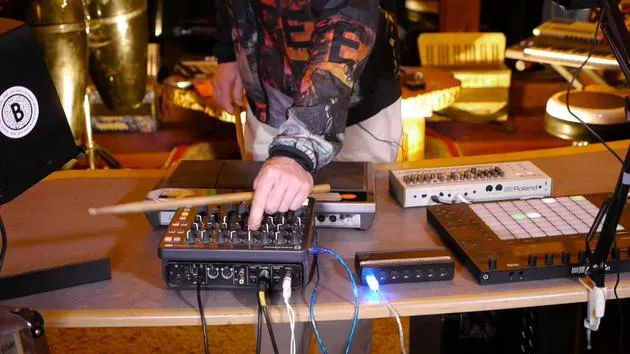
In this first video, we're going to take a hardware synthesizer and use some external MIDI controllers to augment its capabilities. Let's have a look at the equipment we're going to use.
Equipment Overview
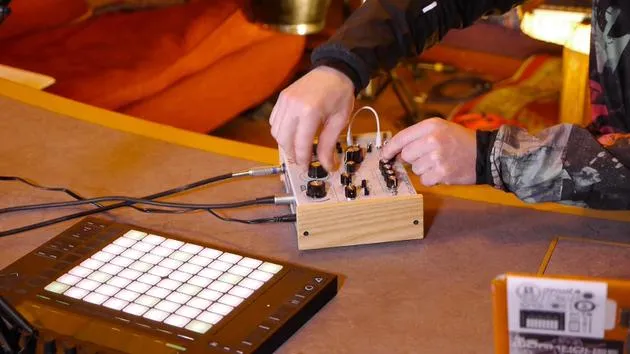
Korg Micro Korg
- A classic synthesizer that is fun and straightforward to use.
- Note: Being an older model, it lacks USB connectivity. We will use traditional MIDI cables for input and output.
Novation Launch Control XL
- A versatile and affordable MIDI controller, perfect for this task and many others.
Korg Chaos Pad 3
- An external effects processor that adds creative possibilities.
- A well-used unit that features both MIDI and USB connectivity, allowing us to transmit MIDI via USB, reducing cable clutter.
Setting Up the Equipment
Step 1: Connect the Micro Korg
- Audio Connection:
- Use standard jack leads to connect the main outputs (left and right) of the Micro Korg to inputs 1 and 2 on the TC Electronic Connect Live audio interface.
- Power Connection:
- Plug in the power supply and check that it's working (power is on).
- MIDI Connection:
- Connect one MIDI cable from the MIDI out port on the TC to the MIDI in on the Micro Korg.
- Connect a second MIDI cable from the MIDI in on the TC to the MIDI output on the Micro Korg.
Step 2: Connect the Novation Launch Control XL
- Use a standard USB cable to connect the Novation Launch Control XL to our USB hub.
Step 3: Connect the Korg Chaos Pad 3
- Power Connection:
- Plug in the power supply and ensure it's working.
- USB MIDI Connection:
- Connect the USB from the Chaos Pad to the USB hub. This will allow MIDI to be transmitted in and out with just one cable.
- Audio Connection:
- Utilize RCA to jack cables to connect:
- Outputs 3 and 4 from the TC Electronic Connect Live to the line in of the Chaos Pad.
- Line out from the Chaos Pad back to line in 3 and 4 of the TC.
- Utilize RCA to jack cables to connect:
Summary of Connections
- Micro Korg:
- Audio in/out, MIDI in/out, power.
- Korg Chaos Pad 3:
- Audio in/out and MIDI via USB.
- Novation Launch Control XL:
- Connected via USB to the hub.
Now that we have our equipment connected, let's explore what we need to do inside Ableton Live to get everything communicating properly.
24 lessons
3h 29m of structured video lessons
Advanced video features
Slow down, loop a passage, follow along
Mobile, tablet & desktop
Practise wherever you are
100% satisfaction guarantee
30-day money-back guarantee
Meet your guru
Meet your guru
Mark Burnett is an Ableton Certified Trainer who has worked with Ableton products for over 14 years. As a producer and DJ on Funk'n Deep Records, his tracks have featured at major festivals and in sets and podcasts from artists including Carl Cox and Richie Hawtin, and he has played to crowds of thousands. He also runs large-scale events such as Workhouse Project, and studied at Imperial College London. His course covers using Ableton Live to build live performances, and it suits electronic producers and performers who want to take a show out of the studio and onto the stage.







