



Récapitulatif de ce qu'on a appris

Avec
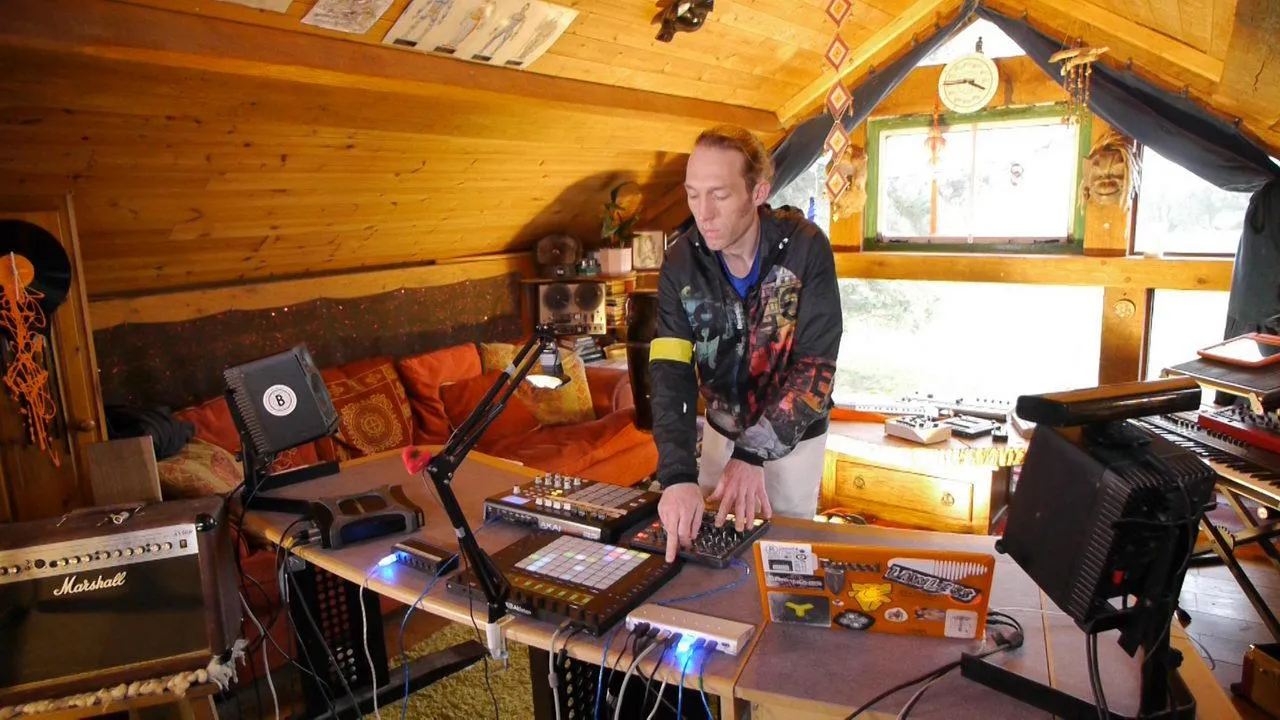
Mark BurnettMark Burnett récapitule le chapitre, en réunissant la façon dont les mappings de périphériques externes -les potentiomètres Novation, les macros et les assignations CC- fonctionnent comme un seul setup que tu peux adapter toi-même.
Le contenu du cours
24 leçons (3h 29min) · 2 gratuites
01. Ce que tu vas apprendre dans ce chapitre
1:53
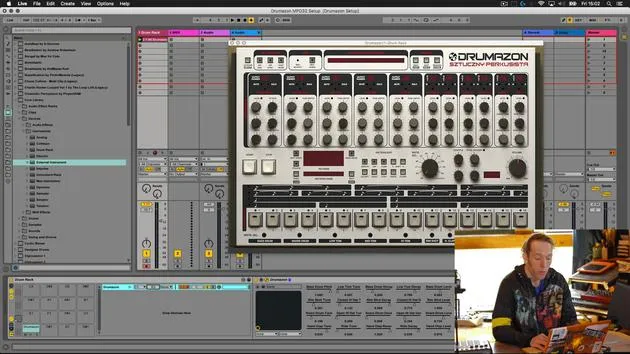
02. Comment router les sons de Drumazon vers des pistes individuelles
16:58
03. Comment appliquer des effets à des groupes de batterie
5:08
04. Comment mapper des effets logiciels sur un contrôleur externe
12:44
05. Sauvegardons cette configuration et testons-la !
9:21
01. Ce que tu apprendras dans ce chapitre
1:18
02. Préparons le setup (MicroKorg et Novation Launch Control)
7:47
03. Messages MIDI CC et mapping du Novation LC vers les paramètres du MicroKorg
18:19
04. Démonstration de la configuration jusqu'ici
1:47
05. Ajouter des effets tactiles avec le Kaoss Pad 3
11:50
06. Finaliser la configuration du Kaoss
7:02
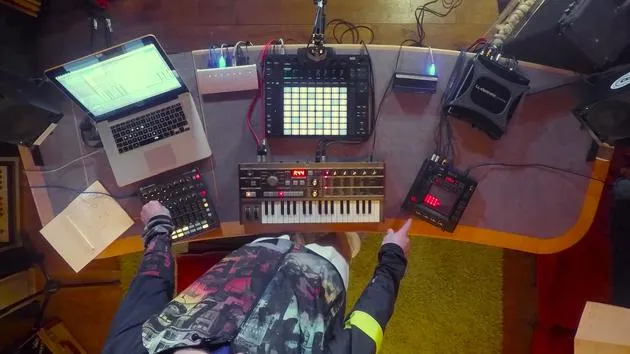
07. Récapitulatif de ce qu'on a appris
Tu es ici4:23
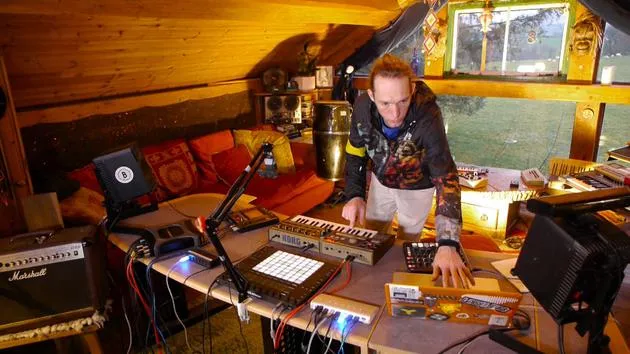
08. Explorer le setup
3:54
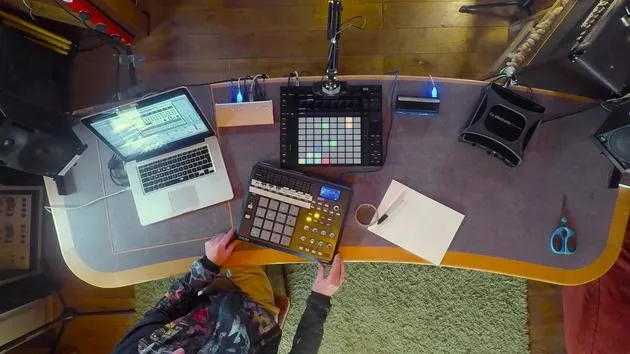
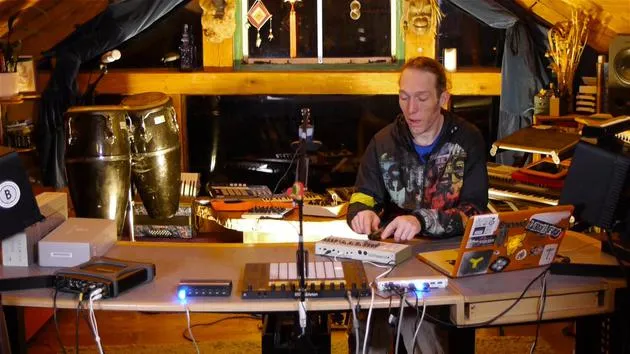
Transcription de la leçon
Lesson Recap: Mapping Controls and Integration
Okay, so to kind of sum up what we've been doing, I'm just going to revisit very briefly what's going on here.
Novation Excel Mapping
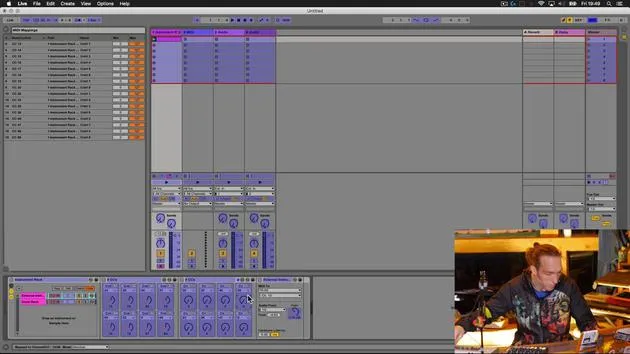
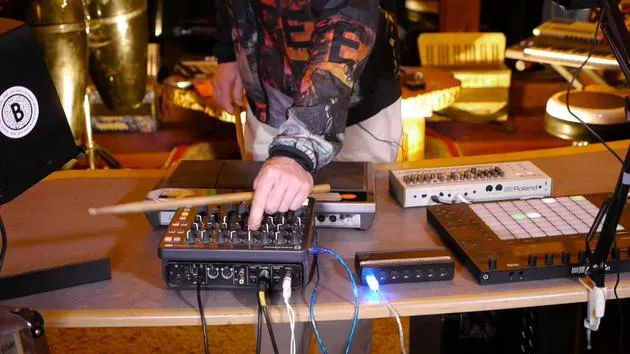
I very briefly revisited the mapping on the Novation Excel. Here's what I've done:
- Bottom Row of Knobs:
- De-assigned from various controls that I had them mapped to in the MicroKorg.
- Mapped to the eight macros that we set up when we finished the device off.
This means we have those accessible on the Novation here.
Additional Mappings
- The only additional mapping I added was this bottom right-hand button, which I've mapped to the CC8 knob that we set up.
- This sends a control message to the hold button.
- You'll notice that this button replicates the hold function over there.
Control Features
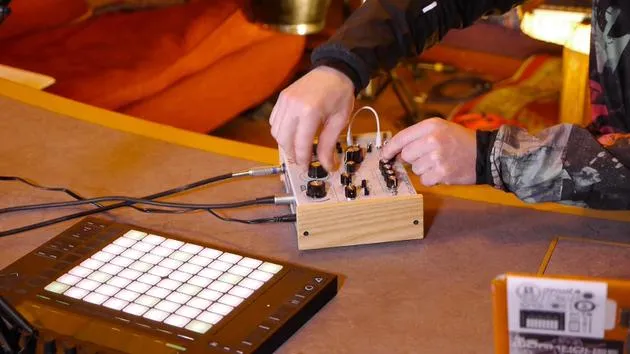
- X and Y knobs: Allow me to control the Chaos Pad from over here.
- First knob: Controls the preset on the MicroKorg.
- Second knob: Controls the preset on the Chaos Pad.
- Final four knobs:
- Set to the level for the MicroKorg.
- Control pan left and right.
- Adjust portamento (time factor of the slide between notes).
- Modify the depth of modulation (which can have a dramatic effect depending on the modulation setup).
Setting Neutral Positions
I'm going to dial these to their neutral positions and turn the effect off:
- No Chaos Pad:
- With the Chaos Pad:
I still retain the ability to go directly to the pad and manipulate it this way, as well as being able to do it from the Novation.
Push Overview
If we just have a little look at the Push here, you'll see:
- Under this particular device, the MicroKorg is selected at the top.
- Parameters are appropriately labeled:
- Program for the MicroKorg
- Program for the Chaos Pad (X and Y)
- Level for MicroKorg
- Pan, portamento, and depth
These are all beautifully set out now.
Performance and Creative Possibilities
If we wanted, all of these devices (the two pieces of hardware) could be over on our shelf in the studio. We could call them up on our Push, play the Korg from here, change parameters, change the patch, and with the help of activating our hold button, we can do some funky programming with the Chaos Pad.
Summary
In summary, this is our way of augmenting these couple of bits of hardware by coupling them up with some MIDI controller devices. We're using clever routing and Max for Live within the Ableton Live environment, creating a really beautiful composite device that encompasses all of this and opens up a whole bunch of new performance, recording, creative, and production possibilities.
24 leçons
3h 29m de leçons vidéo structurées
Fonctions vidéo avancées
Ralentissez, bouclez un passage, suivez la partition
Mobile, tablette et ordinateur
Pratiquez où vous voulez
Satisfaction garantie à 100 %
Garantie remboursement 30 jours
Rencontrez votre guru
Rencontrez votre guru
Mark Burnett est un Ableton Certified Trainer qui travaille avec les produits Ableton depuis plus de 14 ans. En tant que producteur et DJ chez Funk'n Deep Records, ses morceaux ont été joués dans de grands festivals ainsi que dans les sets et podcasts d'artistes comme Carl Cox et Richie Hawtin, et il s'est produit devant des foules de plusieurs milliers de personnes. Il organise également des événements de grande envergure comme le Workhouse Project, et a étudié à l'Imperial College London. Son cours porte sur l'utilisation d'Ableton Live pour construire des performances en direct, et convient aux producteurs et interprètes de musique électronique qui souhaitent faire passer leur spectacle du studio à la scène.







