



Enregistrer, nommer et rappeler ta configuration

Avec
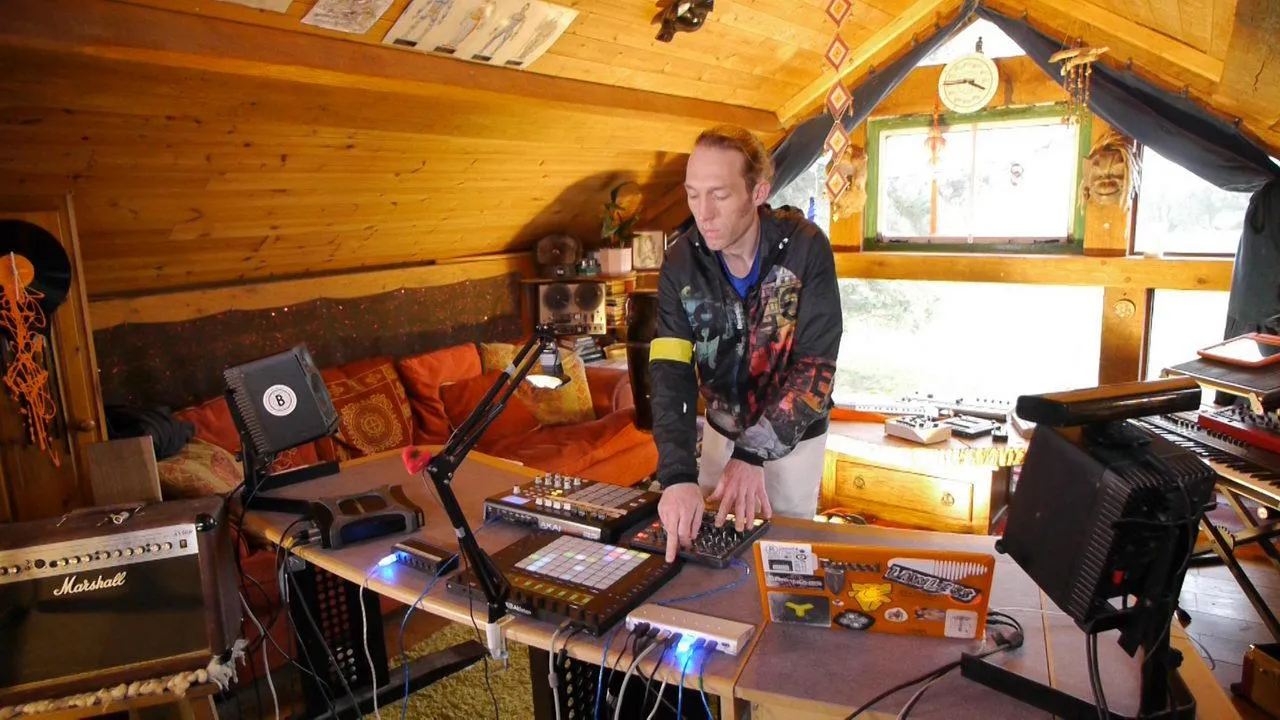
Mark BurnettMark récapitule le cours jusqu'ici et t'apprend à enregistrer & rappeler ta configuration pour un usage ultérieur. Il partagera quelques astuces sur la façon dont il nomme ses configurations pour les retrouver facilement et les rappeler depuis le Push 2.
Le contenu du cours
24 leçons (3h 29min) · 2 gratuites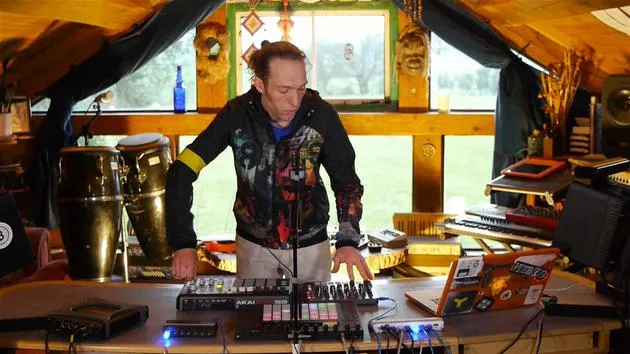
01. Ce que tu vas apprendre dans ce chapitre
1:53
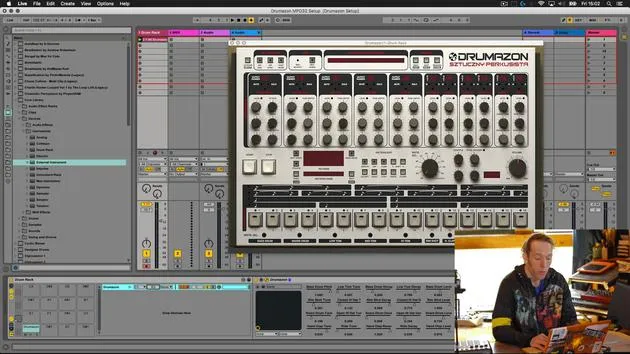
02. Comment router les sons de Drumazon vers des pistes individuelles
16:58
03. Comment appliquer des effets à des groupes de batterie
5:08
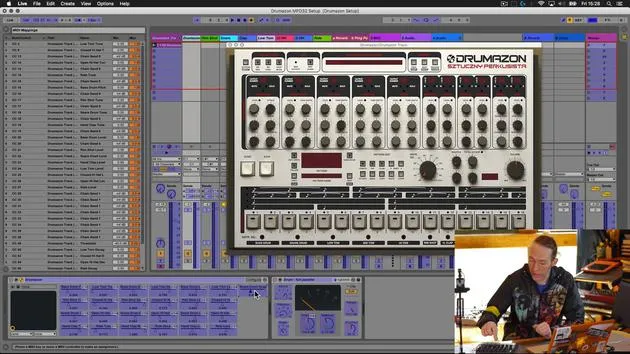
04. Comment mapper des effets logiciels sur un contrôleur externe
12:44
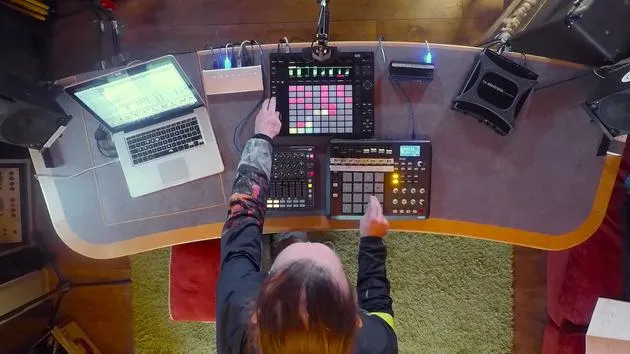
05. Sauvegardons cette configuration et testons-la !
9:21
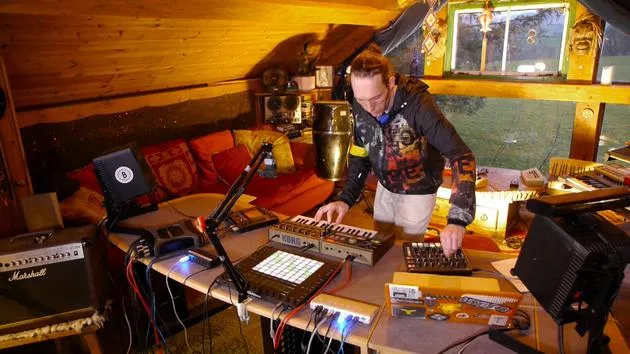
01. Ce que tu apprendras dans ce chapitre
1:18
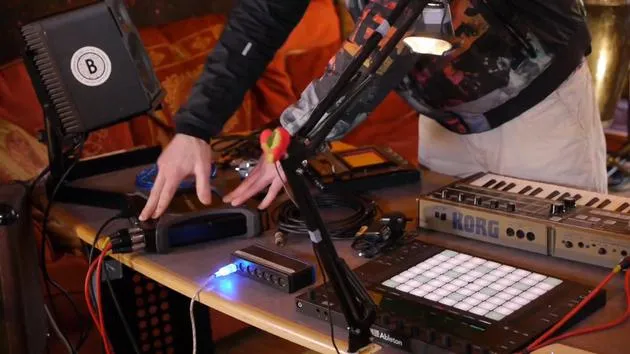
02. Préparons le setup (MicroKorg et Novation Launch Control)
7:47
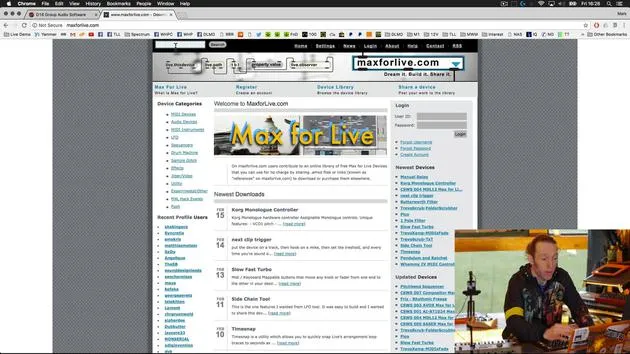
03. Messages MIDI CC et mapping du Novation LC vers les paramètres du MicroKorg
18:19
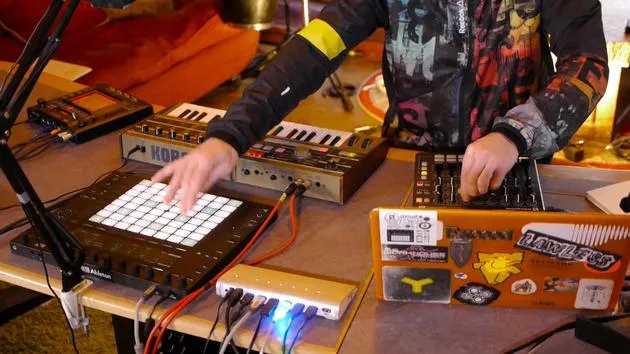
04. Démonstration de la configuration jusqu'ici
1:47
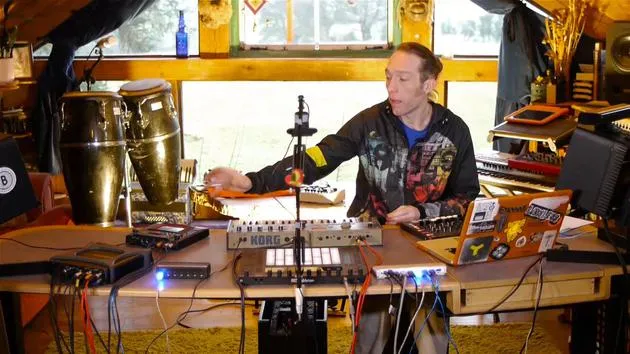
05. Ajouter des effets tactiles avec le Kaoss Pad 3
11:50
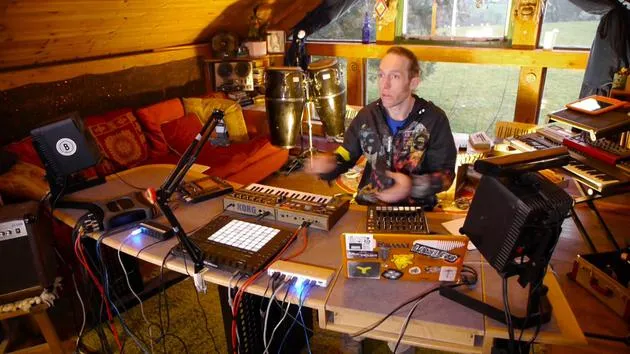
06. Finaliser la configuration du Kaoss
7:02
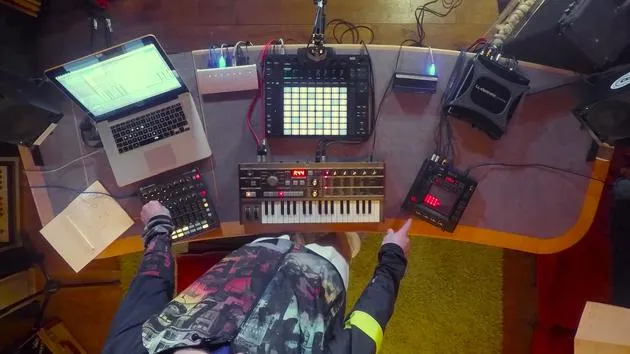
07. Récapitulatif de ce qu'on a appris
4:23
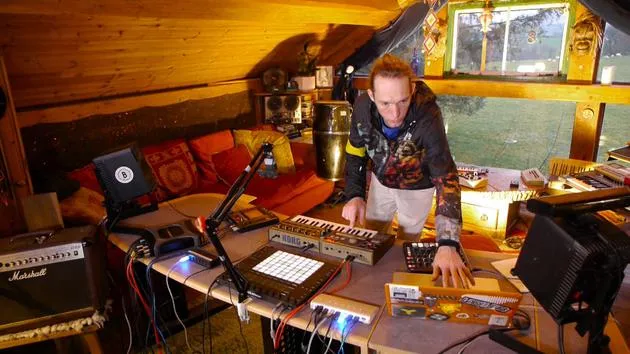
08. Explorer le setup
3:54
Transcription de la leçon
Music Lesson Recap: Setting Up Your VST in Live
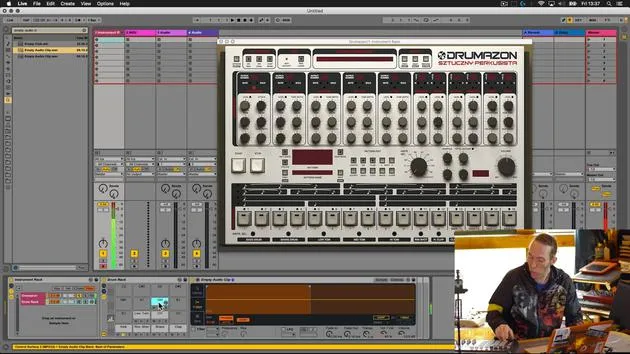
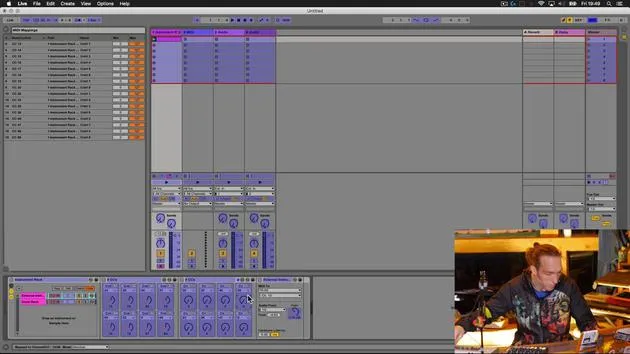
Okay, so the last thing that we're going to give a little bit of consideration to now that we've built this device is to look back inside Live. It's not a massively complicated device, but it has hugely increased the usability of this VST plug-in.
Saving Your Setup
What would be nice to do is to be able to recall this at any time and use it in our other projects. To do that:
- Click on the instrument rack.
- Right-click to rename it and give it a meaningful name.
Naming Convention
I have a standard naming system that I use for labeling all of the devices that I create:
-
Prefix: I start with a double zero (00).
- Reason: When using Push, any device I created with this prefix will appear at the top of the list in my browser.
-
Meaningful Name: Describe the device or the type of sound it produces.
- In this case, I'll call it Drummerzon MPD32 setup.
-
Suffix: I add a unique identifier (mxb).
- The letters MXB don't occur frequently in any files on my computer, so it acts as a filter.
Saving the Device
After naming, I hit enter and click on the save button. This action prompts the user library and allows me to save that particular device there.
Utilizing the MXB Identifier
Now, why is the suffix important? If I use Live's browser technology and the key command (Command + F) to open up my browser and search for all files, I can type in MXB. What you'll see is that everything appearing in this search window consists of content that I've created myself. All devices, sounds, clips, and samples with the MXB suffix will show up, providing a quick way to filter my user content.
Workflow Improvement with Push
Using the double zero prefix also aids in navigating the Push browser:
- When adding a new MIDI track, I can go to my sounds.
- In the first category with created content, all top hits starting with double zero are my devices.
This organization means I don't have to sift through pages of devices listed in the Push window, allowing my creations to come up first.
Summary of Our Journey
To quickly recap what we've accomplished:
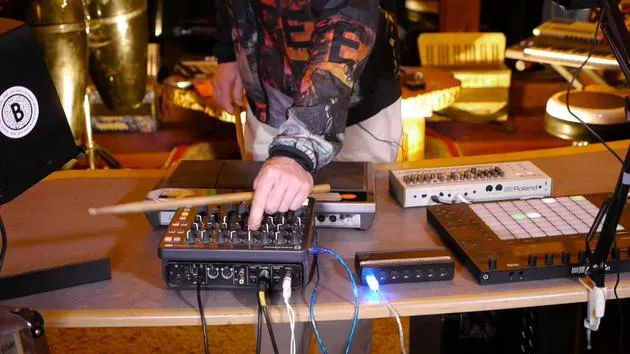
- Connected an external MIDI controller to Ableton Live.
- Selected a VST device that we wanted greater control over.
- Utilized the configuration tool to:
- Assign parameters within that VST to the configuration panel.
- Use mapping mode to map specific controls on the external device to those parameters.
As a result, this has opened up a much more musical and intuitive way for us to interact with that software, and hopefully, it has made the experience a lot more fun.
24 leçons
3h 29m de leçons vidéo structurées
Fonctions vidéo avancées
Ralentissez, bouclez un passage, suivez la partition
Mobile, tablette et ordinateur
Pratiquez où vous voulez
Satisfaction garantie à 100 %
Garantie remboursement 30 jours
Rencontrez votre guru
Rencontrez votre guru
Mark Burnett est un Ableton Certified Trainer qui travaille avec les produits Ableton depuis plus de 14 ans. En tant que producteur et DJ chez Funk'n Deep Records, ses morceaux ont été joués dans de grands festivals ainsi que dans les sets et podcasts d'artistes comme Carl Cox et Richie Hawtin, et il s'est produit devant des foules de plusieurs milliers de personnes. Il organise également des événements de grande envergure comme le Workhouse Project, et a étudié à l'Imperial College London. Son cours porte sur l'utilisation d'Ableton Live pour construire des performances en direct, et convient aux producteurs et interprètes de musique électronique qui souhaitent faire passer leur spectacle du studio à la scène.







