



Comment contrôler le TR-09 avec Ableton Live et Push 2

Avec
Mark Burnett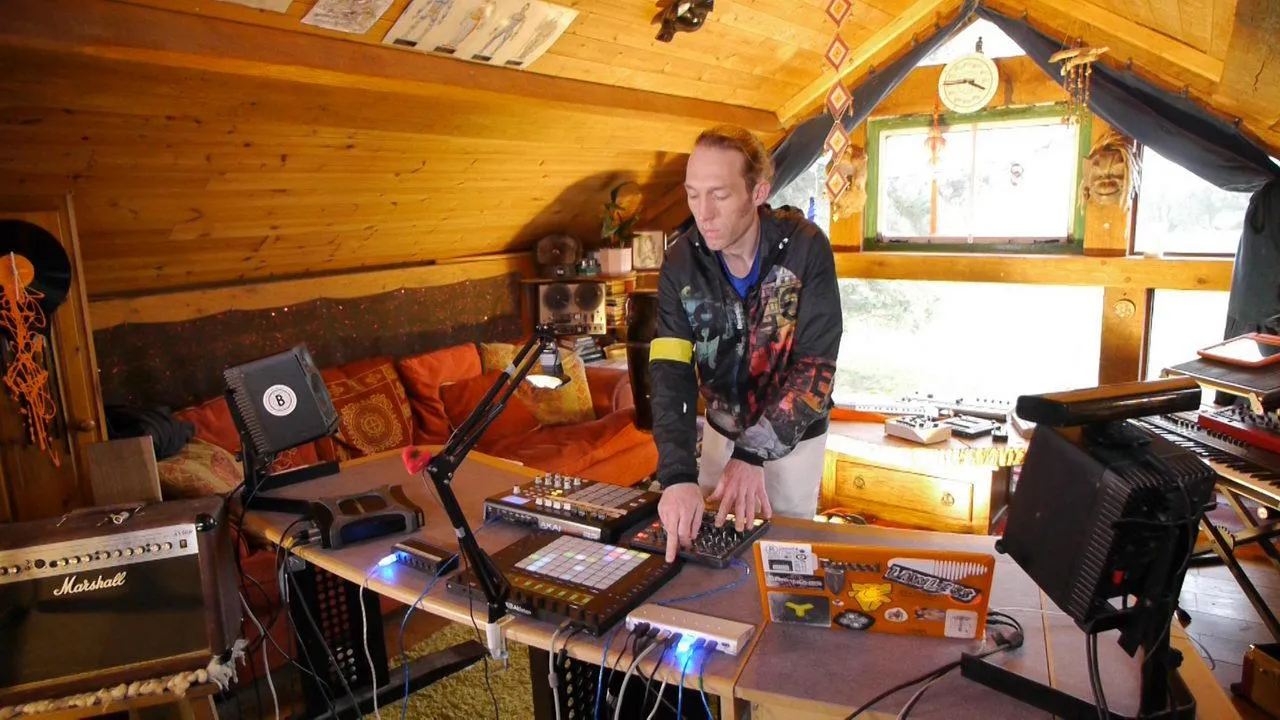
Le contenu du cours
24 leçons (3h 29min) · 2 gratuites
01. Ce que tu vas apprendre dans ce chapitre
1:53
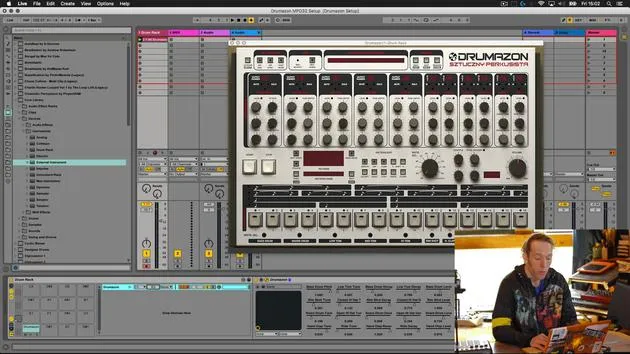
02. Comment router les sons de Drumazon vers des pistes individuelles
16:58
03. Comment appliquer des effets à des groupes de batterie
5:08
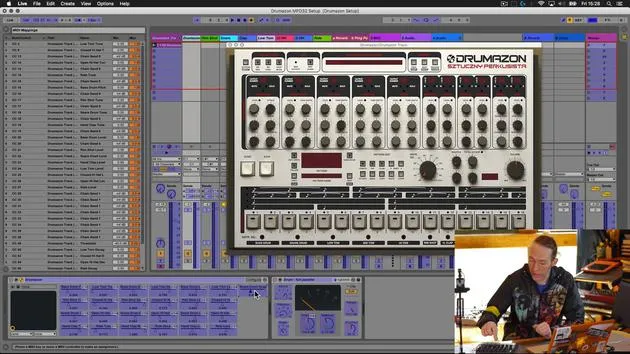
04. Comment mapper des effets logiciels sur un contrôleur externe
12:44
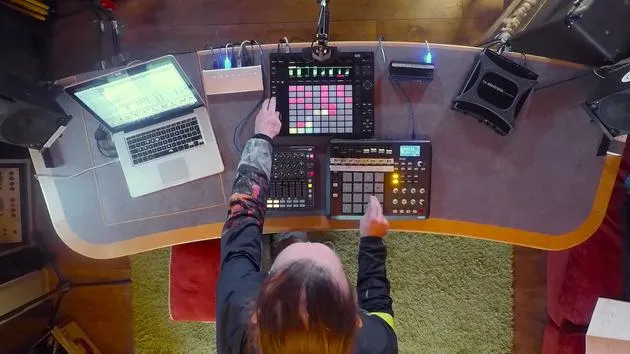
05. Sauvegardons cette configuration et testons-la !
9:21
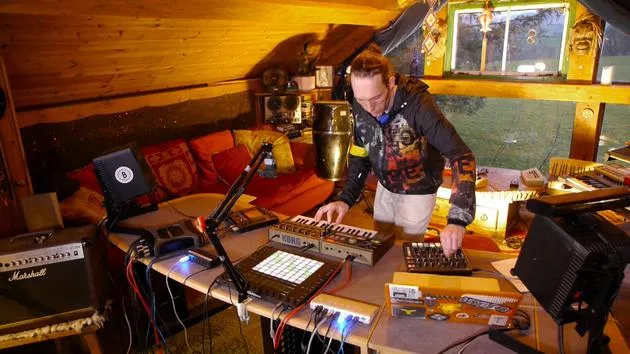
01. Ce que tu apprendras dans ce chapitre
1:18
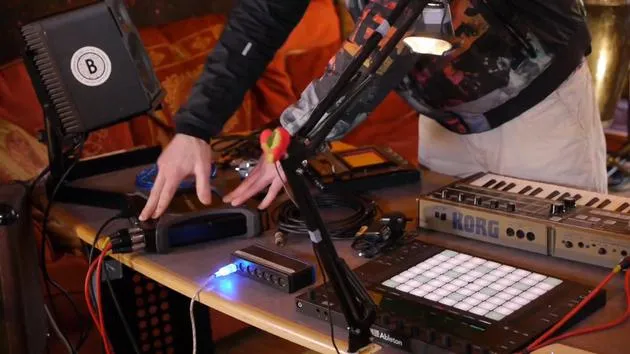
02. Préparons le setup (MicroKorg et Novation Launch Control)
7:47
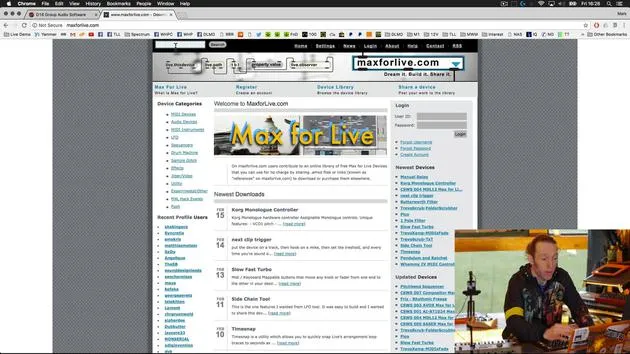
03. Messages MIDI CC et mapping du Novation LC vers les paramètres du MicroKorg
18:19
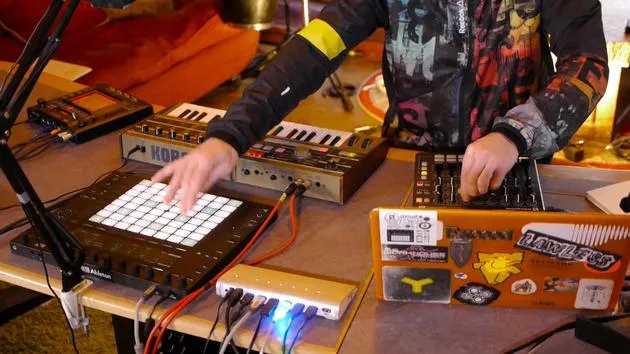
04. Démonstration de la configuration jusqu'ici
1:47
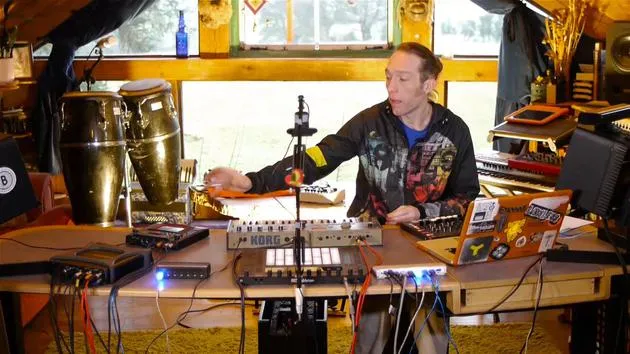
05. Ajouter des effets tactiles avec le Kaoss Pad 3
11:50
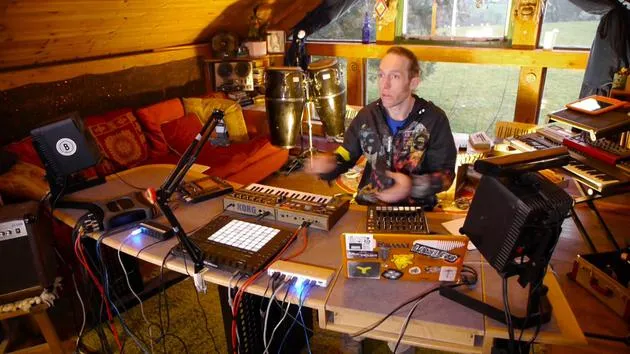
06. Finaliser la configuration du Kaoss
7:02
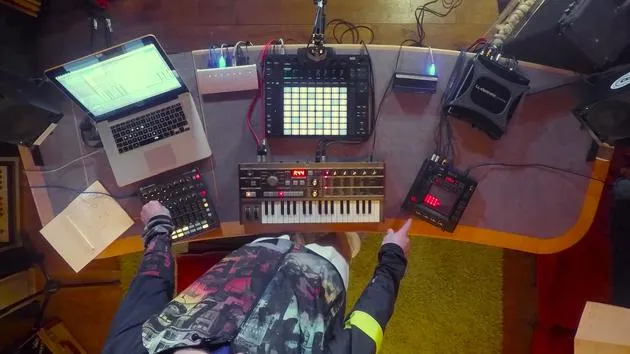
07. Récapitulatif de ce qu'on a appris
4:23
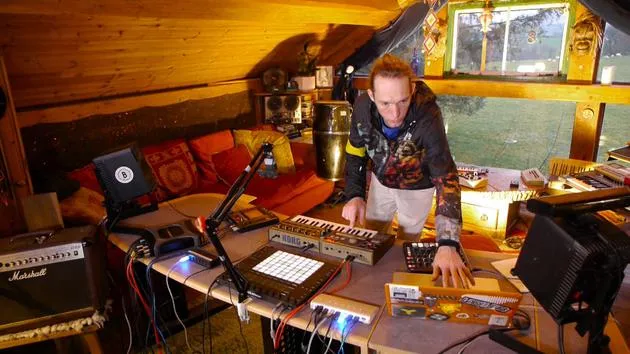
08. Explorer le setup
3:54
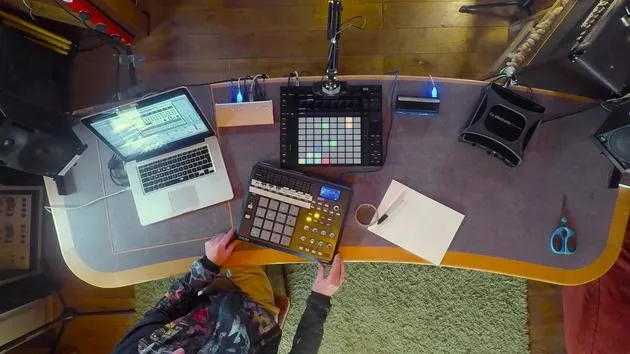
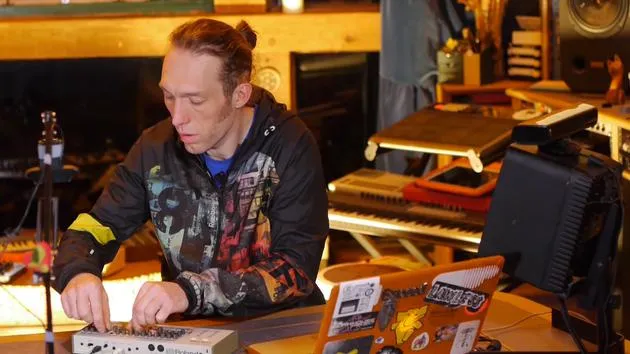
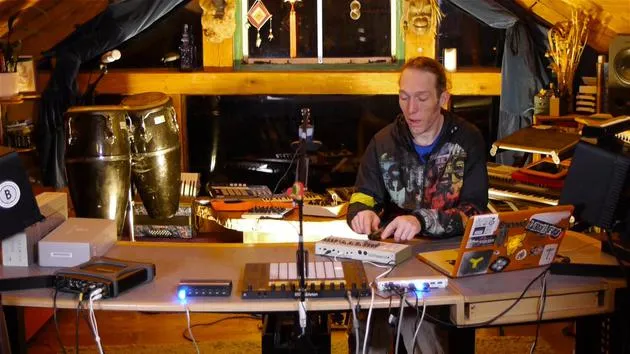
Transcription de la leçon
Creating a MIDI Clip in Live
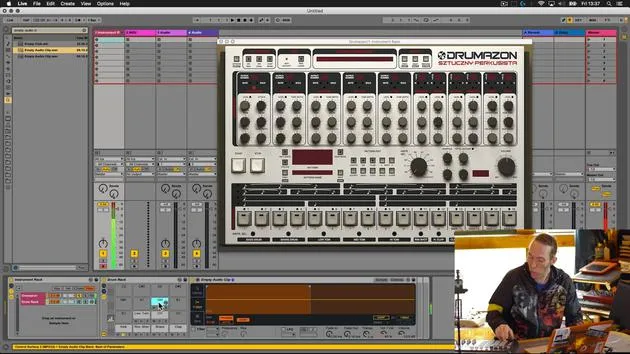
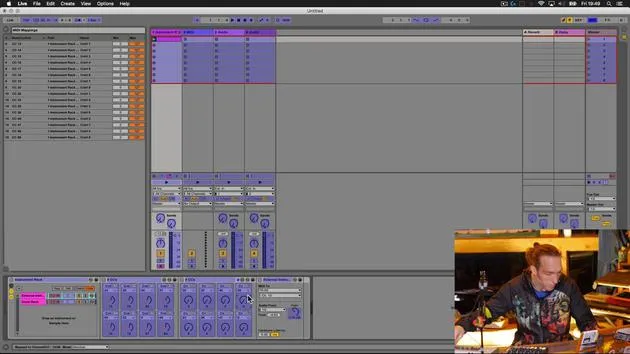
So back in Live, I'm just going to create an empty MIDI clip by double clicking.
Understanding MIDI Clip Configuration
Now, this isn't nested in a drum rack, so I'm not going to be able to program it in the same way as I would a normal drum pattern.
- I'm just going to use a little preview, sweep down the MIDI,
- The piano roll here to try and identify the notes that are triggering the drum sounds.
If you remember from any of the earlier lessons, these note numbers will start to look very familiar because there is a general MIDI assignment for drum sounds. Most drum machines tend to stick to those general MIDI assignments, with the odd exception, obviously.
Identifying Kick Drum
But it does make it quite ,
- It makes it a lot easier to locate specific drum sounds, generally, whatever device you're working on.
So there's that C1; that's our kick drum. Let me just draw in a couple of a selection of quarter notes there.
Simple Four-Four Beat
- We're just going to do a really simple four-four beat.
- I'm going to start this playing immediately so you can hear what's going on.
Let's find a different sound. Let's just use that clap sound.
Okay, we've got a fairly standard straight four-four beat there, with a few of the different sounds that we might want to use going on.
Sequencing in Live
This is great because I can sequence from inside Live.
- I don't need to use the 909 sequencer,
- So my sequences can remain congruent to the rest of the content of my session.
But I can still get hands-on with the device here and adjust the sounds themselves while we're playing.
Grouping and Transforming
I'm just going to take this a little step further now and group this. In the second chain of this instrument rack, I'm going to drop a drum rack , an empty one , just so that we transform the view on the push here to a standard drum programming.
- Now, although the notes aren't lighting up because this drum rack isn't populated,
- We can at the very least see the sequencing that's occurring at the top.
Playing and Modifying Patterns
Okay, so that's great.
- We can do some sequencing.
- We can play the pattern from here.
- We can modify the sounds from here.
- And we can play patterns from here.
That's great fun!
Enhancing Tactile Interaction
But again, as I say, in the live environment, it's going to be difficult to interact with those knobs.
So what I'm going to do is:
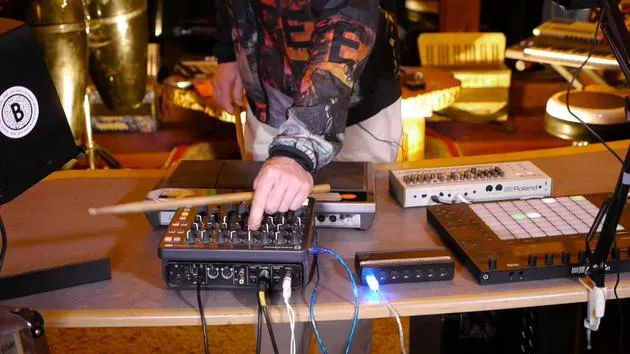
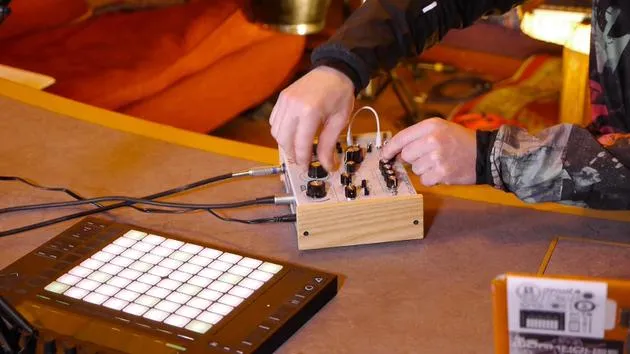
- I'm going to bring in another MIDI controller.
- I'm going to map some of those knobs to that external MIDI controller to give me a little bit of a better tactile interface for those kind of key controls.
24 leçons
3h 29m de leçons vidéo structurées
Fonctions vidéo avancées
Ralentissez, bouclez un passage, suivez la partition
Mobile, tablette et ordinateur
Pratiquez où vous voulez
Satisfaction garantie à 100 %
Garantie remboursement 30 jours
Rencontrez votre guru
Rencontrez votre guru
Mark Burnett est un Ableton Certified Trainer qui travaille avec les produits Ableton depuis plus de 14 ans. En tant que producteur et DJ chez Funk'n Deep Records, ses morceaux ont été joués dans de grands festivals ainsi que dans les sets et podcasts d'artistes comme Carl Cox et Richie Hawtin, et il s'est produit devant des foules de plusieurs milliers de personnes. Il organise également des événements de grande envergure comme le Workhouse Project, et a étudié à l'Imperial College London. Son cours porte sur l'utilisation d'Ableton Live pour construire des performances en direct, et convient aux producteurs et interprètes de musique électronique qui souhaitent faire passer leur spectacle du studio à la scène.







