



Comment mapper les sons de la TR-09 sur des pads de batterie Alesis externes

Avec
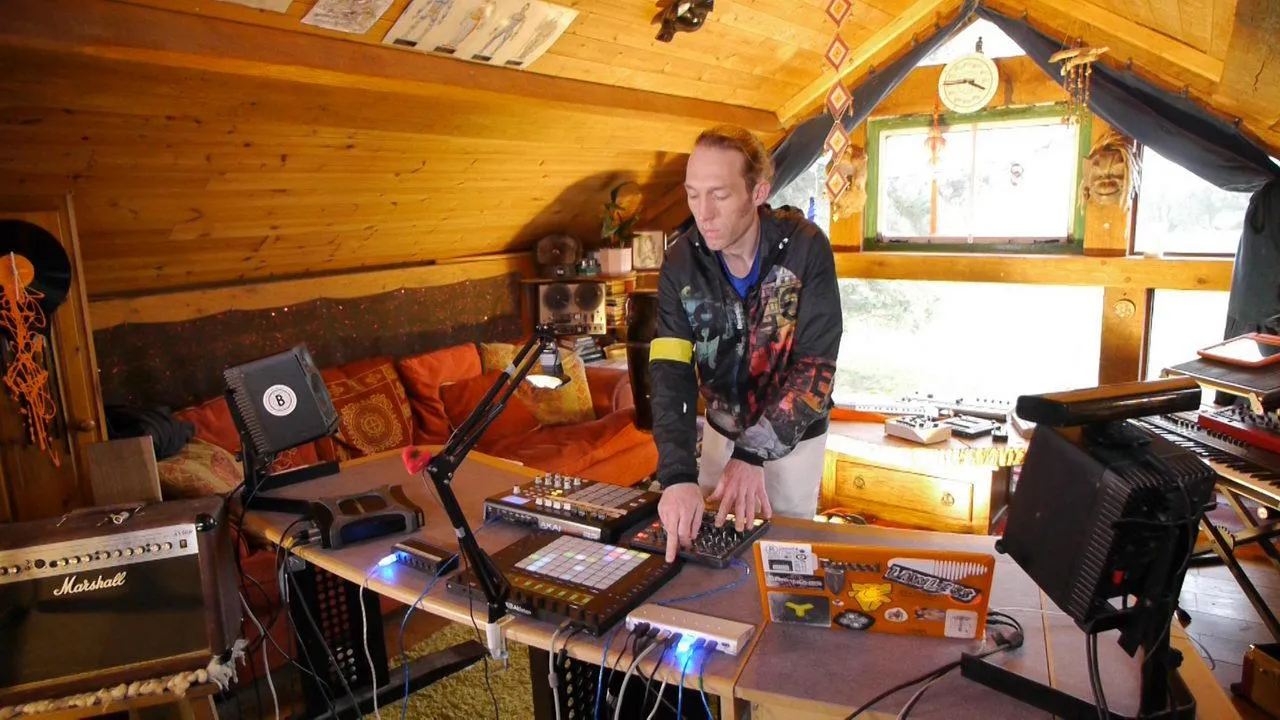
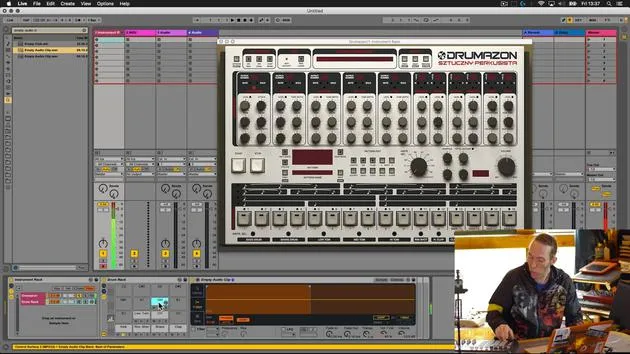
Mark BurnettMark Burnett montre comment configurer un Alesis Control Pad pour déclencher les sons de la TR-09 dans Ableton Live, afin de jouer la boîte à rythmes comme une batterie.
Le contenu du cours
24 leçons (3h 29min) · 2 gratuites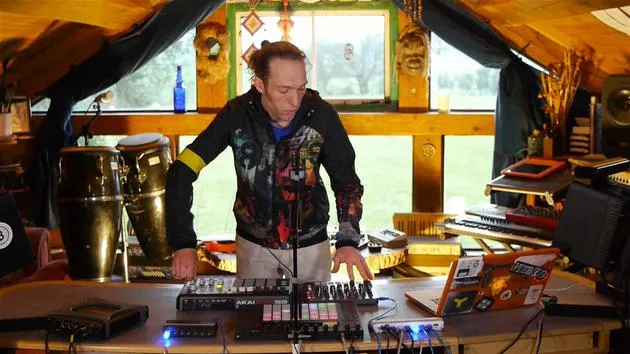
01. Ce que tu vas apprendre dans ce chapitre
1:53
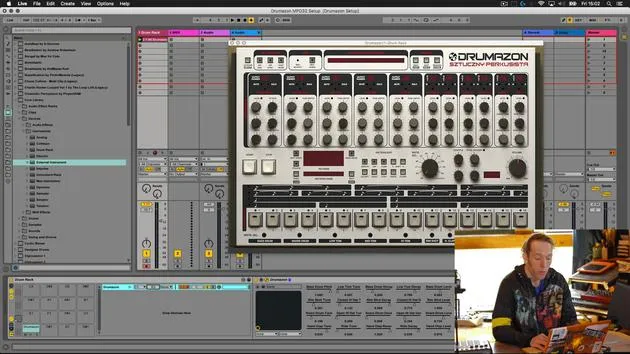
02. Comment router les sons de Drumazon vers des pistes individuelles
16:58
03. Comment appliquer des effets à des groupes de batterie
5:08
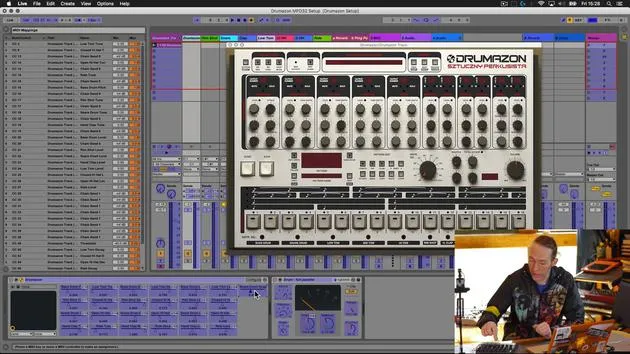
04. Comment mapper des effets logiciels sur un contrôleur externe
12:44
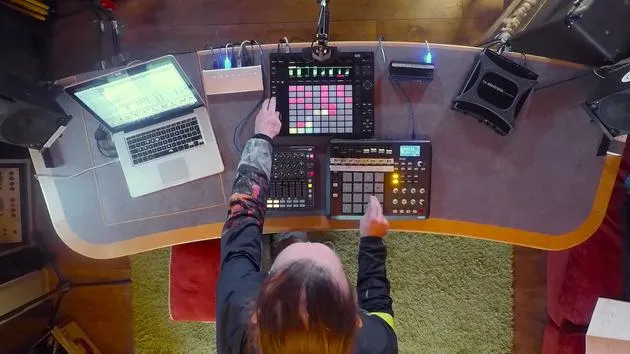
05. Sauvegardons cette configuration et testons-la !
9:21
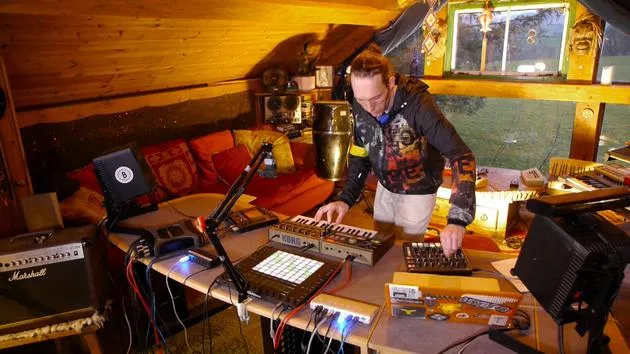
01. Ce que tu apprendras dans ce chapitre
1:18
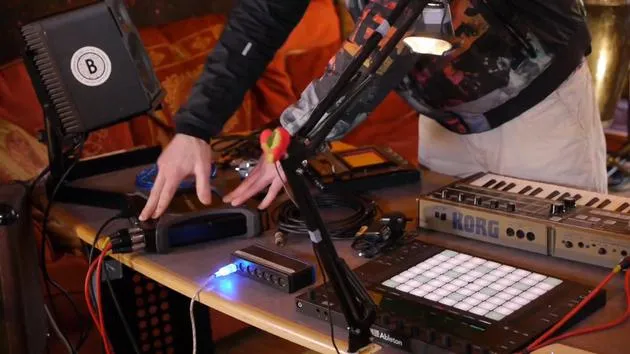
02. Préparons le setup (MicroKorg et Novation Launch Control)
7:47
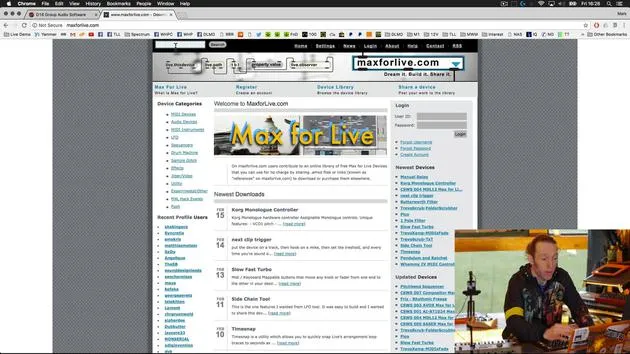
03. Messages MIDI CC et mapping du Novation LC vers les paramètres du MicroKorg
18:19
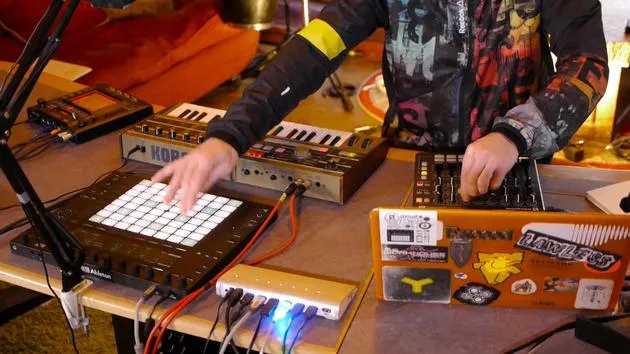
04. Démonstration de la configuration jusqu'ici
1:47
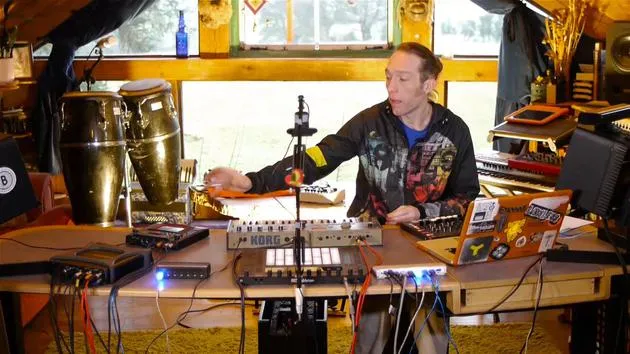
05. Ajouter des effets tactiles avec le Kaoss Pad 3
11:50
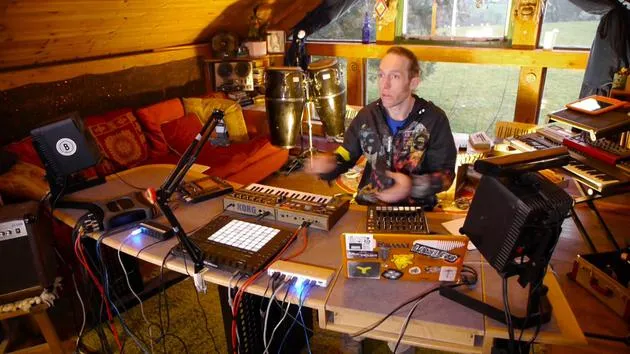
06. Finaliser la configuration du Kaoss
7:02
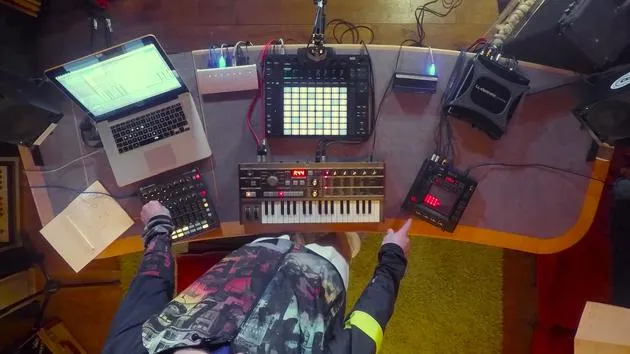
07. Récapitulatif de ce qu'on a appris
4:23
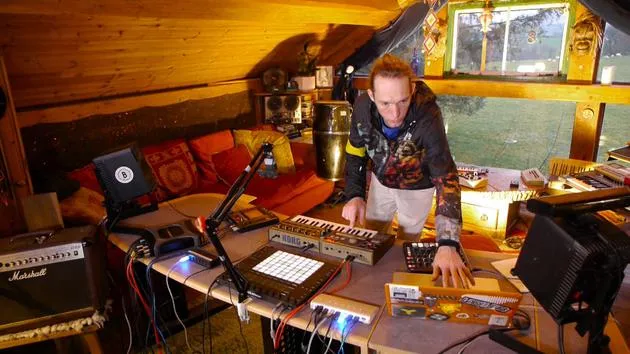
08. Explorer le setup
3:54
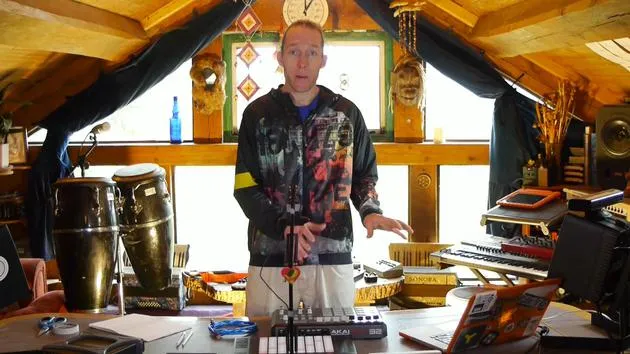
Transcription de la leçon
Music Lesson: Setting Up MIDI Equipment
Introduction to the Alesis Drum Pad
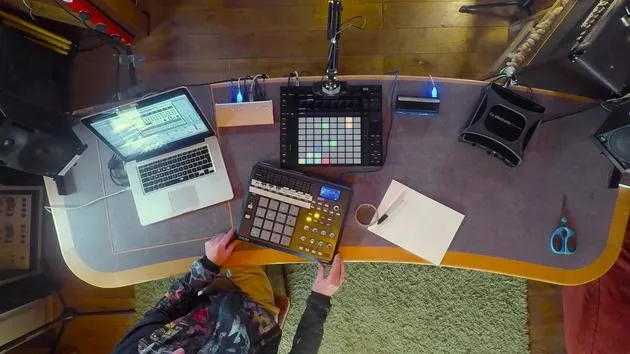
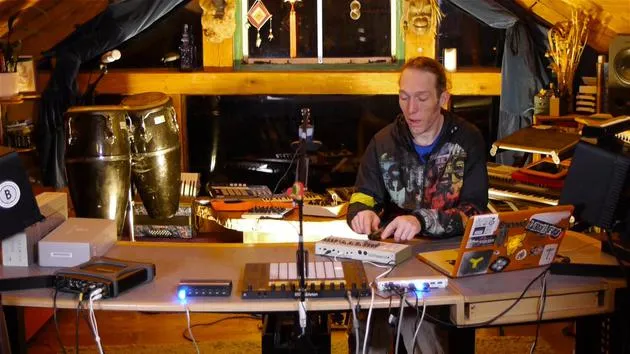
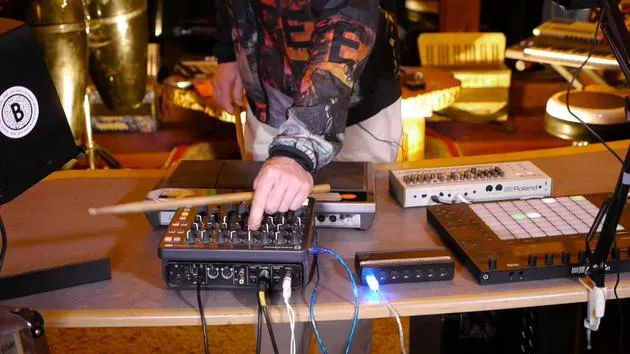
"Right, so back to the table. Now, I've introduced an extra bit of kit here. This is an Alesis drum pad of some description; I forget the name exactly, Control Pad it's called.
Key Features:
- No built-in sounds: Outputs MIDI only.
- Connection: Very simple USB connection (MIDI in and out).
- Traditional MIDI: Has five-pin DIN for traditional MIDI connection.
"USB is a great way to handle MIDI because in and out on one cable just makes life a lot easier."
Current Setup Overview
- TR909: Great little selection of sounds.
- Control Limitations: The knobs are very tiny and polished.
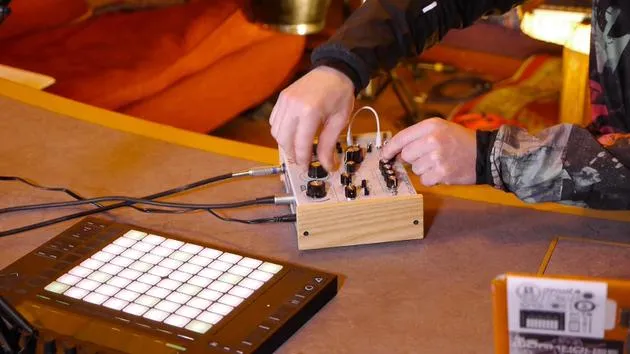
"So we've added these knobs here. Using our routing in Live, we can now control the key parameters of these sounds using the much more touch-friendly and better illuminated controls on here."
Playing Like a Drum Kit
The last thing I wanted to add is the ability to actually play this drum machine like a drum kit.
- Introduction of Drum Pad: All I've done is plug it in so far.
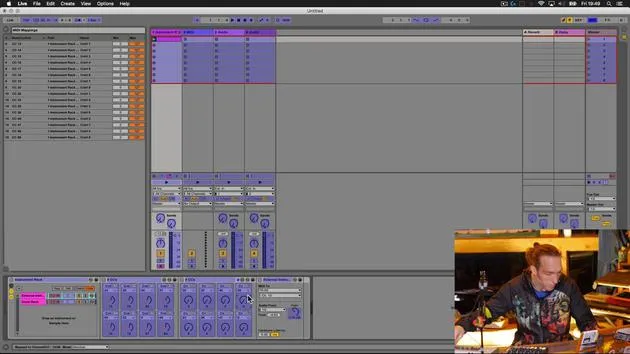
Setting Up in Ableton Live
- Default Settings: Most channels will be set to receive MIDI from all ins.
- Process:
- Plug in your device and ensure it's recognized.
- Set preferences to activate the MIDI device.
"So all I need to do now is pull out my drumsticks and let's hit a few pads on here and see what happens."
Testing the Setup
-
Sounds:
- Kick
- Rim shot snare
- Clap
- Other drum sounds (low tom, closed hat, mid tom)
-
Device Features: This particular device has pages, allowing access to additional sounds.
"It's fairly responsive. It would be more responsive if I set the buffer in my Ableton Live to be a little bit shorter."
Live Jamming and Programming
- Interactivity: Control the volume and jam patterns.
- Pattern Creation:
- Start a new kick drum pattern.
- Program over the push.
- Adjusting Sounds:
- Fiddly adjustments: Use both the push and the controller for easier access.
"Okay, let's just have a listen to this snare."
Recording and Performance
- Hit record on the push.
"And I think there's like a really good example of the kind of benefits that this could have."
Benefits of Integration
- Static Beats vs Live Performance:
- Easier to program static beats, but challenging to program drum rolls and fills.
- Performing live adds complexity to fills.
"The ability to actually play fills in live stuff like snare rolls and just tom fills... is much easier."
Conclusion
In summary, we've combined:
- A hardware drum machine for sound.
- An external MIDI controller for extended access.
- A tactile interface (drum pad) for live performance.
"This kind of augmentations of hardware and software can have a significant impact."
Final Notes:
- Adapt your preferred musical interface (guitar, drums, bass, keys) to interact with almost any instrument.
- Ensure it accepts MIDI and is set up correctly inside Ableton Live for optimal performance.
This setup enhances fluid interaction and creative possibilities for musicians in a live setting.
24 leçons
3h 29m de leçons vidéo structurées
Fonctions vidéo avancées
Ralentissez, bouclez un passage, suivez la partition
Mobile, tablette et ordinateur
Pratiquez où vous voulez
Satisfaction garantie à 100 %
Garantie remboursement 30 jours
Rencontrez votre guru
Rencontrez votre guru
Mark Burnett est un Ableton Certified Trainer qui travaille avec les produits Ableton depuis plus de 14 ans. En tant que producteur et DJ chez Funk'n Deep Records, ses morceaux ont été joués dans de grands festivals ainsi que dans les sets et podcasts d'artistes comme Carl Cox et Richie Hawtin, et il s'est produit devant des foules de plusieurs milliers de personnes. Il organise également des événements de grande envergure comme le Workhouse Project, et a étudié à l'Imperial College London. Son cours porte sur l'utilisation d'Ableton Live pour construire des performances en direct, et convient aux producteurs et interprètes de musique électronique qui souhaitent faire passer leur spectacle du studio à la scène.







