



Demo of the setup so far

With
Mark Burnett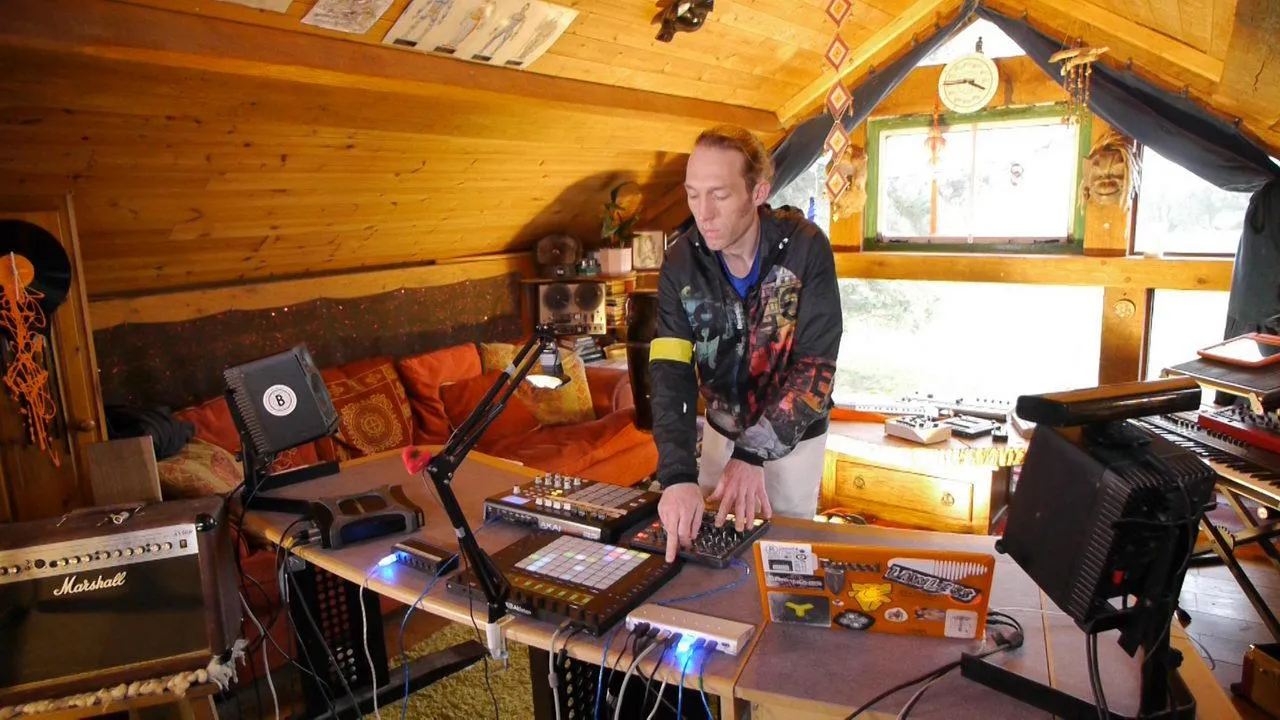
What's in the course
24 lessons (3h 29m) · 2 free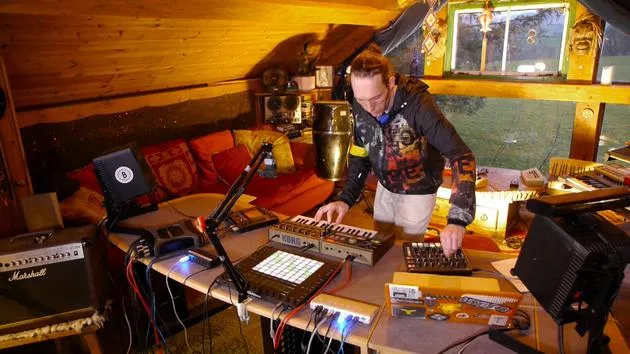
01. What you'll learn in this chapter
1:18
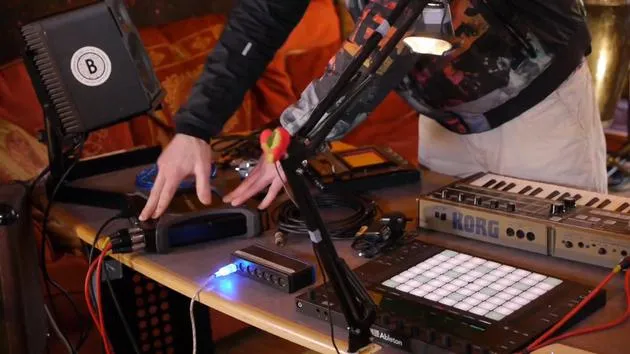
02. Let's get set-up (MicroKorg and Novation Launch Control)
7:47
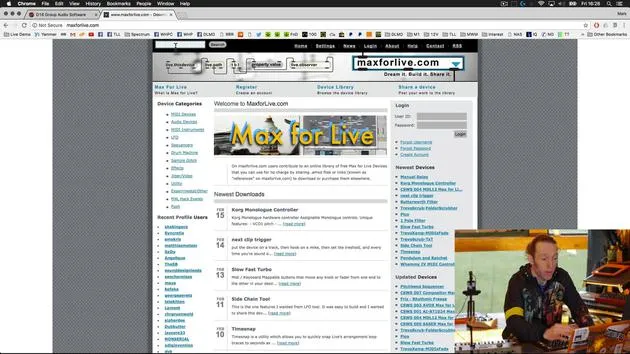
03. MIDI CC messages & mapping Novation LC to MicroKorg parameters
18:19
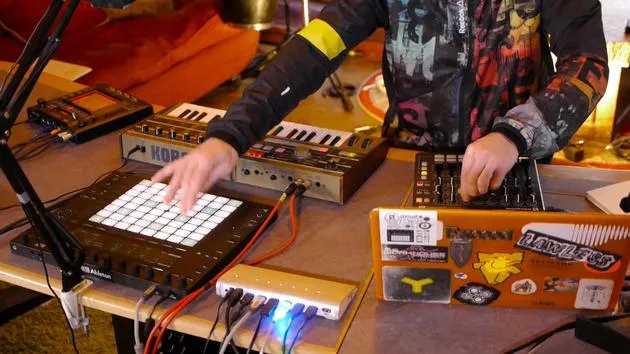
04. Demo of the setup so far
You are here1:47
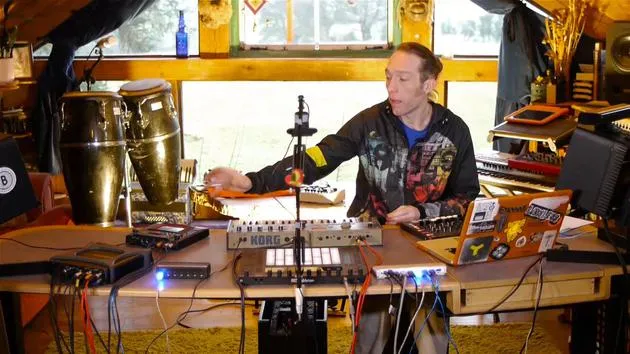
05. Adding tactile effects with the Kaoss Pad 3
11:50
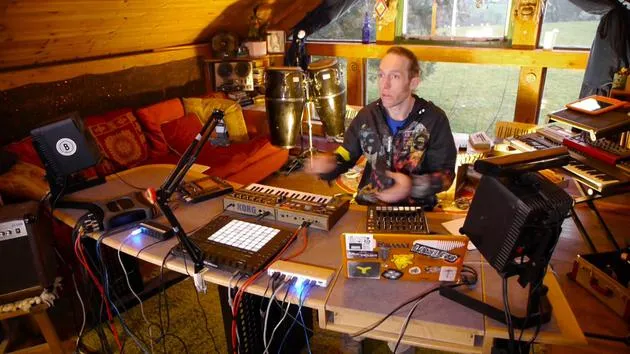
06. Finalizing the Kaoss setup
7:02
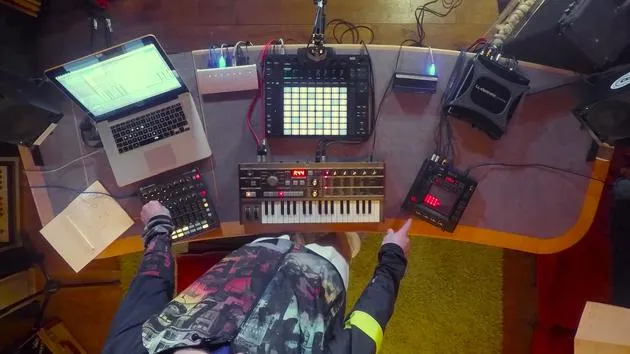
07. Recap of what we've learned
4:23
08. Exploring the setup
3:54
Lesson transcript
Final Play and Experimentation with Equipment
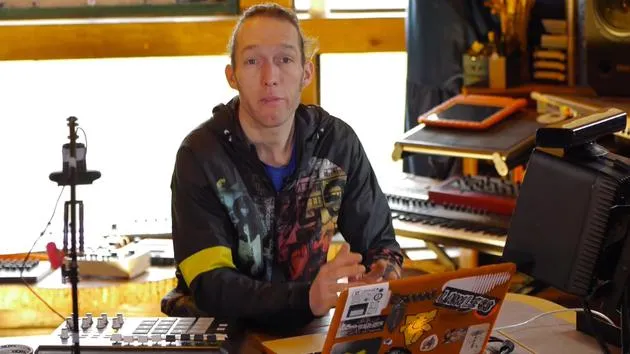
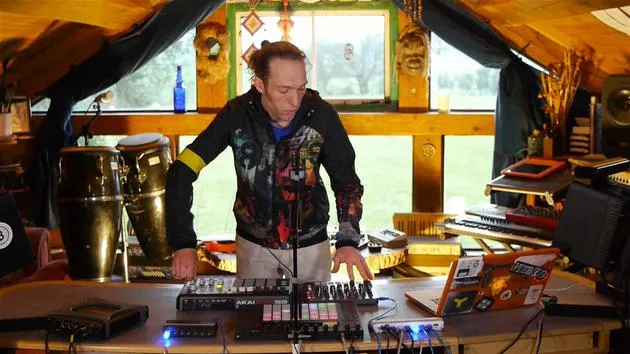
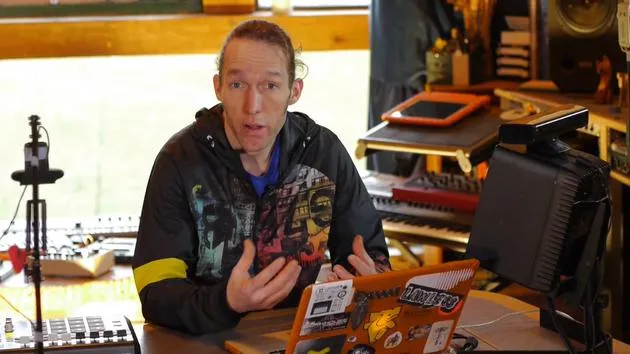
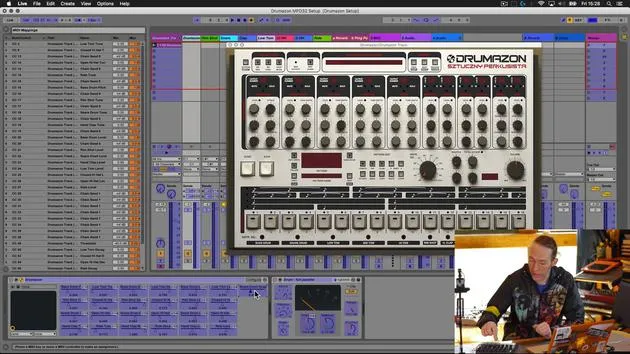
So, the last thing to do is just have a little play with this to check that everything's working.
Step 1: Clear the Workspace
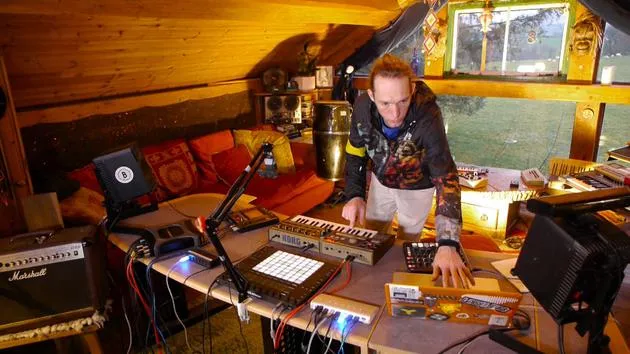
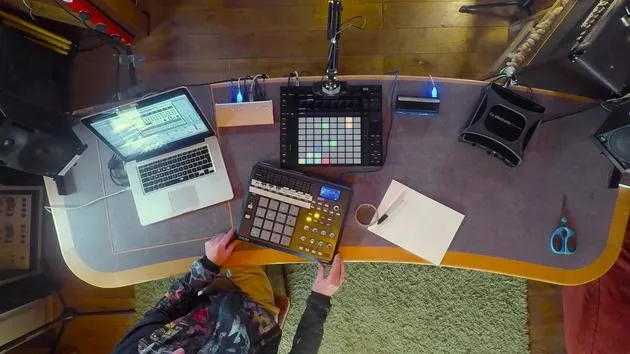
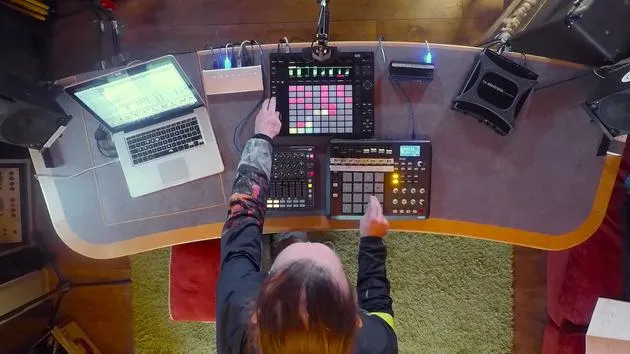
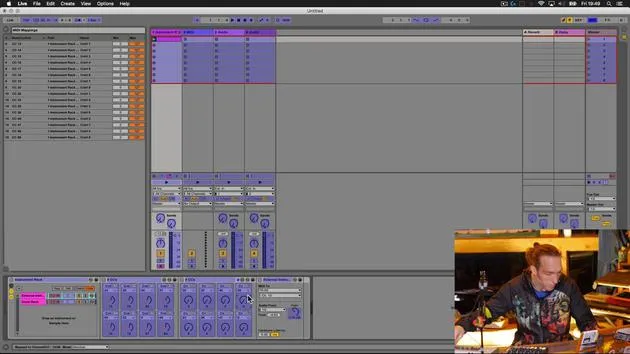
I'll take my notes out of the way so that we can see the Push 2 in action.
Step 2: Testing Note Playback
Now, I should be able to play notes from here.
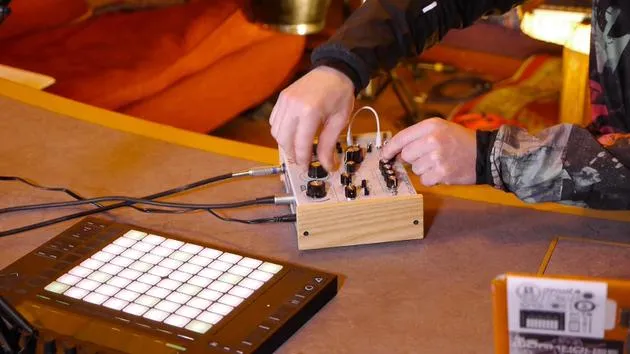
- I should be able to change the parameters from the Novation.
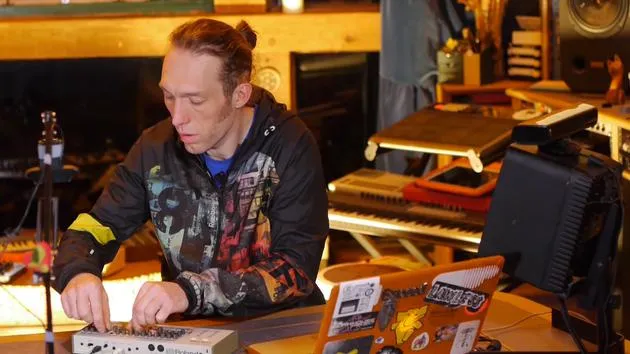
- I can also adjust settings from the Korg.
That all seems to be working fine. Great!
Step 3: Expanding Performance Capabilities
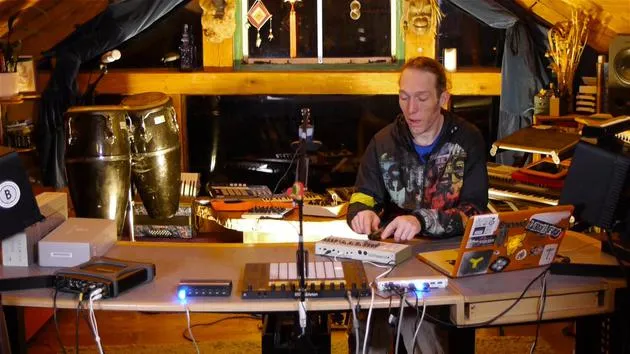
Now that we can access more parameters, it means that we can perform with the Korg and have a little bit more fun.
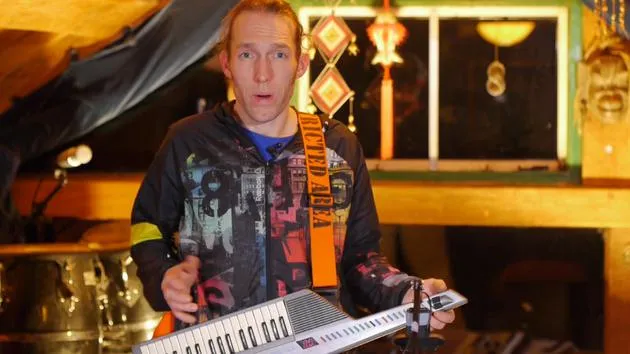
Let me demonstrate that it does work by playing directly on the chord here.
Okay, great!
- We can play on the Korg.
- We can access more parameters on the Novation.
Step 4: Adding Effects
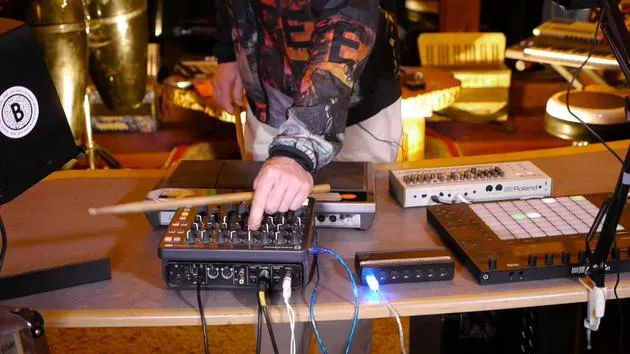
The next thing to do is to have a look at getting the audio signal passed out through the Chaos Pad here to add some extra effects to the whole situation.
24 lessons
3h 29m of structured video lessons
Advanced video features
Slow down, loop a passage, follow along
Mobile, tablet & desktop
Practise wherever you are
100% satisfaction guarantee
30-day money-back guarantee
Meet your guru
Meet your guru
Mark Burnett is an Ableton Certified Trainer who has worked with Ableton products for over 14 years. As a producer and DJ on Funk'n Deep Records, his tracks have featured at major festivals and in sets and podcasts from artists including Carl Cox and Richie Hawtin, and he has played to crowds of thousands. He also runs large-scale events such as Workhouse Project, and studied at Imperial College London. His course covers using Ableton Live to build live performances, and it suits electronic producers and performers who want to take a show out of the studio and onto the stage.







