



Compensation de retard et HEAT
Le contenu du cours
23 leçons (2h 35min) · 1 gratuites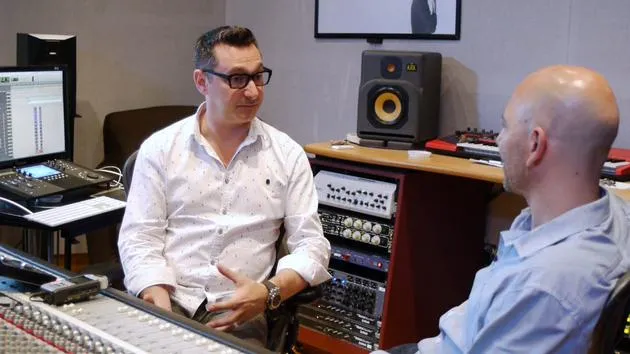
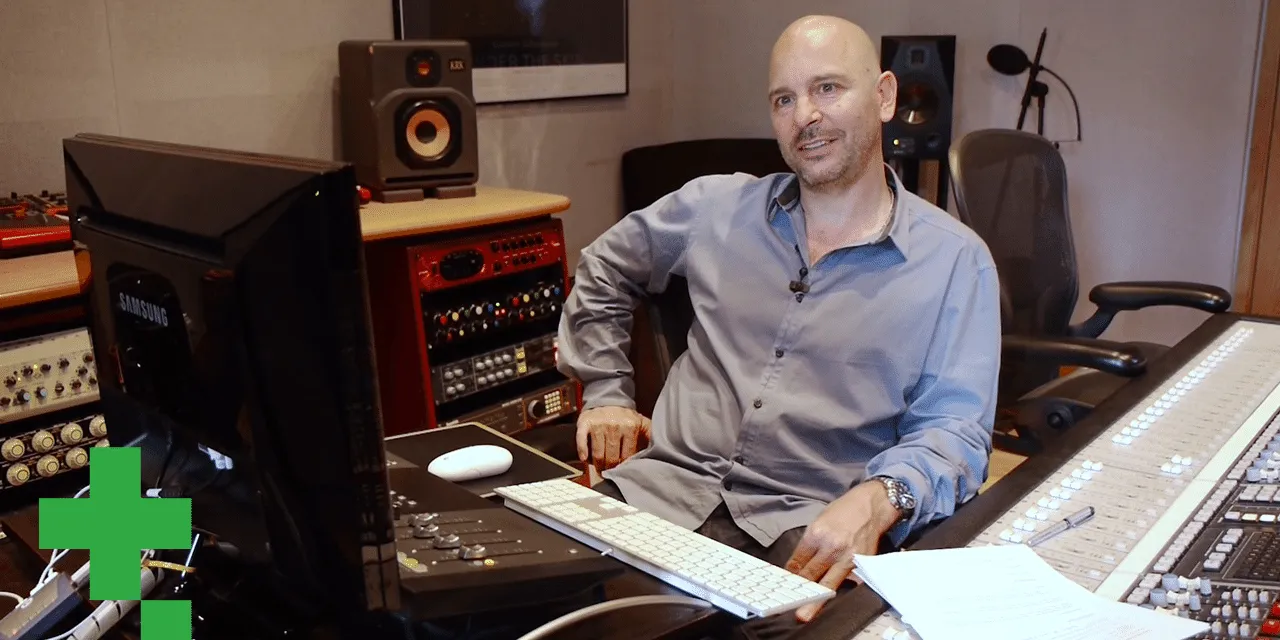
01. Entretien avec Goetz Botzenhardt
Leçon gratuite20:19
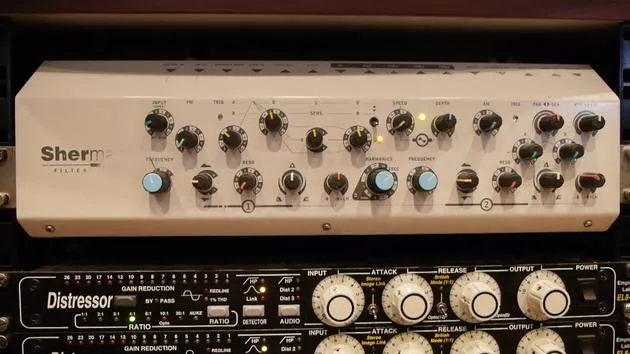
02. L'installation du studio de Goetz
14:02
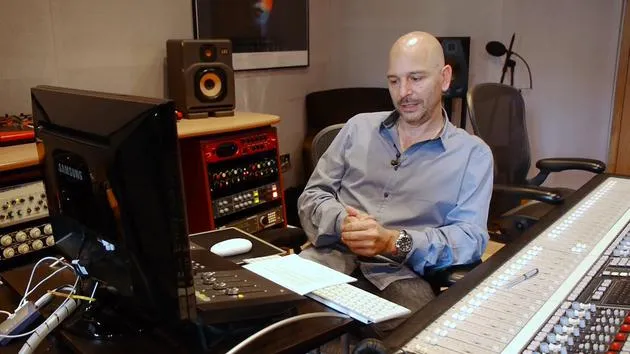
03. Préparation avant de se mettre au mixage
7:29
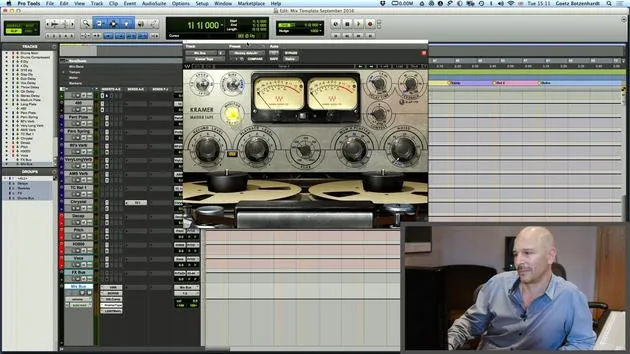
04. Créer et utiliser un modèle de mixage pour démarrer rapidement
7:37
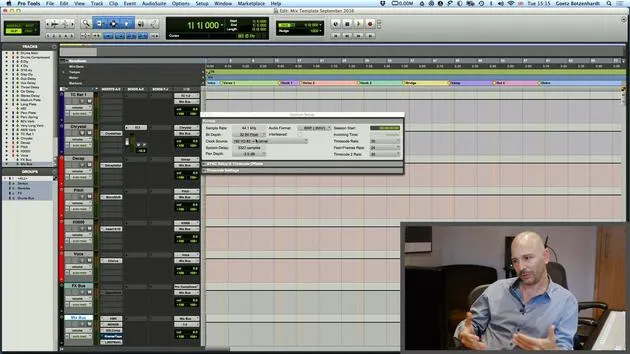
05. Comprendre les bus et les réglages de projet
3:19
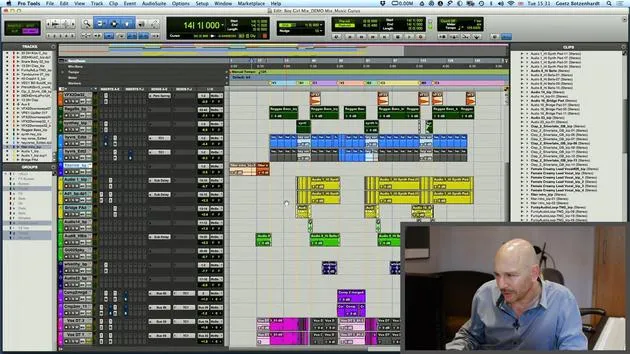
06. EXERCICE N° 1 : CRÉE UNE SESSION DE MIX
0:41
01. Charger des samples dans ton projet de mixage
5:28
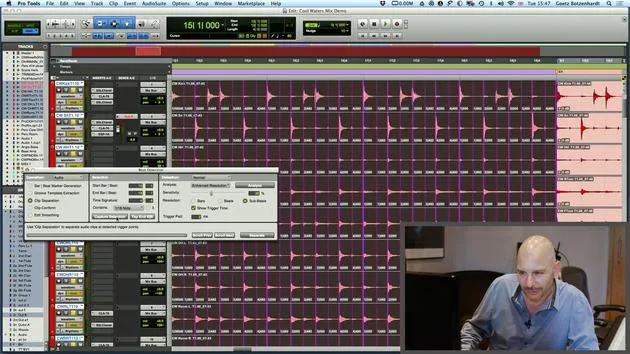
02. Inspecter le matériel - La batterie
7:06
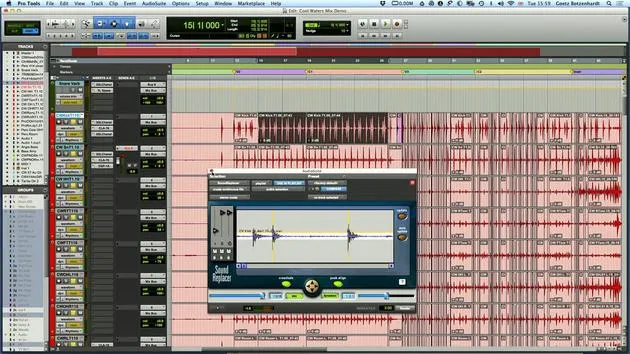
03. Resserrer la batterie avec Sound Replacer
5:14
04. Inspecter et préparer les voix
3:40
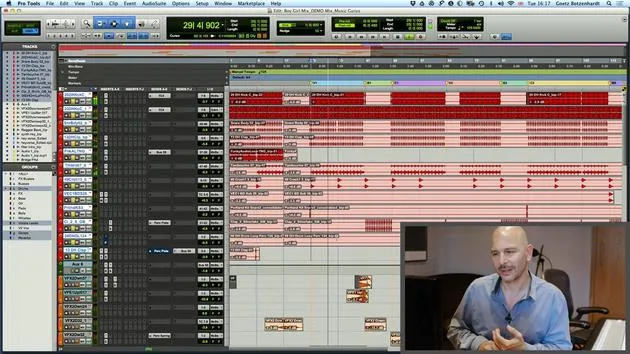
05. Assembler le mix
10:36
06. Ajouter plus d'éléments au mix
3:21
07. EXERCICE #2 : REMPLACER LA GROSSE CAISSE ET LA CAISSE CLAIRE
1:04
Transcription de la leçon
Pro Tools and Logic: Delay Compensation and Heat
Introduction
Okay, before we get to the vocal, I just want to show one more thing that we have in Pro Tools and also in Logic. Actually, two things.
Delay Compensation
Pro Tools
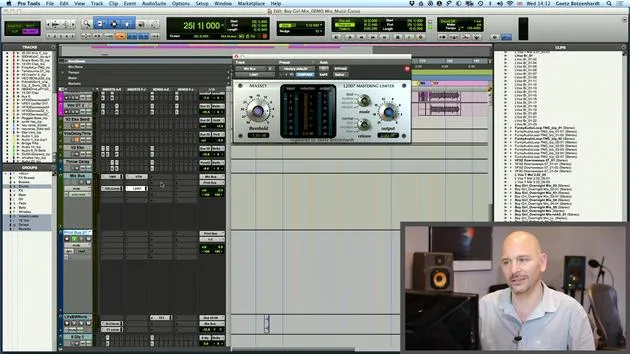
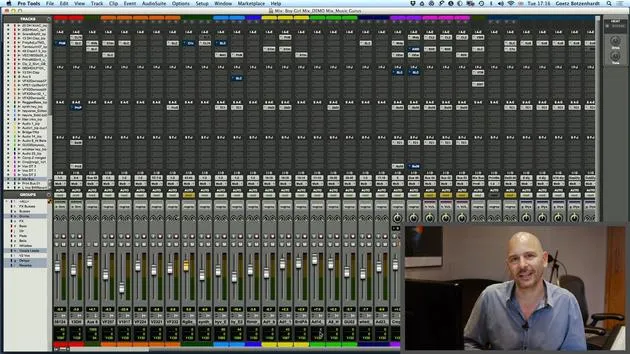
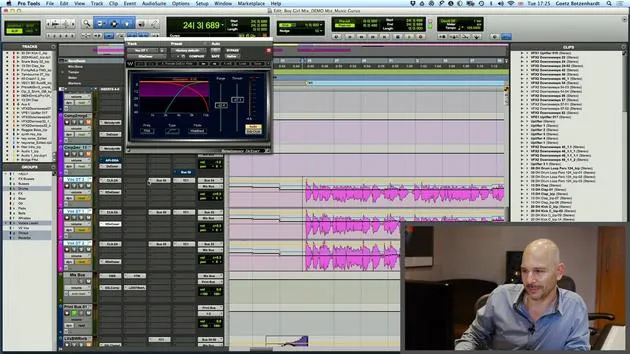
- Down here in Pro Tools, we have something called delay compensation.
- It's quite boring and geeky, but it basically shows what happens when you put plugins on each channel.
Key Points:
- Each plugin causes a little delay, a processing delay.
- This delay is the time taken to crunch the numbers, apply the processing, and put the signal back out.
Importance of Monitoring
- If you put different plugins on every channel, you end up with everything going out of time.
- To compensate, Pro Tools at the bottom shows you how much processing happens on each channel.
- It works out the processing delay for each channel and adds a little compensation.
Remember:
- It's really important that all the numbers here are always green.
- If they go red, it means there's too much processing going on, and Pro Tools can't keep up.
Logic
- Logic has a similar feature, but you can't actually see the numbers.
- It's worth looking at your system occasionally to ensure it doesn't run out of compensation headroom.
Note:
- If it does, you're going to get timing problems, and the audio will start to sound pretty bad.
- There is a page in Logic as well where you can investigate these issues.
Visual Check
- Every now and then, just look down here to make sure all your numbers are green.
- There's one number here that is always orange, indicating the channel with the most processing and the biggest delay.
- Don't worry about that; it just shows which channel has the longest delay and helps determine the other figures.
Heat in Pro Tools
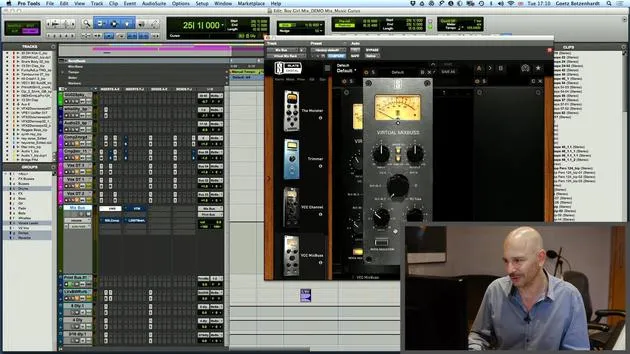
- One more thing I want to mention quickly is Heat in Pro Tools.
- Heat emulates an analog tape machine.
Activation:
- Go down here on Options.
- Activate Heat.
Functionality
- When activated, you can adjust a knob:
- Turning it to the left adds a bit of harmonic distortion on each channel, which mimics the effect of a tape machine.
- Each sound becomes a bit more defined and may add a tiny bit of distortion, which can be quite nice sometimes.
Demonstration
- Let's just play and I'll kick it in more and more.
- You can hear when it really starts distorting, and at that point, you know it's probably too much.
Tip:
- I usually like to have it on one or maybe sometimes two if it's a rock record.
- Don't be scared to put a bit of distortion on it; it can be quite nice.
Final Note:
- Always check the difference before and after adding Heat to enhance your sound.
23 leçons
2h 35m de leçons vidéo structurées
Fonctions vidéo avancées
Ralentissez, bouclez un passage, suivez la partition
Mobile, tablette et ordinateur
Pratiquez où vous voulez
Satisfaction garantie à 100 %
Garantie remboursement 30 jours
Rencontrez votre guru
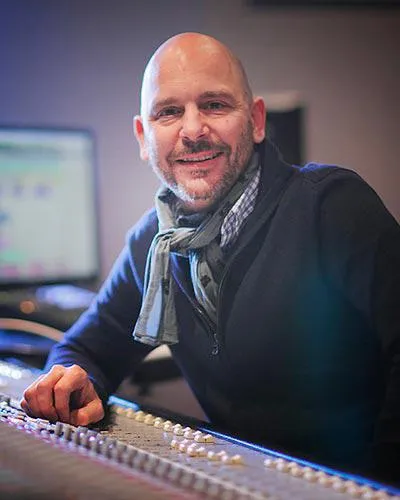
Rencontrez votre guru
Au début des années quatre-vingt-dix, Goetz Botzenhardt s'est formé aux Swanyard Recording Studios, assistant des producteurs de premier plan comme Flood, Alan Moulder et Tom Lord-Alge, et a fait ses armes en enregistrant et en mixant les groupes de dance et d'acid jazz des années 90 : Incognito, Galliano, Soul II Soul et bien d'autres.
À Swanyard, il rencontre Rollo Armstrong et tous deux nouent rapidement un partenariat créatif, à l'origine de nombreux grands disques de dance et remixes et, peu après, de l'enregistrement et du mixage des deux premiers albums acclamés de Faithless et du multi-platine 'No Angel' de Dido.
Naviguant entre les genres, il a enregistré et mixé le premier album des Sugababes, 'One Touch', dont leur premier tube 'Overload', et a mixé pour The Cardigans, Bjork, The Cinematic Orchestra, Craig David, les Pet Shop Boys et Hikaru Utada, l'une des artistes les plus populaires du Japon.
Plus récemment, il s'est étendu au cinéma et à la télévision, collaborant étroitement avec les compositeurs Christian Henson, Martin Phipps et Anne Nikitin, et mixant la musique de Daniel Pemberton, nommée aux Golden Globes, pour 'Steve Jobs', réalisé par Danny Boyle. En dehors du cinéma, il a produit 'Closer to the People' de Tanita Tikaram, mixé des titres pour Sigala, Ella Eyre, Breton, Planet Funk et Tito Jackson, et en 2016 il a mixé l'album de Peabo Bryson avec Jimmy Jam et Terry Lewis. La liste complète de ses travaux figure sur ses pages de discographie et de filmographie sur goetz-botzenhardt.com.
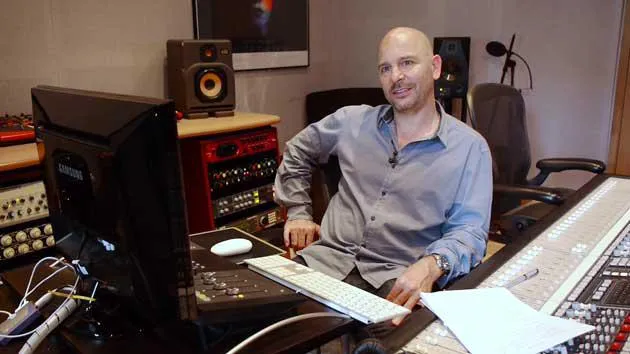
Goetz travaille depuis son propre studio et sa salle de mixage, articulés autour d'une console SSL E4044, d'un monitoring surround Adam 5.1, d'un système Pro Tools HDX 48 canaux et d'un outboard de choix. Dans ses cours, il te fait entrer dans cette pièce pour montrer comment il mixe dans deux univers très différents : dans Mixing for Film & TV Score, comment il équilibre et façonne des musiques orchestrales et hybrides au service de l'image ; et dans Mixing Commercial Pop Music, comment il construit des mixes pop percutants et prêts pour la radio à partir du multipiste.







