



Charger des samples dans ton projet de mixage
Le contenu du cours
23 leçons (2h 35min) · 1 gratuites
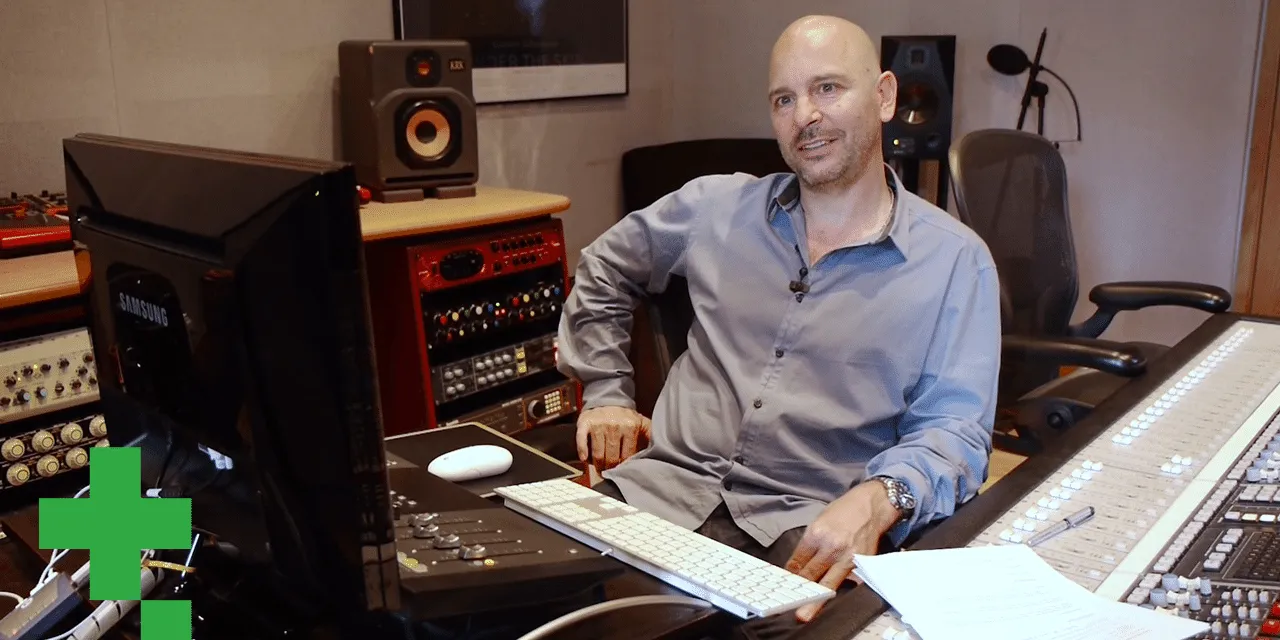
01. Entretien avec Goetz Botzenhardt
Leçon gratuite20:19
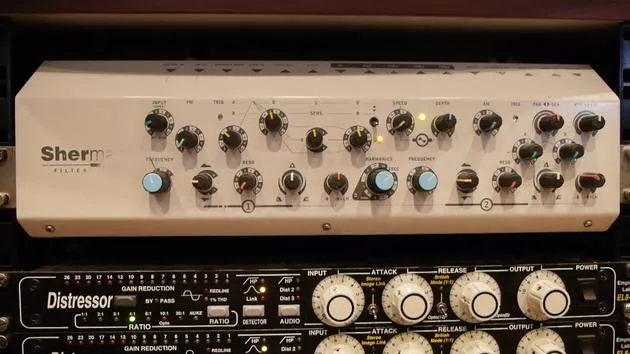
02. L'installation du studio de Goetz
14:02
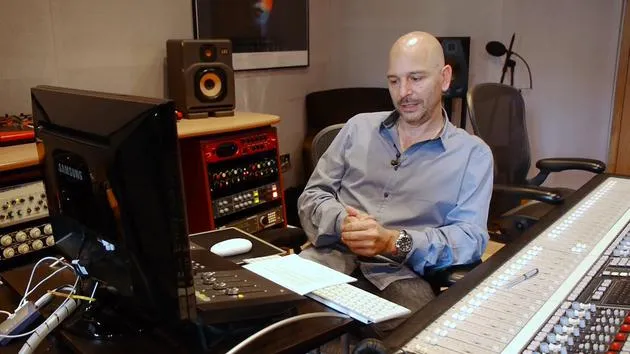
03. Préparation avant de se mettre au mixage
7:29
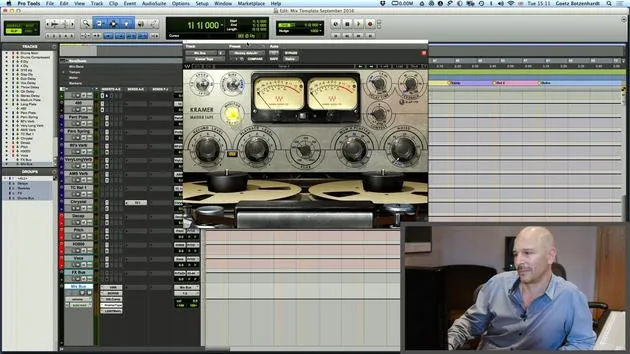
04. Créer et utiliser un modèle de mixage pour démarrer rapidement
7:37
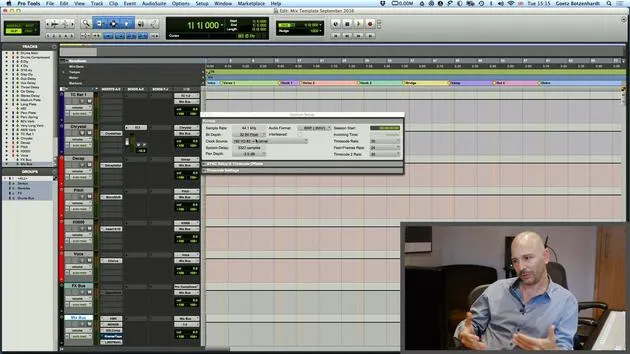
05. Comprendre les bus et les réglages de projet
3:19
06. EXERCICE N° 1 : CRÉE UNE SESSION DE MIX
0:41
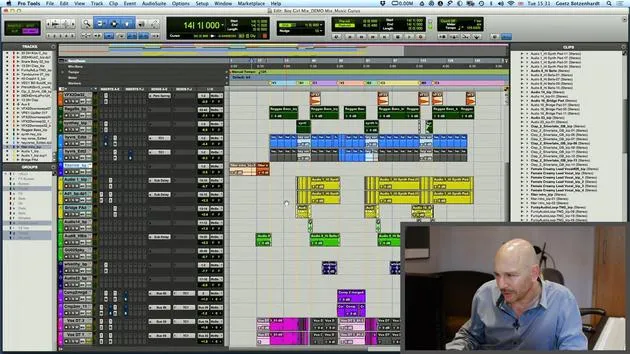
01. Charger des samples dans ton projet de mixage
Tu es ici5:28
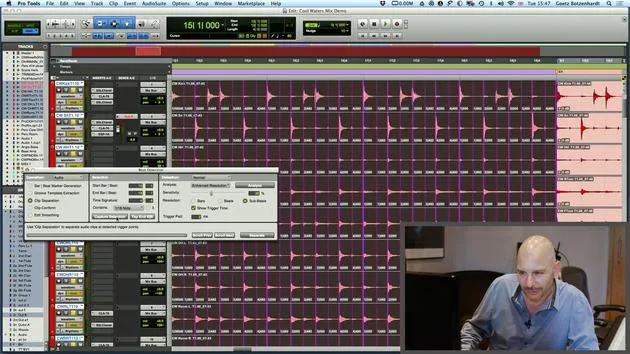
02. Inspecter le matériel - La batterie
7:06
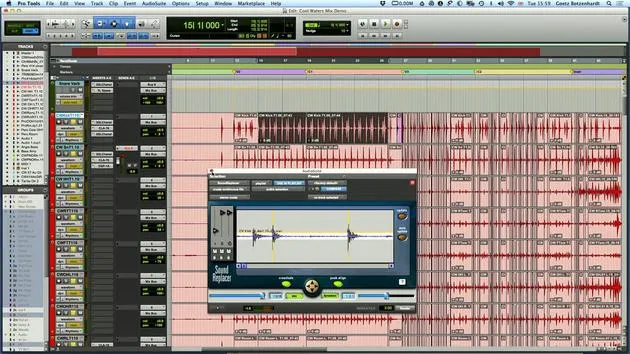
03. Resserrer la batterie avec Sound Replacer
5:14
04. Inspecter et préparer les voix
3:40
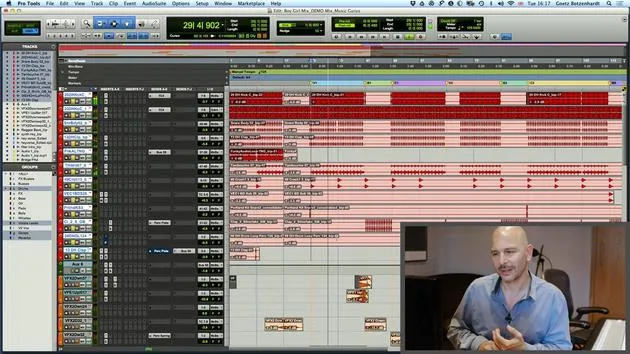
05. Assembler le mix
10:36
06. Ajouter plus d'éléments au mix
3:21
07. EXERCICE #2 : REMPLACER LA GROSSE CAISSE ET LA CAISSE CLAIRE
1:04
Transcription de la leçon
Music Production Session Preparation
1. Session Setup
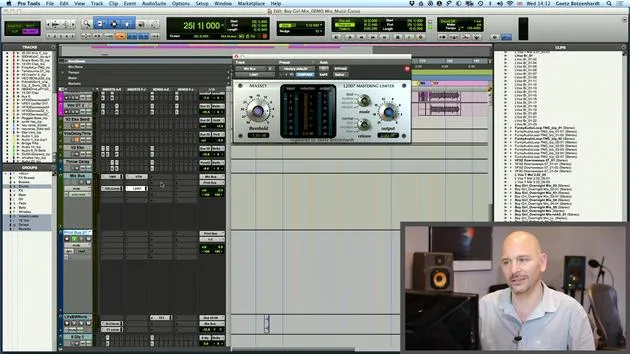
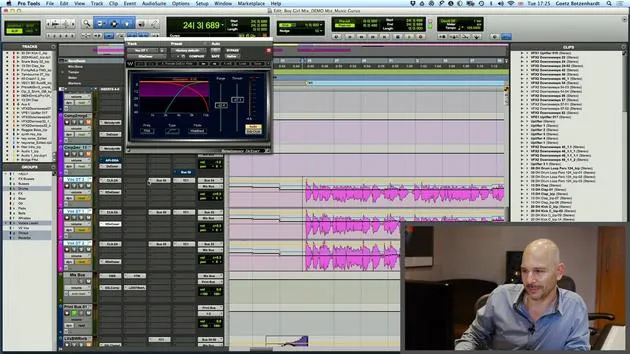
The first thing I do when preparing the session is to load in a template.
- I quickly hide all the template tracks, leaving us with an empty session.
2. Importing Audio
Next, I import the audio:
- Finding Audio Files: I locate the audio on my device. These files are typically sent as a zip file, Dropbox, or WeTransfer.
Once I open the import audio page and locate all the audio files, I add them to the session.
Important: It's best to work in the sample rate that the session has been delivered in. In this case, we are on 44.1 kHz, which is fine.
- Creating Tracks: The software will prompt me to make a new track for each audio file. This feature is essential because it saves time by creating tracks automatically.
3. Organizing Audio Files
Upon importing, the audio files can appear chaotic. To streamline the workflow, I:
- Listening and Sorting: Start listening to the tracks while sorting and coloring them for visual clarity.
- Drum Tracks: I find all the drum tracks, place them at the top, color them red, and group them.
- Bass Tracks: I put the bass tracks underneath and color them green.
- Percussion Tracks: I position the percussion tracks under the bass.
Note: Organizing files in this manner enhances visibility and makes it easier to work.
4. Session Example
I will now close the previous setup and open a prepared session:
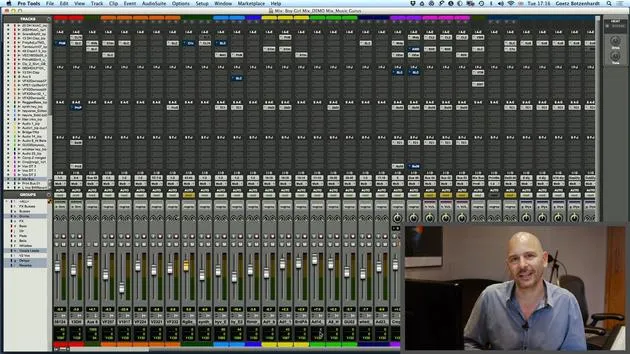
- Visual Improvements: You'll see that I've already grouped the drum tracks at the top in red, making for a more user-friendly layout.
- Percussion Tracks: These are colored orange, showing that I prioritize working on drums first.
5. Stripping Silence
Another technique I employ is stripping silence:
- I use the shortcut Command + U (Apple U) to bring up the strip silence window:
- This action strips out all audio areas where nothing is happening, making it easier for the computer to process only active audio.
Result: After stripping the silence, the screen displays where the action occurs, improving clarity and organization.
6. Final Organization
Continuing with the organization:
- Color Coding: I color the bass tracks green, guitars blue, and various keyboards in different colors.
- It can sometimes be challenging to categorize sounds, but adapting as you go is key.
Lead Vocals:
- The lead vocals are always placed at the bottom and colored pink. They are usually worked on once the rest of the mix sounds decent.
Conclusion
By following these steps, you can create a well-organized mixing page that is much friendlier than the chaotic black-and-white view we started with.
23 leçons
2h 35m de leçons vidéo structurées
Fonctions vidéo avancées
Ralentissez, bouclez un passage, suivez la partition
Mobile, tablette et ordinateur
Pratiquez où vous voulez
Satisfaction garantie à 100 %
Garantie remboursement 30 jours
Rencontrez votre guru
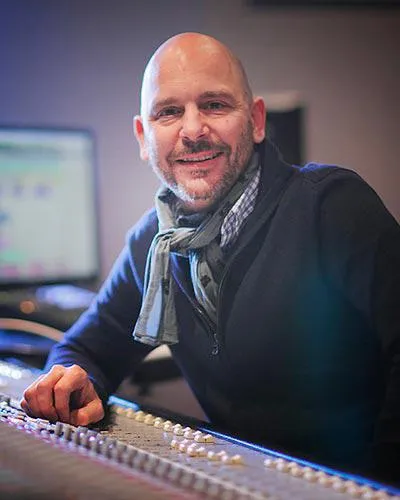
Rencontrez votre guru
Au début des années quatre-vingt-dix, Goetz Botzenhardt s'est formé aux Swanyard Recording Studios, assistant des producteurs de premier plan comme Flood, Alan Moulder et Tom Lord-Alge, et a fait ses armes en enregistrant et en mixant les groupes de dance et d'acid jazz des années 90 : Incognito, Galliano, Soul II Soul et bien d'autres.
À Swanyard, il rencontre Rollo Armstrong et tous deux nouent rapidement un partenariat créatif, à l'origine de nombreux grands disques de dance et remixes et, peu après, de l'enregistrement et du mixage des deux premiers albums acclamés de Faithless et du multi-platine 'No Angel' de Dido.
Naviguant entre les genres, il a enregistré et mixé le premier album des Sugababes, 'One Touch', dont leur premier tube 'Overload', et a mixé pour The Cardigans, Bjork, The Cinematic Orchestra, Craig David, les Pet Shop Boys et Hikaru Utada, l'une des artistes les plus populaires du Japon.
Plus récemment, il s'est étendu au cinéma et à la télévision, collaborant étroitement avec les compositeurs Christian Henson, Martin Phipps et Anne Nikitin, et mixant la musique de Daniel Pemberton, nommée aux Golden Globes, pour 'Steve Jobs', réalisé par Danny Boyle. En dehors du cinéma, il a produit 'Closer to the People' de Tanita Tikaram, mixé des titres pour Sigala, Ella Eyre, Breton, Planet Funk et Tito Jackson, et en 2016 il a mixé l'album de Peabo Bryson avec Jimmy Jam et Terry Lewis. La liste complète de ses travaux figure sur ses pages de discographie et de filmographie sur goetz-botzenhardt.com.
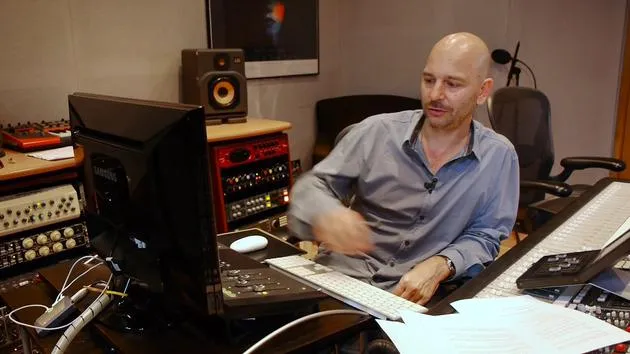
Goetz travaille depuis son propre studio et sa salle de mixage, articulés autour d'une console SSL E4044, d'un monitoring surround Adam 5.1, d'un système Pro Tools HDX 48 canaux et d'un outboard de choix. Dans ses cours, il te fait entrer dans cette pièce pour montrer comment il mixe dans deux univers très différents : dans Mixing for Film & TV Score, comment il équilibre et façonne des musiques orchestrales et hybrides au service de l'image ; et dans Mixing Commercial Pop Music, comment il construit des mixes pop percutants et prêts pour la radio à partir du multipiste.







