



Imprimer ton mix
Dans cette dernière leçon, Goetz te montre comment finaliser et imprimer ton mix dans Pro Tools, avant de le livrer à un client.
Le contenu du cours
23 leçons (2h 35min) · 1 gratuites
01. Entretien avec Goetz Botzenhardt
Leçon gratuite20:19
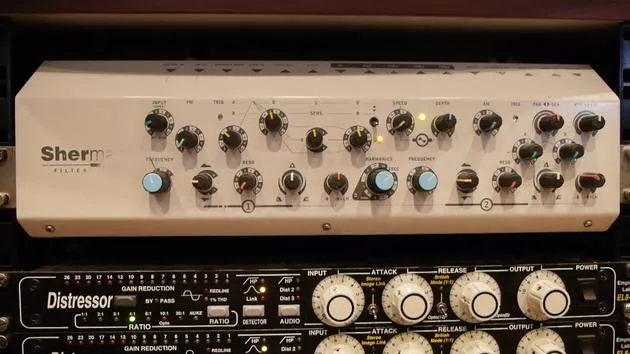
02. L'installation du studio de Goetz
14:02
03. Préparation avant de se mettre au mixage
7:29
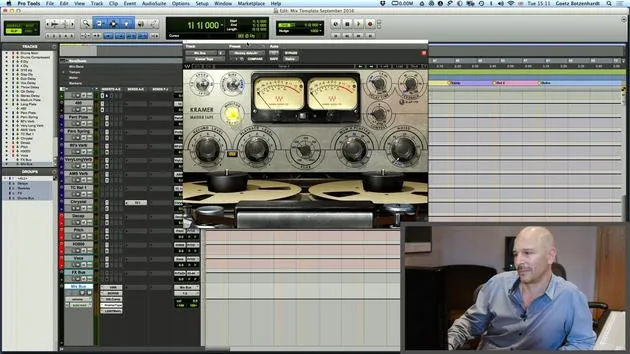
04. Créer et utiliser un modèle de mixage pour démarrer rapidement
7:37
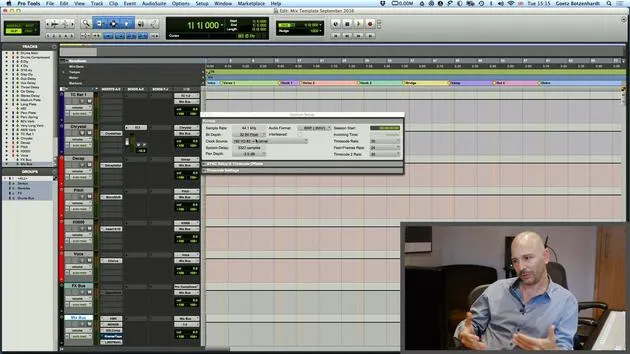
05. Comprendre les bus et les réglages de projet
3:19
06. EXERCICE N° 1 : CRÉE UNE SESSION DE MIX
0:41
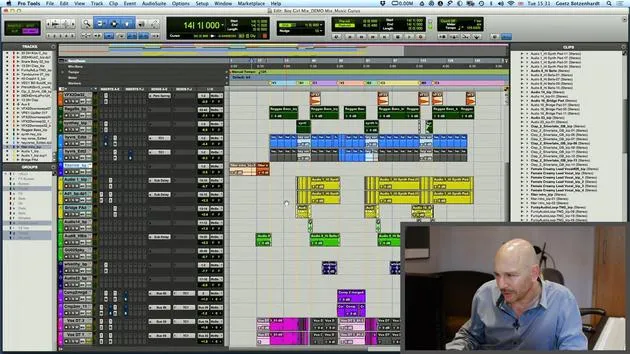
01. Charger des samples dans ton projet de mixage
5:28
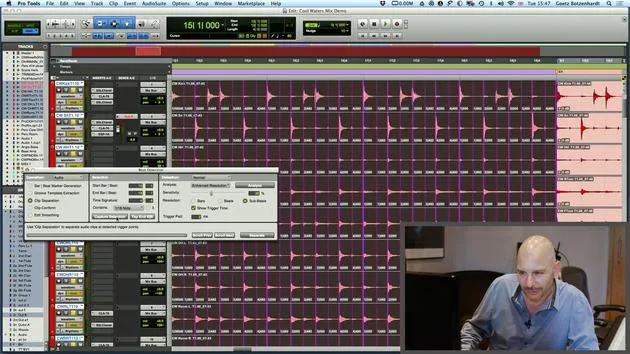
02. Inspecter le matériel - La batterie
7:06
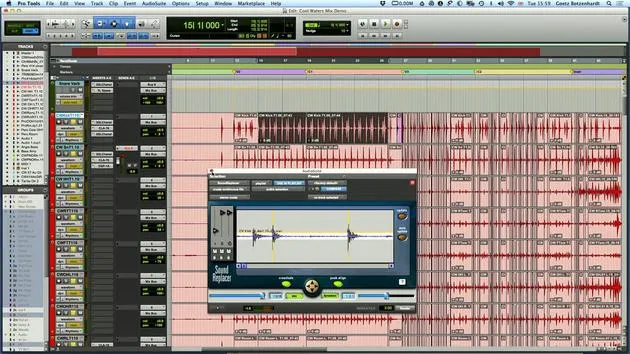
03. Resserrer la batterie avec Sound Replacer
5:14
04. Inspecter et préparer les voix
3:40
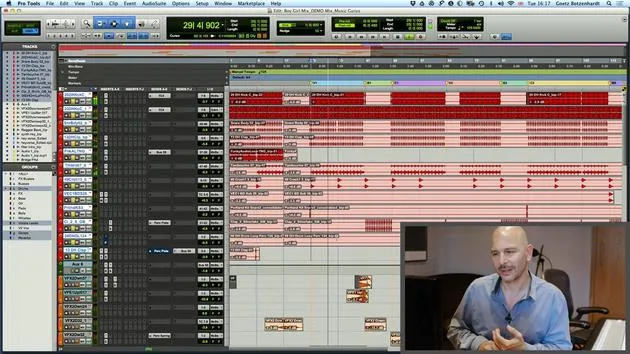
05. Assembler le mix
10:36
06. Ajouter plus d'éléments au mix
3:21
07. EXERCICE #2 : REMPLACER LA GROSSE CAISSE ET LA CAISSE CLAIRE
1:04
Transcription de la leçon
Finalizing Your Mix and Preparing for Mastering
I just want to add a tiny little chapter. Basically, I was talking about getting the mix accepted and going back in with fresh ears to listen to it again. So, that's why I'm in today, in a new fresh shirt, the next day.
Accepting the Mix
Let's say the mix is accepted now and everybody's happy. There's one last thing you have to do: print the mix and send it off to mastering.
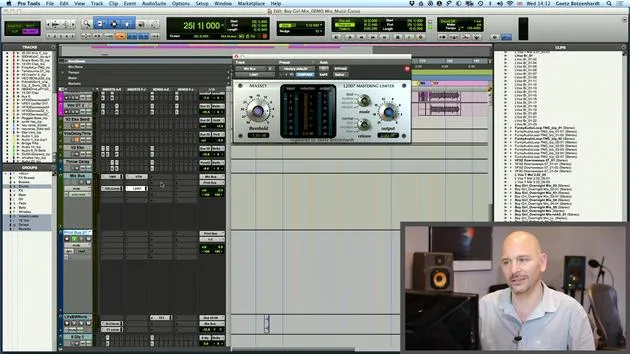
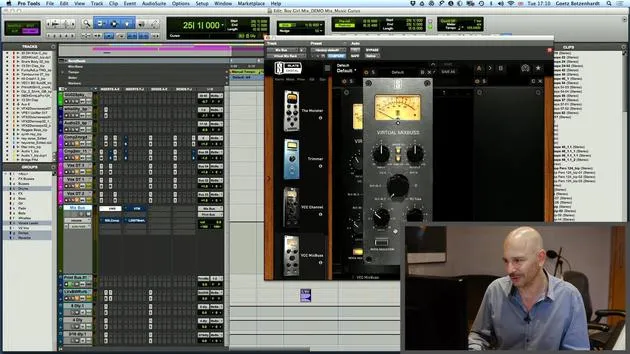
- I usually set myself up a print bus, where I take the output from the mix bus and route it to the print bus. Then, I just hit record.
Important Note on Limiting
One thing that is actually quite important, this is really crucial, is that when you send the mix off to clients to listen to, you can put a nice bit of limiting on it that is loud. However, you don't want to have that on your mix when it goes to mastering. Under no circumstances!
- That's what the mastering engineer is going to do; that's their job. They do this all day long and are probably a bit better at it than we are. So, take the limiter off, this is really crucial, before printing your mix.
Printing Variations
Once you've printed the master mix, it's also a good idea to:
- Print a mix with the lead vocal up a few decibels (like 2 dB),
- Print an instrumental mix (a mix without the lead vocal, which can be used for TV playback), and
- Print your stems.
Clients often want to do remixes of the track and will ask for the stems. Instead of having to load up the session later and interrupt your busy life, just do it now. Get it done and save them on your drive. If someone asks for them, you'll have them ready to send.
Quick Recap of What to Print
- Stems
- Instrumental Mix
- TV Backing Track
- Lead Vocal Up Mix
- Master Mix
- Possibly an Acapella (because that's another thing people ask for)
Preparing to Print Your Master Mix
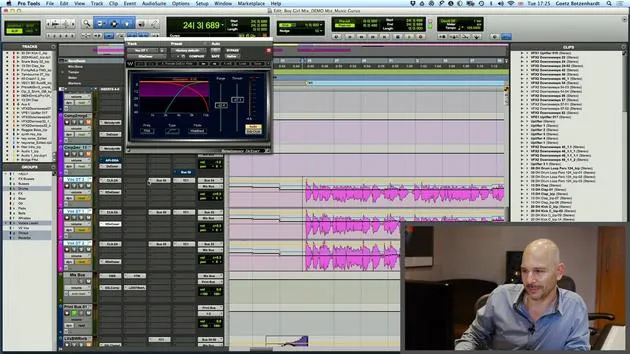
I'm now going to quickly show you how to print your master mix and what you need to be aware of.
-
I usually put the song name in here so it prints to the file automatically.
- For example, let's name it "Boy and Girl Master Mix."
-
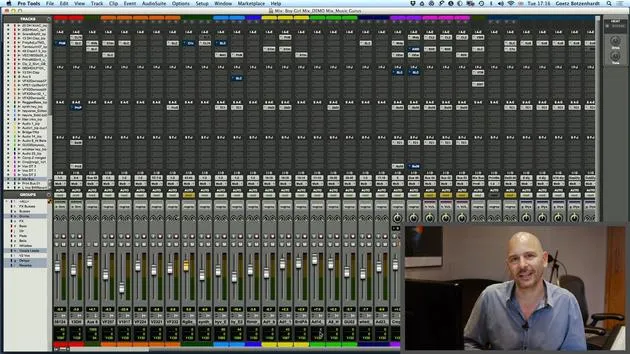
One last thing we need to do before recording is check our levels quickly.
- Play the song at a point where it's reasonably loud and try to leave between 3 and 6 dB of headroom for mastering.
- Mastering engineers like a bit of headroom to work with.
Checking Levels
- There's no point in sending a file that's already hitting the end stops; it just makes the mastering job harder.
- In Pro Tools, if you hold command and click on the decibel display, it gives you a little peak meter.
What I do is:
- Play the track and see what that reads. Let's say it reads 2.1 dB, that's probably a bit high.
- I'll bring the level down on my mix bus by another 3 to 3.5 dB and play it again.
Hitting Record
Once that's set to a nice level, all we need to do now is hit record and record the file.
And Bob's your uncle!
Once you've printed all these mixes, that's your job done. You're finished. Congratulations!
23 leçons
2h 35m de leçons vidéo structurées
Fonctions vidéo avancées
Ralentissez, bouclez un passage, suivez la partition
Mobile, tablette et ordinateur
Pratiquez où vous voulez
Satisfaction garantie à 100 %
Garantie remboursement 30 jours
Rencontrez votre guru

Rencontrez votre guru
Au début des années quatre-vingt-dix, Goetz Botzenhardt s'est formé aux Swanyard Recording Studios, assistant des producteurs de premier plan comme Flood, Alan Moulder et Tom Lord-Alge, et a fait ses armes en enregistrant et en mixant les groupes de dance et d'acid jazz des années 90 : Incognito, Galliano, Soul II Soul et bien d'autres.
À Swanyard, il rencontre Rollo Armstrong et tous deux nouent rapidement un partenariat créatif, à l'origine de nombreux grands disques de dance et remixes et, peu après, de l'enregistrement et du mixage des deux premiers albums acclamés de Faithless et du multi-platine 'No Angel' de Dido.
Naviguant entre les genres, il a enregistré et mixé le premier album des Sugababes, 'One Touch', dont leur premier tube 'Overload', et a mixé pour The Cardigans, Bjork, The Cinematic Orchestra, Craig David, les Pet Shop Boys et Hikaru Utada, l'une des artistes les plus populaires du Japon.
Plus récemment, il s'est étendu au cinéma et à la télévision, collaborant étroitement avec les compositeurs Christian Henson, Martin Phipps et Anne Nikitin, et mixant la musique de Daniel Pemberton, nommée aux Golden Globes, pour 'Steve Jobs', réalisé par Danny Boyle. En dehors du cinéma, il a produit 'Closer to the People' de Tanita Tikaram, mixé des titres pour Sigala, Ella Eyre, Breton, Planet Funk et Tito Jackson, et en 2016 il a mixé l'album de Peabo Bryson avec Jimmy Jam et Terry Lewis. La liste complète de ses travaux figure sur ses pages de discographie et de filmographie sur goetz-botzenhardt.com.
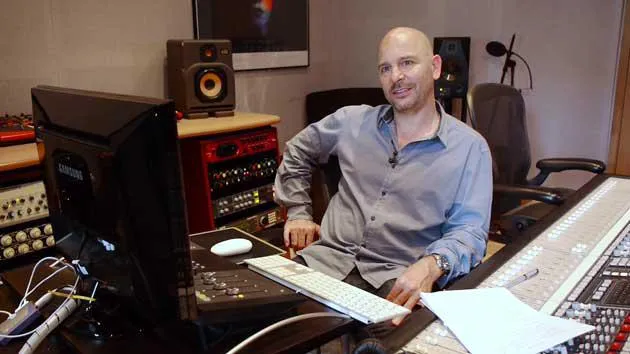
Goetz travaille depuis son propre studio et sa salle de mixage, articulés autour d'une console SSL E4044, d'un monitoring surround Adam 5.1, d'un système Pro Tools HDX 48 canaux et d'un outboard de choix. Dans ses cours, il te fait entrer dans cette pièce pour montrer comment il mixe dans deux univers très différents : dans Mixing for Film & TV Score, comment il équilibre et façonne des musiques orchestrales et hybrides au service de l'image ; et dans Mixing Commercial Pop Music, comment il construit des mixes pop percutants et prêts pour la radio à partir du multipiste.







