



Understanding the Browser - Hot-Swap

With
Isaac Cotec
What's in the course
20 lessons (2h 16m) · 1 free

Lesson transcript
Exploring the Hot Swap Feature in Ableton Live
Now let's look at Hot Swap, an amazing feature within Live that appears in various contexts.
What is Hot Swap?
When dealing with devices, you can:
- Drag and drop them into a set.
- Use the Hot Swap feature to quickly swap out a preset you are working with.
Activating Hot Swap
This will open up Hot Swap mode in the browser.
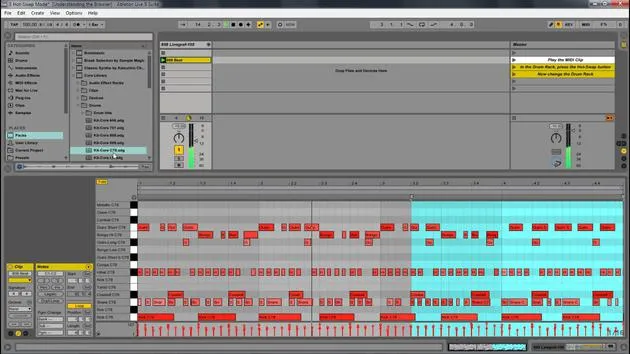
Here we go! We have this clip. I'm just going to play it, and then I have this preset. This one comes with a core library and is called Kit Core808.
- If I press the Hot Swap button, you'll notice it automatically navigates to my packs within the core library.
- By double-clicking, it replaces that kit.
This is MIDI, so all the MIDI information is preserved. However, when I Hot Swap out the instrument, it changes the sound.
Using Hot Swap for Audio Effects
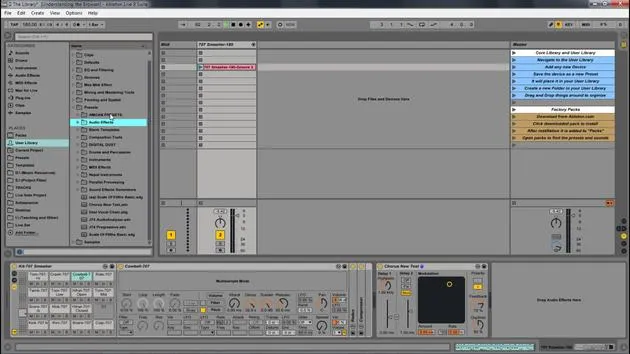
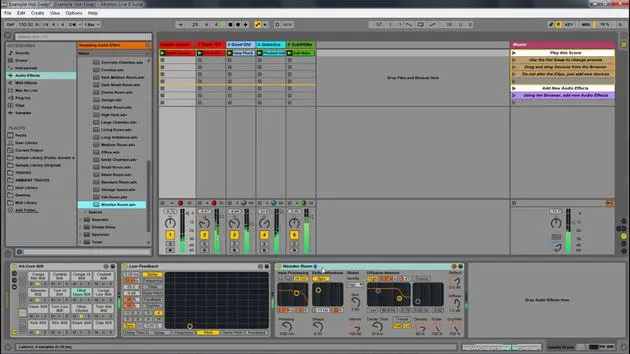
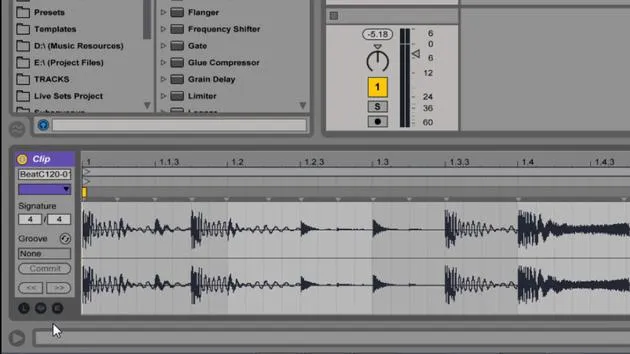
I can also apply Hot Swap to audio effects. For example, if I had the Chorus effect in here:
- By hitting Hot Swap, it brings me back to the Chorus.
- I can quickly test which versions I like.
As soon as I click outside of this, it closes Hot Swap mode and sets it as whatever that was.
Summary of Benefits
This is a powerful way to quickly and easily change your presets.
Navigating Ableton Live's Browser
So, let's review:
- Different Categories: This is your library within Live.
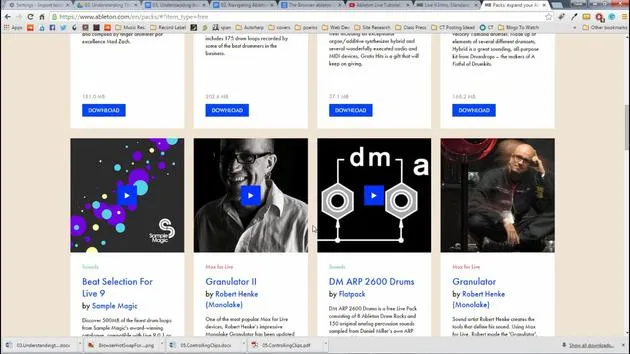
- Packs: These are Live packs installed through ableton.com.
- User Library: This is where we save our presets automatically.
- Adding Folders: You can add additional folders by selecting "Add Folder" and navigating to your choice.
- For instance, you might have a folder for your sample library, like I do:
- Original Sample Library
- Public Domain Sample Library (which includes items I've purchased or were Creative Commons).
- For instance, you might have a folder for your sample library, like I do:
Now you're able to navigate Live effectively. You can drag and drop items into it and see how quickly you can shape and change sounds using Ableton Live's browser!
20 lessons
2h 16m of structured video lessons
Advanced video features
Slow down, loop a passage, follow along
Mobile, tablet & desktop
Practise wherever you are
100% satisfaction guarantee
30-day money-back guarantee
Meet your guru
Meet your guru
Isaac Cotec is, arguably, one of the best Ableton trainers in the world! While working on his own music, he began teaching recording techniques, sound design, and Ableton Live to private students, and since earning his certification as an official Ableton Certified Trainer he has helped thousands of producers step up their game and succeed as musicians.
Isaac started producing electronic music in 2005 with Psyche Sonics, an experimental group working with the science and research of binaural beats and altering consciousness through sound. After touring, he continued writing music under the alias Cotec and later emerged as the artist Subaqueous, blending his electronic past with both future and organic production techniques. To date, he has released 3 albums and 4 EPs.
Isaac is also the founder and manager of the record label Invibe Music, which represents some of the Pacific Northwest's best electronic music and specialises in midtempo dance music.
In his Ableton Live courses, Isaac shares the production, sound design and songwriting techniques he has spent years refining - the very skills he uses to turn a spark of an idea into a finished track.







