



Navigating Ableton Live - Clips

With
Isaac Cotec
What's in the course
20 lessons (2h 16m) · 1 free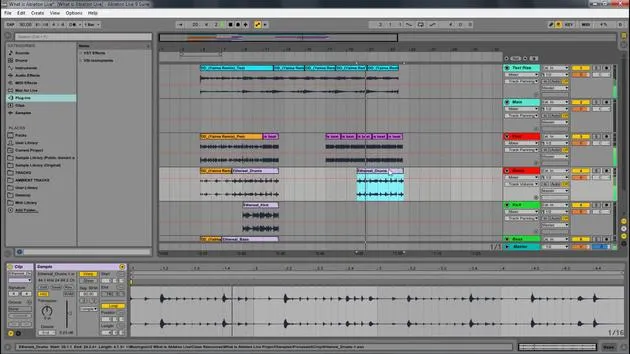
Lesson transcript
Understanding the Building Blocks of Ableton
Now let's look at understanding what the building blocks of Ableton is.
Just knowing what those windows are is not going to help you; however, it will create a common language so we can describe where things are and what pages we're looking at.
The Parts That Make Ableton Work
Now we really need to understand the parts that make Ableton work. What are the things that play the music and musical ideas?
The Clips
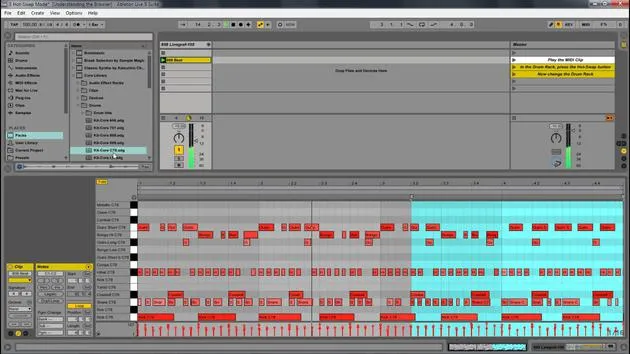
The basic music building blocks of Live are called clips.
A clip is a piece of musical material: a melody, a drum pattern, a bass line, or even a complete song.
Live allows you to record and alter clips and to create larger musical structures from them, such as:
- Songs
- Scores
- Remixes
- DJ sets
- Whole stage shows
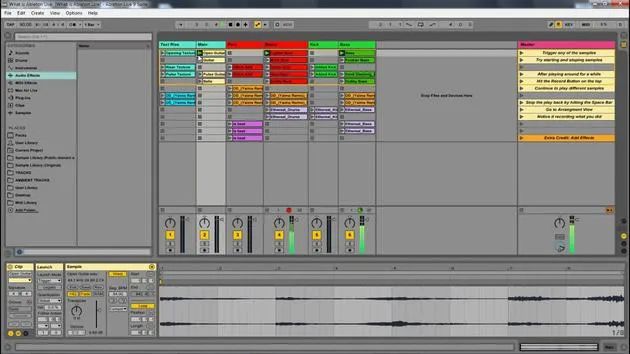
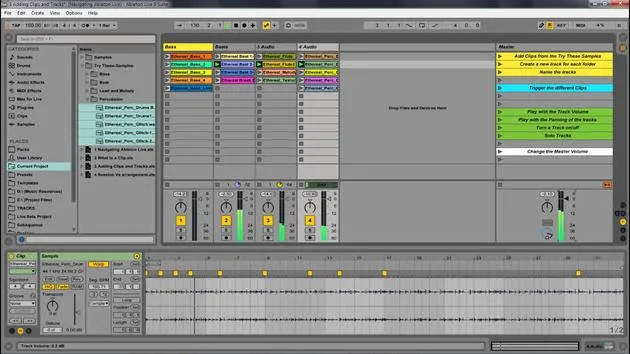
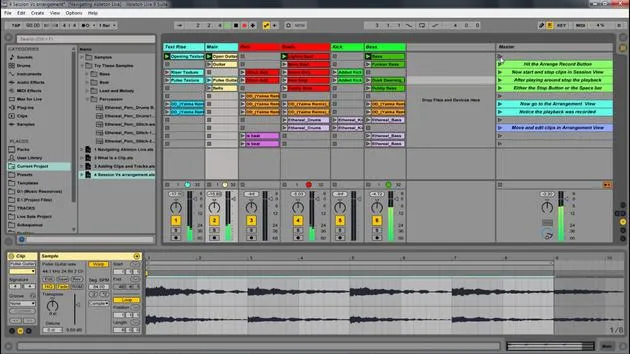
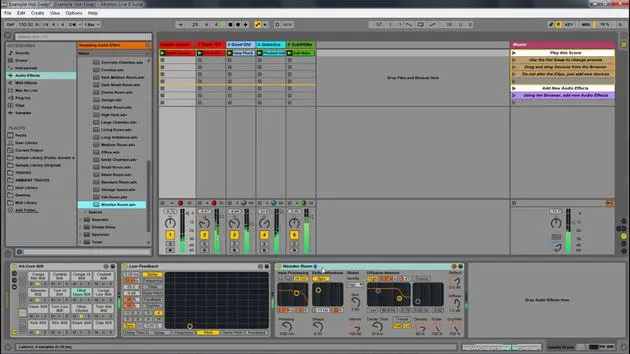
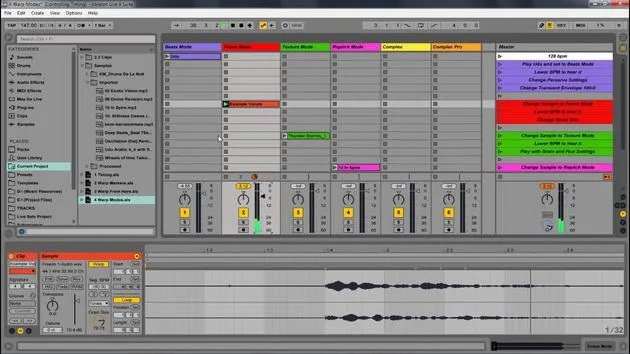
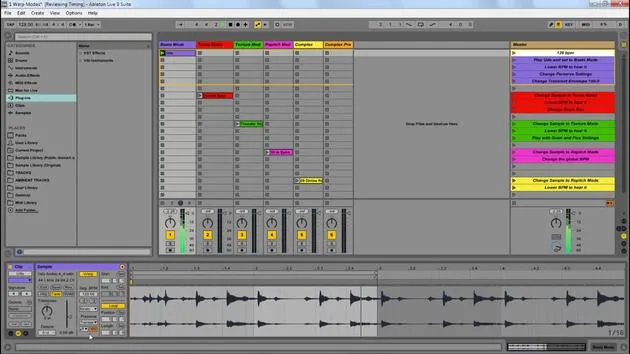
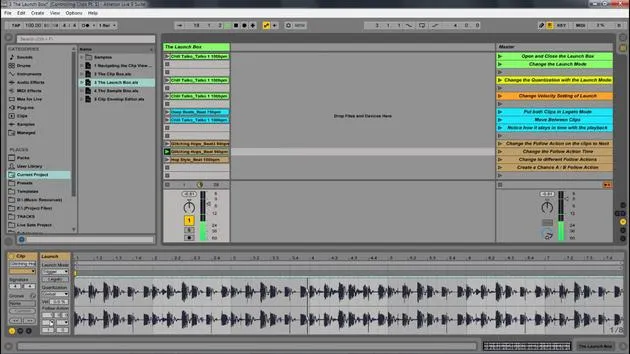
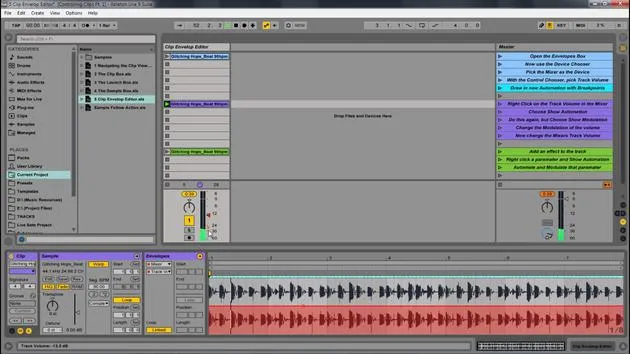
In this image, we have tracks, which represent clips. We're going to look deeper into that.
Clips as Containers
Clips are a container. It's really important to realize that this is kind of like a wrapper around a piece of audio. It doesn't actually mean it's the audio.
This leads us to what is called non-destructive editing, which allows for multiple versions of the same sample.
Example of Non-Destructive Editing
Let me show you that.
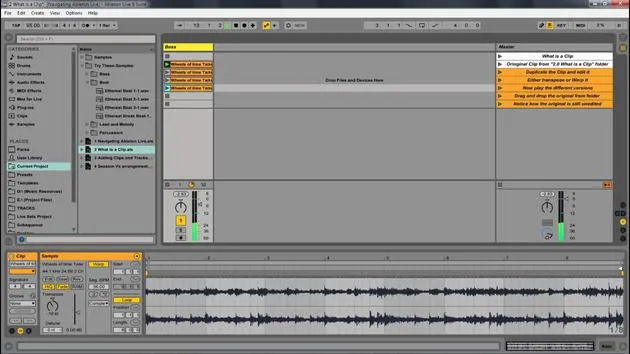
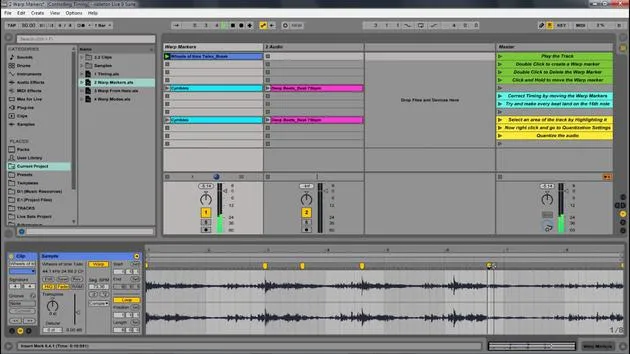
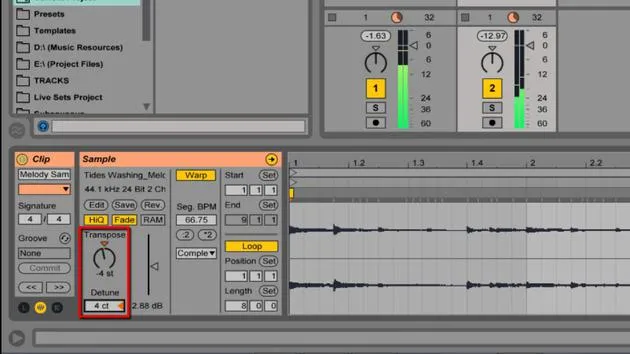
Here we have this "wheel of time" thing that I've created. Now, if I take this, I can hold Control and move it down to duplicate it.
As an example, I can come in here and transpose this one down quite a bit. Notice how this one's transposed while this one is as is.
I can also do other things, such as:
- Shrink this one to that section
- Change its color for the sake of understanding
Let's put this one up. See how this is all the same sample and I've changed it in some ways, but the original sample is totally fine. I have not changed that in any way.
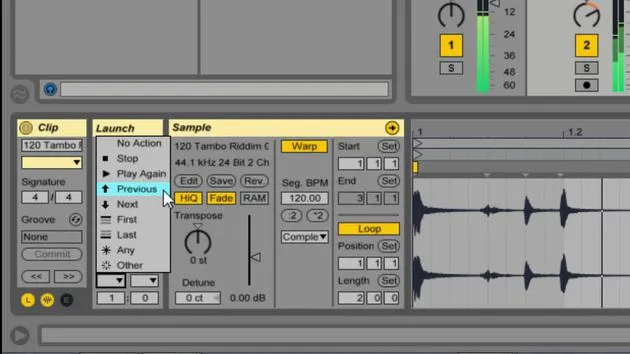
I'm just saying with this container, the orange, blue, and so on, that the clip is saying, "Well, I want to play this one differently."
Understanding the Sample
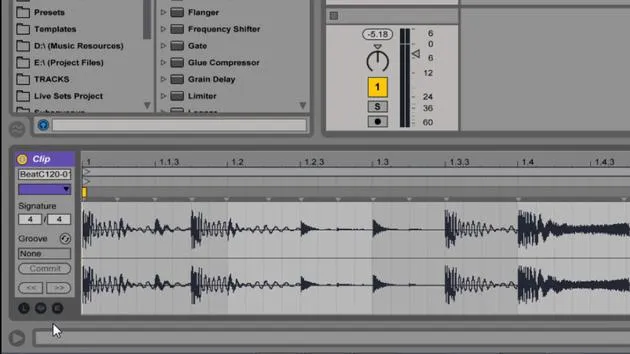
If I click here, this is just going to show me what that sample is. Here's the original sample, which has not been changed in any way. There are not multiple versions of the sample; it's the same thing.
But the clip is indicating that we are playing it back differently.
I can also drag in any sample; I can drag in this beat, and so on. Anything I can just drag over can be added to my live set.
20 lessons
2h 16m of structured video lessons
Advanced video features
Slow down, loop a passage, follow along
Mobile, tablet & desktop
Practise wherever you are
100% satisfaction guarantee
30-day money-back guarantee
Meet your guru
Meet your guru
Isaac Cotec is, arguably, one of the best Ableton trainers in the world! While working on his own music, he began teaching recording techniques, sound design, and Ableton Live to private students, and since earning his certification as an official Ableton Certified Trainer he has helped thousands of producers step up their game and succeed as musicians.
Isaac started producing electronic music in 2005 with Psyche Sonics, an experimental group working with the science and research of binaural beats and altering consciousness through sound. After touring, he continued writing music under the alias Cotec and later emerged as the artist Subaqueous, blending his electronic past with both future and organic production techniques. To date, he has released 3 albums and 4 EPs.
Isaac is also the founder and manager of the record label Invibe Music, which represents some of the Pacific Northwest's best electronic music and specialises in midtempo dance music.
In his Ableton Live courses, Isaac shares the production, sound design and songwriting techniques he has spent years refining - the very skills he uses to turn a spark of an idea into a finished track.







