



Exercise - Controlling Clips - Example Follow Action

With
Isaac CotecWork through the Follow Action example Live Set in Ableton to check you've grasped clips and the Clip View, using follow actions to keep a rhythm naturally evolving.

What's in the course
20 lessons (2h 16m) · 1 free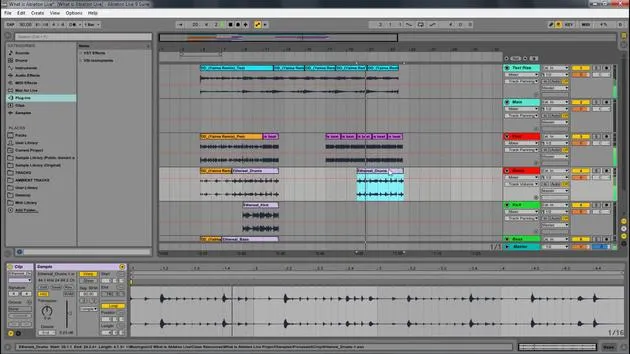
Lesson transcript
Ableton Clips Review Activity
In this video, I'm going to show an activity that reviews how we use clips in Ableton. This activity is designed to ensure that you fully grasp the concept.
Getting Started
I want you to get your hands dirty in this live set to make sure the core concepts are instilled in your muscle memory. Here's what you need to do:
- Download the Ableton Live Set:
- Once downloaded, install it, and open it up.
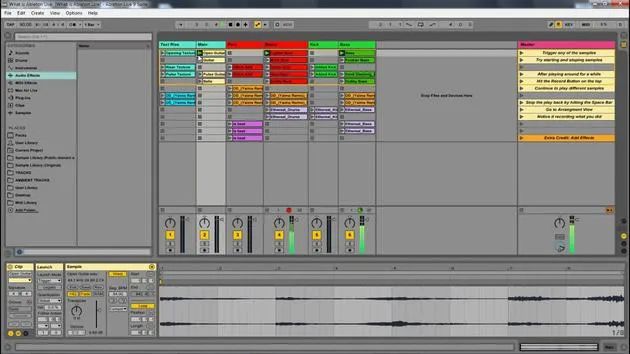
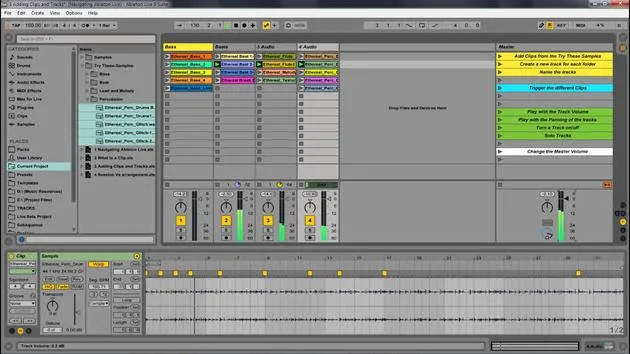
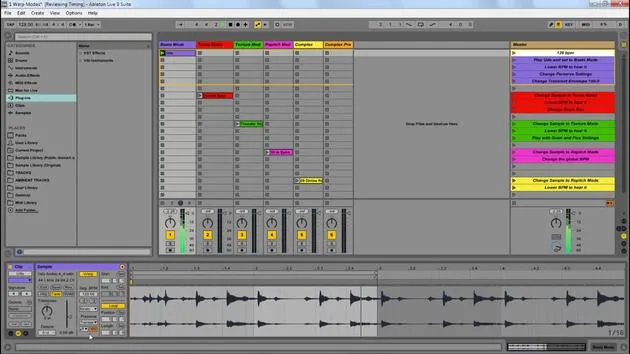
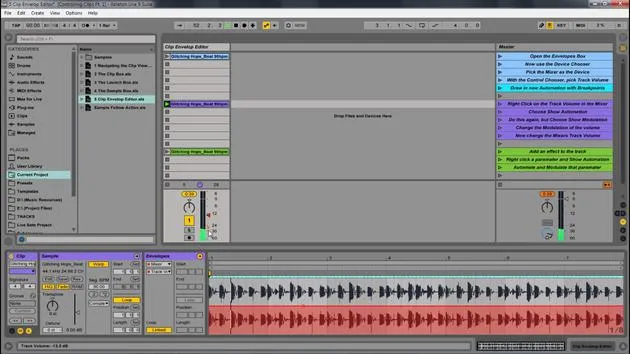
- You can follow along with the different elements on the master track.
Reviewing Key Concepts
Feel free to review this video as you follow along. If you're unsure about concepts like legato mode or follow actions, make sure to revisit the relevant modules or videos.
Activity Outline
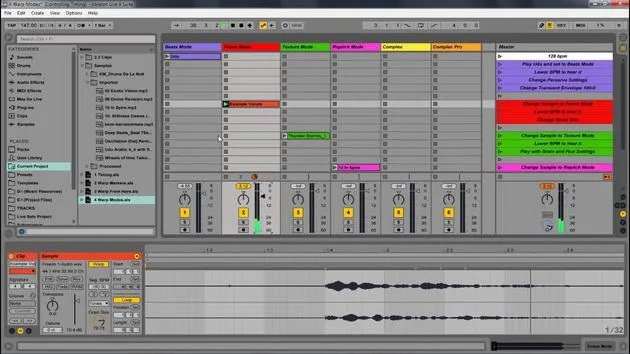
Great! Let's start by playing these two samples. There's an interesting rhythm happening here, but if I want to change it up for a more natural, ever-changing sound, that's where our follow actions come in. Here's how to explore creatively:
-
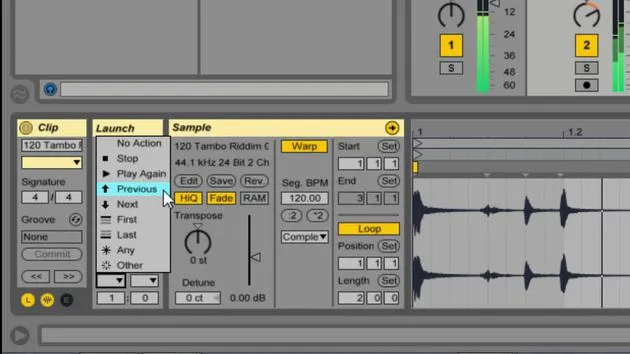
Set Follow Actions:
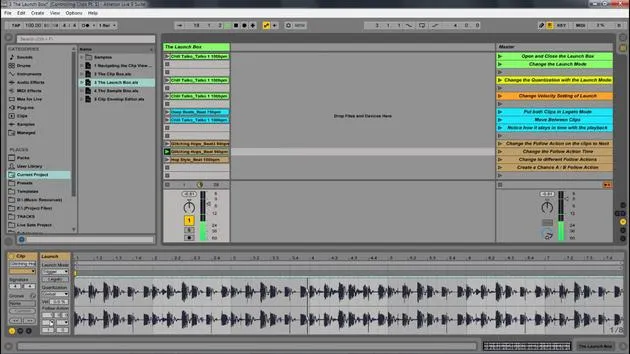
- Select a clip and set the follow action to "2".
- Choose "other". When I press play on these two beats, it jumps to another clip.
-
Apply to All Clips:
- You can select all clips and set them to "2 other".
- Now, when you press play, see how it bounces around, creating an ever-morphing, changing sound.
-
Add Randomness to the Snare:
- Repeat the follow action setup for the snare.
Rhythm Generation
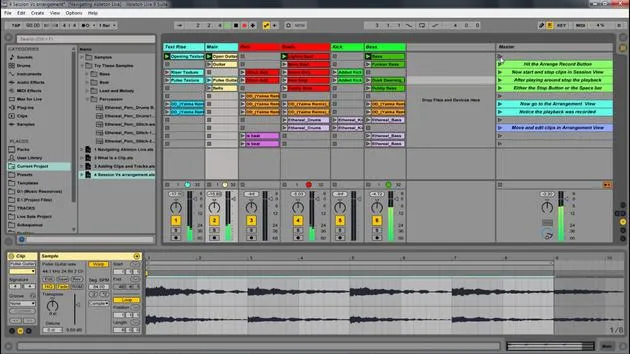
This setup is like a rhythm generator. If I hit the arrangement record button and tab over, I can play around with my recorded sections. You might find yourself liking certain sections or moving things around to edit from the randomness.
Introducing Melodies
You can also apply this technique to melodies. Here's a flute example:
-
Play the Flute:
- It normally plays straight through.
- Set the follow action to "2" and "other".
-
Use Legato Mode:
- Turning on legato mode ensures the next note starts where the last one stopped, creating a more cohesive melody.
-
Record in Arrangement View:
- Hit record and slide over to Arrangement View.
Extra Credit
For those looking for an extra challenge, start chopping up the clips in Arrangement View and try to come up with a finalized sketch from your exploration. You'll notice that new ideas come quickly, and this method fosters a generative feel in your creativity.
Conclusion
Make sure to download this Ableton Live pack and go through the activity to solidify your understanding of clips, follow actions, and more. Mastering these core concepts is a crucial part of using Ableton, preparing you for whatever creative endeavor you choose, whether it's learning more, building tracks, or any other project.
Now that you have clips under control, you're ready to explore!
20 lessons
2h 16m of structured video lessons
Advanced video features
Slow down, loop a passage, follow along
Mobile, tablet & desktop
Practise wherever you are
100% satisfaction guarantee
30-day money-back guarantee
Meet your guru
Meet your guru
Isaac Cotec is, arguably, one of the best Ableton trainers in the world! While working on his own music, he began teaching recording techniques, sound design, and Ableton Live to private students, and since earning his certification as an official Ableton Certified Trainer he has helped thousands of producers step up their game and succeed as musicians.
Isaac started producing electronic music in 2005 with Psyche Sonics, an experimental group working with the science and research of binaural beats and altering consciousness through sound. After touring, he continued writing music under the alias Cotec and later emerged as the artist Subaqueous, blending his electronic past with both future and organic production techniques. To date, he has released 3 albums and 4 EPs.
Isaac is also the founder and manager of the record label Invibe Music, which represents some of the Pacific Northwest's best electronic music and specialises in midtempo dance music.
In his Ableton Live courses, Isaac shares the production, sound design and songwriting techniques he has spent years refining - the very skills he uses to turn a spark of an idea into a finished track.







