



Metrónomo MIDI

Con
Brian FunkBrian Funk muestra cómo crear una pista de metrónomo MIDI que hace parpadear el pulso en un Launchpad, dándote una referencia visual del tempo mientras tocas.

Qué incluye el curso
30 lecciones (2h 20m) · 1 gratis
Transcripción de la lección
MIDI Routing in Music Production
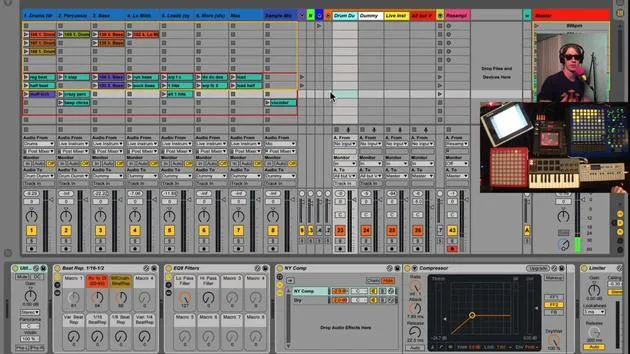
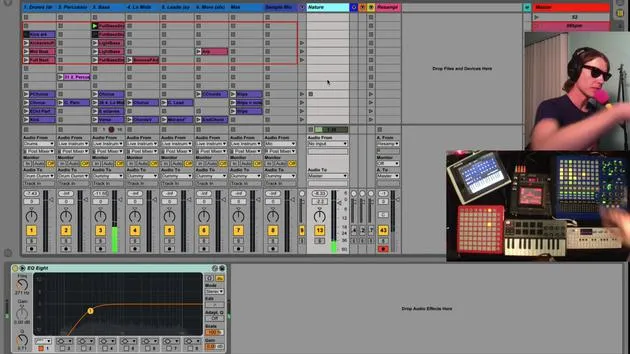
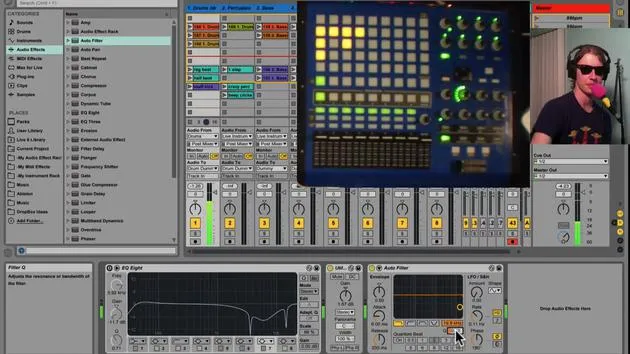
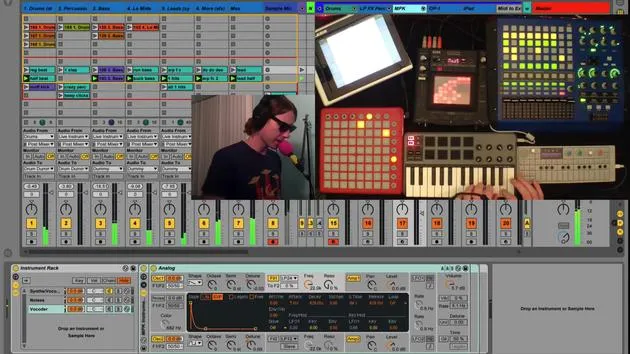
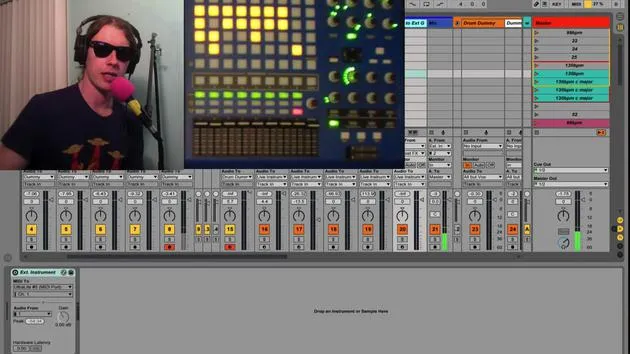
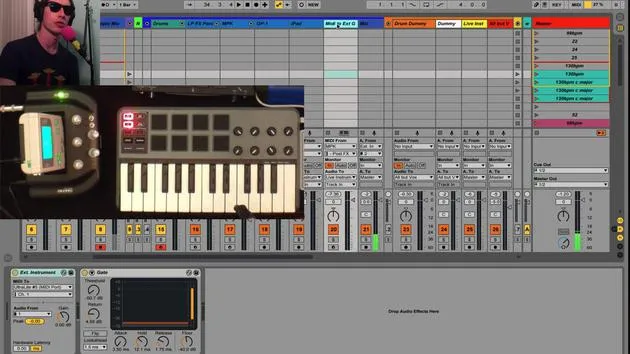
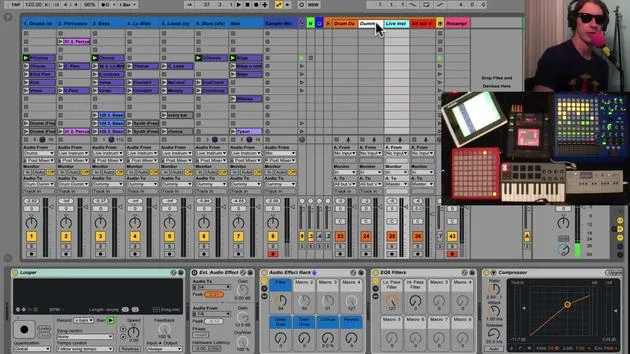
Okay, now we're going to start talking about my MIDI routing. There's a whole bunch of tracks here, and this definitely depends on your particular equipment and what you're trying to accomplish. However, here are a few things I'd like to show you that I think would be handy, no matter what equipment you have.
Setting Up the Metronome Track
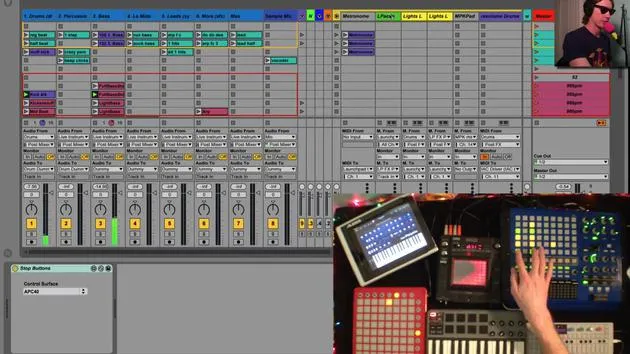
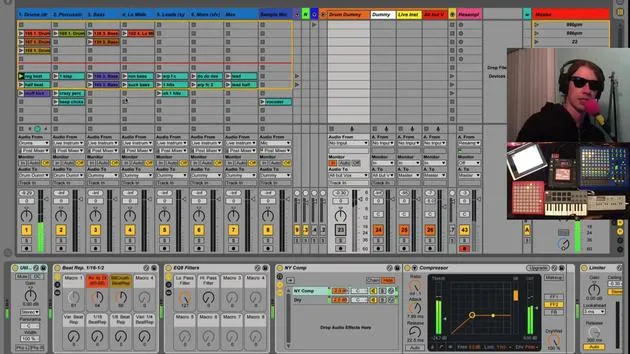
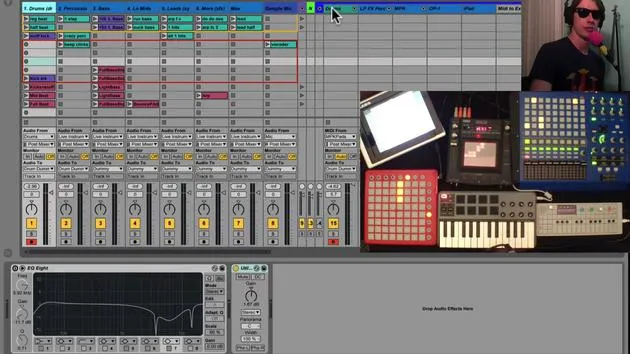
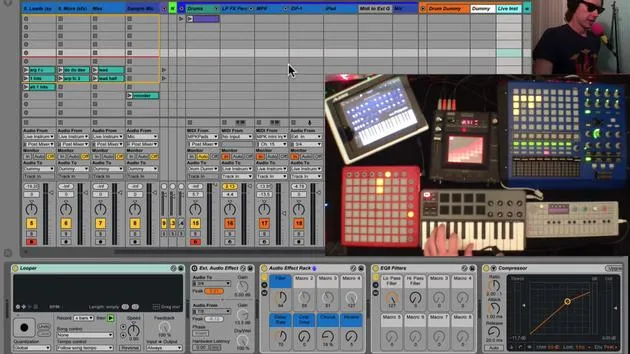
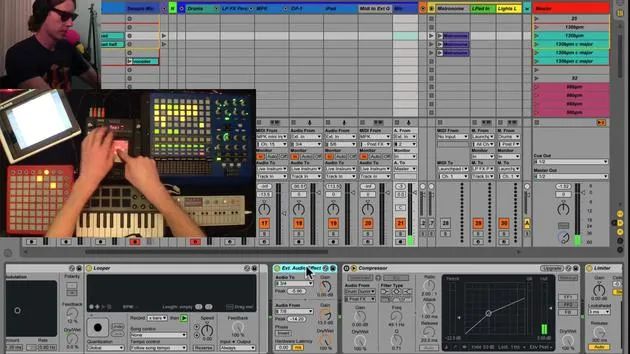
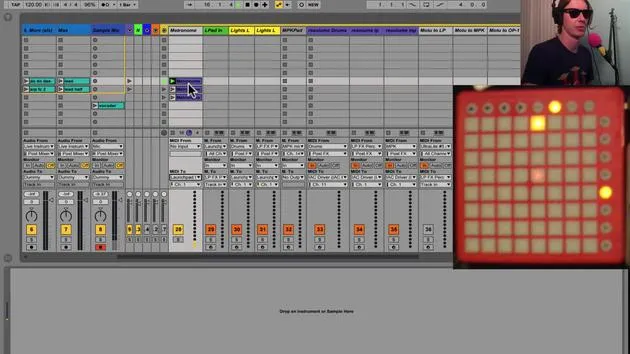
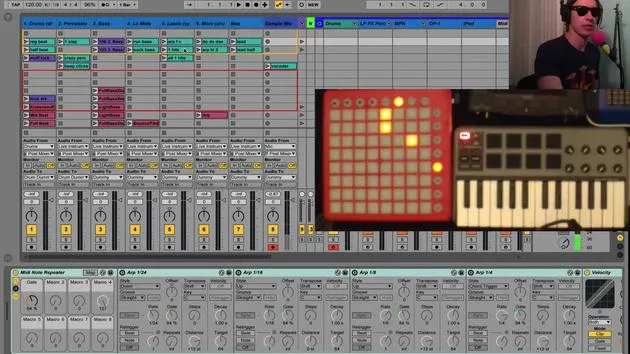
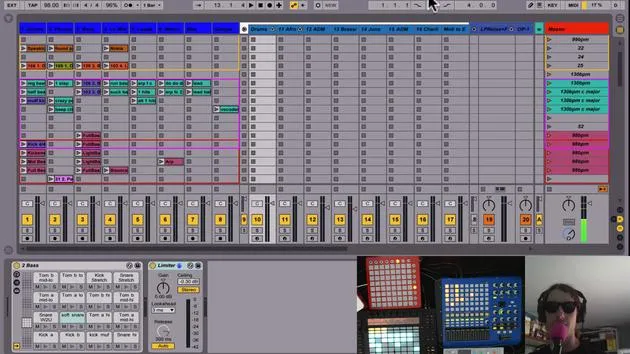
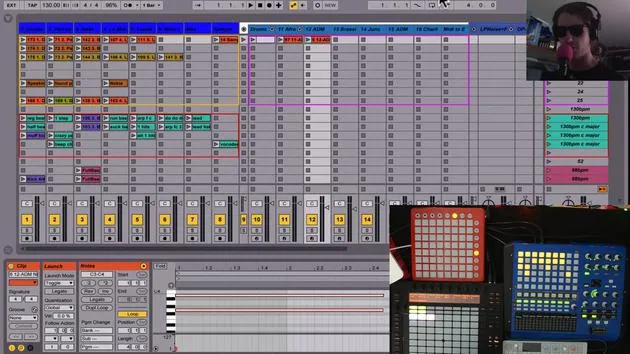
The first thing that I think is kind of cool is this metronome track I've created.
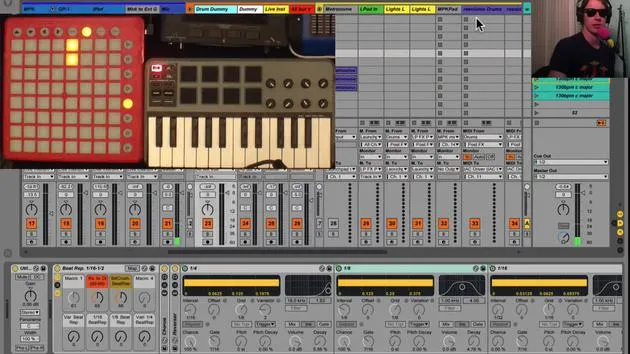
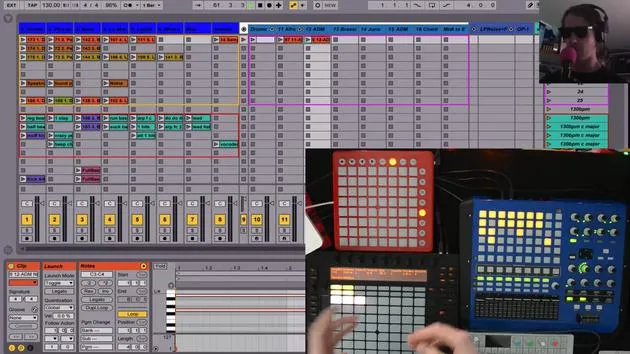
- Visual Feedback: When I hit play on this, you'll notice my launch pad lights up to the beat. This gives me some visual information about where the beat is.
- I can tell:
- Okay, look, this is 1, 2, 3, 4, 1, 2.
- I can tell:
How to Set It Up
The way you set this up is pretty simple:
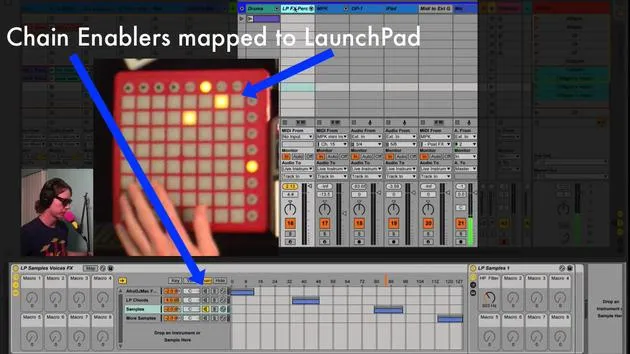
- You're just sending MIDI to your launch pad or whatever piece of gear you have that will light up.
- All I've done is create notes that correspond to the notes on the launch pad.
- If I were to hit some of these other notes, you'd see different lights turn on.
Creating MIDI Notes
- By placing MIDI notes on each quarter note, these lights will illuminate.
- To take it a step further, I've added other MIDI notes on every other eighth note:
- Quarter Note: High velocity (bright color).
- Eighth Note: Low velocity (dimmer color).
If you notice closely, each light is flashing:
- Yellow to red,
- Yellow to red,
- or green to red.
This setup provides even more information, allowing me to see:
- 1 and 2 and 3 and 4 and 1 and 2.
Summary
This is a pretty cool thing you can do!
- All you need to do is create a clip that has four notes (or more, if you prefer) corresponding to the lights you want to illuminate.
- Simply send that MIDI to the device you want to control.
The launch pad works great for this!
30 lecciones
2h 20m de lecciones en vídeo estructuradas
Funciones de vídeo avanzadas
Ralentiza, repite un pasaje, sigue la partitura
Móvil, tablet y ordenador
Practica donde quieras
Garantía de satisfacción 100%
30 días de garantía de devolución
Conoce a tu gurú
Conoce a tu gurú
Brian Funk es músico, productor, compositor y Ableton Certified Trainer. Desde 2014 imparte el curso Advanced Music Production with Ableton Live para el Berklee College of Music. Ha tocado la guitarra, el bajo, la batería y los sintetizadores, y ha cantado en bandas de rock de gira, y hoy en día se centra en su directo electrónico en solitario, llevando al escenario sus experimentos de estudio.
A Brian le encanta escribir, enseñar y el diseño de sonido. Produce tutoriales y Sound Packs de Ableton Live, y desde 2011 publica Packs gratuitos de Ableton Live: más de 125 hasta ahora. Como Ableton Certified Trainer ha dado clases y seminarios que abarcan cada fase del proceso de producción, y escribe con regularidad en su blog y para otras publicaciones.
Influenciado por el rock and roll, los videojuegos, el primer hip hop, el punk y la electrónica, desde The Beatles, Neil Young, Nirvana y Aerosmith hasta Neon Indian, describe su propio sonido como 'futurista, aunque nostálgico'. En su curso de MusicGurus, Live Performance in Ableton Live, te muestra cómo convierte ideas de estudio en un directo real y práctico: sampleando sonidos y transformándolos en instrumentos tocables, pasando guitarras y sintetizadores por equipos electrónicos, y mezclando y componiendo sobre la marcha mientras toca en directo y canta. Acabarás siendo capaz de construir e interpretar tu propio directo electrónico con confianza.







