



Efectos de batería
Con
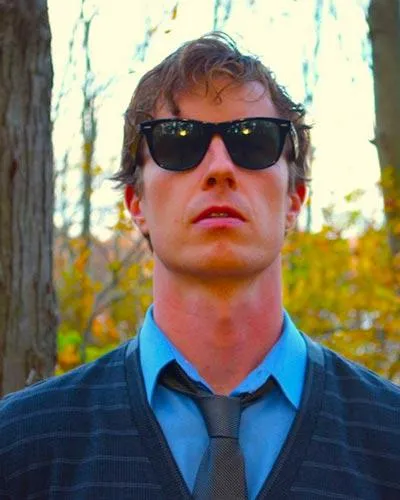
Brian FunkBrian Funk repasa los efectos de batería que usa en Ableton Live —filtros paso alto y paso bajo, reverb, delay y beat repeat— para dar movimiento y energía a tus beats.

Qué incluye el curso
30 lecciones (2h 20m) · 1 gratis
Transcripción de la lección
Enhancing Your Drums with Effects
Right now, I want to talk about some handy things you can do to your drums, some nice effects you can put on them.
Overview
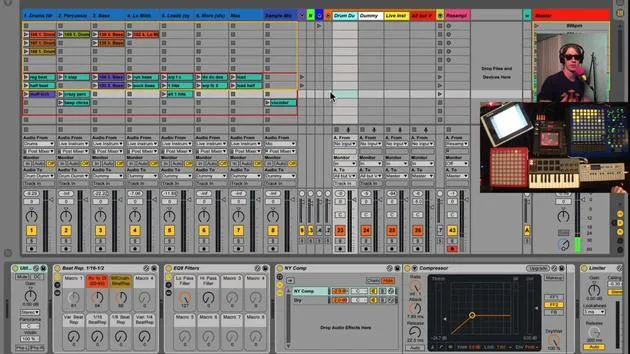
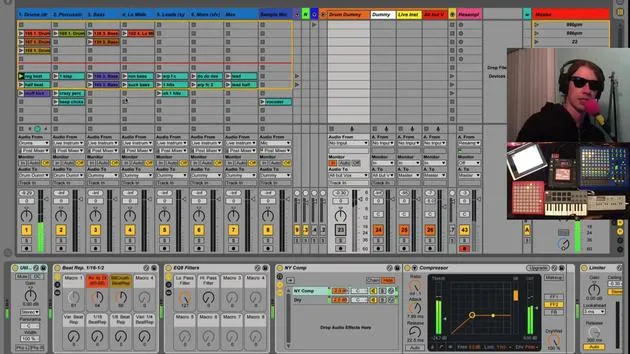
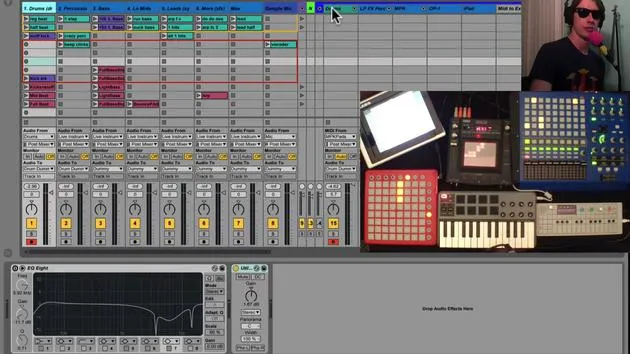
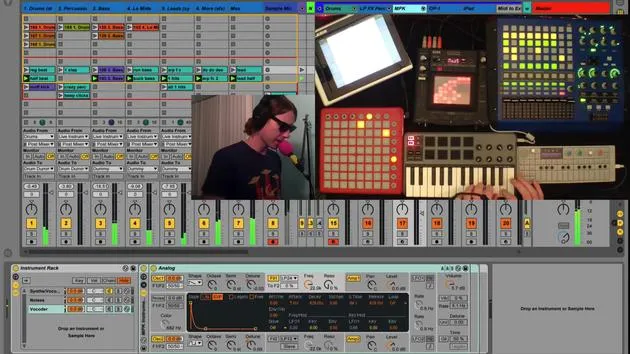
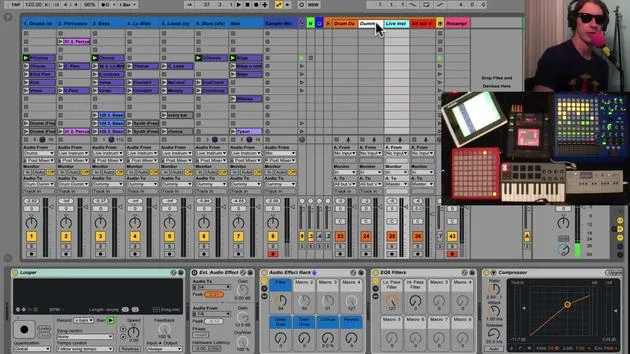
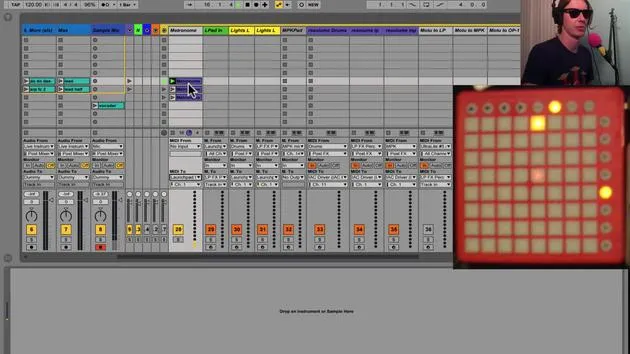
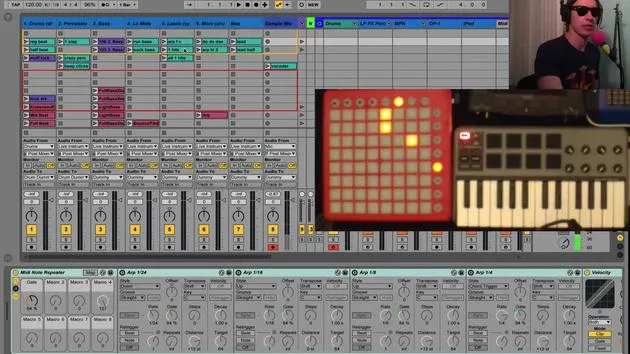
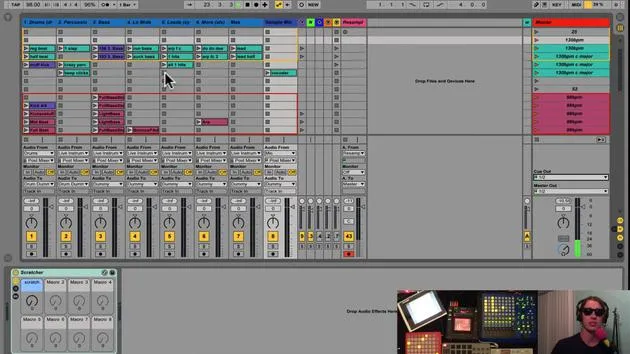
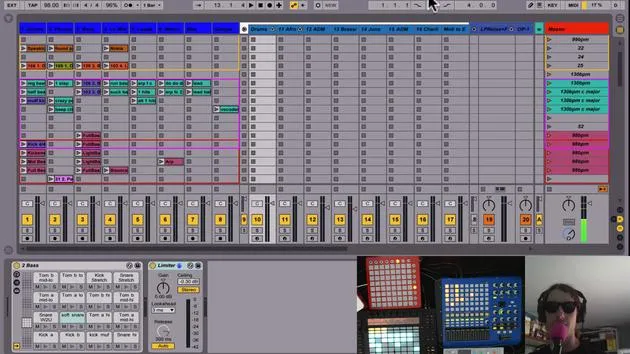
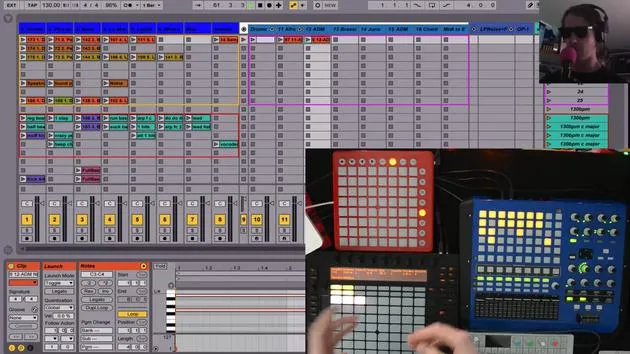
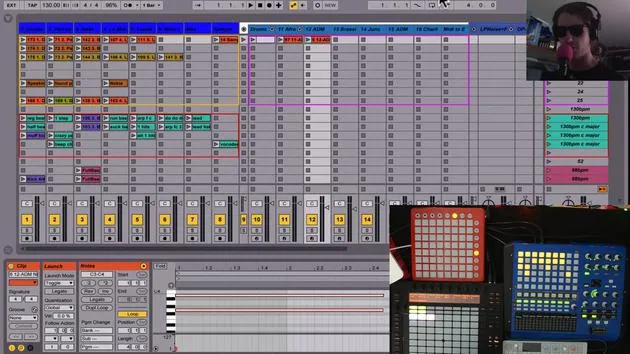
Just to remind you, I have one whole track dedicated to drums. Every single clip on this track is a drum beat of some sort. There are some fun effects that I like to use:
- High Pass Filter
- Low Pass Filter
- Reverb to Delay
- Beat Repeat
High Pass and Low Pass Filters
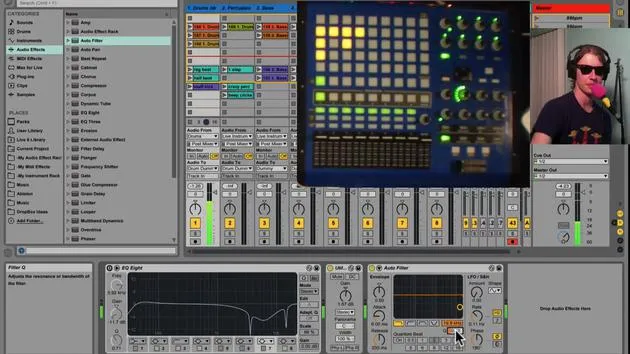
I'm very into having both a high pass and a low pass filter. Here's how I set it up:
-
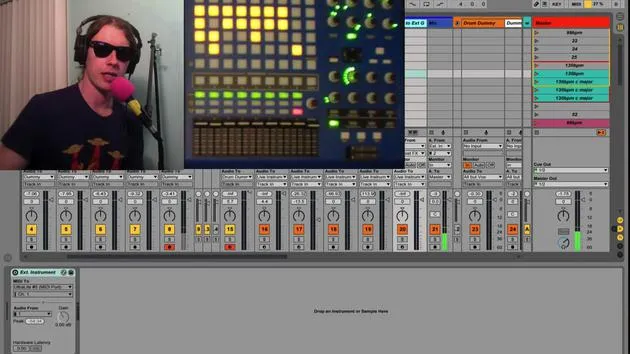
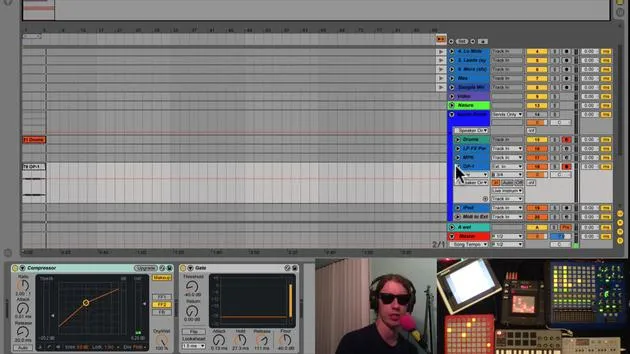
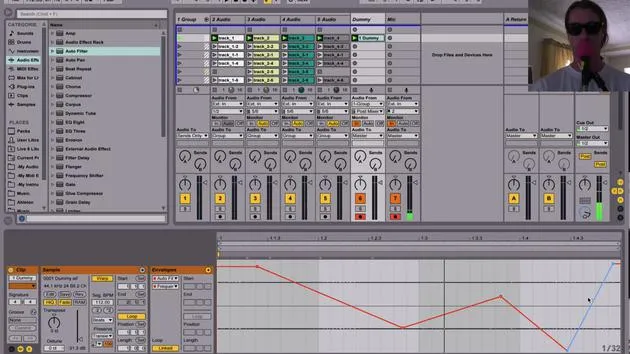
Routing: This track is routed to "Drum Dummy."
-
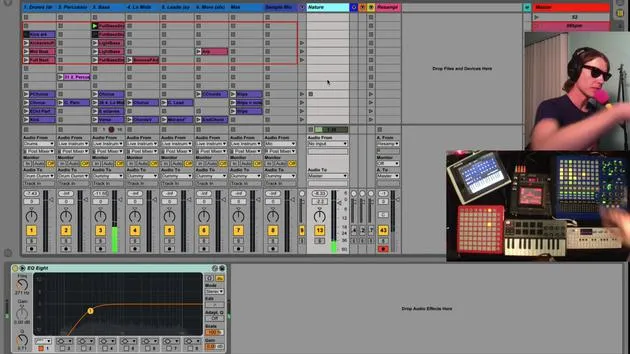
Low Pass Filter:
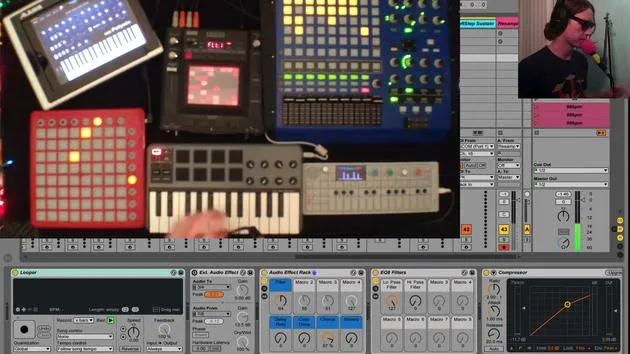
- I'm using an EQ8, as Live9's EQ8 sounds great.
- I mapped the frequency and Q to a knob:
- Right-click on the knob.
- Map it to the desired parameter.
-
High Pass Filter:
- I have number eight selected.
- Right-click this knob and map it to the Q as well.
- Now I've got a nice high pass filter effect.
Reverb to Delay
Another effect is the reverb to delay.
- Turning the knob to the left gives you reverb.
- Turning it to the right gives you delay.
- In the middle, it is completely dry.
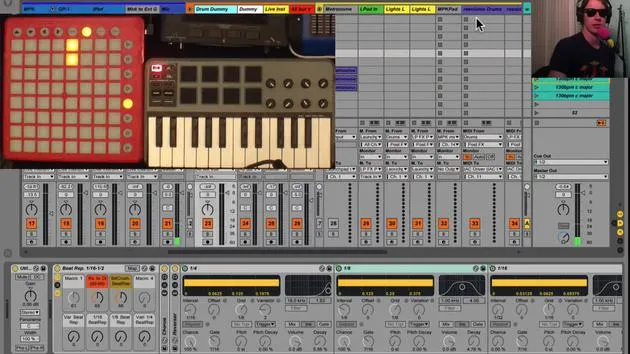
I set this up by creating a couple of chains where the dry signal is in the middle and it fades into reverb and delay.
Beat Repeat and Crusher
You can also create interesting effects similar to the beat repeat and crusher:
- Left: Bit crushing
- Right: Variable beat repeat
- Middle: Totally clean sound
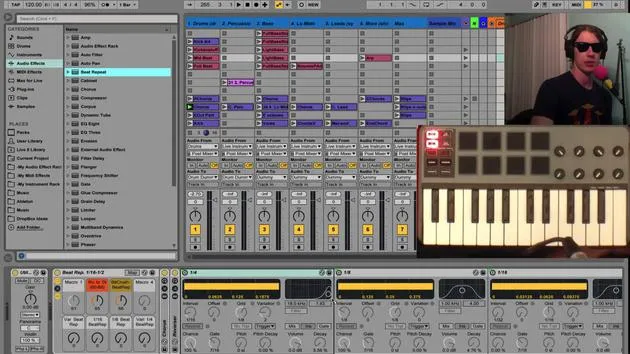
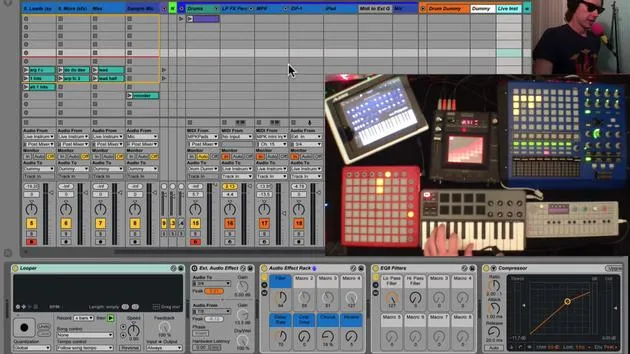
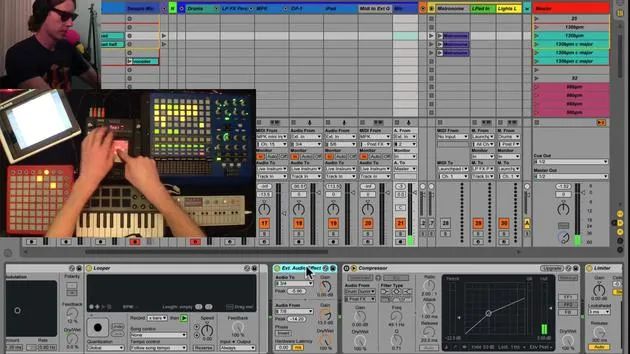
I have this set so that four buttons on my controller will affect these beat repeats.
Setting Up a Beat Repeat
To show you how to set up one of these:
-
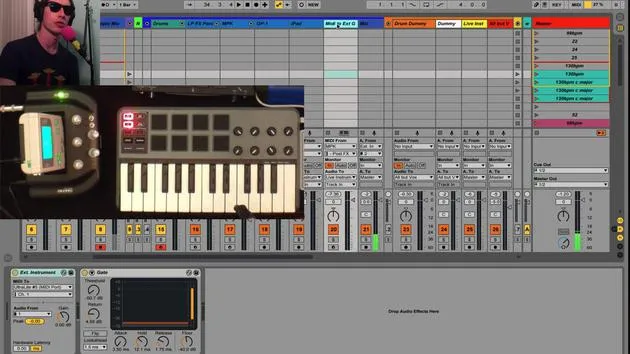
Add Beat Repeat: Drop a beat repeat right into the middle of the track.
-
Select Repeat Mode: This means, as soon as it is turned on, it will start repeating at the specified grid interval.
- For example, let's do 30-second notes.
-
Playing the Clip: When you hit a note and engage the button, you will get a 30-second note repeater.
You will still hear the main beat because our beat repeat is set to mix, giving you both dry and wet signals. I prefer setting it to insert, which cuts out the beat completely. This way, we only hear the repeat, creating a drum fill effect.
Experimenting with Drums
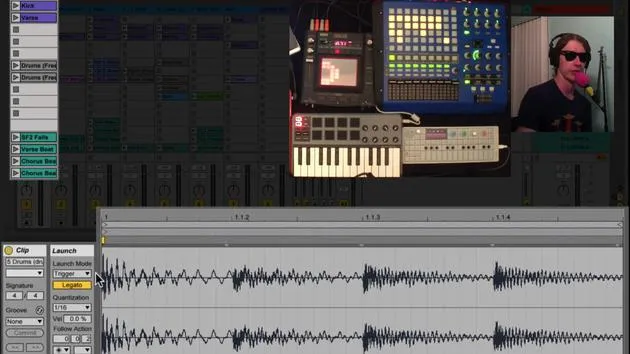
Depending on when you engage it, you'll get different repeats. This is a fun way to play around with drums and generate unique drum fill sounds.
Conclusion
When you start experimenting with your filters and beat repeats, you can achieve some pretty cool effects.
To recap:
- Take a Beat Repeat: Make sure repeat is on and set it to your favorite grid.
- Activate the Button: Each activation brings a new level of beat repeat madness!
Have fun creating!
30 lecciones
2h 20m de lecciones en vídeo estructuradas
Funciones de vídeo avanzadas
Ralentiza, repite un pasaje, sigue la partitura
Móvil, tablet y ordenador
Practica donde quieras
Garantía de satisfacción 100%
30 días de garantía de devolución
Conoce a tu gurú
Conoce a tu gurú
Brian Funk es músico, productor, compositor y Ableton Certified Trainer. Desde 2014 imparte el curso Advanced Music Production with Ableton Live para el Berklee College of Music. Ha tocado la guitarra, el bajo, la batería y los sintetizadores, y ha cantado en bandas de rock de gira, y hoy en día se centra en su directo electrónico en solitario, llevando al escenario sus experimentos de estudio.
A Brian le encanta escribir, enseñar y el diseño de sonido. Produce tutoriales y Sound Packs de Ableton Live, y desde 2011 publica Packs gratuitos de Ableton Live: más de 125 hasta ahora. Como Ableton Certified Trainer ha dado clases y seminarios que abarcan cada fase del proceso de producción, y escribe con regularidad en su blog y para otras publicaciones.
Influenciado por el rock and roll, los videojuegos, el primer hip hop, el punk y la electrónica, desde The Beatles, Neil Young, Nirvana y Aerosmith hasta Neon Indian, describe su propio sonido como 'futurista, aunque nostálgico'. En su curso de MusicGurus, Live Performance in Ableton Live, te muestra cómo convierte ideas de estudio en un directo real y práctico: sampleando sonidos y transformándolos en instrumentos tocables, pasando guitarras y sintetizadores por equipos electrónicos, y mezclando y componiendo sobre la marcha mientras toca en directo y canta. Acabarás siendo capaz de construir e interpretar tu propio directo electrónico con confianza.







