



Grabar interpretaciones
Con
Brian Funk
Qué incluye el curso
30 lecciones (2h 20m) · 1 gratis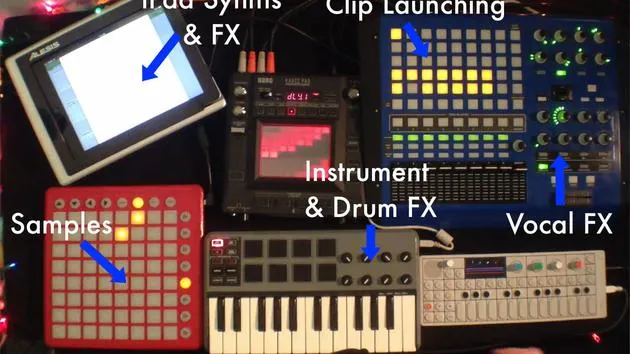
Transcripción de la lección
Recording Live Performances in Ableton Live
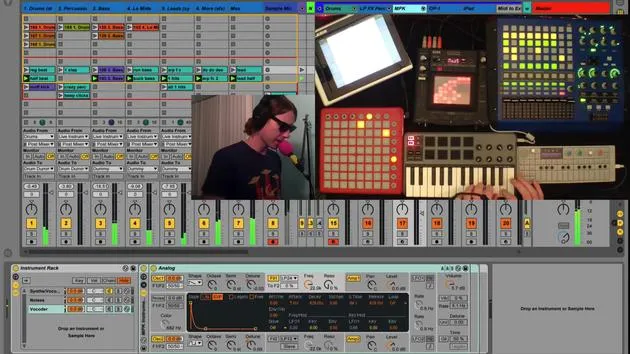
Part of the beauty of playing live with Ableton Live is that you can very easily record your performances. You don't need another piece of gear to record because you have a DAW that you're using to play live. You can record everything right into your Arrangement View.
Recording Options
Now, there are a couple of different options:
1. Resampling Option
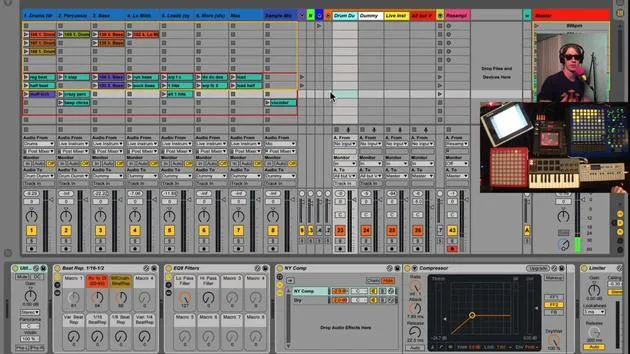
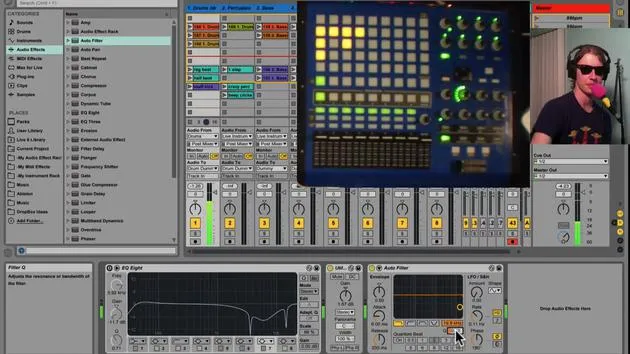
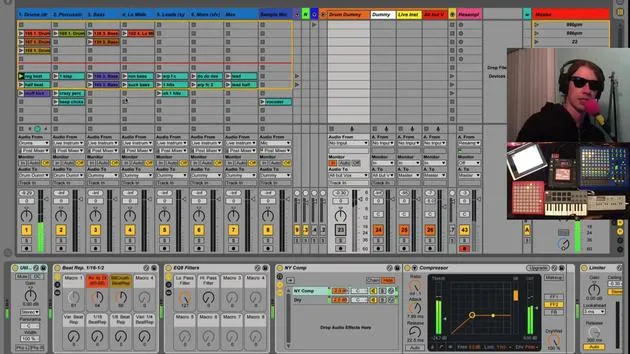
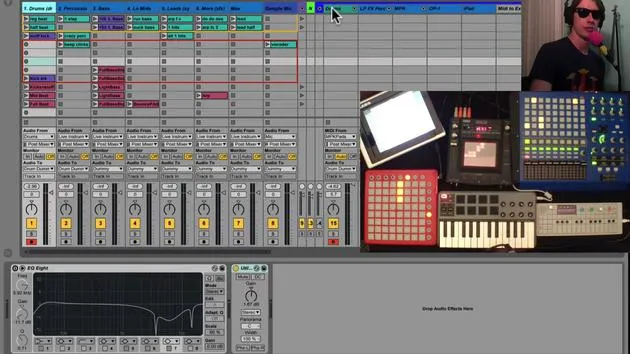
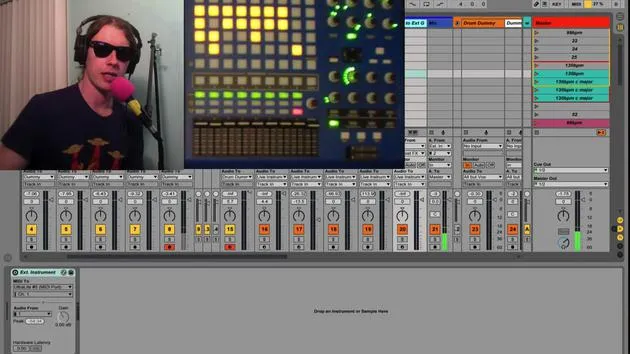
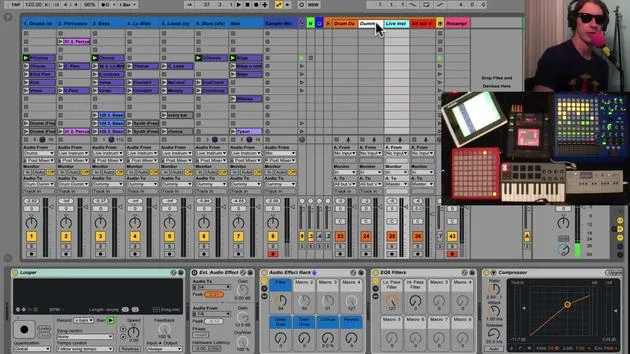
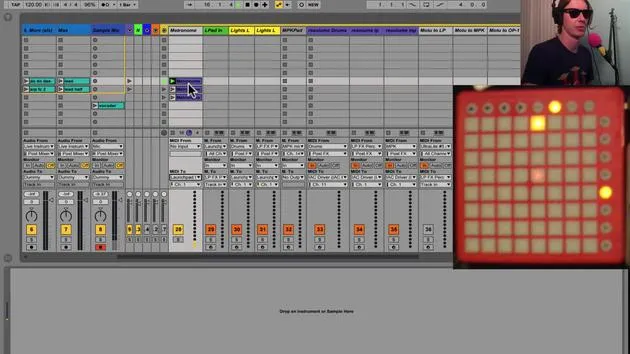
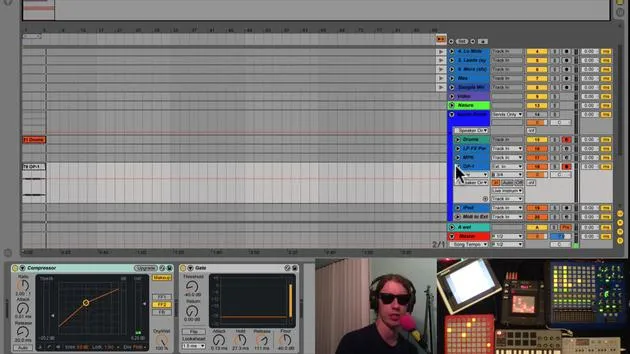
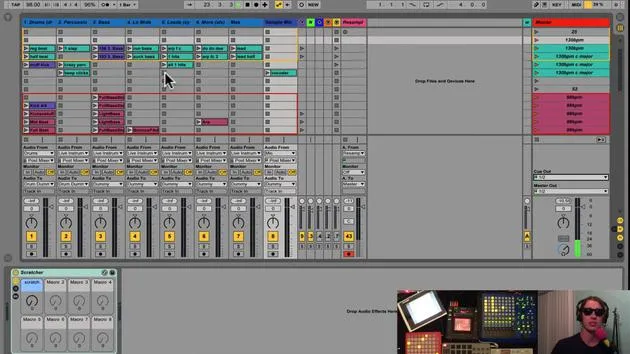
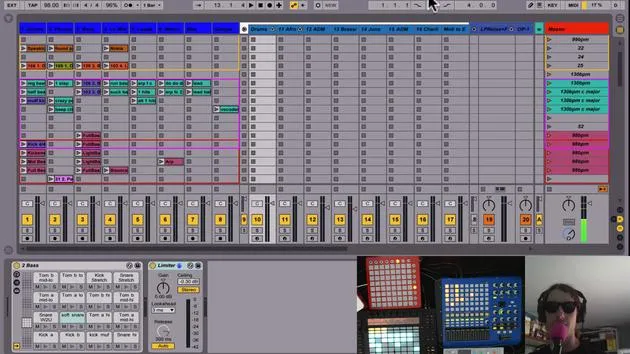
I spoke about the resampling option before. When you have a resampling track, audio from Resampling Live will record whatever is coming out of the master track onto this track.
- When I play a tune live, it is going to record whatever I did onto this resampling track.
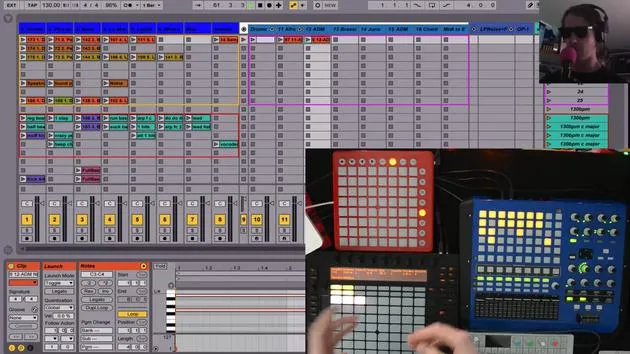
- Let's give it a shot. You'll see that this track is recording as well as any tracks that we have record enabled here.
Demonstration
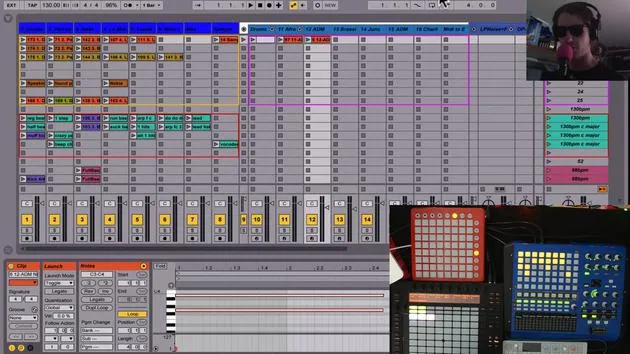
If I turn that off, the clips that are playing are getting recorded into the Arrangement View.
- Advantages:
- You don't need to use as much CPU by recording everything into your particular arrangement.
- You come up with much smaller files since this is just one track.
This method is akin to bouncing what you're doing in real-time to a two-track file.
- Disadvantages:
- You can't go back and mix it.
- It's printed, it's done. You get what you played live.
2. Direct Track Recording
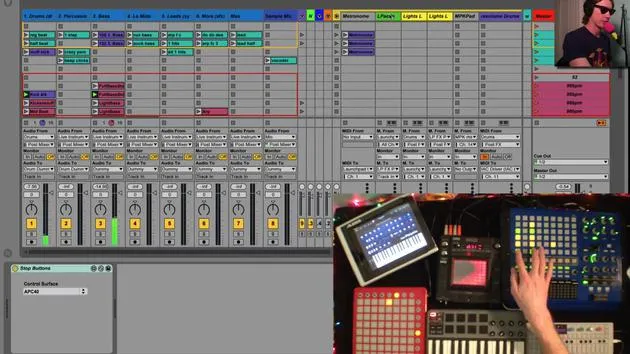
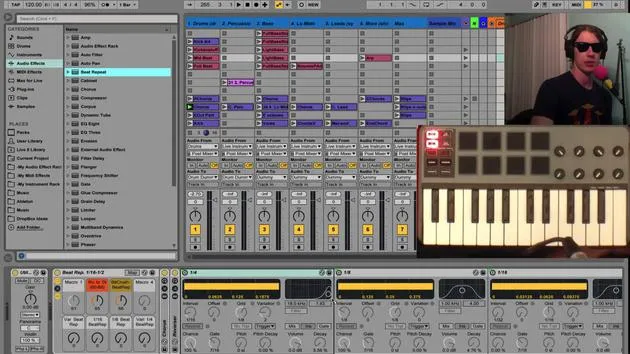
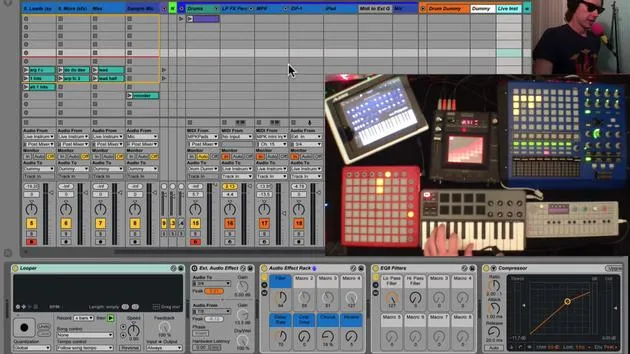
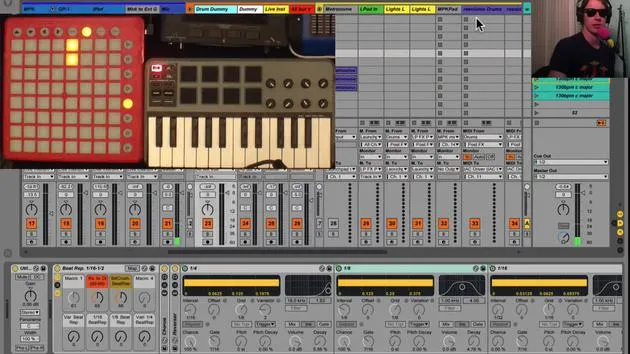
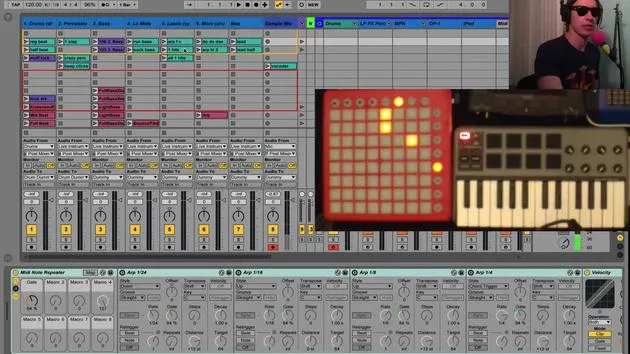
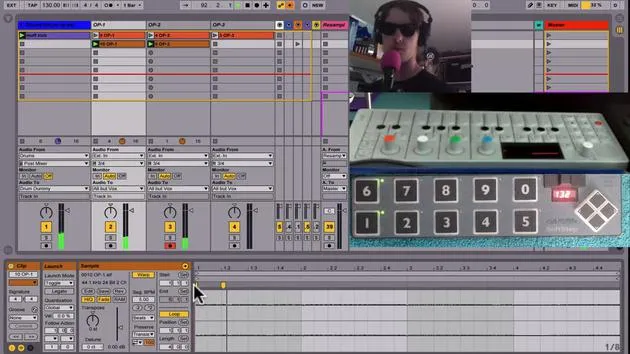
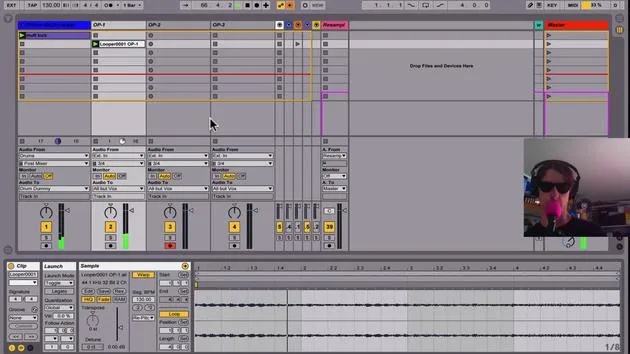
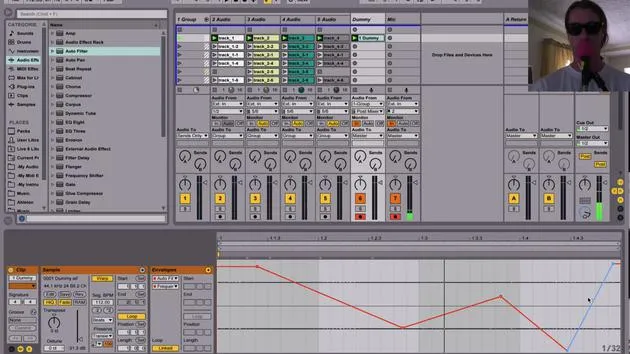
The other option you have is to record-enable your tracks (like these tracks here). You don't have to worry about the other clips because any clip you play will get recorded into the Arrangement.
-
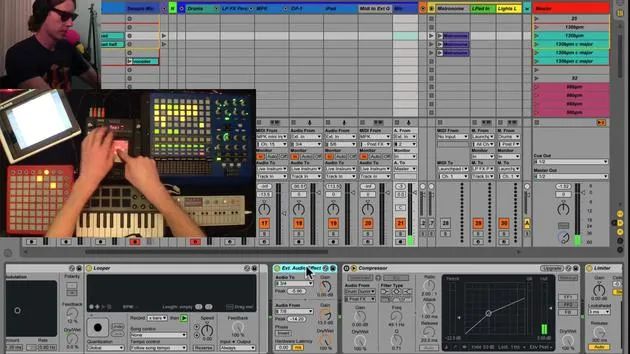
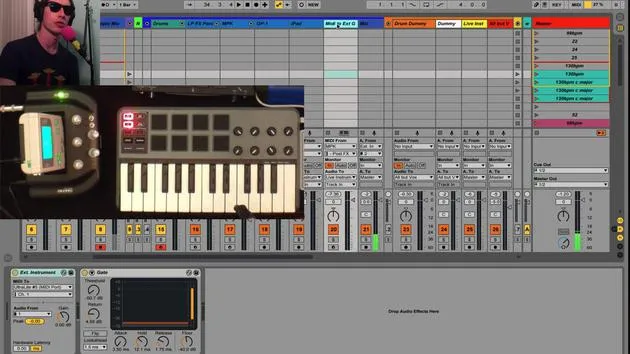
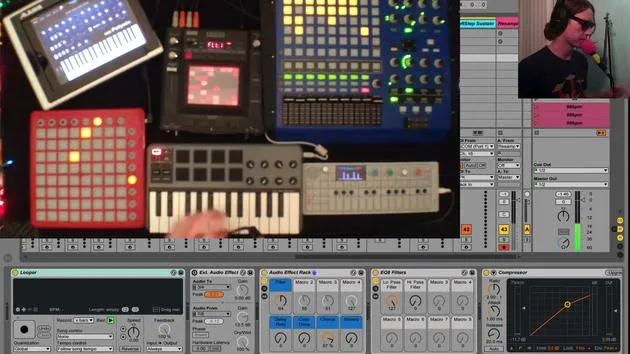
Example: I'll use my vocal mic and play around with my OP-1 while we play these clips.
- Let's start at one and hit record.
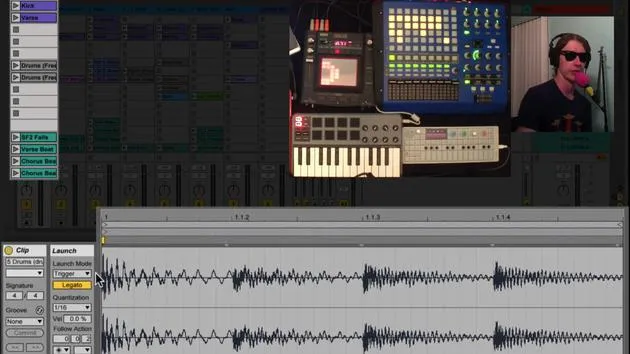
- Forgive the sloppy performance there, but you'll see that we've recorded the drum track, OP-1 track, mic, and anything else you have recorded enabled.
Tips for Track Recording
- You'll want to record enable everything, especially your live tracks, to capture everything.
- It's optional to record enable the routes.
Benefits:
- You can go back and mix this stuff.
- You have the flexibility to edit clips. For instance, if you don't like the beginning of a take, you can silence it.
Conclusion
If you plan on playing live and simply want to hear what it sounded like, I recommend using resample and not recording all the other tracks. However, if you want to perform and then edit, overdub, or change parts, you'll want to use record enabling with the other tracks.
- Trade-off:
- You will incur more CPU usage since everything is recording audio.
- You will create large files, which can become significant if you play a half-hour set with multiple 30-minute WAV files.
This is something to consider, but it does provide the extra flexibility you might need.
30 lecciones
2h 20m de lecciones en vídeo estructuradas
Funciones de vídeo avanzadas
Ralentiza, repite un pasaje, sigue la partitura
Móvil, tablet y ordenador
Practica donde quieras
Garantía de satisfacción 100%
30 días de garantía de devolución
Conoce a tu gurú
Conoce a tu gurú
Brian Funk es músico, productor, compositor y Ableton Certified Trainer. Desde 2014 imparte el curso Advanced Music Production with Ableton Live para el Berklee College of Music. Ha tocado la guitarra, el bajo, la batería y los sintetizadores, y ha cantado en bandas de rock de gira, y hoy en día se centra en su directo electrónico en solitario, llevando al escenario sus experimentos de estudio.
A Brian le encanta escribir, enseñar y el diseño de sonido. Produce tutoriales y Sound Packs de Ableton Live, y desde 2011 publica Packs gratuitos de Ableton Live: más de 125 hasta ahora. Como Ableton Certified Trainer ha dado clases y seminarios que abarcan cada fase del proceso de producción, y escribe con regularidad en su blog y para otras publicaciones.
Influenciado por el rock and roll, los videojuegos, el primer hip hop, el punk y la electrónica, desde The Beatles, Neil Young, Nirvana y Aerosmith hasta Neon Indian, describe su propio sonido como 'futurista, aunque nostálgico'. En su curso de MusicGurus, Live Performance in Ableton Live, te muestra cómo convierte ideas de estudio en un directo real y práctico: sampleando sonidos y transformándolos en instrumentos tocables, pasando guitarras y sintetizadores por equipos electrónicos, y mezclando y componiendo sobre la marcha mientras toca en directo y canta. Acabarás siendo capaz de construir e interpretar tu propio directo electrónico con confianza.







