



Planificación del equipo

Con
Brian FunkAfroDJMac recorre su equipo en directo —OP-1, sintetizadores, guitarra, melódica e interfaz de audio— y cómo el equipo que elige da forma a su manera de construir un set en vivo.

Qué incluye el curso
30 lecciones (2h 20m) · 1 gratis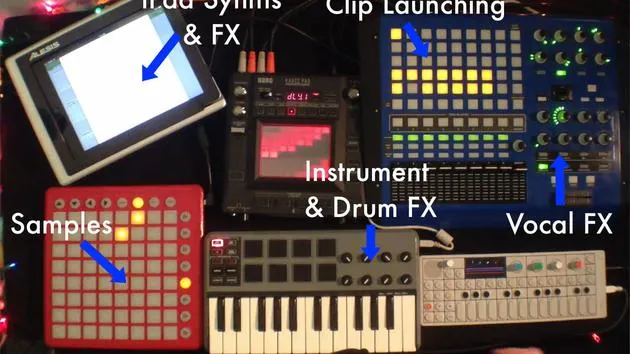
Transcripción de la lección
Planning Your Live Performance Gear
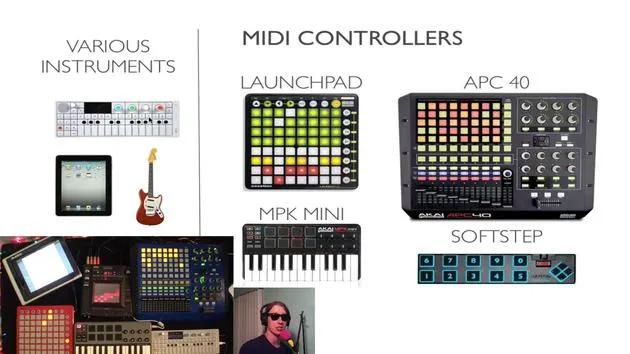
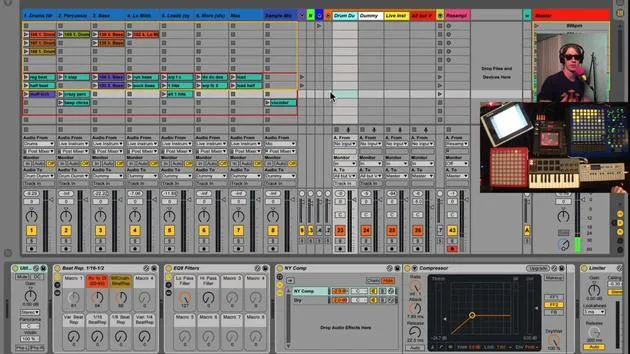
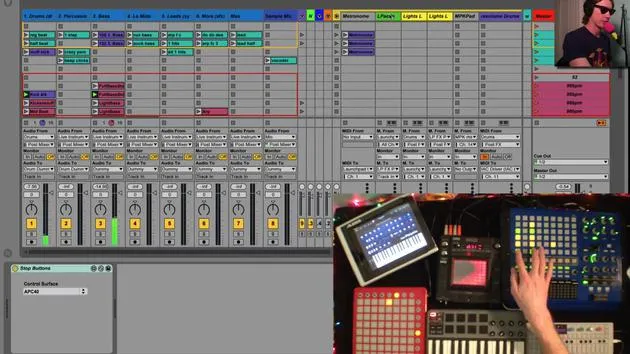
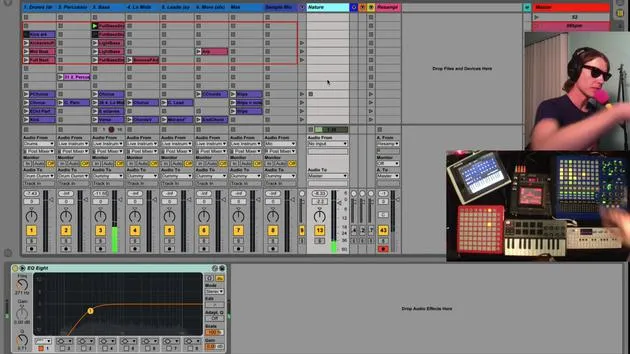
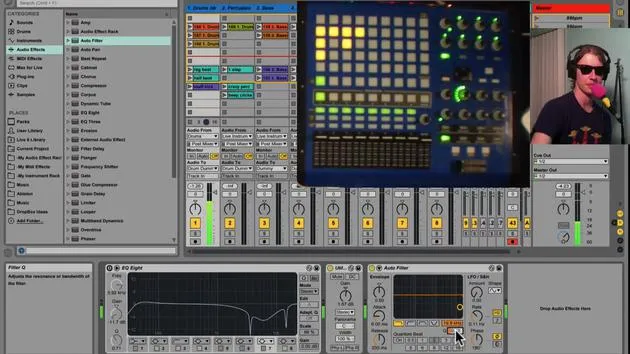
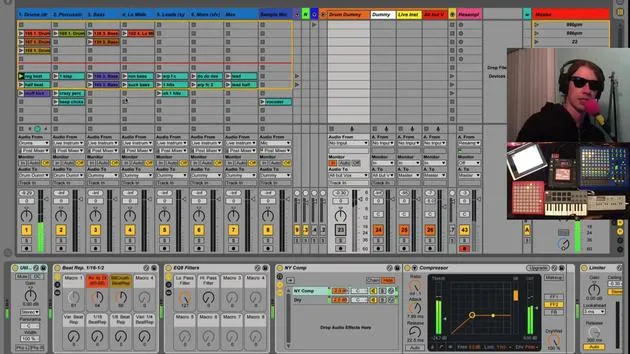
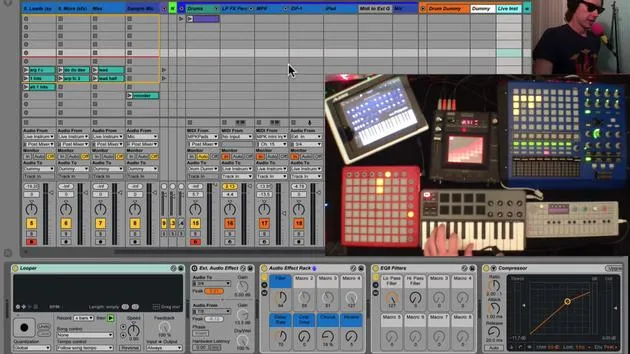
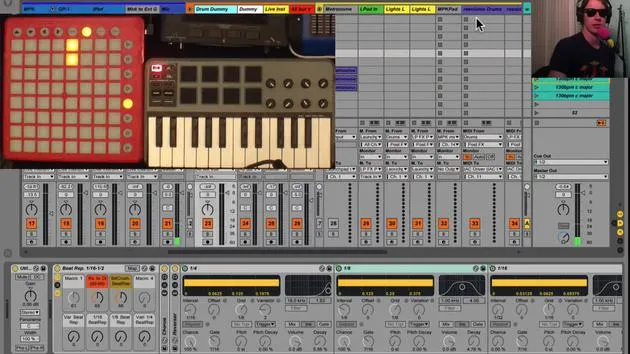
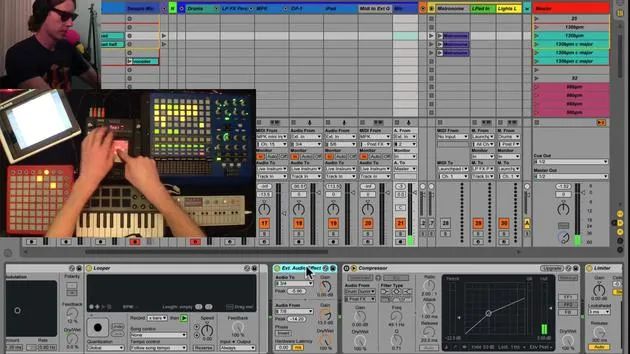
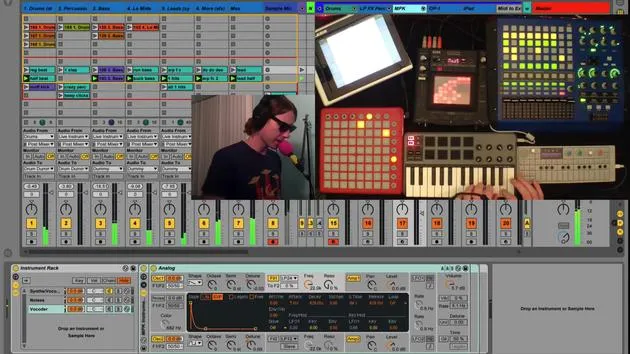
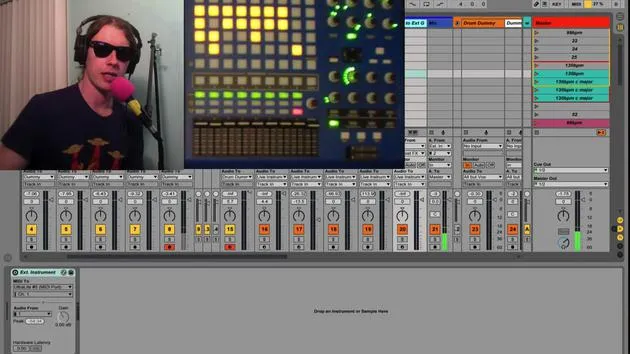
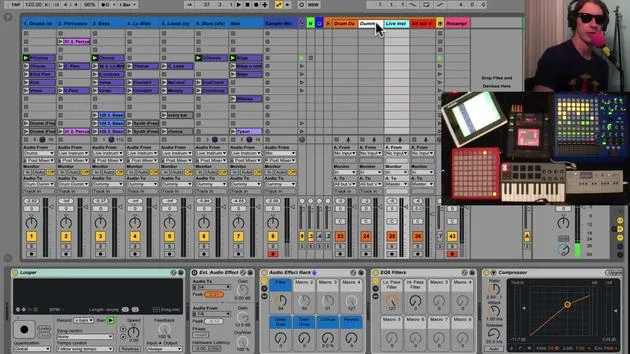
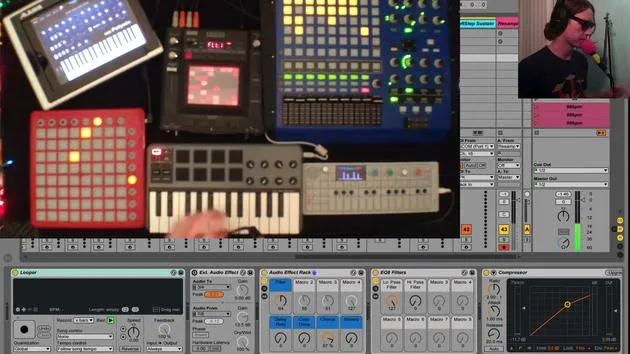
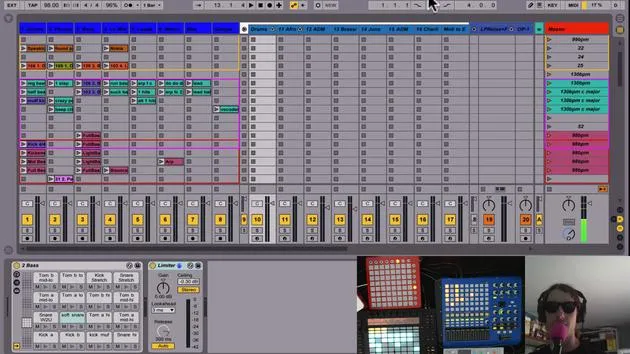
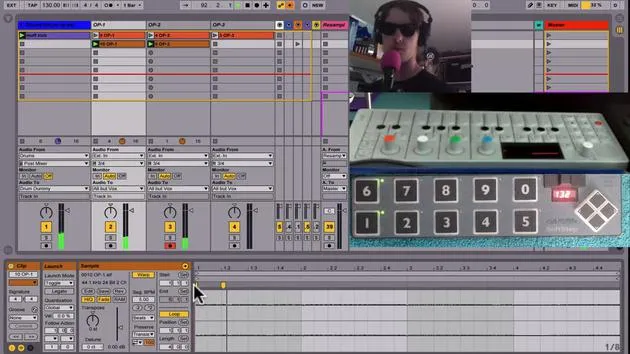
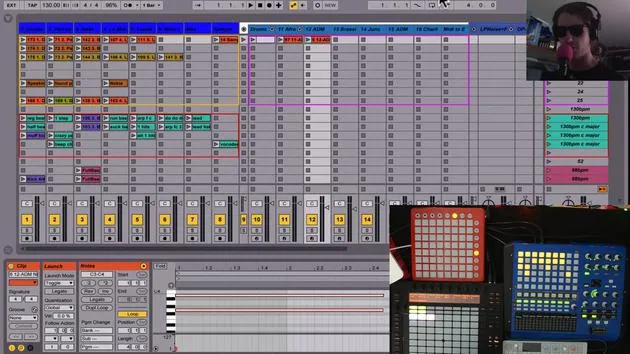
Okay, so let me walk you through this process of planning a little bit. I want to talk about the gear I'm using and how it helps govern some of the decisions I make as far as live performance goes. Here are some of the real instruments I might use:
- OP1: I couldn't recommend this more.
- iPad: I run various synths and MIDI controllers on this.
- Synths:
- Mog Slim Fatty
- Minibroot (might bring this as well)
- Guitar: Sometimes, I might plug this straight in.
I also have vocals that I want to use:
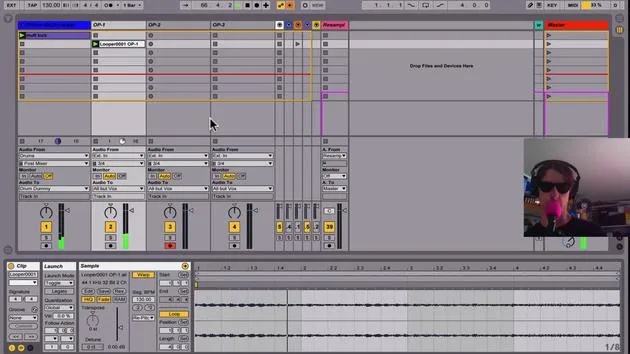
- Microphone: In case you're wondering about my funny little pink mic Afro windscreen, there's a reason for that. It's not just to prevent vocal pops; it's also a safety measure.
- The microphone screens underneath are very hard, and in the excitement of a live performance, you could easily smash your teeth on it.
- So, I like to give myself a little cushion to avoid knocking out any of my teeth.
Additionally, I have a melodica I like to play. All of this gets routed into my audio interface:
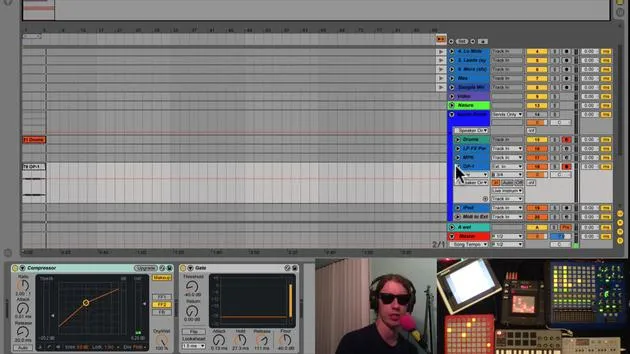
- Motu Ultralight 2: What I like about this interface is that it has a lot of audio inputs and outputs, which governs what I can do live. Since there's a limited number of ins and outs, you have to work with that.
Consider Your Audio Interface
Think about your audio interface:
- How much can you route into it and out of it?
I also have some virtual instruments, primarily played through:
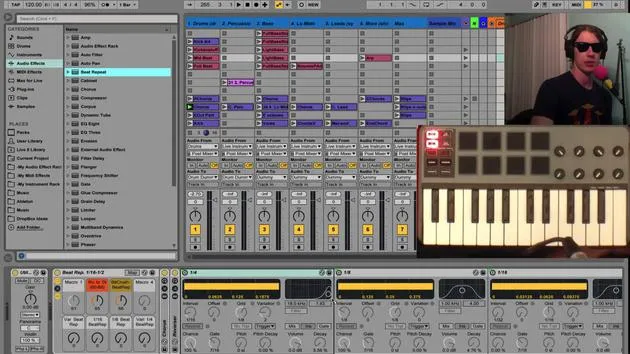
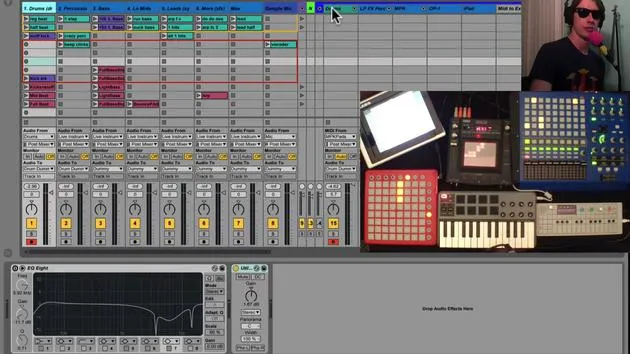
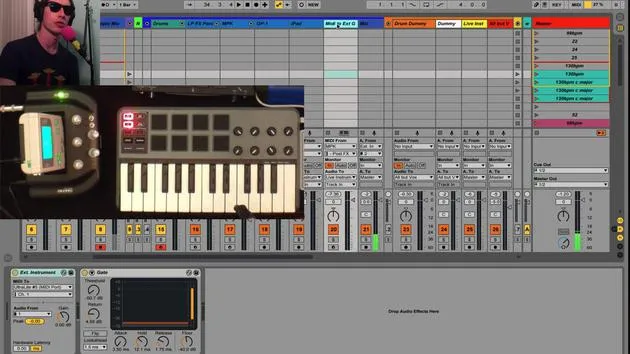
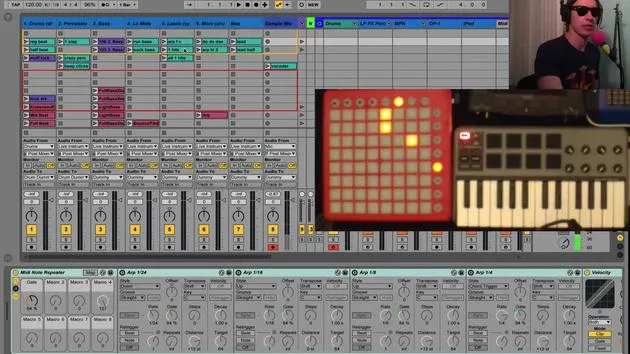
- MPK Mini
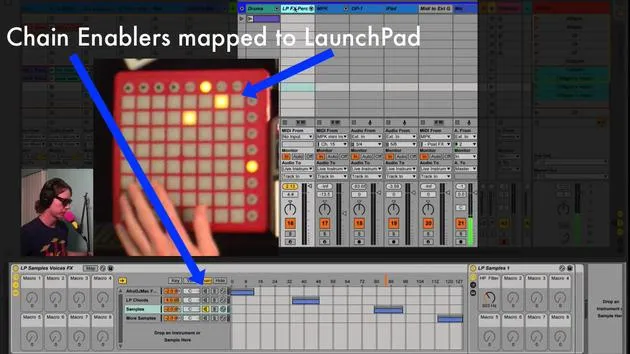
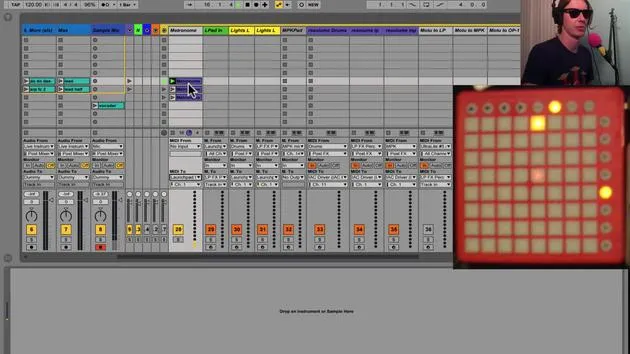
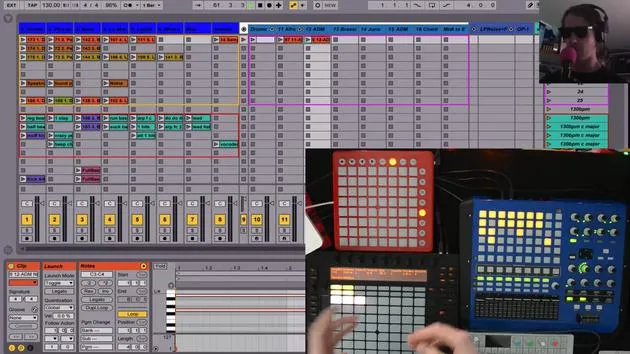
- Launchpad
These are the main things I'm working with. The actual MIDI gear I have includes:
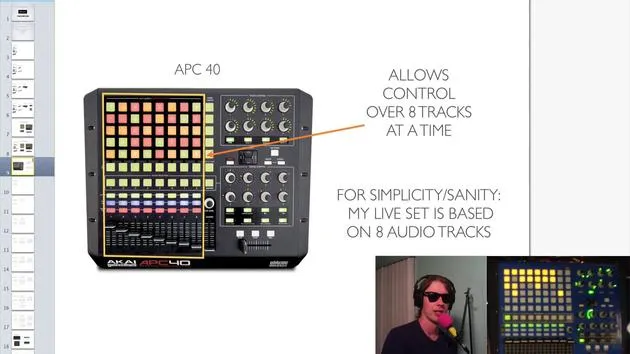
- APC40: A great piece that works well.
- Soft Step Foot Controller: It's on the floor; we'll get to that a little bit later.
The MPK Mini is nice because:
- It has pads,
- It has knobs,
- It has keys,
- You can change the particular messages each of these sends out.
And of course, I have the Launchpad.
Gathering Your Gear
So, I'm using this gear to govern how I play live. It's a good idea to gather your gear together and think about what you can do with it, as you will run into both possibilities and limitations. These are important to consider!
30 lecciones
2h 20m de lecciones en vídeo estructuradas
Funciones de vídeo avanzadas
Ralentiza, repite un pasaje, sigue la partitura
Móvil, tablet y ordenador
Practica donde quieras
Garantía de satisfacción 100%
30 días de garantía de devolución
Conoce a tu gurú
Conoce a tu gurú
Brian Funk es músico, productor, compositor y Ableton Certified Trainer. Desde 2014 imparte el curso Advanced Music Production with Ableton Live para el Berklee College of Music. Ha tocado la guitarra, el bajo, la batería y los sintetizadores, y ha cantado en bandas de rock de gira, y hoy en día se centra en su directo electrónico en solitario, llevando al escenario sus experimentos de estudio.
A Brian le encanta escribir, enseñar y el diseño de sonido. Produce tutoriales y Sound Packs de Ableton Live, y desde 2011 publica Packs gratuitos de Ableton Live: más de 125 hasta ahora. Como Ableton Certified Trainer ha dado clases y seminarios que abarcan cada fase del proceso de producción, y escribe con regularidad en su blog y para otras publicaciones.
Influenciado por el rock and roll, los videojuegos, el primer hip hop, el punk y la electrónica, desde The Beatles, Neil Young, Nirvana y Aerosmith hasta Neon Indian, describe su propio sonido como 'futurista, aunque nostálgico'. En su curso de MusicGurus, Live Performance in Ableton Live, te muestra cómo convierte ideas de estudio en un directo real y práctico: sampleando sonidos y transformándolos en instrumentos tocables, pasando guitarras y sintetizadores por equipos electrónicos, y mezclando y componiendo sobre la marcha mientras toca en directo y canta. Acabarás siendo capaz de construir e interpretar tu propio directo electrónico con confianza.







