



Instrumentos en directo
Con
Brian Funk
Qué incluye el curso
30 lecciones (2h 20m) · 1 gratis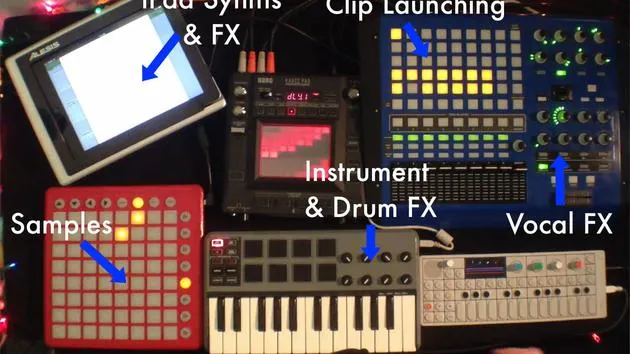
Transcripción de la lección
Setting Up Live Instruments
Overview
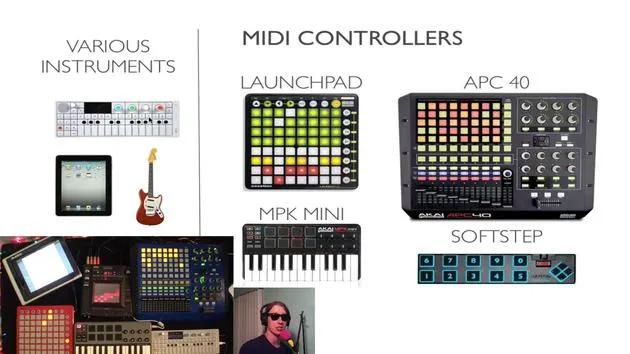
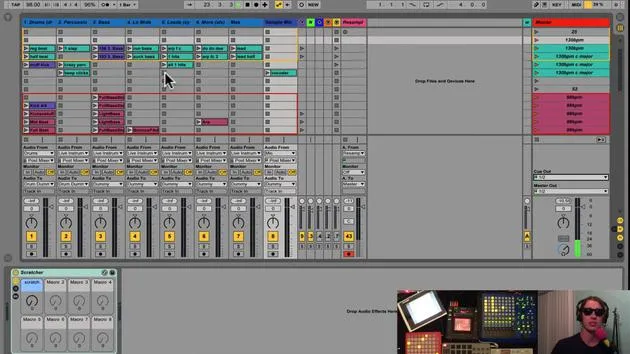
Today, we're diving into my setup for live instruments. By "live instruments," I refer to anything I plan to perform live. This includes:
- Virtual instruments
- Synthesizers
- iPads
- Guitars
- Other hardware
Current Setup
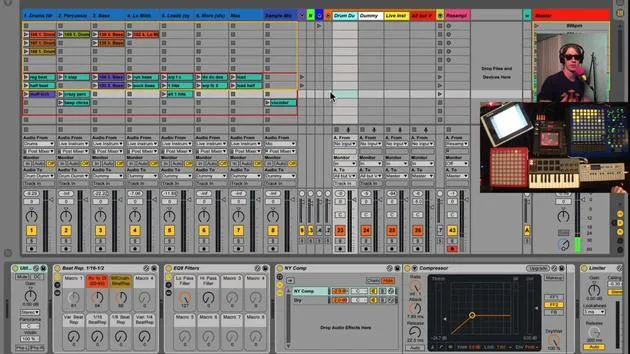
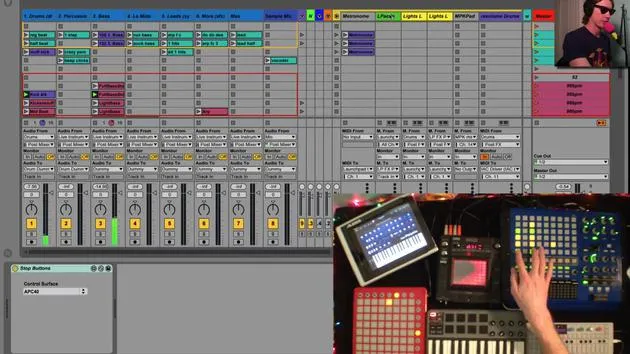
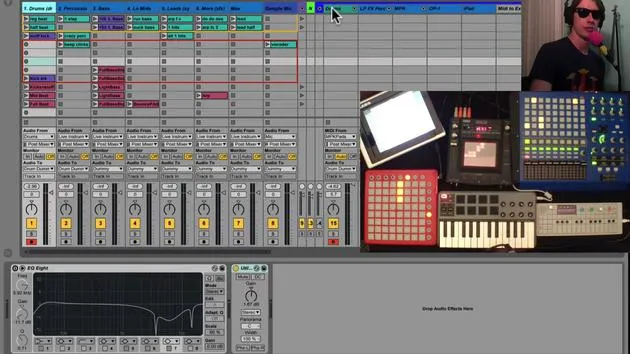
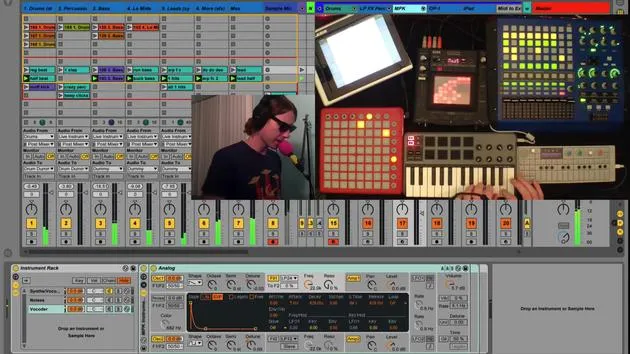
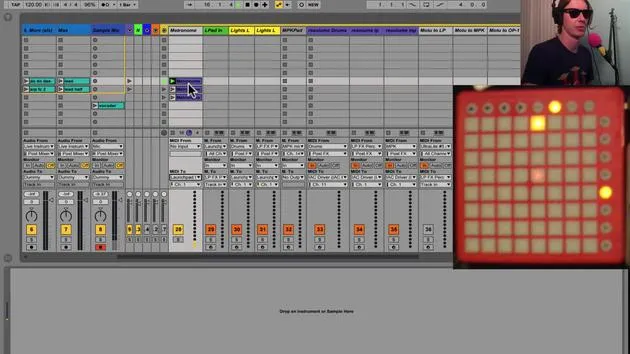
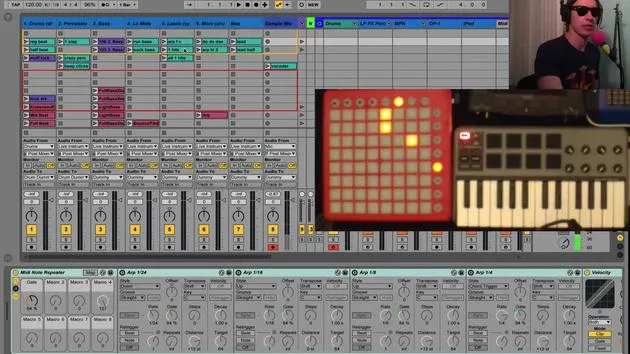
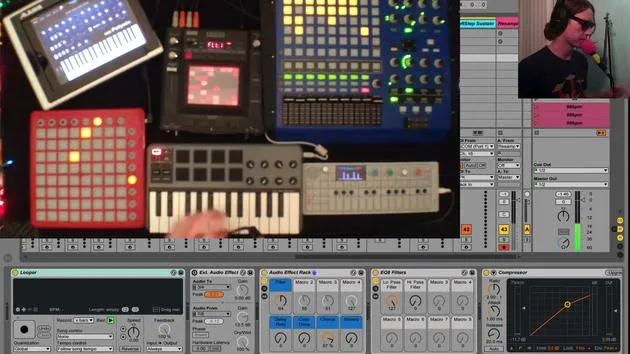
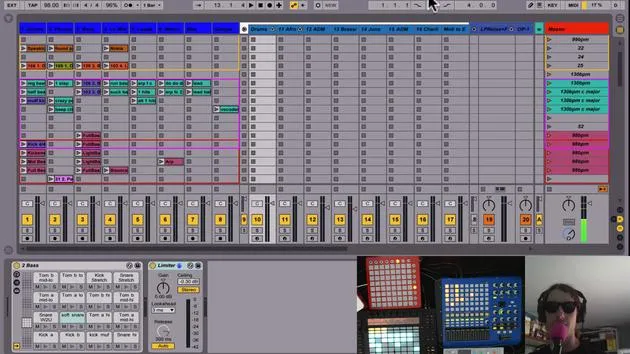
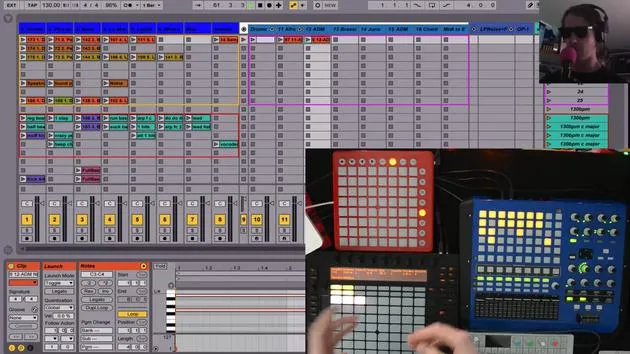
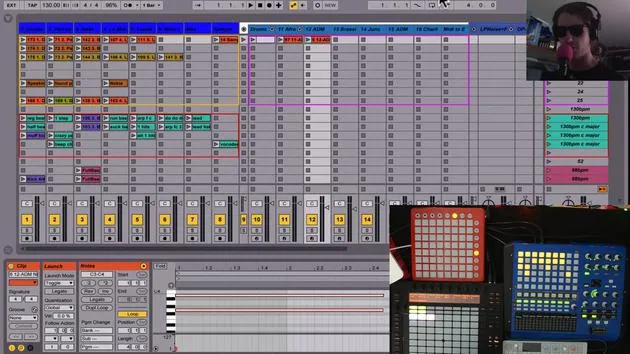
Here's how my current setup looks:
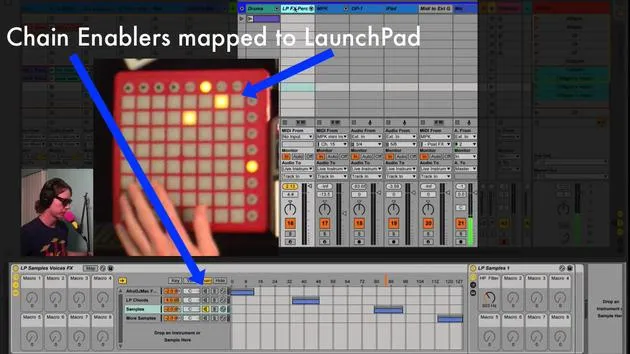
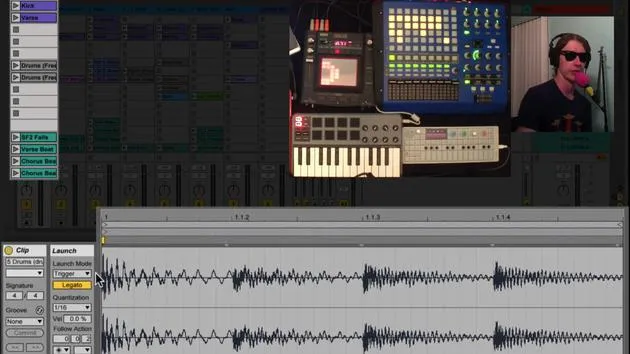
- Launchpad: Equipped for specific functions.
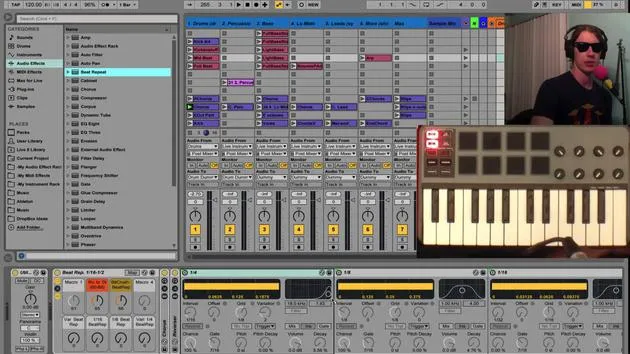
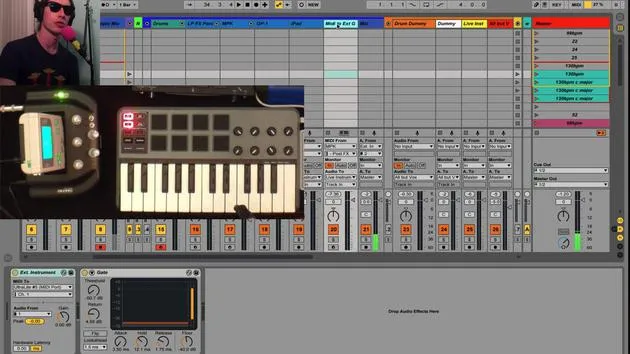
- MPK: For MIDI control.
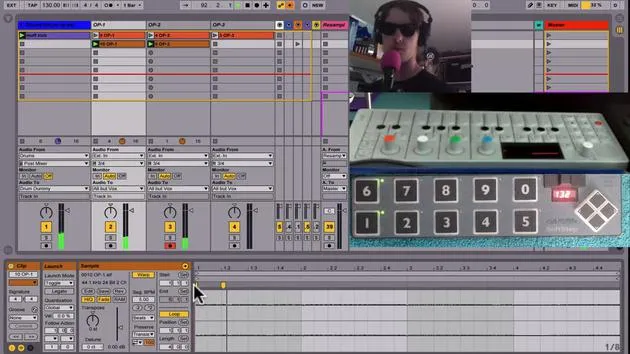
- OP1: A versatile tool.
- iPad: Integrated for additional functionality.
Monitoring Audio
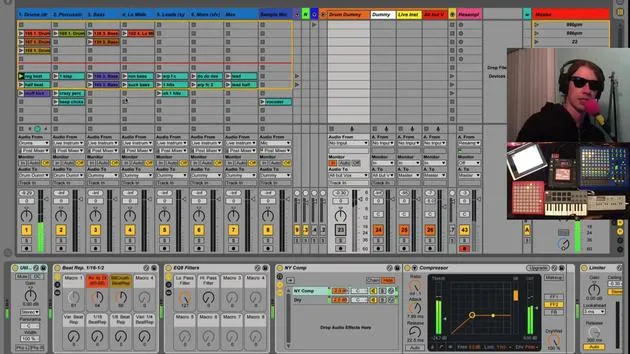
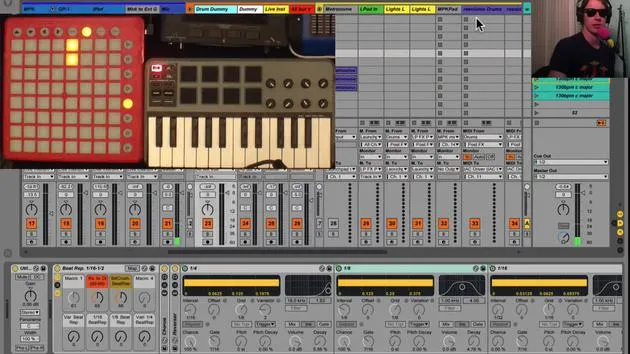
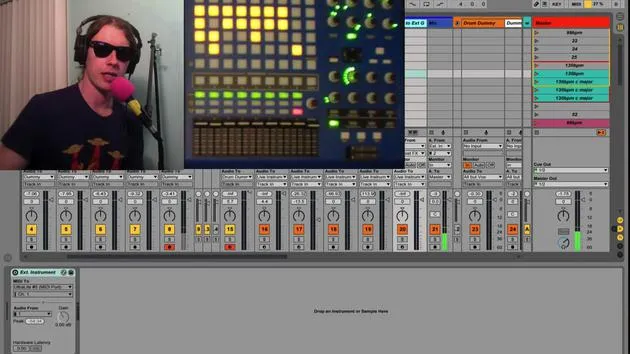
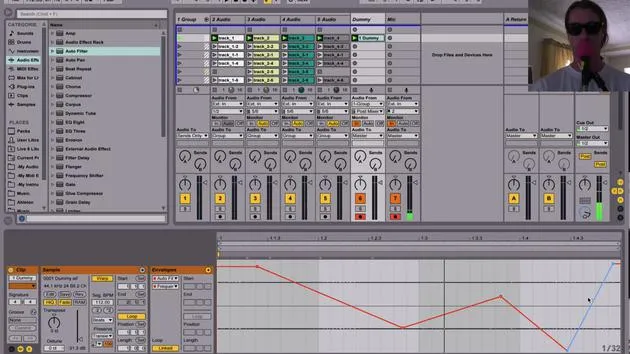
- All instruments are set to monitor in. This ensures we only hear what is routed to this track, which is ideal for live performance.
- There are no clips on these tracks, as I'm strictly performing on them.
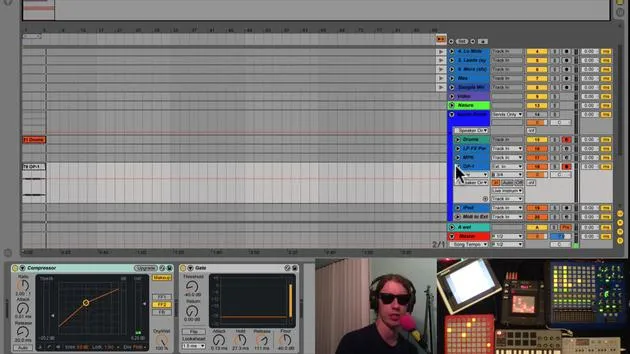
- All tracks are routed to a live instrument bus in my audio group.
Effects Chain
The live instrument track also has monitoring enabled, listening directly to audio from the instruments. If I turn off this track, you won't hear anything since it acts as the primary listening point.
Effects Organization
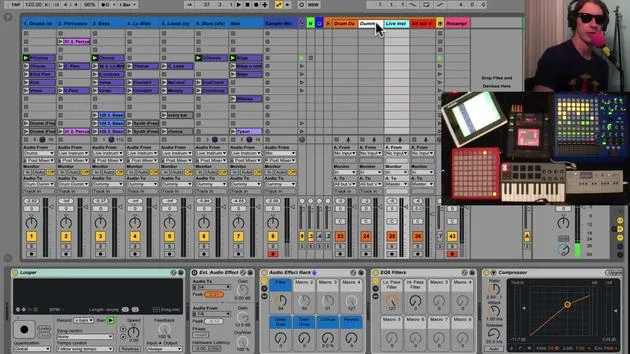
- A variety of effects are configured on this track.
- Having one set of effects means I don't have to create different mappings for each instrument, saving real estate on my MIDI controllers.
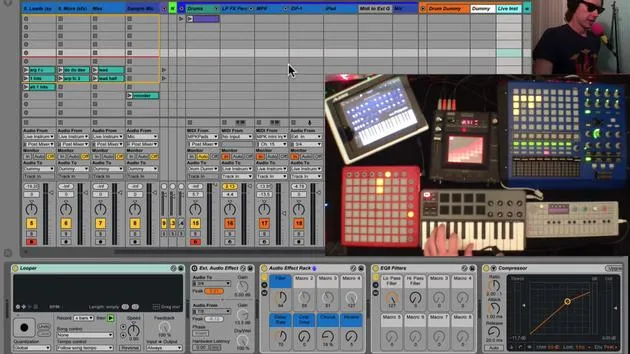
Looper Functionality
- Looper: The first effect in line. I use it to capture phrases without having to manage effects during performance.
How the Looper Works
- The looper captures what I play.
- It is set to start recording when I hit a footswitch.
Example:
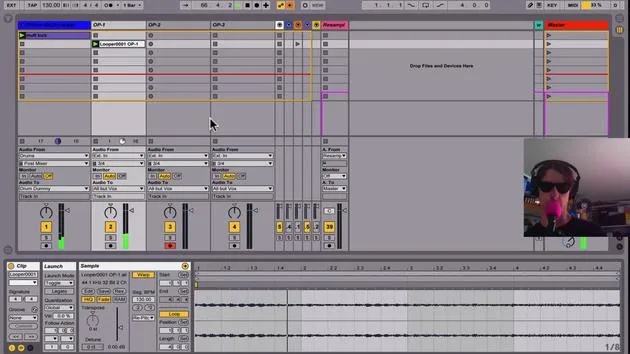
- Press the footswitch to start recording. Press it again to loop the phrase.
- I can then manipulate effects while it loops, allowing for creative freedom in my performance.
Clip Recording
- After creating a loop, I can overdub by pressing another button.
- To clear the looper, I have a designated button.
Track Management
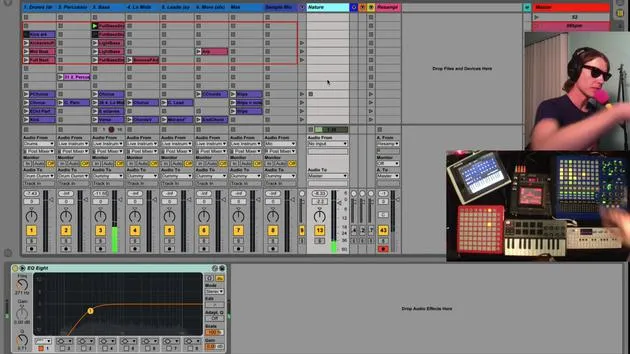
- All audio tracks receive signals from live instruments, visualized in the session.
- Recording Clips: If I activate a track and hit the record button, it saves any changes, including effects.
Manipulating Effects
- I can record a clip while adjusting effects in real-time.
- After stopping recording, I clear the looper so the sound doesn't double.
External Audio Effect
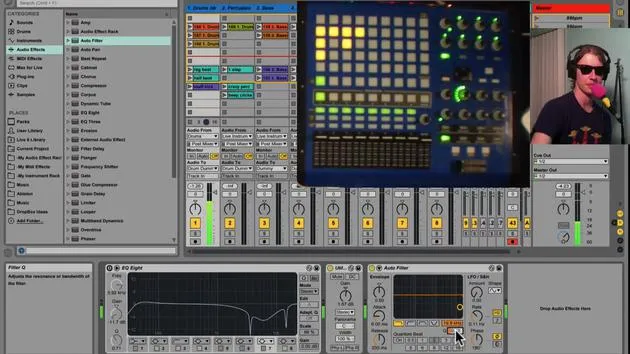
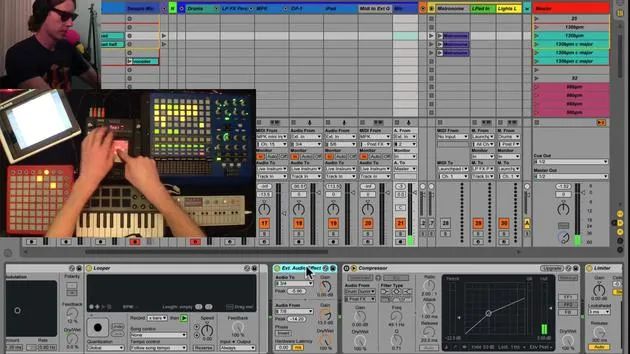
- I also utilize an external audio effect which routes audio out through my interface (via outputs 3 and 4) to a Chaos Pad. This pad then sends the audio back through inputs 7 and 8.
Using the External Audio Effect
- With a button mapped to toggle the effect, I can send audio through the Chaos Pad for added complexity:
- Activate it for creative effects.
- Deactivate to return to the previous state.
Recommendation: Using external hardware gives your sound character and complexity by bringing it out of the box.
Summary
This setup allows seamless integration of various instruments and effects. By sending all live instruments to my dedicated track, I can create loops efficiently. I can adjust effects to tailor my sound for recording, allowing for a dynamic live performance.
- Final Thoughts: Each session is a learning opportunity, as I explore the capabilities of my live instruments and effects.
Let's keep refining this process!
30 lecciones
2h 20m de lecciones en vídeo estructuradas
Funciones de vídeo avanzadas
Ralentiza, repite un pasaje, sigue la partitura
Móvil, tablet y ordenador
Practica donde quieras
Garantía de satisfacción 100%
30 días de garantía de devolución
Conoce a tu gurú
Conoce a tu gurú
Brian Funk es músico, productor, compositor y Ableton Certified Trainer. Desde 2014 imparte el curso Advanced Music Production with Ableton Live para el Berklee College of Music. Ha tocado la guitarra, el bajo, la batería y los sintetizadores, y ha cantado en bandas de rock de gira, y hoy en día se centra en su directo electrónico en solitario, llevando al escenario sus experimentos de estudio.
A Brian le encanta escribir, enseñar y el diseño de sonido. Produce tutoriales y Sound Packs de Ableton Live, y desde 2011 publica Packs gratuitos de Ableton Live: más de 125 hasta ahora. Como Ableton Certified Trainer ha dado clases y seminarios que abarcan cada fase del proceso de producción, y escribe con regularidad en su blog y para otras publicaciones.
Influenciado por el rock and roll, los videojuegos, el primer hip hop, el punk y la electrónica, desde The Beatles, Neil Young, Nirvana y Aerosmith hasta Neon Indian, describe su propio sonido como 'futurista, aunque nostálgico'. En su curso de MusicGurus, Live Performance in Ableton Live, te muestra cómo convierte ideas de estudio en un directo real y práctico: sampleando sonidos y transformándolos en instrumentos tocables, pasando guitarras y sintetizadores por equipos electrónicos, y mezclando y componiendo sobre la marcha mientras toca en directo y canta. Acabarás siendo capaz de construir e interpretar tu propio directo electrónico con confianza.







