



Vocoder

Mit
Brian Funk
Das steckt im Kurs
30 Lektionen (2h 20m) · 1 gratis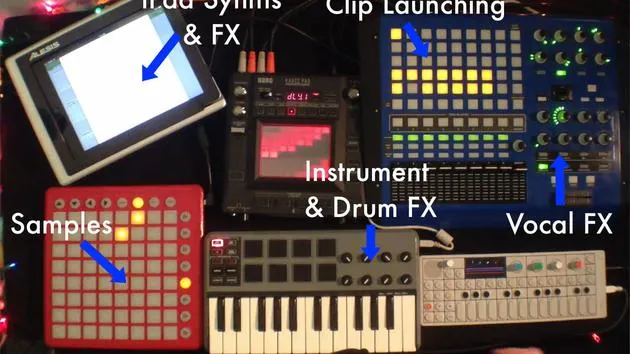
Transkript der Lektion
Using a Vocoder for Vocals
Okay, one last thing I like to do to my vocals is I have a vocoder on it.
Demonstration
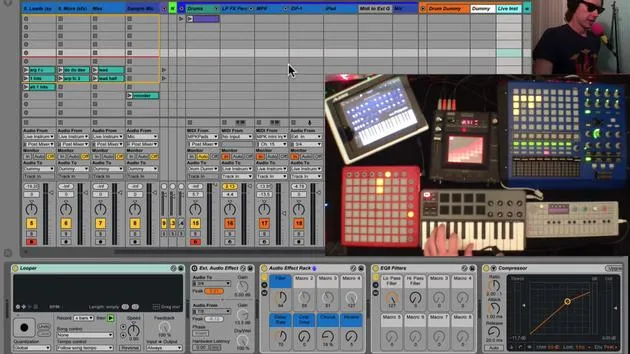
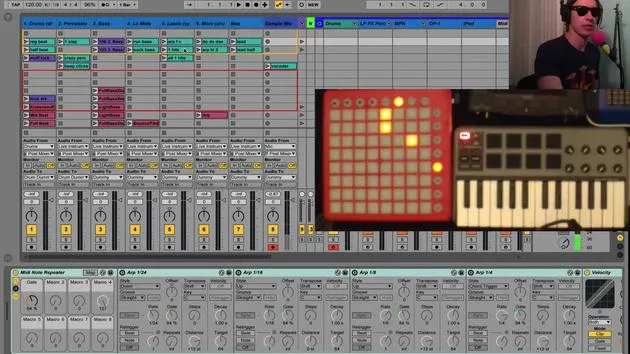
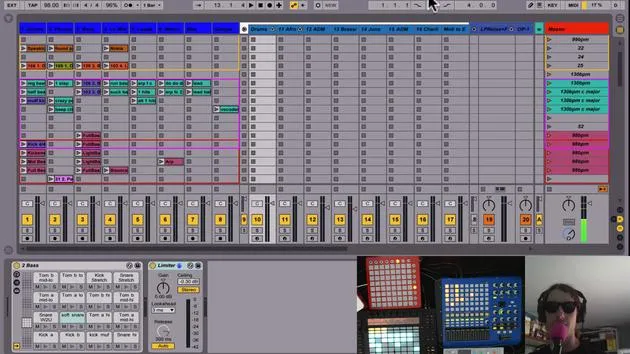
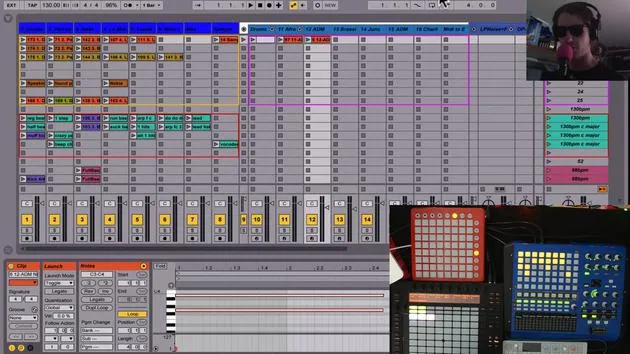
Now, if we go into my track here, let me just show you what it sounds like. I just hit the button here with just one push of a button, and I'll show you how I have that set up.
Vocal Chain Setup
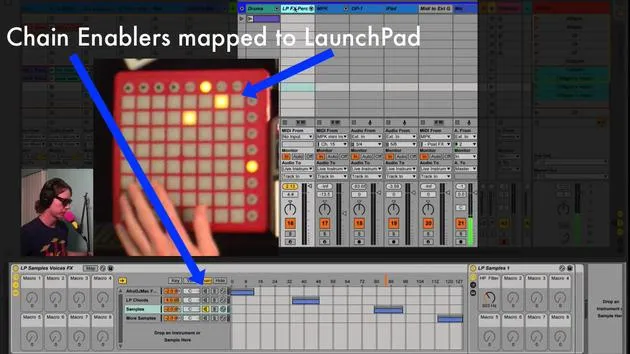
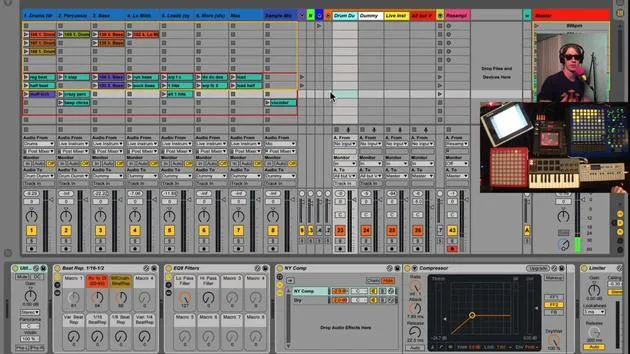
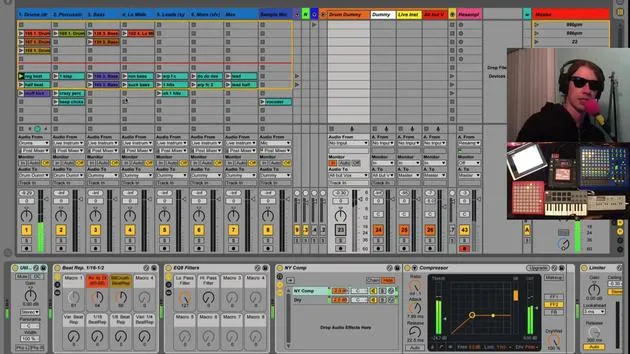
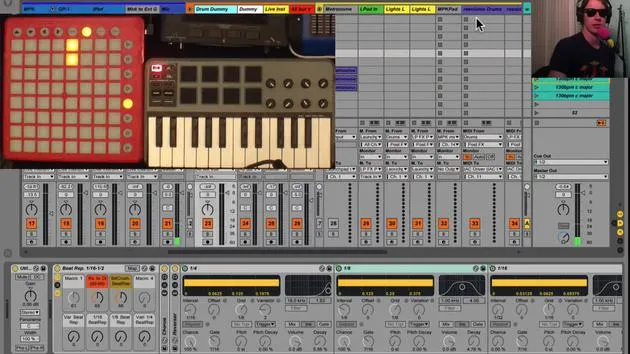
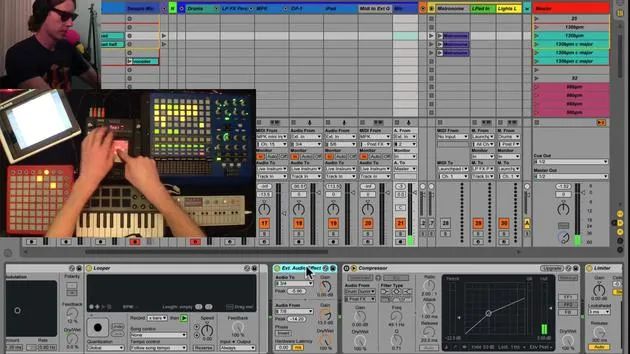
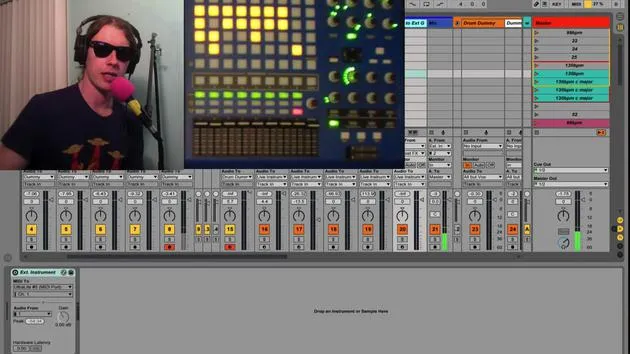
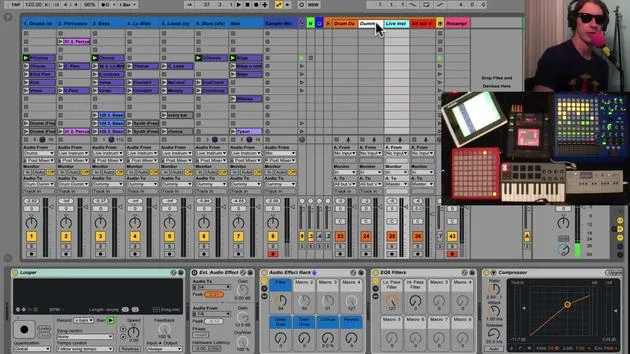
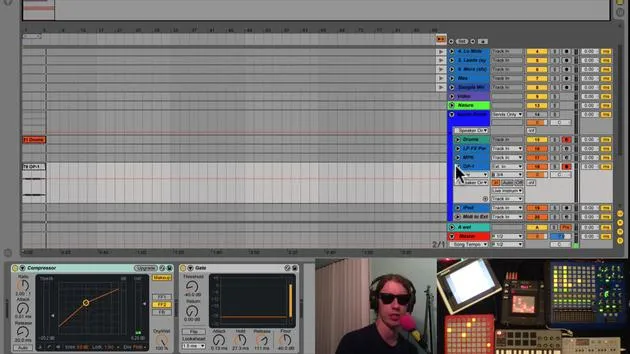
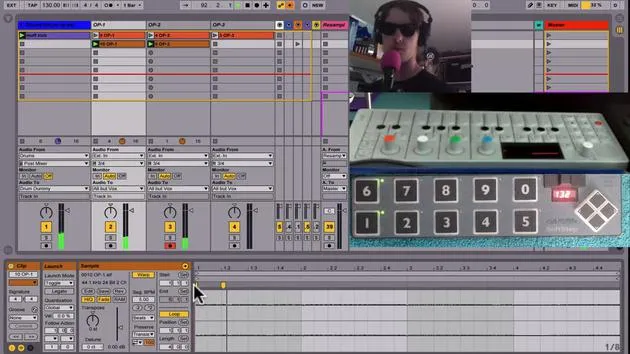
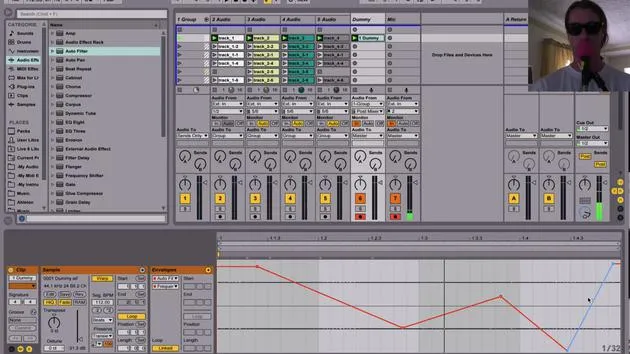
So inside my vocal chain here on my mic track, if we go in here, there's this one guy here called AutoTune and Vocoder.
- There are two chains here:
- One chain has my AutoTune.
- The other chain has my Vocoder.
The reason I have them in separate chains is that the AutoTune kind of affects the vocoder and it gives kind of weird things. So I wanted to separate them.
Activating the Vocoder
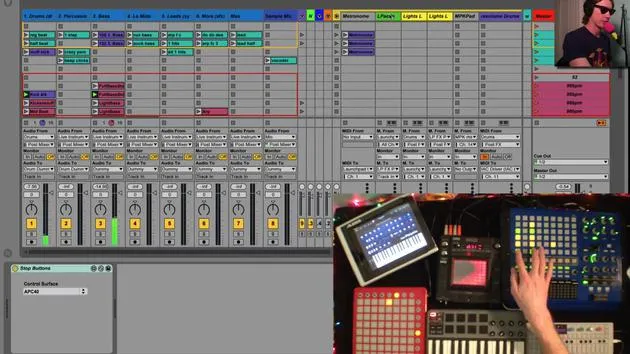
When I hit this button, you'll notice that the chain selector moves over one and you can hear my voice cut out there because it's basically waiting for the vocoder to happen. This allows me to bypass the AutoTune and focus on the vocoder.
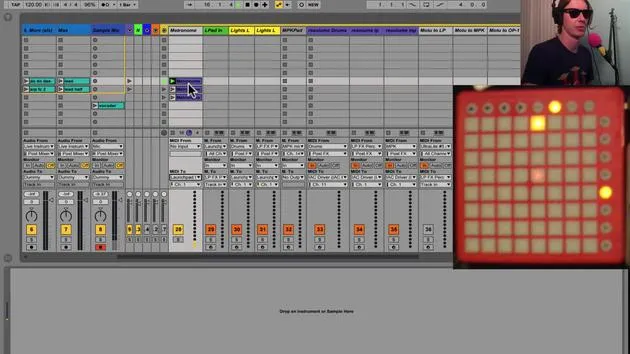
Also, what happens when I hit the button? The light comes on. I've MIDI mapped this button to the same button here.
Synth Setup
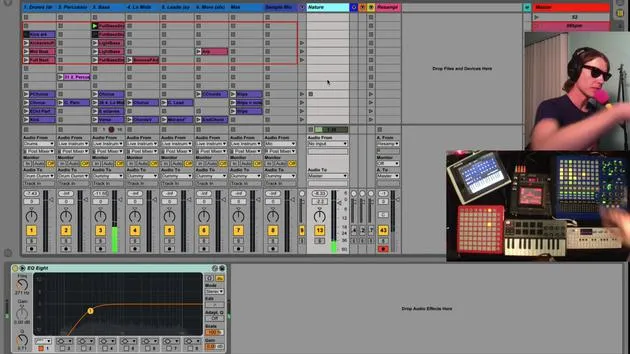
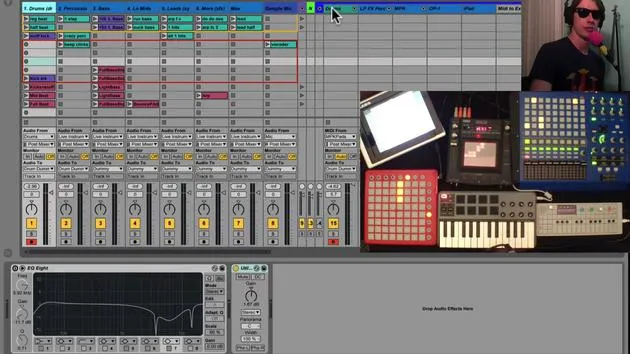
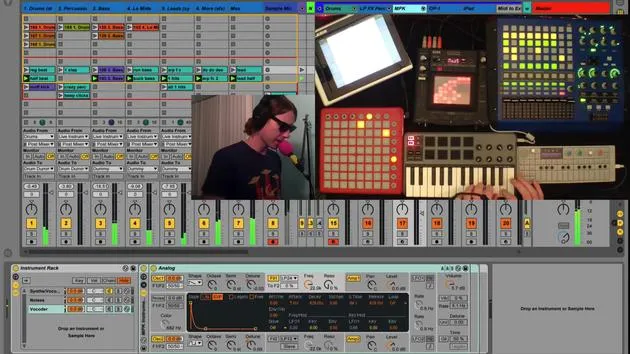
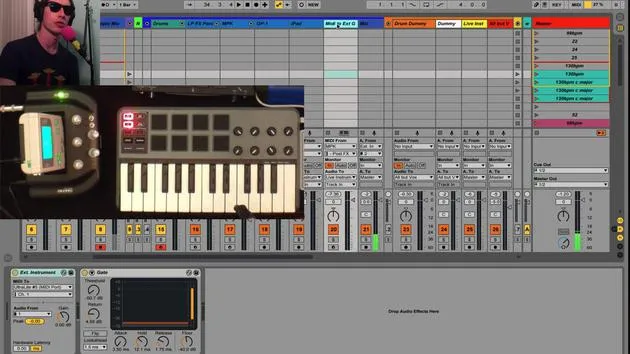
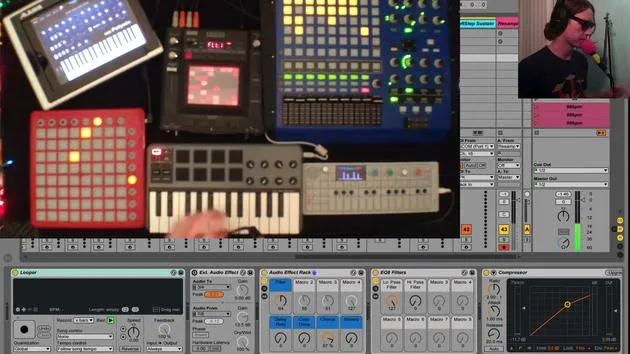
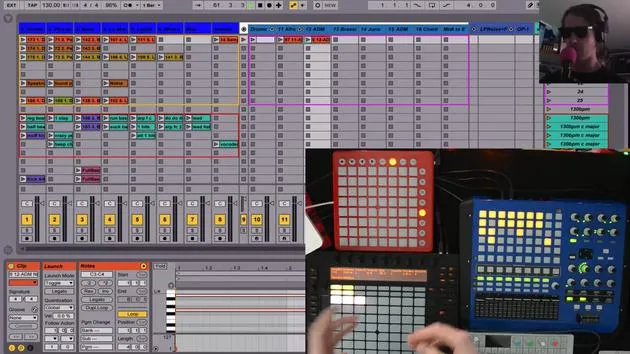
By setting up the vocoder, you're going to need a synth setup. On my MPK track, I have this third chain here called Vocoder.
- Basically, when I hit this button, it turns on this analog instrument, which functions as the carrier for my vocoder.
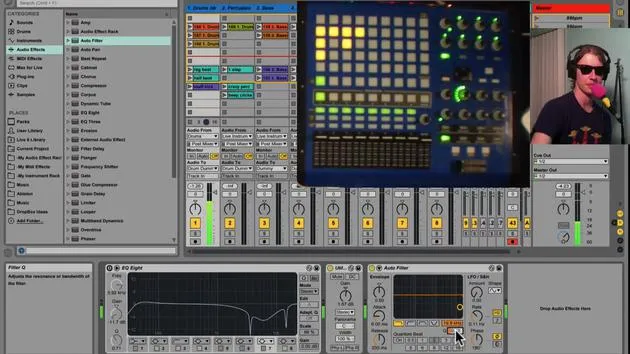
- As carrier, I select external and I select my MPK track, and I want that for prefx.
So once I hit that button, I've basically turned off the AutoTune, turned on the vocoder, and activated this synth that is controlled again with this keyboard.
Quick Transition
It's a really quick way. It's very easy to switch, you know, between singing and then jump right into a vocoder.
Example
I'll give you a quick example:
- Just like that, you're switching between vocoder and regular voice.
- So now I can go back to singing.
Conclusion
Really fun effect! And it's so cool to be able to do that with the push of one button. That's the vocoder.
30 Lektionen
2 Std. 20 Min. strukturierte Videolektionen
Erweiterte Videofunktionen
Verlangsamen, Passagen loopen, mitlesen
Handy, Tablet & Desktop
Üben, wo du willst
100 % Zufriedenheitsgarantie
30 Tage Geld-zurück-Garantie
Lern deinen Guru kennen
Lern deinen Guru kennen
Brian Funk ist Musiker, Produzent, Songwriter und Ableton Certified Trainer. Seit 2014 unterrichtet er den Kurs Advanced Music Production with Ableton Live für das Berklee College of Music. Er hat in tourenden Rockbands Gitarre, Bass, Schlagzeug und Synthesizer gespielt und gesungen, und konzentriert sich heute auf sein elektronisches Solo-Set, mit dem er seine Studio-Experimente auf die Bühne bringt.
Brian liebt das Schreiben, das Unterrichten und das Sounddesign. Er produziert Ableton-Live-Tutorials und Sound Packs und veröffentlicht seit 2011 kostenlose Ableton Live Packs – bislang über 125. Als Ableton Certified Trainer hat er Unterricht und Seminare gegeben, die jede Phase des Produktionsprozesses abdecken, und schreibt regelmäßig auf seinem Blog sowie für andere Publikationen.
Beeinflusst von Rock and Roll, Videospielen, frühem Hip Hop, Punk und Electronica – von The Beatles, Neil Young, Nirvana und Aerosmith bis hin zu Neon Indian – beschreibt er seinen eigenen Sound als 'futuristisch und doch nostalgisch'. In seinem MusicGurus-Kurs Live Performance in Ableton Live zeigt er dir, wie er Studio-Ideen in ein echtes, praxisnahes Live-Set verwandelt: Sounds sampeln und daraus spielbare Instrumente machen, Gitarren und Synths durch elektronisches Equipment leiten und live spielend und singend spontan mischen und komponieren. Am Ende bist du in der Lage, dein eigenes elektronisches Set selbstbewusst aufzubauen und zu performen.







