



Live-Instrumente
Mit
Brian Funk
Das steckt im Kurs
30 Lektionen (2h 20m) · 1 gratis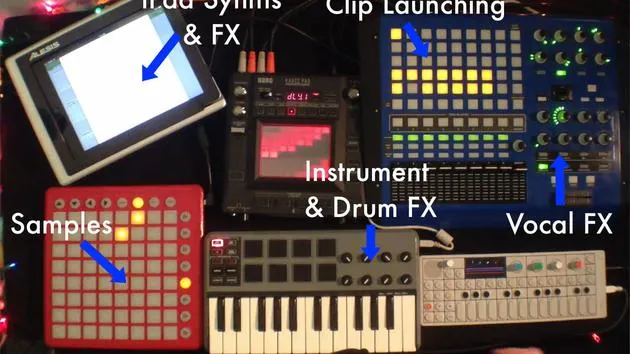
Transkript der Lektion
Setting Up Live Instruments
Overview
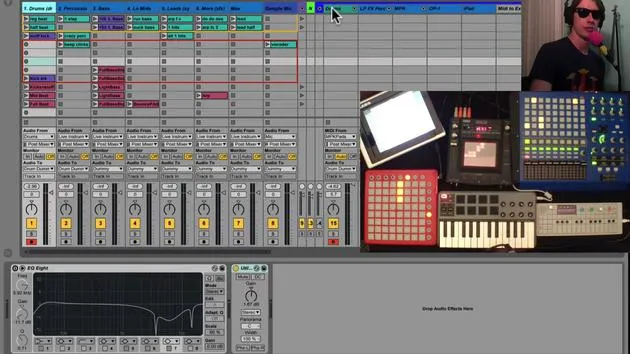
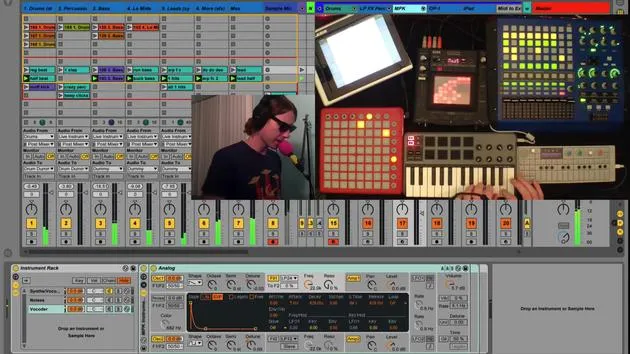
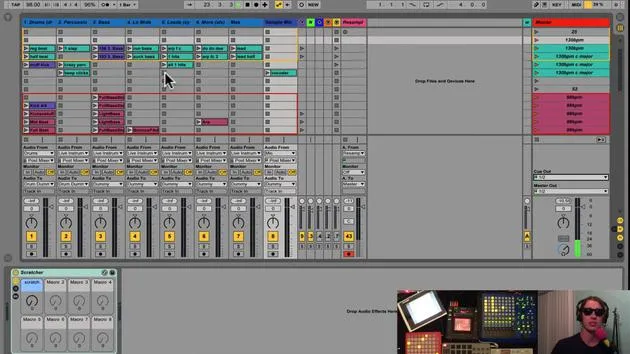
Today, we're diving into my setup for live instruments. By "live instruments," I refer to anything I plan to perform live. This includes:
- Virtual instruments
- Synthesizers
- iPads
- Guitars
- Other hardware
Current Setup
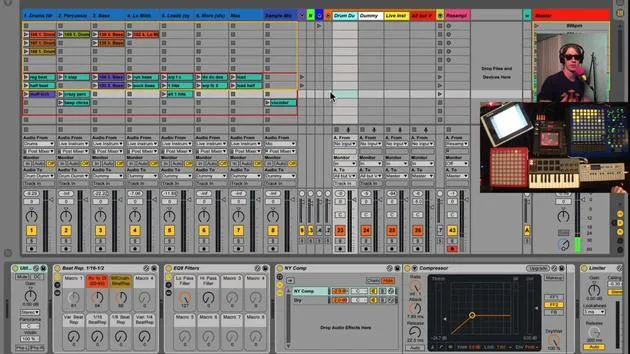
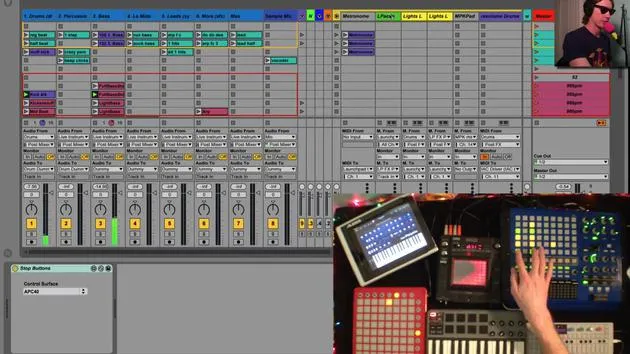
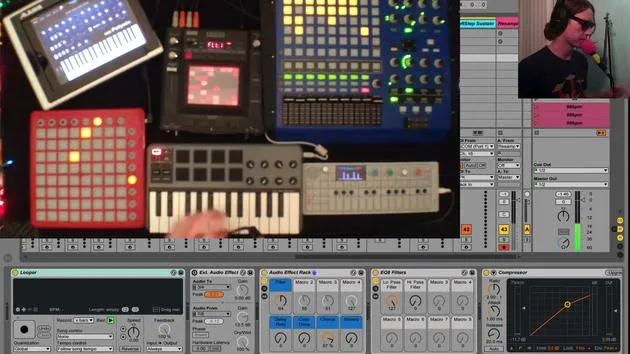
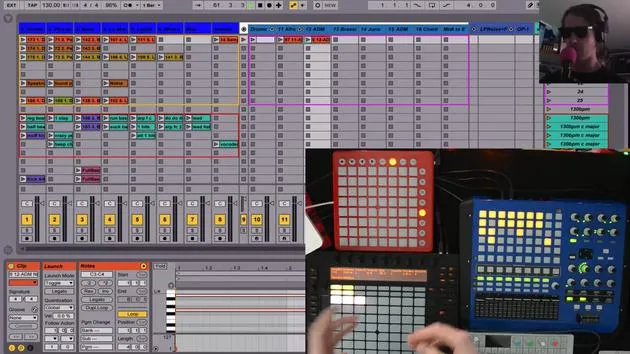
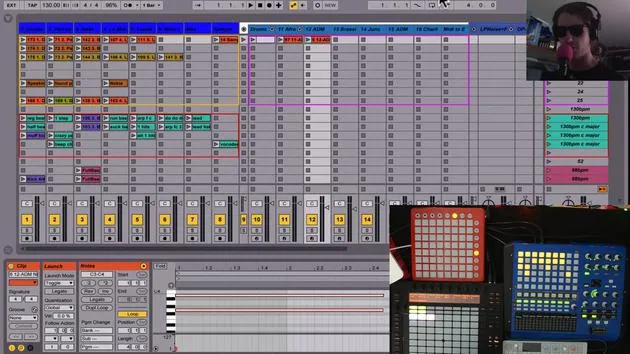
Here's how my current setup looks:
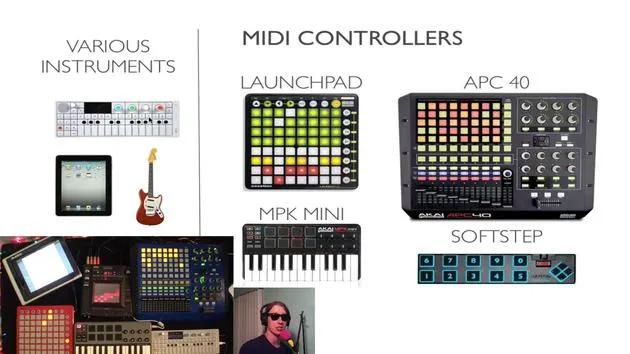
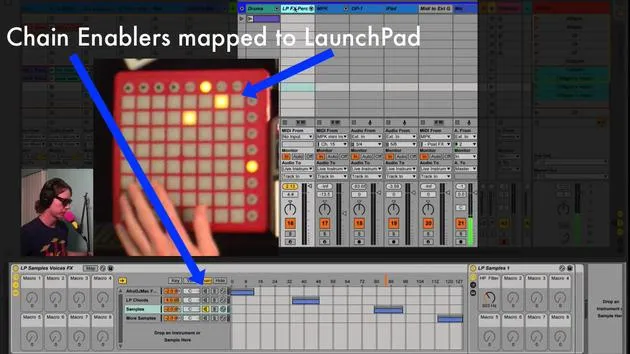
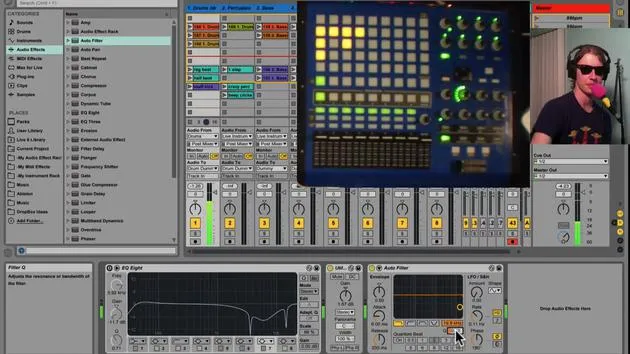
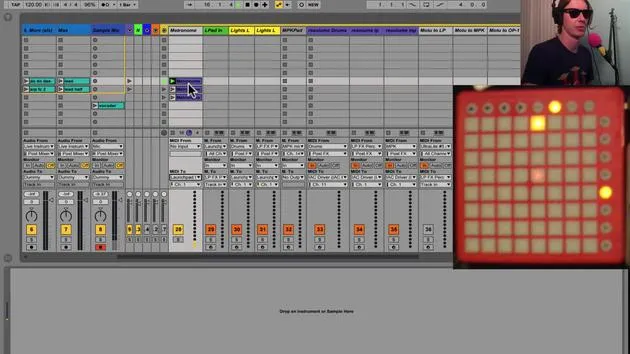
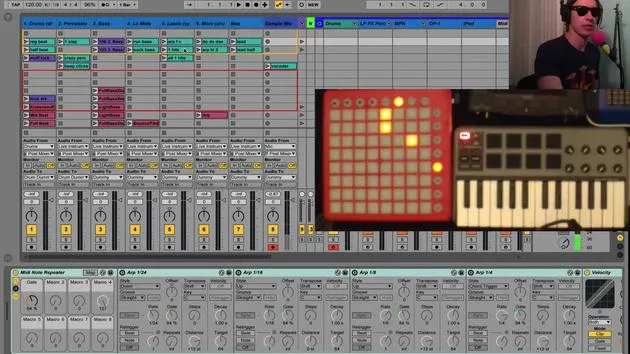
- Launchpad: Equipped for specific functions.
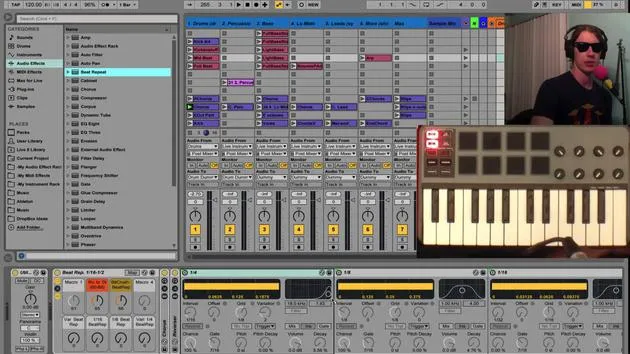
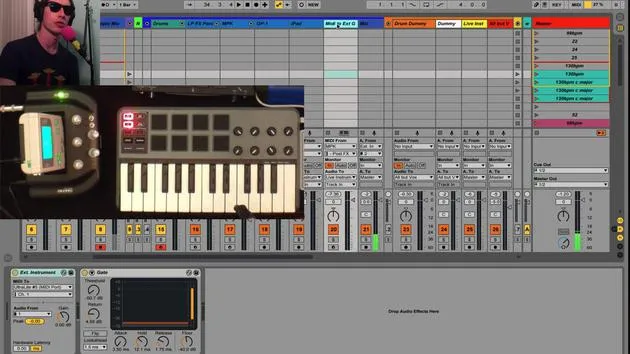
- MPK: For MIDI control.
- OP1: A versatile tool.
- iPad: Integrated for additional functionality.
Monitoring Audio
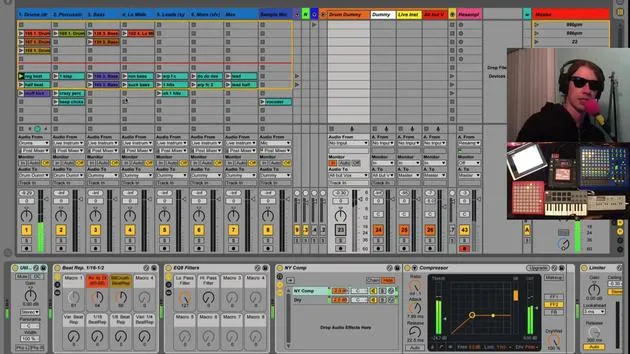
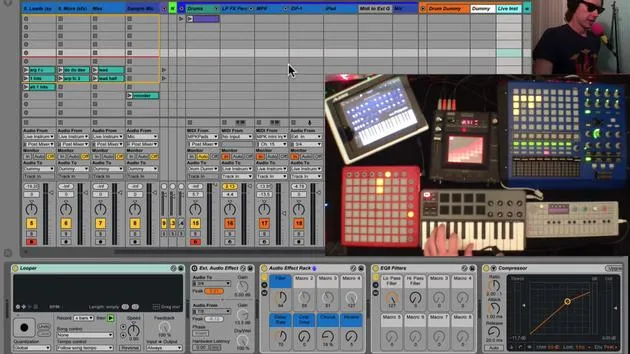
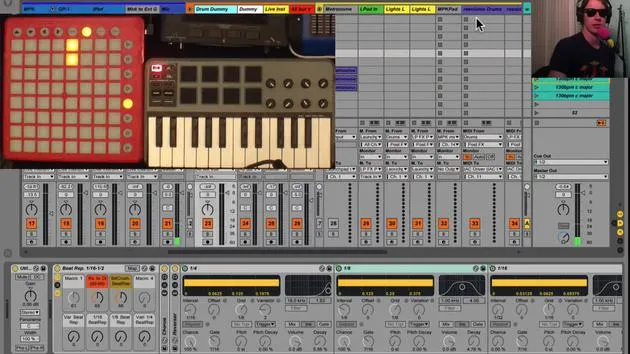
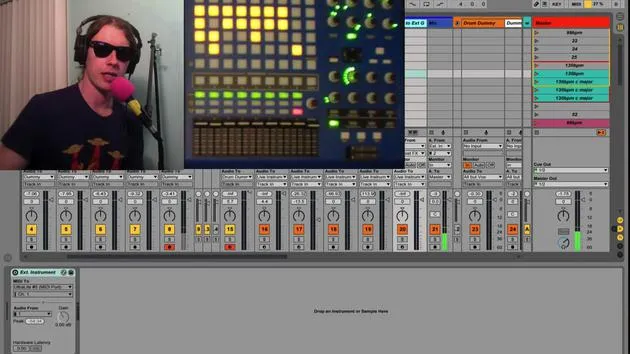
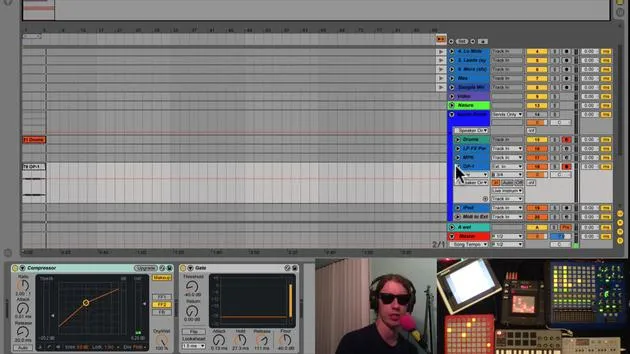
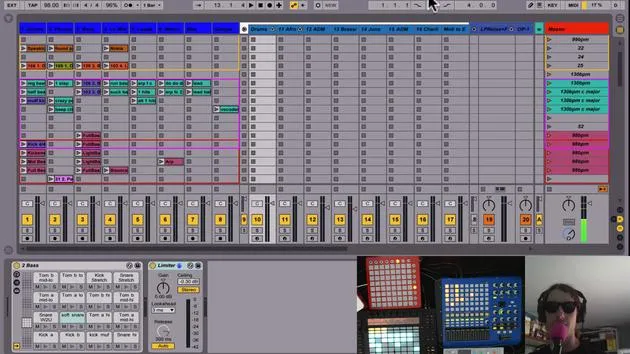
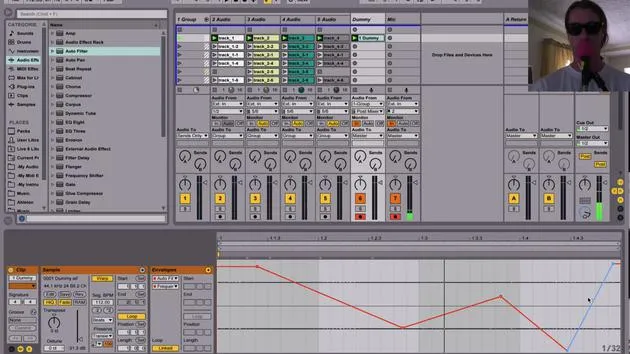
- All instruments are set to monitor in. This ensures we only hear what is routed to this track, which is ideal for live performance.
- There are no clips on these tracks, as I'm strictly performing on them.
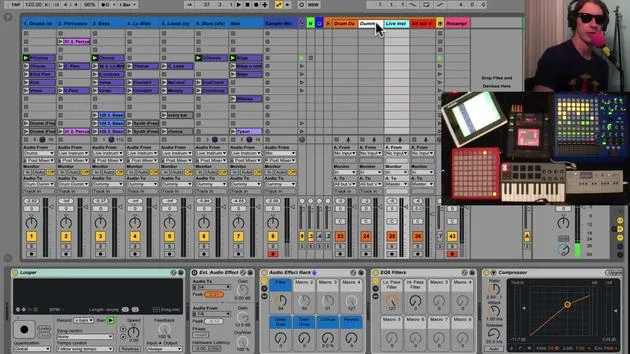
- All tracks are routed to a live instrument bus in my audio group.
Effects Chain
The live instrument track also has monitoring enabled, listening directly to audio from the instruments. If I turn off this track, you won't hear anything since it acts as the primary listening point.
Effects Organization
- A variety of effects are configured on this track.
- Having one set of effects means I don't have to create different mappings for each instrument, saving real estate on my MIDI controllers.
Looper Functionality
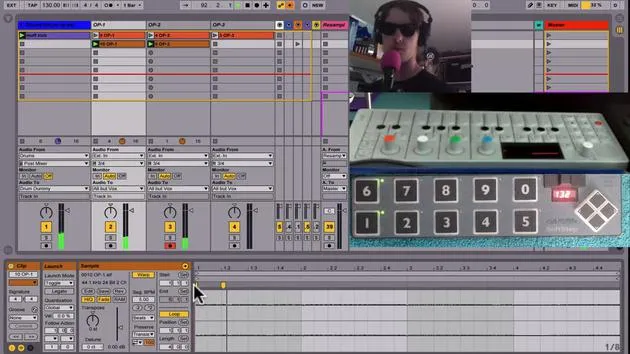
- Looper: The first effect in line. I use it to capture phrases without having to manage effects during performance.
How the Looper Works
- The looper captures what I play.
- It is set to start recording when I hit a footswitch.
Example:
- Press the footswitch to start recording. Press it again to loop the phrase.
- I can then manipulate effects while it loops, allowing for creative freedom in my performance.
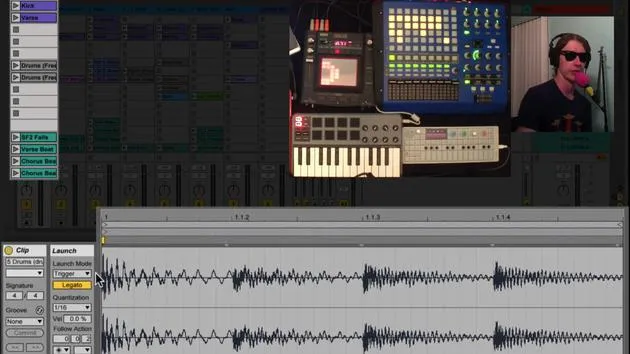
Clip Recording
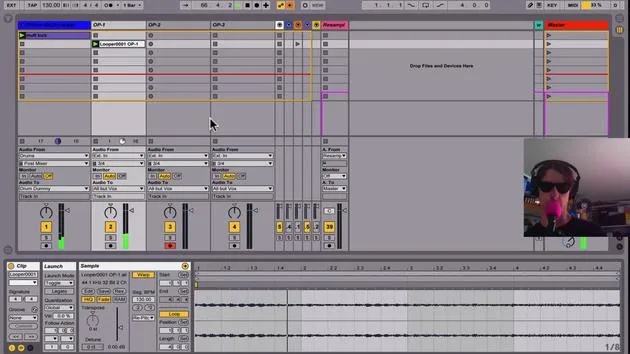
- After creating a loop, I can overdub by pressing another button.
- To clear the looper, I have a designated button.
Track Management
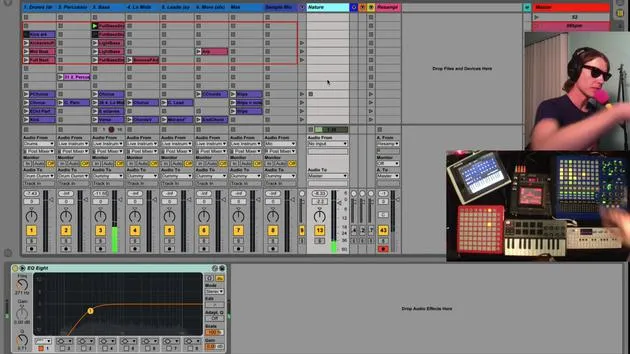
- All audio tracks receive signals from live instruments, visualized in the session.
- Recording Clips: If I activate a track and hit the record button, it saves any changes, including effects.
Manipulating Effects
- I can record a clip while adjusting effects in real-time.
- After stopping recording, I clear the looper so the sound doesn't double.
External Audio Effect
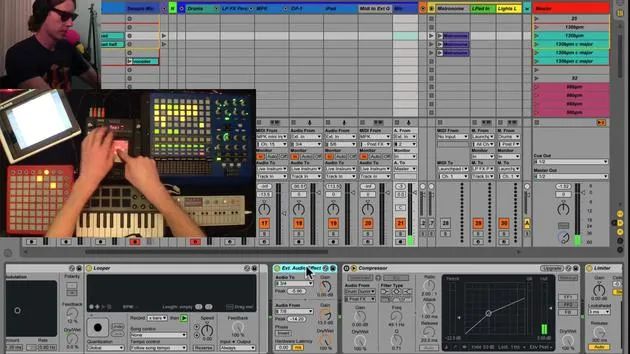
- I also utilize an external audio effect which routes audio out through my interface (via outputs 3 and 4) to a Chaos Pad. This pad then sends the audio back through inputs 7 and 8.
Using the External Audio Effect
- With a button mapped to toggle the effect, I can send audio through the Chaos Pad for added complexity:
- Activate it for creative effects.
- Deactivate to return to the previous state.
Recommendation: Using external hardware gives your sound character and complexity by bringing it out of the box.
Summary
This setup allows seamless integration of various instruments and effects. By sending all live instruments to my dedicated track, I can create loops efficiently. I can adjust effects to tailor my sound for recording, allowing for a dynamic live performance.
- Final Thoughts: Each session is a learning opportunity, as I explore the capabilities of my live instruments and effects.
Let's keep refining this process!
30 Lektionen
2 Std. 20 Min. strukturierte Videolektionen
Erweiterte Videofunktionen
Verlangsamen, Passagen loopen, mitlesen
Handy, Tablet & Desktop
Üben, wo du willst
100 % Zufriedenheitsgarantie
30 Tage Geld-zurück-Garantie
Lern deinen Guru kennen
Lern deinen Guru kennen
Brian Funk ist Musiker, Produzent, Songwriter und Ableton Certified Trainer. Seit 2014 unterrichtet er den Kurs Advanced Music Production with Ableton Live für das Berklee College of Music. Er hat in tourenden Rockbands Gitarre, Bass, Schlagzeug und Synthesizer gespielt und gesungen, und konzentriert sich heute auf sein elektronisches Solo-Set, mit dem er seine Studio-Experimente auf die Bühne bringt.
Brian liebt das Schreiben, das Unterrichten und das Sounddesign. Er produziert Ableton-Live-Tutorials und Sound Packs und veröffentlicht seit 2011 kostenlose Ableton Live Packs – bislang über 125. Als Ableton Certified Trainer hat er Unterricht und Seminare gegeben, die jede Phase des Produktionsprozesses abdecken, und schreibt regelmäßig auf seinem Blog sowie für andere Publikationen.
Beeinflusst von Rock and Roll, Videospielen, frühem Hip Hop, Punk und Electronica – von The Beatles, Neil Young, Nirvana und Aerosmith bis hin zu Neon Indian – beschreibt er seinen eigenen Sound als 'futuristisch und doch nostalgisch'. In seinem MusicGurus-Kurs Live Performance in Ableton Live zeigt er dir, wie er Studio-Ideen in ein echtes, praxisnahes Live-Set verwandelt: Sounds sampeln und daraus spielbare Instrumente machen, Gitarren und Synths durch elektronisches Equipment leiten und live spielend und singend spontan mischen und komponieren. Am Ende bist du in der Lage, dein eigenes elektronisches Set selbstbewusst aufzubauen und zu performen.







