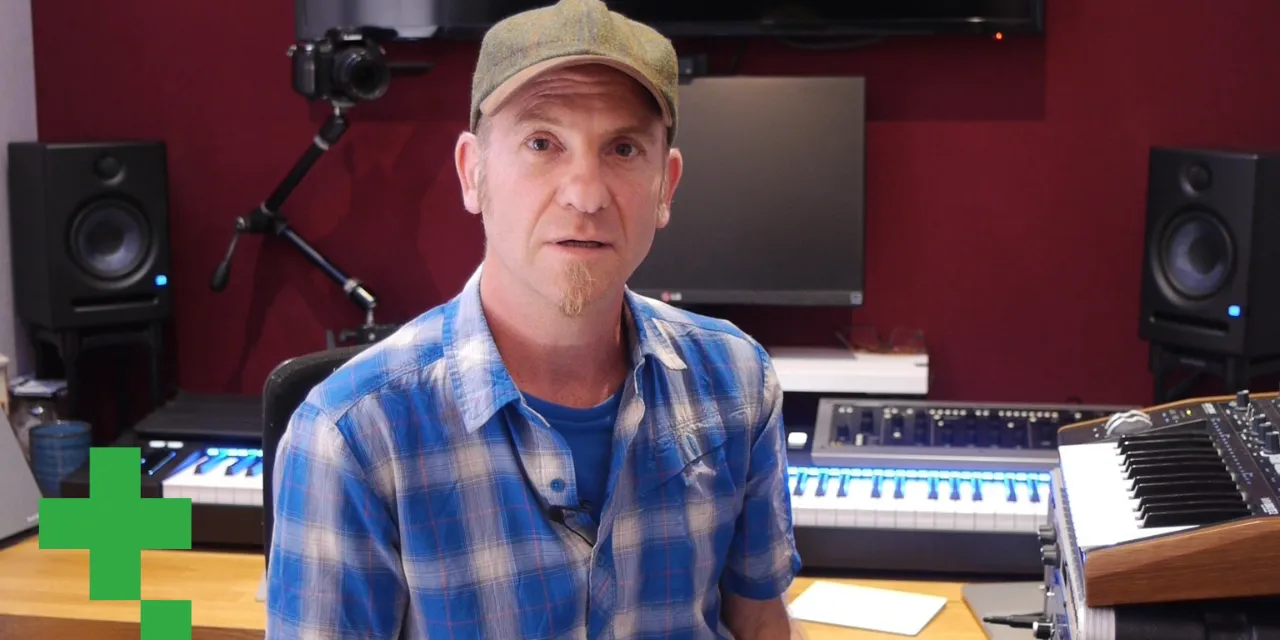
Composition in Logic: Workflow & Templates
CourseMusic ProductionElectronicIntermediatePart 1 of 6
Part ofMusic Production

Composition in Logic: Workflow & Templates

$13/month

Unlocks this course + 5,000+ other lessons across every instrument.

Cancel anytime30-day refund
Duration46m
Modules10
LevelIntermediate
LanguageEnglish

Lesson Plan (0h 46m)

About this course

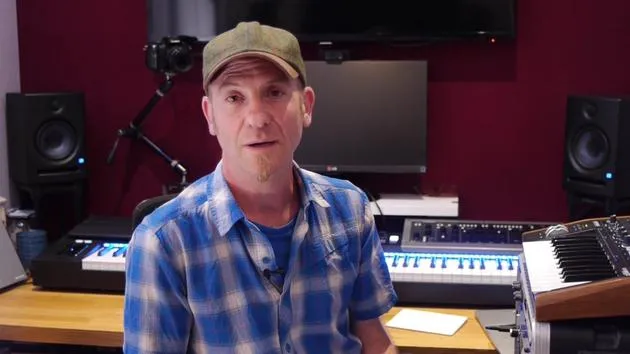
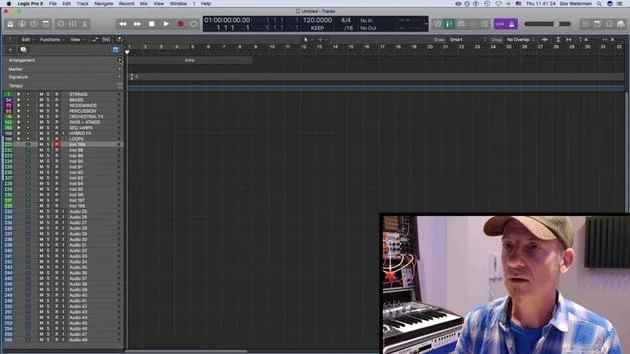
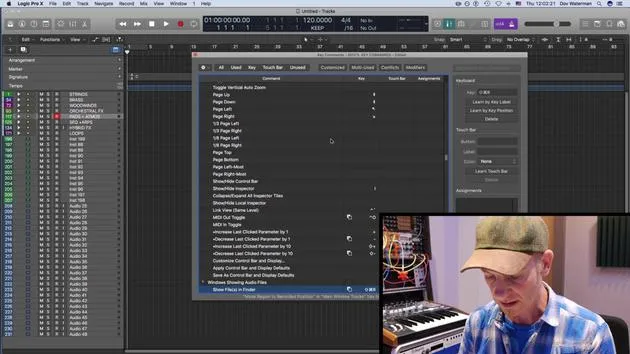
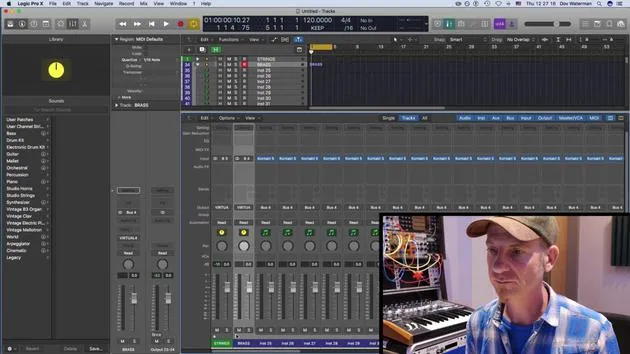
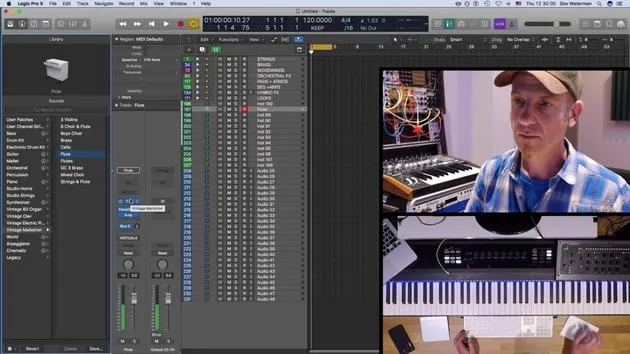
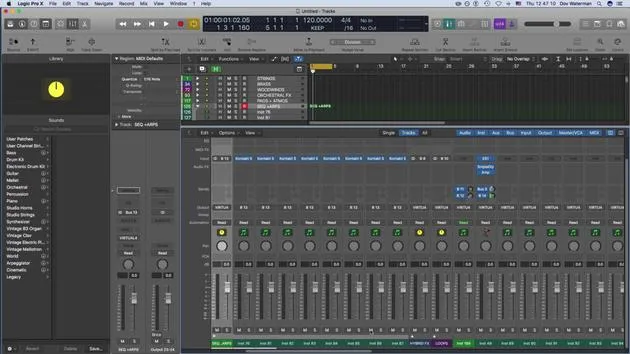
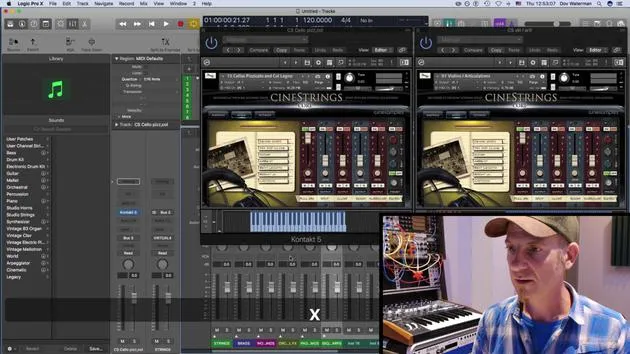
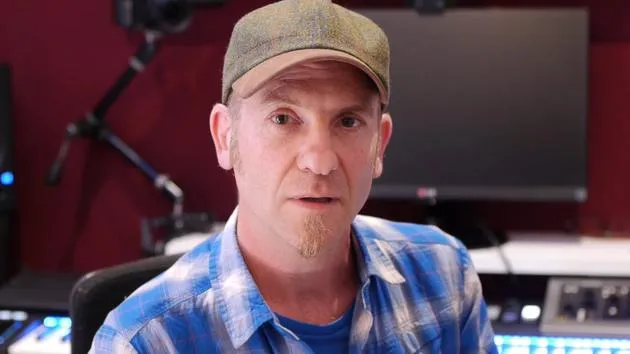
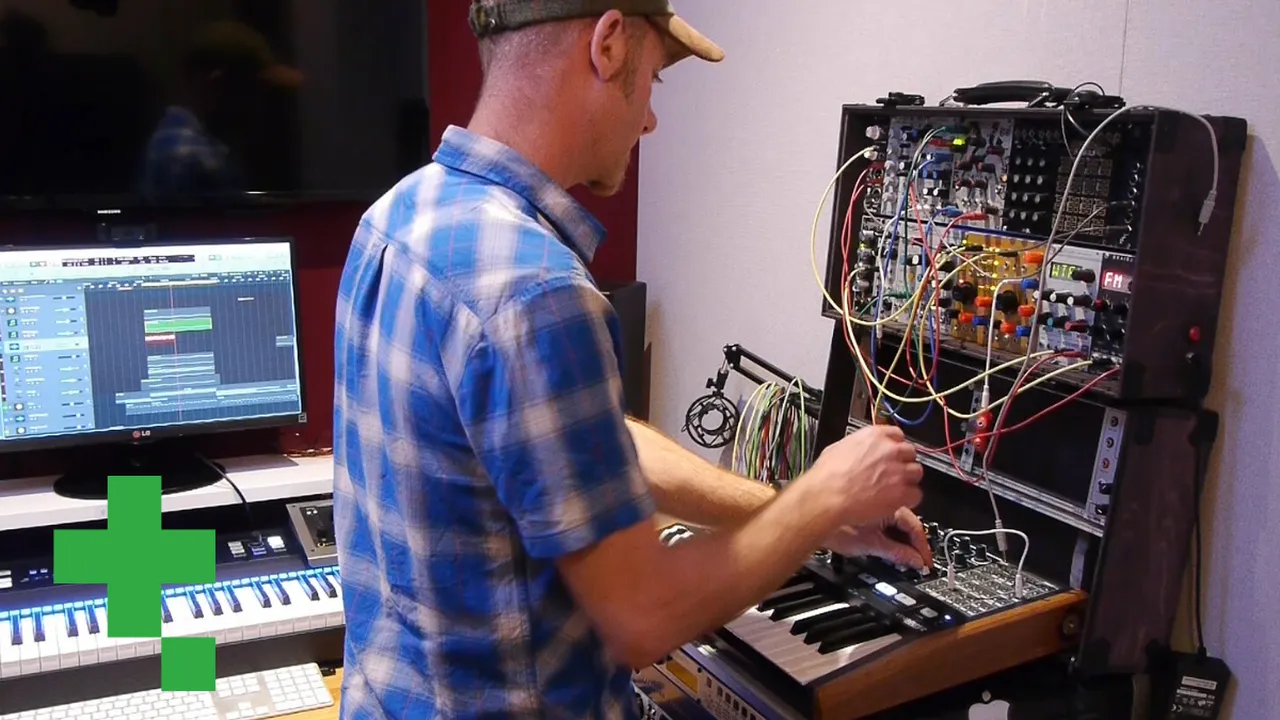
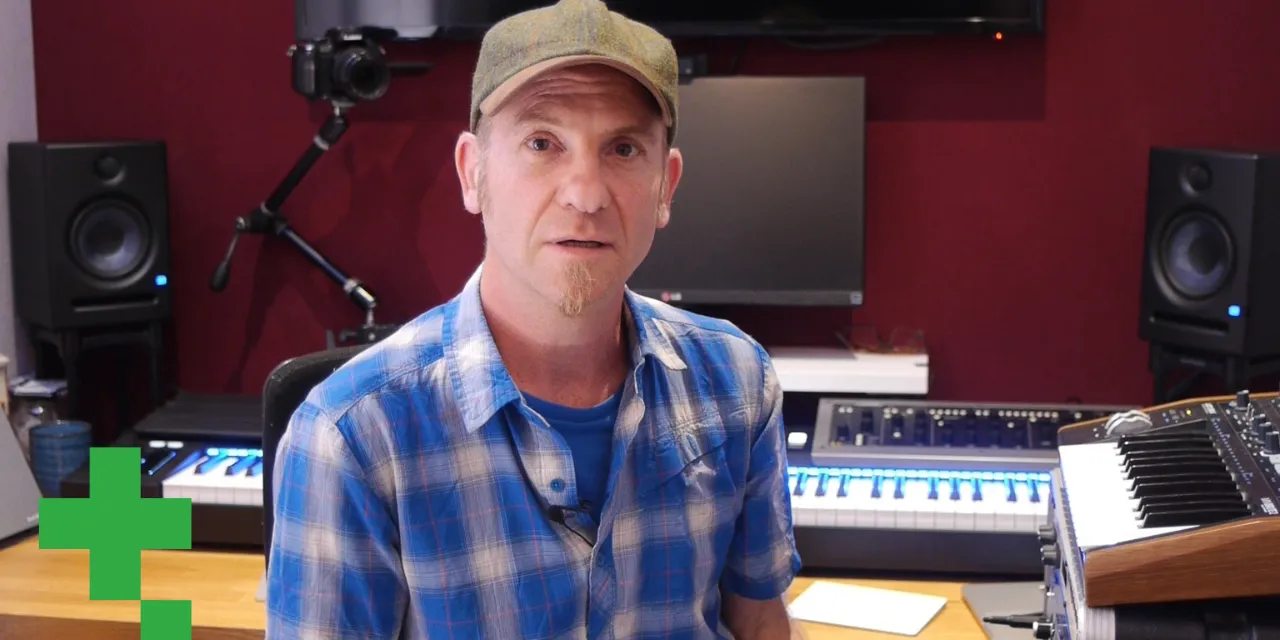
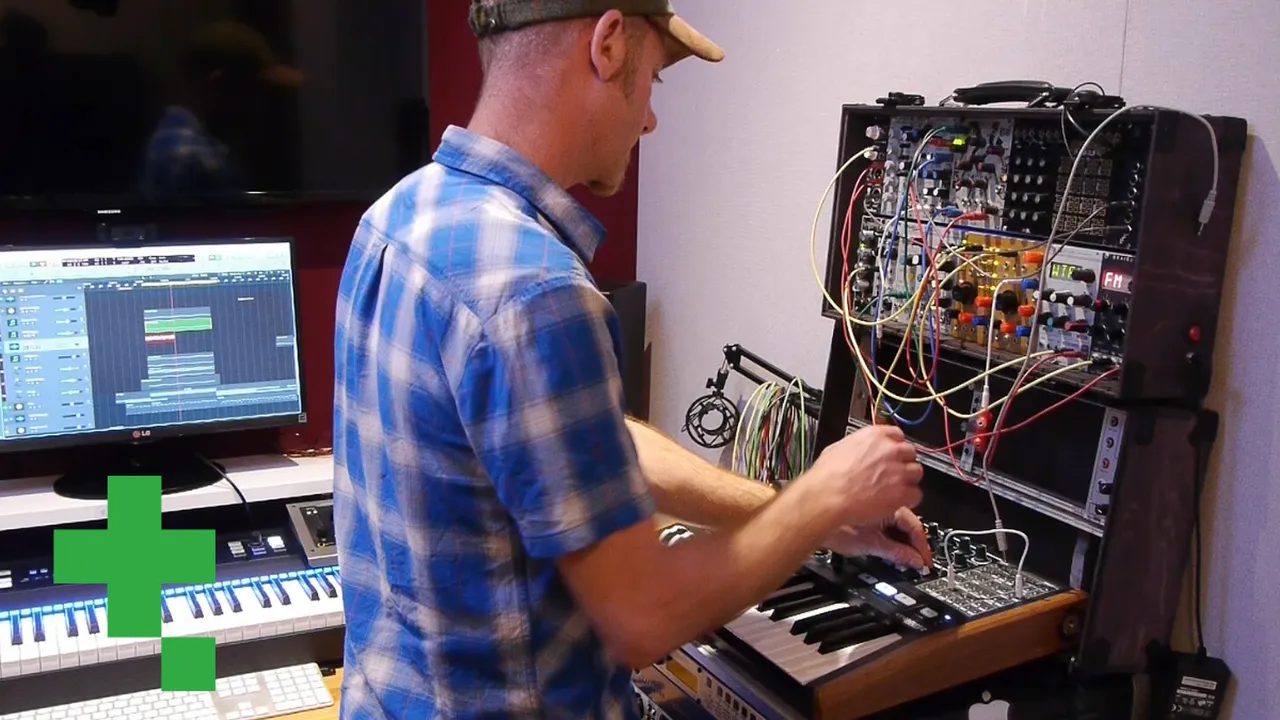
Composer Dov Waterman opens his six-volume Composition & Creativity in Logic Pro series with the most under-appreciated topic in production: the setup. Volume 1 is about getting Logic to work for you - building a sound palette as a personal template, mastering key commands so the interface fades away, organising the library, customising the toolbar, and using screen sets to switch instantly between writing and mixing layouts. End-of-section assignment: build your own template.

This volume isn't about making music yet - it's about removing every friction between an idea and its capture. Continue with Volume 2 (Synthesis & Beat Programming) for sound generation.

Who it's for

  • Composers with some Logic experience looking for a creative workflow
  • Producers who want to spend less time fighting the interface
  • Self-taught Logic users adding professional structure
What you'll learn

  • Build a personal sound-palette template tuned to your style
  • Customise key commands so the interface fades away
  • Use screen sets to switch instantly between writing and mixing

What you'll need

  • Logic Pro on a Mac with some prior familiarity
  • A MIDI controller helpful for mapping smart controls
  • A current project (or starter idea) to template against

Explore the series · Composition & Creativity in Logic Pro

  1. Composition in Logic: Workflow & Templates
    01
    Composition in Logic: Workflow & Templates
    You are here
  2. Composition in Logic: Synthesis & Beat Programming
    02
    Composition in Logic: Synthesis & Beat Programming
  3. Composition in Logic: MIDI Effects, Smart Controls & Automation
    03
    Composition in Logic: MIDI Effects, Smart Controls & Automation
  4. Composition in Logic: The Writing Process
    04
    Composition in Logic: The Writing Process
  5. Composition in Logic: The Editing Process
    05
    Composition in Logic: The Editing Process
  6. Composition in Logic: Mixing, Finalising & Bouncing
    06
    Composition in Logic: Mixing, Finalising & Bouncing

Meet the Guru

Dov Waterman

Dov Waterman

Dov Waterman is a composer, pianist and producer. He has written and designed sound for films including After Earth, Terminator Genisys, Transformers: The Last Knight and The Snowman, and works as a sample-library audio editor and sound designer with companies such as Native Instruments and SonoKinetic.

His Composition in Logic series walks through building a track end to end in Logic Pro - from templates and workflow to synthesis and beat programming, MIDI effects, editing and the final mix - for producers who want to turn their ideas into finished records.

Published with

Tileyard Education

Tileyard Education sits inside Tileyard, the world's largest professional music community at London's Kings Cross. Alongside 200+ resident music businesses and 160 private recording studios, it delivers postgraduate, short-course and bespoke programmes in music production, songwriting and music business — taught by working industry practitioners.
Tileyard Education

$13/monthSubscription

Similar Courses

Browse all courses
Dov Waterman
Pat Levett
Katie Melua
Ed O'Brien
Imogen Heap
Joe Glossop
Frank Doll
Chet Atkins
Chris Haigh

Learn from Dov Waterman and hundreds of others

Get MusicGurus

Unlimited access, money back guaranteed