



Intro to Workflow & Efficiency

With
Dov Waterman
What's in the course
10 lessons (0h 46m) · 1 free
01. Welcome to the course & Dov's take on creativity
Free lesson3:29
02. Intro to Workflow & Efficiency
You are here1:30
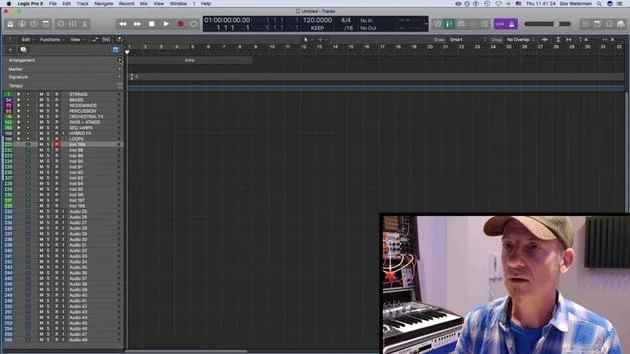
03. Workflow and Efficiency
7:13
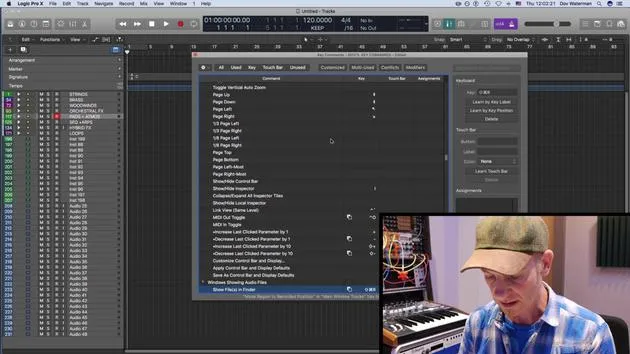
04. Key Commands
6:04
05. Creating a sound pallette
4:02
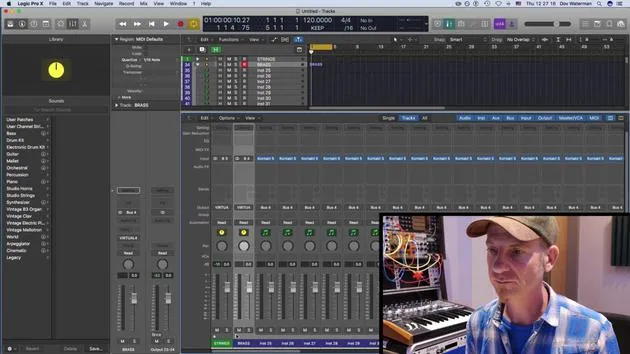
06. Setting up and saving a template
4:30
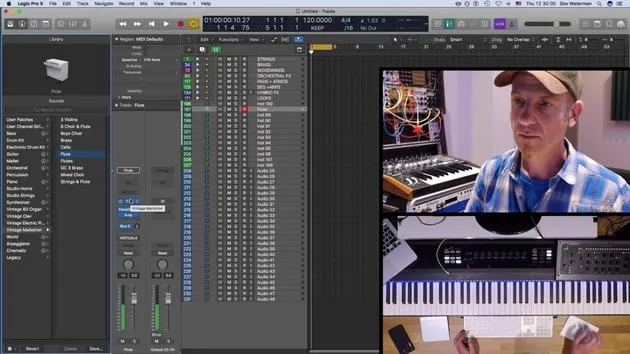
07. Overview of library and channel strips
9:20
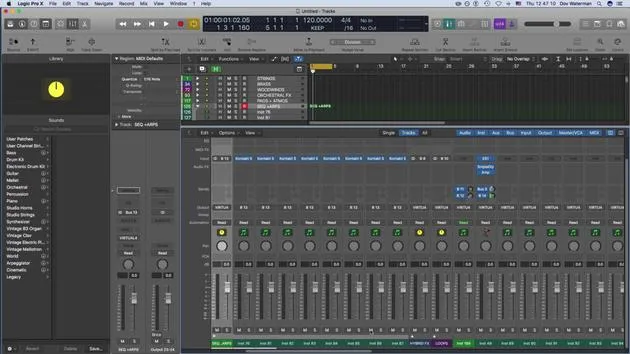
08. The Toolbar
4:23
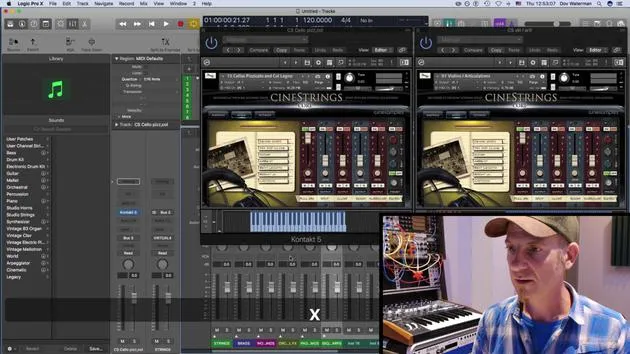
09. Screen-sets
4:34
10. Assignment: Create your template
1:18
Lesson transcript
Workflow and Efficiency in Logic
Welcome to this section of the course!
Overview
We're going to be talking about workflow and efficiency, specifically:
- Setting up logic to work for you
- Understanding the term "workflow" as work in flow
Session Goals
The point of this session is to:
- Set up your environment page
- The environment being the place where you're working, such as the arrange page and everything associated with it.
Key Concepts
We'll cover some basic concepts of logic, focusing on:
- Working smoothly within a single window environment
- Utilizing different panels and inspector views
- Customizing control panels, including:
- The toolbar panel
- The control bar panel
Customization Tips
By customizing these elements, you'll be able to:
- Access various parameters quickly
- Create a smoother workflow in your creative zone
Additional Topics
We'll also be covering:
- Setting up a template
- Building on the template
- Exploring key commands
- Customizing key commands
- Reviewing default key commands within Logic
Library Section
We'll take a look at the library section, focusing on:
- Creating a palette of sounds
- Generating your own sounds within the library
Screen Sets
Finally, we'll discuss screen sets to enhance your workflow.
Let's Get Started!
Ready to dive in? Let's get started!
10 lessons
0h 46m of structured video lessons
Advanced video features
Slow down, loop a passage, follow along
Mobile, tablet & desktop
Practise wherever you are
100% satisfaction guarantee
30-day money-back guarantee
Meet your guru
Meet your guru
Dov Waterman is a composer, pianist and producer. He has written and designed sound for films including After Earth, Terminator Genisys, Transformers: The Last Knight and The Snowman, and works as a sample-library audio editor and sound designer with companies such as Native Instruments and SonoKinetic.
His Composition in Logic series walks through building a track end to end in Logic Pro - from templates and workflow to synthesis and beat programming, MIDI effects, editing and the final mix - for producers who want to turn their ideas into finished records.







