



Creating a sound pallette

With
Dov WatermanDov Waterman shows how to build a sound palette and template in Logic, so your go-to instruments are loaded and ready before you start composing.
What's in the course
10 lessons (0h 46m) · 1 free
01. Welcome to the course & Dov's take on creativity
Free lesson3:29
02. Intro to Workflow & Efficiency
1:30
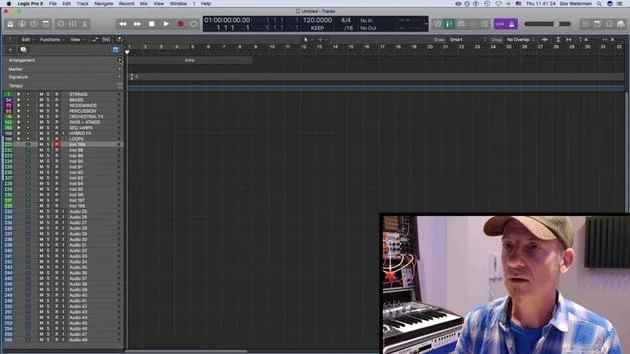
03. Workflow and Efficiency
7:13
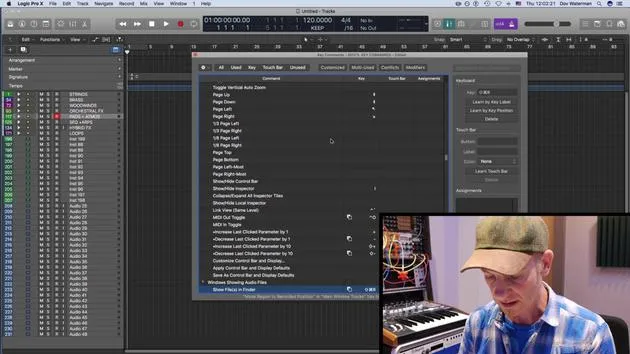
04. Key Commands
6:04

05. Creating a sound pallette
You are here4:02
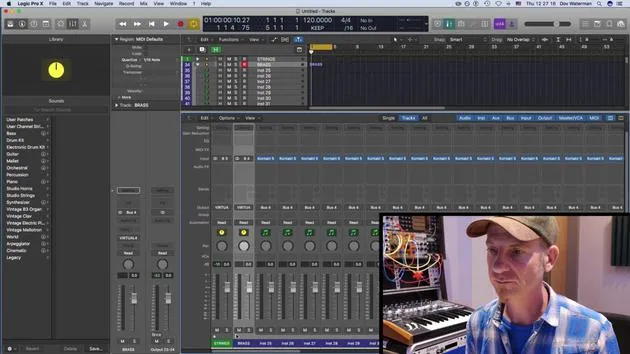
06. Setting up and saving a template
4:30
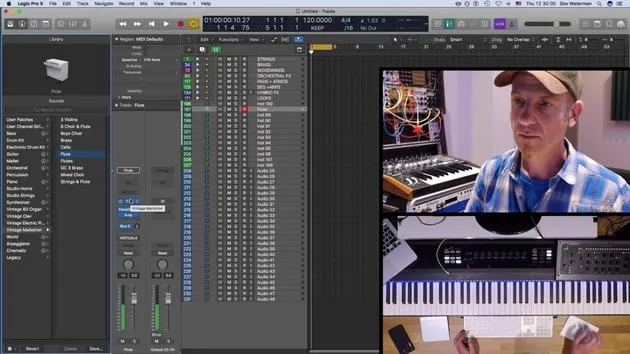
07. Overview of library and channel strips
9:20
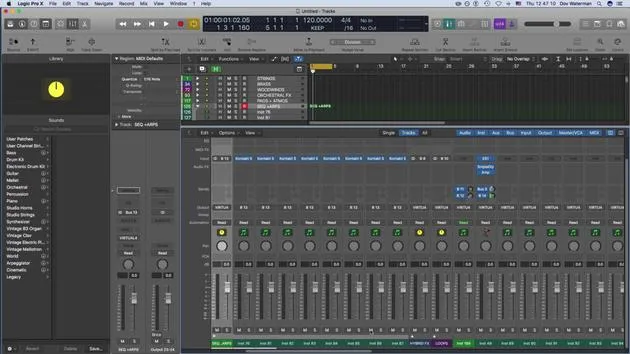
08. The Toolbar
4:23
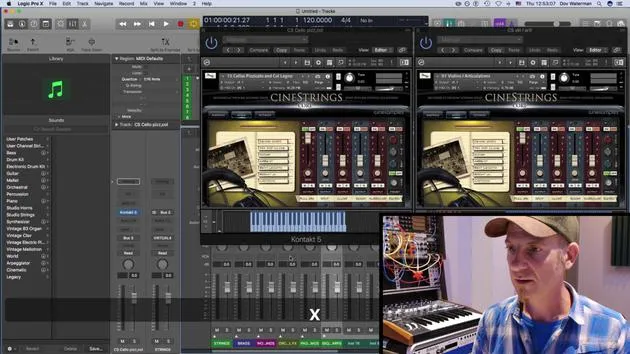
09. Screen-sets
4:34

10. Assignment: Create your template
1:18
Lesson transcript
Music Lesson: Understanding the Library Section and Templates
Introduction
Next topic we're going to look at is the library section. Part of our routine as composers and producers is to have sounds up and ready. Having these sounds accessible before you go into your creative zone is really important. This practice will save you a lot of time and hassle later when you're searching for the right sound.
Workflow Essentials
We've talked about key commands as one aspect of the workflow. Another very important aspect of maintaining a smooth workflow is setting up a template. A template consists of the sounds that we're going to use within our project.
The Role of Templates
- Definition: A template is essentially a shell that serves as a building block for our projects. It provides a common starting point for different projects.
- Composition: A template in Logic will consist of several components:
- Sounds: Default patches pulled up, whether they are instrument channel strips or audio channel strips.
- Channel Routing: Any routings to reverbs or other auxiliaries.
- Folder Tracks: Instruments and audio tracks can be organized into folder tracks. We will discuss folder tracks further on.
- Workspace Customization: This includes customization of your control bar, toolbar, and various other panels within Logic, along with the key commands that open these bars.
Sound Libraries and Palettes
Importance of Sound Libraries
The sounds used in a template often pertain to virtual instruments. The sound library in Logic houses:
- Logic Instruments: Such as the EX24, samplers, and other sound-producing instruments.
Creating Your Sound Palette
Creating your sound palette is intrinsic to utilizing the sound library:
- Saving Sounds: Logic allows you to save presets within instruments. You can also save the preset as a channel strip, including any plugin changes, into your sound library.
- User Patches: These get stored in user patches and folder tracks, distinct from the default patches that Logic already provides.
Consistency Across Projects
Starting to understand how all these elements can be part of your template is key. If you're working on multiple projects or an entire album, using a template can help ensure consistency in sound.
Conclusion
Within your template, you can utilize the sound library and all the sounds you have generated and saved, allowing you to save them as part of your overall template structure.
10 lessons
0h 46m of structured video lessons
Advanced video features
Slow down, loop a passage, follow along
Mobile, tablet & desktop
Practise wherever you are
100% satisfaction guarantee
30-day money-back guarantee
Meet your guru
Meet your guru
Dov Waterman is a composer, pianist and producer. He has written and designed sound for films including After Earth, Terminator Genisys, Transformers: The Last Knight and The Snowman, and works as a sample-library audio editor and sound designer with companies such as Native Instruments and SonoKinetic.
His Composition in Logic series walks through building a track end to end in Logic Pro - from templates and workflow to synthesis and beat programming, MIDI effects, editing and the final mix - for producers who want to turn their ideas into finished records.







