



Preparemos el setup (MicroKorg y Novation Launch Control)

Con
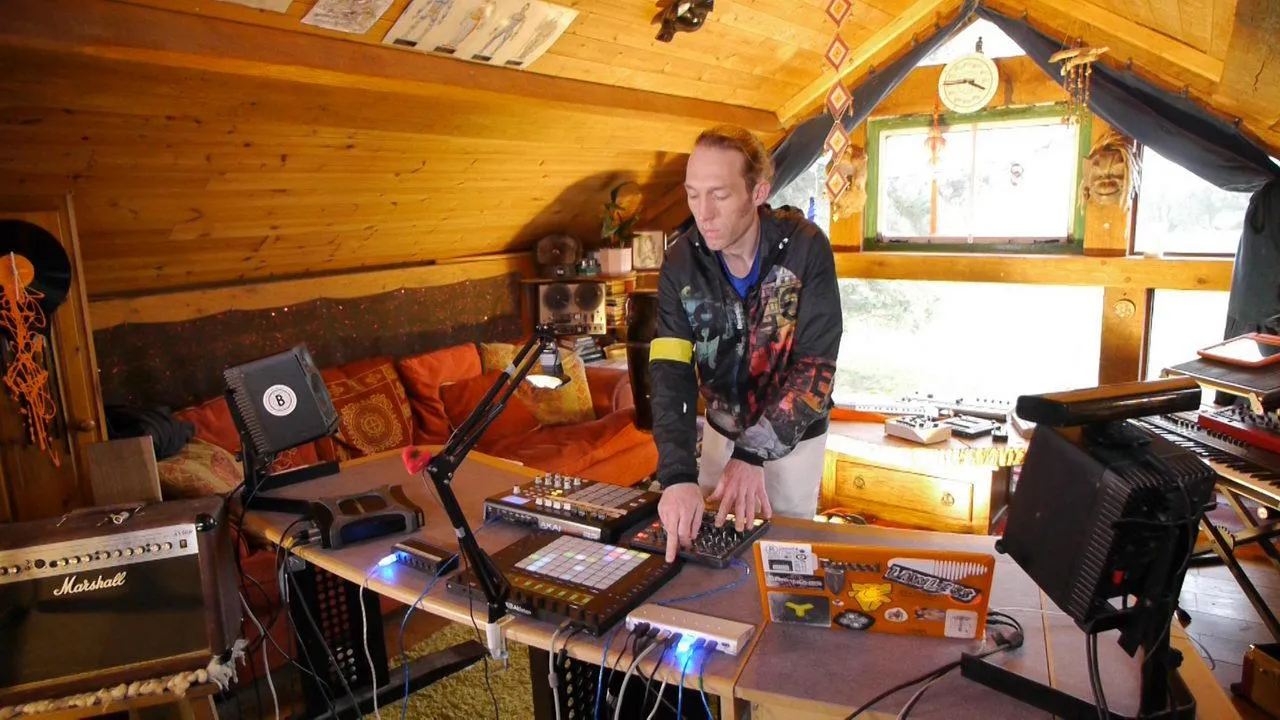
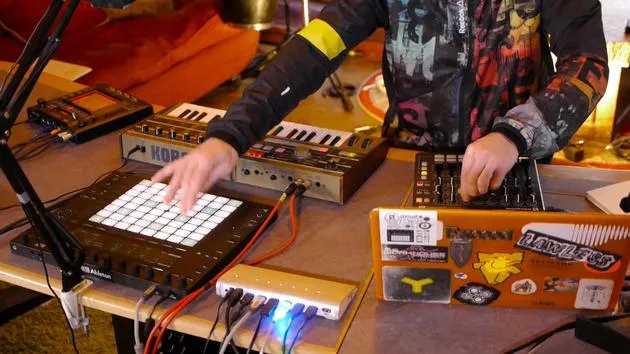
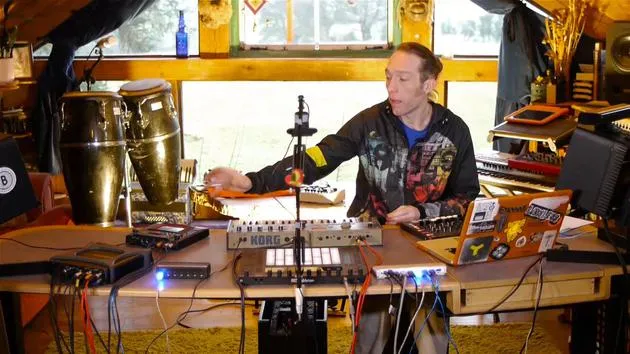
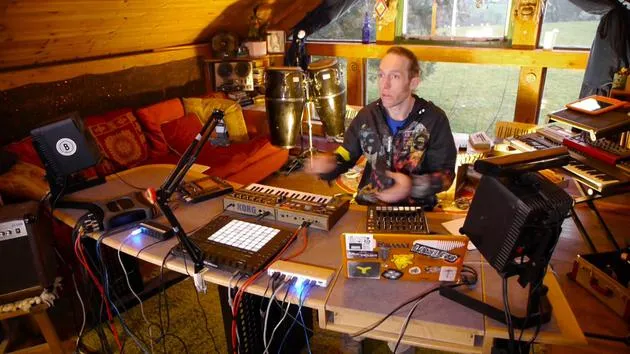
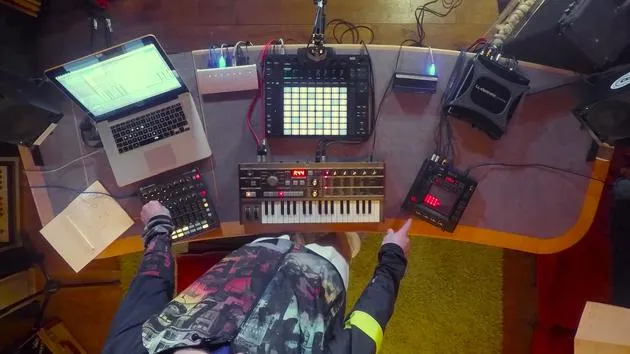
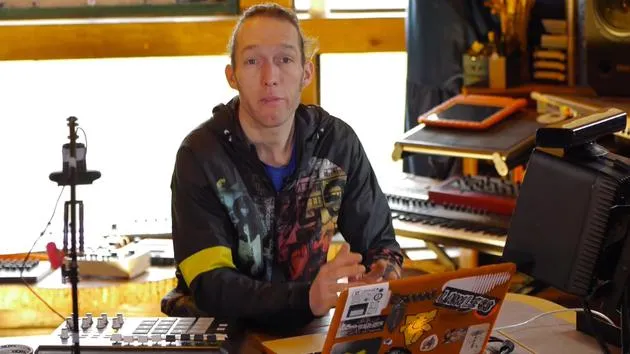
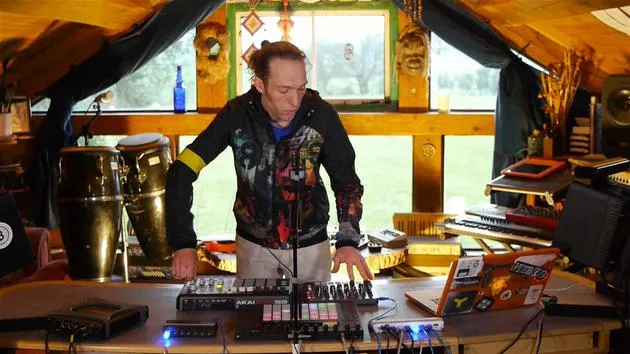
Mark BurnettMark Burnett conecta un Korg MicroKorg y un Novation Launch Control XL a Ableton Live para montar el equipo de esta parte del curso.
Qué incluye el curso
24 lecciones (3h 29m) · 2 gratis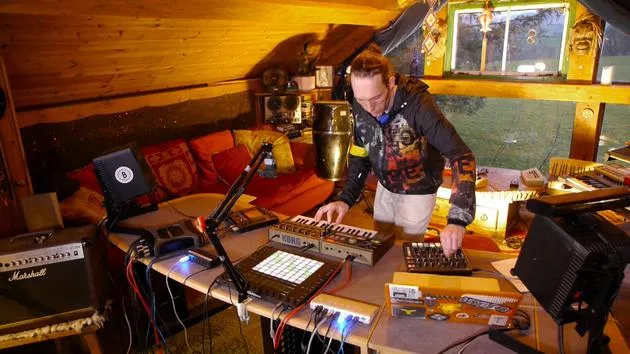
01. Lo que aprenderás en este capítulo
1:18
02. Preparemos el setup (MicroKorg y Novation Launch Control)
Estás aquí7:47
03. Mensajes MIDI CC y asignación del Novation LC a los parámetros del MicroKorg
18:19
04. Demostración de la configuración hasta ahora
1:47
05. Añadir efectos táctiles con el Kaoss Pad 3
11:50
06. Finalizar la configuración del Kaoss
7:02
07. Repaso de lo que hemos aprendido
4:23
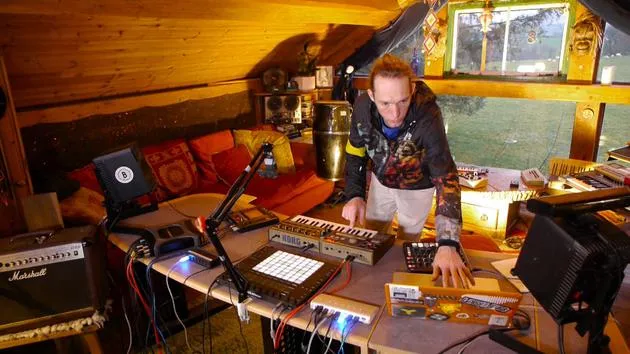
08. Explorar el setup
3:54
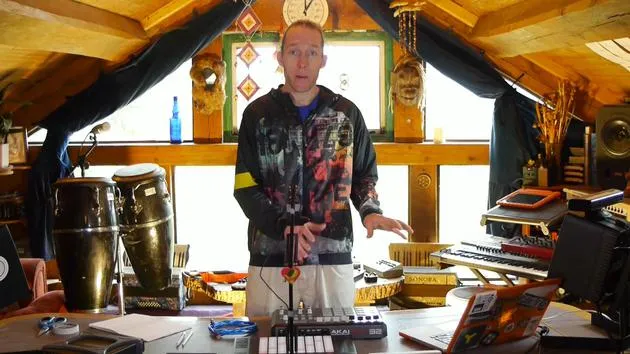
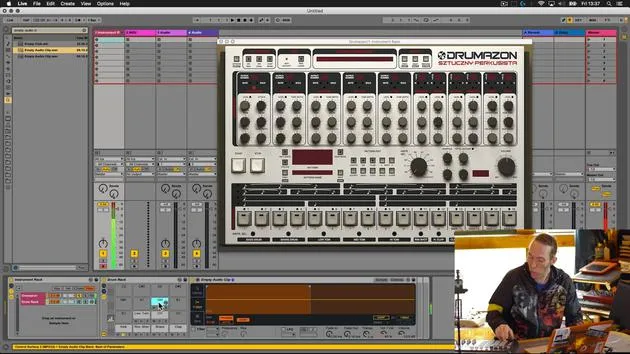
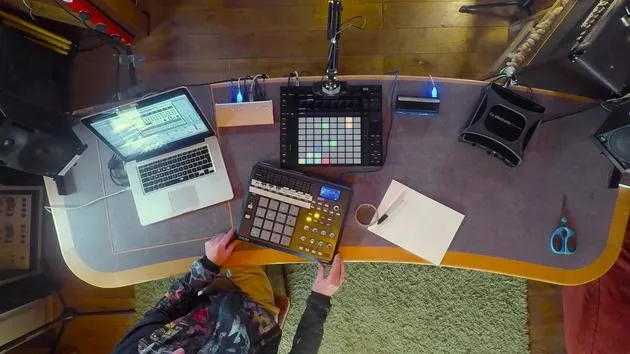
Transcripción de la lección
Music Lesson: Connecting Hardware Synthesizers and MIDI Controllers
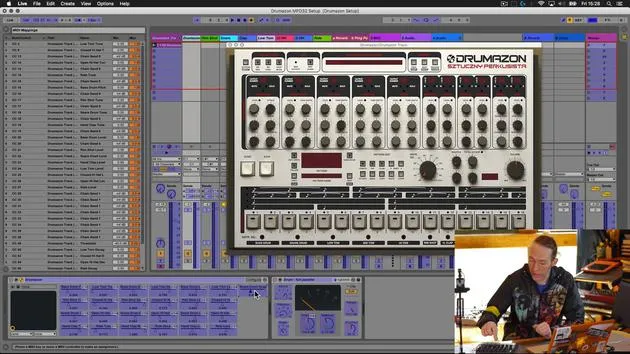
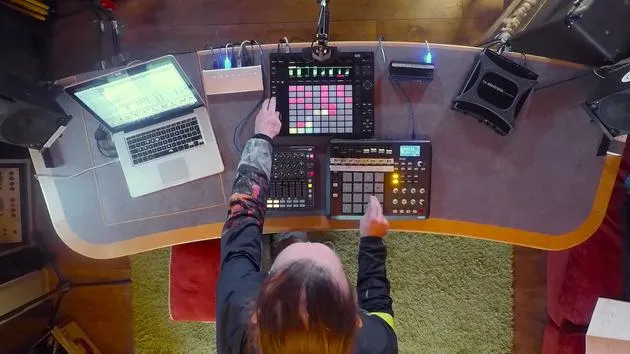
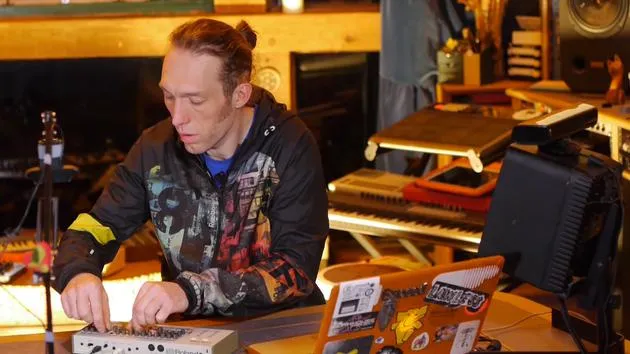
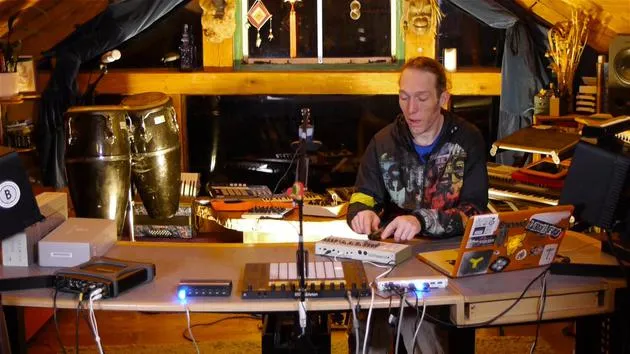
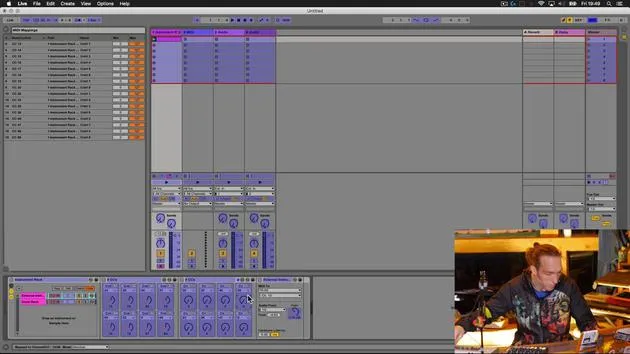
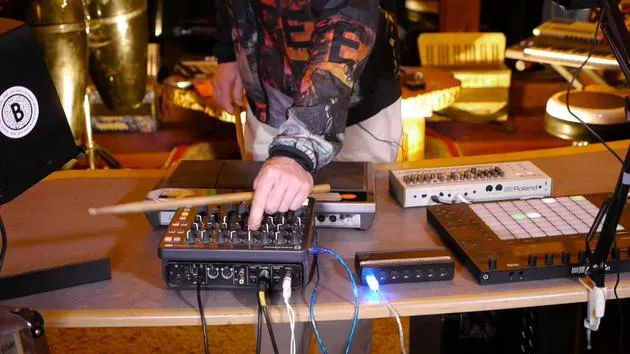
In this first video, we're going to take a hardware synthesizer and use some external MIDI controllers to augment its capabilities. Let's have a look at the equipment we're going to use.
Equipment Overview
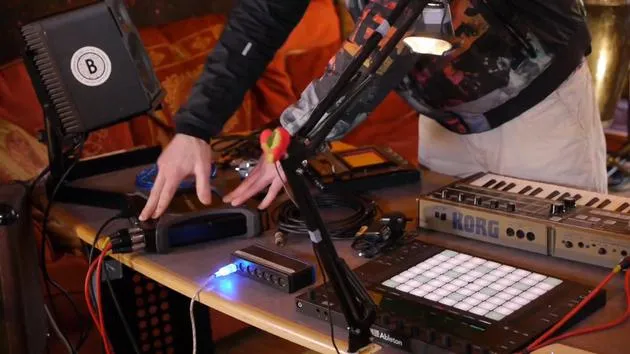
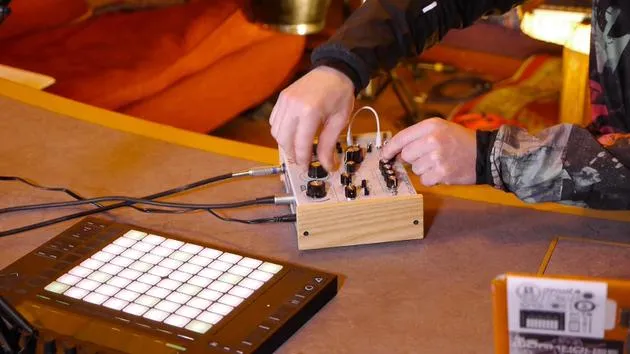
Korg Micro Korg
- A classic synthesizer that is fun and straightforward to use.
- Note: Being an older model, it lacks USB connectivity. We will use traditional MIDI cables for input and output.
Novation Launch Control XL
- A versatile and affordable MIDI controller, perfect for this task and many others.
Korg Chaos Pad 3
- An external effects processor that adds creative possibilities.
- A well-used unit that features both MIDI and USB connectivity, allowing us to transmit MIDI via USB, reducing cable clutter.
Setting Up the Equipment
Step 1: Connect the Micro Korg
- Audio Connection:
- Use standard jack leads to connect the main outputs (left and right) of the Micro Korg to inputs 1 and 2 on the TC Electronic Connect Live audio interface.
- Power Connection:
- Plug in the power supply and check that it's working (power is on).
- MIDI Connection:
- Connect one MIDI cable from the MIDI out port on the TC to the MIDI in on the Micro Korg.
- Connect a second MIDI cable from the MIDI in on the TC to the MIDI output on the Micro Korg.
Step 2: Connect the Novation Launch Control XL
- Use a standard USB cable to connect the Novation Launch Control XL to our USB hub.
Step 3: Connect the Korg Chaos Pad 3
- Power Connection:
- Plug in the power supply and ensure it's working.
- USB MIDI Connection:
- Connect the USB from the Chaos Pad to the USB hub. This will allow MIDI to be transmitted in and out with just one cable.
- Audio Connection:
- Utilize RCA to jack cables to connect:
- Outputs 3 and 4 from the TC Electronic Connect Live to the line in of the Chaos Pad.
- Line out from the Chaos Pad back to line in 3 and 4 of the TC.
- Utilize RCA to jack cables to connect:
Summary of Connections
- Micro Korg:
- Audio in/out, MIDI in/out, power.
- Korg Chaos Pad 3:
- Audio in/out and MIDI via USB.
- Novation Launch Control XL:
- Connected via USB to the hub.
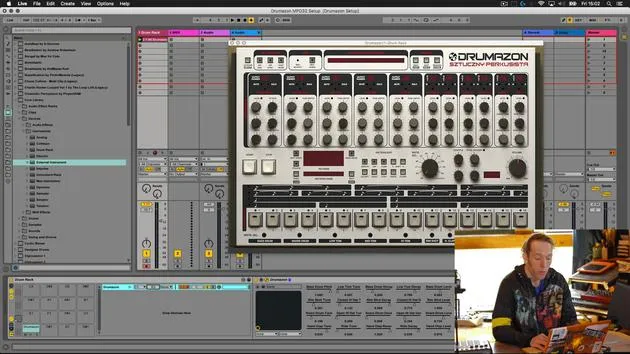
Now that we have our equipment connected, let's explore what we need to do inside Ableton Live to get everything communicating properly.
24 lecciones
3h 29m de lecciones en vídeo estructuradas
Funciones de vídeo avanzadas
Ralentiza, repite un pasaje, sigue la partitura
Móvil, tablet y ordenador
Practica donde quieras
Garantía de satisfacción 100%
30 días de garantía de devolución
Conoce a tu gurú
Conoce a tu gurú
Mark Burnett es un Ableton Certified Trainer que lleva más de 14 años trabajando con productos de Ableton. Como productor y DJ en Funk'n Deep Records, sus temas han sonado en grandes festivales y en sesiones y podcasts de artistas como Carl Cox y Richie Hawtin, y ha tocado ante multitudes de miles de personas. También organiza eventos a gran escala como Workhouse Project, y estudió en el Imperial College London. Su curso trata sobre el uso de Ableton Live para construir actuaciones en directo, y está pensado para productores y artistas de música electrónica que quieran llevar su espectáculo del estudio al escenario.







