



Cómo asignar los sonidos de la TR-09 a pads de batería externos Alesis

Con
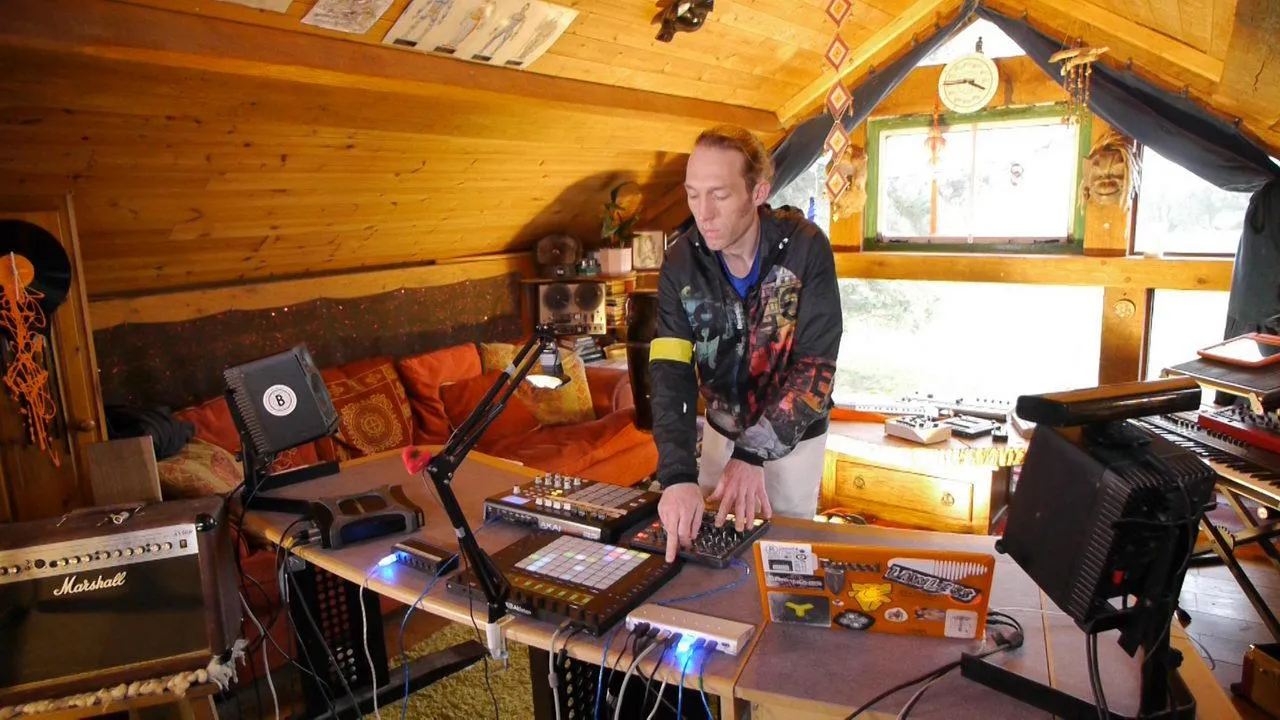
Mark BurnettMark Burnett muestra cómo configurar un Alesis Control Pad para disparar sonidos de la TR-09 en Ableton Live, de modo que puedas tocar la caja de ritmos como una batería.
Qué incluye el curso
24 lecciones (3h 29m) · 2 gratis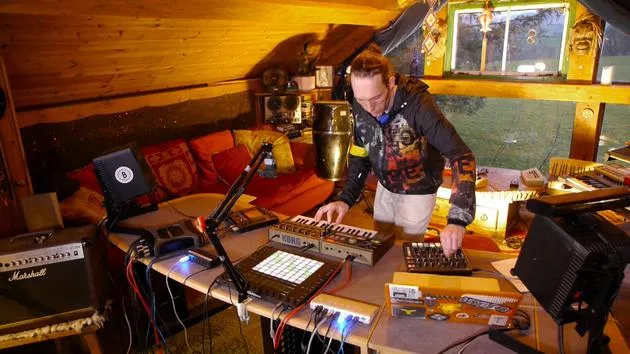
01. Lo que aprenderás en este capítulo
1:18
02. Preparemos el setup (MicroKorg y Novation Launch Control)
7:47
03. Mensajes MIDI CC y asignación del Novation LC a los parámetros del MicroKorg
18:19
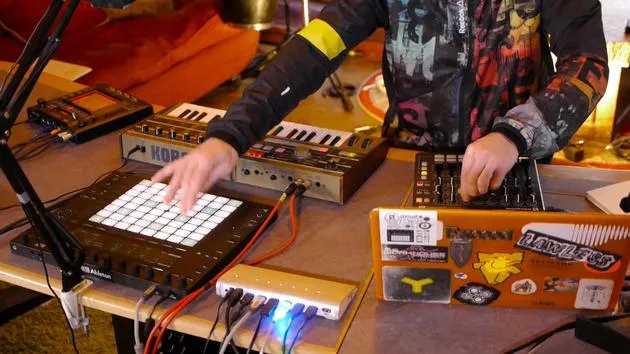
04. Demostración de la configuración hasta ahora
1:47
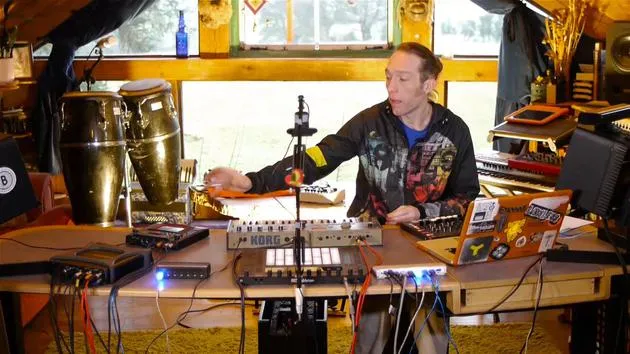
05. Añadir efectos táctiles con el Kaoss Pad 3
11:50
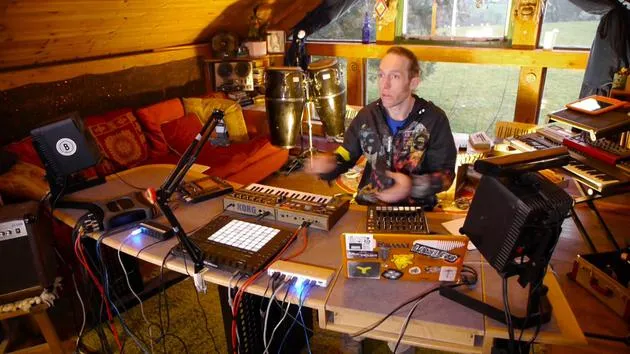
06. Finalizar la configuración del Kaoss
7:02
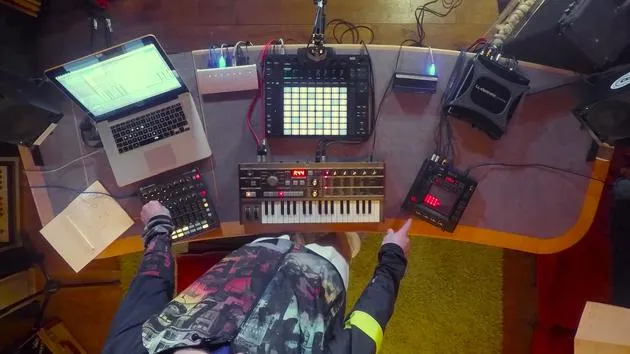
07. Repaso de lo que hemos aprendido
4:23
08. Explorar el setup
3:54
Transcripción de la lección
Music Lesson: Setting Up MIDI Equipment
Introduction to the Alesis Drum Pad
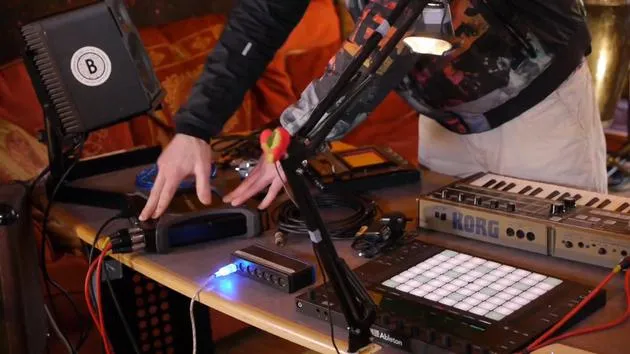
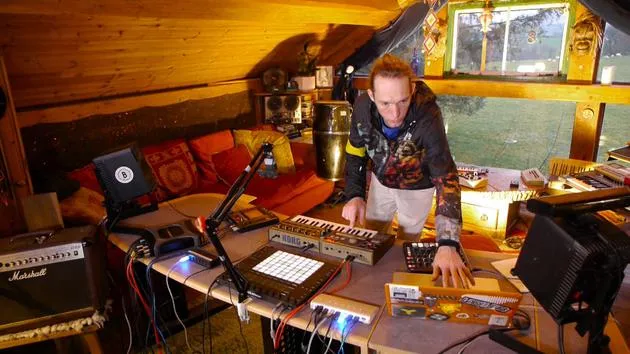
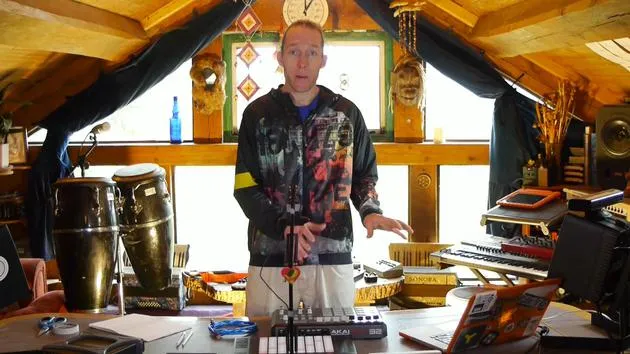
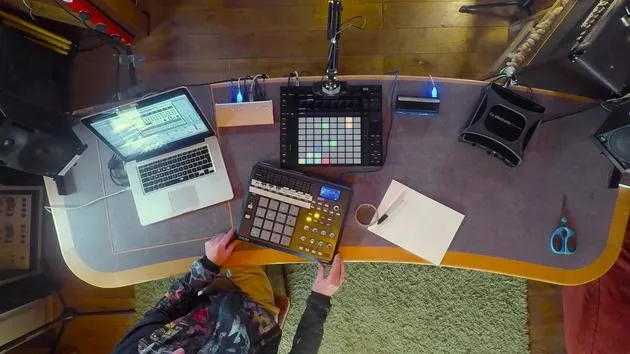
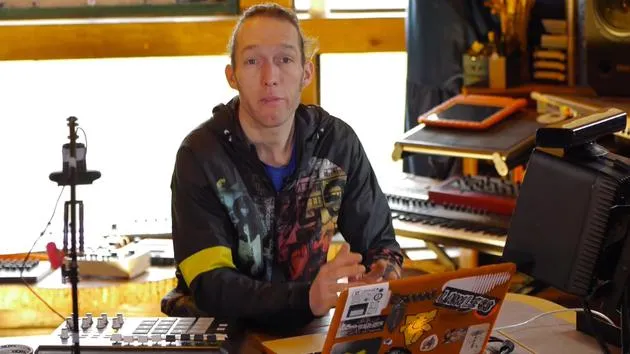
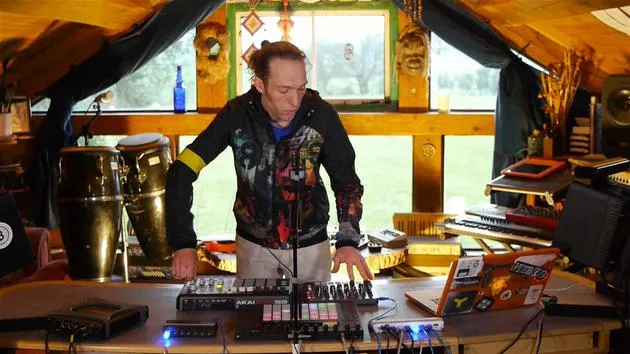
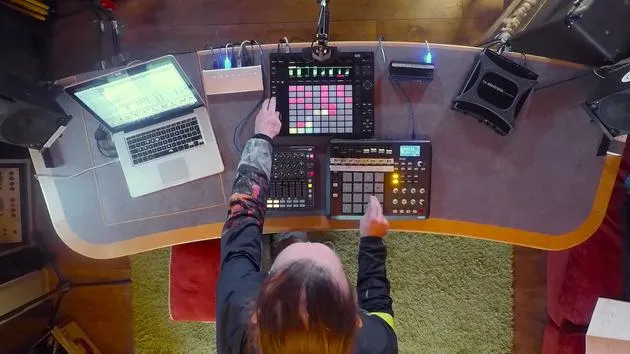
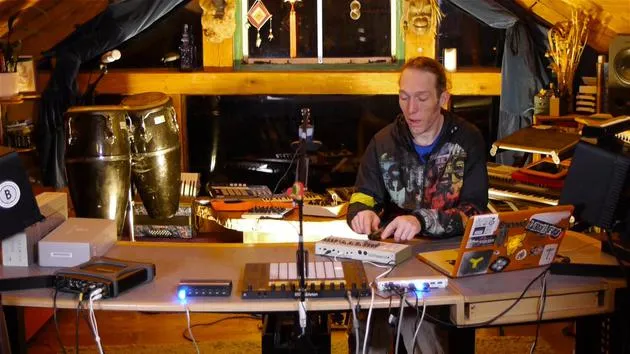
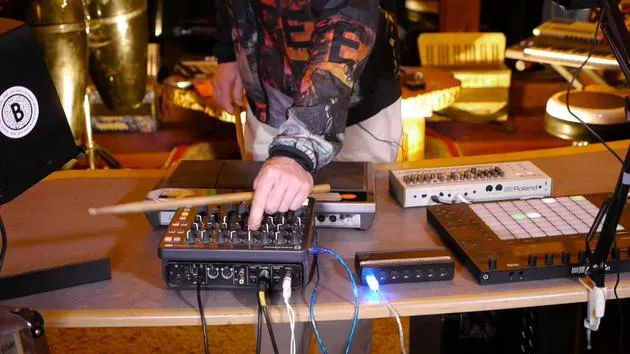
"Right, so back to the table. Now, I've introduced an extra bit of kit here. This is an Alesis drum pad of some description; I forget the name exactly, Control Pad it's called.
Key Features:
- No built-in sounds: Outputs MIDI only.
- Connection: Very simple USB connection (MIDI in and out).
- Traditional MIDI: Has five-pin DIN for traditional MIDI connection.
"USB is a great way to handle MIDI because in and out on one cable just makes life a lot easier."
Current Setup Overview
- TR909: Great little selection of sounds.
- Control Limitations: The knobs are very tiny and polished.
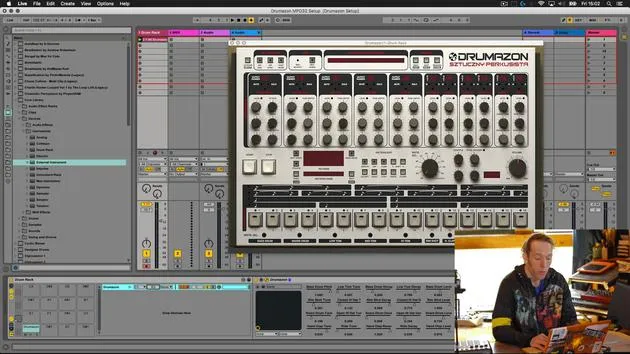
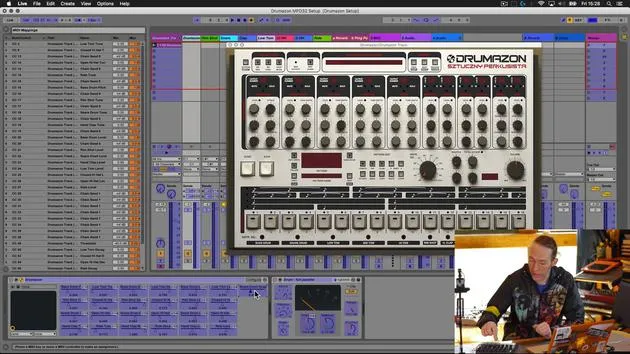
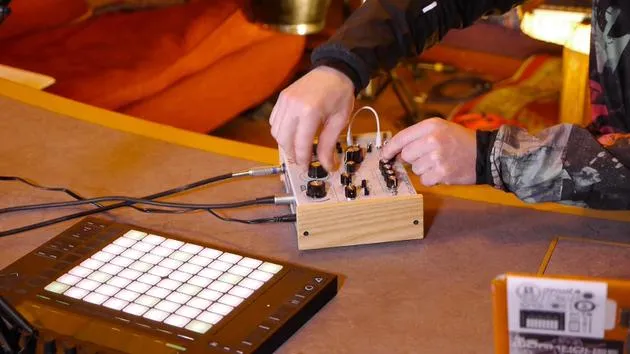
"So we've added these knobs here. Using our routing in Live, we can now control the key parameters of these sounds using the much more touch-friendly and better illuminated controls on here."
Playing Like a Drum Kit
The last thing I wanted to add is the ability to actually play this drum machine like a drum kit.
- Introduction of Drum Pad: All I've done is plug it in so far.
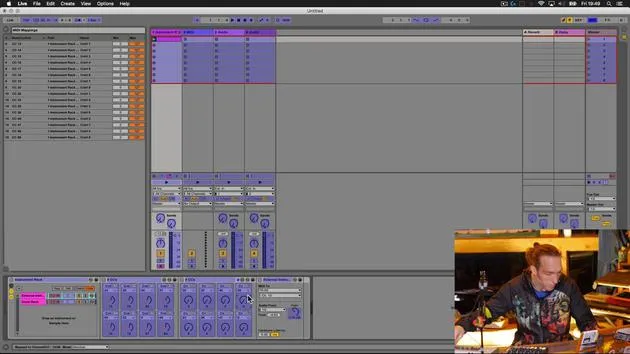
Setting Up in Ableton Live
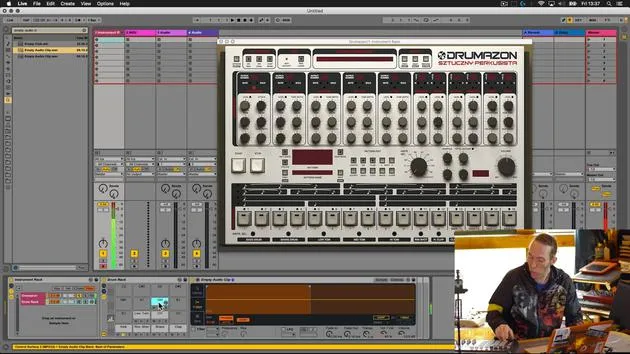
- Default Settings: Most channels will be set to receive MIDI from all ins.
- Process:
- Plug in your device and ensure it's recognized.
- Set preferences to activate the MIDI device.
"So all I need to do now is pull out my drumsticks and let's hit a few pads on here and see what happens."
Testing the Setup
-
Sounds:
- Kick
- Rim shot snare
- Clap
- Other drum sounds (low tom, closed hat, mid tom)
-
Device Features: This particular device has pages, allowing access to additional sounds.
"It's fairly responsive. It would be more responsive if I set the buffer in my Ableton Live to be a little bit shorter."
Live Jamming and Programming
- Interactivity: Control the volume and jam patterns.
- Pattern Creation:
- Start a new kick drum pattern.
- Program over the push.
- Adjusting Sounds:
- Fiddly adjustments: Use both the push and the controller for easier access.
"Okay, let's just have a listen to this snare."
Recording and Performance
- Hit record on the push.
"And I think there's like a really good example of the kind of benefits that this could have."
Benefits of Integration
- Static Beats vs Live Performance:
- Easier to program static beats, but challenging to program drum rolls and fills.
- Performing live adds complexity to fills.
"The ability to actually play fills in live stuff like snare rolls and just tom fills... is much easier."
Conclusion
In summary, we've combined:
- A hardware drum machine for sound.
- An external MIDI controller for extended access.
- A tactile interface (drum pad) for live performance.
"This kind of augmentations of hardware and software can have a significant impact."
Final Notes:
- Adapt your preferred musical interface (guitar, drums, bass, keys) to interact with almost any instrument.
- Ensure it accepts MIDI and is set up correctly inside Ableton Live for optimal performance.
This setup enhances fluid interaction and creative possibilities for musicians in a live setting.
24 lecciones
3h 29m de lecciones en vídeo estructuradas
Funciones de vídeo avanzadas
Ralentiza, repite un pasaje, sigue la partitura
Móvil, tablet y ordenador
Practica donde quieras
Garantía de satisfacción 100%
30 días de garantía de devolución
Conoce a tu gurú
Conoce a tu gurú
Mark Burnett es un Ableton Certified Trainer que lleva más de 14 años trabajando con productos de Ableton. Como productor y DJ en Funk'n Deep Records, sus temas han sonado en grandes festivales y en sesiones y podcasts de artistas como Carl Cox y Richie Hawtin, y ha tocado ante multitudes de miles de personas. También organiza eventos a gran escala como Workhouse Project, y estudió en el Imperial College London. Su curso trata sobre el uso de Ableton Live para construir actuaciones en directo, y está pensado para productores y artistas de música electrónica que quieran llevar su espectáculo del estudio al escenario.







