



Demostración de la configuración hasta ahora

Con
Mark Burnett
Qué incluye el curso
24 lecciones (3h 29m) · 2 gratis
01. Lo que aprenderás en este capítulo
1:18
02. Preparemos el setup (MicroKorg y Novation Launch Control)
7:47
03. Mensajes MIDI CC y asignación del Novation LC a los parámetros del MicroKorg
18:19
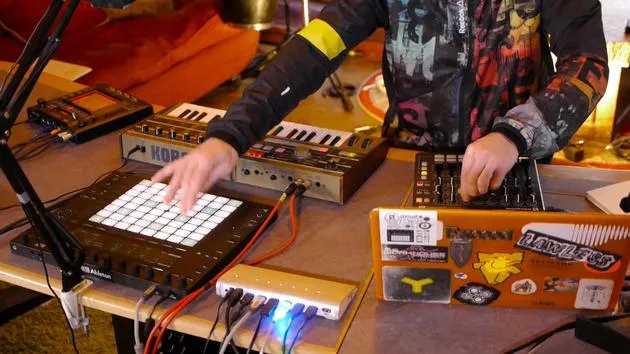
04. Demostración de la configuración hasta ahora
Estás aquí1:47
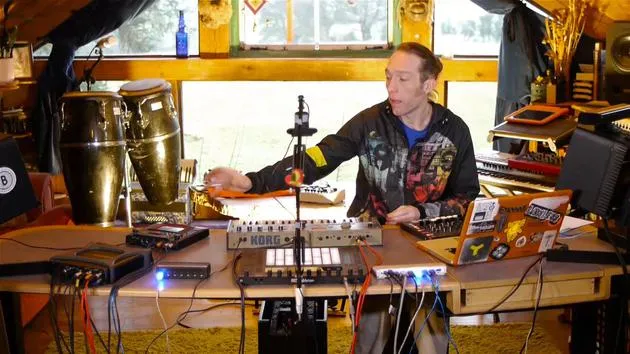
05. Añadir efectos táctiles con el Kaoss Pad 3
11:50
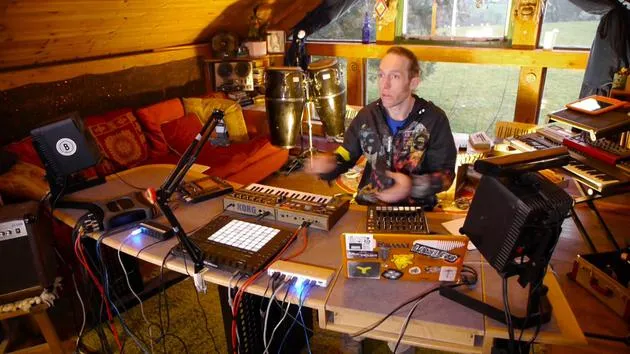
06. Finalizar la configuración del Kaoss
7:02
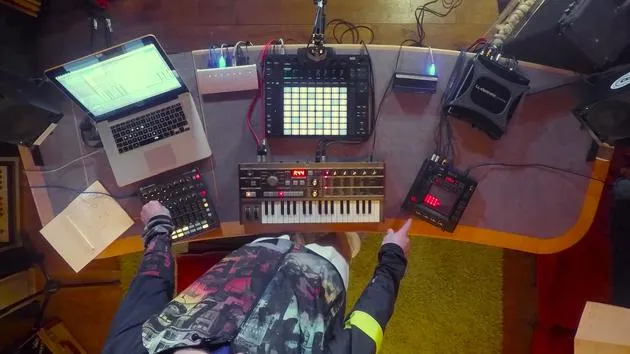
07. Repaso de lo que hemos aprendido
4:23
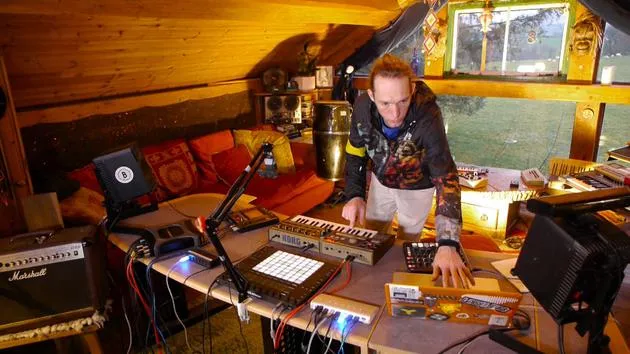
08. Explorar el setup
3:54
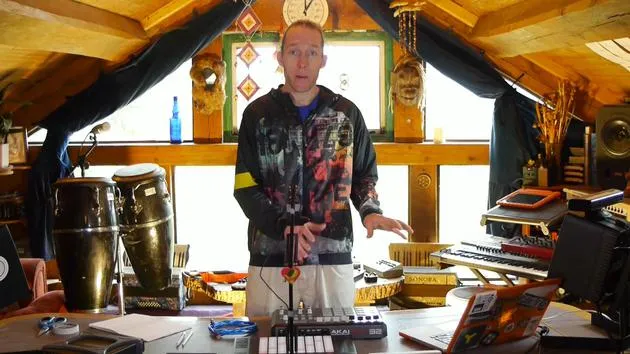
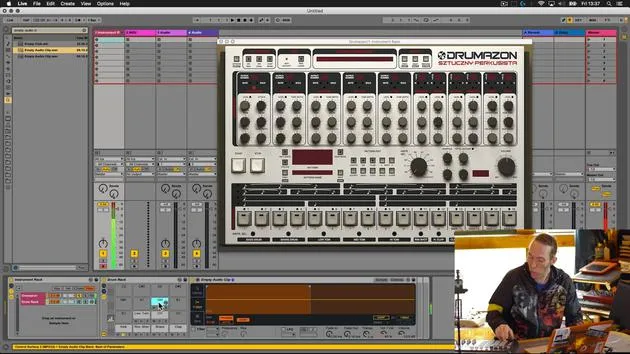
Transcripción de la lección
Final Play and Experimentation with Equipment
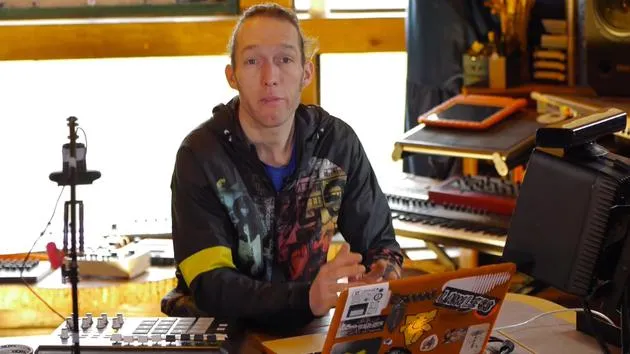
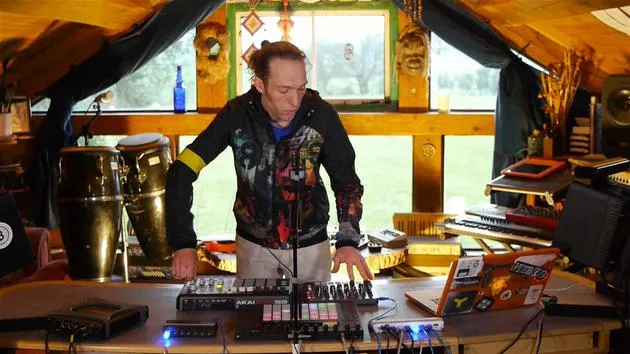
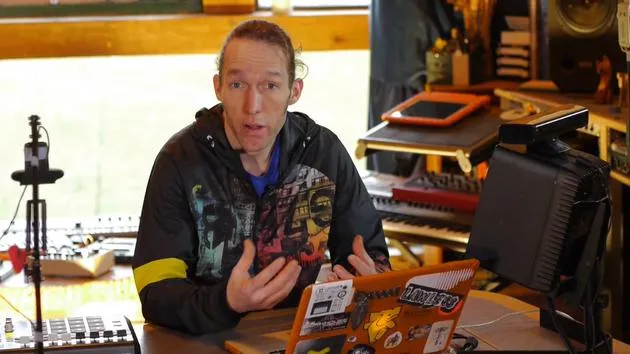
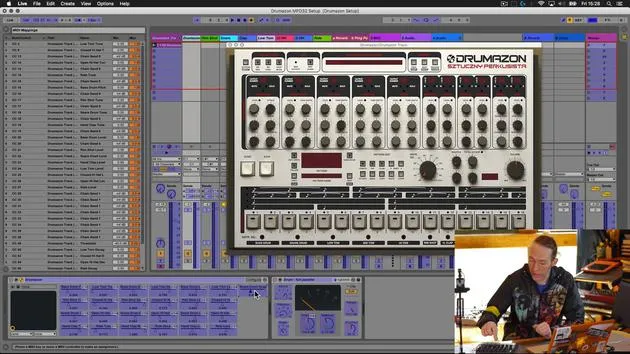
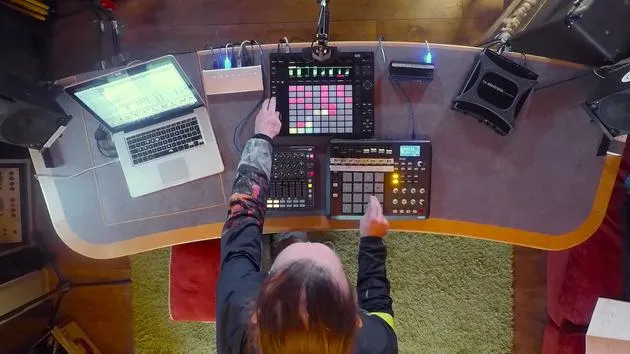
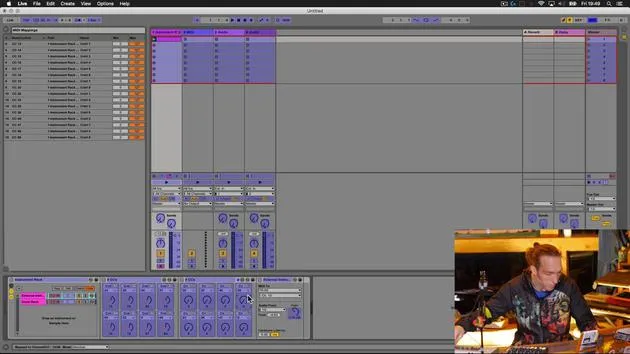
So, the last thing to do is just have a little play with this to check that everything's working.
Step 1: Clear the Workspace
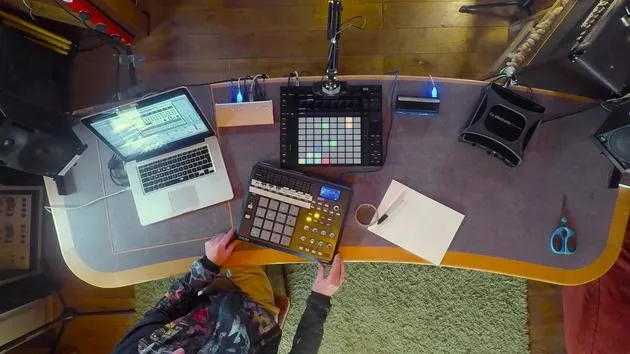
I'll take my notes out of the way so that we can see the Push 2 in action.
Step 2: Testing Note Playback
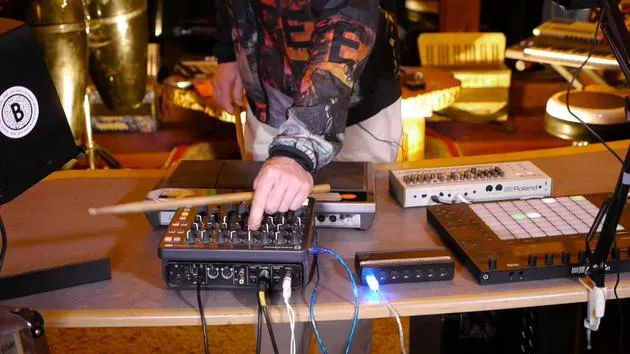
Now, I should be able to play notes from here.
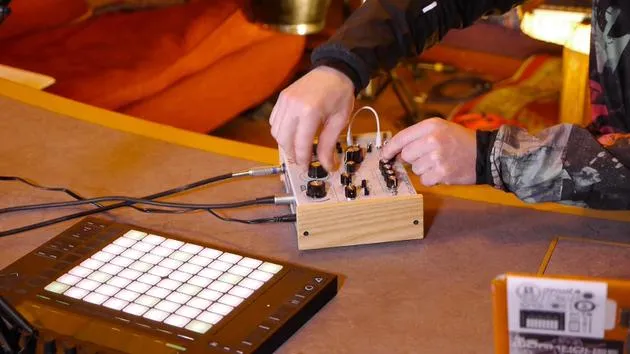
- I should be able to change the parameters from the Novation.
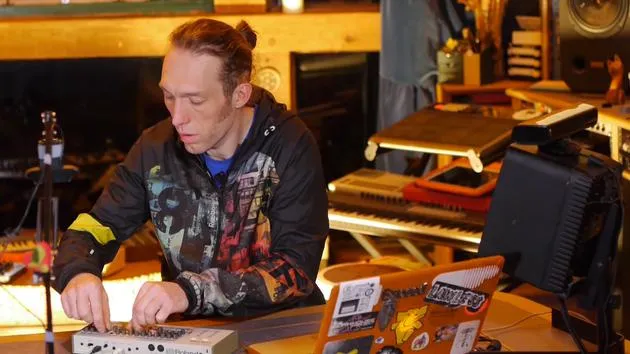
- I can also adjust settings from the Korg.
That all seems to be working fine. Great!
Step 3: Expanding Performance Capabilities
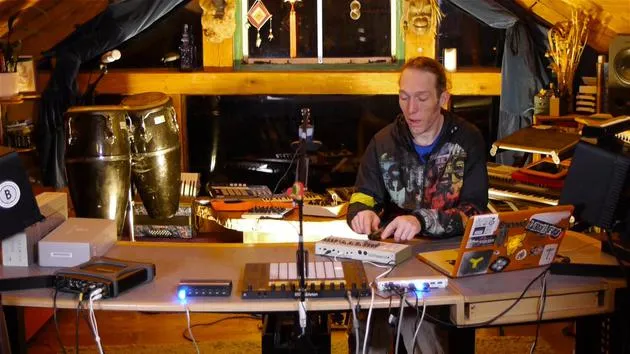
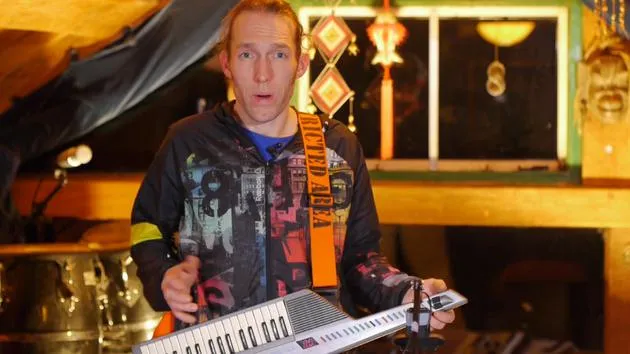
Now that we can access more parameters, it means that we can perform with the Korg and have a little bit more fun.
Let me demonstrate that it does work by playing directly on the chord here.
Okay, great!
- We can play on the Korg.
- We can access more parameters on the Novation.
Step 4: Adding Effects
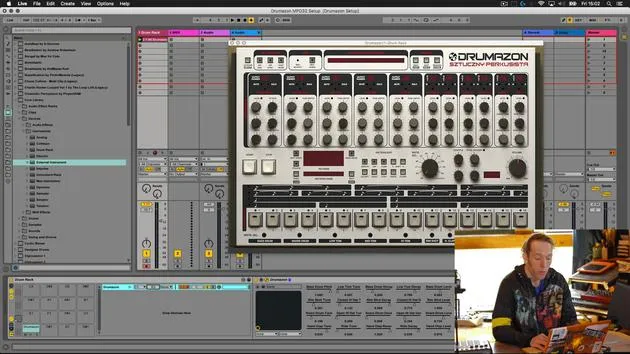
The next thing to do is to have a look at getting the audio signal passed out through the Chaos Pad here to add some extra effects to the whole situation.
24 lecciones
3h 29m de lecciones en vídeo estructuradas
Funciones de vídeo avanzadas
Ralentiza, repite un pasaje, sigue la partitura
Móvil, tablet y ordenador
Practica donde quieras
Garantía de satisfacción 100%
30 días de garantía de devolución
Conoce a tu gurú
Conoce a tu gurú
Mark Burnett es un Ableton Certified Trainer que lleva más de 14 años trabajando con productos de Ableton. Como productor y DJ en Funk'n Deep Records, sus temas han sonado en grandes festivales y en sesiones y podcasts de artistas como Carl Cox y Richie Hawtin, y ha tocado ante multitudes de miles de personas. También organiza eventos a gran escala como Workhouse Project, y estudió en el Imperial College London. Su curso trata sobre el uso de Ableton Live para construir actuaciones en directo, y está pensado para productores y artistas de música electrónica que quieran llevar su espectáculo del estudio al escenario.







