



¡Guardemos esta configuración y probémosla!

Con
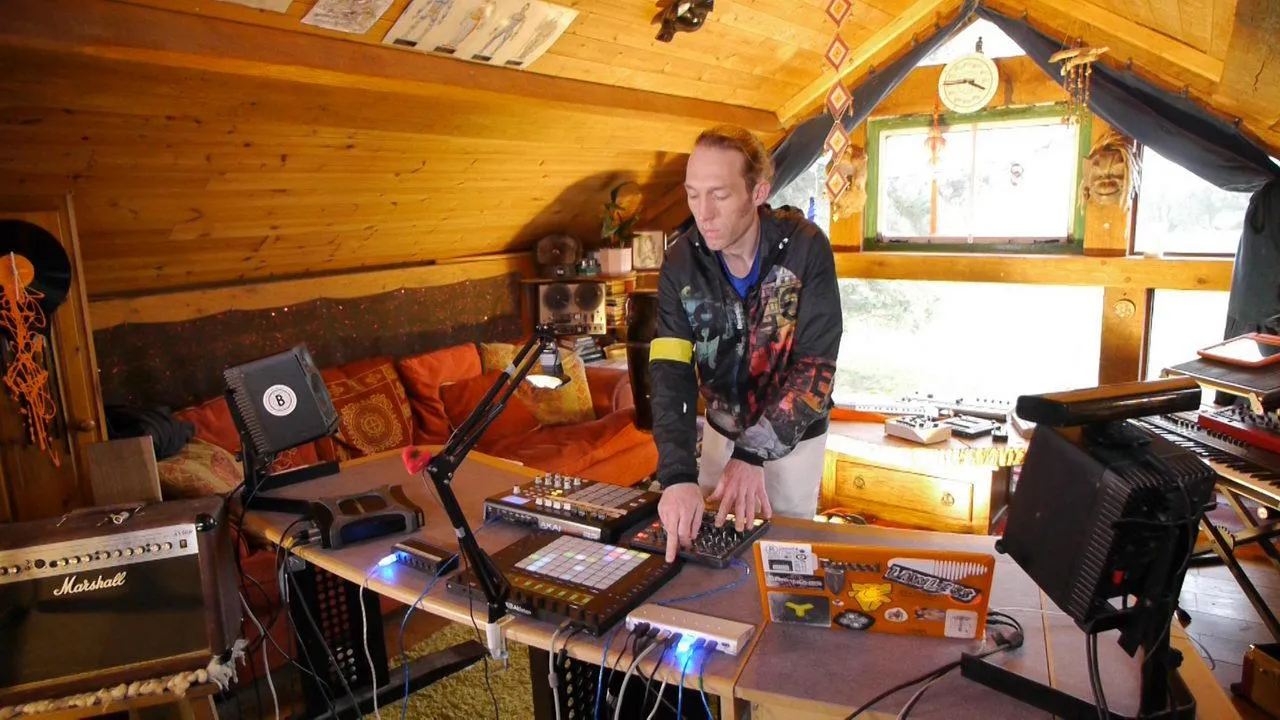
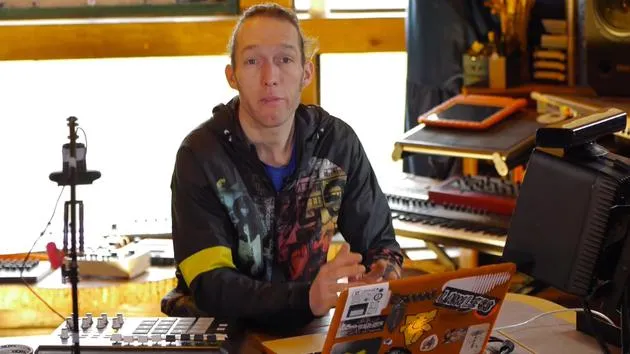
Mark BurnettMark Burnett muestra cómo guardar tu configuración de hardware externo en la biblioteca de usuario de Live para poder recuperarla en cualquier proyecto, y luego demuestra los controladores en acción.
Qué incluye el curso
24 lecciones (3h 29m) · 2 gratis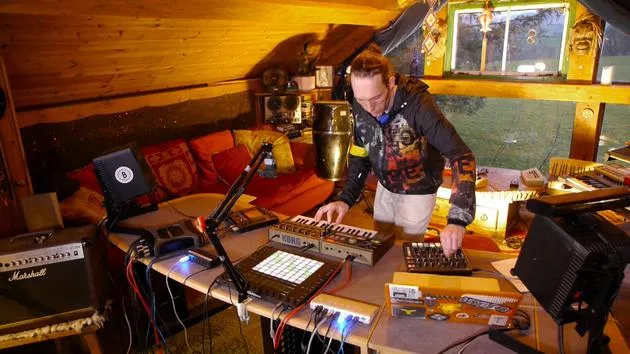
01. Lo que aprenderás en este capítulo
1:18
02. Preparemos el setup (MicroKorg y Novation Launch Control)
7:47
03. Mensajes MIDI CC y asignación del Novation LC a los parámetros del MicroKorg
18:19
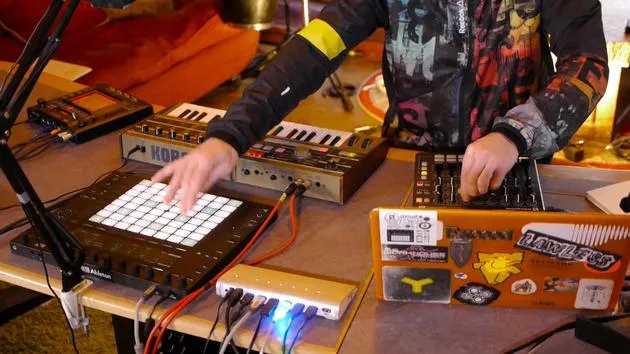
04. Demostración de la configuración hasta ahora
1:47
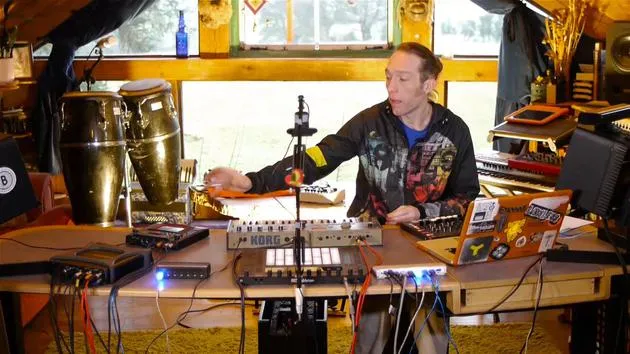
05. Añadir efectos táctiles con el Kaoss Pad 3
11:50
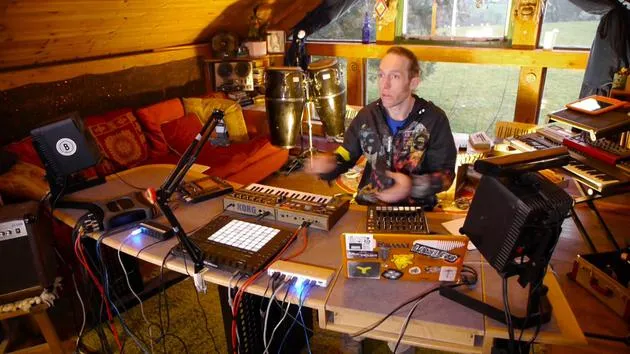
06. Finalizar la configuración del Kaoss
7:02
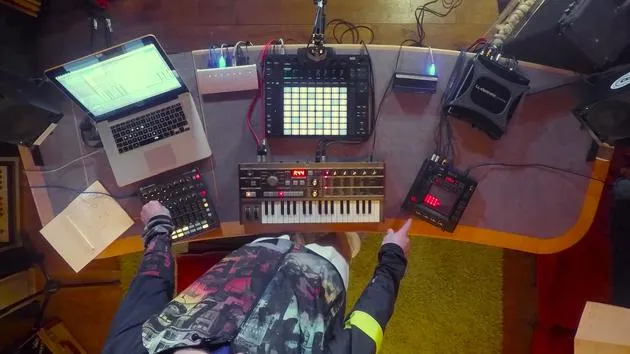
07. Repaso de lo que hemos aprendido
4:23
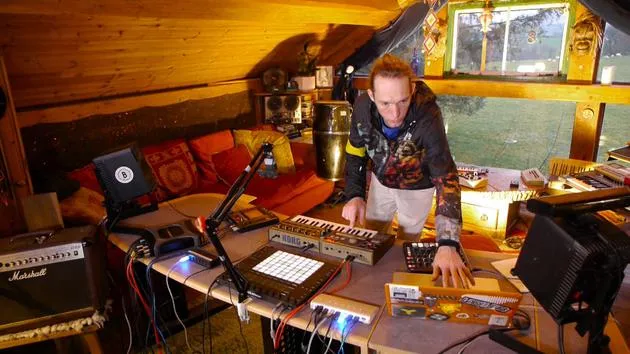
08. Explorar el setup
3:54
Transcripción de la lección
Final Steps Before Play
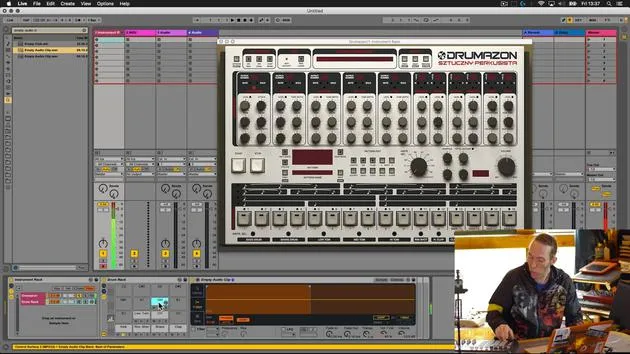
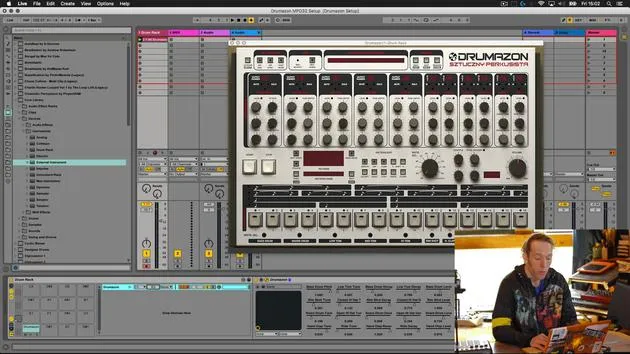
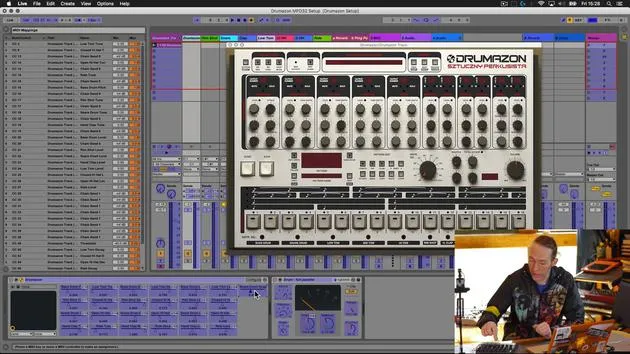
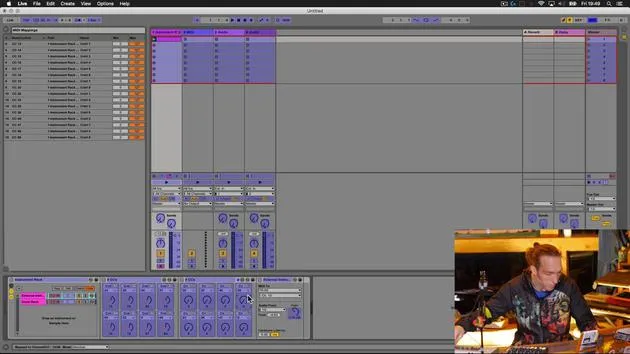
So let's just do one last thing now before we have a little play on this setup. The final thing we're going to do over here in Live is to save this device in a meaningful way and stick it in our user library so that it's more useful moving forward in our other projects.
Renaming the Device
- Go to the global drum rack that this is contained within.
- Select Rename.
- Remember, I use double zero so that this device will appear at the top of any lists when ordered alphabetically.
- Give it a meaningful name, such as Drummers on MPD and Excel setup.
- Add my MXB suffix, which makes it easy for me to find.
- Hit the Save button; this will save it in my user library for easy future access.
Let's take a quick look at what's going on!
Demonstrating the Setup
Now, I'm just going to have a little play with it and show you some of the sounds and how this works.
Playing the Pattern
- First thing I'm going to do is play the pattern we created earlier on. It's a simple pattern, but it incorporates most of the sounds we used.
- I've got:
- Volume controls over here.
- Pitch controls over here.
- On the second bank, I've got decay controls.
Additional Effects
In addition to that, I also have the ability to add:
- Reverb
- Delay
- Panorama
- A little bit of compression or snappy effects
- Filtering
Exploring the Controls
Let's just have a play with those.
- Here's the compression on the kick drum; I have a certain degree of control over that.
- This is the snappy parameter on my snare drum, and you can hear I can filter those using these.
- I can pan them left and right and it makes it really easy for me to kill and bring these back into full volume without having to mess around with the detail on the volume settings.
Control and Flexibility
- I get my volume set nicely.
- I can add some extra sound on the fly.
Overall, I have great control over this VST device using these two external MIDI controllers.
Utilizing the Push
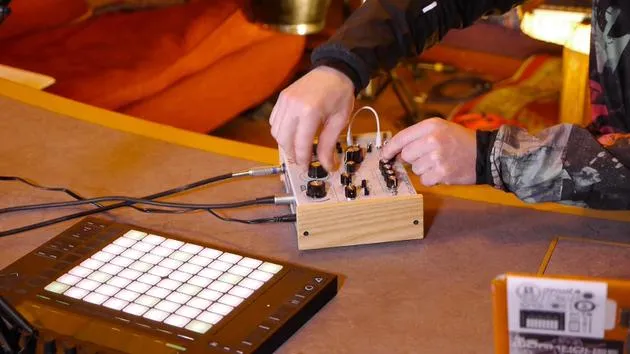
As you can see, also on the Push, I've got my standard drum sequencing tools. They are all there, making it really easy for me to create a new pattern. I'm just going to quickly create a new pattern and play around with it a little bit, just to show you how that works.
Control Overview
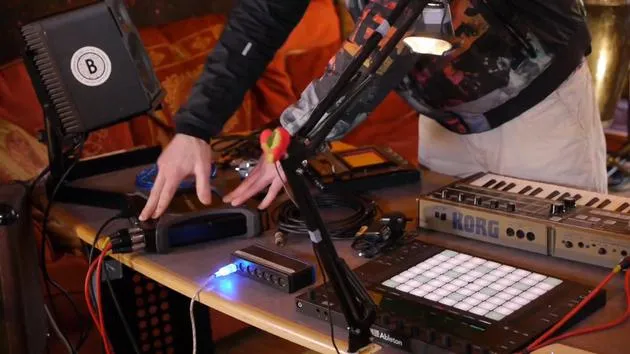
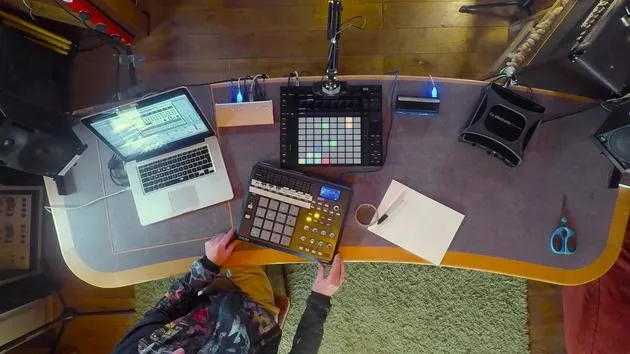
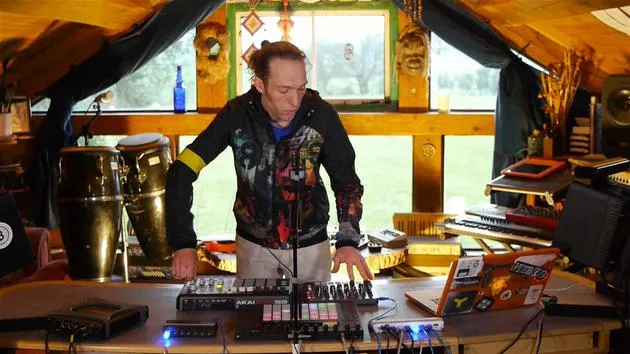
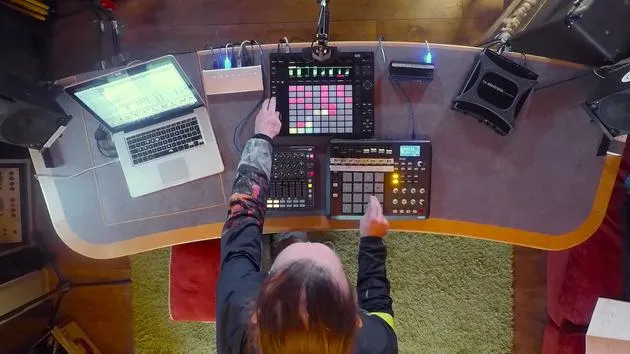
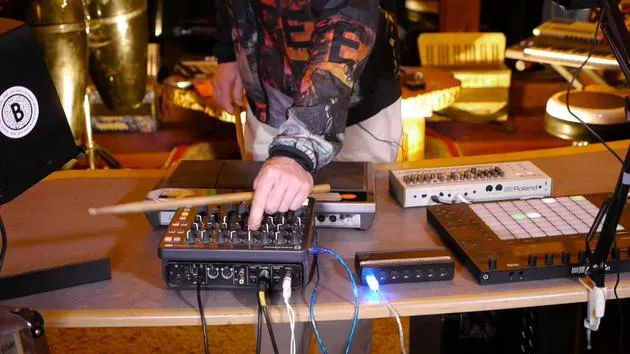
In summary, I was using these two external MIDI controllers and also the Push 2 to sequence stuff. I'm controlling parameters within the drum machine on this device via the Akai MPD.
- I have control over:
- Pitch
- Decay
- Volume
- Triggering sounds
Over here on the Launch Control XL, I've got control over the mix parameters of those individual sounds:
- Add reverb and delay.
- Change the panning position.
- Add compression and adjust additional auxiliary parameters within the VST.
- I also have a filter on each of the individual sounds.
Conclusion
I've got the kind of control you would expect from having real hardware, a real hardware drum machine going through a hardware desk, with individual control over the mix, the effects, and the balance of all those sounds, all with the convenience of not having to spend in excess of £2,300.
24 lecciones
3h 29m de lecciones en vídeo estructuradas
Funciones de vídeo avanzadas
Ralentiza, repite un pasaje, sigue la partitura
Móvil, tablet y ordenador
Practica donde quieras
Garantía de satisfacción 100%
30 días de garantía de devolución
Conoce a tu gurú
Conoce a tu gurú
Mark Burnett es un Ableton Certified Trainer que lleva más de 14 años trabajando con productos de Ableton. Como productor y DJ en Funk'n Deep Records, sus temas han sonado en grandes festivales y en sesiones y podcasts de artistas como Carl Cox y Richie Hawtin, y ha tocado ante multitudes de miles de personas. También organiza eventos a gran escala como Workhouse Project, y estudió en el Imperial College London. Su curso trata sobre el uso de Ableton Live para construir actuaciones en directo, y está pensado para productores y artistas de música electrónica que quieran llevar su espectáculo del estudio al escenario.







