



Unboxing y configuración del Dreadbox Hades en Ableton Live

Con
Mark BurnettMark Burnett desempaqueta el sintetizador de bajo analógico Dreadbox Hades, lo conecta a Ableton Live, explora sus sonidos y crea una secuencia de sintetizador sencilla.
Qué incluye el curso
24 lecciones (3h 29m) · 2 gratis
01. Lo que aprenderás en este capítulo
1:18
02. Preparemos el setup (MicroKorg y Novation Launch Control)
7:47
03. Mensajes MIDI CC y asignación del Novation LC a los parámetros del MicroKorg
18:19
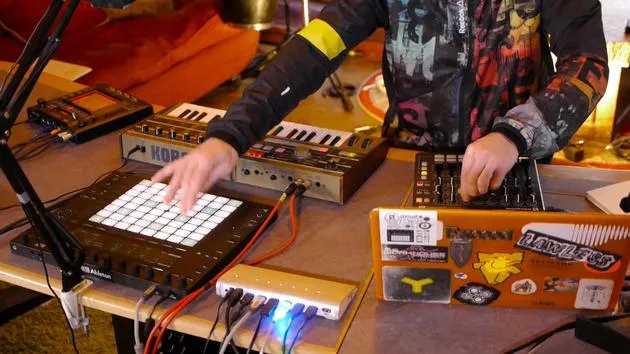
04. Demostración de la configuración hasta ahora
1:47
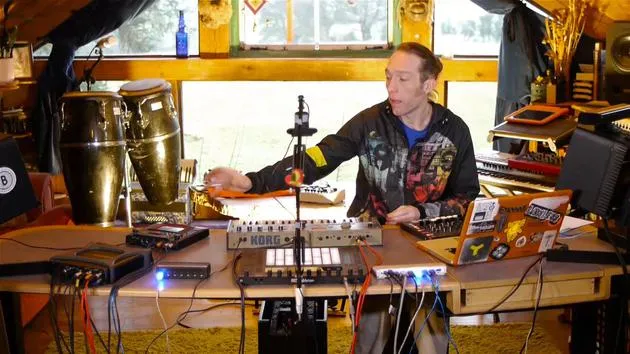
05. Añadir efectos táctiles con el Kaoss Pad 3
11:50
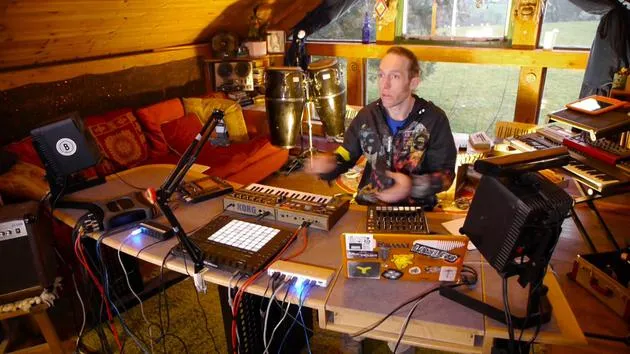
06. Finalizar la configuración del Kaoss
7:02
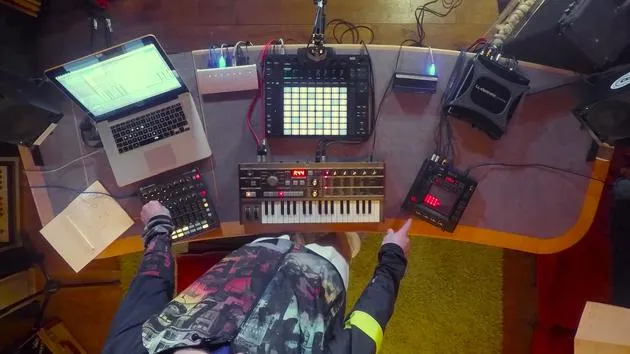
07. Repaso de lo que hemos aprendido
4:23
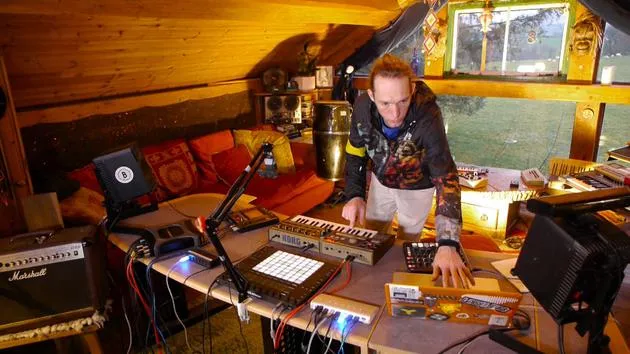
08. Explorar el setup
3:54
Transcripción de la lección
Hades Analog Bass Synthesizer Unboxing and Initial Setup
Introduction
Today, we're diving into the Hades, an analog bass synthesizer by Dreadbox. Highly rated and affordably priced, it promises impressive sound capabilities based on the preview clips I've listened to. Let's unbox it and explore!
Unboxing the Hades
-
Outer Casing
- The outer casing feels a bit flimsy. Let's set that aside.
-
Inside the Box
- A plain white box.
- Includes a selection of stickers and cross promotion.
-
Initial Impressions
- Wrapped in bubble wrap for protection.
- Aesthetically pleasing design. The back panel provides some insights into its capabilities:
- Mono output: Suitable for a bass synthesizer.
- MIDI in: Only one MIDI input.
- No other apparent I/O options, apart from power.
-
Front Panel Features
- Equipped with large, friendly knobs.
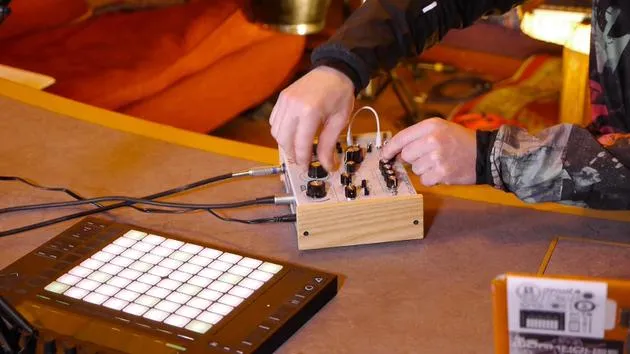
- Offers a selection of small ports, indicating its semi-modular capability for patching.
-
Included Accessories
- Power adapter with various universal plugs.
- One patch cord, likely useful for our experiments.
Connecting the Hades
-
Powering Up
- Let's plug it in and turn it on.
- Notably, it has no physical switch; it powers up automatically.
- LFO LED indicates the rate, our only sign that it's alive.
-
Required Cables
- We need:
- Audio lead (standard jack).
- MIDI lead for connection.
- We need:
-
Connecting MIDI
- Remember, the Hades only receives MIDI.
- Connect from the MIDI output on the audio interface to the Hades.
-
Audio Output
- Use a mono unbalanced jack cable to connect the Hades' output to input one on the sound card.
- The design includes wooden end panels, enhancing its aesthetic appeal.
Exploring Sounds
-
Sending MIDI Notes
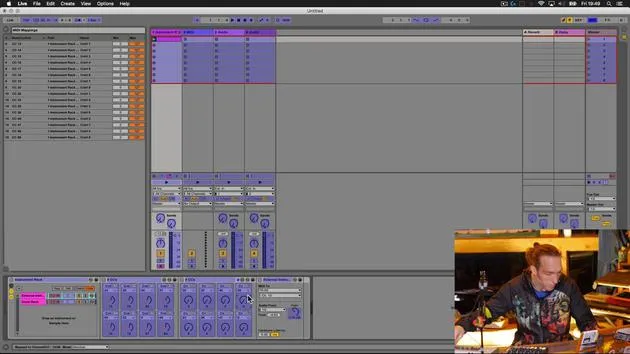
- Jump back into your workstation to set up MIDI routing.
-
Creating a MIDI Track
- Insert the external instrument and select the Hades port for MIDI output.
- It's likely defaulted to MIDI channel one or set to receive on all channels.
-
Routing Audio
- Instead of a stereo pair, select just input one for audio since it's mono.
-
Testing Sound Production
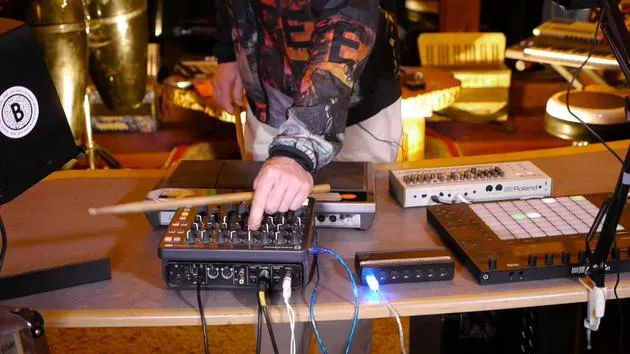
- Play some keys on the Push controller and let's see if we hear anything.
- Result: We have sound! The Hades can receive notes and allows parameter manipulation via the front panel.
Sound Quality
- A quick adjustment of the knobs reveals a rich, weighty sound.
- Waveforms like the saw and square waves provide a nice tonal range.
- The two sub oscillators likely enhance lower harmonics, contributing to the overall substantial sound.
Experimenting with Patching
-
Adjusting the LFO
- Setting LFO to zero deactivates it.
-
Initial Patch Experiment
- Let's patch the LFO to the VCF (Voltage Controlled Filter).
- This will control the filter using the LFO's rate.
-
Modulation Check
- It's functioning, great! I can control sound from the Push or create a MIDI pattern within Live.
Final Thoughts
- There's a lot of potential within this synthesizer.
- Let's think creatively about sending MIDI notes, what other devices can we connect?
Excited to explore further and uncover the true capabilities of the Hades!
24 lecciones
3h 29m de lecciones en vídeo estructuradas
Funciones de vídeo avanzadas
Ralentiza, repite un pasaje, sigue la partitura
Móvil, tablet y ordenador
Practica donde quieras
Garantía de satisfacción 100%
30 días de garantía de devolución
Conoce a tu gurú
Conoce a tu gurú
Mark Burnett es un Ableton Certified Trainer que lleva más de 14 años trabajando con productos de Ableton. Como productor y DJ en Funk'n Deep Records, sus temas han sonado en grandes festivales y en sesiones y podcasts de artistas como Carl Cox y Richie Hawtin, y ha tocado ante multitudes de miles de personas. También organiza eventos a gran escala como Workhouse Project, y estudió en el Imperial College London. Su curso trata sobre el uso de Ableton Live para construir actuaciones en directo, y está pensado para productores y artistas de música electrónica que quieran llevar su espectáculo del estudio al escenario.







