



Repaso de lo que hemos aprendido

Con
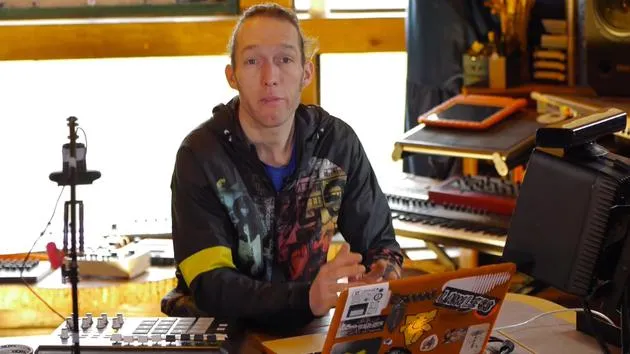
Mark BurnettMark Burnett repasa el capítulo, reuniendo cómo funcionan los mapeos de dispositivos externos -los knobs de Novation, las macros y las asignaciones de CC- como un único setup que puedes adaptar a tu gusto.
Qué incluye el curso
24 lecciones (3h 29m) · 2 gratis
01. Lo que aprenderás en este capítulo
1:18
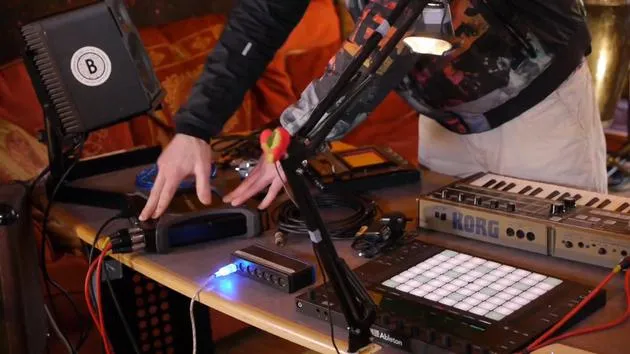
02. Preparemos el setup (MicroKorg y Novation Launch Control)
7:47
03. Mensajes MIDI CC y asignación del Novation LC a los parámetros del MicroKorg
18:19
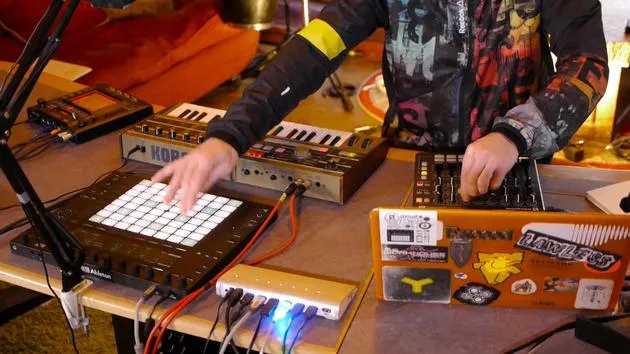
04. Demostración de la configuración hasta ahora
1:47
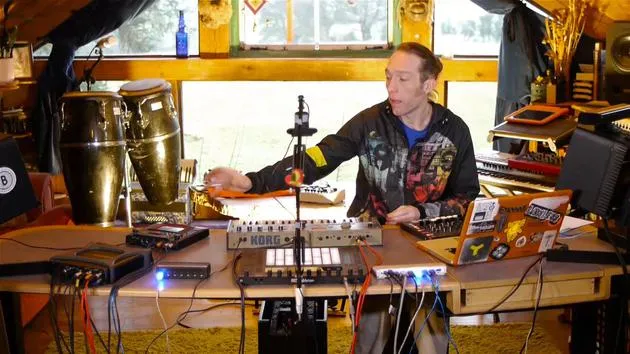
05. Añadir efectos táctiles con el Kaoss Pad 3
11:50
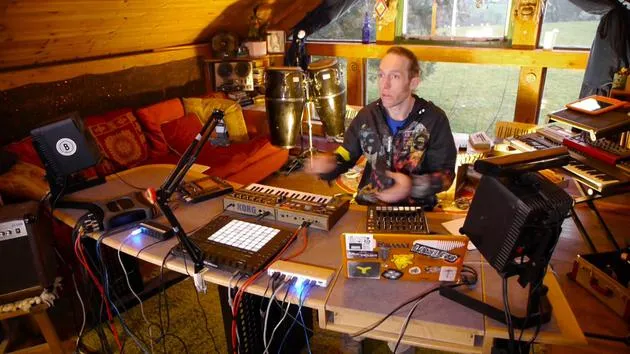
06. Finalizar la configuración del Kaoss
7:02
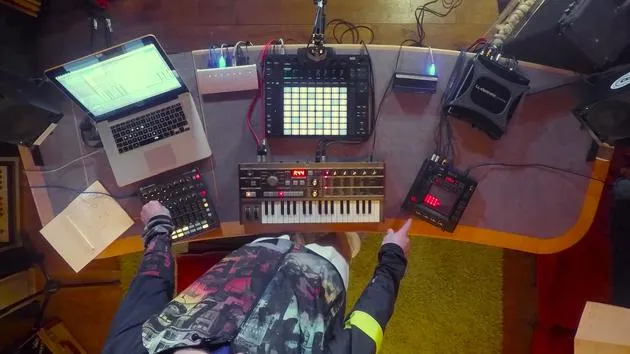
07. Repaso de lo que hemos aprendido
Estás aquí4:23
08. Explorar el setup
3:54
Transcripción de la lección
Lesson Recap: Mapping Controls and Integration
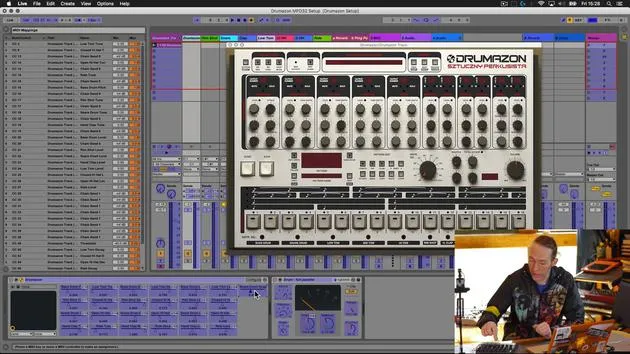
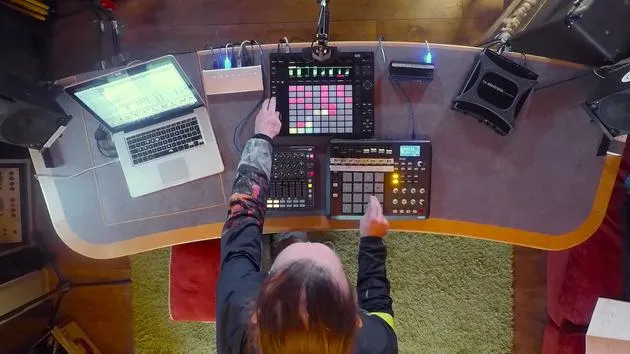
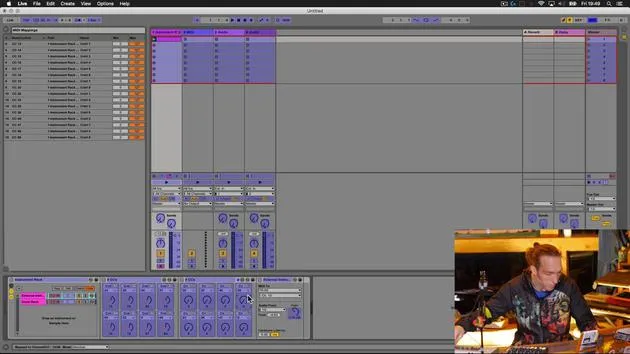
Okay, so to kind of sum up what we've been doing, I'm just going to revisit very briefly what's going on here.
Novation Excel Mapping
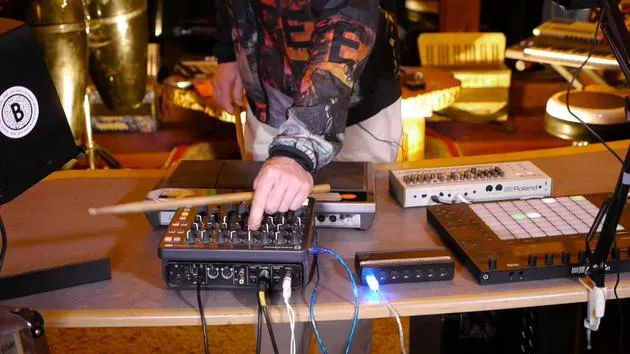
I very briefly revisited the mapping on the Novation Excel. Here's what I've done:
- Bottom Row of Knobs:
- De-assigned from various controls that I had them mapped to in the MicroKorg.
- Mapped to the eight macros that we set up when we finished the device off.
This means we have those accessible on the Novation here.
Additional Mappings
- The only additional mapping I added was this bottom right-hand button, which I've mapped to the CC8 knob that we set up.
- This sends a control message to the hold button.
- You'll notice that this button replicates the hold function over there.
Control Features
- X and Y knobs: Allow me to control the Chaos Pad from over here.
- First knob: Controls the preset on the MicroKorg.
- Second knob: Controls the preset on the Chaos Pad.
- Final four knobs:
- Set to the level for the MicroKorg.
- Control pan left and right.
- Adjust portamento (time factor of the slide between notes).
- Modify the depth of modulation (which can have a dramatic effect depending on the modulation setup).
Setting Neutral Positions
I'm going to dial these to their neutral positions and turn the effect off:
- No Chaos Pad:
- With the Chaos Pad:
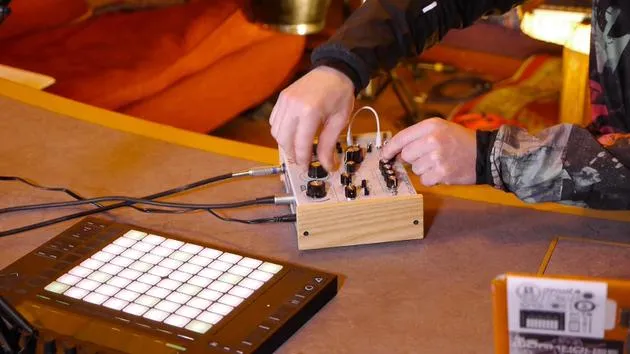
I still retain the ability to go directly to the pad and manipulate it this way, as well as being able to do it from the Novation.
Push Overview
If we just have a little look at the Push here, you'll see:
- Under this particular device, the MicroKorg is selected at the top.
- Parameters are appropriately labeled:
- Program for the MicroKorg
- Program for the Chaos Pad (X and Y)
- Level for MicroKorg
- Pan, portamento, and depth
These are all beautifully set out now.
Performance and Creative Possibilities
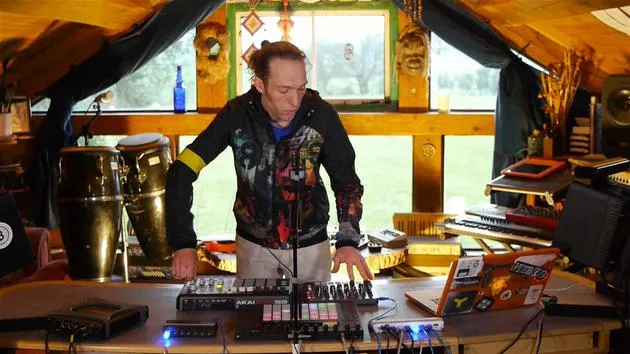
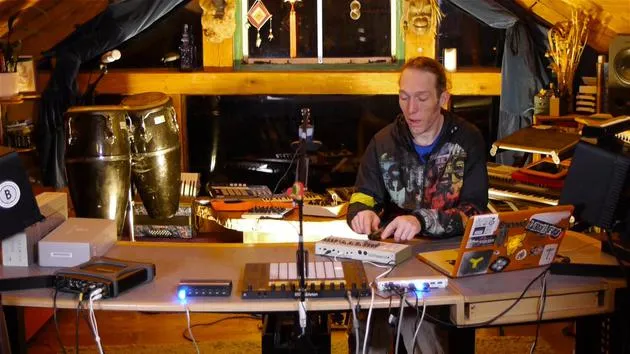
If we wanted, all of these devices (the two pieces of hardware) could be over on our shelf in the studio. We could call them up on our Push, play the Korg from here, change parameters, change the patch, and with the help of activating our hold button, we can do some funky programming with the Chaos Pad.
Summary
In summary, this is our way of augmenting these couple of bits of hardware by coupling them up with some MIDI controller devices. We're using clever routing and Max for Live within the Ableton Live environment, creating a really beautiful composite device that encompasses all of this and opens up a whole bunch of new performance, recording, creative, and production possibilities.
24 lecciones
3h 29m de lecciones en vídeo estructuradas
Funciones de vídeo avanzadas
Ralentiza, repite un pasaje, sigue la partitura
Móvil, tablet y ordenador
Practica donde quieras
Garantía de satisfacción 100%
30 días de garantía de devolución
Conoce a tu gurú
Conoce a tu gurú
Mark Burnett es un Ableton Certified Trainer que lleva más de 14 años trabajando con productos de Ableton. Como productor y DJ en Funk'n Deep Records, sus temas han sonado en grandes festivales y en sesiones y podcasts de artistas como Carl Cox y Richie Hawtin, y ha tocado ante multitudes de miles de personas. También organiza eventos a gran escala como Workhouse Project, y estudió en el Imperial College London. Su curso trata sobre el uso de Ableton Live para construir actuaciones en directo, y está pensado para productores y artistas de música electrónica que quieran llevar su espectáculo del estudio al escenario.







