



Bedienung des M101 Hammond

Mit
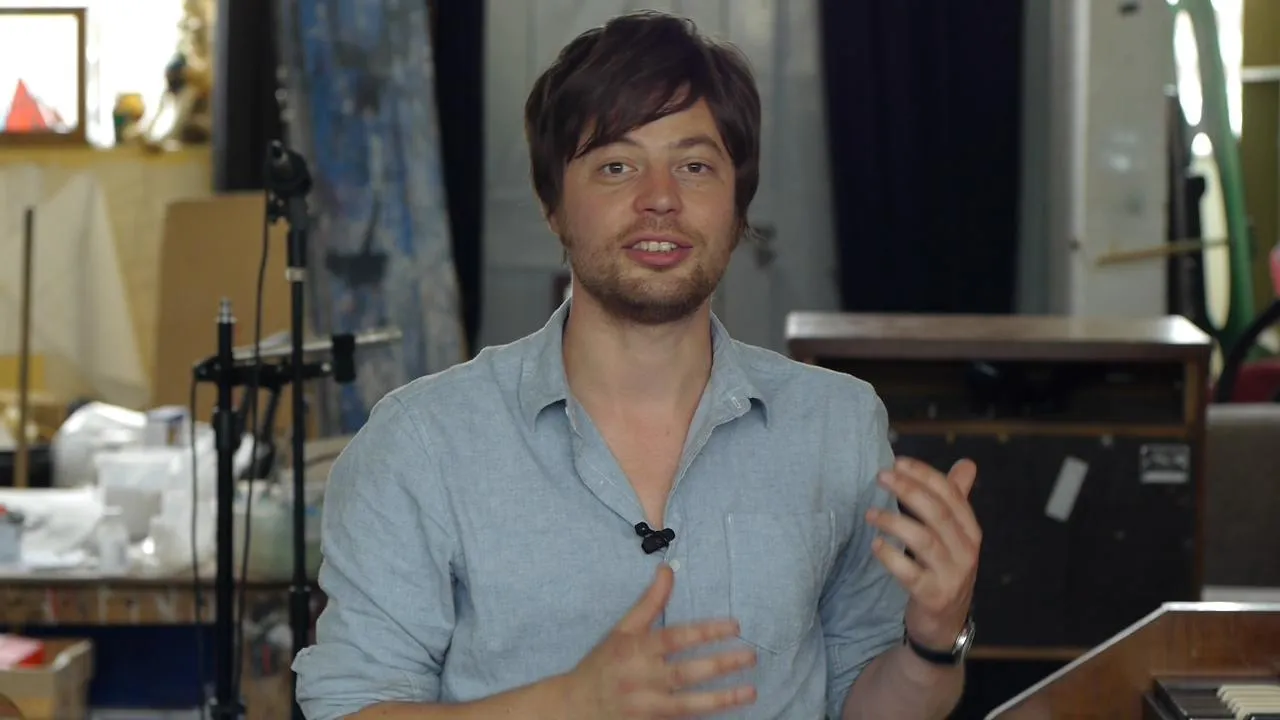
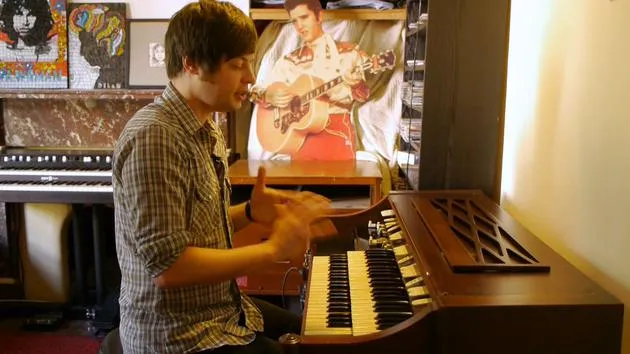
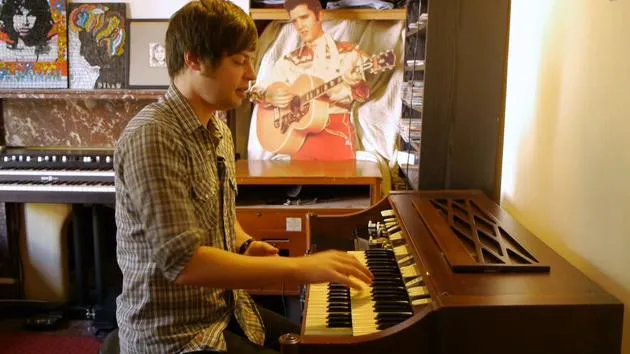
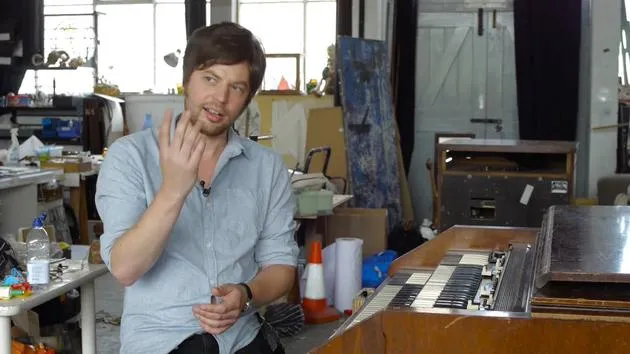
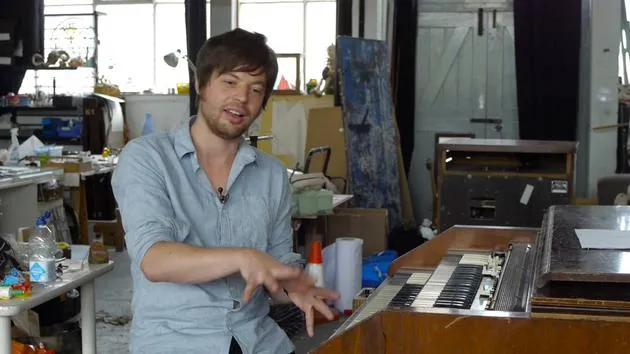
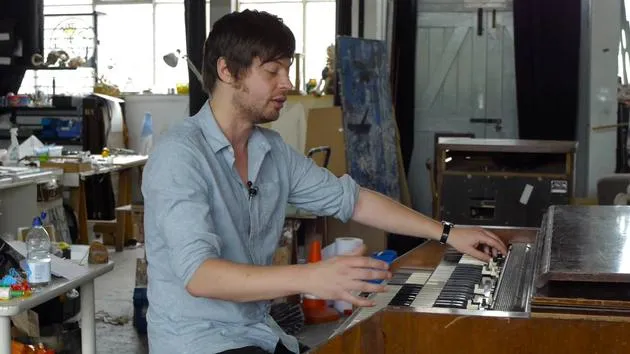
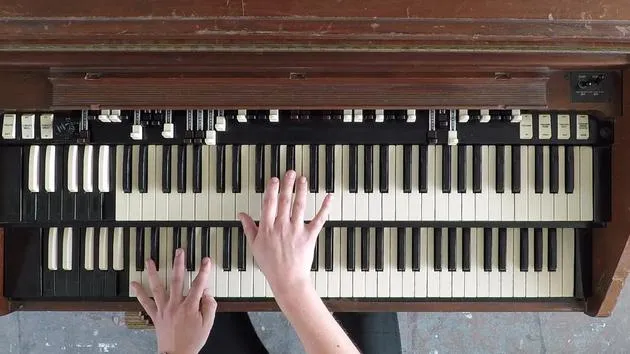
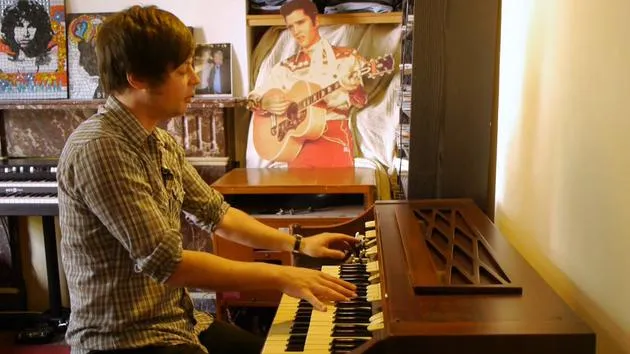
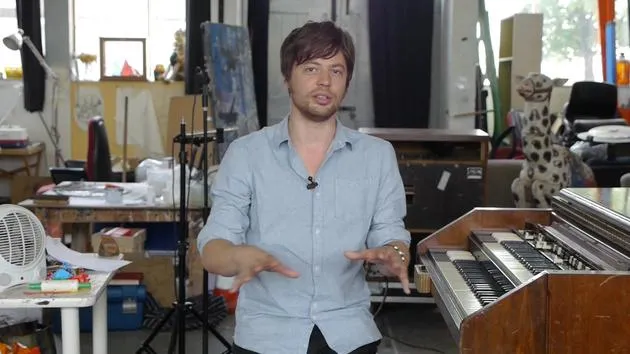
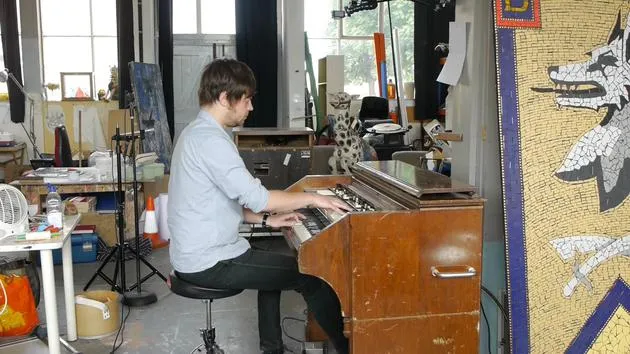
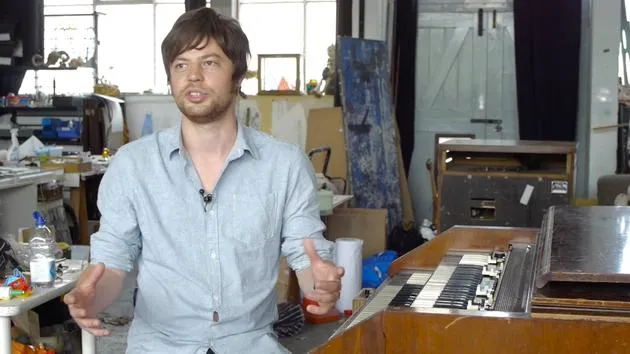
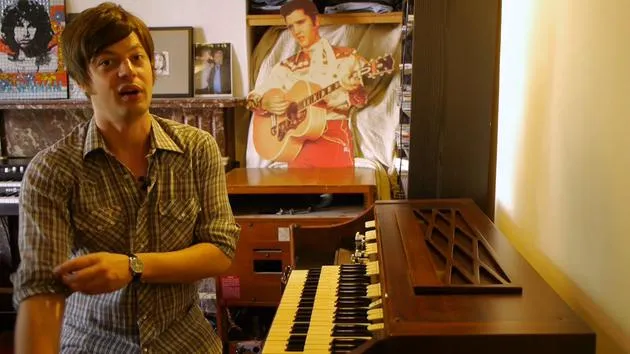
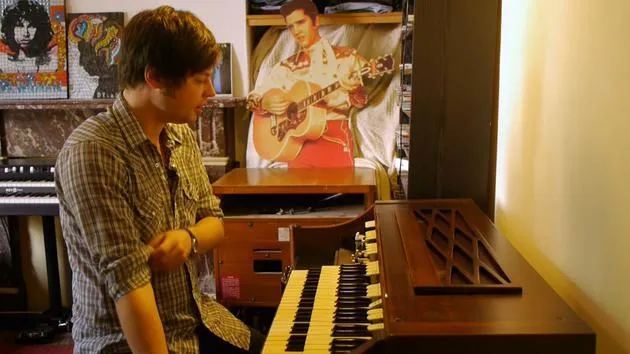
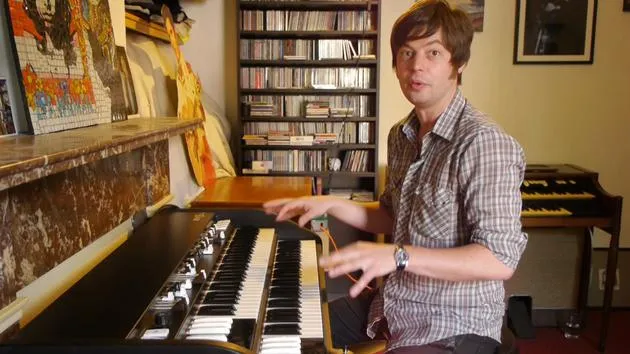
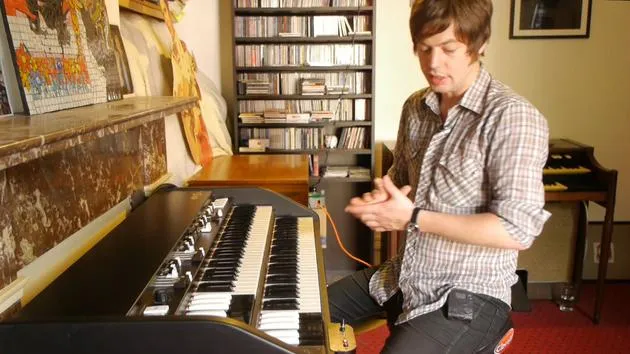
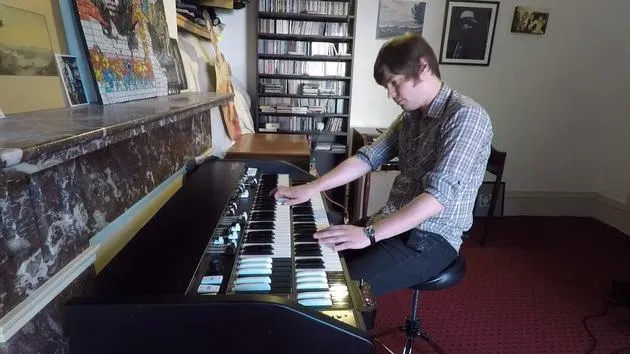
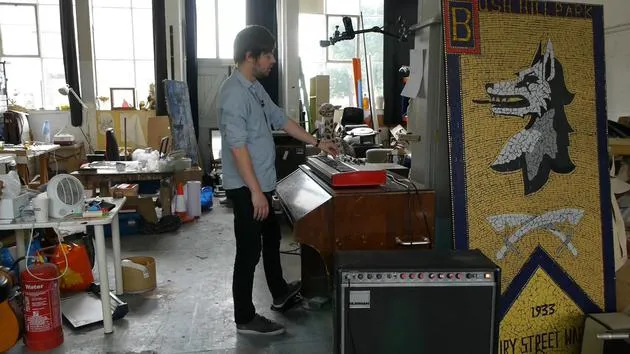
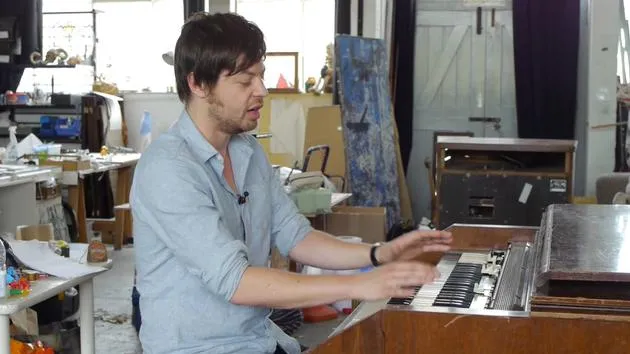
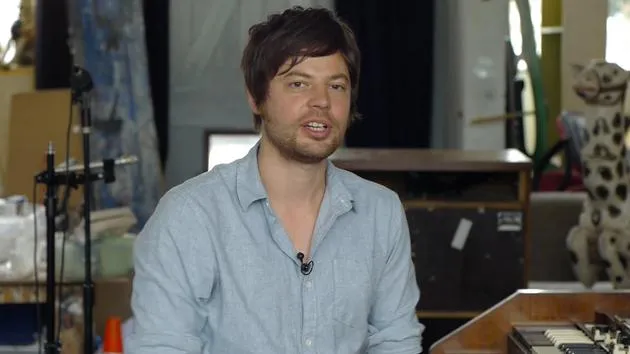
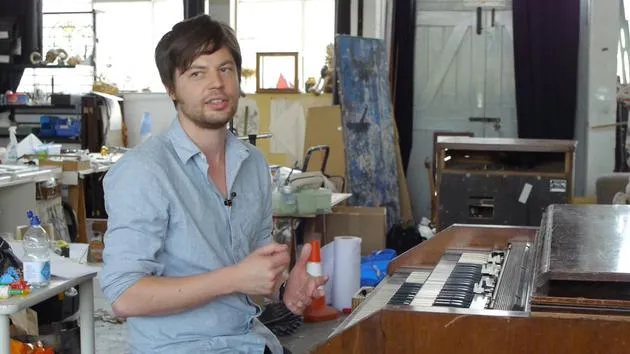
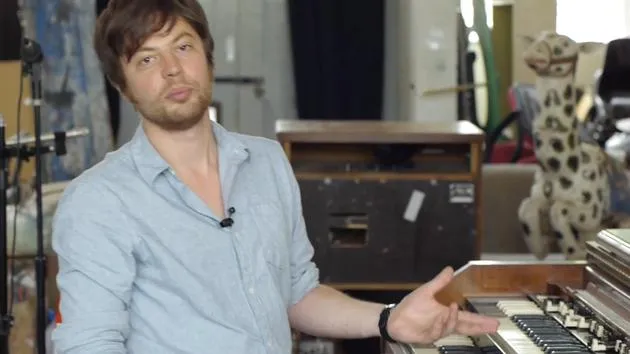
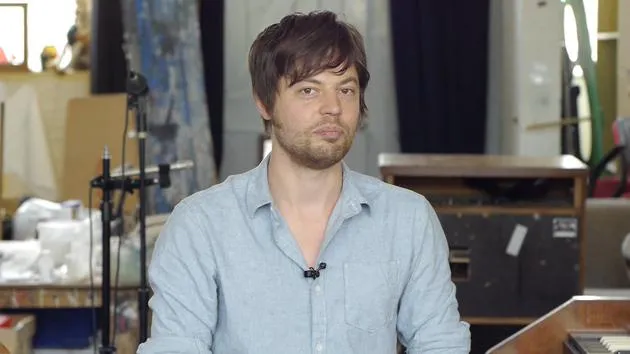
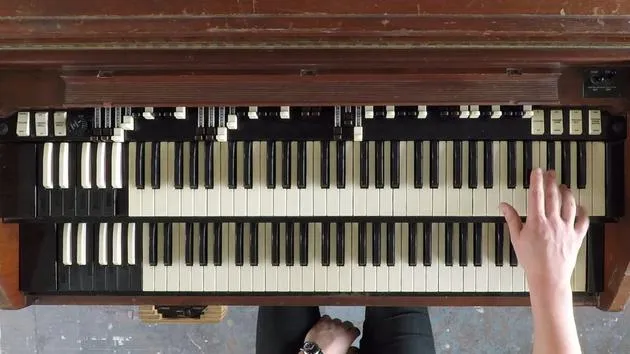
Joe GlossopJoe Glossop stellt sein M101 Hammond vor -eine Spinett-Orgel aus der M100-Serie- geht seine Drawbars und Kippschalter durch und vergleicht es mit einer B3.
Das steckt im Kurs
45 Lektionen (3h 0m) · 1 gratis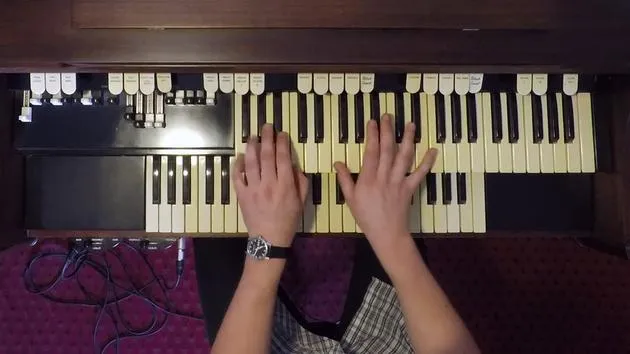
01. Interpretation: 'Green Onions' von Booker T
3:01
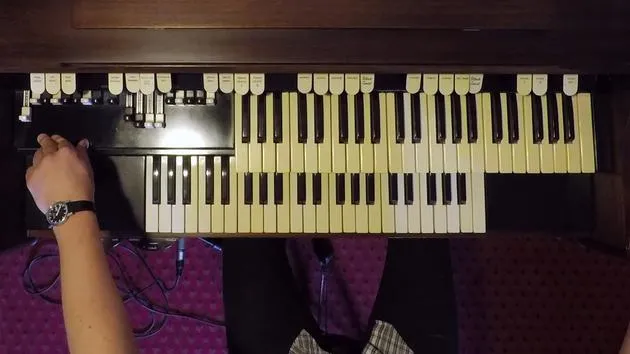
02. Sounds: 'Green Onions' Booker T
3:08
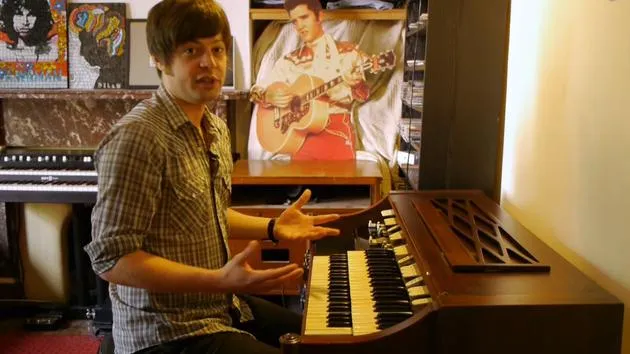
03. Das Stück spielen: 'Green Onions' von Booker T
8:21
04. Lead-Lines: 'Green Onions' Booker T
4:43
05. Basslinie: 'Green Onions' Booker T
2:01
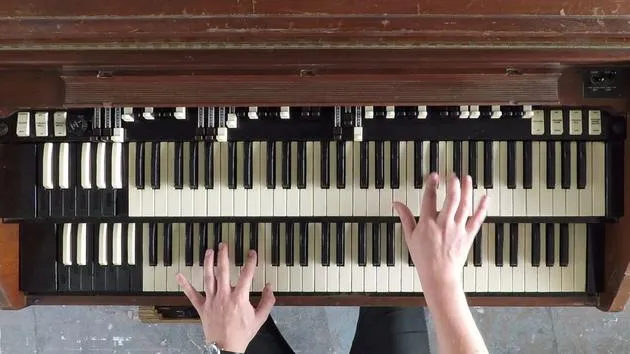
06. Aufführung: Jimmy McGriff - All About My Girl
3:43
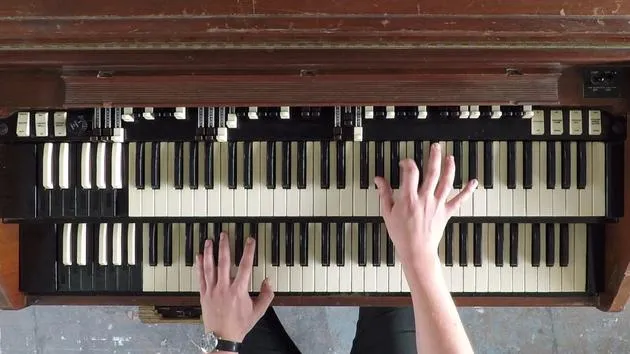
07. Aufführung aus Keyboard-Sicht: Jimmy McGriff - All About My Girl
3:43
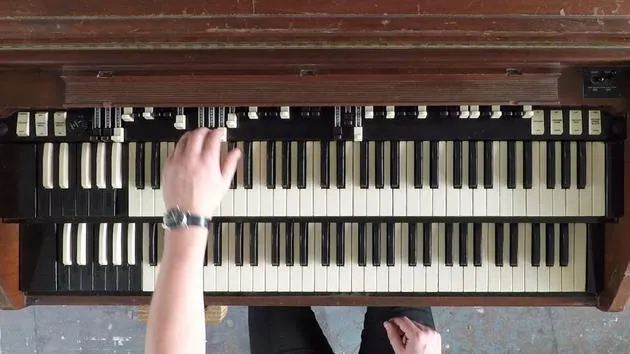
08. Sounds: 'All About My Girl' - Jimmy McGriff
4:01
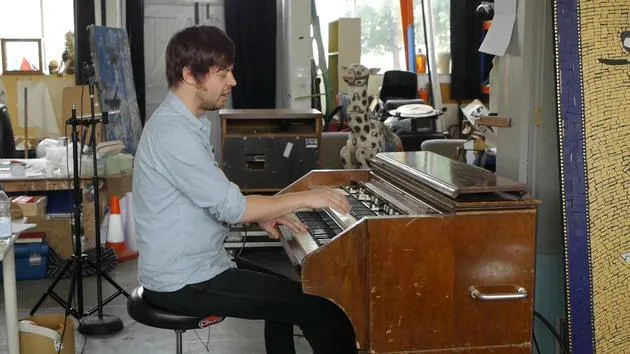
09. Intro: 'All About My Girl' - Jimmy McGriff
2:10
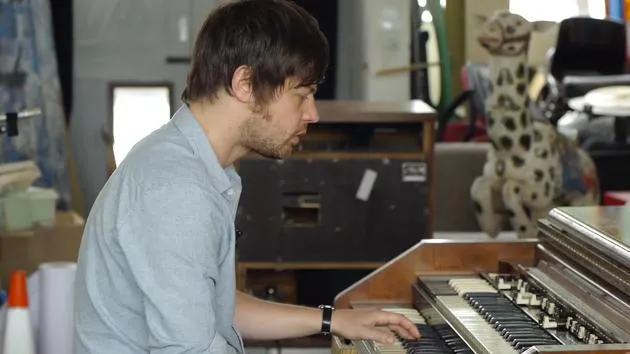
10. Das Thema spielen: 'All About My Girl' - Jimmy McGriff
2:58
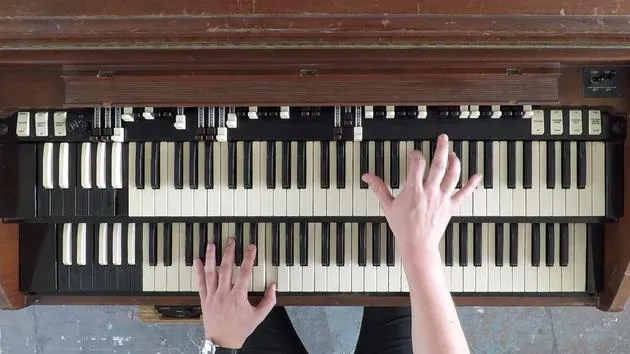
11. Basslinie: 'All About My Girl' - Jimmy McGriff
1:52
12. Schluss: 'All About My Girl' - Jimmy McGriff
1:51
13. Improvisation und Comping: 'All About My Girl' - Jimmy McGriff
4:38
01. A Change is Gonna Come' - Sam Cooke
7:46
02. Keyboard-Ansicht: 'A Change is Gonna Come' - Sam Cooke
1:20
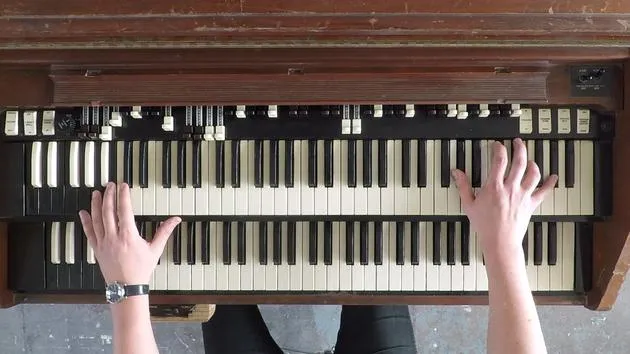
03. La La means I love you' - Booker T
5:39
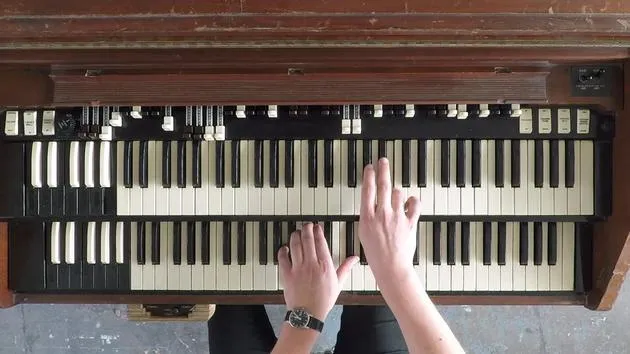
04. Keyboard-Ansicht: 'La La means I love you' - Booker T
2:25
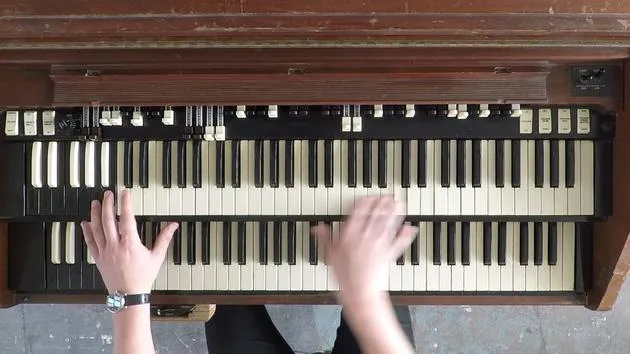
05. Groovin' Booker T & the MGs
4:57
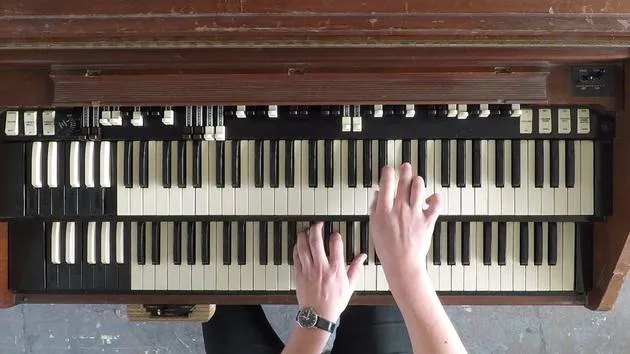
06. Keyboard-Ansicht: 'Groovin' ' - Booker T & the MGs
1:15
07. Time is Tight' - Booker T & the MGs
5:31
08. Keyboard-Ansicht: 'Time is Tight' - Booker T & the MGs
1:39
09. 'The Girl from Ipanema' - Antonio Carlos Jobim
6:17
10. Keyboard-Ansicht: ‘The Girl from Ipanema’ - Antonio Carlos Jobim
2:36
11. Blues nach 'Blue Bash' - Jimmy Smith
7:59
12. Keyboard-Ansicht: Blues nach 'Blue Bash' - Jimmy Smith
3:24
13. Walk on the Wild Side' M-series-Jam - Jimmy Smith
6:44
Transkript der Lektion
M100 Series Hammond Organ Overview
Introduction to the M101
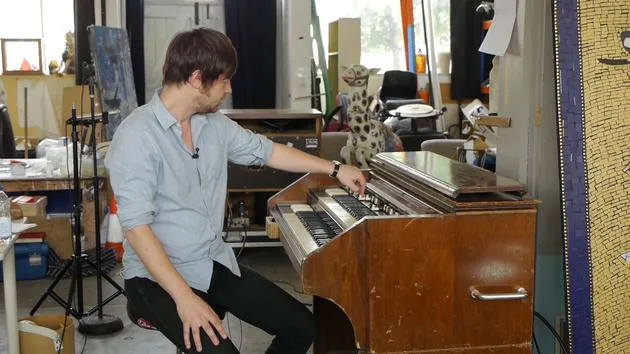
So here I am with my M100 series Hammond organ. This is an M101, and the only difference between that and a straight M100 is the slightly ornate design.
- These nice spindly legs are kind of similar to a B3, actually.
- It's about as close as you could get to a B3 in the spinet version.
What is a Spinet Organ?
By spinet, I mean scaled down, obviously:
- Two sets of drawbars instead of four.
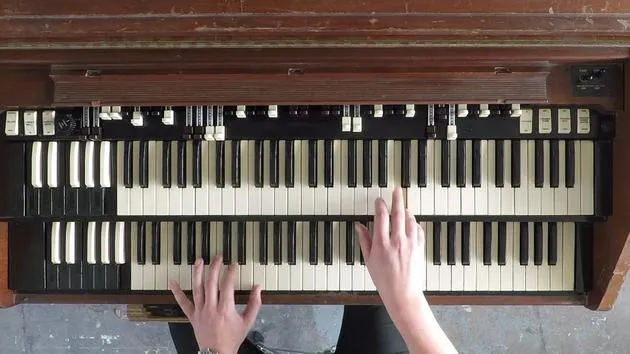
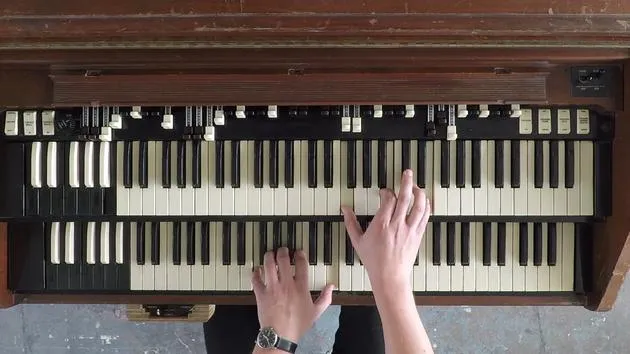
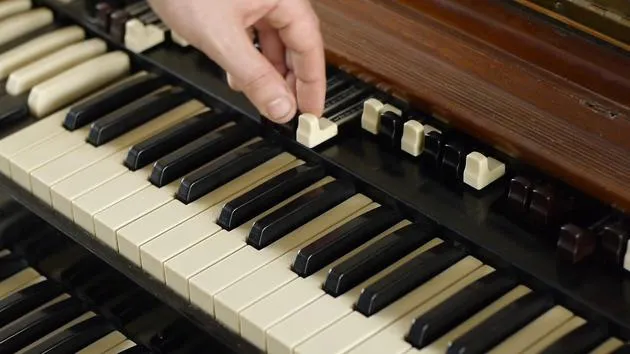
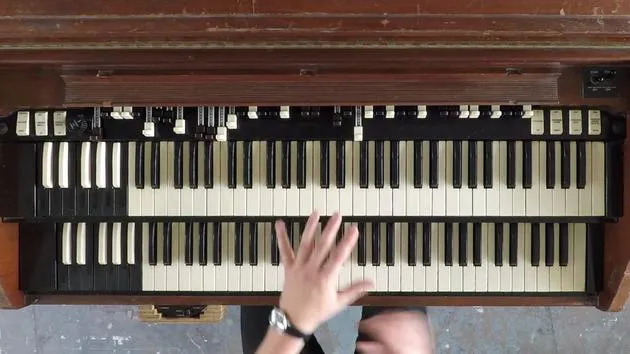
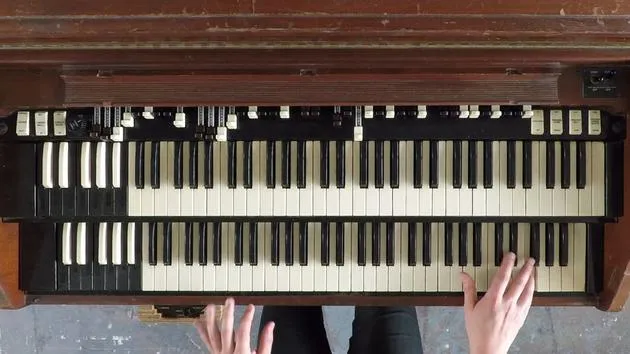
- Instead of the rocker tabs found on a C3 or B3, you've got these little paddle switches.
Key Differences
As you might be able to see here, this organ has different keys compared to the C3.
- These are called diving board keys.
- The C3 has waterfall keys, which squares off at the end rather than being a thinner shape.
Feel and Responsiveness
The feel is slightly different again from the C3 but very responsive, springy, and really wants to be played.
- It still has the ability to engage different tones at different times, enabling progressive tone engagement.
Starting Up the Organ
Let's start it up! The same way of starting it up as you would a C3:
- It's got the start and run switches just underneath.
- Hold down the start motor for a little bit while you press run.
- You'll see the Leslie comes into action!
Controls Overview
Bass Pedals
Let's get into some of the controls:
- These three at the end are for a very small octave of bass pedals underneath.
- They are very rarely useful for much at all, having been put there mainly for the home market to play tunes from a little book.
Percussion Section
Now, regarding the percussion section:
- At first glance, it looks like the same kind of settings as the C3:
- Second harmonic
- Third harmonic
- Fast decay
- Soft
- However, it's not the same.
Listening to Percussion
Let's have a listen:
- Just a straight key. (I'll take the reverb off there for a minute.)
- Third harmonic: quite upfront.
- I usually use soft to take a bit of the bite out of it.
- Fast decay and second harmonic, again soft, gives you the percussion settings.
Vibrato Chorus
Vibrato Features
Next up is the Vibrato Chorus. It has pretty crazy, intense vibrato:
- There's chorus and a setting called barato celeste.
Using Chorus
To engage the chorus, there's a button here:
-
Vibrato cancel: You can have it engaged on here, but if it's canceled, it won't sound. So you gotta take that off.
-
With chorus and vibrato, there's quite a lot of it.
-
I often use vibrato small to take a bit of the edge off it.
Celeste Sound
Celeste is a pretty crazy sound with two levels of that.
Sound Presets
For the presets:
- Instead of having numerous sounds programmed into each one like the C3, we have:
- Trumpet
- Clarinet
- Full organ for the bottom manual.
For the bottom manual, we also have:
- Flutes
- Diapsin
- Ensemble
You can again use vibrato cancel to hear those straight without any vibrato.
Reverb Feature
A really good feature of this organ is it has a reverb amp installed and a reverb speaker down here.
- If you add a lot of reverb and turn the Leslie off, you can hear just how much of that there is.
- If you don't want that much, only engage the first tab.
Volume Controls
This is just a volume switch:
- Volume soft
- Volume normal
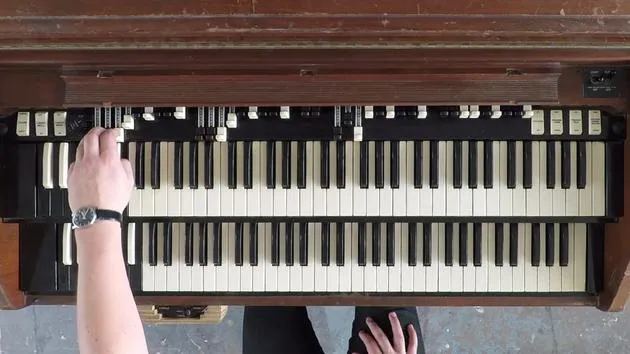
As you can see, there are only two sets of drawbars rather than four.
Drawbars Usage
To have these engaged, you need:
- Drawbars for the lower manual (these four).
- If you take that off, you get nothing.
But we want drawbars most of the time, same on the top drawbars, with the same way of engaging your tones.
Final Touches
Starting from back to Leslie, the half moon switch is in the same place as you can see.
- There's another half moon switch here, switching between the internal speaker and what they called echo, usually meaning an external auxiliary amp, often a Leslie.
Tremolo and Pedal Drawbar
You've also got corel tremolo as before, and the drawbar in the middle here is for the pedals.
- As I said, we don't use them, so I just keep that tucked in there.
And that's the workings of it!
45 Lektionen
3 Std. 0 Min. strukturierte Videolektionen
Erweiterte Videofunktionen
Verlangsamen, Passagen loopen, mitlesen
Handy, Tablet & Desktop
Üben, wo du willst
100 % Zufriedenheitsgarantie
30 Tage Geld-zurück-Garantie
Lern deinen Guru kennen
Lern deinen Guru kennen
Joe Glossop ist ein Keyboarder aus Sheffield, der sich an der Hammond-Orgel einen Namen gemacht hat. Derzeit hat er den Orgelplatz in Tom Jones' Tourband inne und hat mit Van Morrison und James Hunter gespielt, ebenso an Klavier und Rhodes. Seine Kurse holen den echten Hammond-Sound aus jedem Keyboard heraus: die Zugriegel-Registrierung, das Leslie, den Walking Bass der linken Hand und das Begleit- und Solovokabular der Soul-Jazz-, Blues- und Rock-Orgeltraditionen, von Jimmy Smith bis Booker T.







