



Using an external instrument

With
John Watson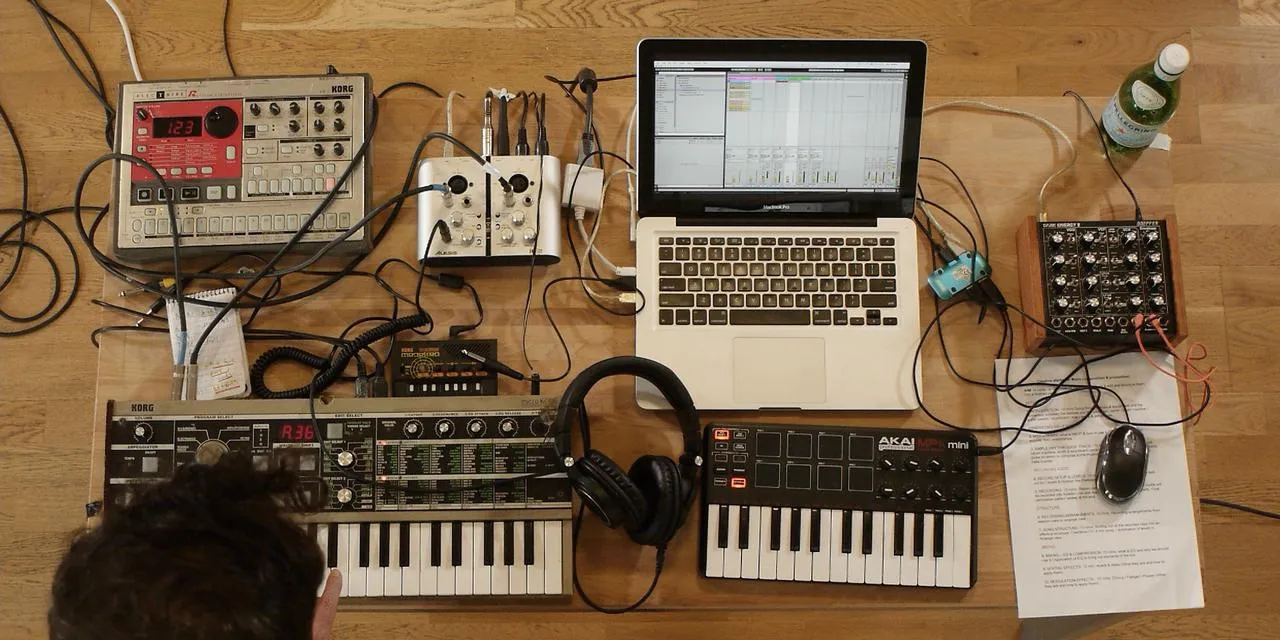
What's in the course
14 lessons (1h 39m) · 2 free
01. Getting started & gear setup
11:07
02. Generating ideas with MIDI - intro to MIDI
Free lesson6:12
03. Recording a simple rhythm guide track
7:41
04. Recording audio: setup & levels
6:21
05. Recording audio
6:25
06. Using an external instrument
You are here3:27
07. Creating the bassline
11:05
08. Adding one more rhythm part
2:50
09. Premixing & session view
9:59
10. Song structure & arrange view
8:47
11. Mixing EQ and compression
7:37
12. Spatial effects
4:40
13. Modulation effects
5:26
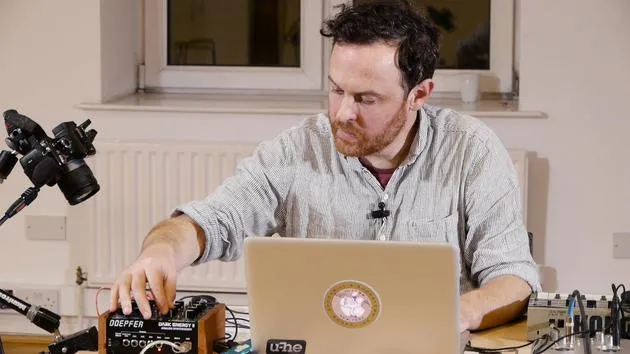
14. BONUS: Creating a bassline with Doepfer Dark Energy II
Free lesson7:26
Lesson transcript
Adding Excitement with Drums
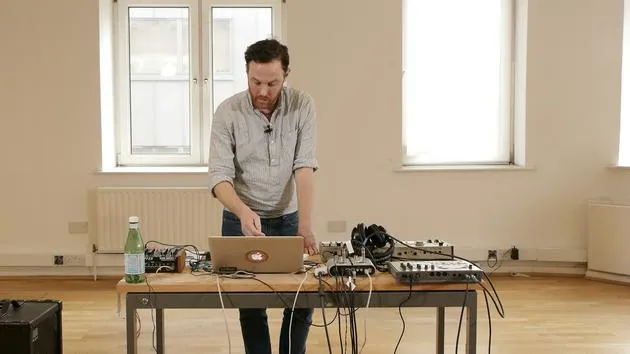
Okay, the next thing to do is to add another drum layer. I feel it's getting a little bit dull, so I need to introduce some more excitement in terms of the drums.
Loading a New Pattern
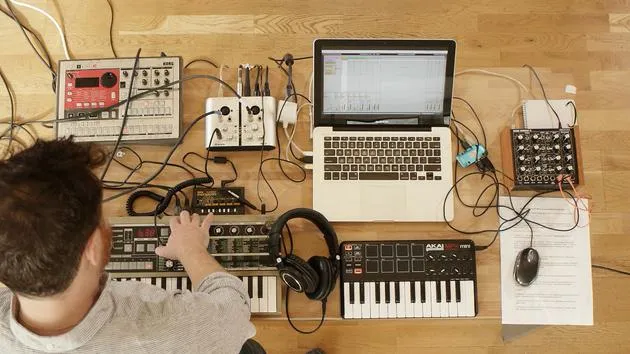
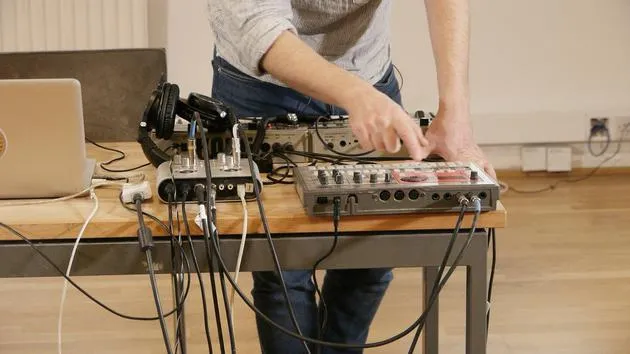
I'm going to load up a different pattern here. These are patterns that I've pre-programmed already, which is a whole subject in itself. I'll move on to something that I've stored here on C41.
Input Adjustments
Since I've only got the two inputs on my sound card, I need to swap these inputs over. I'm going to come into the outputs here and play a little pattern. This new pattern has more of a "bossanova" feel to it.
Matching Tempos
Now, how can I make this work with this track?
-
Match the Tempo:
- I'll set the tempo to 123. That's perfect.
-
Consider Existing Beats:
- I've already recorded a beat with the kick drum, so I'll probably omit the kick drum from this new beat. Otherwise, it's going to sound too heavy on the bass frequencies.
-
Adjusting Volume:
- I'll use the volume control, click on the drum sound, and turn its volume down.
- This way, I've got something much more light and breezy that can work on top of our track.
Integration
If I come over to what we've set up already, I feel that this works quite nicely. So, I'm going to pop that in.
Duplicating the Drum Track
What I'm going to do here now is very easily:
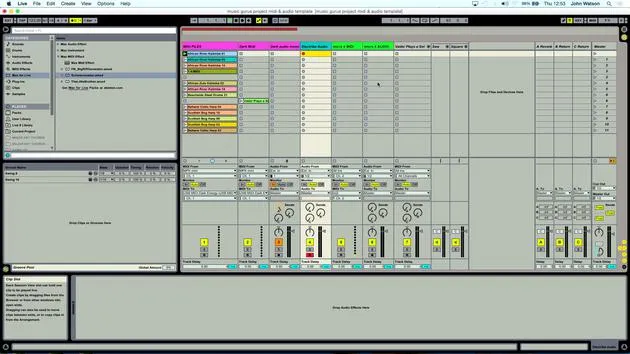
- Right-click and duplicate my drum track.
- This means it will have the same settings.
- Delete the clips that I made earlier since I don't need them at all.
Recording the New Patterns
Now I can just arm this track and record these patterns.
- Same procedure again: click Record and then Play.
That's probably going to be enough there. I'll double-click like so and set my loop brace around those two points.
Listening to the Result
Let's have a listen.
So far, that's working pretty well at the moment!
14 lessons
1h 39m of structured video lessons
Advanced video features
Slow down, loop a passage, follow along
Mobile, tablet & desktop
Practise wherever you are
100% satisfaction guarantee
30-day money-back guarantee
Meet your guru
Meet your guru
After work experience with Depeche Mode and The Cure producer Dave Allen, John was inspired to study Music Technology in London. His music career took off after a successful signing to CookShop Records, releasing 9 singles and an album in 2007 that received rave reviews from Q, Uncut and Lowdown Magazine, plus radio play from XFM and Radio One.
John began training as an audio engineer at Bonafide studio in 2005, where he refined his talents, and later that year set up Jackdaw Recordings. He has collaborated with many successful artists, and in 2007 began playing for pop musician Patrick Wolf, performing at leading venues here in the UK and internationally - including The Astoria and Shepherds Bush Empire.
Based in his London studio, John now writes music, with two more releases on CookShop, does sound engineering for prominent artists, and creates sound design for TV ads, film, theatre and corporate video.
That rare mix of songwriter, producer and working studio engineer is exactly what John brings to his teaching. In Creative Composition & Production in Ableton Live and Creative Sampling & Production in Ableton Live, he shows you how he turns raw ideas into finished, release-ready tracks - the writing, the sampling, the sound design and the hands-on engineering know-how behind a professional record.







