



Creating the bassline

With
John Watson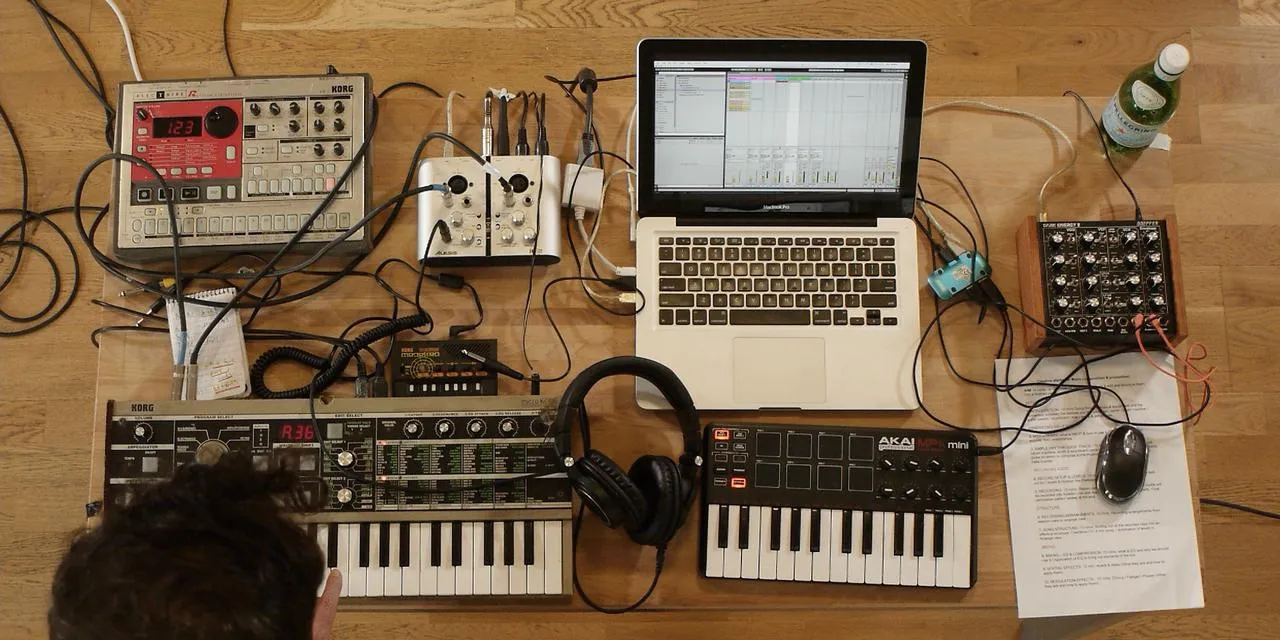
What's in the course
14 lessons (1h 39m) · 2 free
01. Getting started & gear setup
11:07
02. Generating ideas with MIDI - intro to MIDI
Free lesson6:12
03. Recording a simple rhythm guide track
7:41
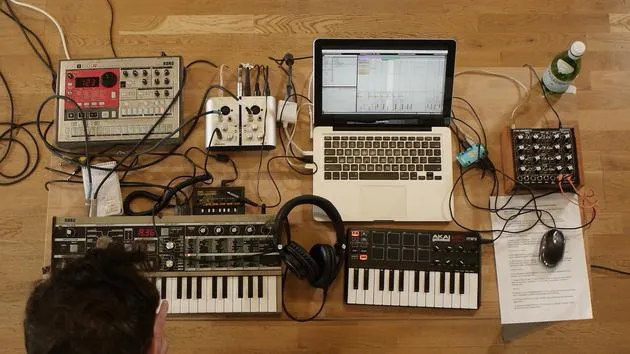
04. Recording audio: setup & levels
6:21
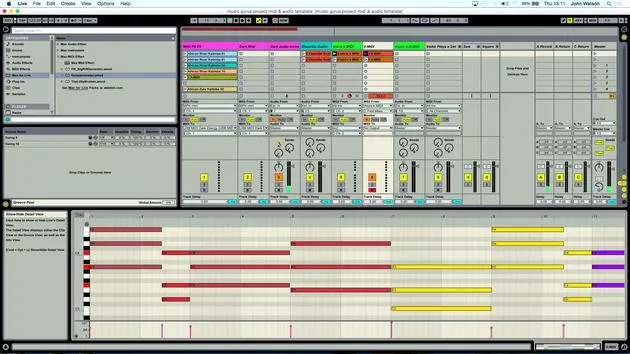
05. Recording audio
6:25
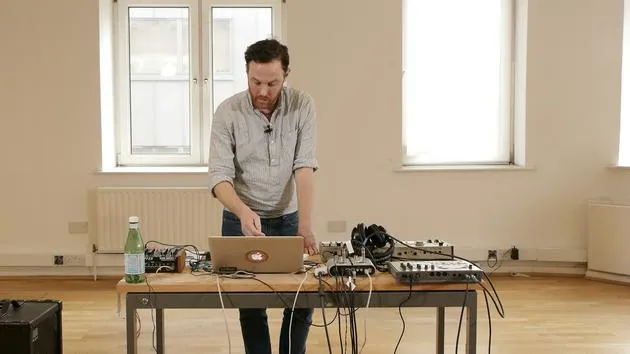
06. Using an external instrument
3:27
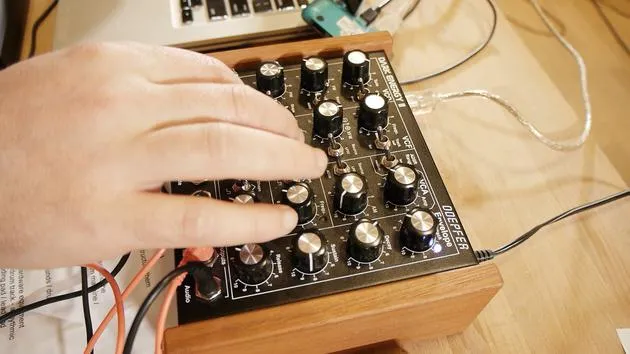
07. Creating the bassline
You are here11:05
08. Adding one more rhythm part
2:50
09. Premixing & session view
9:59
10. Song structure & arrange view
8:47
11. Mixing EQ and compression
7:37
12. Spatial effects
4:40
13. Modulation effects
5:26
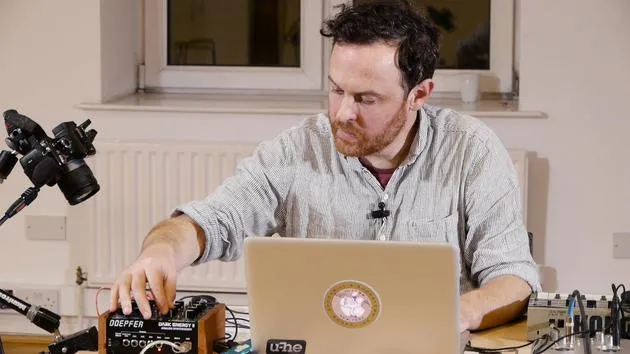
14. BONUS: Creating a bassline with Doepfer Dark Energy II
Free lesson7:26
Lesson transcript
Music Lesson: Creating a Bass Line
Introduction
I think now it's time to move on with our bass. So I'm thinking about drums and percussion. I've got my chords, and I'd like to get a bass sound going from that. I will then work out whether I have enough to actually lay down a structure of a track or if I need to do something different.
Creating a Bass Line
A nifty little trick here for creating a bass line is to use the root note of the chords. If you remember, we started out using the Schwarzenegger to create some chords. These chords were then recorded into a separate MIDI track to extract the actual chords themselves.
Now that I know this MIDI track works well with the music I've created, I'm going to do the following:
- Copy over these MIDI tracks to my synth track for the Dark Energy that will create my bass.
Deleting Unnecessary Notes
Since this synth is monophonic, it can only play one note at a time. We have quite a complex series of chords here, so I need to delete some of the notes to allow our bass line to play through. Here's how:
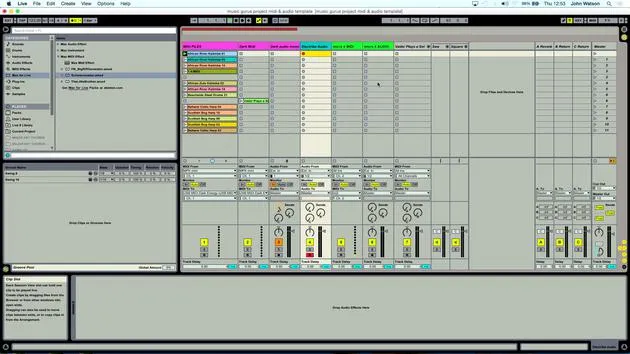
- Zoom out a little bit.
- Select all of the notes apart from the bottom set.
- You can have a little play around; it doesn't have to be all of the bottom notes. A bit of variation is okay.
Remember, I have copies of the original chords, so if I make a mistake, I can undo or replace the chords back in to delete the notes and get my bass line.
Finalizing the Bass Line
I'm looking for one note to play at a time. Let's select the notes and create our bass line.
- I'll take out the final note and check everything is set.
Now, going back to the MIDI setup, I know this is connected already, so hopefully I should be able to:
- Solo the clip.
- Plug in the audio output, making sure to connect to the mono input (left input).
Listening to the Bass
Let's listen to the bass now. Upon listening, I realized I have some extra parts that I don't need. I can simply right-click and delete those.
Now, I have the root notes of the chords that I've just inputted.
- Listening in context of everything else reveals that some notes are a little bit out in terms of timing.
To fix this:
- Shift the note over so it lines up correctly.
- Use the metronome to get the rhythm right.
Adjusting Notes
For previous recordings, I had a different set of chords, and I need to do the same here.
- I'll delete everything apart from the last bottom notes of the chord.
- Once again, zoom out to make it easier.
In theory, I should be able to play this now.
- Ensure that the final note isn't too low in its octave range for the synth.
Raising the Octave
To jump up an octave inside a MIDI clip in Ableton, press Shift + Arrow Up, which will raise it.
- Undo to find the original note (C3) and then shift it up to C4.
- Check the rhythm and timing to ensure everything is aligned correctly.
Completing the Bass Line
With the bass line done, we've got two different layers of music that work well together.
Recording the Bass
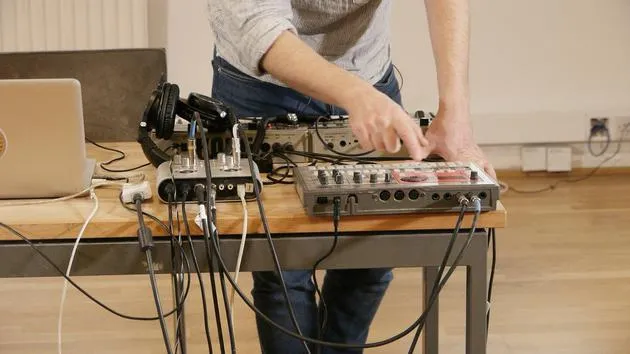
We recorded the audio in from the MicroKorg and Electribe drum machine and just created our bass line (the MIDI part). Now we need to record this in as audio:
- Arm the audio track that I have previously set up.
- Click the first scene of MIDI clips and click record.
I might tweak a few parameters as well, adjusting the filter cut-off to add some timbre change for movement.
Final Checks
- Come down to the next clip and make sure everything is fine.
- Check the clips and prepare to record again.
After listening back, it sounds like the bass part is now recorded in.
Conclusion: That's how you create and refine a bass line, working through MIDI and audio recording to achieve the desired sound in your music project.
14 lessons
1h 39m of structured video lessons
Advanced video features
Slow down, loop a passage, follow along
Mobile, tablet & desktop
Practise wherever you are
100% satisfaction guarantee
30-day money-back guarantee
Meet your guru
Meet your guru
After work experience with Depeche Mode and The Cure producer Dave Allen, John was inspired to study Music Technology in London. His music career took off after a successful signing to CookShop Records, releasing 9 singles and an album in 2007 that received rave reviews from Q, Uncut and Lowdown Magazine, plus radio play from XFM and Radio One.
John began training as an audio engineer at Bonafide studio in 2005, where he refined his talents, and later that year set up Jackdaw Recordings. He has collaborated with many successful artists, and in 2007 began playing for pop musician Patrick Wolf, performing at leading venues here in the UK and internationally - including The Astoria and Shepherds Bush Empire.
Based in his London studio, John now writes music, with two more releases on CookShop, does sound engineering for prominent artists, and creates sound design for TV ads, film, theatre and corporate video.
That rare mix of songwriter, producer and working studio engineer is exactly what John brings to his teaching. In Creative Composition & Production in Ableton Live and Creative Sampling & Production in Ableton Live, he shows you how he turns raw ideas into finished, release-ready tracks - the writing, the sampling, the sound design and the hands-on engineering know-how behind a professional record.







