



Adding one more rhythm part

With
John Watson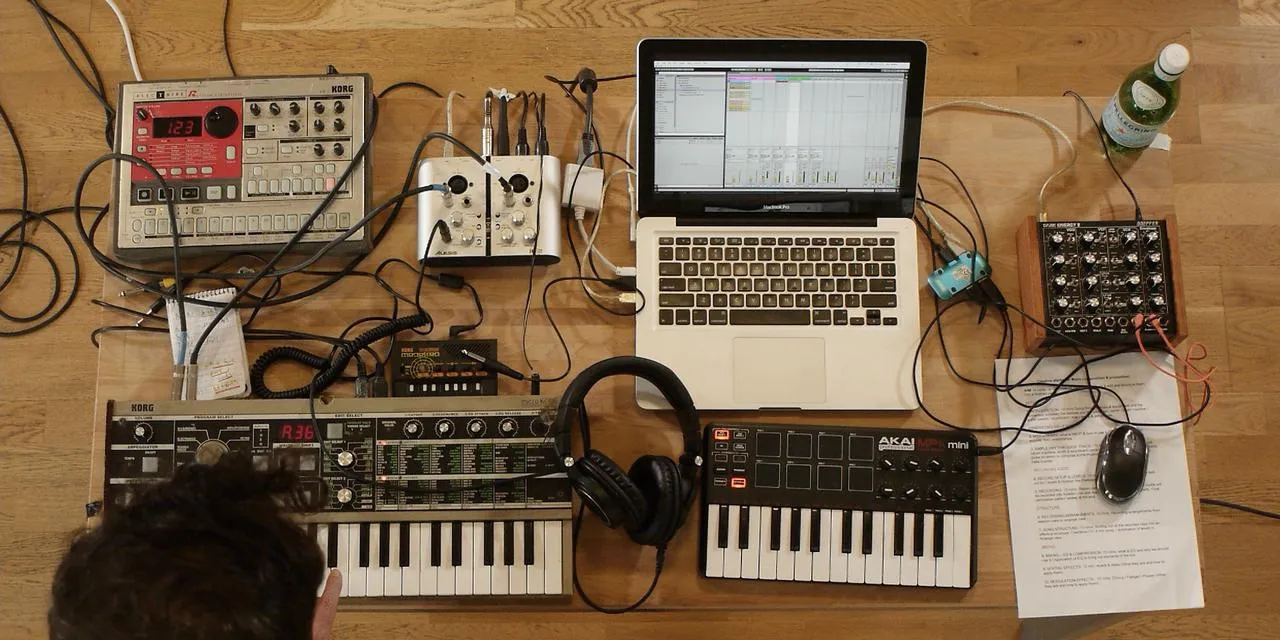
What's in the course
14 lessons (1h 39m) · 2 free
01. Getting started & gear setup
11:07
02. Generating ideas with MIDI - intro to MIDI
Free lesson6:12
03. Recording a simple rhythm guide track
7:41
04. Recording audio: setup & levels
6:21
05. Recording audio
6:25
06. Using an external instrument
3:27
07. Creating the bassline
11:05
08. Adding one more rhythm part
You are here2:50
09. Premixing & session view
9:59
10. Song structure & arrange view
8:47
11. Mixing EQ and compression
7:37
12. Spatial effects
4:40
13. Modulation effects
5:26
14. BONUS: Creating a bassline with Doepfer Dark Energy II
Free lesson7:26
Lesson transcript
Adding a Percussion Layer to Your Track
Okay, so I wanted to add one more percussion layer to my track here.
Reconnecting the Drum Machine
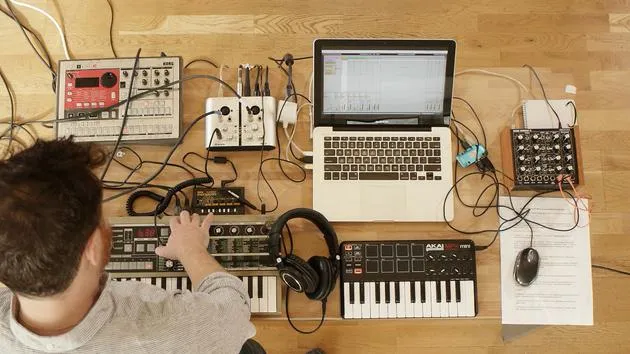
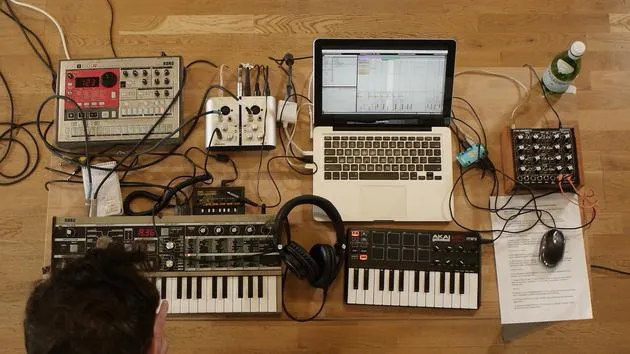
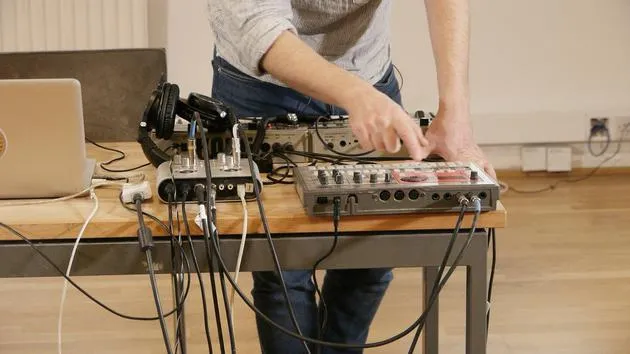
- I'm going to replug back in the drum machine like so.
- I'm just thinking about getting maybe a clap or a snare on the backbeat.
Existing Elements
- I've got the kicks on every downbeat.
- I've got some percussion.
- I found this little pattern here.
Let me just arm the track so that we can hear it.
Adjusting the Kick Drum
I've already got a kick drum programmed in on a previous beat.
- I'm going to select the kick like so.
- I'm going to take down the level so that we're no longer hearing it.
- I also need to match the tempo here.
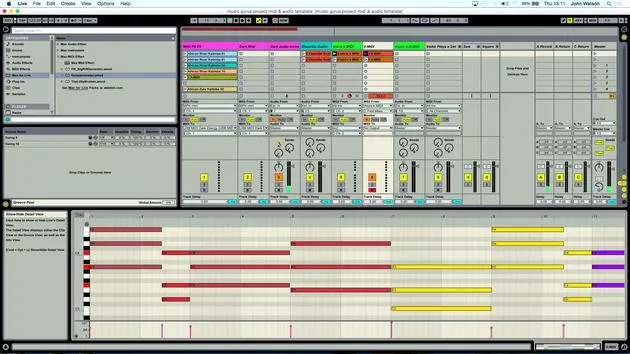
- I've got 123 beats per minute.
- I'm just going to scroll down and make sure that we're matching the same tempo.
There's another little sound in here that I don't want as well. So I'm just going to select it again and then turn down the level.
Current Elements
Really all we've got now is a little hi-hat and a clap, and that should work quite nicely.
Creating a Fresh Track
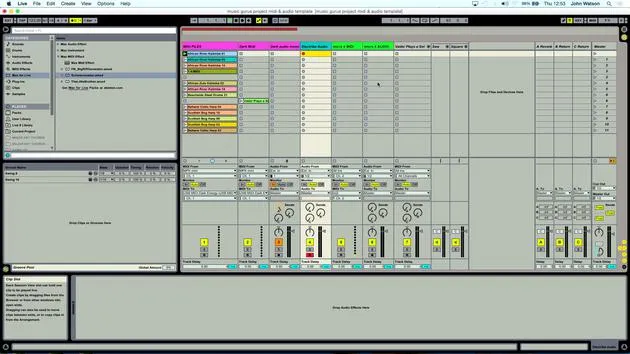
What I'm going to do here is come over to the previous drum track that I did again:
- I just duplicate it like so.
- I'm going to delete the clip inside.
- Now, I have a fresh track to record that part on.
Recording the New Layer
What I'm going to do is click record again.
- I get eight counts before I need to come in, two bars.
Okay, so I'm fairly confident I've got something in there. I'll have a little seat and then have a little tweak.
Listening Back
- I'll set the metronome up and we'll just have a little listen back.
- The first part is sounding okay.
Let's just loop that up here.
- I'm going to loop two bars.
- That sounds fine to me.
I'm just going to turn the clip volume up a little bit as well.
Finalizing Elements
Okay, so that there is going to be our claps.
I'm pretty happy now that we've got pretty much all the elements that we need to start structuring the track.
14 lessons
1h 39m of structured video lessons
Advanced video features
Slow down, loop a passage, follow along
Mobile, tablet & desktop
Practise wherever you are
100% satisfaction guarantee
30-day money-back guarantee
Meet your guru
Meet your guru
After work experience with Depeche Mode and The Cure producer Dave Allen, John was inspired to study Music Technology in London. His music career took off after a successful signing to CookShop Records, releasing 9 singles and an album in 2007 that received rave reviews from Q, Uncut and Lowdown Magazine, plus radio play from XFM and Radio One.
John began training as an audio engineer at Bonafide studio in 2005, where he refined his talents, and later that year set up Jackdaw Recordings. He has collaborated with many successful artists, and in 2007 began playing for pop musician Patrick Wolf, performing at leading venues here in the UK and internationally - including The Astoria and Shepherds Bush Empire.
Based in his London studio, John now writes music, with two more releases on CookShop, does sound engineering for prominent artists, and creates sound design for TV ads, film, theatre and corporate video.
That rare mix of songwriter, producer and working studio engineer is exactly what John brings to his teaching. In Creative Composition & Production in Ableton Live and Creative Sampling & Production in Ableton Live, he shows you how he turns raw ideas into finished, release-ready tracks - the writing, the sampling, the sound design and the hands-on engineering know-how behind a professional record.







