



Effets spatiaux

Avec
John WatsonCe que sont la réverbération et le delay et comment les appliquer : John configure une réverbération sur une piste de retour pour donner de l'espace aux accords et aux percussions.
Le contenu du cours
14 leçons (1h 39min) · 2 gratuites
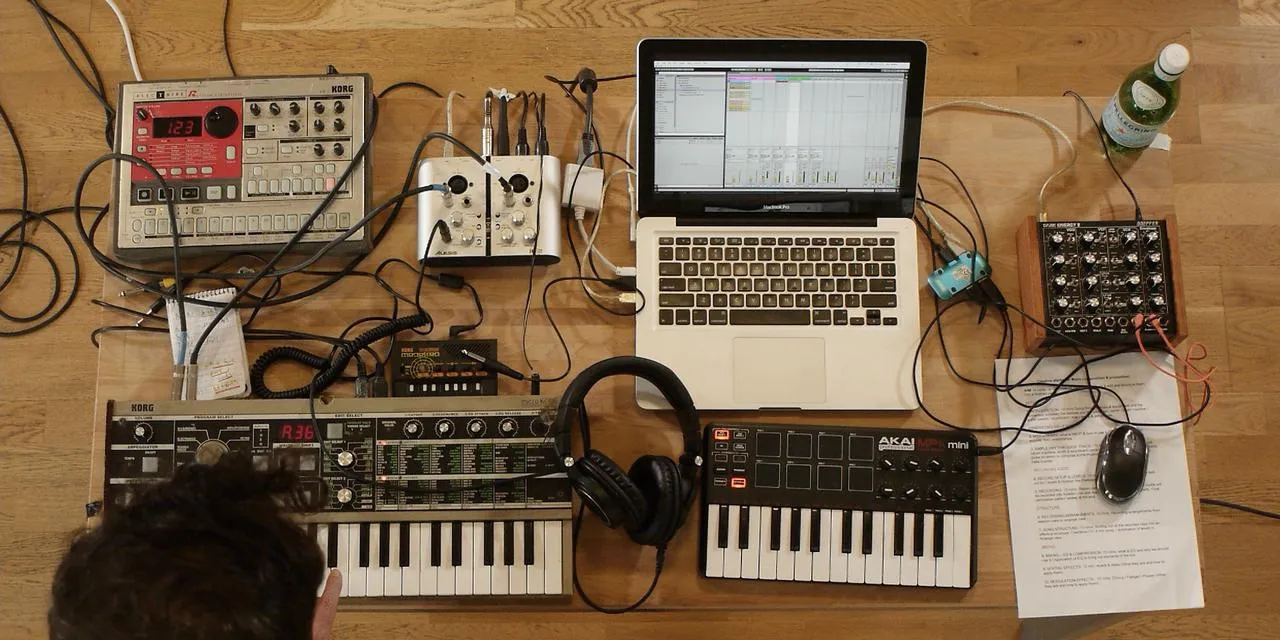
01. Démarrage et configuration du matériel
11:07
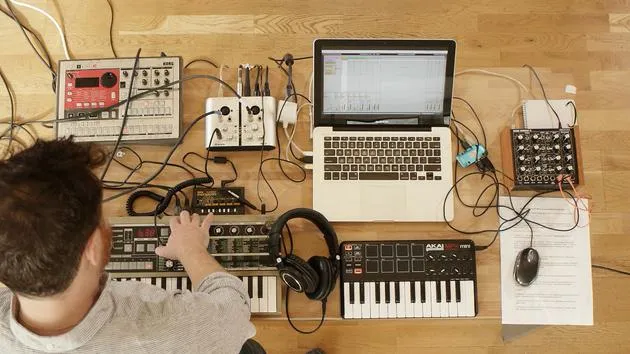
02. Générer des idées avec le MIDI - introduction au MIDI
Leçon gratuite6:12
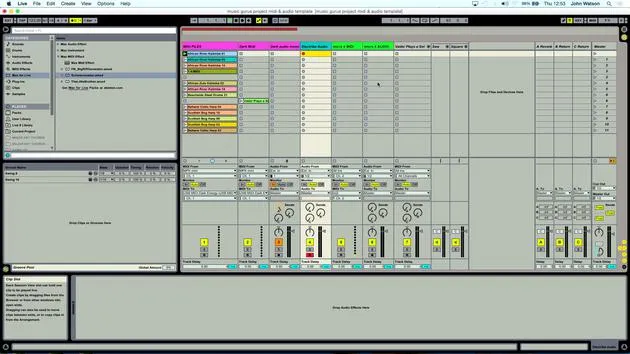
03. Enregistrer une piste guide rythmique simple
7:41
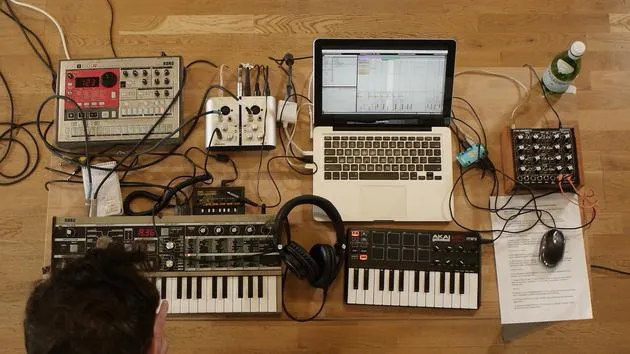
04. Enregistrer de l'audio : configuration et niveaux
6:21
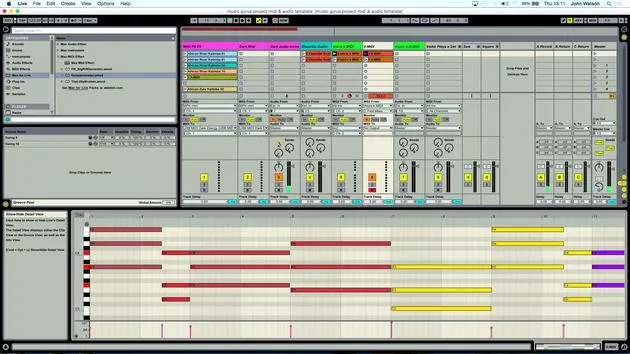
05. Enregistrer de l'audio
6:25
06. Utiliser un instrument externe
3:27
07. Créer la ligne de basse
11:05
08. Ajouter une partie rythmique de plus
2:50
09. Prémixage et Session View
9:59
10. Structure du morceau et vue Arrangement
8:47
11. Mixage : EQ et compression
7:37
12. Effets spatiaux
Tu es ici4:40
13. Effets de modulation
5:26
14. BONUS : Créer une ligne de basse avec le Doepfer Dark Energy II
Leçon gratuite7:26
Transcription de la leçon
Music Lesson: Enhancing Chords and Percussion
Okay, so next up, then, we've got our chords. Here's how we can enhance them:
Setting Up Reverb
-
Cycle Over the Chords
I'm going to come over to the chords section and cycle it like so. -
Creating a Return Track
- I want to think about some of the effects to add here.
- I'll set up a return track (auxiliary track) and place the reverb on it.
-
Loading the Reverb
Let's load up a reverb.- Set the dry/wet to 100% wet because I'm going to control the amount of reverb via the send dial.
Note: When setting up a return channel, we need to use the send to send the signal to that return track.
- Adjusting Reverb Level
I might have added just a little bit too much reverb, so I'm going to take the amount down a little bit here.
Enhancing Percussion
- I'm feeling that the percussion chugs along, but rhythmically, it could be more interesting.
- So, I'm going to load up the ping pong delay onto this percussion track.
- Already, I'm starting to get a little bit more rhythmic interest here.
EQ for Chords
- The chords haven't received any EQ treatment yet, which is quite important.
- I want to make room for the bass, kick, and other low-frequency elements.
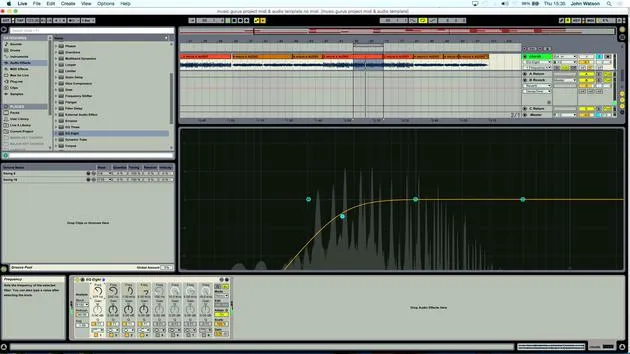
- So, let's apply a low cut EQ like so.
Creating a Pumping Effect
The next thing I'd like to do is create a pumping (ducking) effect on my chords using the kick.
- Loading a Compressor
- On my chord track, I'm going to load up a compressor.
- I'm switching on the sidechain input.
Having everything labeled really helps here.
-
Setting the Sidechain Input
- I can come into the input now and set it to receive input from the kicks.
-
Adjusting the Threshold
- What will happen now is when I lower the threshold, the kicks will come through and duck the chords when they trigger.
-
Applying the Same to the Bassline
- I might even set a little bit here on my baseline as well.
- Again, just activate the sidechain input from the kicks channel.
Enhancing Claps
- I'm feeling that the claps just feel a little bit dead.
- Maybe they could have a sort of spatial element to them.
- Loading Reverb for Claps
- I'm going to load up a reverb and aim for a kind of small space for them to sit in.
Yeah, that's sounding better! Already a lot better.
14 leçons
1h 39m de leçons vidéo structurées
Fonctions vidéo avancées
Ralentissez, bouclez un passage, suivez la partition
Mobile, tablette et ordinateur
Pratiquez où vous voulez
Satisfaction garantie à 100 %
Garantie remboursement 30 jours
Rencontrez votre guru
Rencontrez votre guru
Après un stage auprès de Dave Allen, producteur de Depeche Mode et The Cure, John a eu envie d'étudier la Music Technology à Londres. Sa carrière musicale a décollé après une signature réussie chez CookShop Records, où il a sorti 9 singles et un album en 2007 salué par Q, Uncut et Lowdown Magazine, en plus d'être diffusé sur XFM et Radio One.
John a commencé à se former comme ingénieur du son au studio Bonafide en 2005, où il a affiné son talent, avant de fonder Jackdaw Recordings plus tard la même année. Il a collaboré avec de nombreux artistes à succès et, en 2007, a commencé à jouer pour le musicien pop Patrick Wolf, se produisant dans des salles de premier plan au Royaume-Uni et à l'international — dont The Astoria et le Shepherds Bush Empire.
Depuis son studio londonien, John compose désormais de la musique, avec deux autres sorties chez CookShop, assure l'ingénierie du son pour des artistes en vue et conçoit le design sonore de publicités télévisées, de films, de pièces de théâtre et de vidéos d'entreprise.
Ce mélange rare d'auteur-compositeur, de producteur et d'ingénieur de studio en activité est précisément ce que John apporte à son enseignement. Dans Creative Composition & Production in Ableton Live et Creative Sampling & Production in Ableton Live, il te montre comment il transforme des idées brutes en morceaux finis, prêts à sortir — l'écriture, le sampling, le design sonore et le savoir-faire concret de l'ingénierie derrière un disque professionnel.







