



Générer des idées avec le MIDI - introduction au MIDI

Avec
John WatsonJohn Watson explique ce qu'est vraiment le MIDI et comment connecter un synthé comme le MicroKorg pour enregistrer et éditer des notes (plutôt que de l'audio) dans Ableton Live.
Le contenu du cours
14 leçons (1h 39min) · 2 gratuites
01. Démarrage et configuration du matériel
11:07
02. Générer des idées avec le MIDI - introduction au MIDI
Tu es ici6:12
03. Enregistrer une piste guide rythmique simple
7:41
04. Enregistrer de l'audio : configuration et niveaux
6:21
05. Enregistrer de l'audio
6:25
06. Utiliser un instrument externe
3:27
07. Créer la ligne de basse
11:05
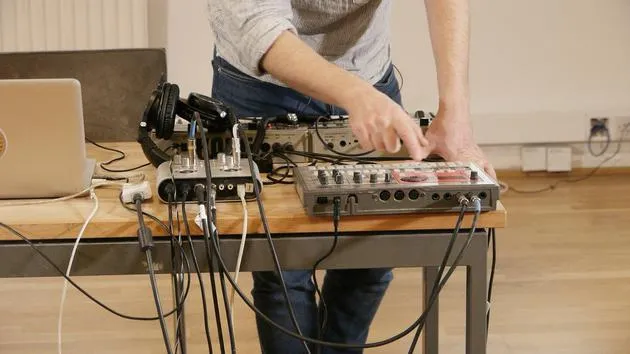
08. Ajouter une partie rythmique de plus
2:50
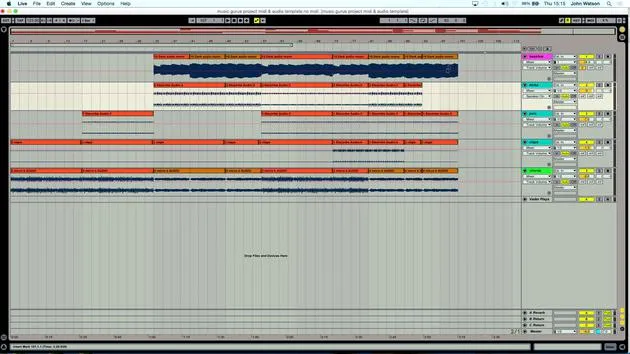
09. Prémixage et Session View
9:59
10. Structure du morceau et vue Arrangement
8:47
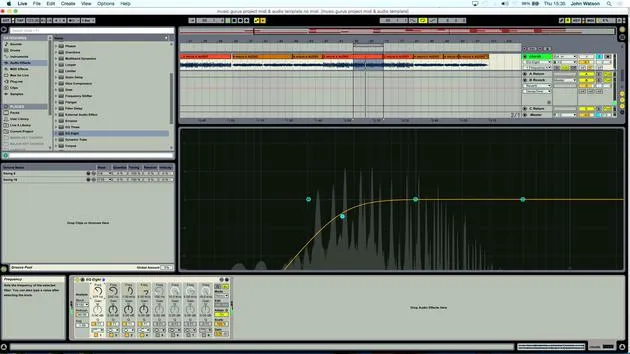
11. Mixage : EQ et compression
7:37
12. Effets spatiaux
4:40
13. Effets de modulation
5:26
14. BONUS : Créer une ligne de basse avec le Doepfer Dark Energy II
Leçon gratuite7:26
Transcription de la leçon
Lesson Two: Understanding MIDI and Making Music
Welcome to lesson two. In this session, I'm going to talk a little bit about MIDI: what it really means and how we can use it to create music.
Connecting Your Instruments
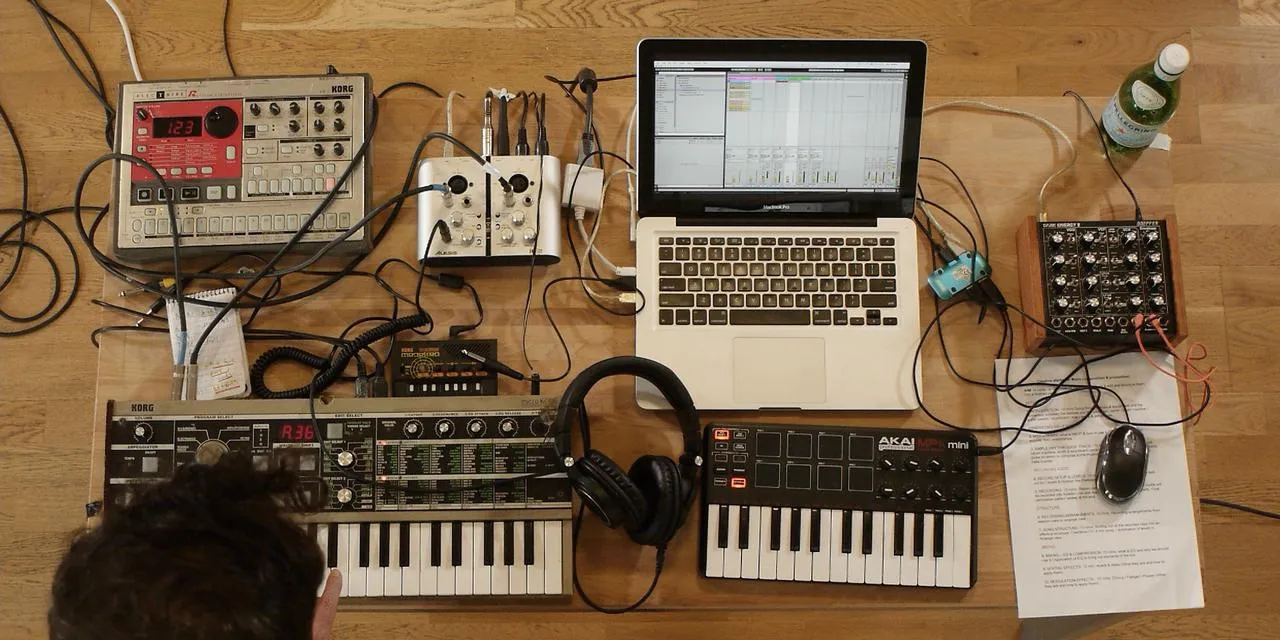
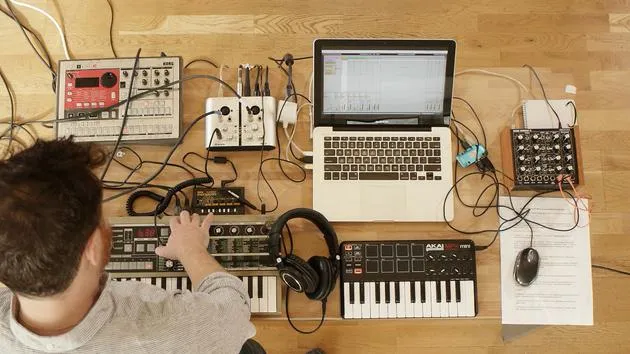
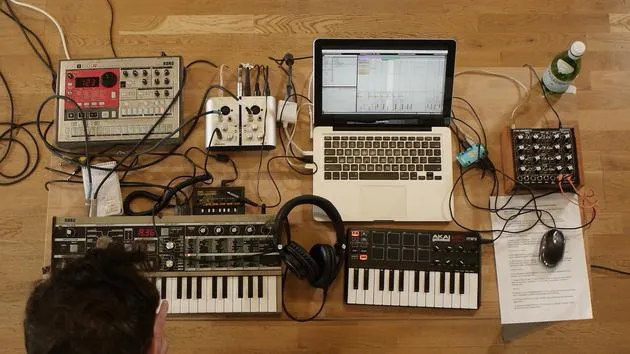
First off, I've got my MicroKorg synth that I was demonstrating earlier, and you heard me playing a few keys on it. But how do I connect it to the computer to play and record those notes, instead of just recording the audio output that I'm generating?
MIDI Connections
Here's the setup:
- My sound card has a MIDI In and a MIDI Out.
- Most modern synths and drum machines now have USB, but the old school MIDI needs a different type of connection.
So, what I've done is:
- Run MIDI Out from the Korg to MIDI In on my sound card.
- Run MIDI In to MIDI Out on the sound card.
This setup allows me to record notes with my synth connected like this.
Demonstrating MIDI Recording
Let's demonstrate this setup:
- Turn on the metronome.
- Hit Record and play some notes.
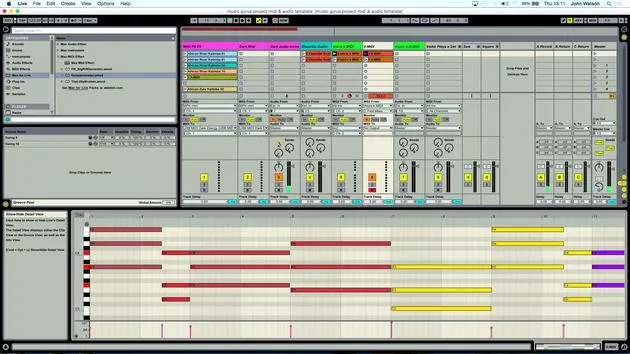
- After stopping the recording, double-click on the clip to view the series of notes that will play back through the MicroKorg.
Now, I'm turning the metronome off since I no longer need it.
If I play the track, I can confirm everything is working. Now, I like to generate a few ideas, maybe lay down something musical to start off with.
Using the Schwarzenegger Plugin
I'll be using a device that's free to get, created by producer Heinrich Schwartz, called the Schwarzenegger. This tool allows me to set up complex chords, which is great if you're not that confident in your music theory. It can really give you unique musical chords.
Setting Up the Schwarzenegger
- Load up the plugin.
- Earlier, we tested it and heard some notes from the MIDI keyboard, confirming that everything's working.
This plugin provides chords corresponding to the notes played in a particular scale. For example, I might decide to:
- Leave my black keys alone.
- Obtain a major chord for every white note I play on the keyboard.
The amount of notes in that chord can be adjusted using the Add Notes parameter. Currently, I have:
- A C Major
- An E Major
I can set it to a three-note chord system or expand it to a four-note chord system by adding an extra note.
Experimenting with Chords
I can also spread out the distance between notes in the chord. Let's turn on the spread and set it to 4. Here's what happens:
- The first note doesn't generate a chord.
- The second note gives us a different sound, which makes it easier to hear the four notes along with the spread.
By moving some of the notes into different octaves, I have:
- Adjusted the C note up two octaves.
This tool greatly helps in laying down musical ideas.
Recap
Just to recap:
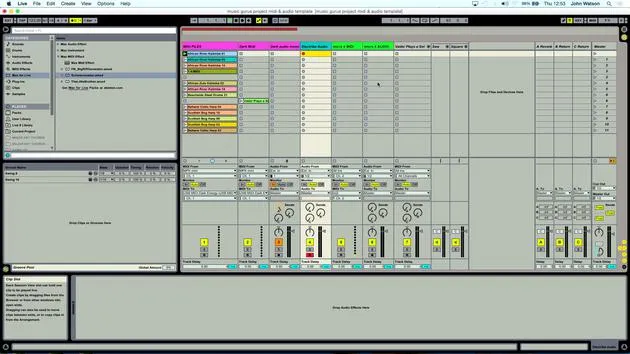
- I have my MIDI track from the Korg, playing through the MIDI effect.
- The notes are inputted into the DAW, with an audio track set up next door.
I've color-coordinated them for easy identification. To check whether the audio is coming through, I can simply refer to the track.
- You can see the MIDI notes being recorded.
- The same applies for every MIDI track I set up.
The next stage is to actually start generating some ideas!
14 leçons
1h 39m de leçons vidéo structurées
Fonctions vidéo avancées
Ralentissez, bouclez un passage, suivez la partition
Mobile, tablette et ordinateur
Pratiquez où vous voulez
Satisfaction garantie à 100 %
Garantie remboursement 30 jours
Rencontrez votre guru
Rencontrez votre guru
Après un stage auprès de Dave Allen, producteur de Depeche Mode et The Cure, John a eu envie d'étudier la Music Technology à Londres. Sa carrière musicale a décollé après une signature réussie chez CookShop Records, où il a sorti 9 singles et un album en 2007 salué par Q, Uncut et Lowdown Magazine, en plus d'être diffusé sur XFM et Radio One.
John a commencé à se former comme ingénieur du son au studio Bonafide en 2005, où il a affiné son talent, avant de fonder Jackdaw Recordings plus tard la même année. Il a collaboré avec de nombreux artistes à succès et, en 2007, a commencé à jouer pour le musicien pop Patrick Wolf, se produisant dans des salles de premier plan au Royaume-Uni et à l'international — dont The Astoria et le Shepherds Bush Empire.
Depuis son studio londonien, John compose désormais de la musique, avec deux autres sorties chez CookShop, assure l'ingénierie du son pour des artistes en vue et conçoit le design sonore de publicités télévisées, de films, de pièces de théâtre et de vidéos d'entreprise.
Ce mélange rare d'auteur-compositeur, de producteur et d'ingénieur de studio en activité est précisément ce que John apporte à son enseignement. Dans Creative Composition & Production in Ableton Live et Creative Sampling & Production in Ableton Live, il te montre comment il transforme des idées brutes en morceaux finis, prêts à sortir — l'écriture, le sampling, le design sonore et le savoir-faire concret de l'ingénierie derrière un disque professionnel.







