



Enregistrer de l'audio

Avec
John WatsonEnregistre tes motifs les plus forts dans Ableton Live, puis génère un motif de basse et extrais ses accords sur une nouvelle piste MIDI.
Le contenu du cours
14 leçons (1h 39min) · 2 gratuites
01. Démarrage et configuration du matériel
11:07
02. Générer des idées avec le MIDI - introduction au MIDI
Leçon gratuite6:12
03. Enregistrer une piste guide rythmique simple
7:41
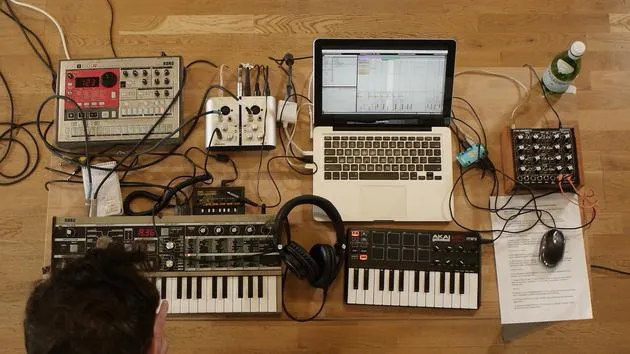
04. Enregistrer de l'audio : configuration et niveaux
6:21
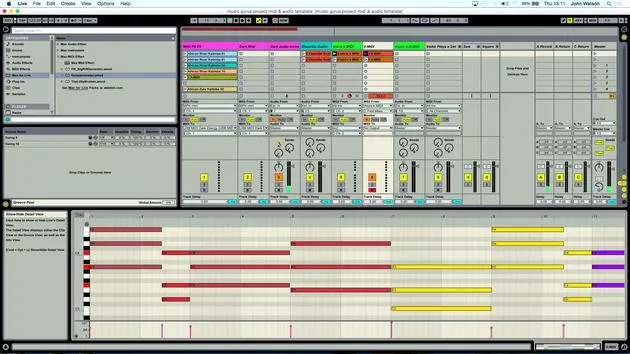
05. Enregistrer de l'audio
Tu es ici6:25
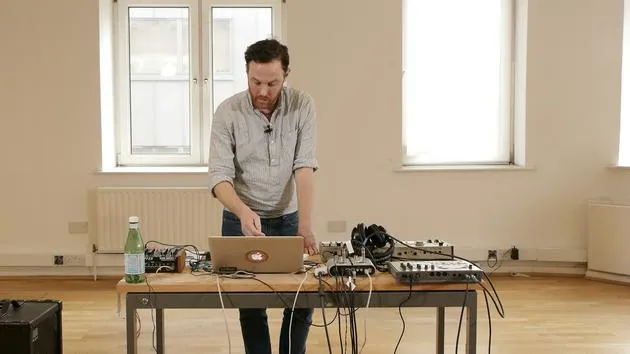
06. Utiliser un instrument externe
3:27
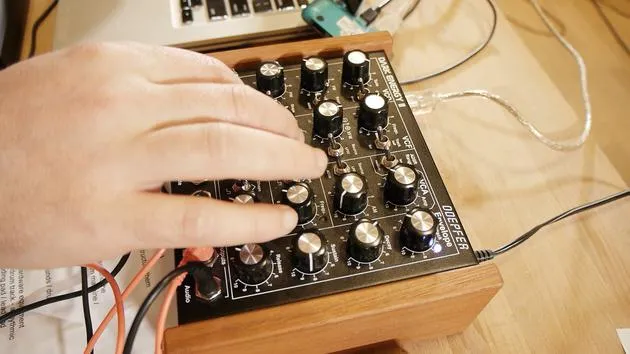
07. Créer la ligne de basse
11:05
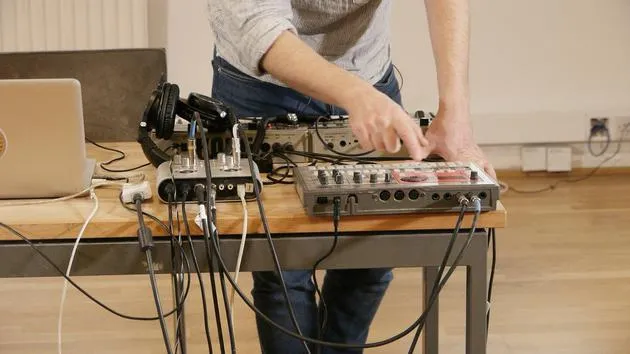
08. Ajouter une partie rythmique de plus
2:50
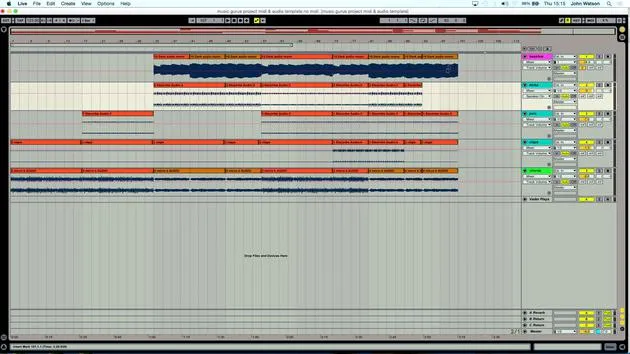
09. Prémixage et Session View
9:59
10. Structure du morceau et vue Arrangement
8:47
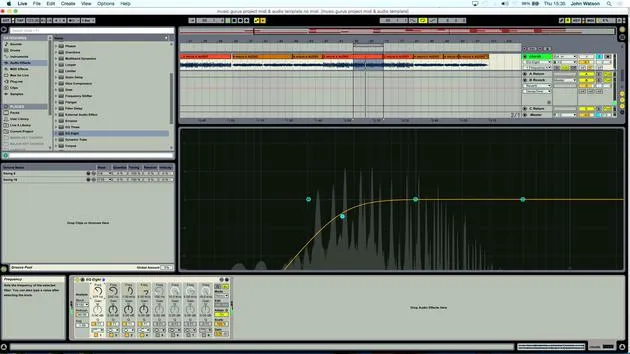
11. Mixage : EQ et compression
7:37
12. Effets spatiaux
4:40
13. Effets de modulation
5:26
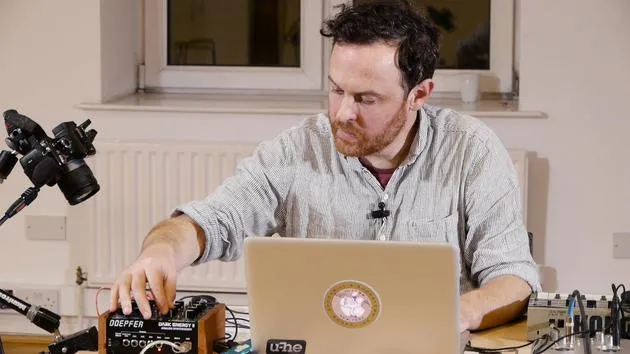
14. BONUS : Créer une ligne de basse avec le Doepfer Dark Energy II
Leçon gratuite7:26
Transcription de la leçon
Generating a Bass Pattern
So what I also want to do here is I'd like to generate a bass pattern that will work with this.
Creating Another MIDI Track
- I'm going to create another MIDI track, like so.
- I'm actually going to record the MIDI data that I've popped in here onto another track.
Extracting Chords
Okay, so this is where it might get a little bit confusing. Essentially, I've got here this MIDI device, the Schwarzenegger, and that is creating some chords.
- What I want to do is extract those chords onto a fresh MIDI track.
- Rather than just me individually playing notes that trigger chords, we're actually going to get the chords coming through as individual MIDI tracks.
Recording Chords
- I'm going to come in from the Microcorg MIDI and click the record button.
- I'll also click in, like so.
- Now, I'd like to record these two chords' MIDI information onto fresh MIDI tracks.
- Click Record like so.
- You can see my chords actually being inputted onto this track.
Continuing the Recording
- That's one set recorded.
- Now, I'm going to move up to the first MIDI track that I had, and I'm going to record these ones in.
Let me just stop everything, like so. Then, I'll come in and record this line here.
- Again, what we're actually getting is the chord data going into these new MIDI tracks.
- This is going to give us a lot of flexibility now in terms of structuring the music, where we can cut individual notes out and play around with the arrangement of some of these chords.
Finalizing Chord Recording
Okay, so I've probably got enough there. That's working fine.
Generating a Bass Line
Next, I'd like to generate a little bass line as well. But first, I need to actually record the audio in so that we've got space to put this bass instrument.
Note: Remember, this sound card has only two inputs, so I need to commit to recording this in as audio.
Recording Audio
- The first sound that I had was a 36, a much gentler chord. Let's play this.
- I've also got my beat, which I can use to keep variety.
I'm going to record the audio now from the Microcorg. I'm going to jump between a couple of different sounds again to keep variety in there and keep interest.
Setting Up for Recording
- I have my two MIDI parts ready.
- I'm going to go in with the first part.
Now I've got an audio track that I've already set up at the beginning.
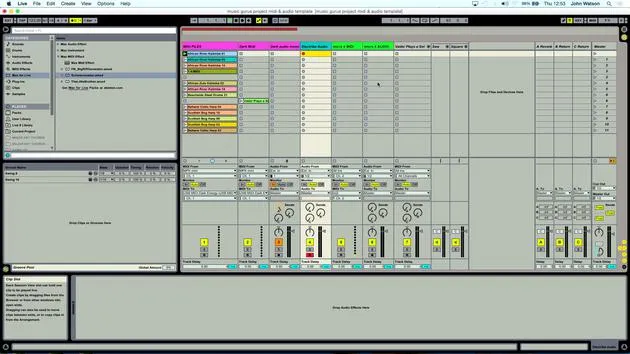
- I'm going to come in and hit Record like so, and the MIDI notes will now play and come in as audio onto this track.
Counting the Bars
I'm just stopping there, counting in my head:
- 4 bars, 8 bars, I think I went for.
- How many have I got here at the minute? 4, 8, 12, 16 bars.
This has given me a little bit of variation. I was also adjusting some filter cutoff, just opening up the synth sound a little bit.
- But I've committed now, so I've got a piece of audio here.
Moving to the Second MIDI Clip
Now, I'm going to move on to the second MIDI clip and record this one in.
- I'm going to change the sound over; let's go for this one here.
Let's have a listen.
- Okay, so again, a brighter sound, it's just going to have a little bit more impact, a bit more positive, a bit more lift in the track.
- These two ideas are going to be great to play around with the structure.
Final Recording
I'm just going to hit Record.
- Okay, so there I've recorded the second part in.
- Again, what I've got here: 1, 2, 3, 4, 5, 6, 7, 8, another 16 bars from that clip.
14 leçons
1h 39m de leçons vidéo structurées
Fonctions vidéo avancées
Ralentissez, bouclez un passage, suivez la partition
Mobile, tablette et ordinateur
Pratiquez où vous voulez
Satisfaction garantie à 100 %
Garantie remboursement 30 jours
Rencontrez votre guru
Rencontrez votre guru
Après un stage auprès de Dave Allen, producteur de Depeche Mode et The Cure, John a eu envie d'étudier la Music Technology à Londres. Sa carrière musicale a décollé après une signature réussie chez CookShop Records, où il a sorti 9 singles et un album en 2007 salué par Q, Uncut et Lowdown Magazine, en plus d'être diffusé sur XFM et Radio One.
John a commencé à se former comme ingénieur du son au studio Bonafide en 2005, où il a affiné son talent, avant de fonder Jackdaw Recordings plus tard la même année. Il a collaboré avec de nombreux artistes à succès et, en 2007, a commencé à jouer pour le musicien pop Patrick Wolf, se produisant dans des salles de premier plan au Royaume-Uni et à l'international — dont The Astoria et le Shepherds Bush Empire.
Depuis son studio londonien, John compose désormais de la musique, avec deux autres sorties chez CookShop, assure l'ingénierie du son pour des artistes en vue et conçoit le design sonore de publicités télévisées, de films, de pièces de théâtre et de vidéos d'entreprise.
Ce mélange rare d'auteur-compositeur, de producteur et d'ingénieur de studio en activité est précisément ce que John apporte à son enseignement. Dans Creative Composition & Production in Ableton Live et Creative Sampling & Production in Ableton Live, il te montre comment il transforme des idées brutes en morceaux finis, prêts à sortir — l'écriture, le sampling, le design sonore et le savoir-faire concret de l'ingénierie derrière un disque professionnel.







