



Démarrage et configuration du matériel

Avec
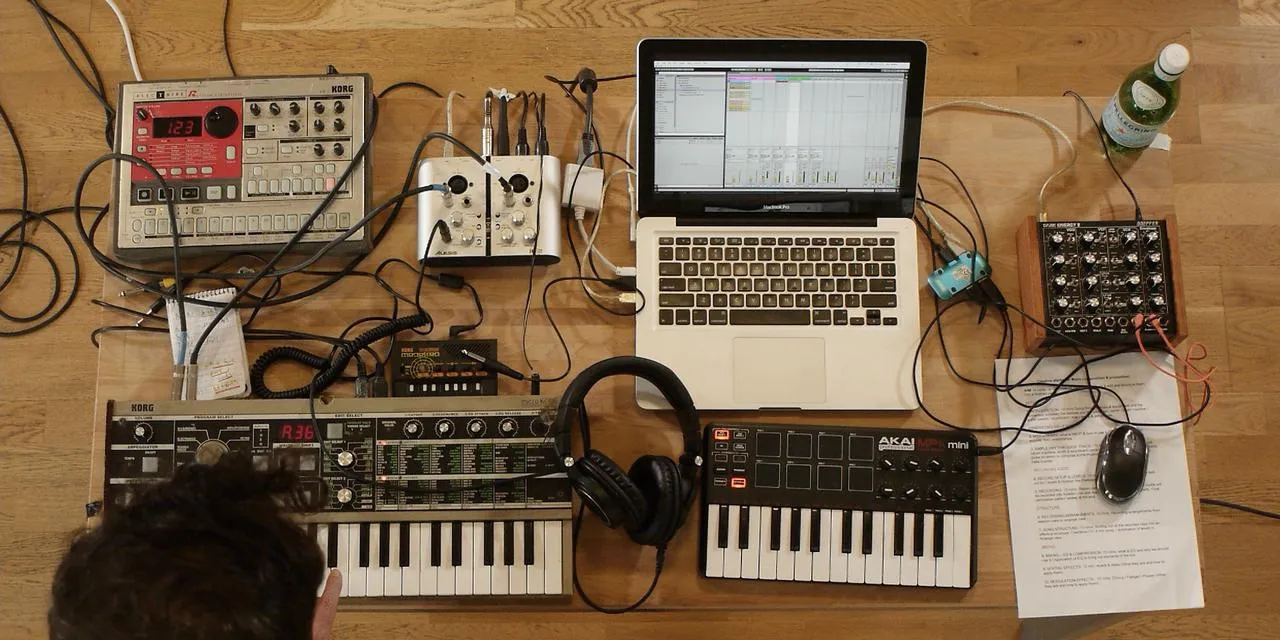
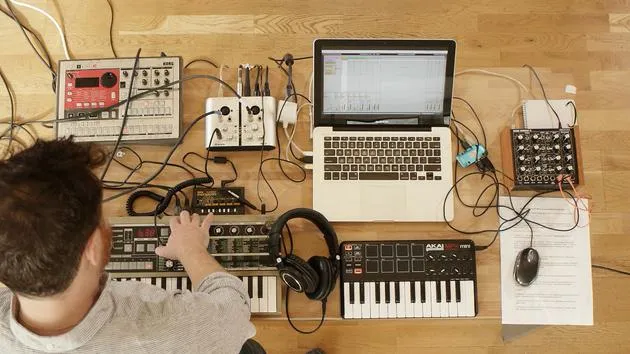
John WatsonJohn Watson présente le cours et détaille sa configuration matérielle -synthé, boîte à rythmes et carte son- et comment tout connecter à ton ordinateur dans Ableton Live.
Le contenu du cours
14 leçons (1h 39min) · 2 gratuites
01. Démarrage et configuration du matériel
Tu es ici11:07
02. Générer des idées avec le MIDI - introduction au MIDI
Leçon gratuite6:12
03. Enregistrer une piste guide rythmique simple
7:41
04. Enregistrer de l'audio : configuration et niveaux
6:21
05. Enregistrer de l'audio
6:25
06. Utiliser un instrument externe
3:27
07. Créer la ligne de basse
11:05
08. Ajouter une partie rythmique de plus
2:50
09. Prémixage et Session View
9:59
10. Structure du morceau et vue Arrangement
8:47
11. Mixage : EQ et compression
7:37
12. Effets spatiaux
4:40
13. Effets de modulation
5:26
14. BONUS : Créer une ligne de basse avec le Doepfer Dark Energy II
Leçon gratuite7:26
Transcription de la leçon
Music Lesson: Hardware Setup
Introduction
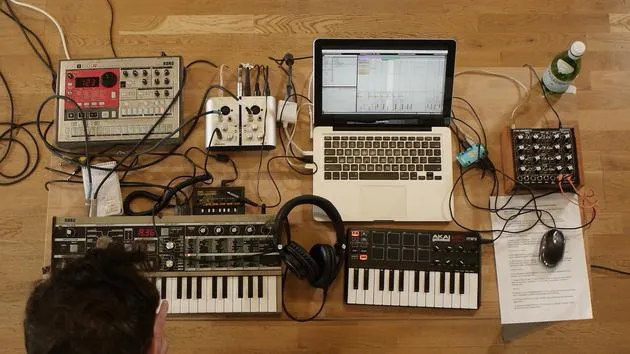
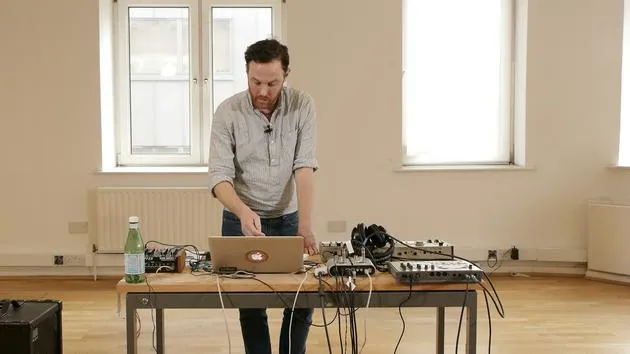
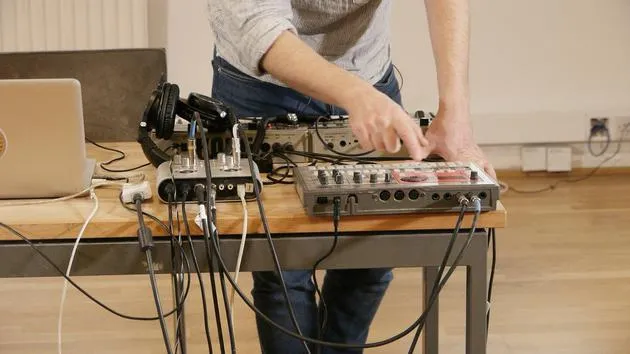
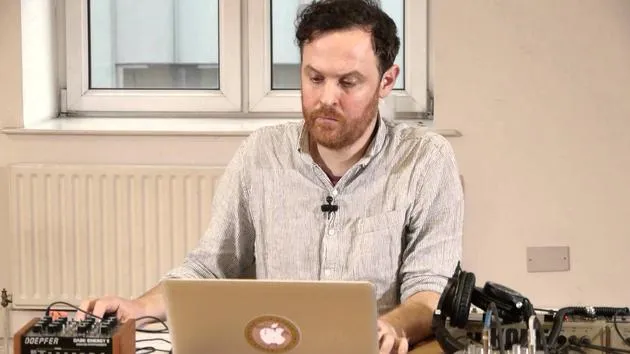
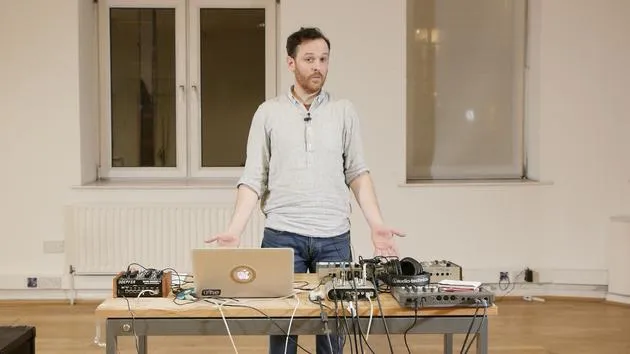
Okay, I'd like to talk a little bit about the setup that I've got here. I've got three hardware devices:
- Korg Microcorg: a polyphonic synth. You can pick them up fairly cheaply on eBay and things.
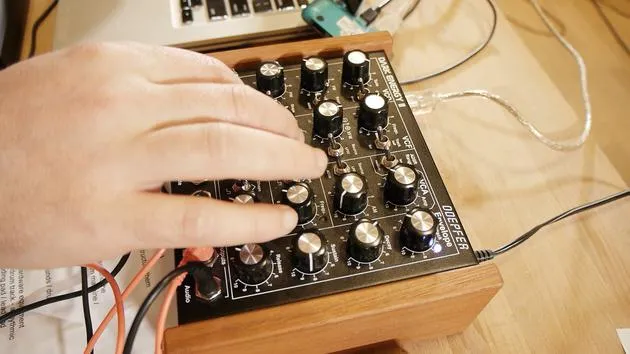
- Doepfer Dark Energy: really good at basslines, a crazy little synth.
- Korg Electribe: this will provide my drum and rhythm tracks.
Between these three main devices, I'm going to create a piece of music.
Note: These courses aren't specifically about having these types of hardware. You don't have to have this exact drum machine or synth. It's really about getting hold of something, maybe secondhand, having a play with it, and utilizing it to get really creative. Your music will sound better using real hardware devices.
Additional Hardware
The other gear I have includes:
- A portable sound card
- Korg Monotron: a little delay unit
- My MIDI keyboard
This setup is quite portable, making it great for live shows and other events.
Demonstration: Korg Microcorg
The first thing I'll demonstrate here is the Korg Microcorg. I've got some chords coming from this.
Next, the Dark Energy synth is set up to produce my bass sounds.
Setting Up the Dark Energy
Here's how I set up the Dark Energy:
-
Input Connection:
- Connect the left and right outputs of the drum machine (stereo) into the left and right inputs of my sound card.
-
Live Preferences:
- Ensure my sound card (Ioj2 from Alesis) is connected in Live.
-
Input/Output Setup:
- Match inputs and outputs: input to sound card, output also to sound card.
- Use a stereo switch to ensure the sound card operates in stereo.
- Record analog sources to receive analog inputs from my devices.
Organizing the Channels
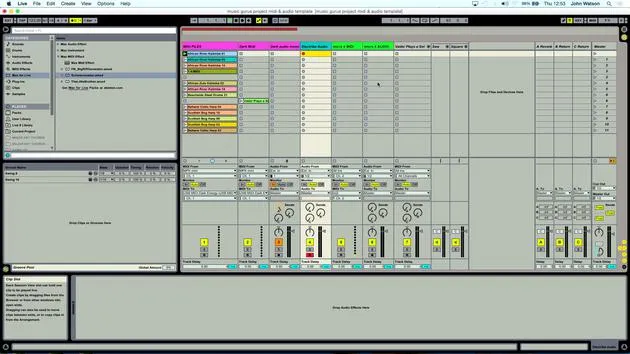
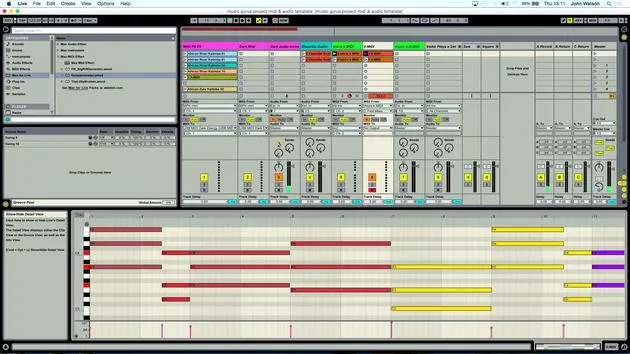
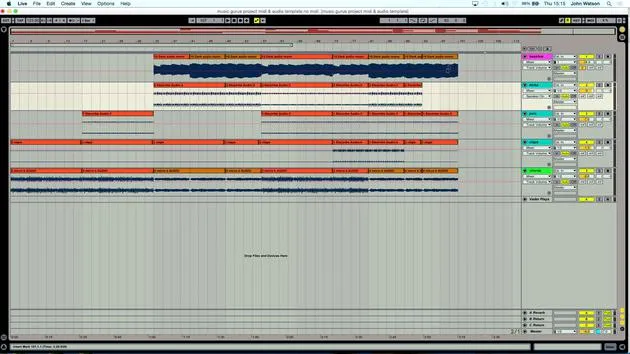
I've created multiple channels in Live and color-coordinated them to simplify my workflow.
- Electribe Audio Input:
- Select
external inputsince I'm taking a signal from the drum machine into the sound card, which feeds into Ableton.
- Select
Input Selection:
- Since my sound card has only two inputs, I select inputs 1 and 2 to achieve stereo output from the drum machine.
Monitoring Audio
To monitor what's coming into Ableton:
- Click the record button to enable audio capture.
- Check for drum signals arriving as expected.
Dark Energy Synth Connection
For the Dark Energy synth:
- Plug the output from the Dark Energy into the sound card's left input (ensure it's set to mono).
- Connect a MIDI keyboard, as the Dark Energy doesn't have one built-in, allowing for note input.
MIDI Connections
Regarding the MIDI connections:
- The Dark Energy is connected via USB into Live.
- Use a USB controller, which is common for many modern synths.
Connection recommendations:
- MIDI Out from the sound card into MIDI In on the Korg.
- This allows me to play notes and record them as MIDI.
Creating a MIDI Track in Live
- Create a MIDI track under
Create > Insert MIDI Track. - Select the MIDI input from my controller.
Note: When connecting a MIDI keyboard, ensure installation is correct and matches your device settings.
Setting Up an Audio Track
I also need to set up an audio track to record the synth's audio input:
- Monitor input from the synth.
- To record the audio, I click the record button.
Arming for Playback
- Arm the MIDI track, allowing me to play the synth.
- Two track lights will illuminate:
- The first indicates that MIDI input is enabled.
- The second shows that audio is incoming.
Conclusion
Now that I've covered the setup process, this template will be available at the end of the course for your reference.
While I'm using specific hardware, you'll use your own, so make sure to adapt based on your setup.
With the Korg Microcorg for polyphonic sounds (chords, pads, and strings), a monophonic bass from Dark Energy, and percussion from the Korg Electribe, we're ready to start generating ideas and laying down tracks!
14 leçons
1h 39m de leçons vidéo structurées
Fonctions vidéo avancées
Ralentissez, bouclez un passage, suivez la partition
Mobile, tablette et ordinateur
Pratiquez où vous voulez
Satisfaction garantie à 100 %
Garantie remboursement 30 jours
Rencontrez votre guru
Rencontrez votre guru
Après un stage auprès de Dave Allen, producteur de Depeche Mode et The Cure, John a eu envie d'étudier la Music Technology à Londres. Sa carrière musicale a décollé après une signature réussie chez CookShop Records, où il a sorti 9 singles et un album en 2007 salué par Q, Uncut et Lowdown Magazine, en plus d'être diffusé sur XFM et Radio One.
John a commencé à se former comme ingénieur du son au studio Bonafide en 2005, où il a affiné son talent, avant de fonder Jackdaw Recordings plus tard la même année. Il a collaboré avec de nombreux artistes à succès et, en 2007, a commencé à jouer pour le musicien pop Patrick Wolf, se produisant dans des salles de premier plan au Royaume-Uni et à l'international — dont The Astoria et le Shepherds Bush Empire.
Depuis son studio londonien, John compose désormais de la musique, avec deux autres sorties chez CookShop, assure l'ingénierie du son pour des artistes en vue et conçoit le design sonore de publicités télévisées, de films, de pièces de théâtre et de vidéos d'entreprise.
Ce mélange rare d'auteur-compositeur, de producteur et d'ingénieur de studio en activité est précisément ce que John apporte à son enseignement. Dans Creative Composition & Production in Ableton Live et Creative Sampling & Production in Ableton Live, il te montre comment il transforme des idées brutes en morceaux finis, prêts à sortir — l'écriture, le sampling, le design sonore et le savoir-faire concret de l'ingénierie derrière un disque professionnel.







